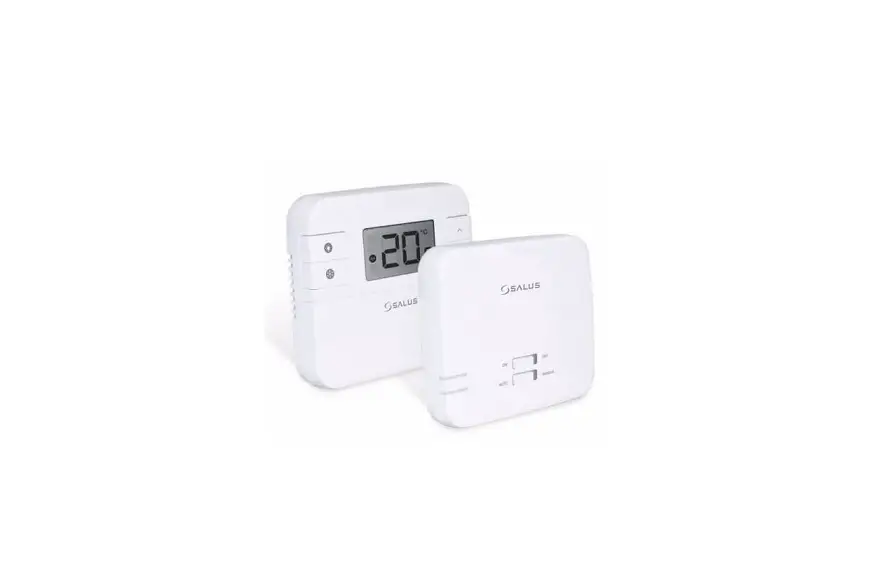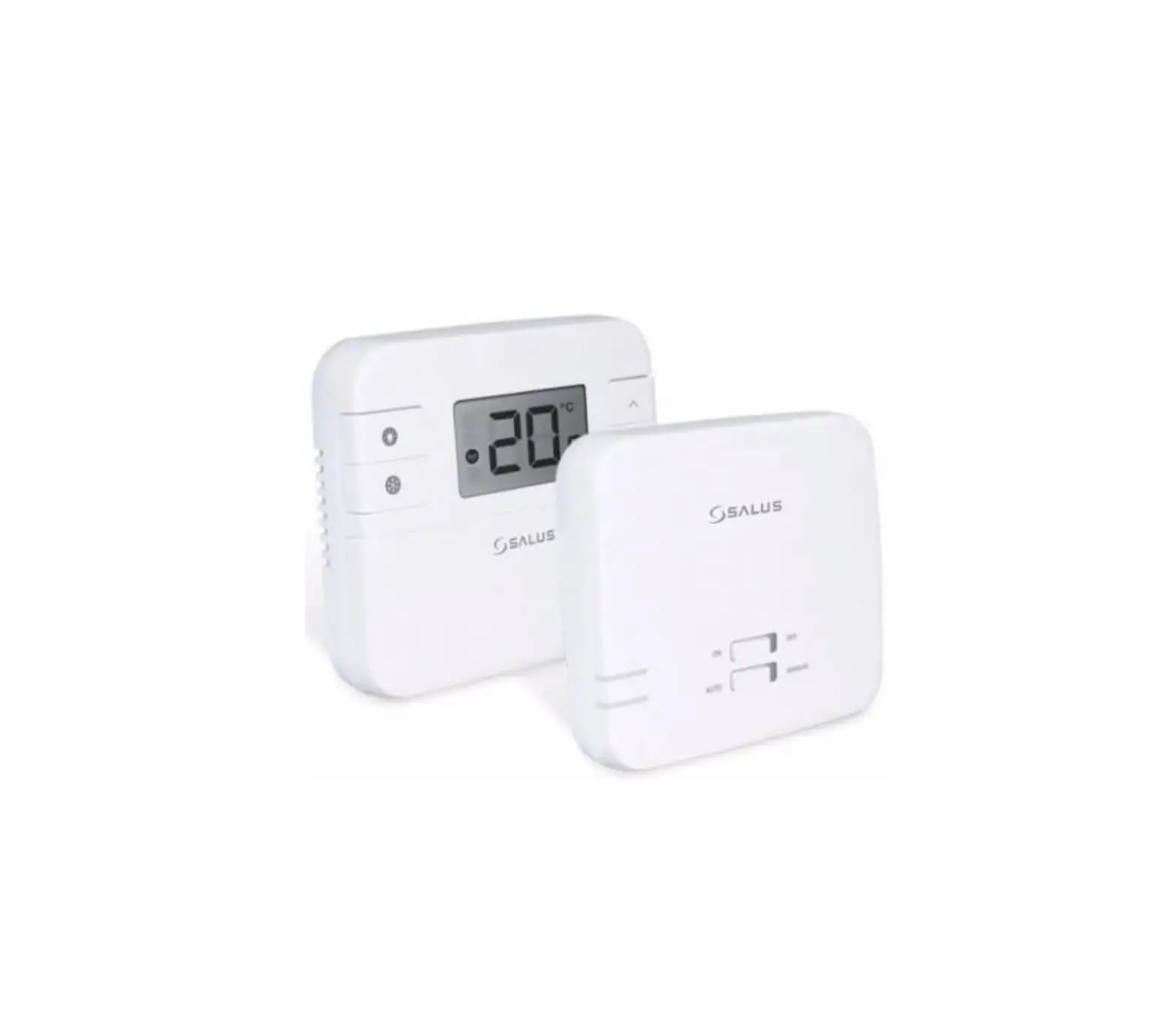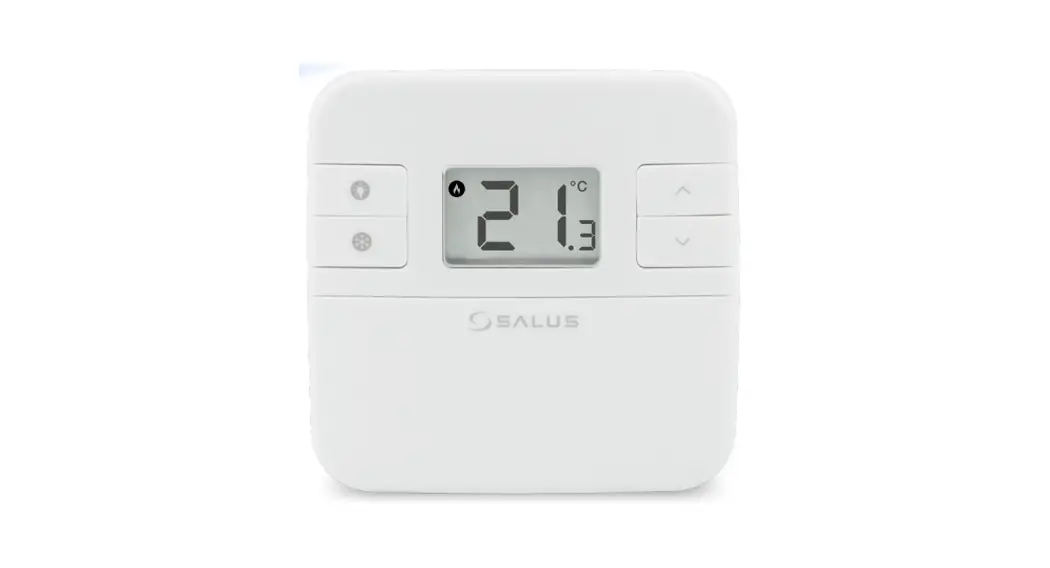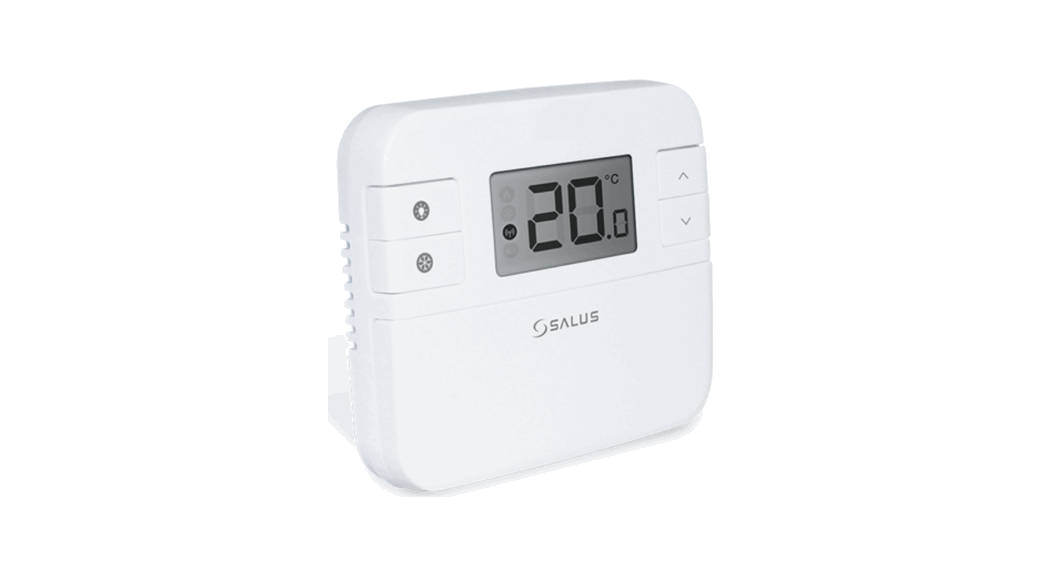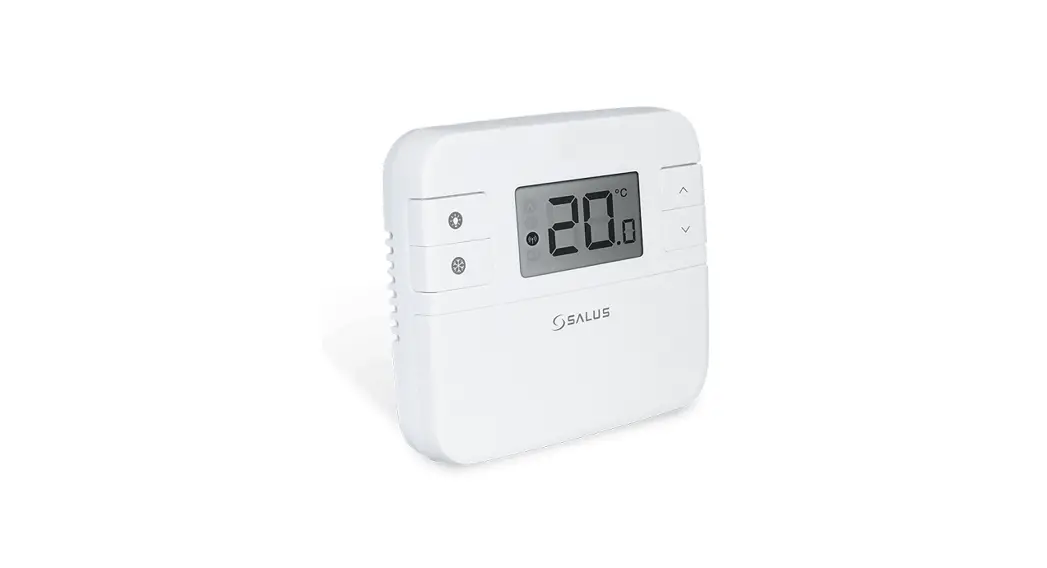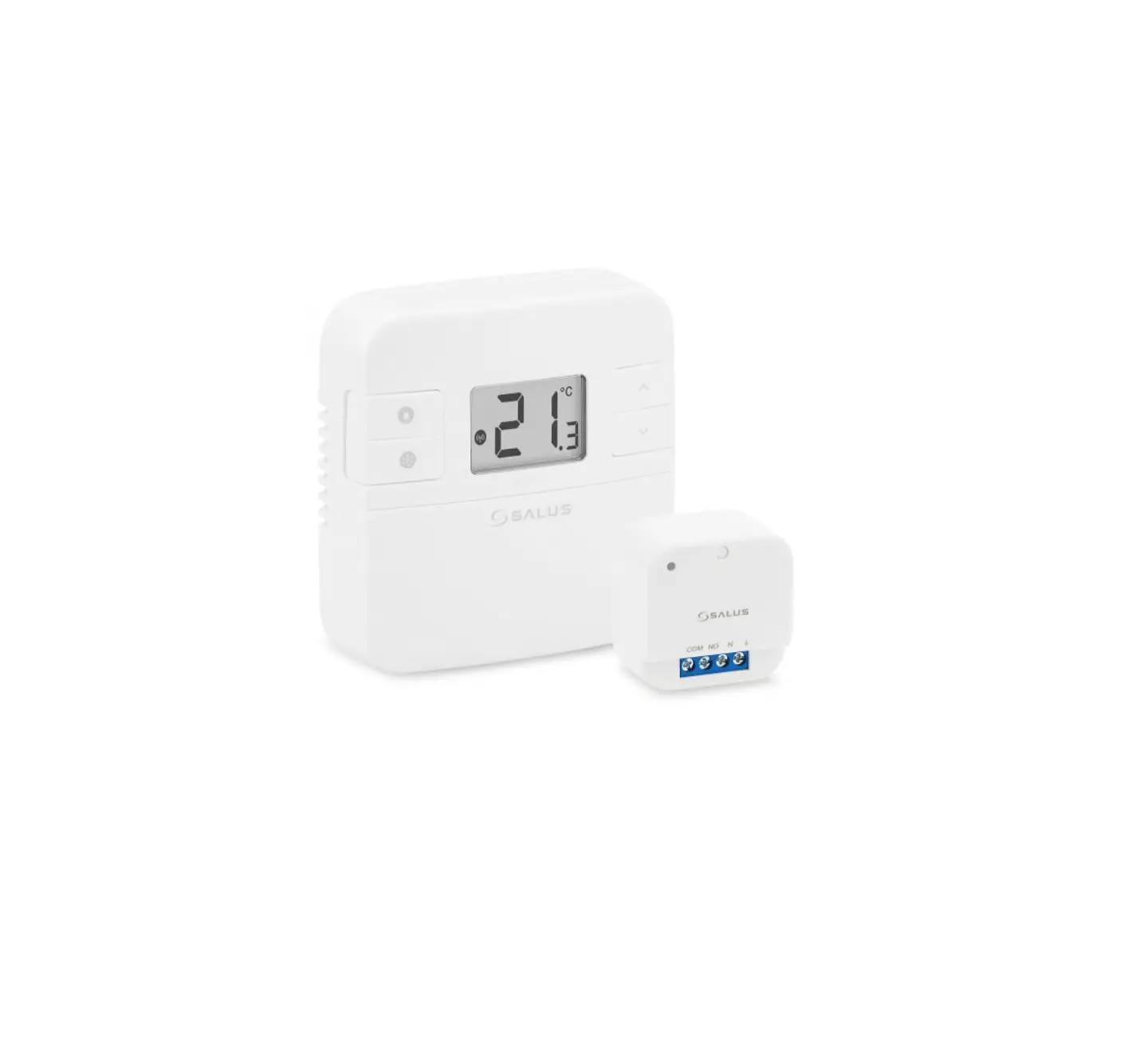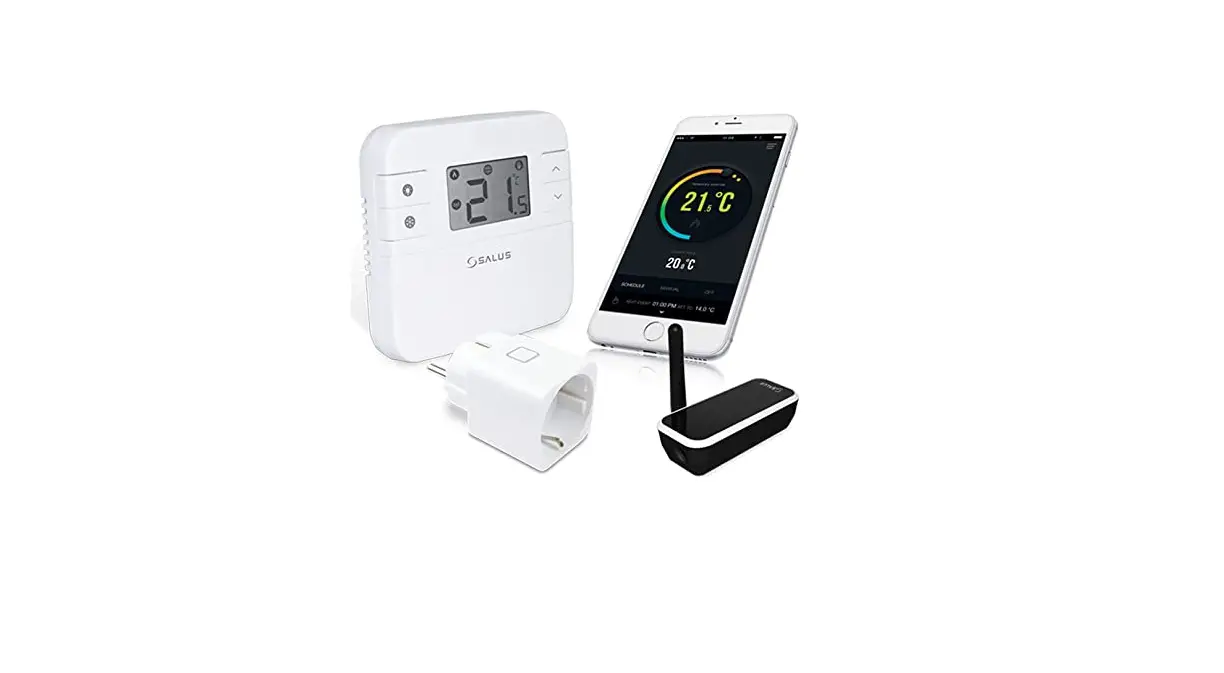
SALUS RT310iSPE Smartphone Controlled Digital Thermostat User Guide
Introduction
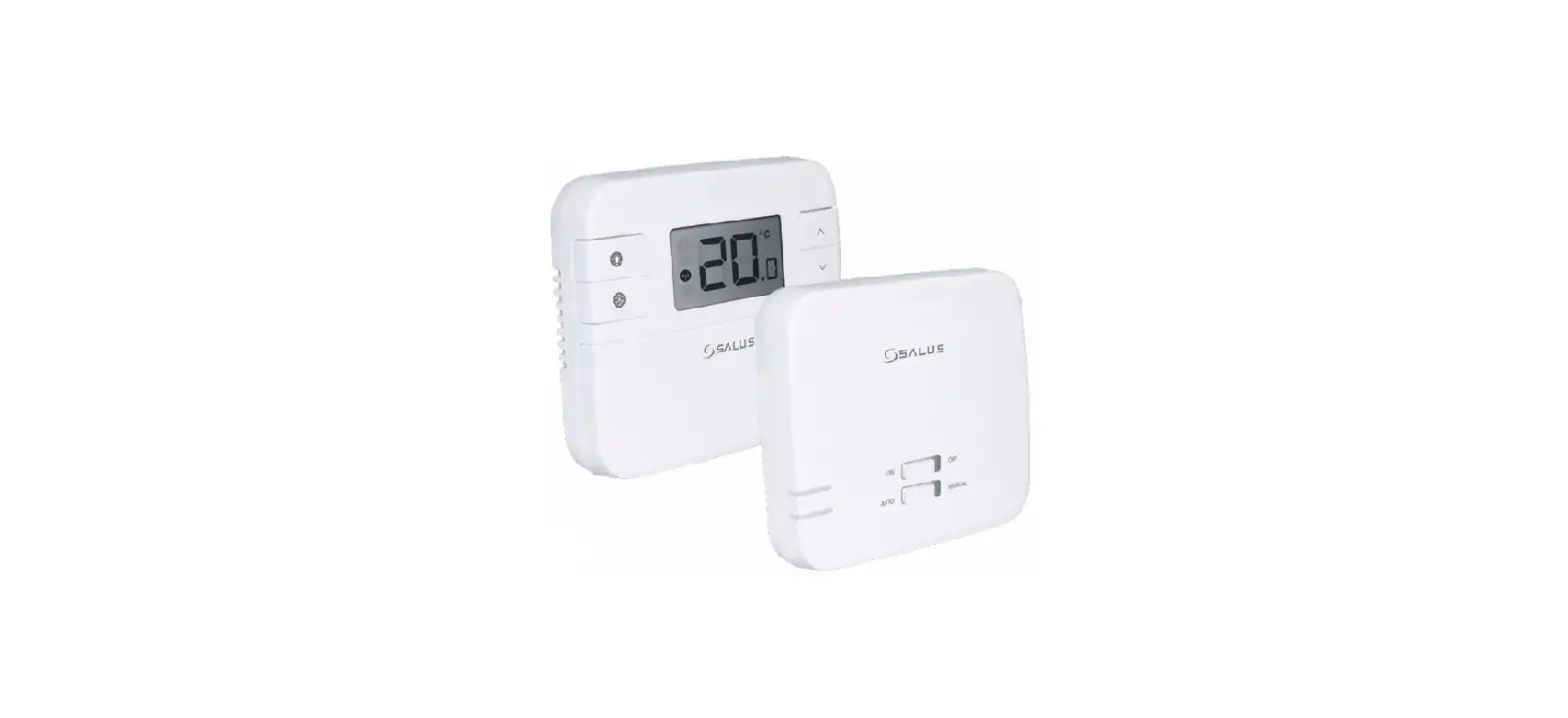
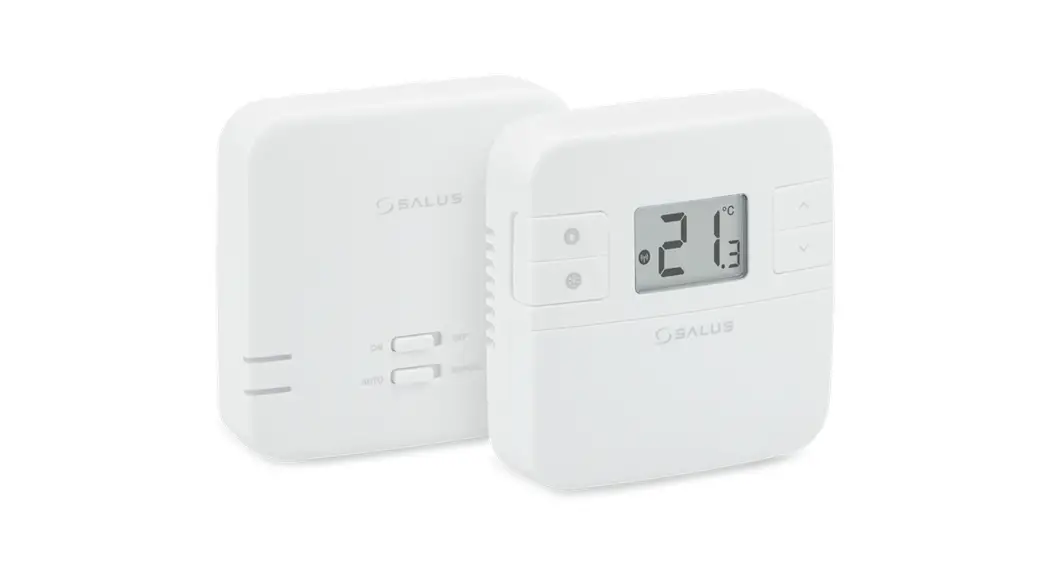
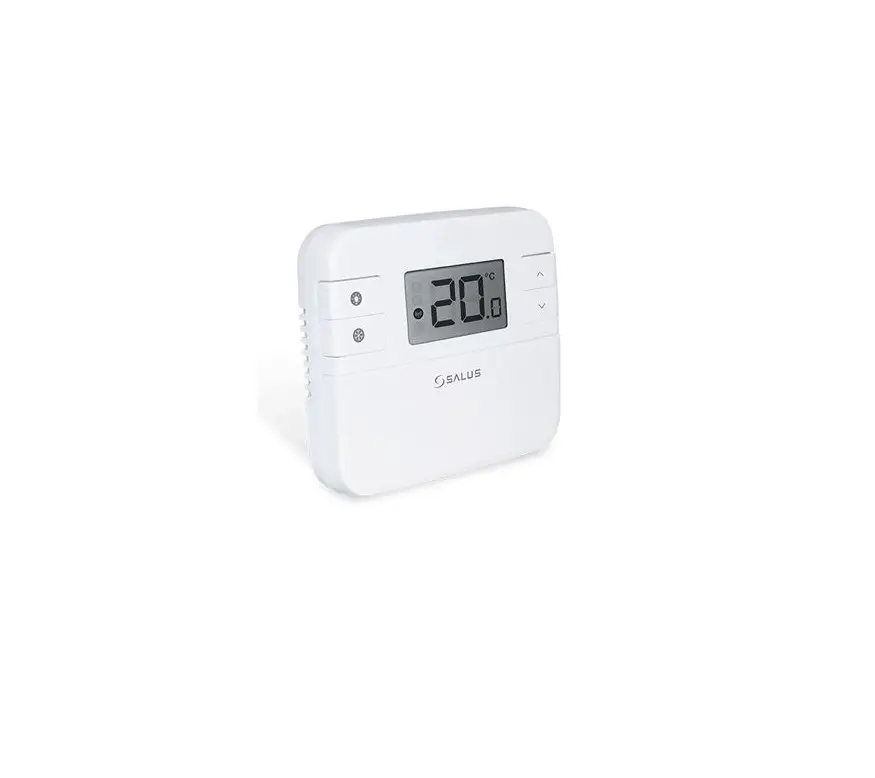
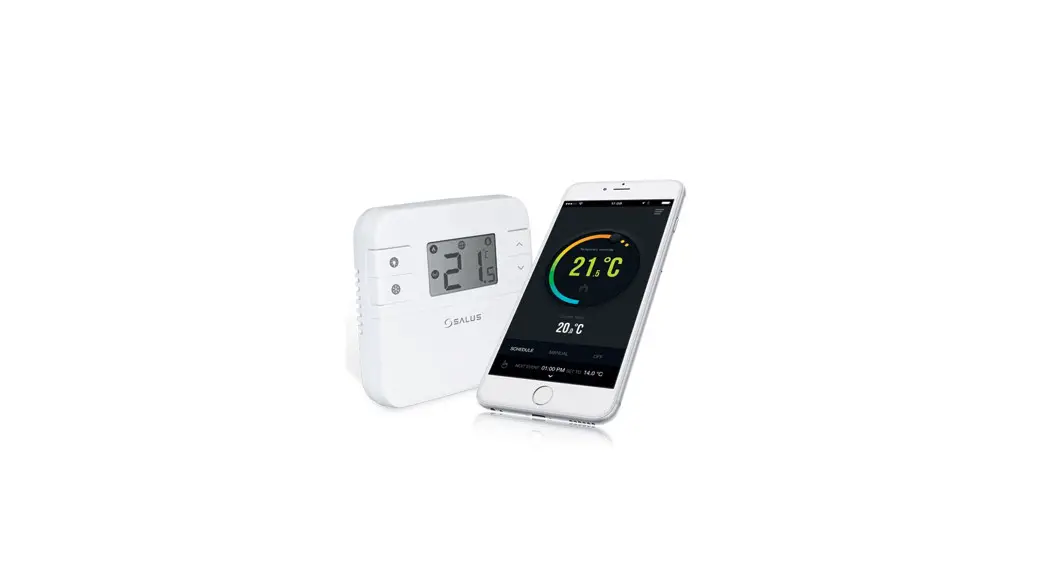
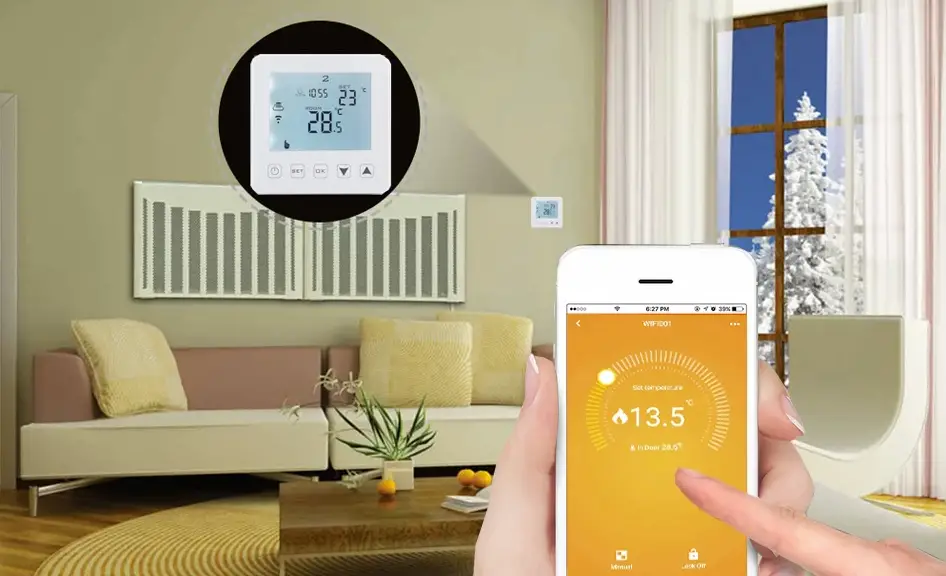
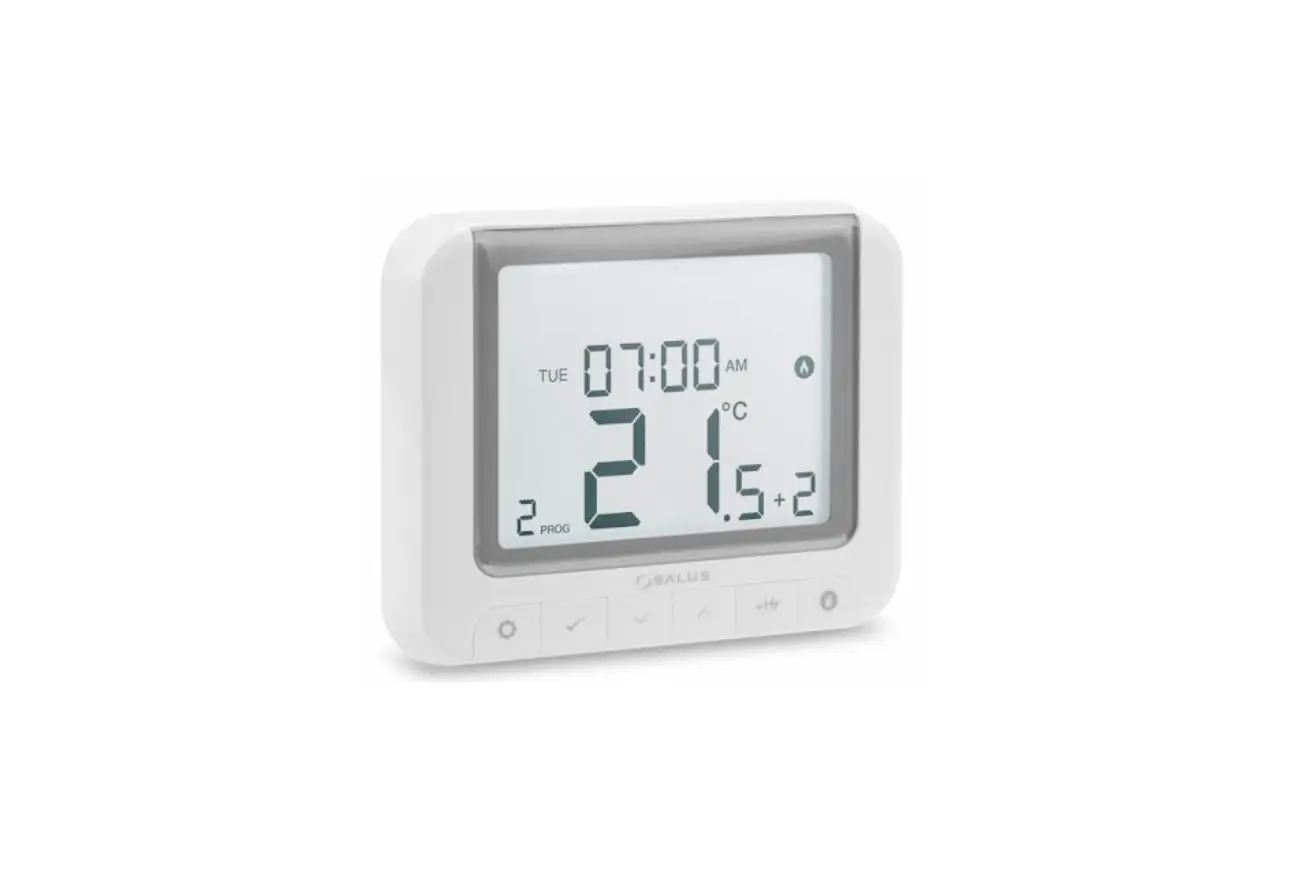
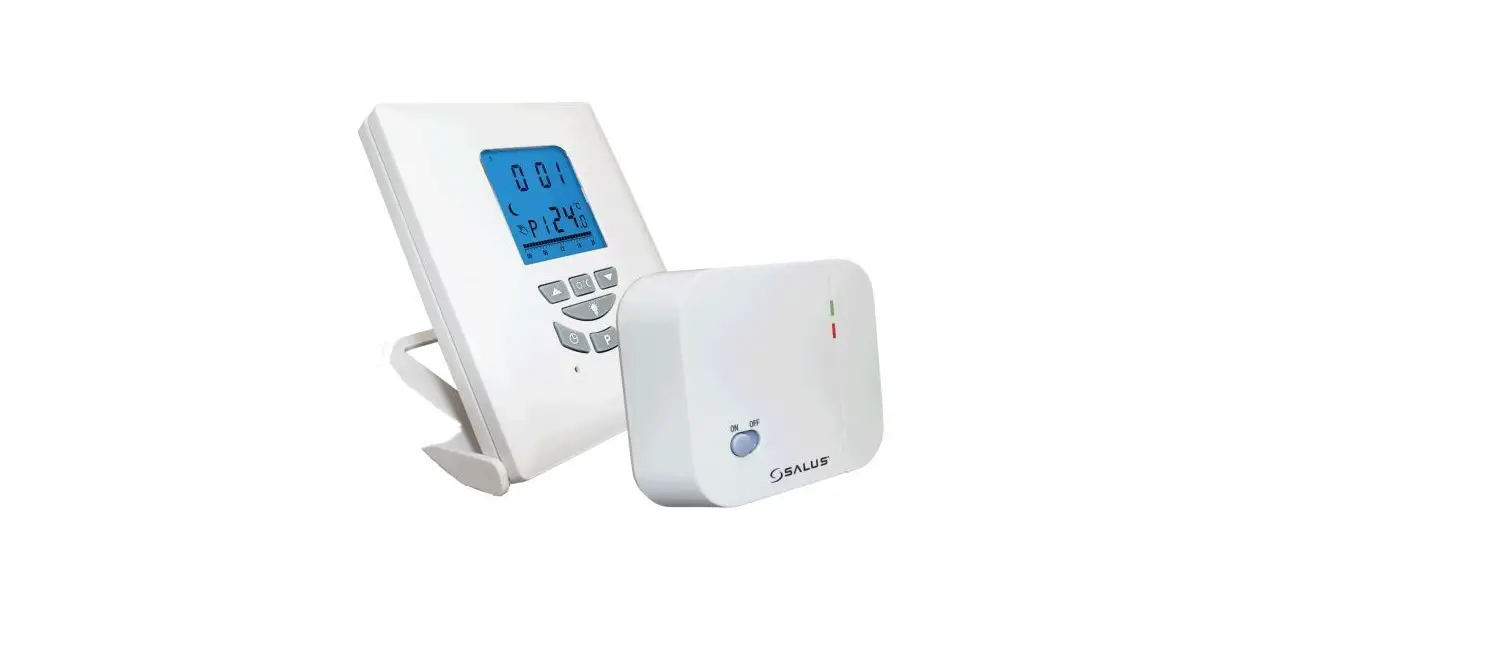
The SALUS RT310i is a Smart phone controlled programmable thermostat. The RT310i thermostat will switch your heating system on or off, as needed, in accordance with the temperature set by you, locally on the device or remotely using the dedicated app.
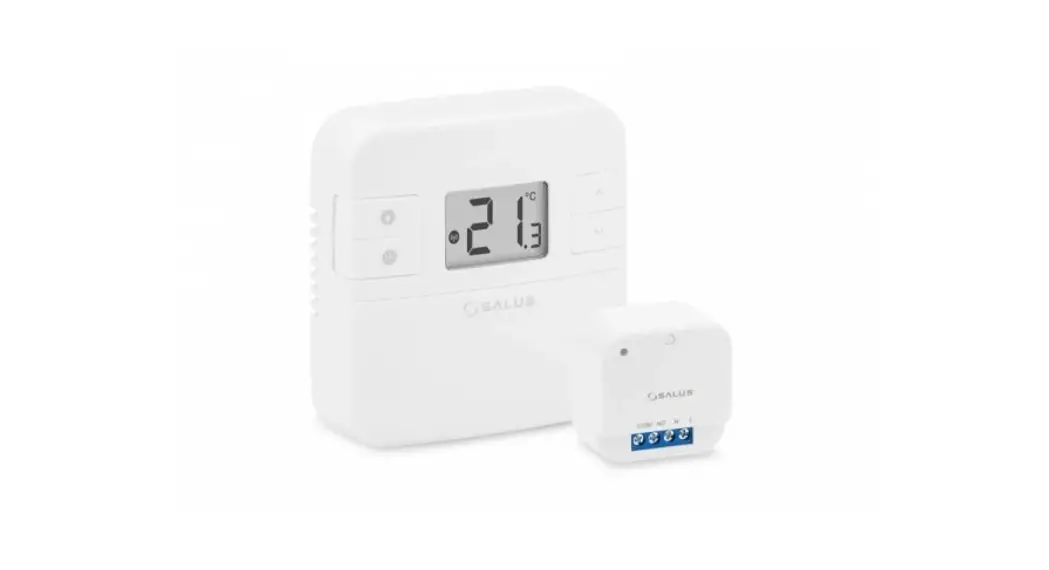
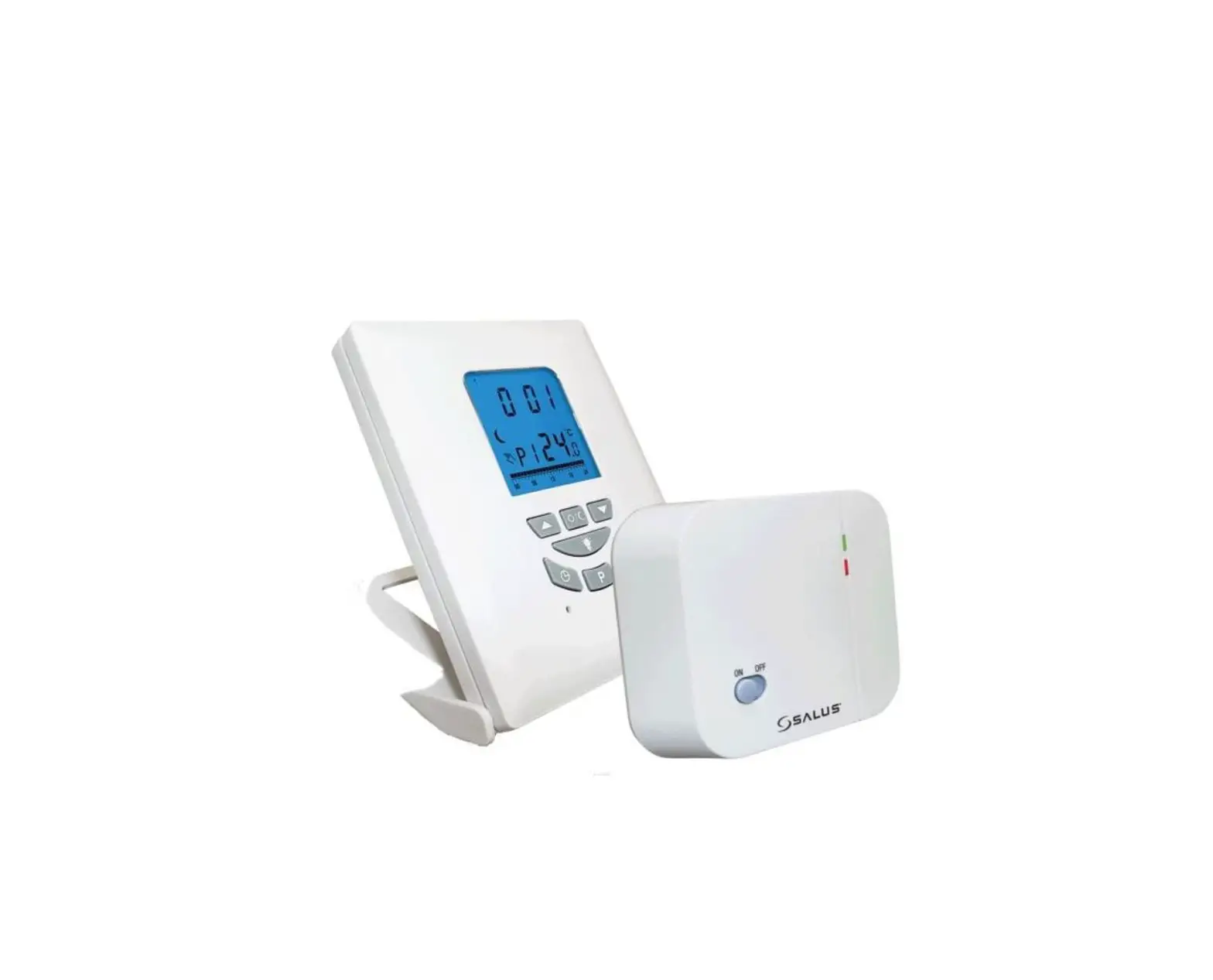
The completed RT310iSPE series consists of a transmitter – RT310iTX thermostat, a ITG310 gateway and a Smart plug SPE868. Go to www.salus-manuals.com for the full PDF version of the manual.
Product Compliance
This product complies with 2011/65/EU and Radio Equipment Directive (RED) 2014/53/EU. Full text of the EU Declaration of Conformity on www.saluslegal.com. 868.0-868.6MHz; <13dBm
Safety Information
Use in accordance with the regulations. Indoor use only. Keep your equipment completely dry. Disconnect your equipment before cleaning it with a dry towel.
Installation
Step 1
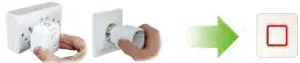
The thermostat and the smart plug are pre-paired from the factory if purchased as a pack. If not, follow thermostat pairing process.
Step 2
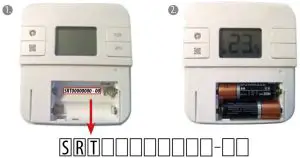
Before inserting the batteries, please make a note of your SRT number and register your device on the app.
Step 3
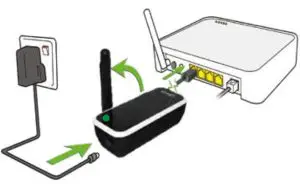
Connect the gateway to your router and SALUS power adaptor, after successful gateway initialisation the LED will go solid green.
 Gateway receiving command
 Internet signal interrupted
 No Internet connection
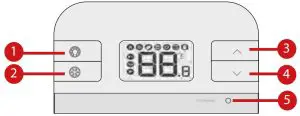
- Turn on the LCD backlight.
- Turn On/Off the Frost Mode.
- Increase button.
- Decrease button.
- Test Mode/ Pairing Mode
Once the  icon appears on the LCD, the thermostat is on-line and you can add it to the App.
Registration

Download the RT310i App, create an account and register your device. Follow the on screen instructions to complete all the steps.
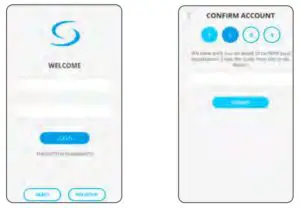
You will receive an email  of confirmation. Click the link on the email to confirm your account.
Device Settings
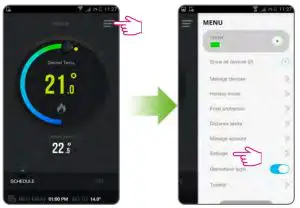
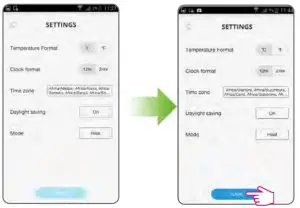
Choose the temperature and clock format. Set your time zone, daylight saving settings and the mode (heat/cool). Time and date will be set automatically once connected to the internet. Time zone needs to be set manually. Heat Mode is used for controlling a heating appliance. Cool Mode is used for controlling a cooling device.
General Operation
There are 3 program settings.
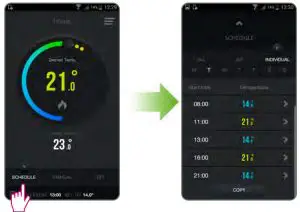
- Schedule (7 days, 5-2 days and 24 hours),
- Manual and 3. Off.
Schedule Mode | ||
All | 5/2 | ICndividual |
| Set one schedule for the entire week (each day the same). | Set a schedule for the working days and for the weekend. | Set a daily schedule (each day different). |
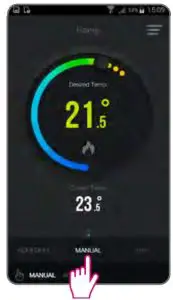
In Manual Mode you will permanently override the schedule. Exit Manual Mode by switching to Schedule or turning off the thermostat.
If the internet connection is lost the thermostat will follow current mode. If it was in Frost Mode you can disable the Frost mode from the device, by pressing the button and the thermostat will in continue manual mode.
Frost Mode
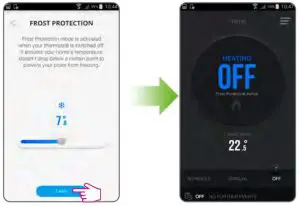
Off Mode with frost protection temperature can be set between 5.0oC and 9.0oC. To turn on frost protection select off or holiday mode on the app or the frost button on the device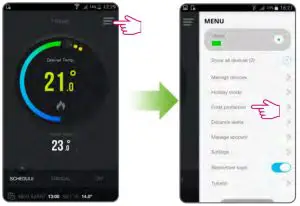
Add/replace smart plug
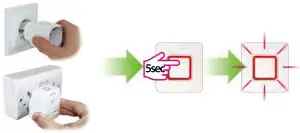
In case you have more than 1 smart plug, set ALL the smart plugs into pairing mode and start the pairing process. The LED will flash red when the plug is in pairing mode.
Thermostat pairing process
Put the thermostat into pairing mode, by pressing the pair button for 3 seconds. After the smart plug is paired with the thermostat, the LED is steady red.
Begin pairing process
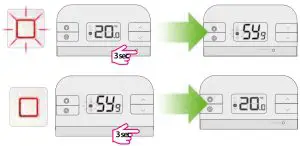
End pairing process
Test units are paired
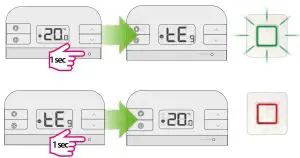
Smart plug LED indication
 Solid Red – paired, smart plug is of
 Solid Green – paired, smart plug is on

- Pulsating red- waiting for pairing
- Slow Flash red – overheat protection
- Flashing red – safe mode, lost connection with thermostat and smart plug is of
 Flashing Green – in test pairing mode
 Flashing Red and Green -fail safe mode, lost connection with thermostat, smart plug is on