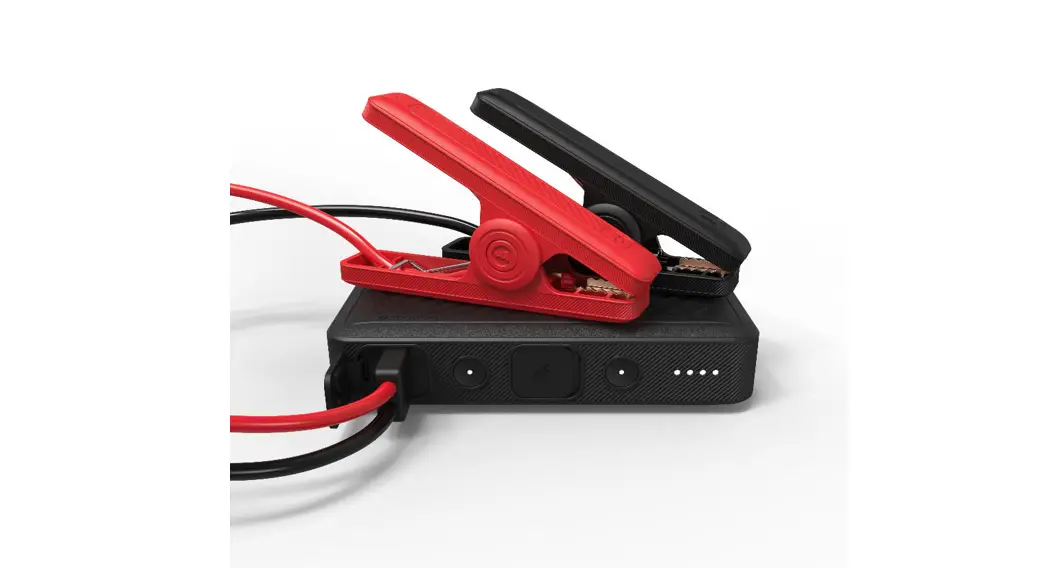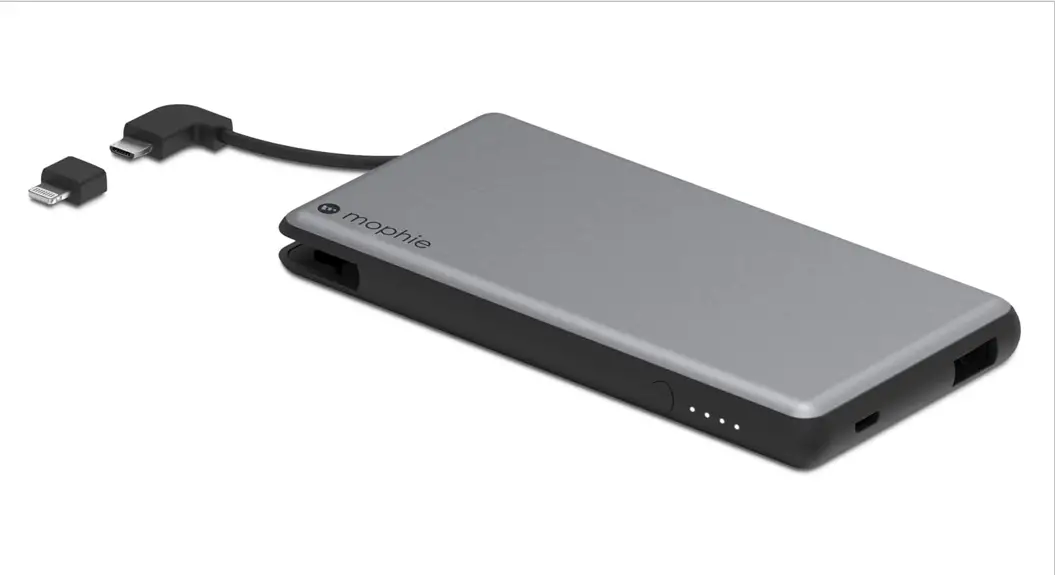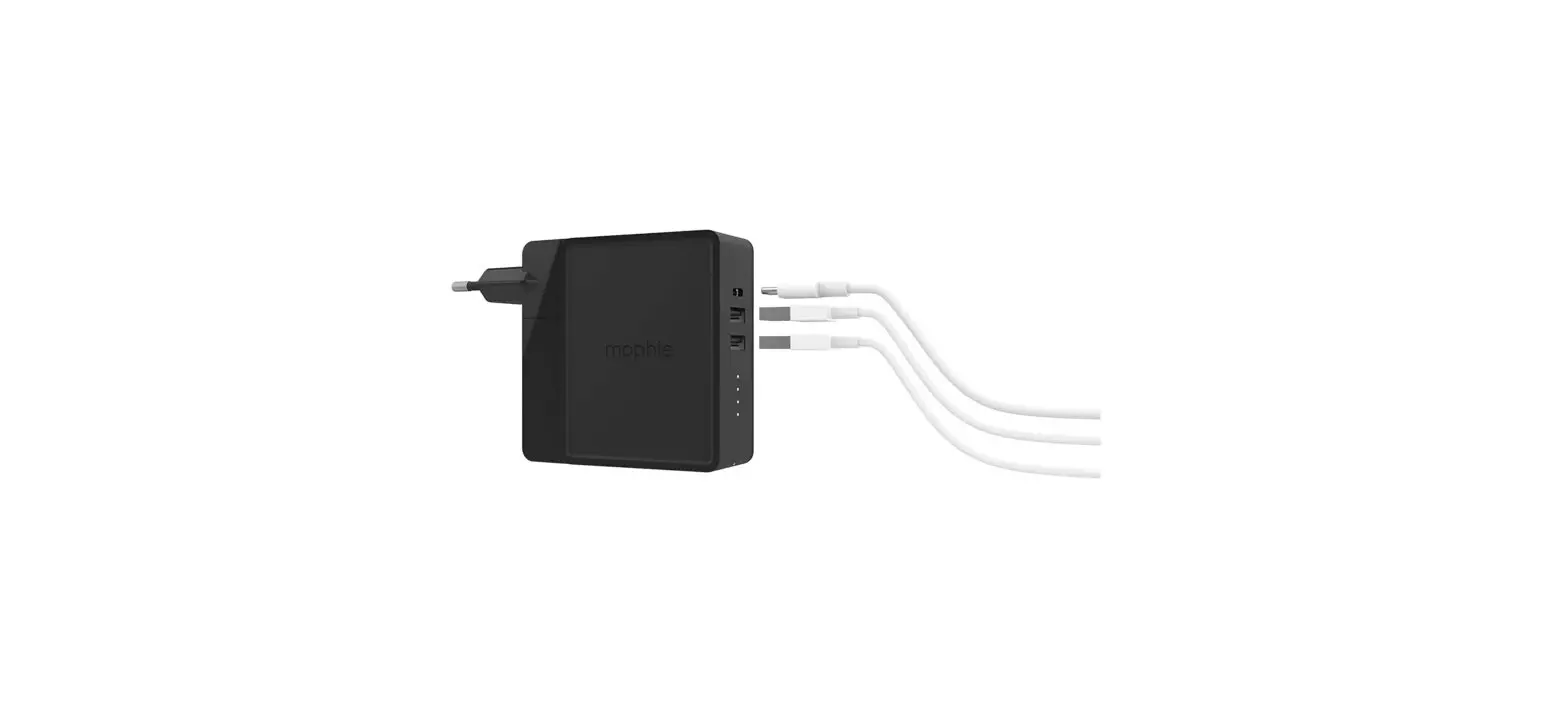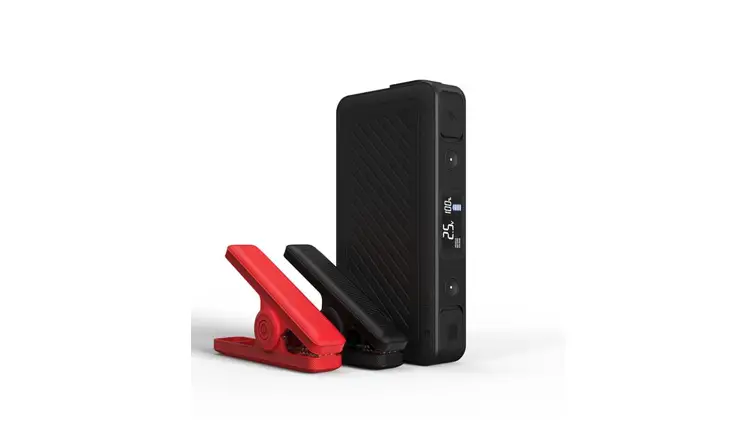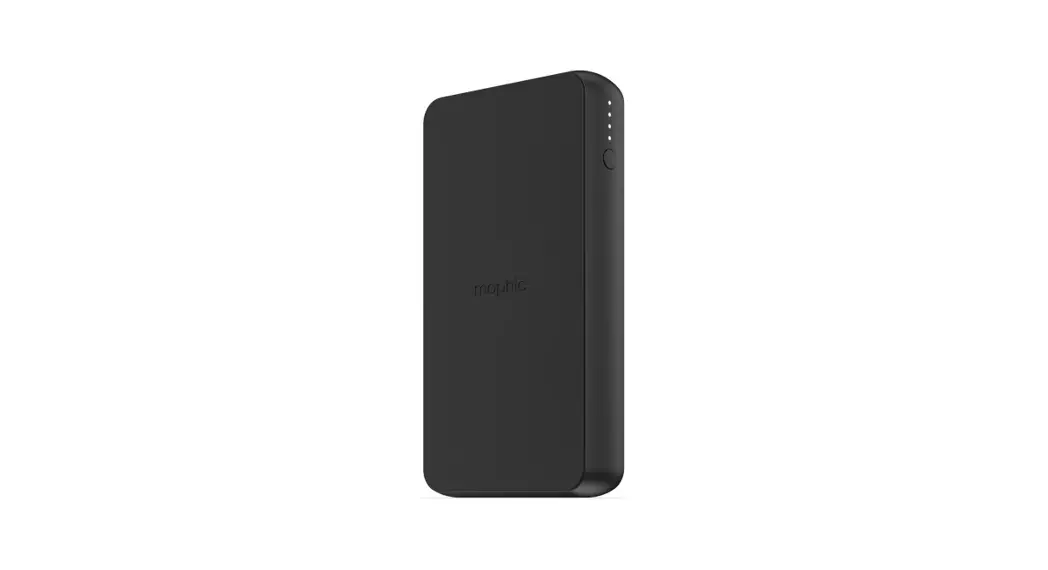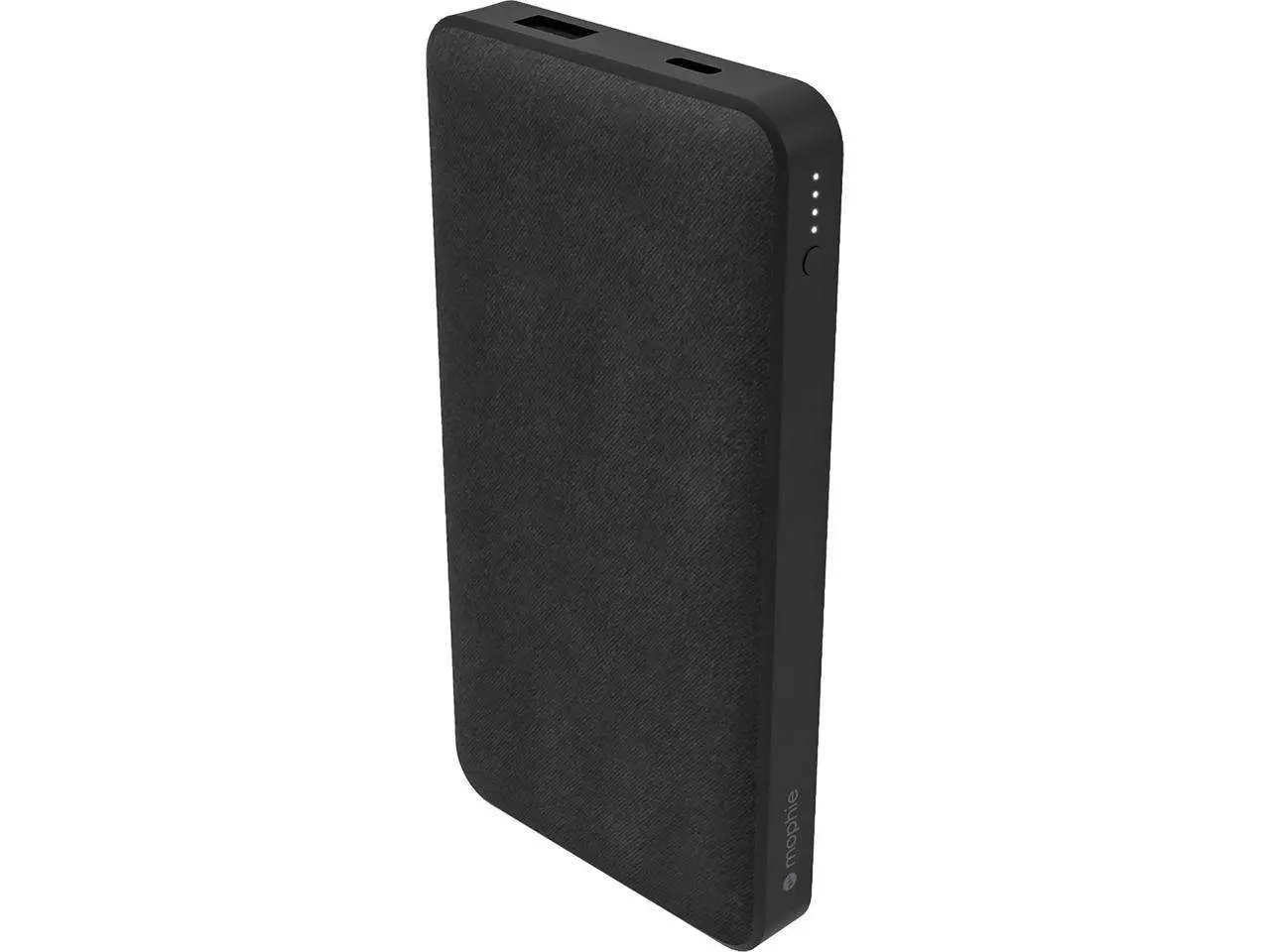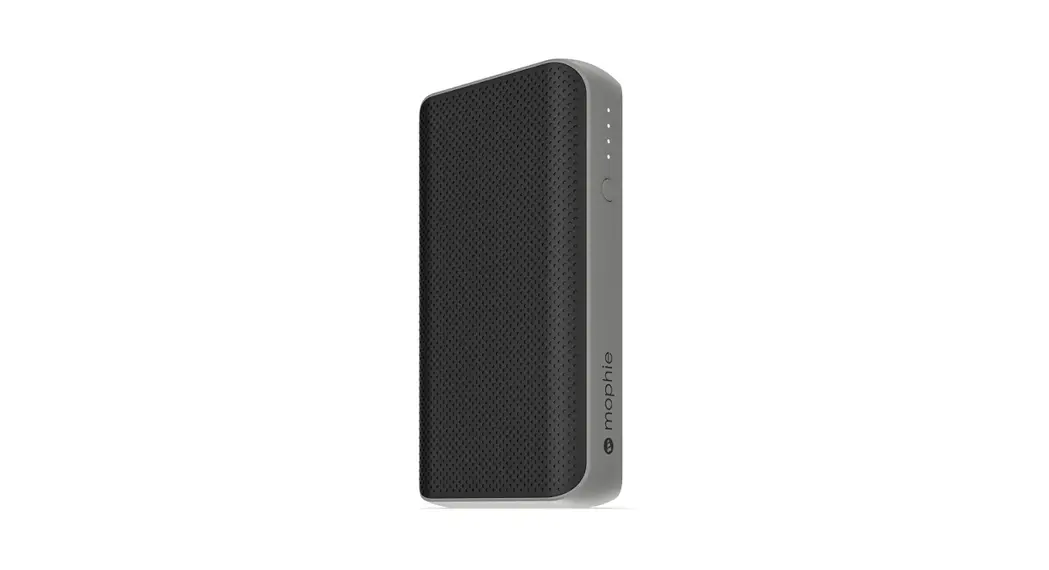
 powerstation® PD& powerstation PD XL
USER MANUAL
Welcome
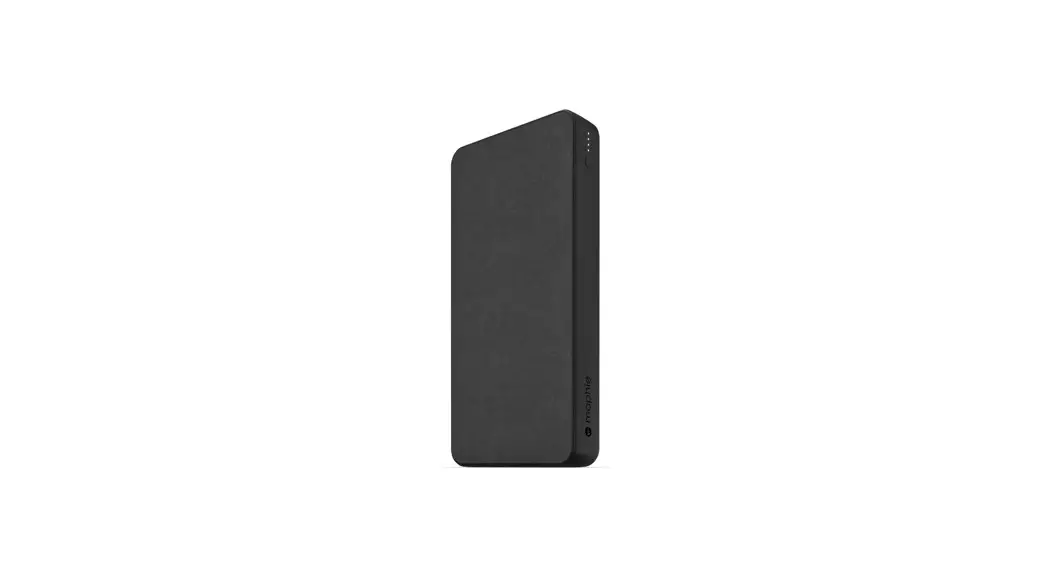
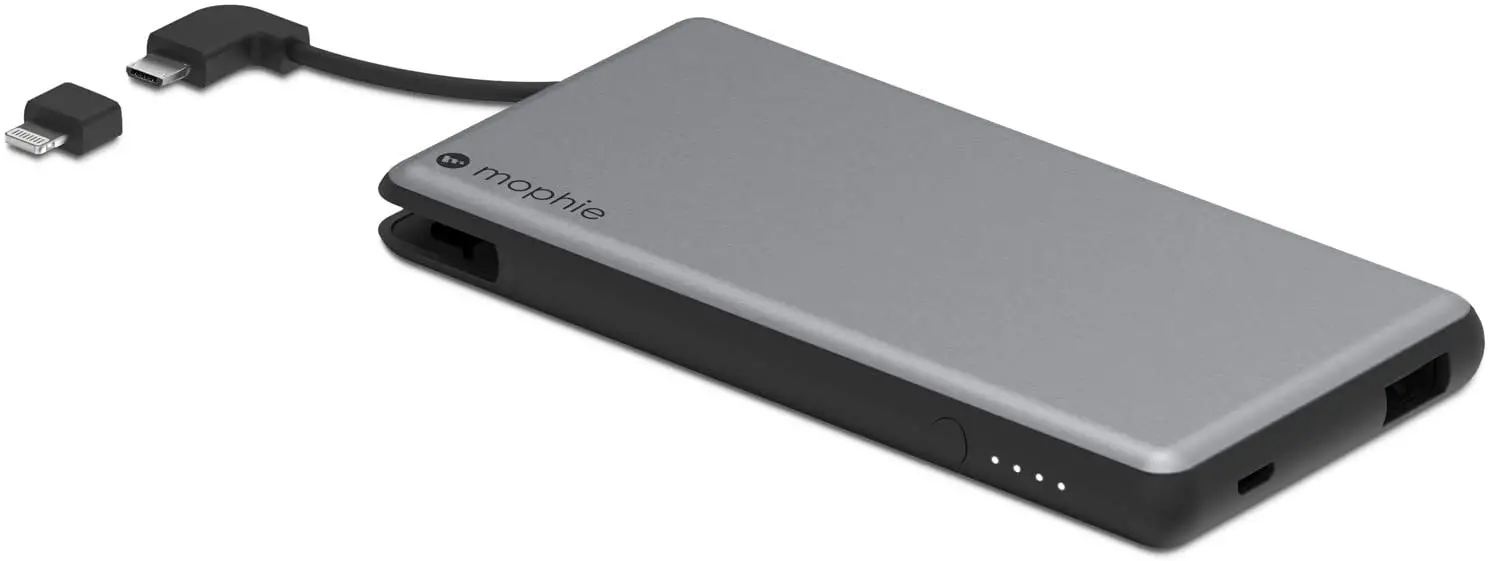
Thank you for purchasing the mophie power station PD or power station PD XL universal battery. Developed with the latest USB-C PD technology, power station PD XL and power station PD batteries have all the power you need and the fast-charging speed you want, so they can quickly power two devices while you’re on the go. Now you will be able to travel great distances and be the master of your own destiny, no longer bound by the limitations of your device’s internal battery!
Package contains
- powerstation PD XL or power station PD universal battery
- USB-C to USB-C cable
- Quick-start guide
Features
Here’s a rundown of why the power station PD XL and power station PD batteries are so great:
- USB-C output port is USB-C PD compatible, delivering up to 18W of power to USB-C-equipped tablets, smartphones, and other compatible devices.
- Additional USB-A output port can deliver up to 12W of power and is compatible with most USB devices and wearables.
- USB-C and USB-A ports are available simultaneously so you can charge two devices at the same time.
- The power station PD XL and power station PD batteries recharge at fast speeds via the USB-C port (up to 18W).
- Priority+® pass-through charging provides power to a device connected to the USB-A port before the power station PD XL or power station PD battery starts to recharge from its USB-C port.
- Track battery power at a glance with the integrated four-light LED status indicator. You can keep tabs on charging status and current battery life. Know before you go!
- mophie’s smart adaptive charging technology identifies your connected device and always delivers the fastest, most efficient charging speeds available.
- Digital Power Management circuitry provides built-in short-circuit, overcharge, undercharge, and temperature protection. Safety first!
- The minimalist design features textured plastic surfaces.
Compatibility
The mophie power station PD XL and power station PD batteries feature a USB-C port (USB-C PD spec) so you’re always ready to charge your USB-C equipped devices; they also have a USB-A port that is compatible with most popular smartphones, tablets, and other USB devices.
- If you experience any issues with charging your particular device, ensure that the power station PD XL or power station PD battery is fully charged and check the FAQ section on this website.
As always, no matter what device you have, carefully read through the Warning section in this manual and in the quick-start guide included with your power station PD XL or power station PD battery before using it.
Charging your power station battery
IMPORTANT: Before using your power station PD XL or power station PD battery for the first time, fully charge it (so that pressing the charge status button lights all 4 status LEDs).
To charge your power station PD XL or power station PD battery, use the supplied cable to connect its USB-C port to a USB-C wall charger.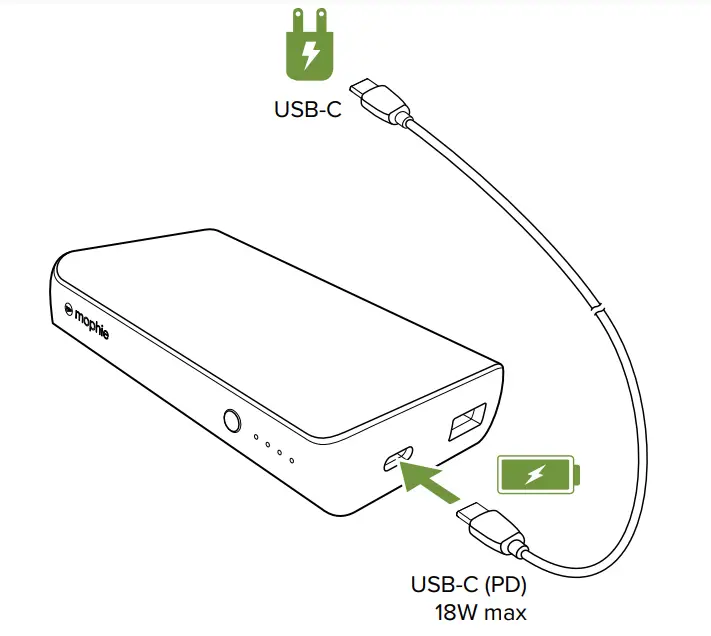
- The USB-C port will charge the power station PD XL or power station PD battery at USB-C PD fast-charging speeds when connected to a compatible wall charger.
Charging your device
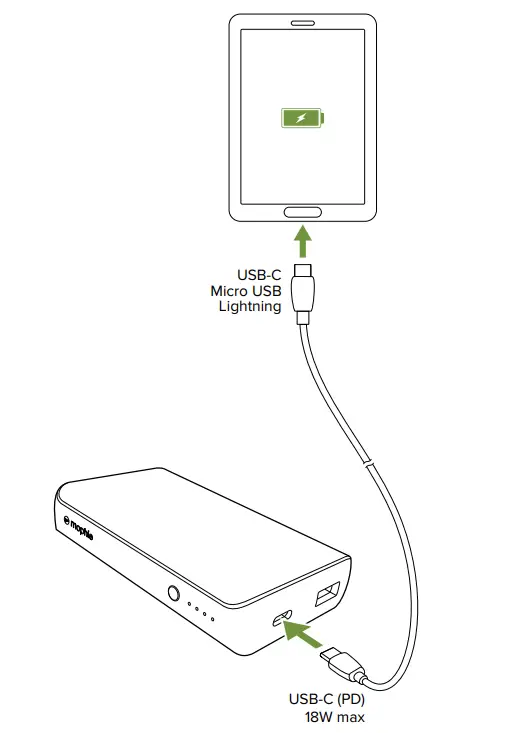
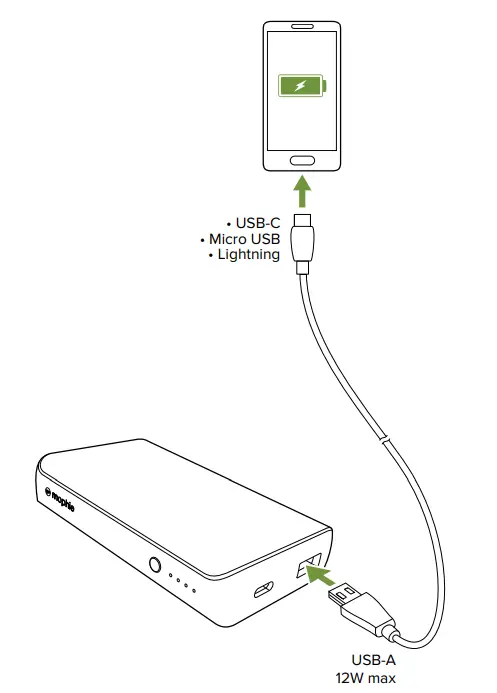
After you have fully charged your power station PD XL or power station PD battery, connect the battery’s USB-C port or USB-A port to your device. Charging begins automatically.
- The power station PD XL and power station PD batteries can charge compatible devices at USB-C PD spec—up to 18W (3A/5V or 2A/9V).

- The power station PD XL and power station PD batteries can deliver up to 12W (5V/2.4A) via their USB-A port.

- When charging devices from the USB-C and USB-A ports at the same time, the power station PD XL and power station PD batteries can deliver up to 18W via their USB-C port and up to 5W via their USB-A port.
Priority+ pass-through charging
When you’re recharging your power station PD XL or power station PD battery, Priority+ pass-through charging provides power to a device connected to its USB-A output port first, before the power station battery starts to recharge.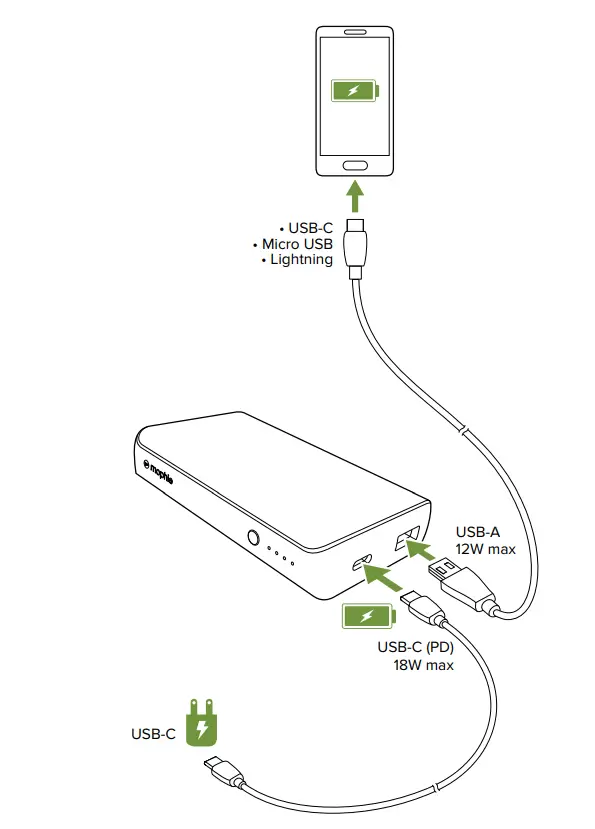 Checking your battery’s charging status
Press the status button on your power station PD XL or power station PD battery and the status LEDs will indicate its charge level. Four LEDs mean that the battery is fully charged, while one LED means that it’s almost empty. Know before you go!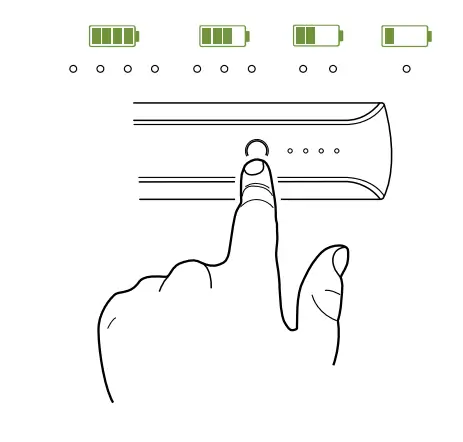 Taking care of your battery
- Keep your power station PD XL or power station PD battery dry and away from moisture and corrosive materials.
- Do not clean your power station PD XL or power station PD battery with harsh chemicals, soaps, or detergents. Just wipe the case with a soft, water-dampened cloth.
- Make sure the power station PD XL or power station PD battery’s USB ports do not become contaminated with lint or other debris. Use a canned-air type of product periodically to ensure that the port openings are clear.
- Recharge your power station PD or power station PD battery once every three months when not in use. If you plan on putting it away, fully charge it (so that pressing the charge status button lights all 4 status LEDs) first.
Warranty
At mophie, we are dedicated to making the best quality products. To back this up, this product is warranted for 2 years. For full details regarding warranty terms and exclusions, please visit mophie.com/warranty. This warranty does not affect any statutory rights that you may be entitled to. Keep a copy of your purchase receipt as proof of purchase.
Be sure to register your product at mophie.com.
Exclusions & Limitations
Except for the limited warranty expressly set forth or to the extent restricted or prohibited by applicable law, mophie expressly disclaims any and all other warranties express or implied, including any warranty of quality, merchantability, or fitness for a particular purpose, and you specifically agree that mophie shall not be liable for any special, incidental, indirect, punitive, or consequential damages of any type on any mophie product. In addition to and without limiting the generality of the foregoing disclaimers, the limited warranty does not, under any circumstances, cover the replacement or cost of any electronic device or personal property inside or outside of the mophie product.
You may have additional warranty rights depending on your country, state, or province. Further, some countries, states, and provinces do not allow the exclusion or limitation of incidental or consequential damages or exclusions or limitations on the duration of implied warranties, so the above may not apply to you. If any provision of the warranty is found unlawful, void, or unenforceable, that provision shall be deemed severable and shall not affect any remaining provision.
Customer service
Telephone: 1-888-8mophie (1-888-866-7443)
International: +1 (269) 743-1340
Web: www.mophie.com/cs
IMPORTANT SAFETY INFORMATION
Warning
Read all instructions and warnings prior to using this product. Improper use of this product may result in product damage, excess heat, toxic fumes, fire or explosion, for which damages you (“Purchaser”), and not mophie LLC (“Manufacturer”) are responsible.
- Before using your power station PD XL or power station PD battery for the first time, fully charge it (so that pressing the charge status button lights all 4 of the status LEDs).
- Do not store device in high-temperature environment, including heat caused by intense sunlight or other forms of heat. Do not place the device in fire or other excessively hot environments. Exposure to fire or temperature above 212°F (100°C) may cause an explosion.
- The power station PD XL and power station PD batteries should be operated only in open-air conditions. It should not be operated in an enclosed, unventilated space such as a carrying bag, pocket, purse, or bedding. Failure to follow these instructions may cause damage to the battery by overheating.
- Do not disconnect the powerstation battery from a connected device while the device is charging—wait until the device is fully charged.
- Be cautious of drops, bumps, abrasions, or other impacts to this device. If there is any damage to the device such as dents, punctures, tears, deformities, or corrosion due to any cause, discontinue use. Contact Manufacturer or dispose of it in an appropriate manner at your local battery-recycling center.
- Do not expose the portable battery to rain or snow.
- Do not use the portable battery in excess of its output rating. Overloading outputs above rating may result in a risk of fire or injury to persons.
- Do not disassemble this device or attempt to re-purpose or modify it in any manner.
- Do not attempt to charge this device using any method, apparatus, or connection other than the device’s USB-C port. For questions or instructions for the ways to charge the device refer to the illustrations in the Charging your power station battery section of this user manual.
- Do not attempt to replace any part of this device.
- Use of a power supply or charger not recommended by mophie may result in a risk of fire or injury to persons.
- If this device is accessible to or may be used by a minor, purchasing adult agrees to be solely responsible for providing supervision, instruction, and warnings. Purchaser agrees
- to defend, indemnify, and hold Manufacturer harmless for any claims or damages arising from unintended use or misuse by a minor. All products have gone through a thorough quality assurance inspection. If you find that your device is excessively hot, is emitting odor, is deformed, abraded, cut, or is experiencing or demonstrating an abnormal phenomenon, immediately stop all product use and contact the Manufacturer.
- Never dispose of batteries in the garbage.
Disposal of batteries in the garbage is unlawful under state and federal environmental laws and regulations. Always take used batteries to your local battery recycling center. - Switch off the portable battery when not in use.
The portable battery will automatically switch off when disconnected from a device.
SAVE THESE INSTRUCTIONS
Legal
This product is meant for use only in conjunction with the appropriate device. Please consult your device packaging to determine whether this product is compatible with your particular device.
Manufacturer is not responsible for any damages to any device incurred through the use of this product.
mophie, power station, Power for all, Priority+, Stay Powerful, the five-circles design, and the mophie logo are trademarks of mophie inc. Lightning is a trademark of Apple Inc. USB-C is a trademark of USB Implementers Forum. All rights reserved. Patents: mophie.com/patents.
This device complies with part 15 of the FCC Rules and RSS-Gen of IC Rules. Operation is subject to the following two conditions: (1) This device may not cause harmful interference, and (2) this device must accept any interference received, including interference that may cause undesired operation.
NOTE: This equipment has been tested and found to comply with the limits for a Class B digital device, pursuant to part 15 of the FCC Rules. These limits are designed to provide reasonable protection against harmful interference in a residential installation. This equipment generates, uses, and can radiate radio frequency energy and, if not installed and used in accordance with the instructions, may cause harmful interference to radio communications. However, there is no guarantee that interference will not occur in a particular installation.
If this equipment does cause harmful interference to radio or television reception, which can be determined by turning the equipment off and on, the user is encouraged to try to correct the interference by one or more of the following measures:
- Reorient or relocate the receiving antenna.
- Increase the separation between the equipment and receiver.
- Connect the equipment into an outlet on a circuit different from that to which the receiver is connected.
- Consult the dealer or an experienced technician for help.
CAUTION: To comply with the limits of the Class B digital device, pursuant to Part 15 of the FCC Rules, this device must be used with certified peripherals and shielded cables. All peripherals must be shielded and grounded. Operation with noncertified peripherals or non-shielded cables may result in interference to radio or reception.
MODIFICATION: Any changes or modifications of this device could void the warranty.
THIS DEVICE CONFORMS TO UL STD 60950-1. CERTIFIED TO CSA STD C22.2 NO. 60950-1. CONFORMS TO UL SUBJECT 2056.
 WEEE DECLARATION
All of our products are marked with the WEEE symbol; this indicates that this product must NOT be disposed of with other waste. Instead, it is the user’s responsibility to dispose of their waste electrical and electronic equipment by handing it over to an approved re-processor, or by returning it to mophie inc. for reprocessing. For more information about where you can send your waste equipment for recycling, please contact mophie inc. or one of your local distributors.