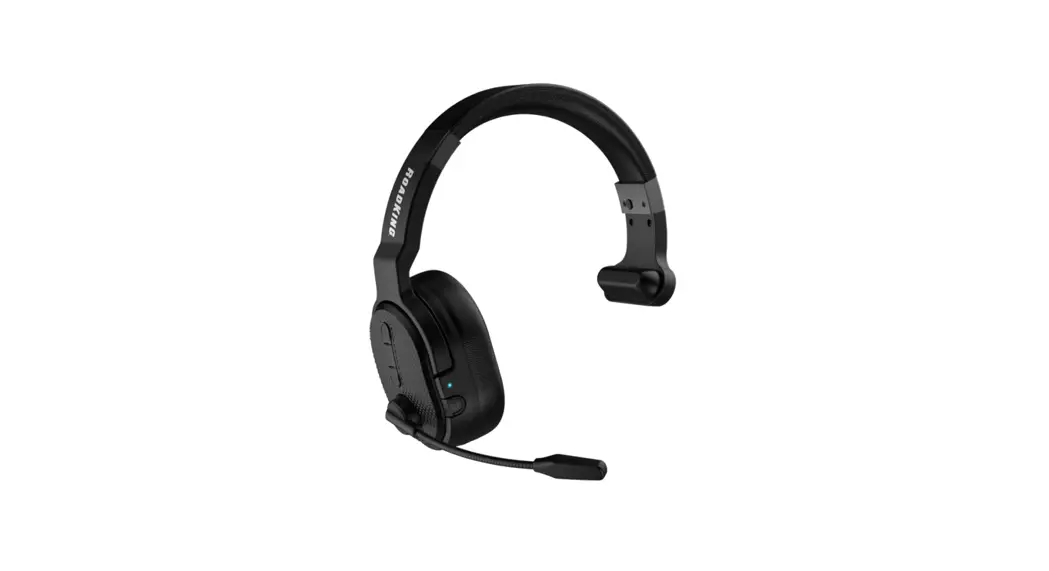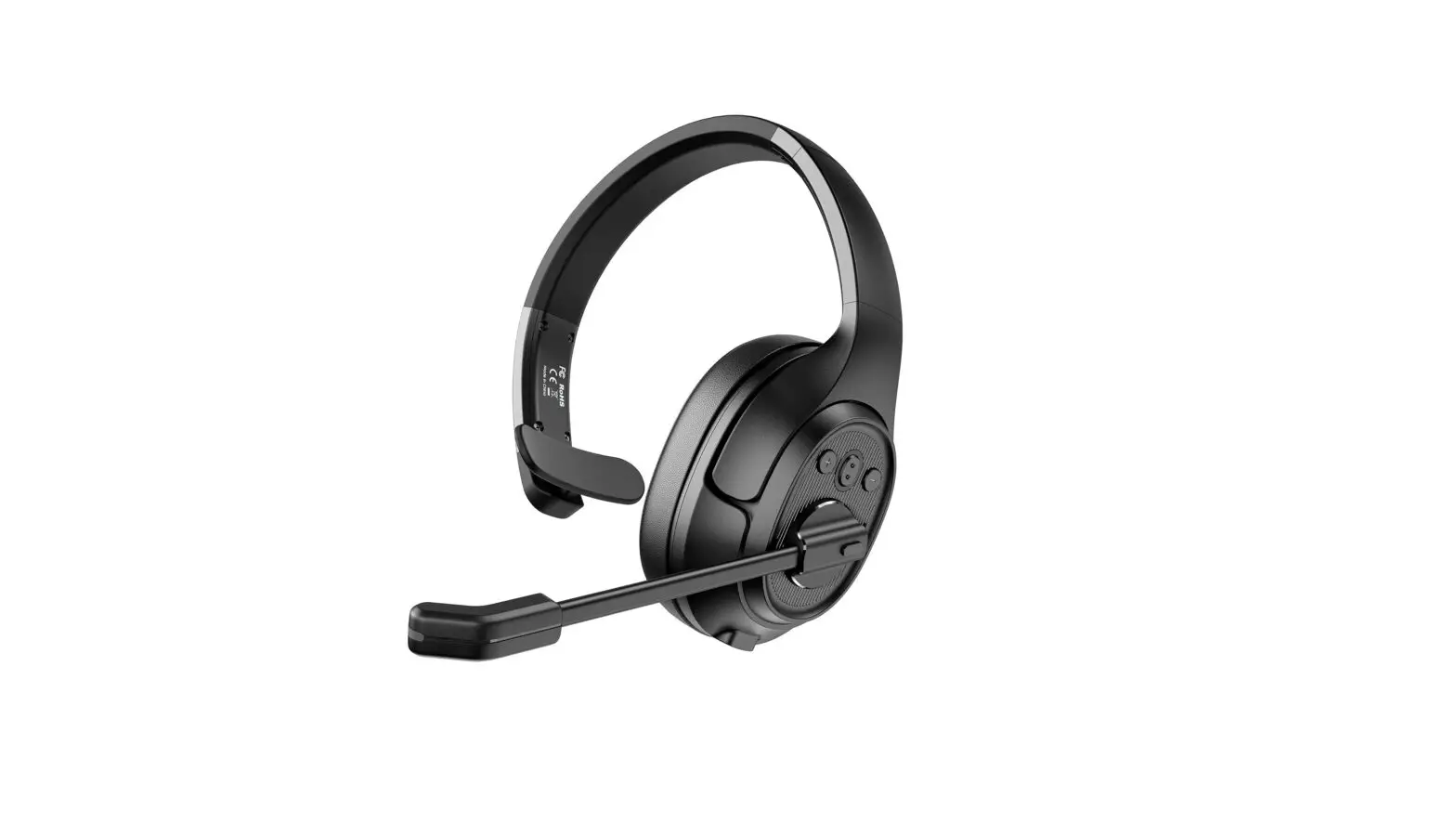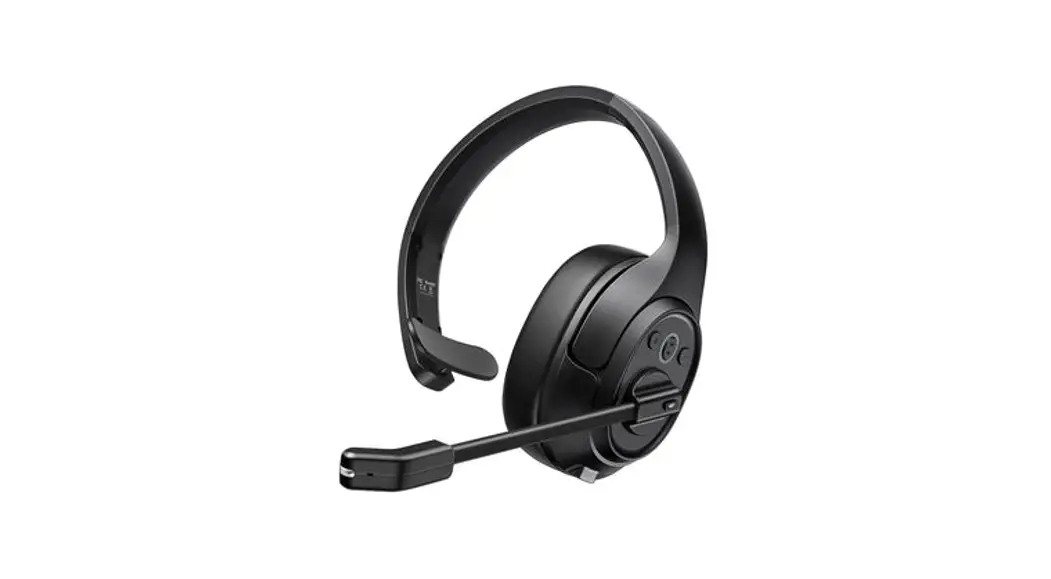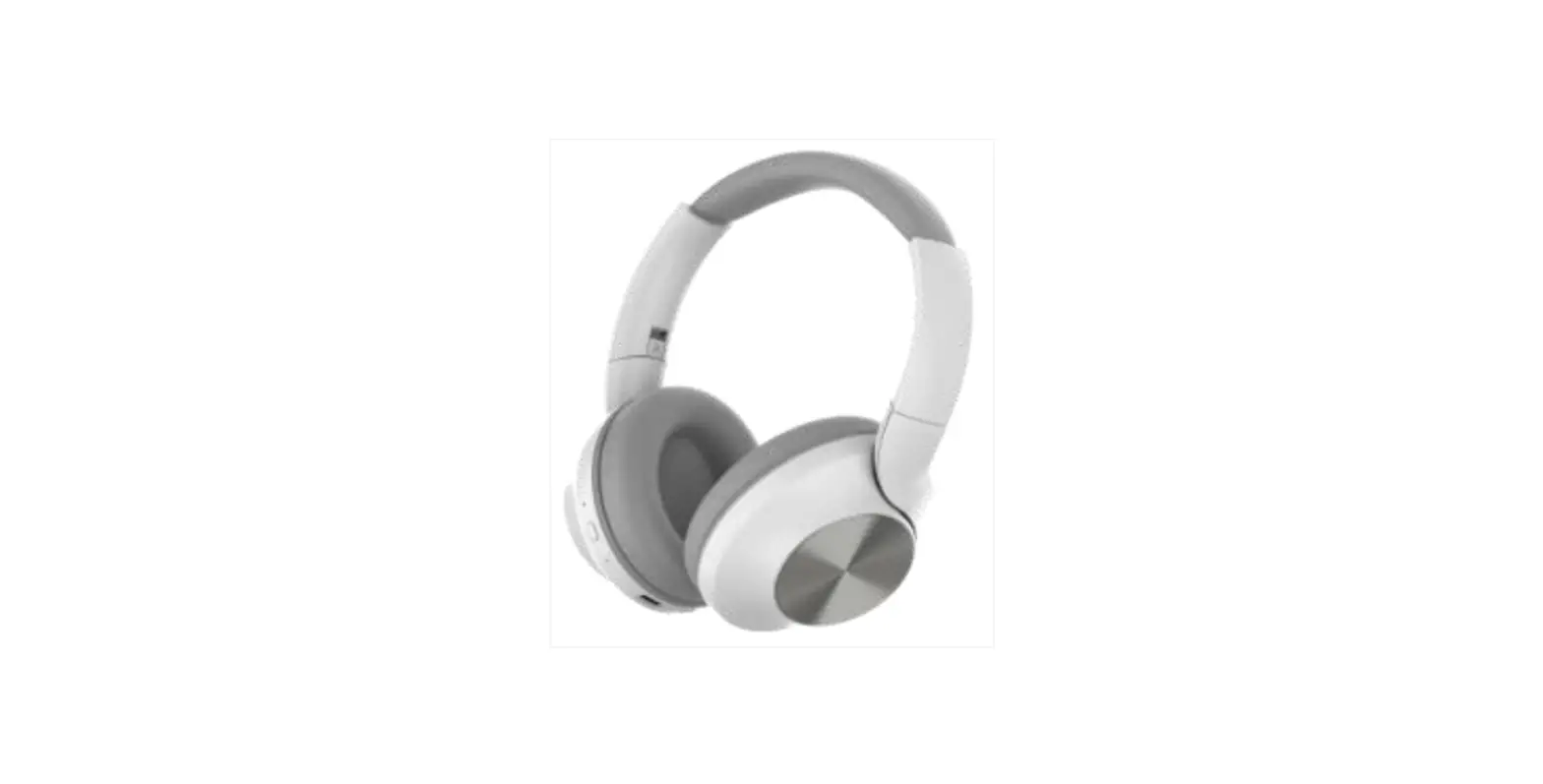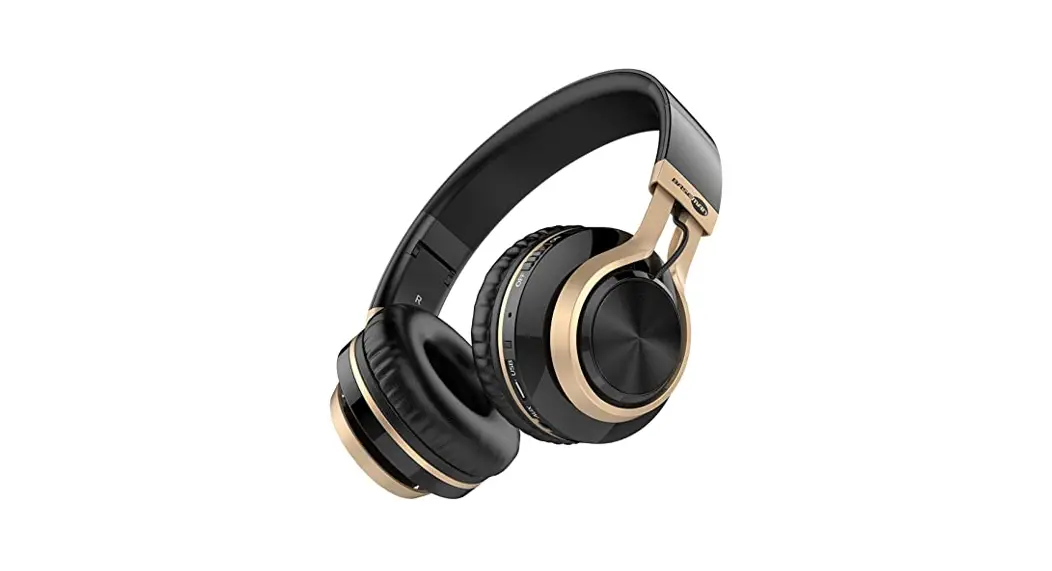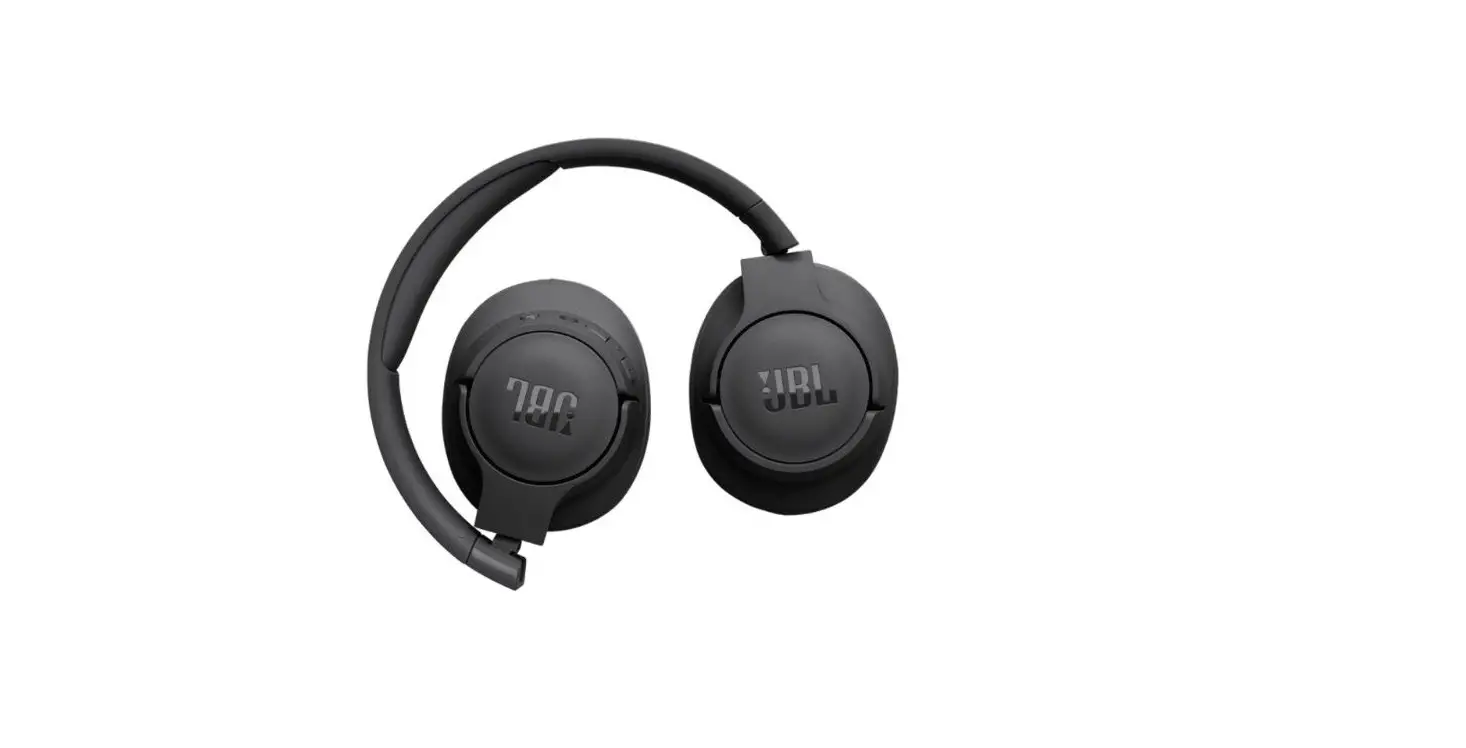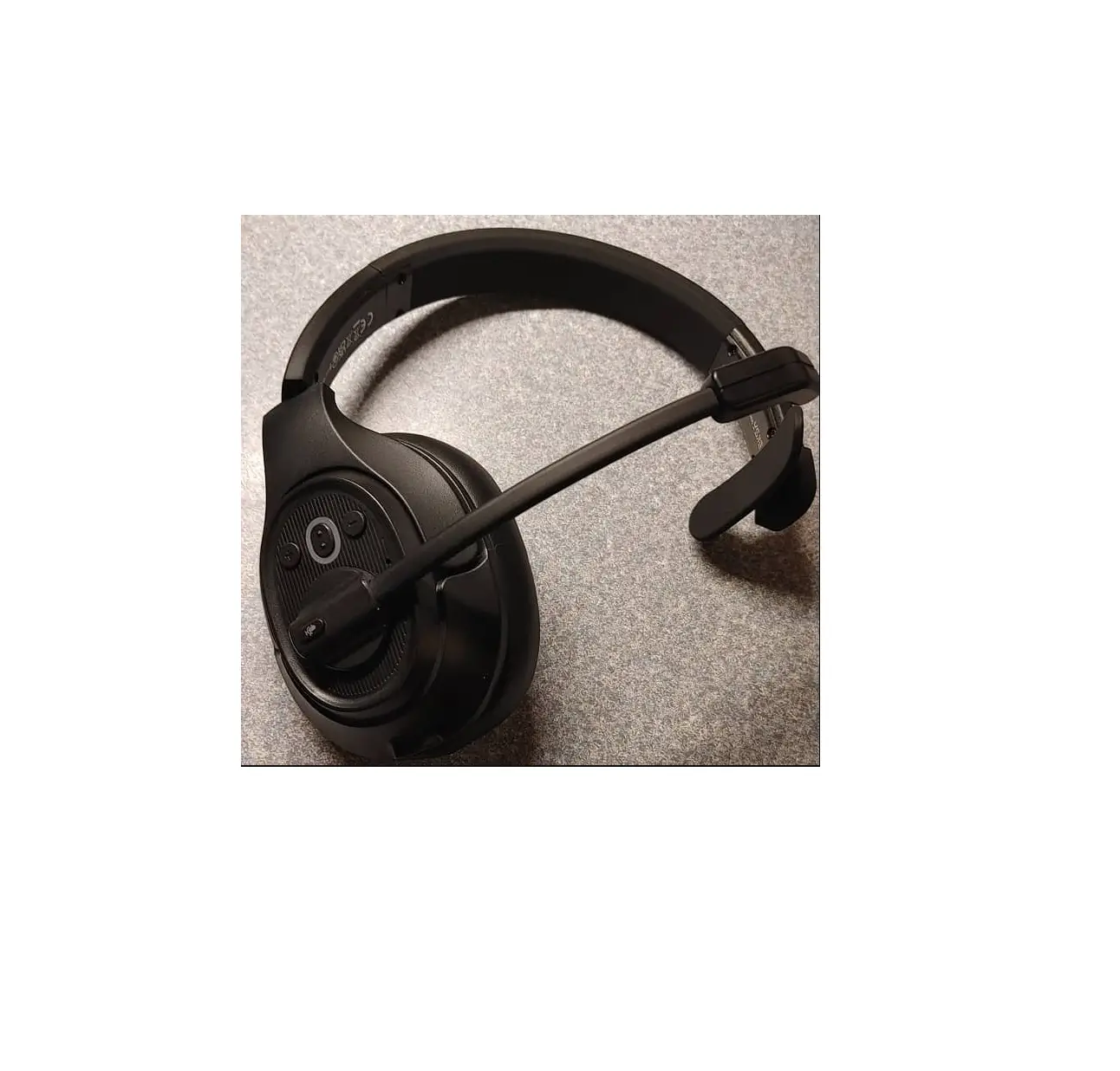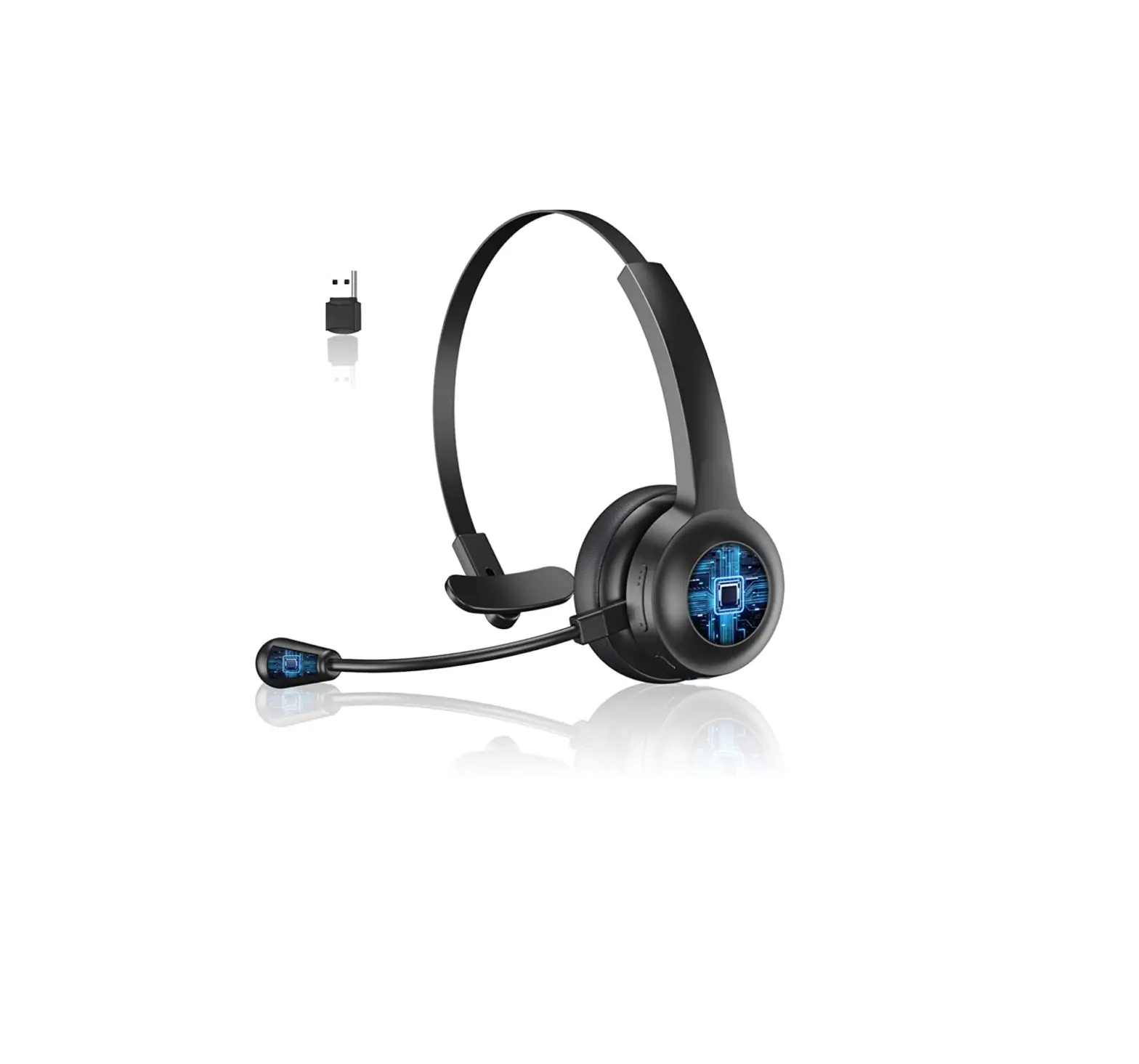
DERICO Trucker Bluetooth Headset
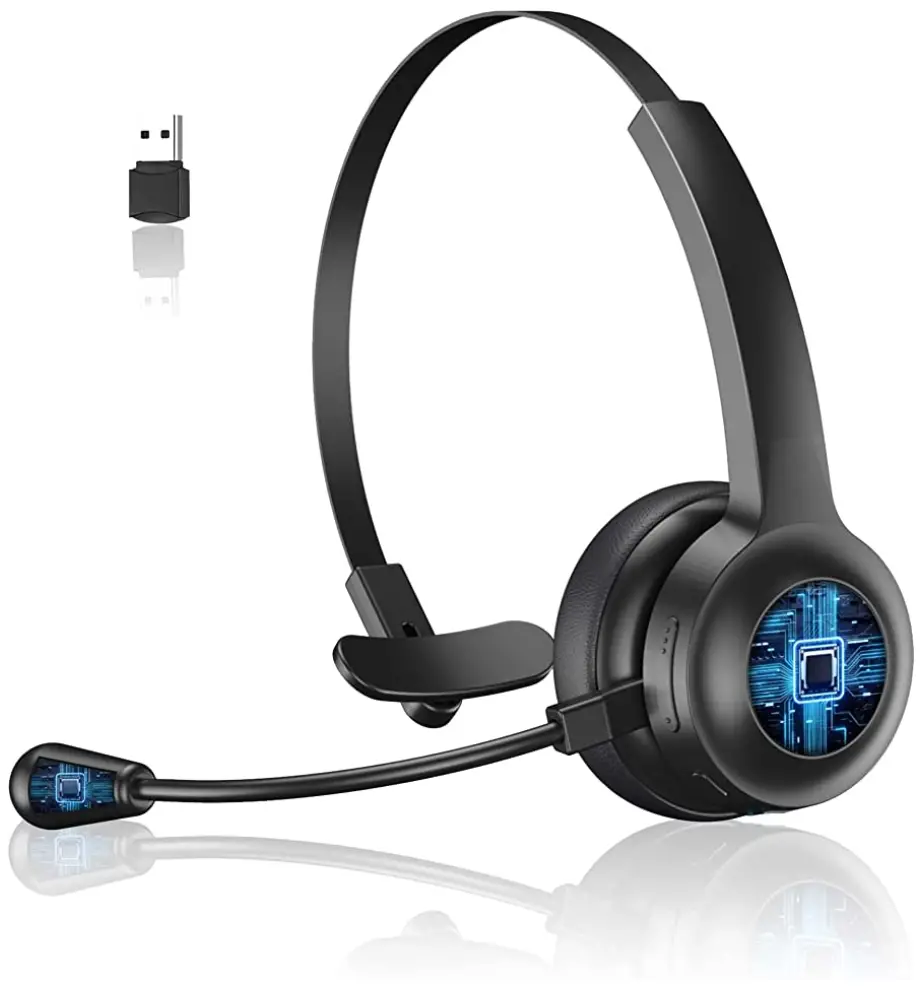
Overview
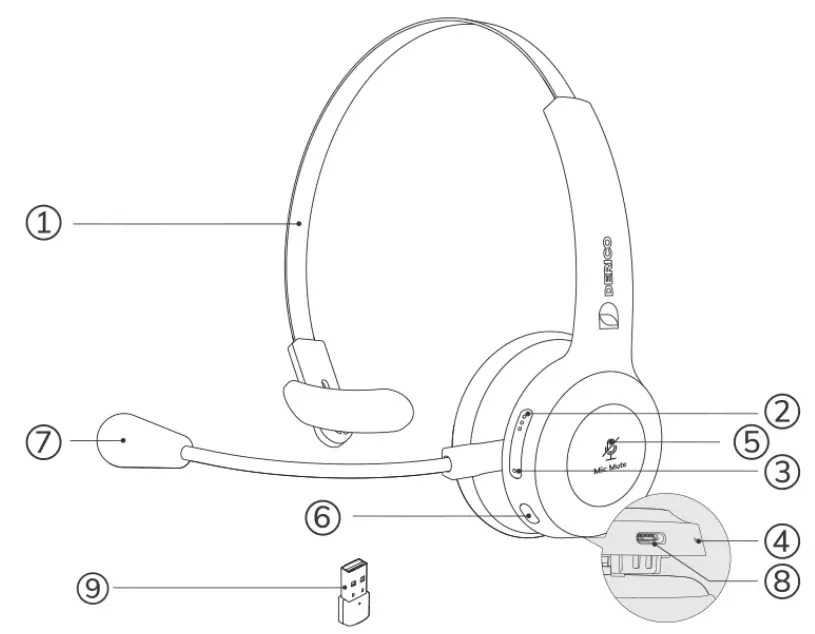
① Headband
② Volume up
③ Volume down
④ Status LED
⑤Mute/ unmute
⑥ Multi-function button
⑦ Microphone
⑧ Type-C charging port
⑨ Dongle
What’s in the box
lx Derico Link headset
lx User manual
lx Type-C cable
lx Dongle
How to use
| Button | Action | Function |
 |  Press Press | Play/ pause music |
 Press and Hold (4sec) Press and Hold (4sec) | Power on | |
 Press and Hold (5sec) Press and Hold (5sec) | Power off | |
| Press | Answer call | |
| Press and hold (2sec) | Reject call | |
| Press | End call | |
| Press | On hold call and answer incoming call | |
 | Press | Volume up |
| Press and hold (2sec) | Next track | |
 | Press | Volume down |
| Press and hold (2sec) | Previous track | |
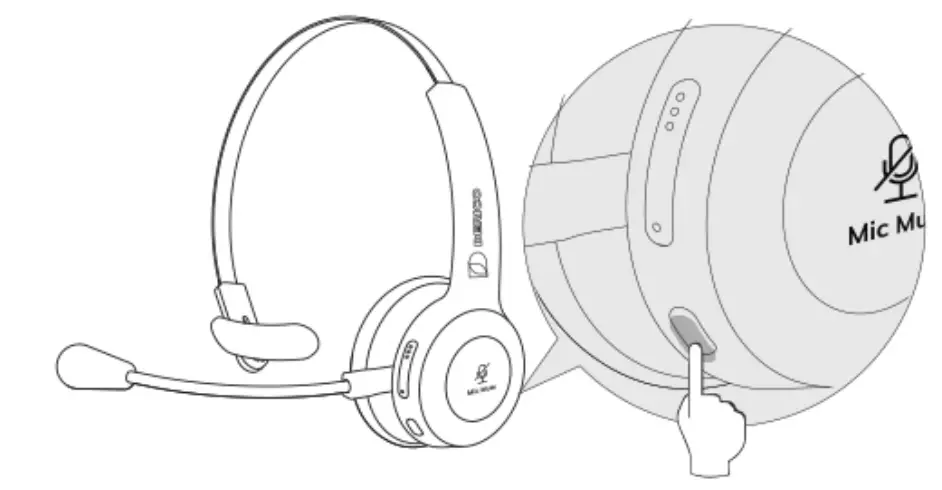
 | Press | Mute/ unmute microphone |
How to connect
- Press and hold (4sec) the multi-function button to turn on Derico Link.

- Go to the Bluetooth menu on your smartphone or computer, then select Derico Link from the list of available devices.

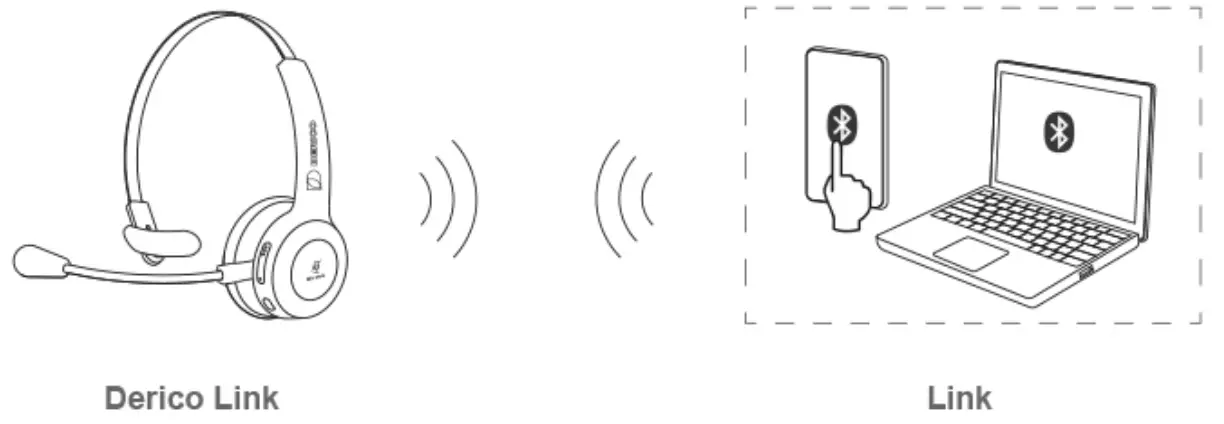
Note: Elevoc Link will automatically connect to the last connected device.
How to charge
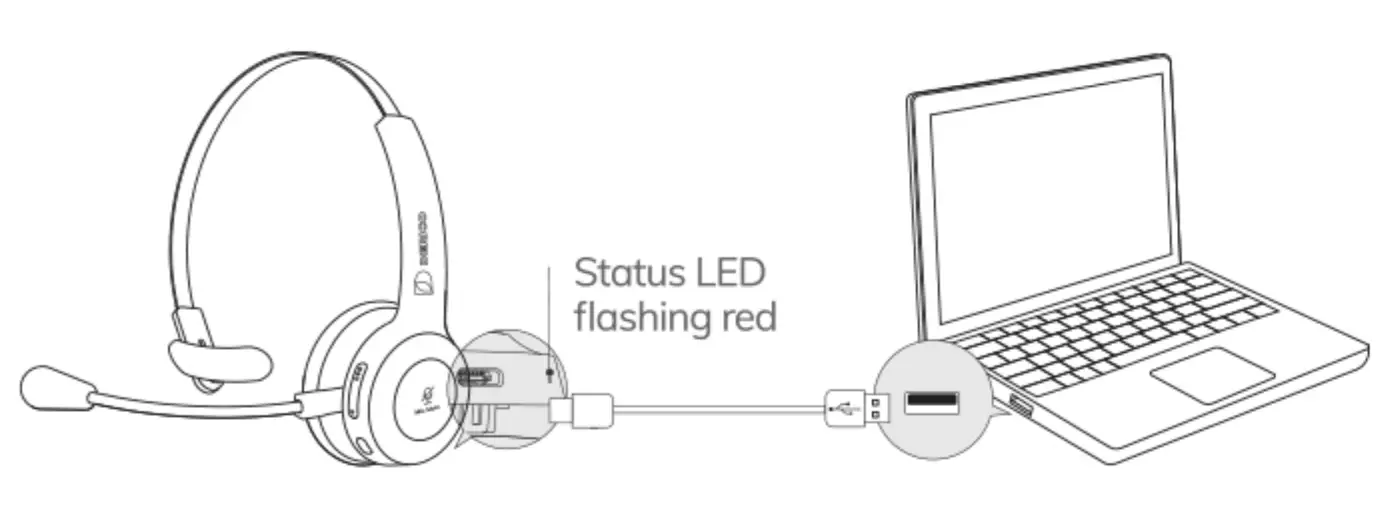
Specifications
| Input | 5VlA |
| Output | 5VlA |
| Battery capacity | 400mA |
| Operating range | 10m |
| Bluetooth version | 5.0 |
| Frequency range | 20hz-20Khz |
| Play time | 60hrs |
| Charging time | 2hrs |

FAQ
1.What devices are Derico Link headsets compatible with?
The Derico Link headset works with most Bluetooth enabled devices including phones, tablets, PCs, and more.
2.How do I connect the headset to my cellphone?
1) Make sure the headset is within 33 ft of your device with no obstacles in the way.
2) Long press the multi-function button until the indicator flashes red and blue (approx. 5 seconds).
3) Locate and select ‘link’ from the Bluetooth list of your device to complete the paring.
4) When your headset is turned on and the Bluetooth is enabled on your device, there will be an automatic connection. If you have not used the headset with your device for more than 10 minutes, the headset will turn off automatically to conserve power. When you’re ready to use the headset again, just switch it back on.
Tip: Make sure your Bluetooth driver has been updated prior to connecting. Should your headset fail to connect, we recommend.