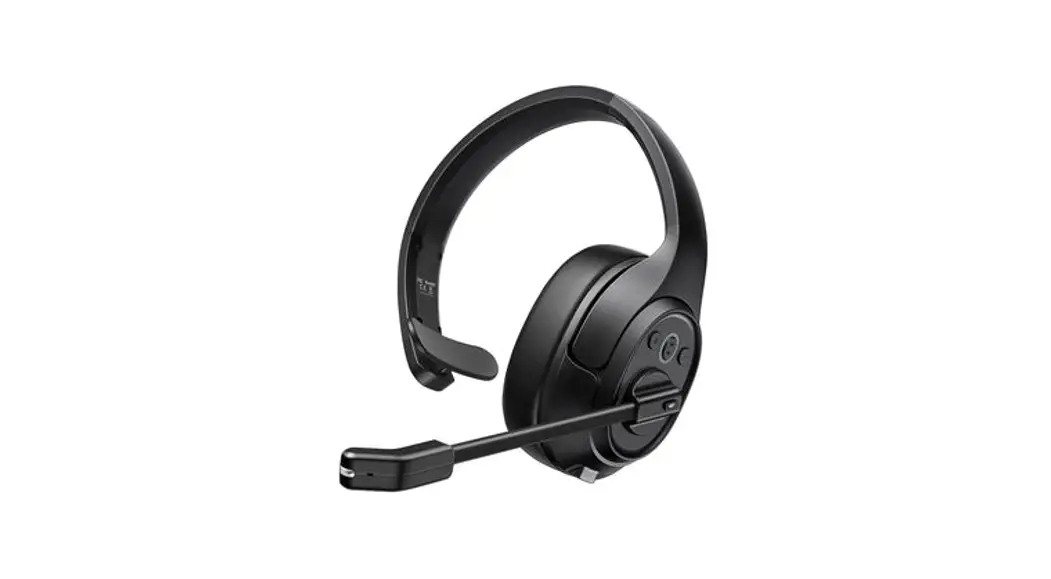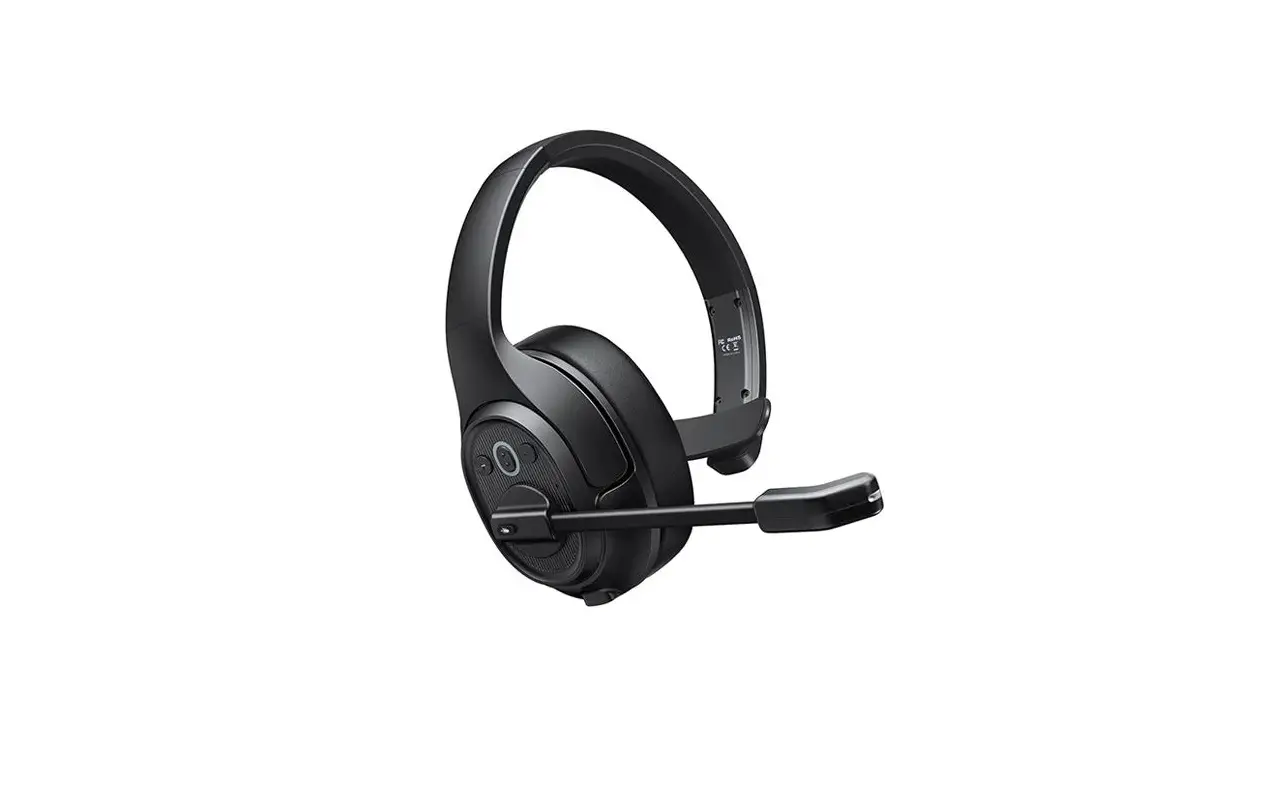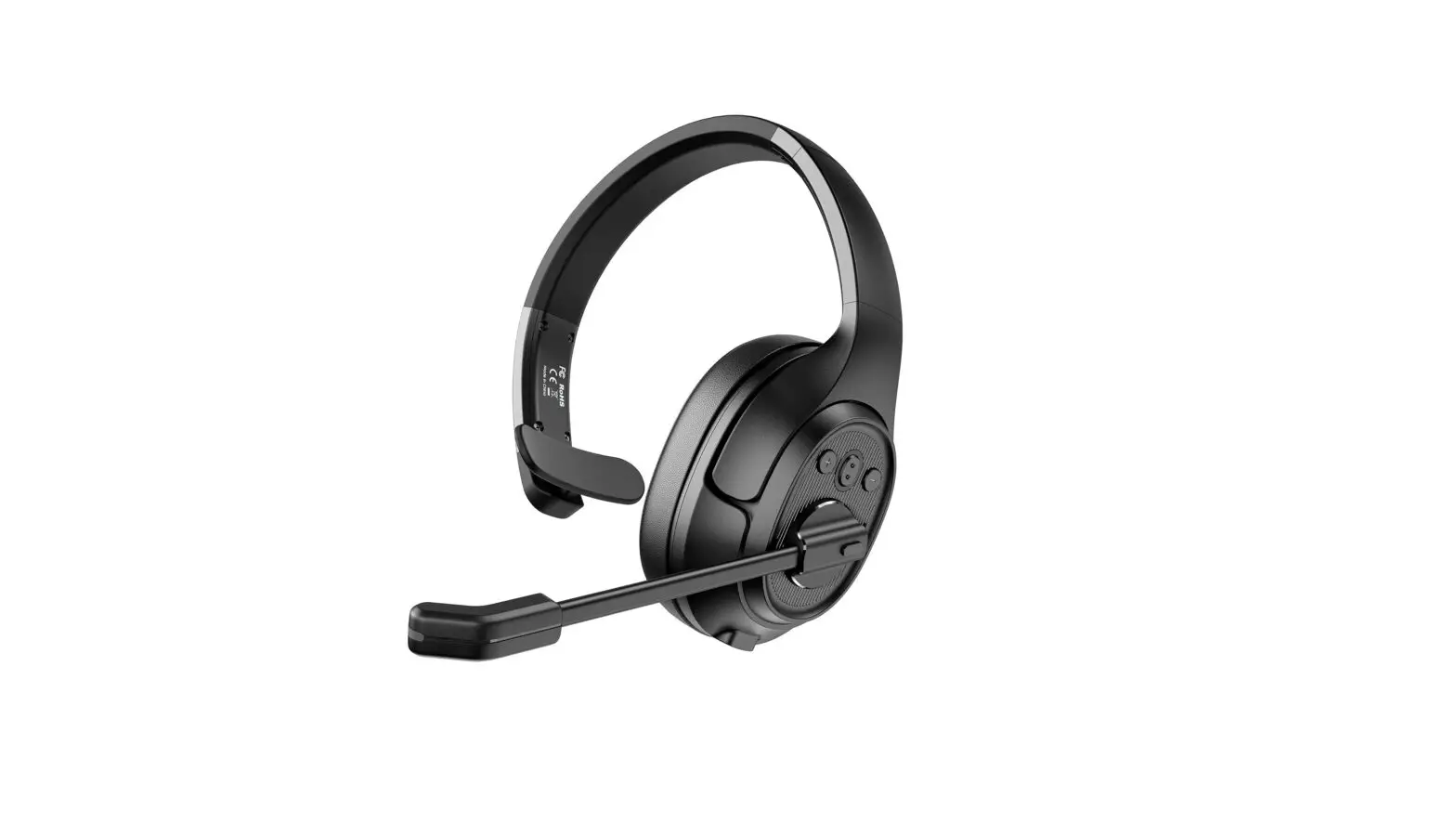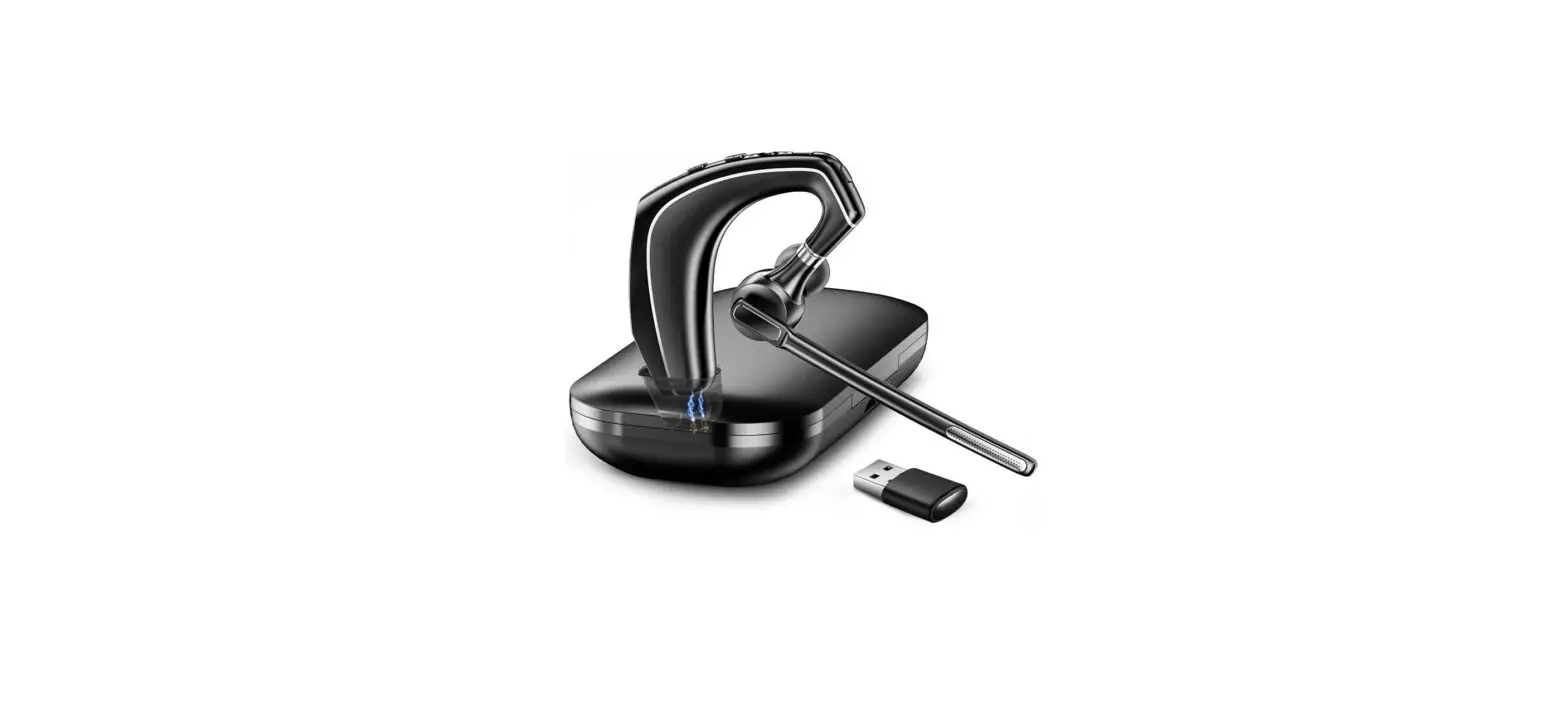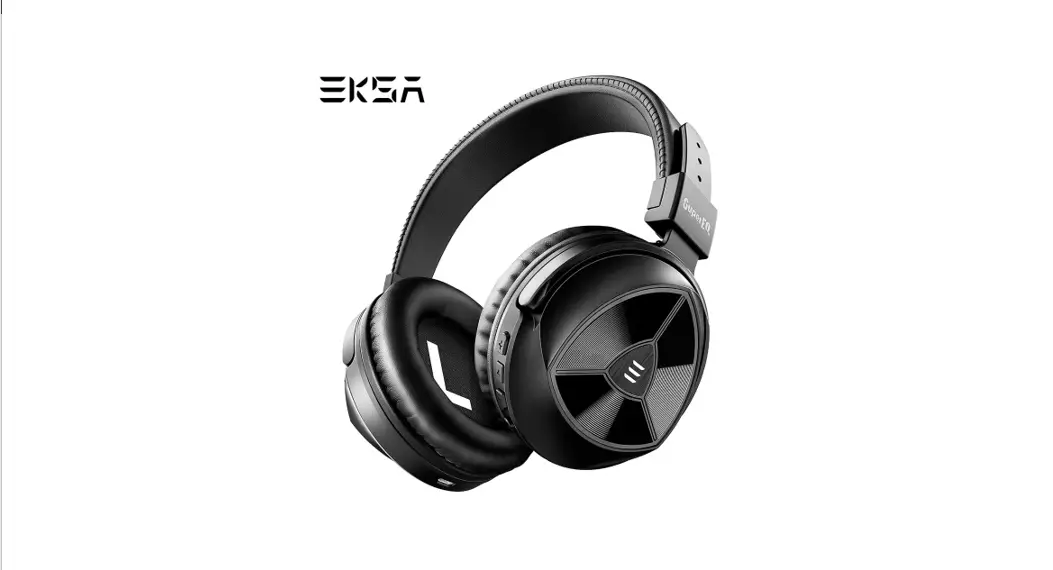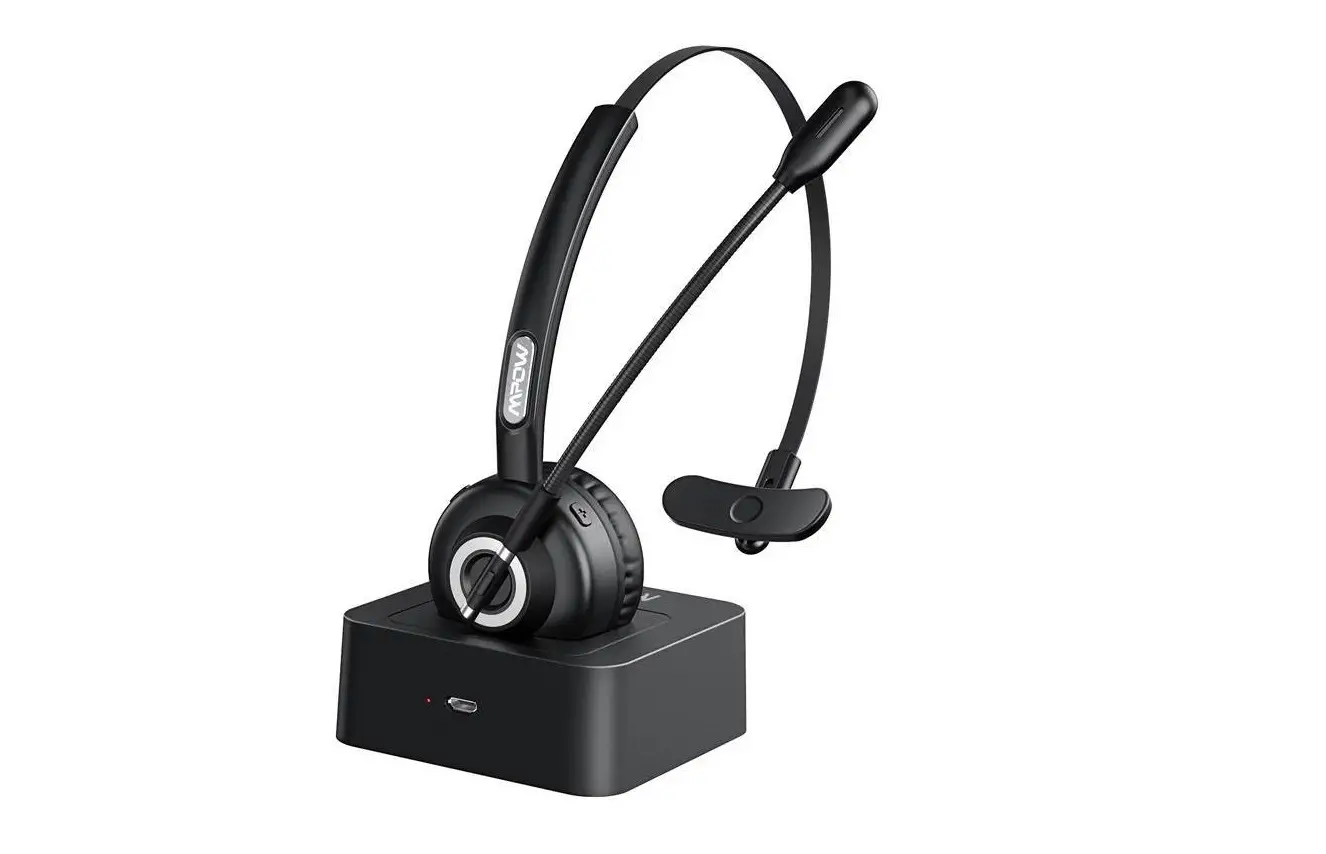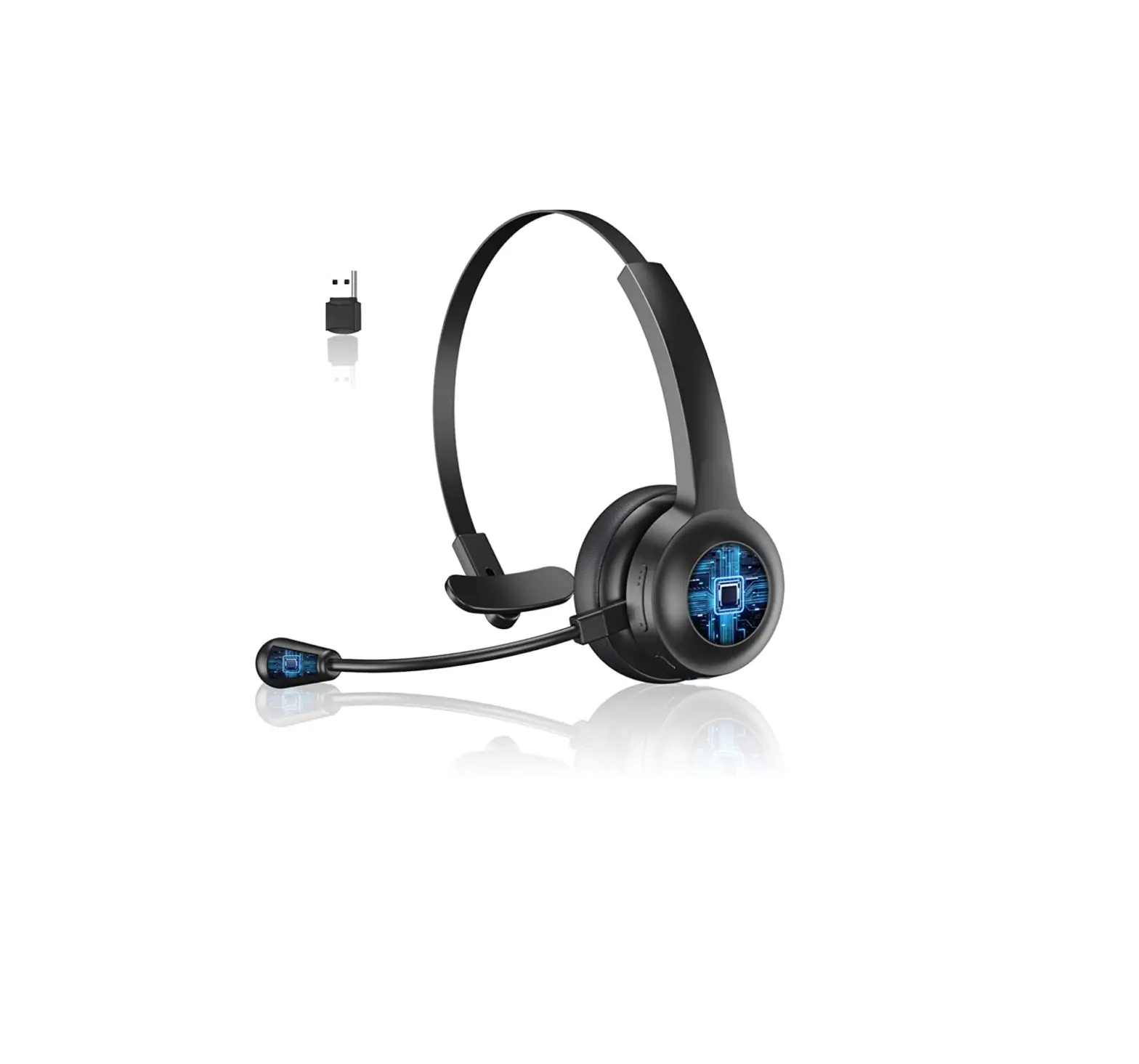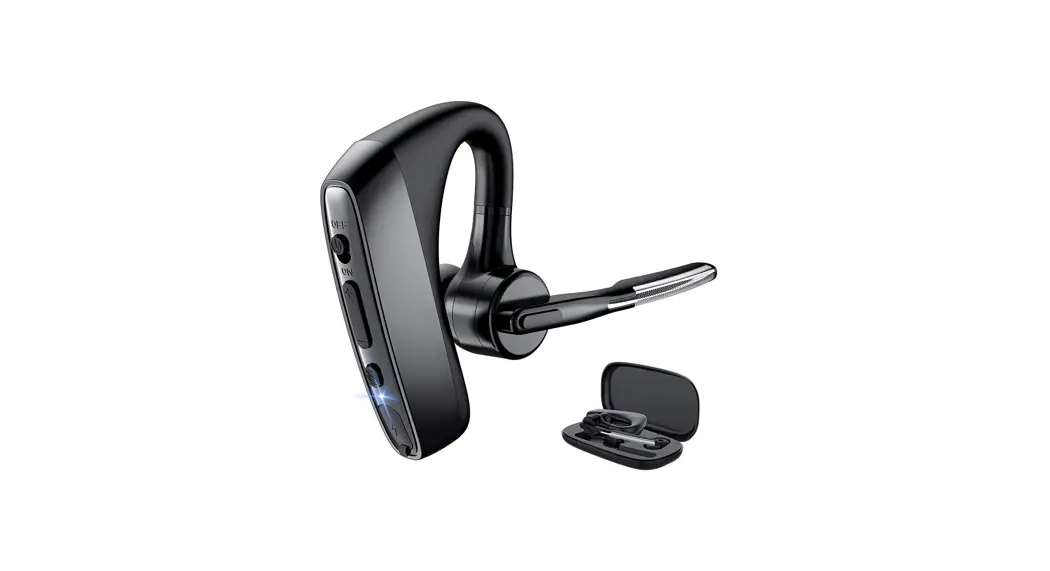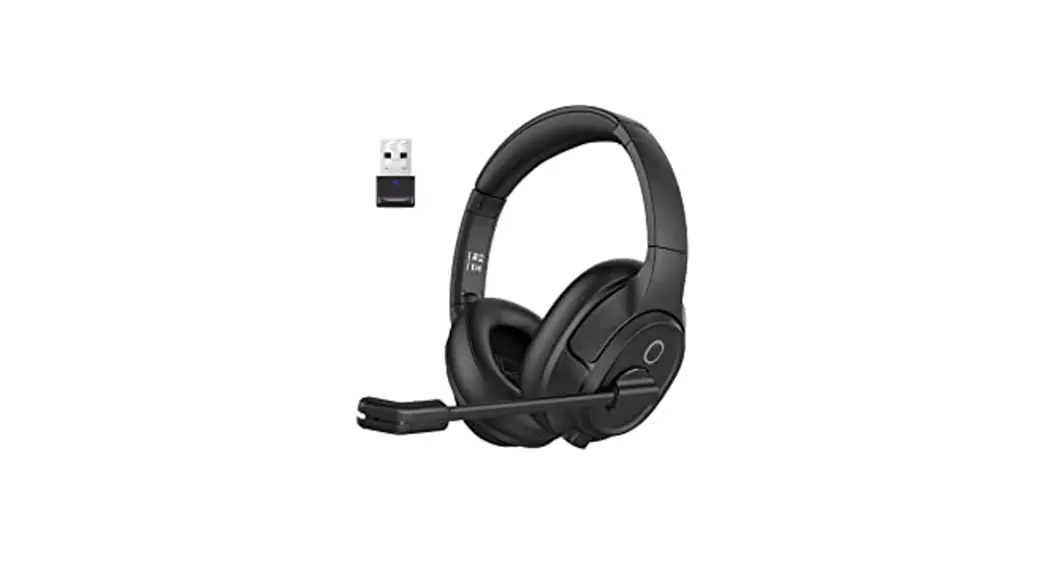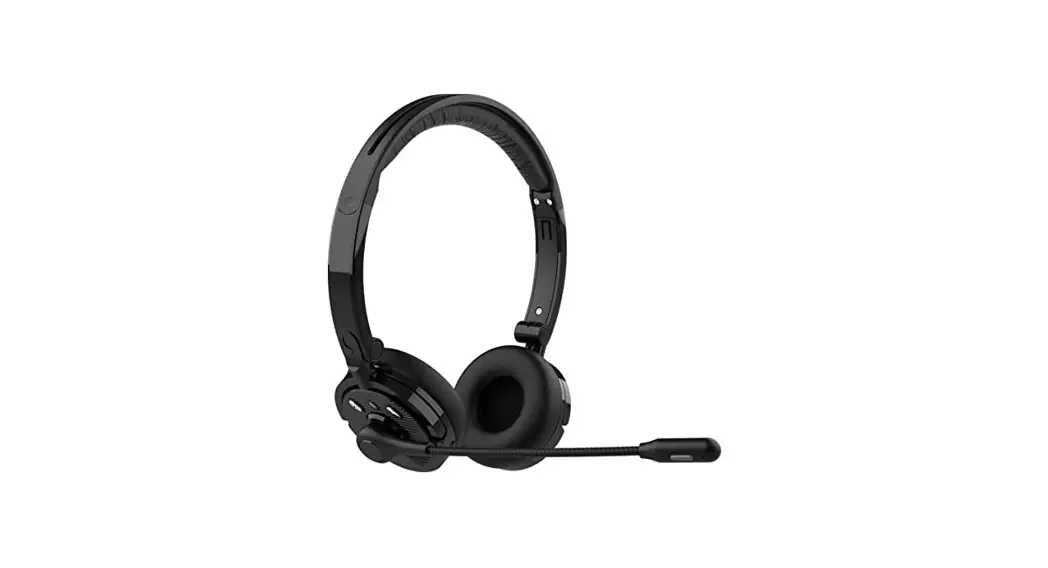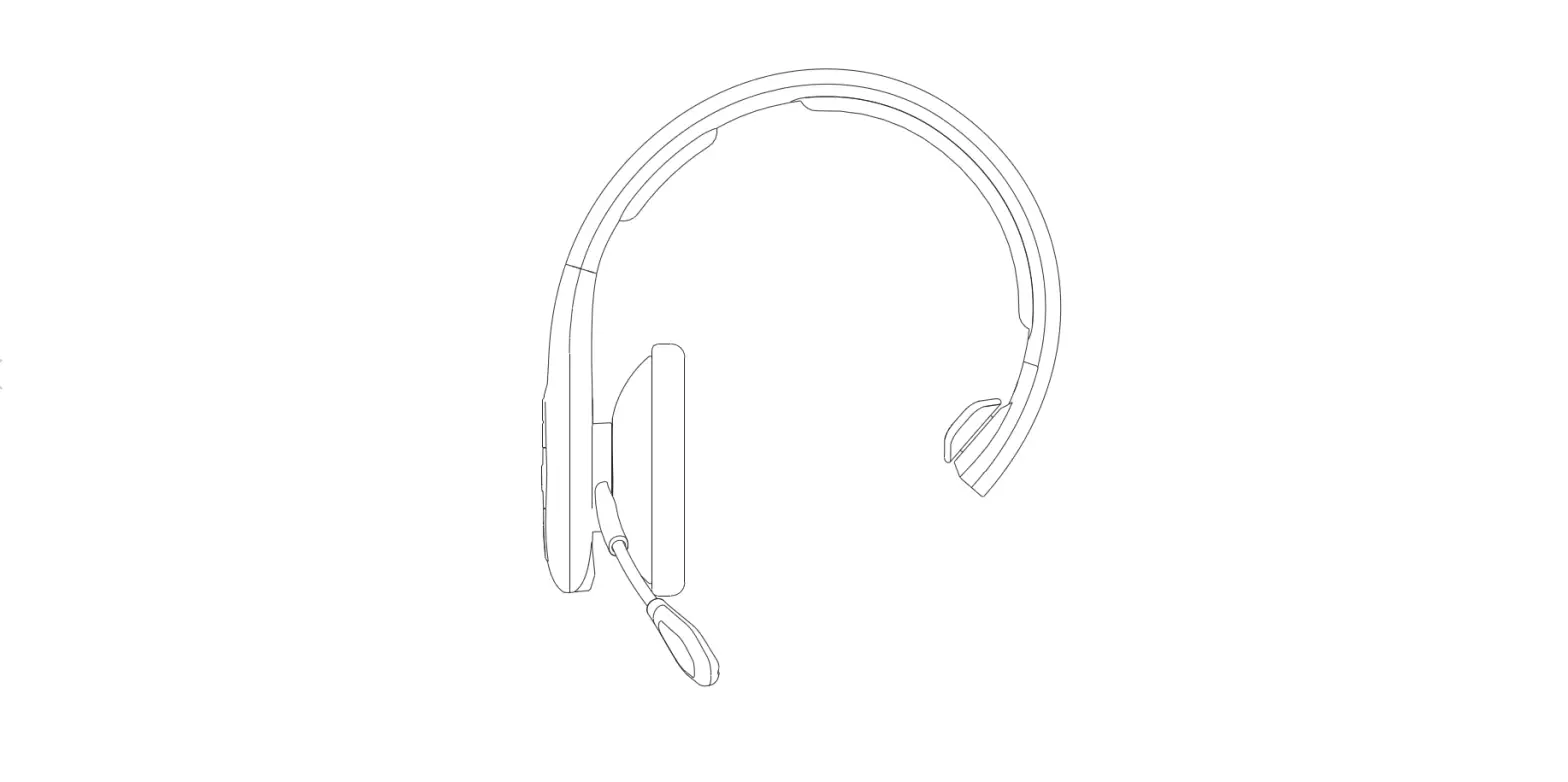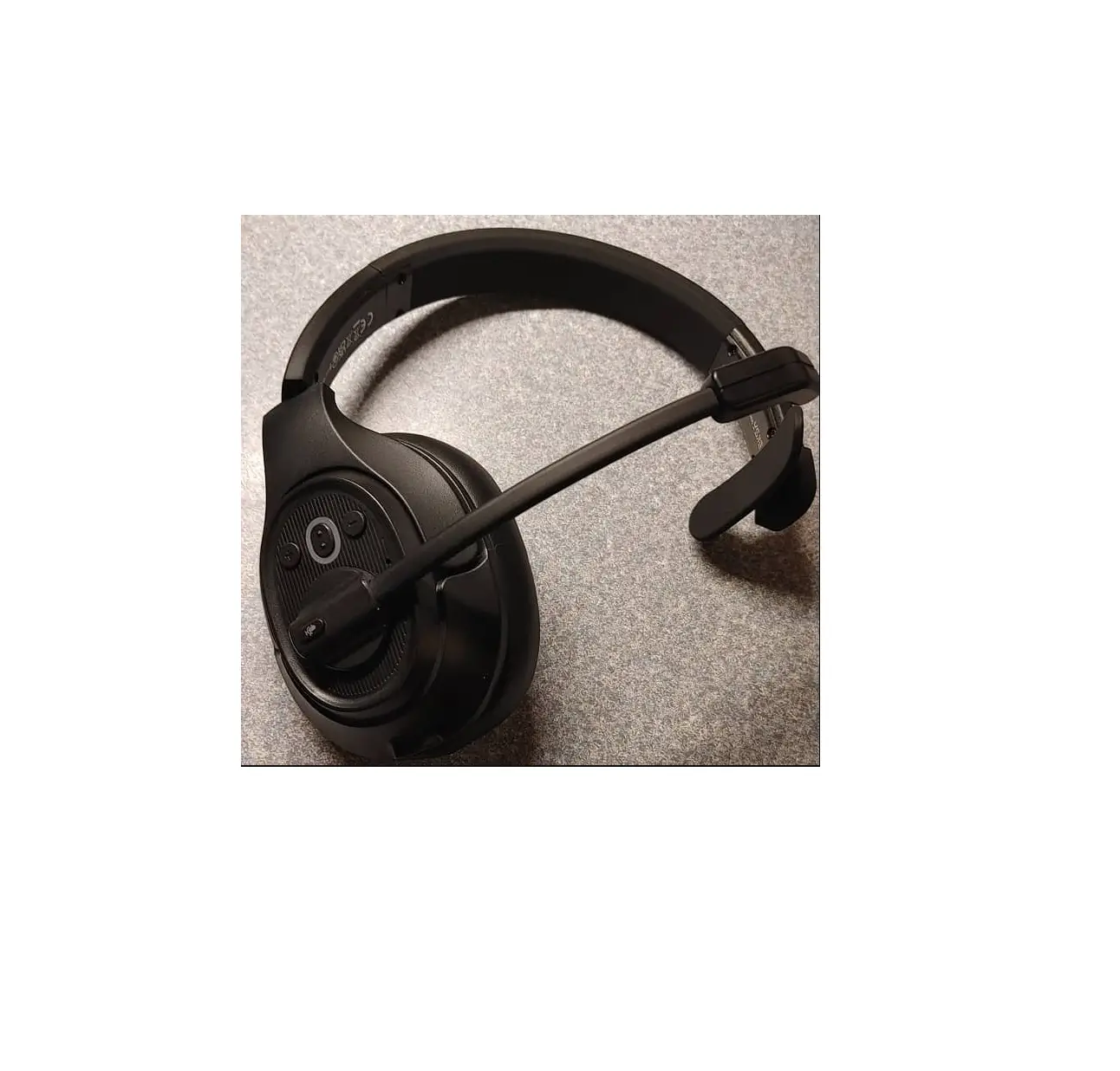
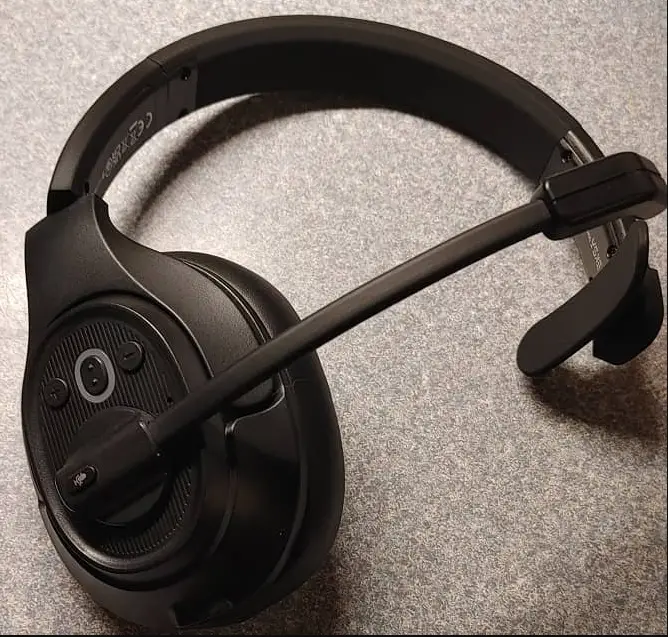
EKSAtelecom H1 Plus Trucker Bluetooth Headset
 Package Contents
 Package Contents
① EKSAtelecom H1 Plus Wireless Headset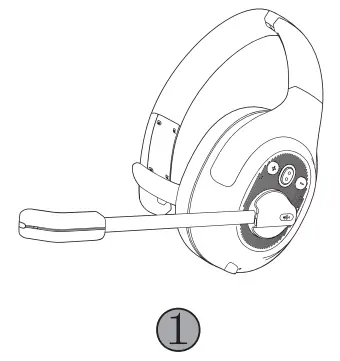
② EKSA PC Adapter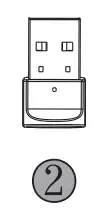
③ Type-C Charging Cable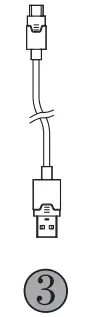
④ Replacement Ear Pad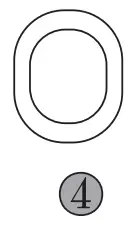
⑤ Carry Pouch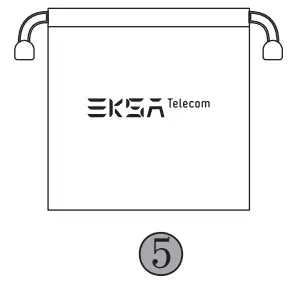
⑥ User Manual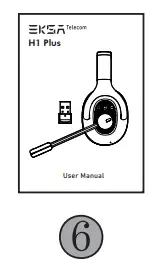
Specifications
 Specifications
 | Headset Bluetooth Version: 5.0 Effective Wireless Range: 30 m / 99 ft Adapter Bluetooth Version: 5.2 Effective Wireless Range: 10 m / 32 ft |
 | Music Time: ≈57 hours (70% volume) Talk Time: ≈30 hours (70% volume) Charging Time: ≈1.5 hours |
 | Speaker Diameter: 40 mm Impedance: 32 Ω ± 15% Sensitivity: 114 ± 3 dB Frequency Response: 20 Hz – 20 kHz |
 | Size: 2.7 mm * 1.85 mm Sensitivity: -25 ± 1 dB Frequency Response: 100 Hz – 10 kHz Impedance: 2.2 kΩ Polar Pattern: Omnidirectional Mic: EKSAtelecom VoicePure Technology |
 Product Overview
 Product Overview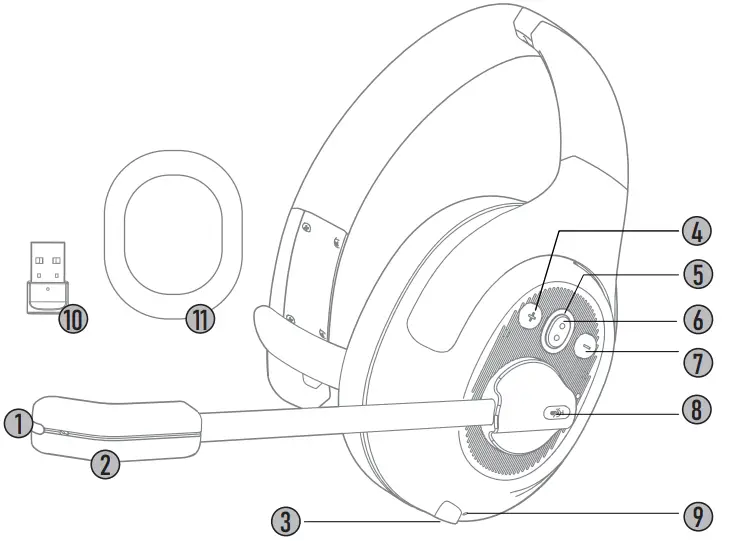
①  Call Indicator
②  EKSAtelecom VoicePure Technology
③  Type-C Charging Port
④  Volume +
⑤  Bluetooth Indicator
⑥  Multi-Function Button (MFB)
⑦  Volume –
⑧  Mic Mute Button
⑨  Charging Indicator
⑩  EKSA PC Adapter
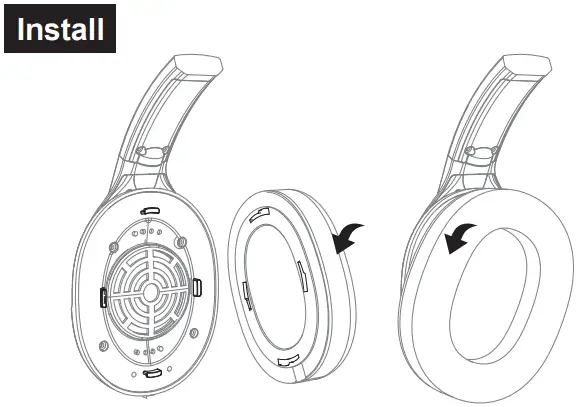
⑪  Replacement Ear Pad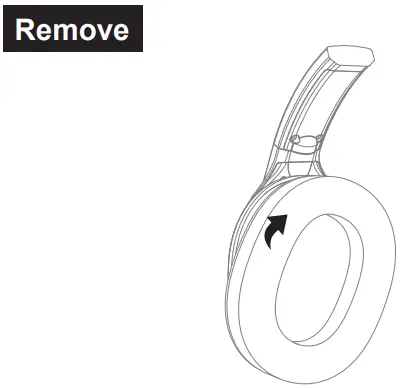
 Operation Guide
 Operation Guide
 Multi-Function Button:
 Press for 3 seconds: Headphone on/off
 Click: Play/Pause
 Triple Click: Voice Assistant/Siri
 Volume Button:
 Volume Button:
 Click: Volume + / – x1
 Press for 2 seconds to next/previous track
 Mic Mute Button:
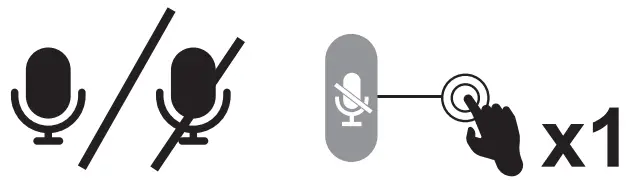 Click: Microphone on/off
 Call Functions
 Call Functions
Call Handling:
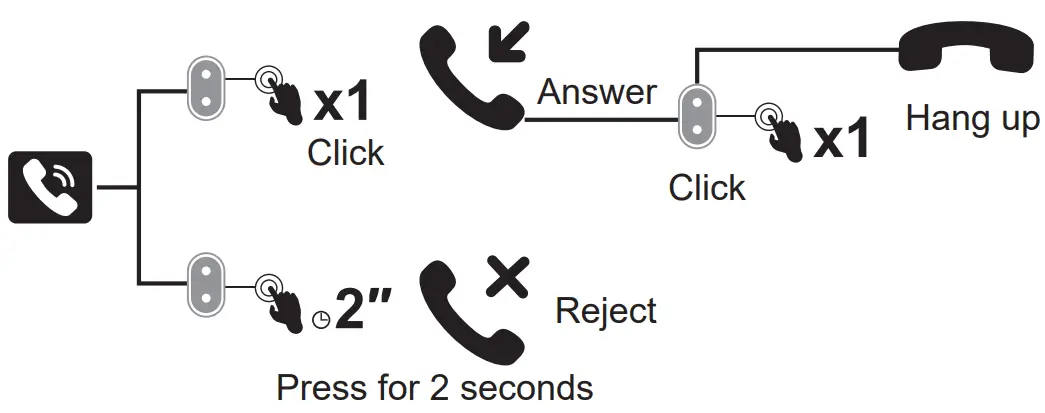
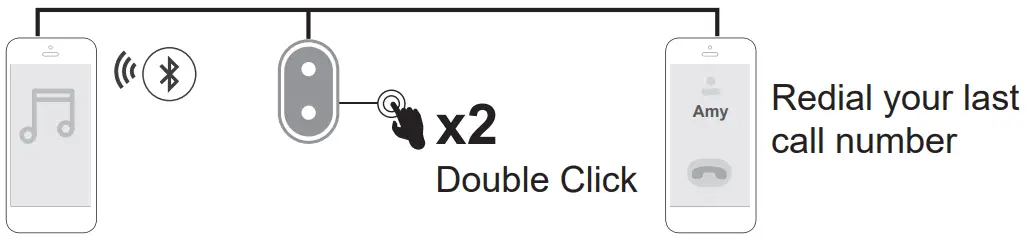
Redial:
 Three-Way Calling:
 Three-Way Calling: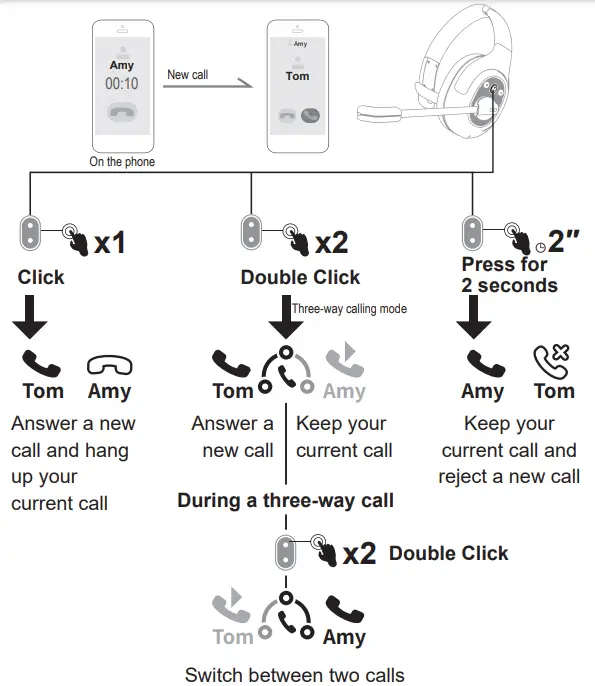
 Bluetooth Pairing
 Bluetooth Pairing
Mobile Phone:
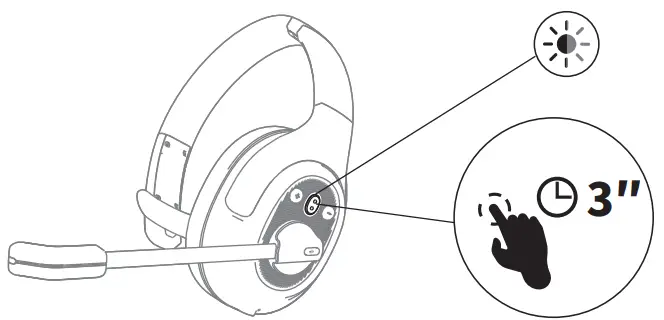
- Turn on EKSAtelecom H1 Plus, until its Bluetooth indicator flashes alternately between red and blue, indicating that the headset is in pairing mode.
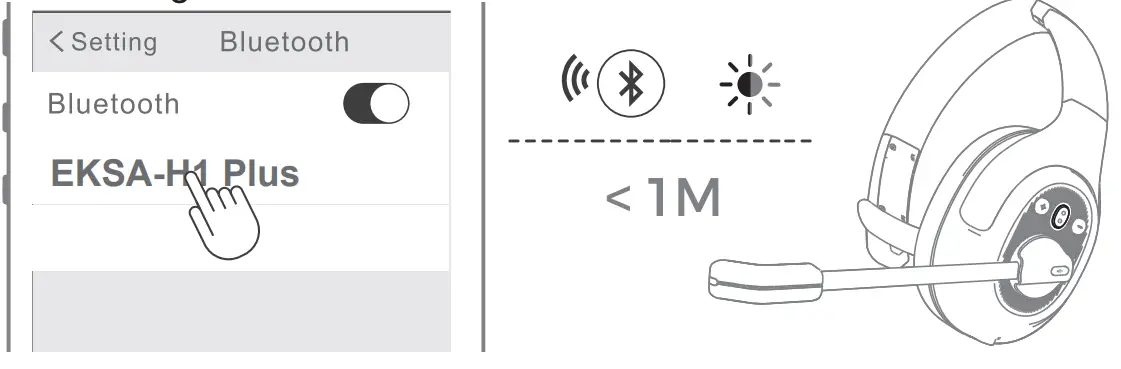
- Turn on the Bluetooth of your device, activate the search feature, and select “EKSA-H1 Plus”. After pairing, the Bluetooth indicator flashes slowly in blue light with a voice prompt “your headset is connected”, confirming a successful connection.

 Note:
Note:
1. Keep the distance between the EKSAtelecom H1 Plus and your device within 1 meter.
2. If necessary, the pin code to complete pairing is “0000”.
3. While in pairing state, if a connection cannot be established within 10 minutes, the headset will turn off automatically.
4. When the headset is turned on again, it will connect to the last connected device automatically. - To connect to a new device, turn off the Bluetooth of the currently paired device and follow the above steps to connect successfully to a new device.

 Note:
Note: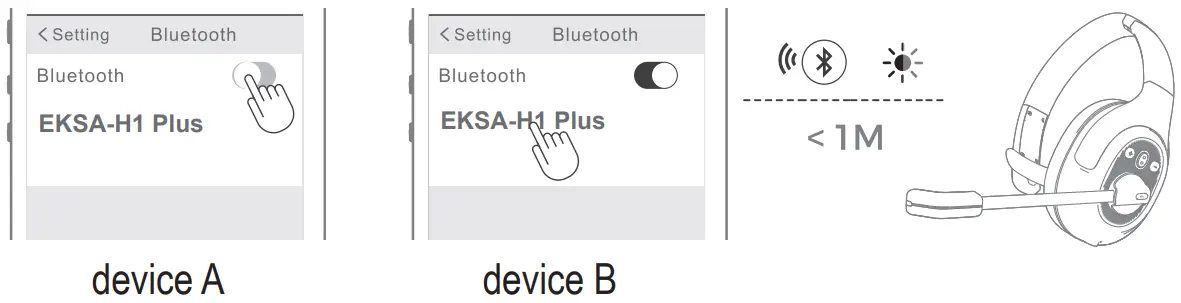
PC:
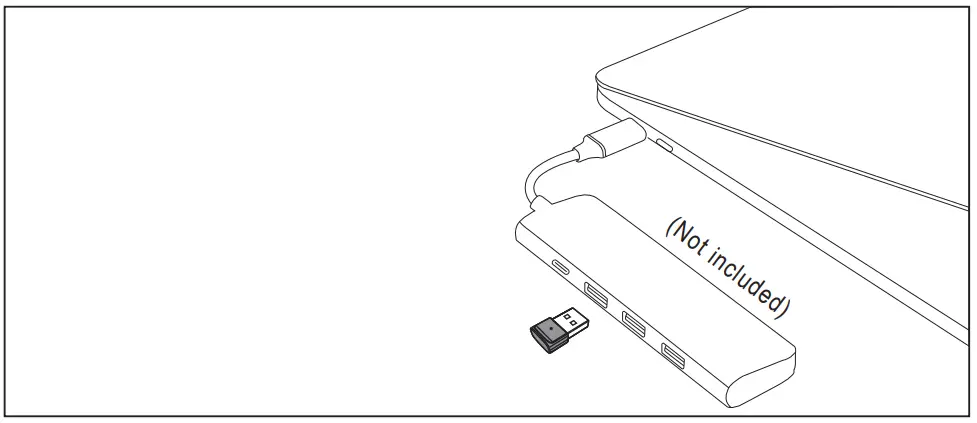
If you want to connect the headset to a PC, you can use the EKSA PC adapter provided in the package. Then, you can enjoy the call function and compatibility of the third-party software of the PC. Follow the steps below to get it done.
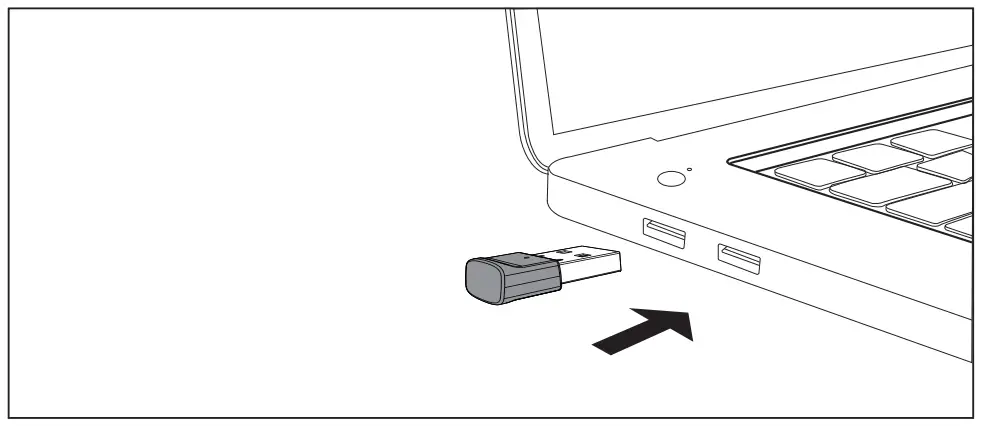
- Plug the EKSA PC adapter into your PC’s USB port. The adapter will turn on automatically with a name of “EKSA PC Adapter” displaying on your computer.
USB-A interface
Type-C interface
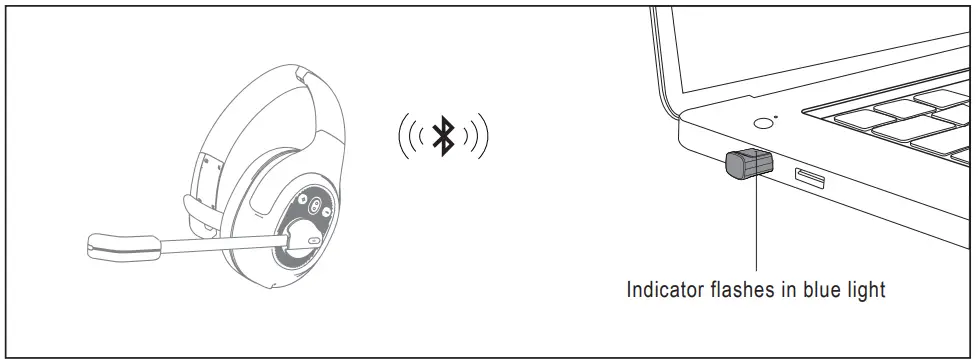
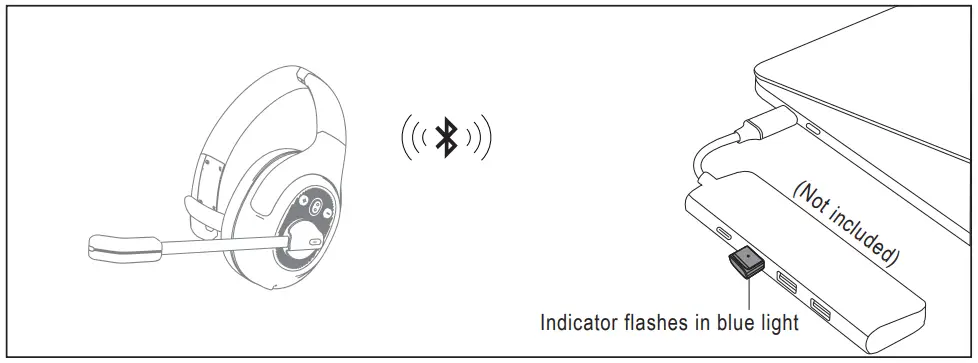
- When enabled, the indicator on the EKSA PC adapter will flash a blue light, which indicates that it is in pairing mode. Then, put the headset on pairing mode and place it as close to the EKSA PC adapter as possible (within 8 inches). The headset will automatically connect to the EKSA PC adapter.
Note: It takes about 20 seconds to establish a connection between the headset and a PC for the first time. Suppose the connection is unsuccessful, please unplug the adapter and plug it back into the PC. Then restart the headset’s pairing mode and reconnect to your computer.
USB-A interface
Type-C interface - After the headset is successfully connected, the Bluetooth indicator on the headset will slowly flash a blue light while the EKSA PC adapter’s indicator will always be blue.
 Dual Pairing
 Dual Pairing
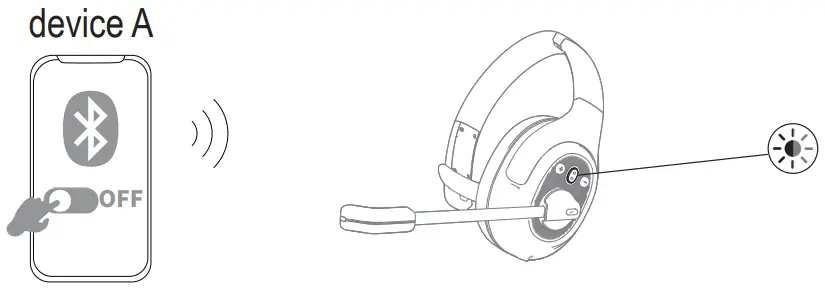
- After successfully connecting the EKSAtelecom H1 Plus to device A, turn off the Bluetooth of device A. The headset’s Bluetooth indicator flashes in red and blue alternately to signify pairing mode.

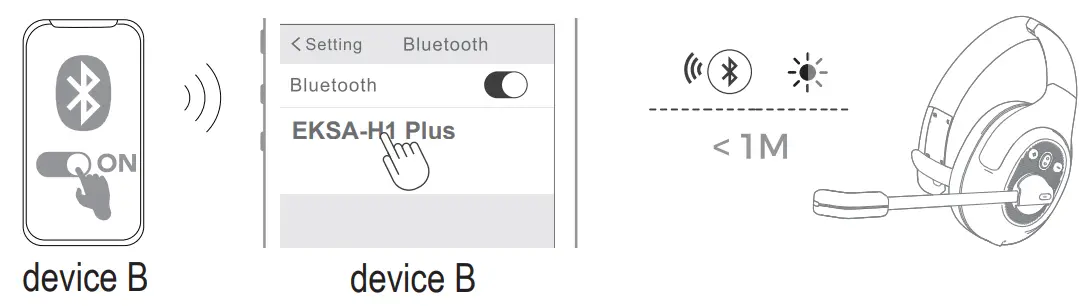
- Turn on the Bluetooth of device B, activate search mode, and connect to “EKSA-H1 Plus”.

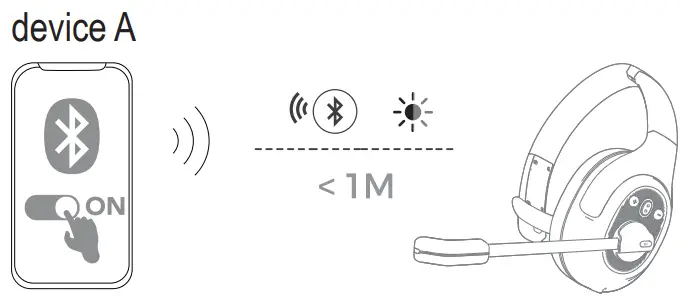
- Turn on the Bluetooth of device A to connect with “EKSA-H1 Plus”. This puts both devices A and B in a simultaneous connection with “EKSA-H1 Plus”.

 Reset
Reset
 Reset
ResetWhen EKSAtelecom H1 Plus is in connected/pairing mode, press and hold the “volume + ” and “volume – ” buttons simultaneously for 6 seconds until the LED lights up in red and blue, indicating the pairing information is cleared.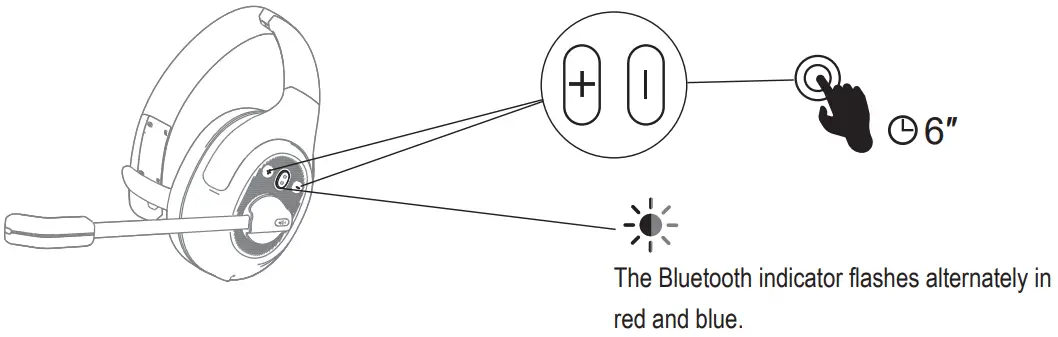
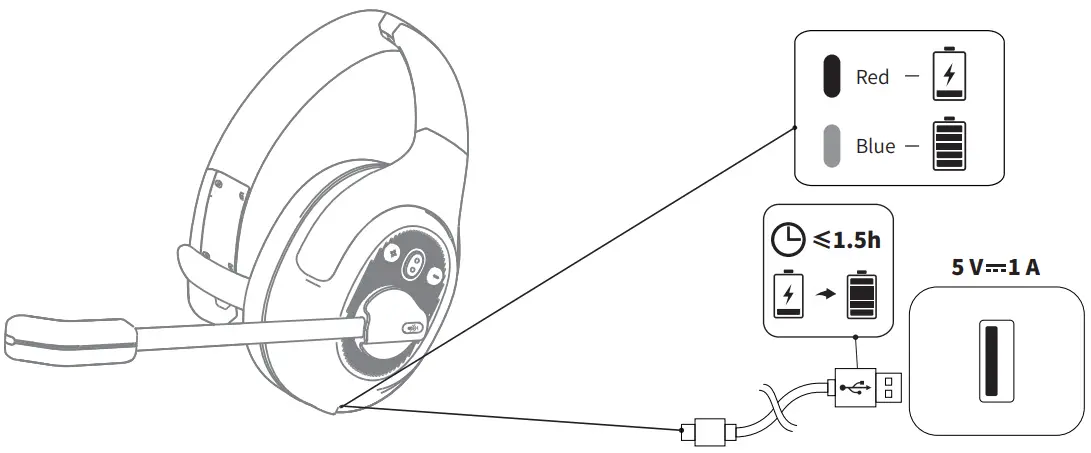
 Charging
 Charging
- When the battery is less than 10%, the headset will give a voice prompt “battery low” every 3 minutes. Please charge it as soon as possible.
- When EKSAtelecom H1 Plus is not in use, please charge it at least once every 2 months.
- Please use the original charging cable for charging. Charging voltage can’t exceed 5 V.


 ce.com
 Connection | Sugata & Freunde: Das Blog fürs Wesentliche
 Warranty – EKSAtelecom