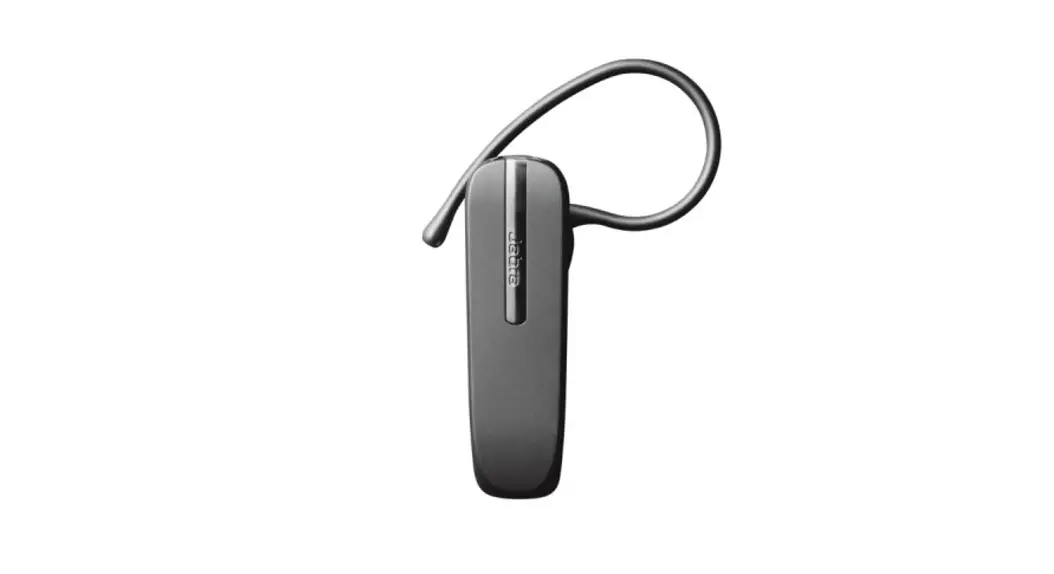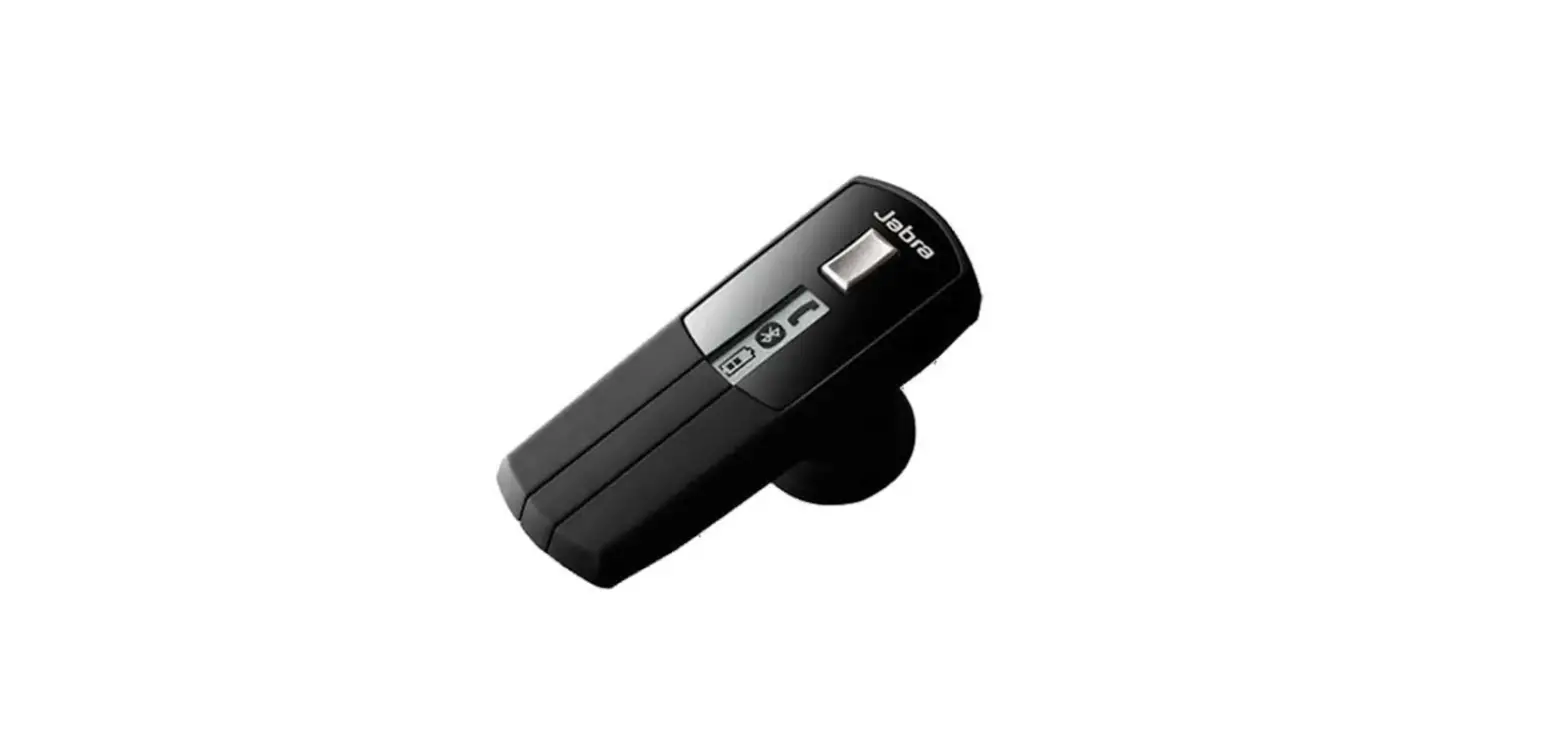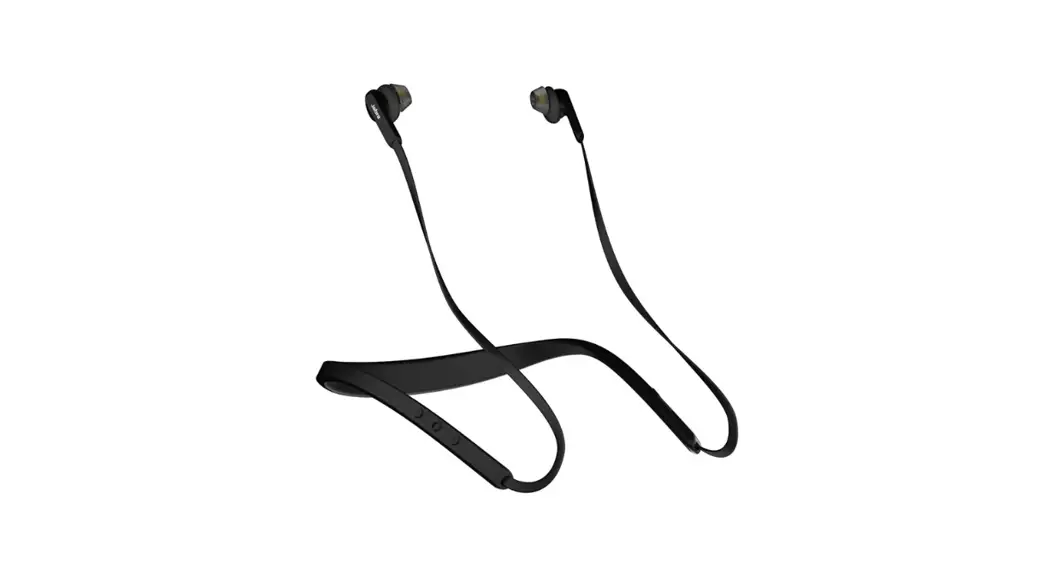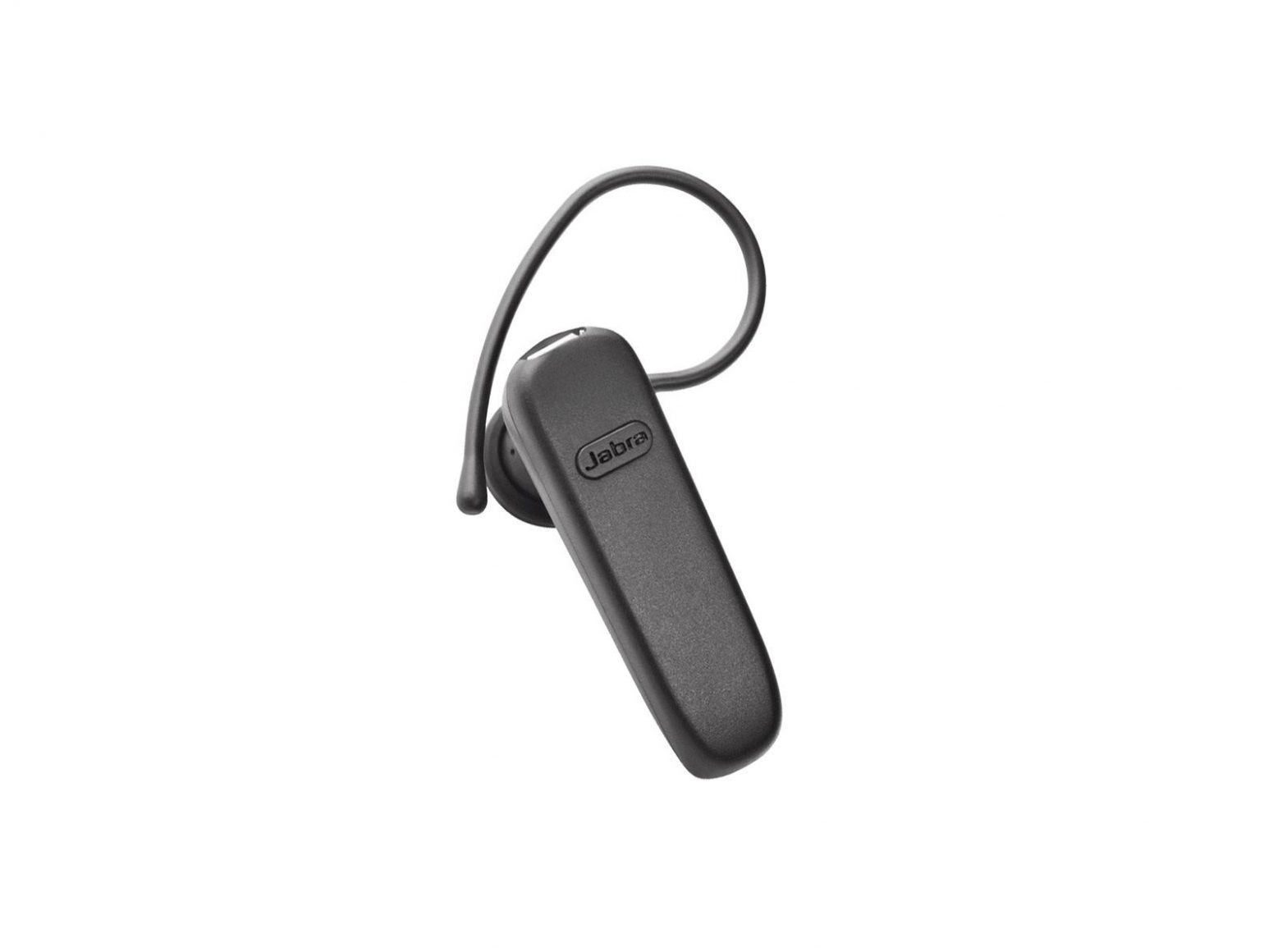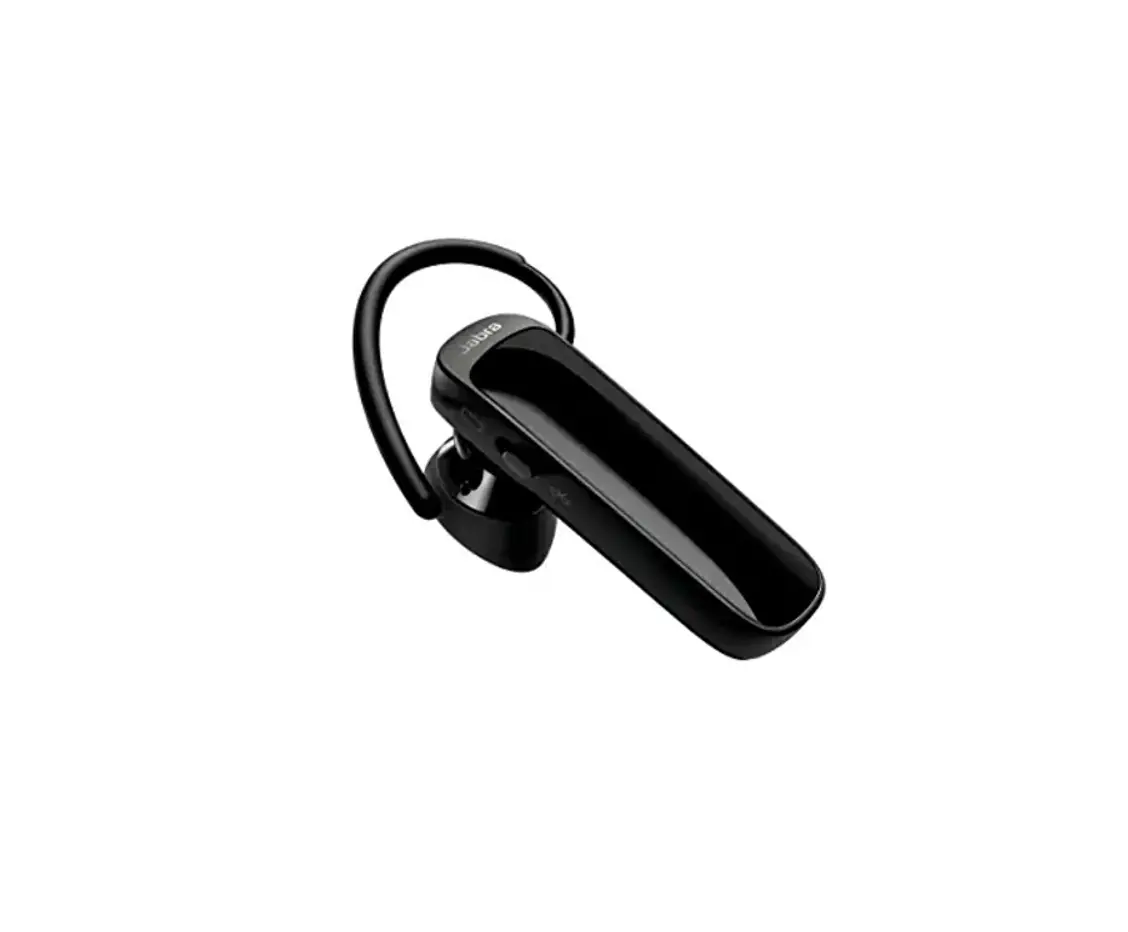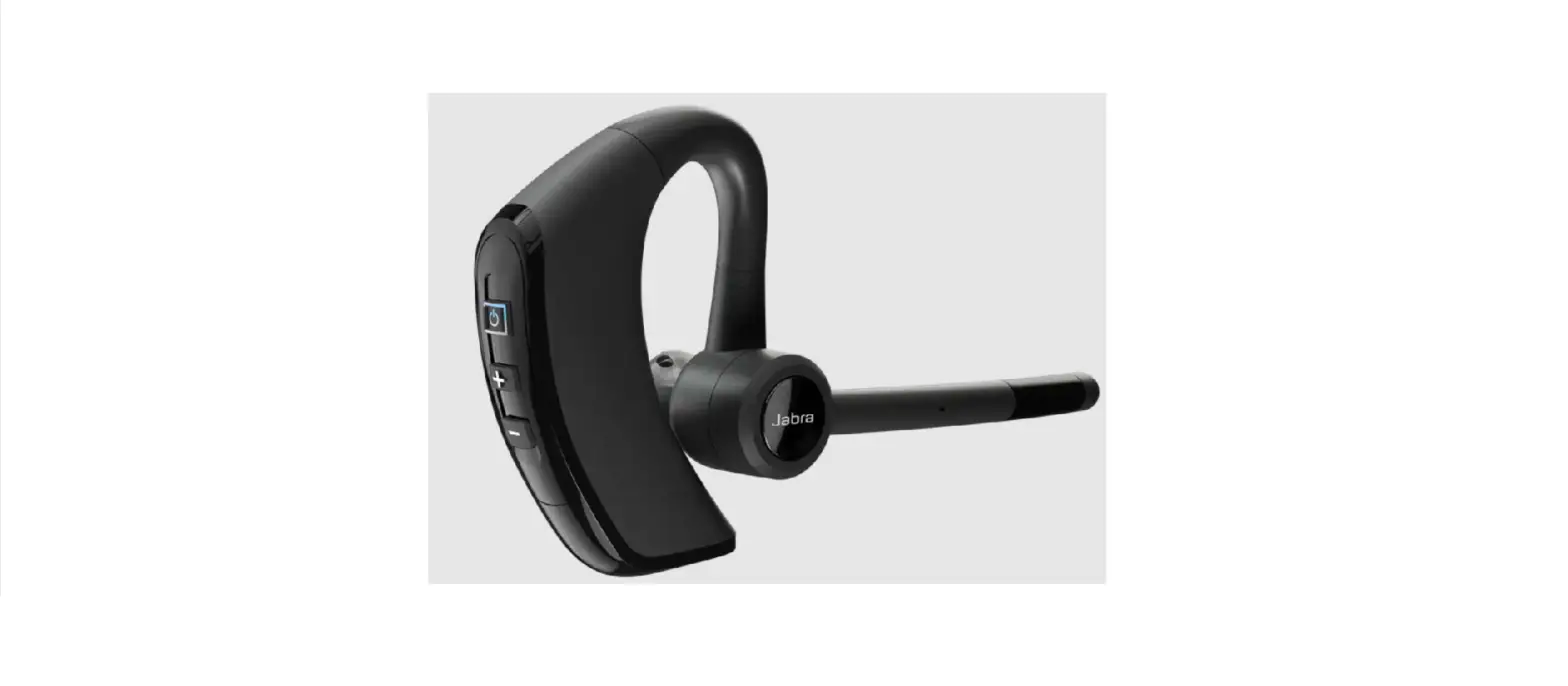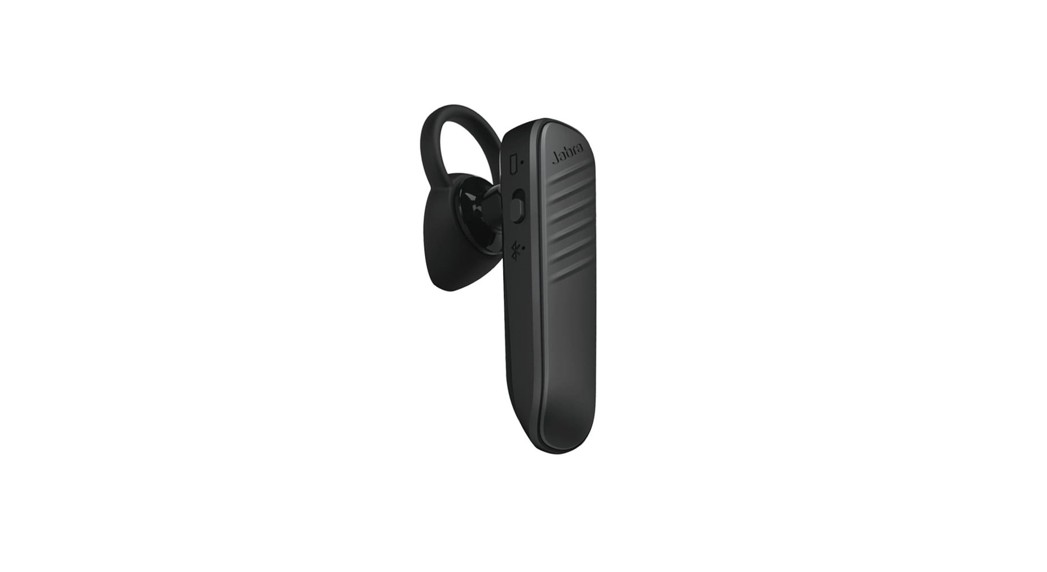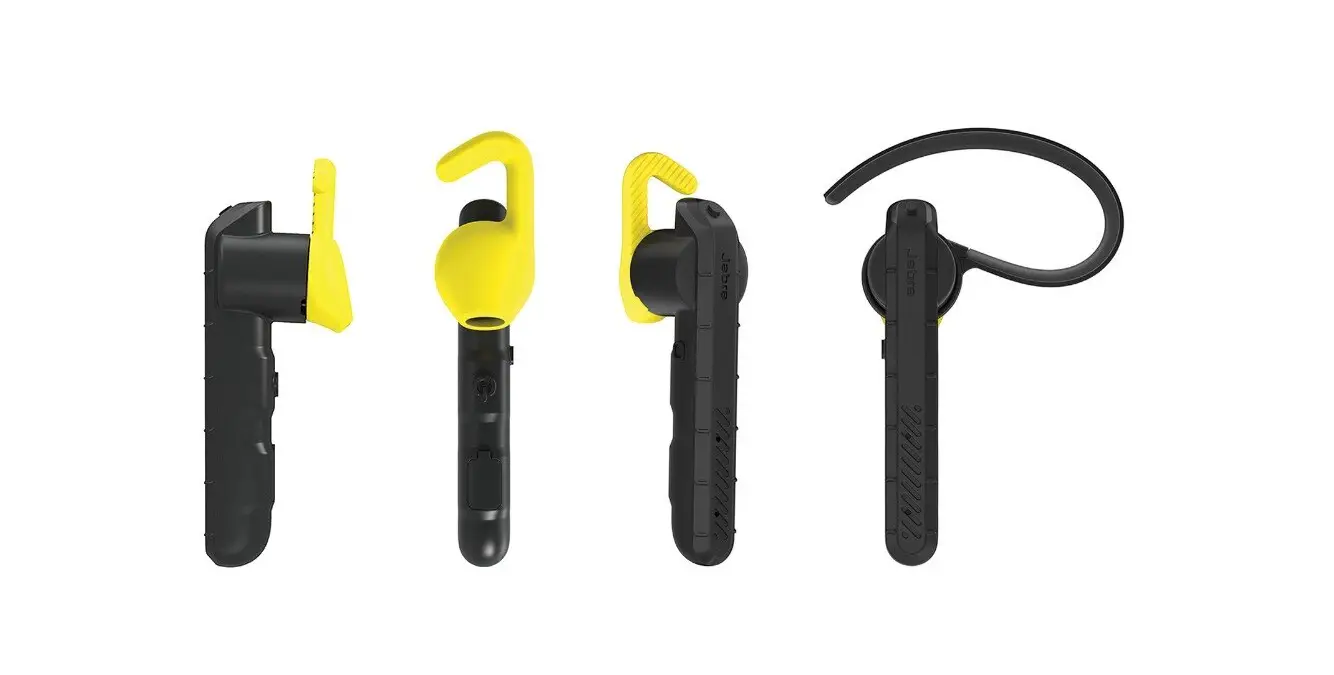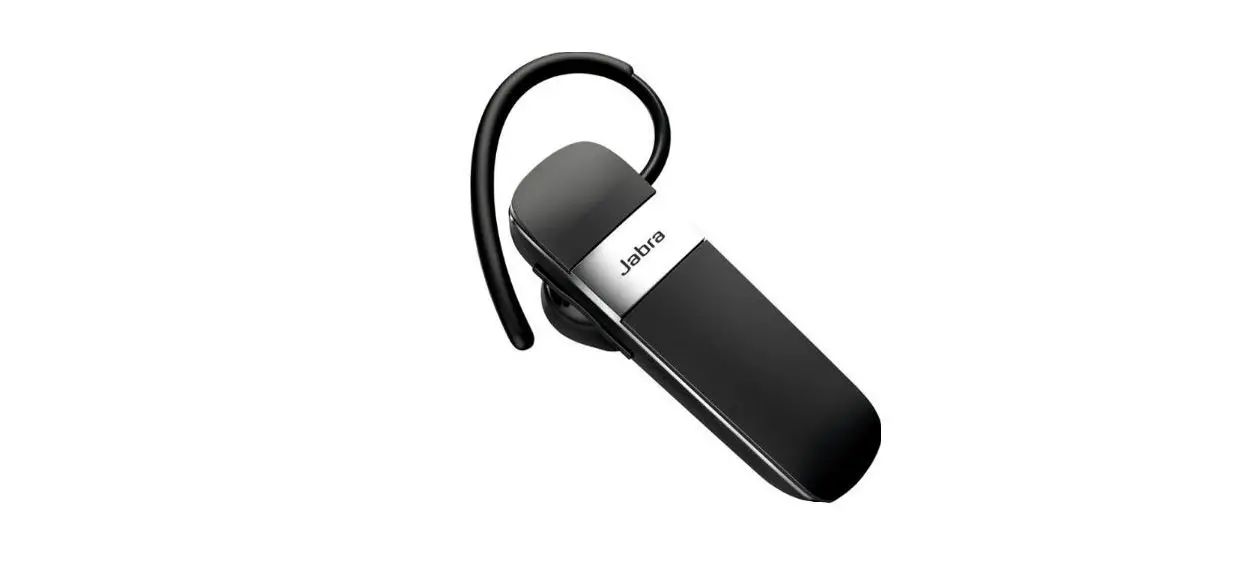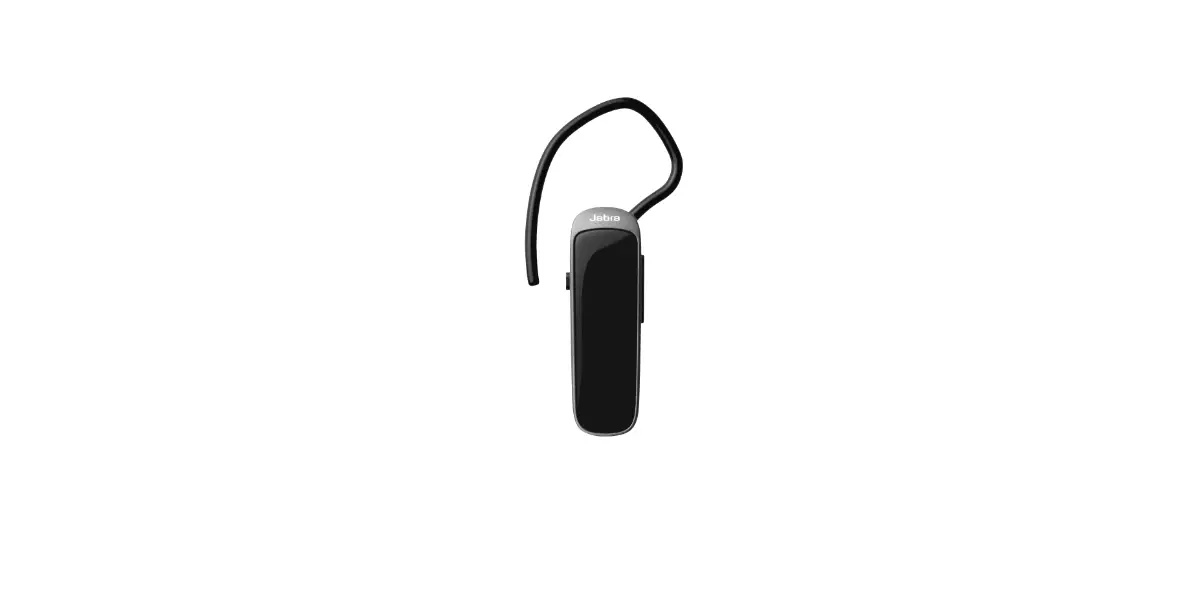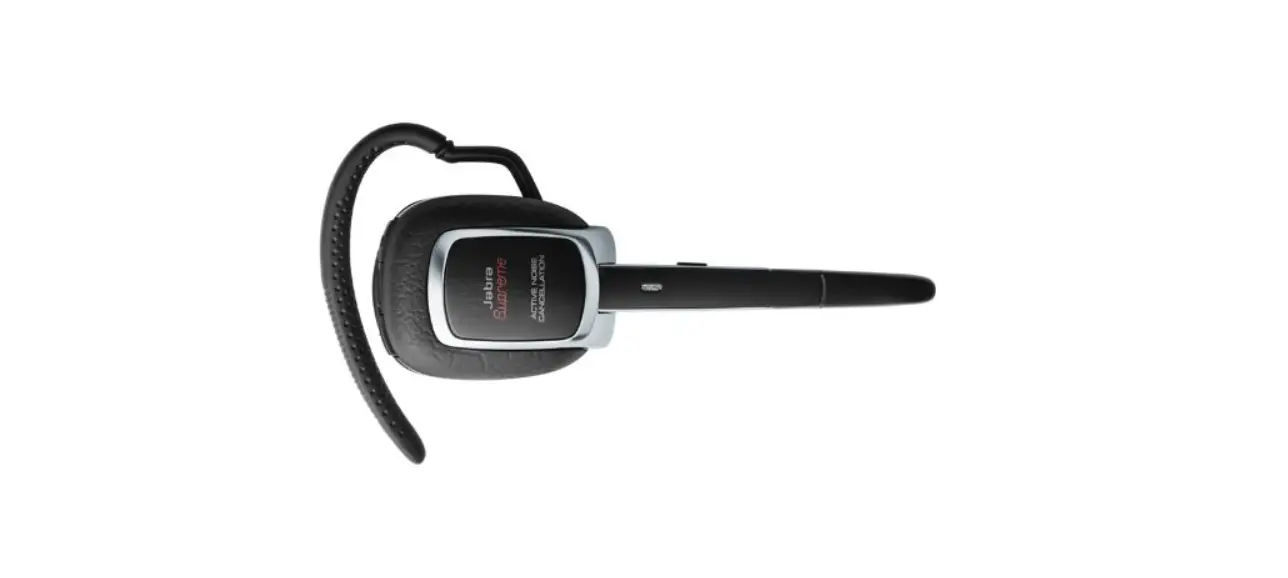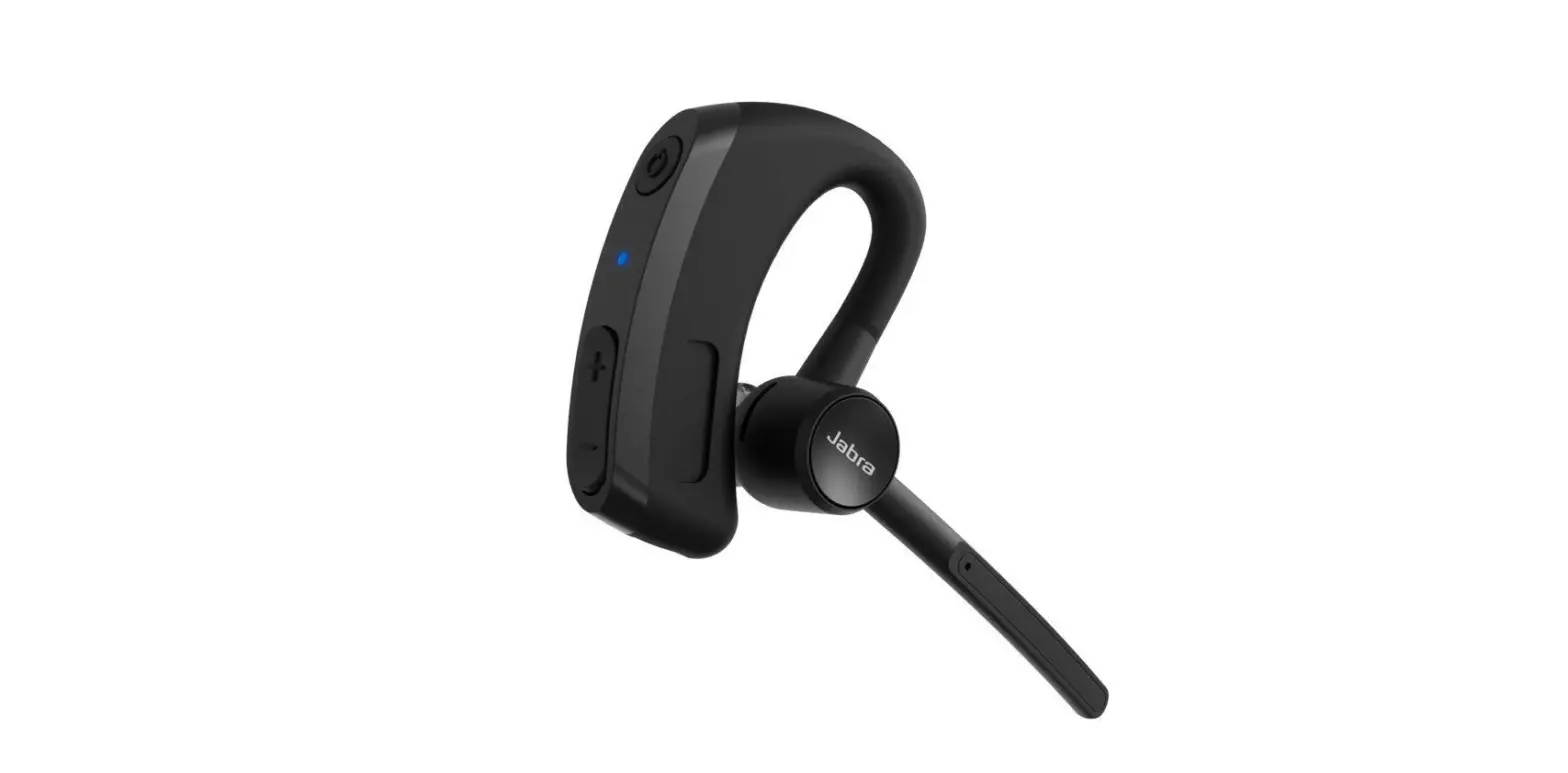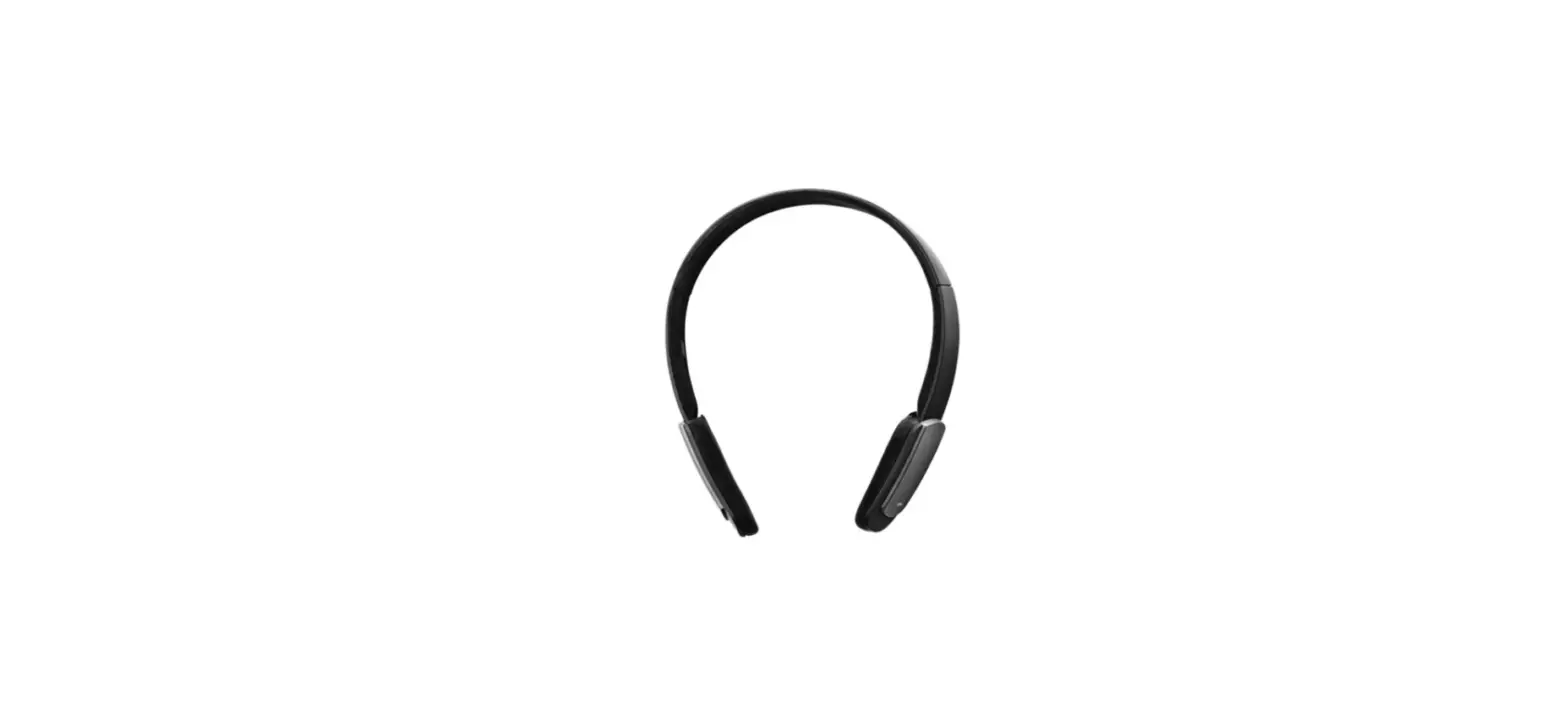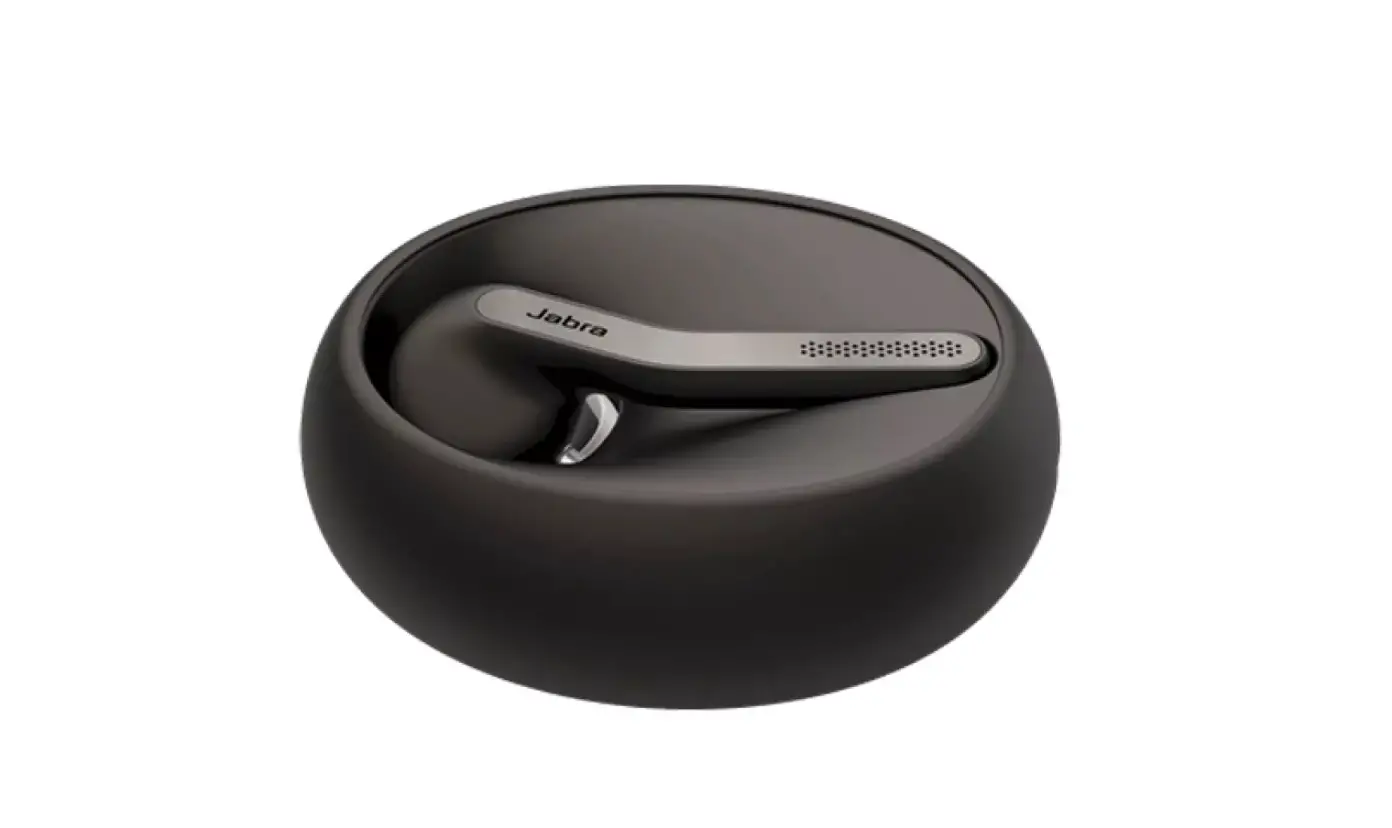
Jabra BT5020 Bluetooth Hub Headset
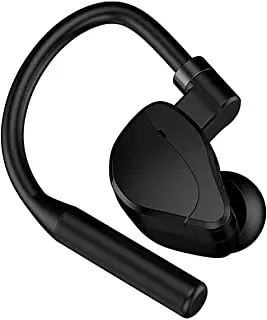
Jabra BT5020
Can I connect my Jabra Bluetooth device with a television or video game console?
A Jabra Bluetooth device is optimised for use with a mobile device such as a smartphone or tablet. Some users may have success pairing a Jabra Bluetooth device with a television or video game console. However, the full functionality of the Jabra device may not be available. For example, you may be able to send and receive audio, but the buttons may not work for music controls the way they would with a mobile device.
If you do pair with a television, video game console, or other unsupported device, note that it must support the following:
- The Hands Free (HFP) or Headset (HSP) Bluetooth profile.
- The Advanced Audio Distribution Profile (A2DP) Bluetooth profile.
In addition, ensure that all devices, including your Jabra device, are up to date with the latest firmware/software. When pairing your Jabra Bluetooth device, follow the same steps that you would for pairing with a mobile device. To troubleshoot connection challenges, try the following steps:
- Ensure that the Bluetooth connection is active on the device.
- Remove the previous pairing and re-pair.
- Reset your Jabra Bluetooth device.
 [FAQTitle] | Jabra BT5020 | FAQ | Jabra Support