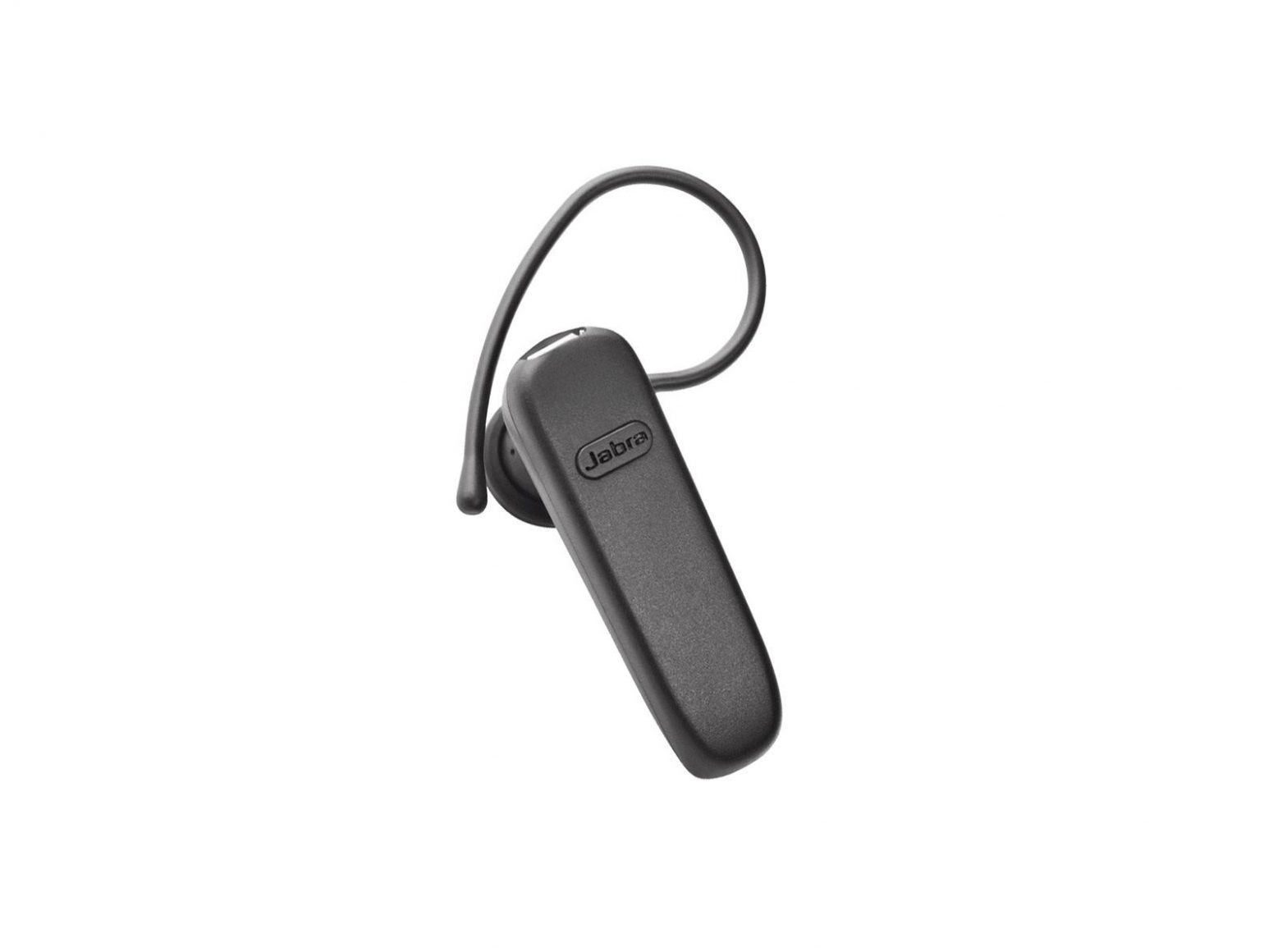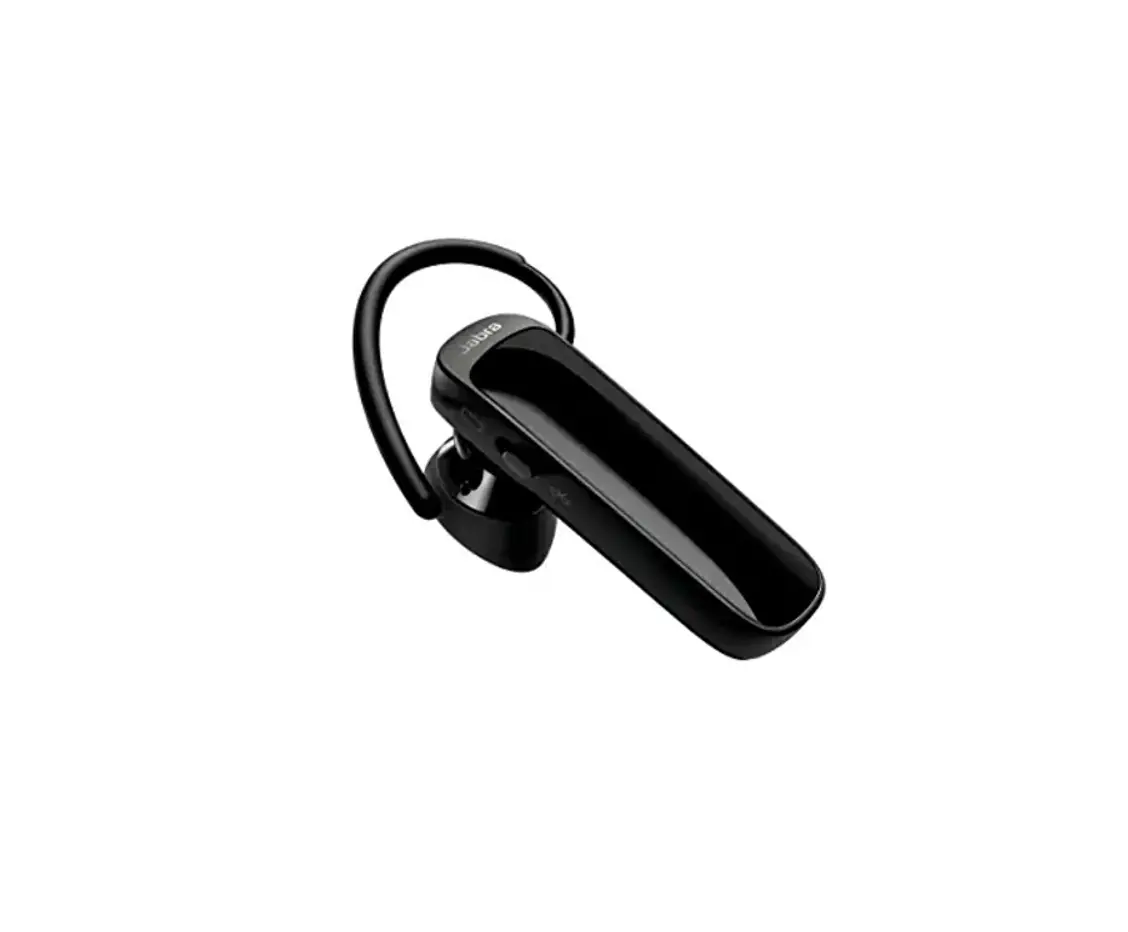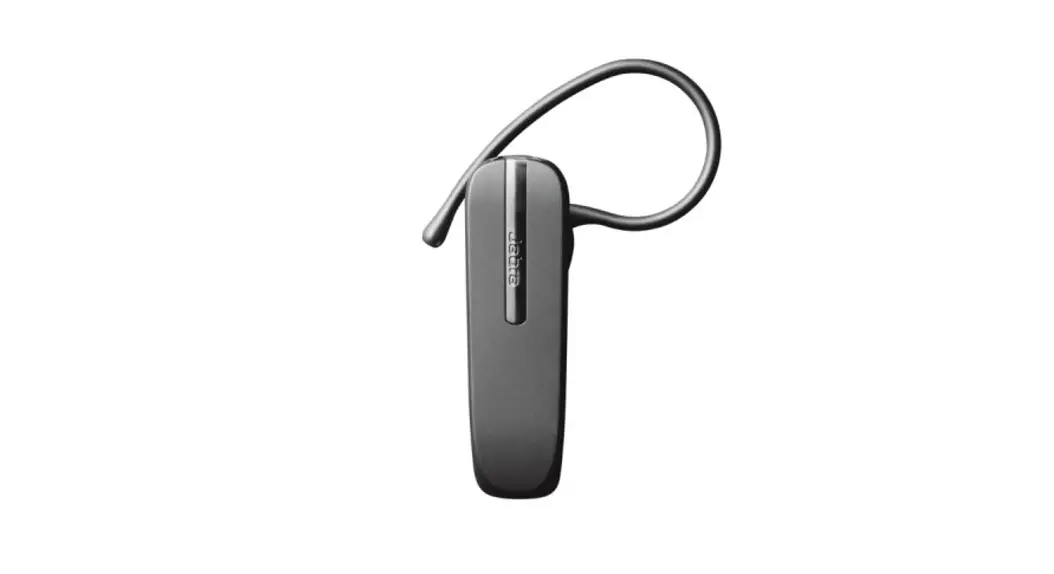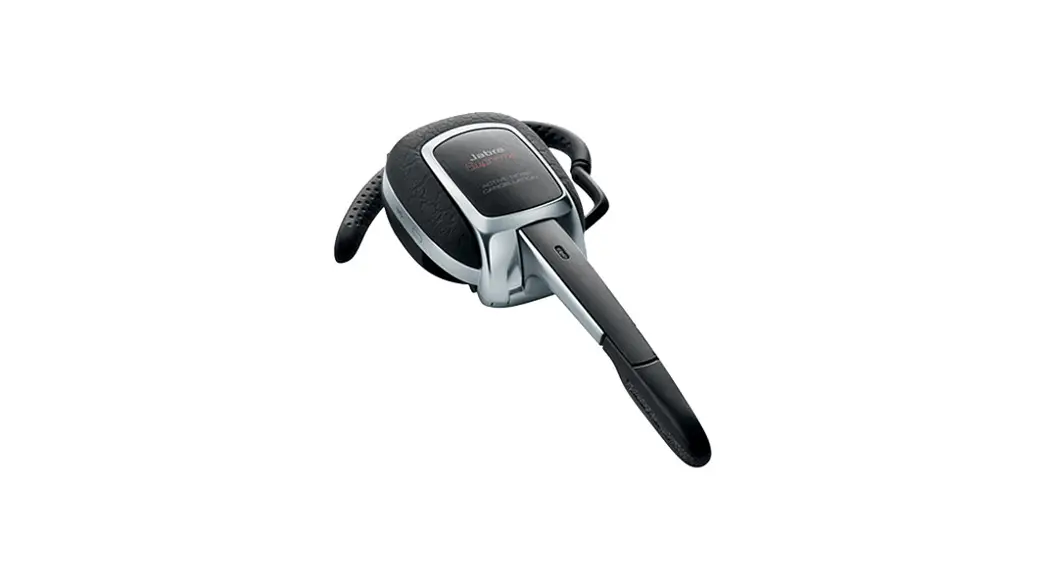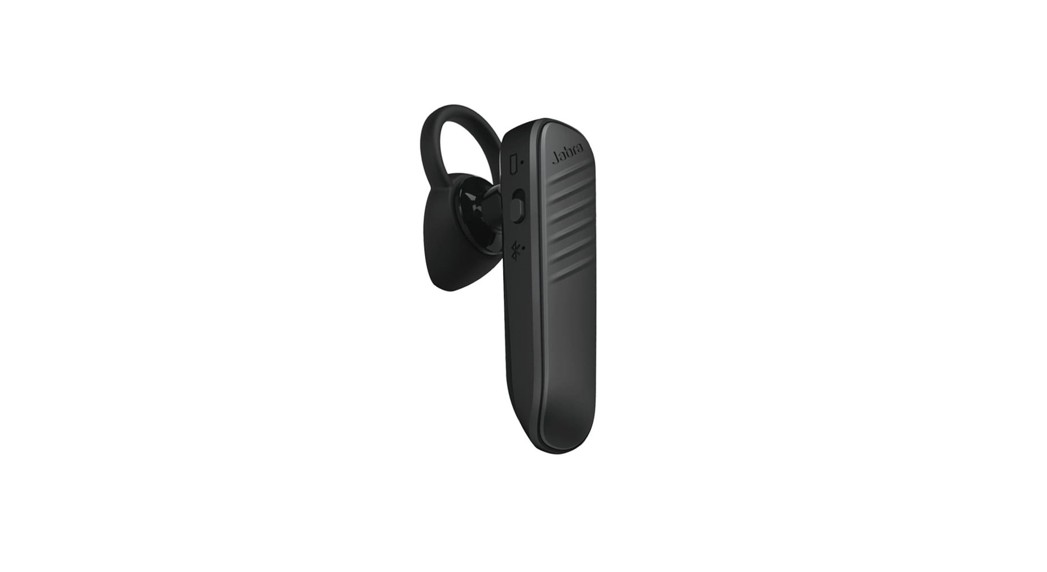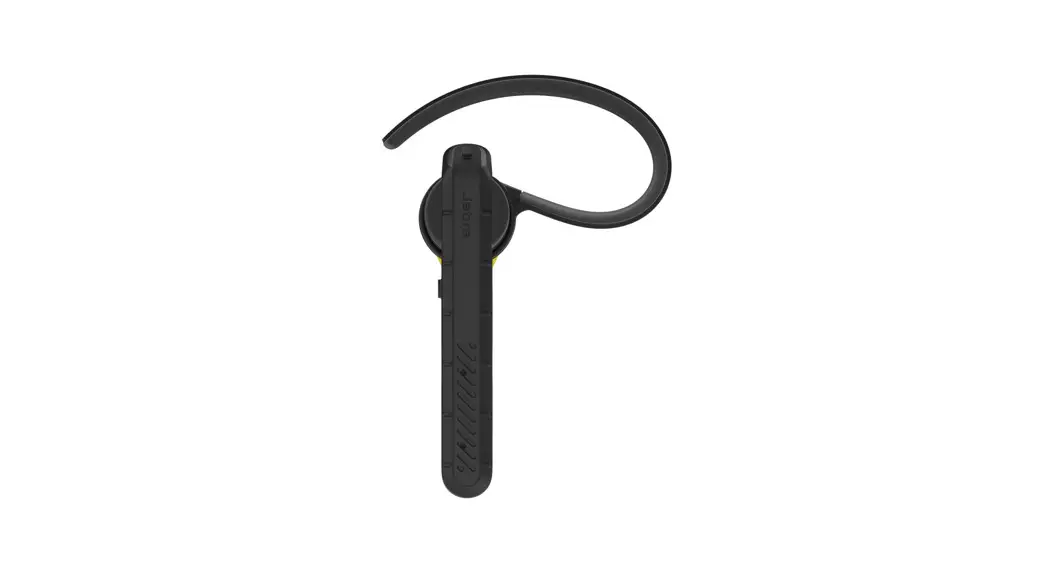
Jabra STEEL Bluetooth Headset User Manual
WELCOME
Thank you for using the Jabra Steel. We hope you will enjoy it!
JABRA STEEL FEATURES
- Use the headset in wet or dusty environments
- Headset voice guidance
- Headset voice controls/commands*
- Voice button for Siri/Google Now/Cortana*
- Connect with NFC*
- HD voice compatible
- Up to 6 hours talk time
- Power Nap for extended standby time
- Dual microphones for noise cancellation
- Wireless freedom – Up to 30m/98ft*
*Phone/network dependent
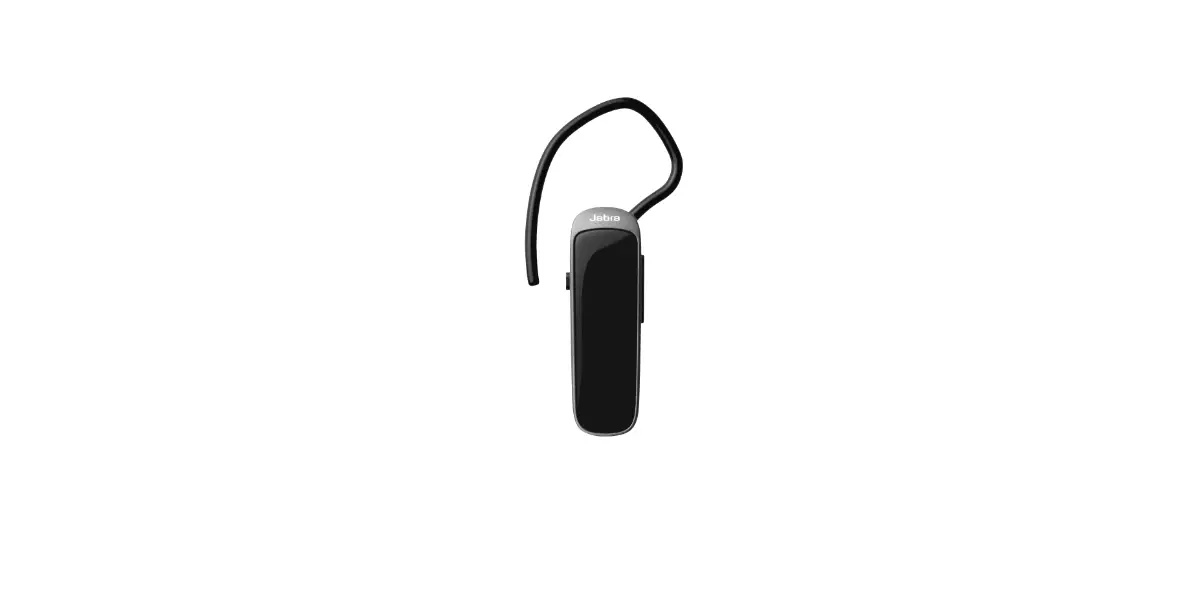
HEADSET OVERVIEW
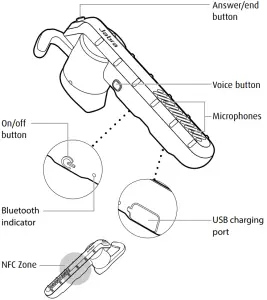
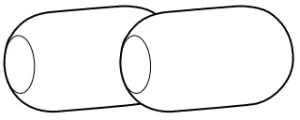
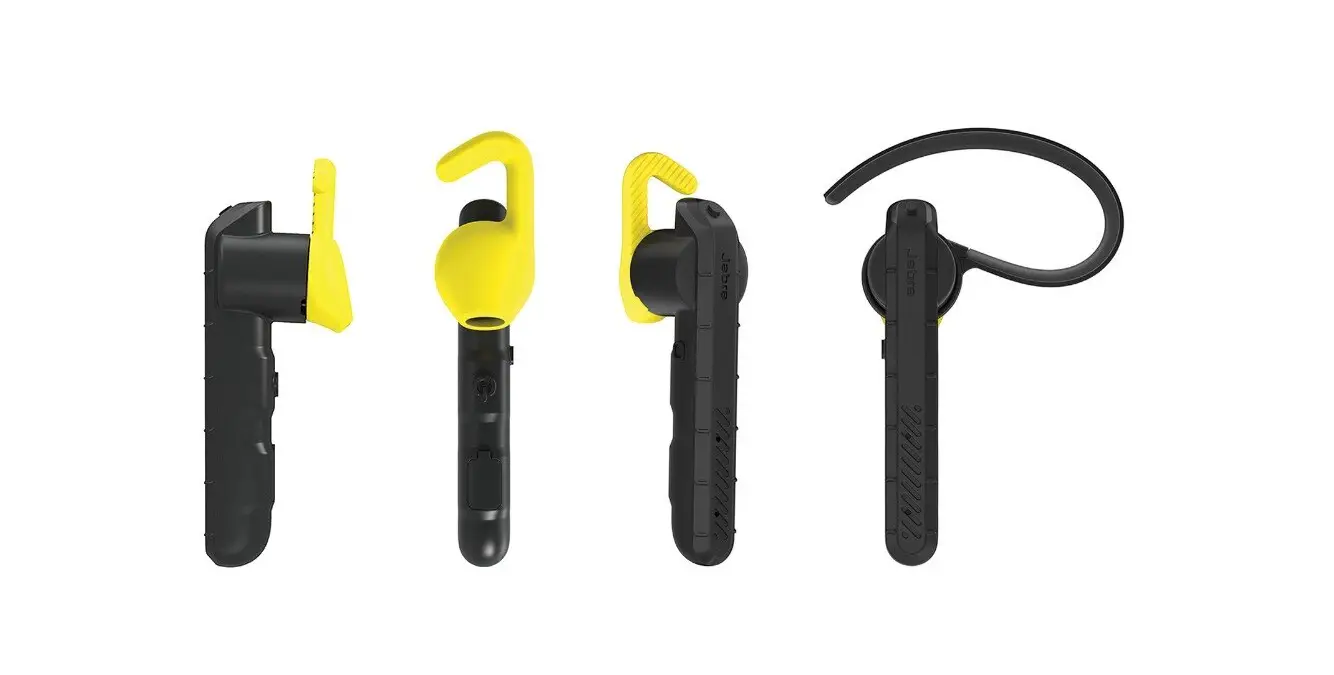
Windsocks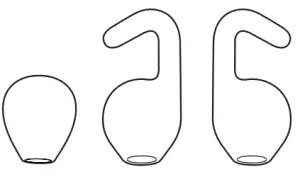
EarGels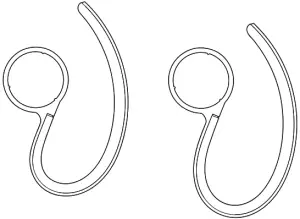
EarHooks
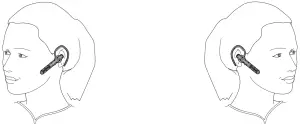
HOW TO WEAR
The headset can be worn with or without the EarHook, on the left or right ear. Additional EarHooks and EarGels are available in the pack.
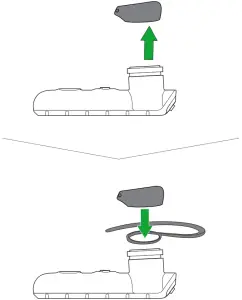
CHANGE EARGELS
Choose between different ergo-designed EarGels for optimal fit and comfort.
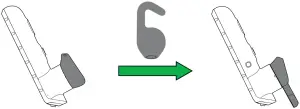
ATTACHING THE EARHOOK
The EarHook can be attached to the headset if the EarHook fit is preferred.
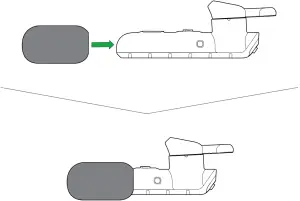
USING THE WINDSOCK
To significantly reduce wind noise, gently slide the windsock over the end of the headset, ensuring the microphones are fully covered.
HOW TO CHARGE THE BATTERY
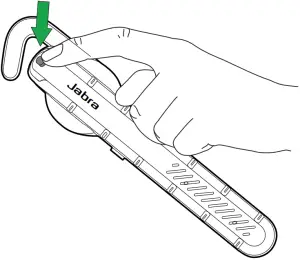
- Pull back the charging cover on the headset to expose the USB charging port.
- Connect the headset to a USB power supply using the supplied USB cable.
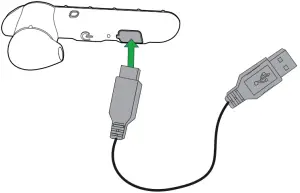
NOTE: For safety reasons, it is recommended not to use the headset while it is charging.
It takes approx. 2 hours to fully charge the headset.
HOW TO CONNECT
CONNECT TO MOBILE DEVICE
- Turn the headset on.
- Press and hold (3 secs) the Answer/end button until the Bluetooth indicator flashes blue.

- Wear the headset and follow the voice-guided instructions.
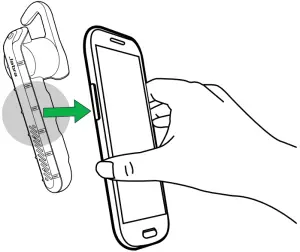
CONNECT TO MOBILE DEVICE (NFC)
- Turn the headset on.
- Slide the NFC zone of the headset against the NFC zone of the mobile device until a connection is confirmed.

HOW TO USE
CALLS
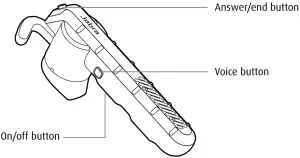
| FUNCTION | ACTION | |
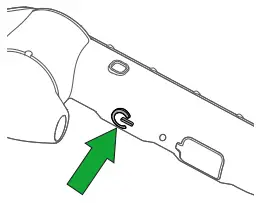
| On/Off | Press (3 secs) the On/off button |
| Answer/end call | Tap the Answer/end button, or say ‘Answer’ |
| Reject call | Double-tap the Answer/end button, or say ‘Ignore’ | |
| Redial last number | Double-tap the Answer/end button, when not on a call | |
| Headset battery status | Tap the Answer/end button, when not on a call | |
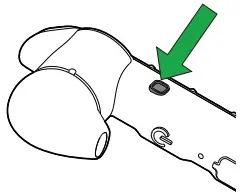
| Activate Siri/ Google Now/ Cortana (phone dependent) | Tap the Voice button, when not on a call |
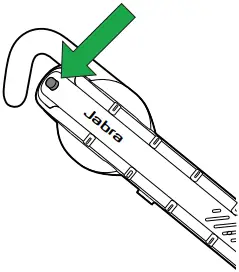
| Activate headset voice controls | Press and hold (1 sec) the Voice button, when not on a call. Say ‘What can I say?’ for a list of controls. | |
| Mute/unmute | Tap the Voice button, when on a call |
HEADSET VOICE CONTROLS
Headset voice controls are commands you can speak to control the headset.
| WHAT YOU CAN SAY | WHAT IT MEANS |
| Answer | Answer incoming call |
| Ignore | Reject incoming call |
| What can I say? | Hear a list of all voice controls |
| Pair new device | Connect to a new mobile device |
| Battery | Hear the headset battery level |
| Call back | Redial a missed call |
| Phone commands | Activate Siri/Google Now/Cortana |
| Redial | Redial the last number called |
Voice controls are available in the following languages: English (US), Chinese (Mandarin), Japanese, German.
Language packs can be downloaded online. If the headset language is changed, please refer to that language’s user manual for the correct voice controls.
HEADSET VOICE GUIDANCE
Headset voice guidance are voice announcements intended to guide you or give headset status updates (e.g. connection and battery status).
Voice guidance is available in the following languages: English (US), Chinese (Mandarin), Japanese, German.
Language packs can be downloaded online.
PHONE VOICE COMMANDS (SIRI, GOOGLE NOW, CORTANA)
Phone voice commands are spoken commands you can give to the headset to operate Siri, Google Now, or Cortana on your mobile phone. For more information on using Siri, Google Now, or Cortana, please refer to your phone’s user manual.
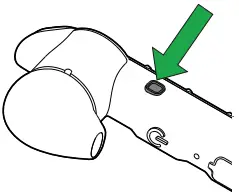 | Activate Siri/Google Now/Cortana (phone dependent) | Tap the Voice button, when not on a call |
MULTIPLE CALL HANDLING
The headset can accept and handle multiple calls simultaneously.
FUNCTION | ACTION | |
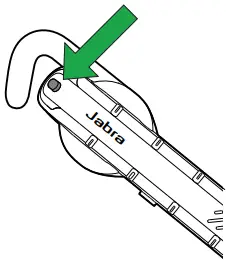
| End current call and answer incoming call | Tap the Answer/end button |
| Switch between held call and active call | Press and hold (2 secs) the Answer/ end button | |
| Put current call on hold and answer incoming call | Press and hold (2 secs) the Answer/ end button | |
| Reject incoming call | Double-tap the Answer/end button |
SOFTWARE
JABRA ASSIST
Jabra Assist is a smartphone app that enables GPS tracking of the headset, connection assistance, and headset battery status.
Android download – Google Play
iOS download – App Store
SUPPORT
FAQ
View the comprehensive FAQ on Jabra.com/steel.
HOW TO CARE FOR YOUR HEADSET
- Always store the headset with the power off and safely protected.
- Avoid storage at extreme temperatures (above 70°C/158°F or below -10°C/14°F). This can shorten battery life and may affect headset operation.
TECHNICAL SPECIFICATIONS
JABRA STEEL | SPECIFICATION |
| Weight: | 10g |
| Dimensions: | L 71.5 mm x W 15.4 mm x H 25.5 mm |
| Microphones: | Dual microphone technology |
| Speaker: | 11 mm dynamic speaker |
| Operating range: | 30 m/98 ft (phone dependent) |
| Bluetooth version: | 4.1 |
| Paired devices: | Up to 8, connected to two at the same time (MultiUse™) |
| Supported Bluetooth profiles: | A2DP(v1.2), Hands Free Profile (v1.6), Headset profile(v1.2), Phone book access profile (v1.0) |
| Talk time: | Up to 6 hours |
| Standby time: | Up to 10 days |
| Operating temperature: | -10°C to 55°C (14°F to 131°F) |
| Storage temperature: | -10° C to 70°C (14°F to 158°F) |
| Pairing passkey or PIN: | 0000 |
JABRA STEEL
A BRAND BY

© 2015 GN Netcom Inc. All rights reserved. Jabra® is a registered trademark of GN Netcom A/S. All other trademarks included herein are the property of their respective owners. The Bluetooth® word mark and logos are owned by the Bluetooth SIG, Inc. and any use of such marks by GN Netcom A/S is under license. (Design and specifications subject to change without notice).
MADE IN CHINA
MODELO: OTE26
FCC ID: BCE-OTE26
IC: 2386C-OTE26

Declaration of Conformity can be found on www.jabra.com/CP/US/declarations-of-conformity