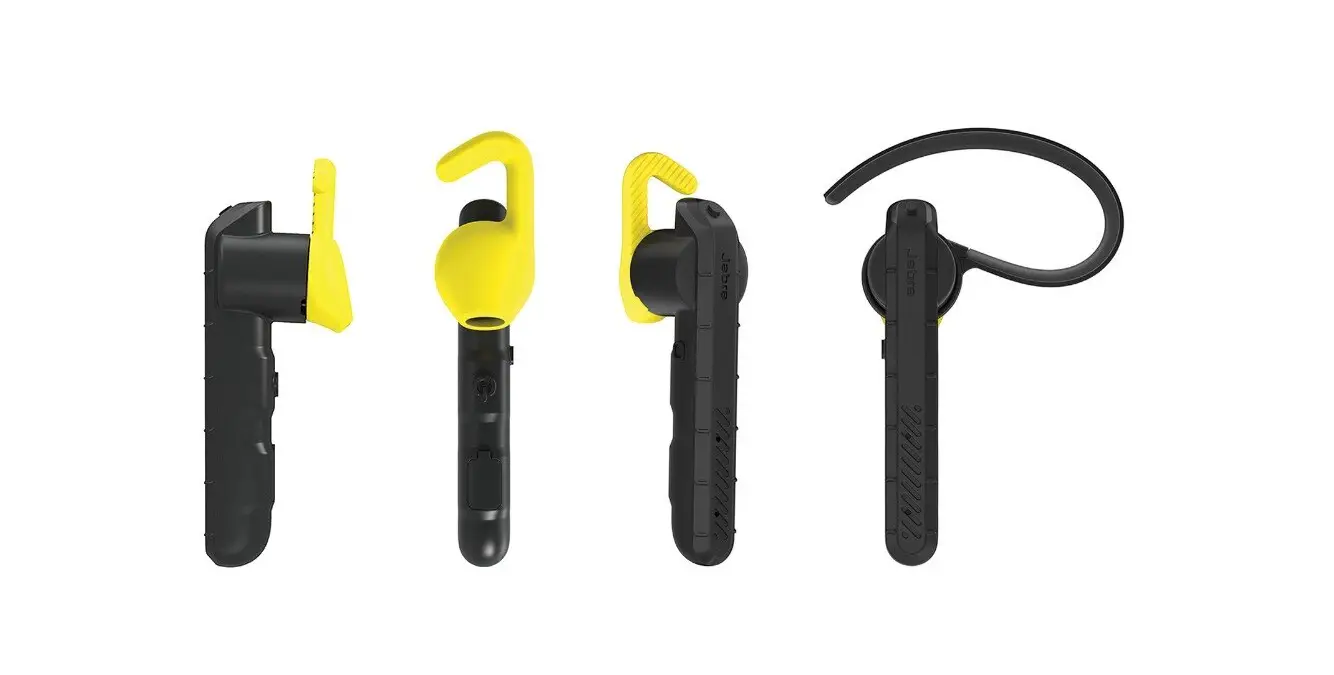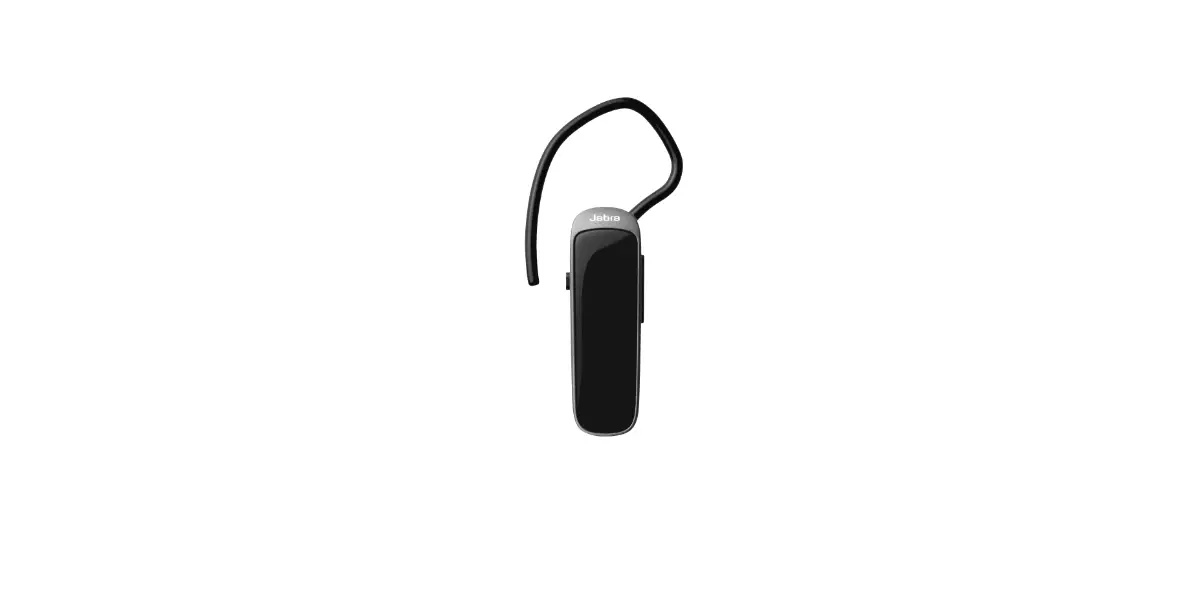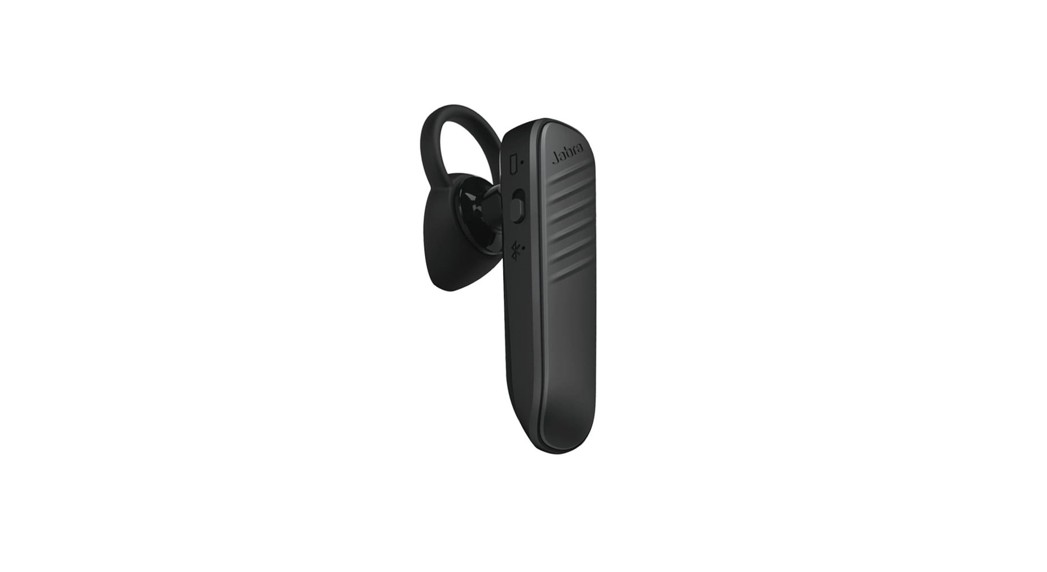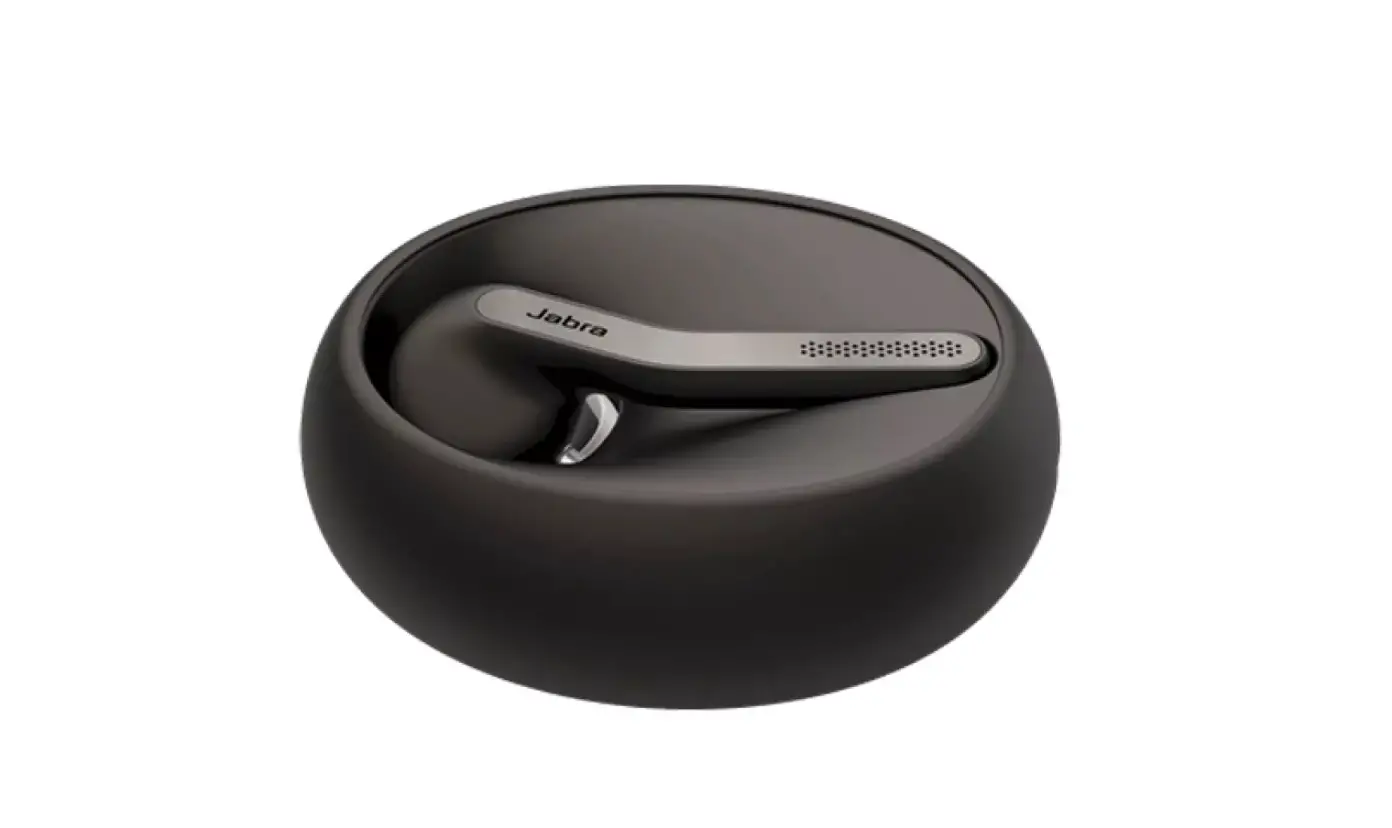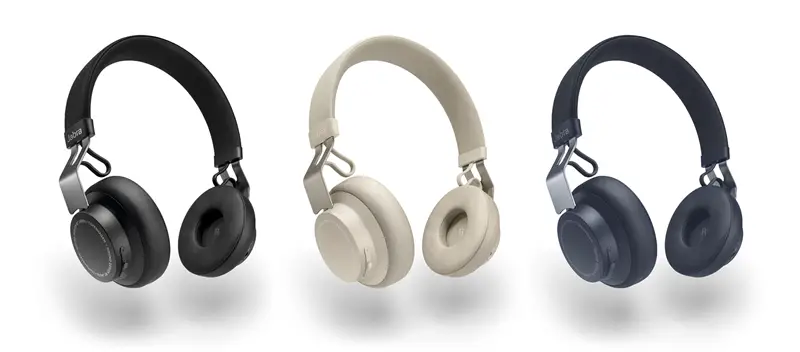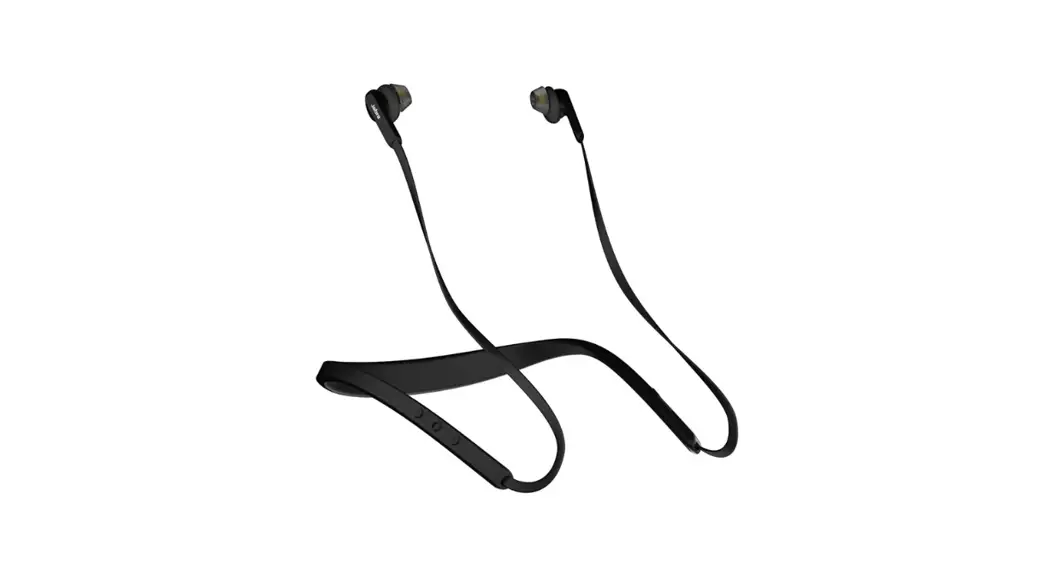
 Elite 25e Bluetooth Headset
User Manual
Elite 25e Bluetooth Headset
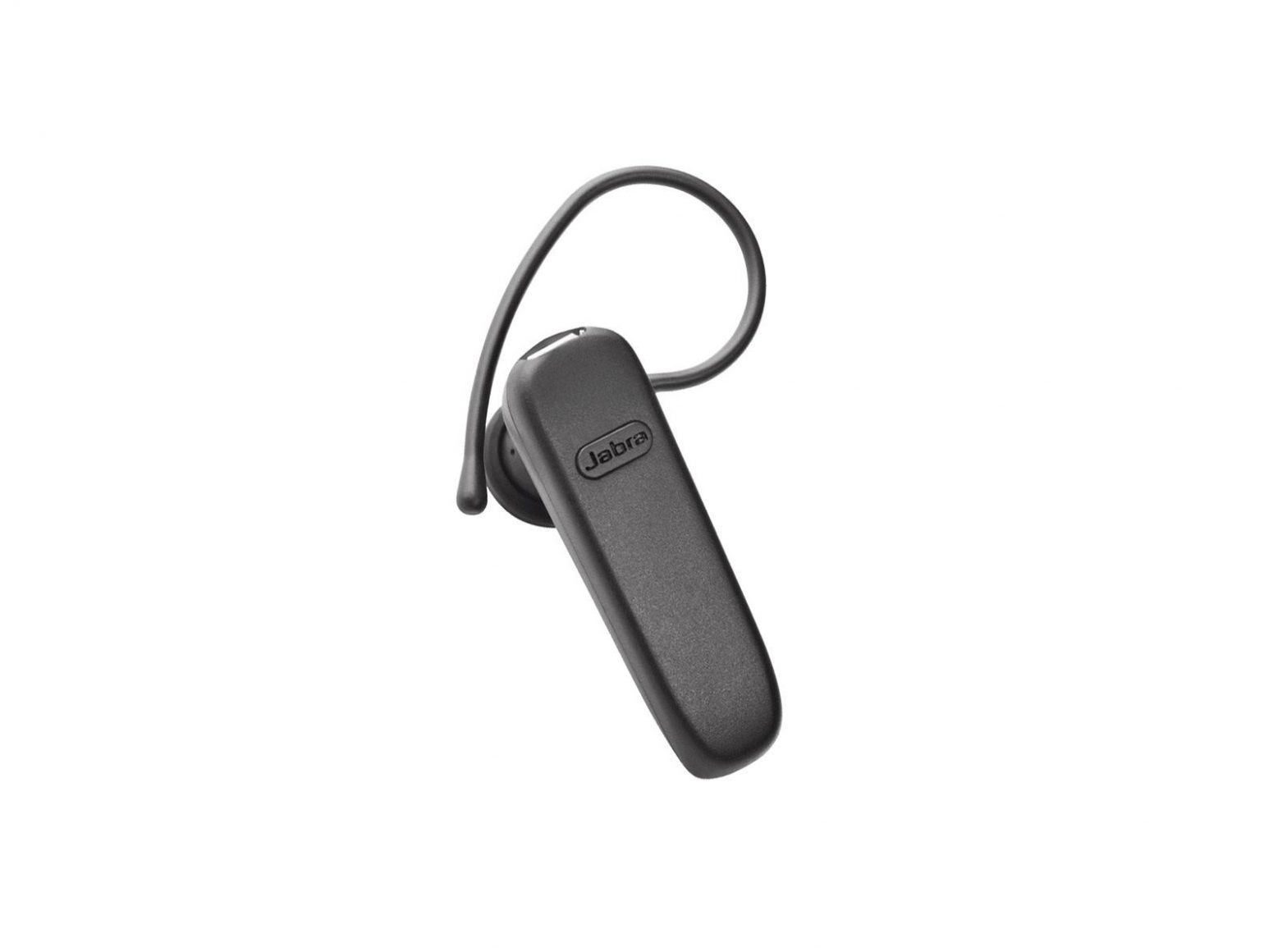
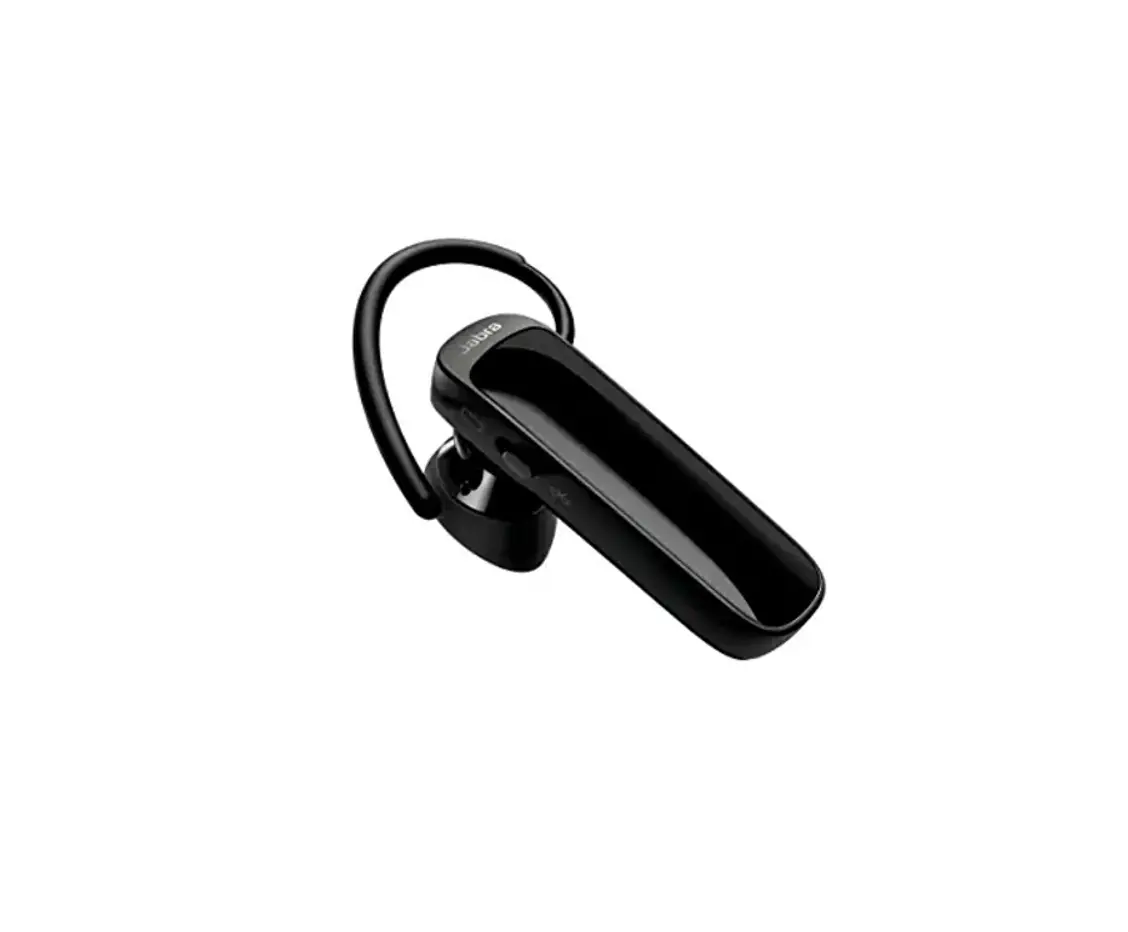
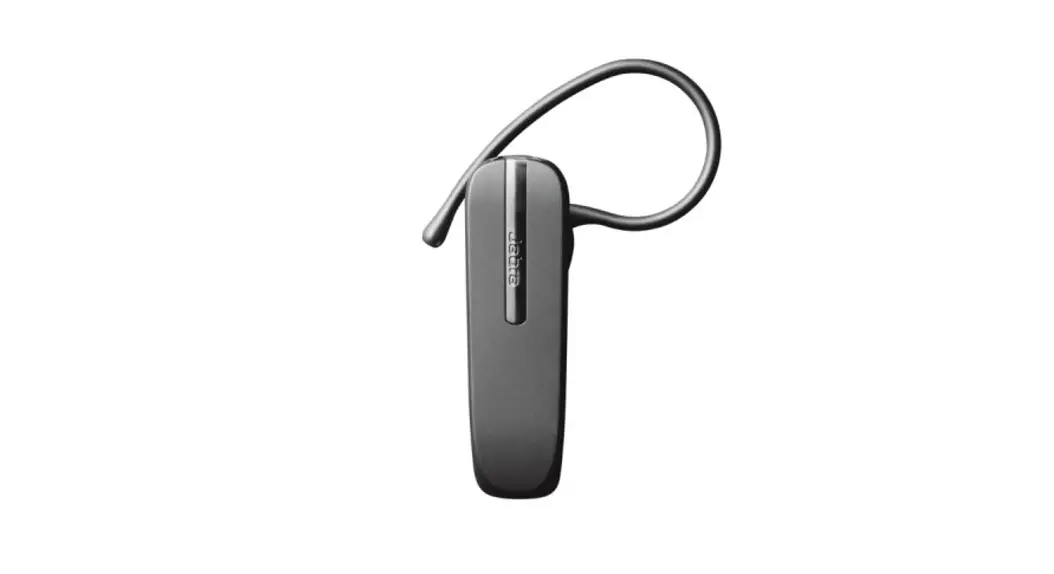
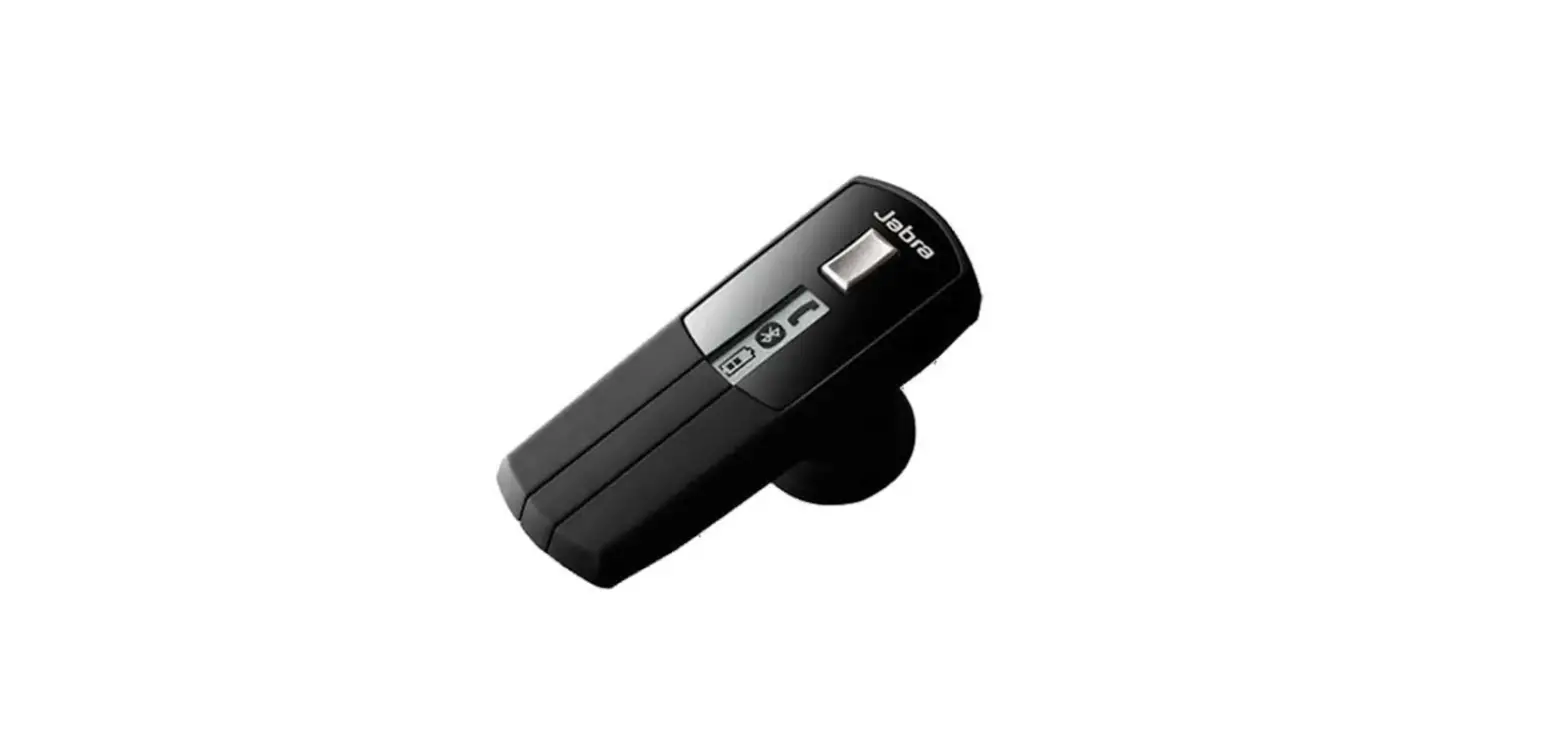
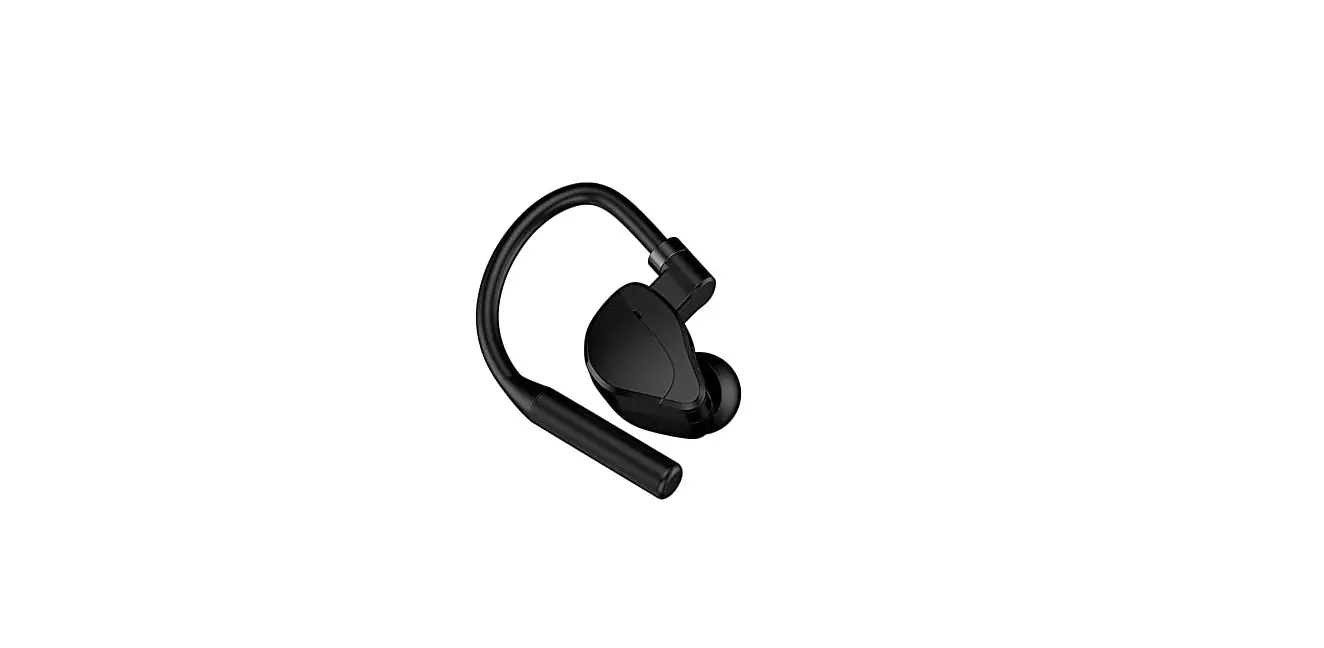
Jabra Elite 25e
How do I manually reset my Jabra Elite 25e?
When you reset your Jabra Elite 25e, the list of devices that have been paired with it is cleared.
Follow these steps to reset:
- Turn on your Jabra Elite 25e.
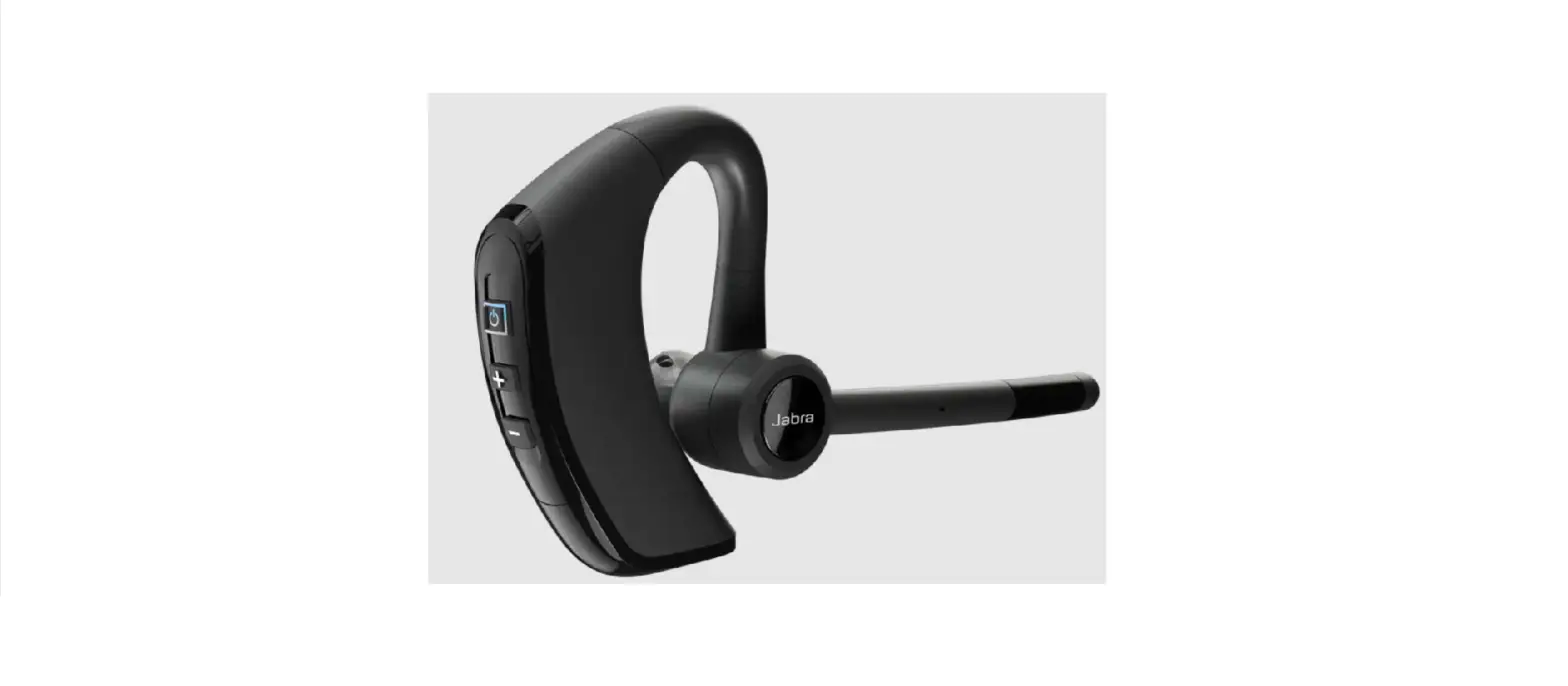
- Simultaneously press and hold (5 seconds) the Volume up button and the Multi-function button.
- Turn off your Jabra Elite 25e.
- Turn on your Jabra Elite 25e, and it will be ready to pair again.
Note: When your Jabra Elite 25e has been reset, you will need to re-pair it with your smartphone. Remember to delete the previous pairing before you re-pair.
https://www.jabra.com.au/supportpages/jabra-elite-25e/100-98400000-40/faq/9b709c65902d-4c2b-bba7-ab670d045e9f
 [FAQTitle] | Jabra Elite 25e | FAQ | Jabra Support