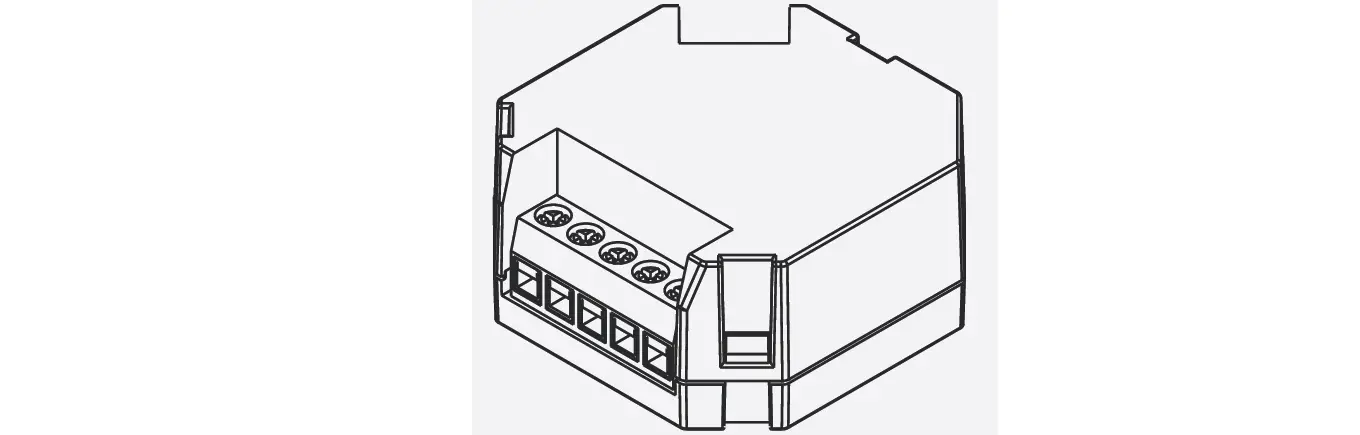
RFIM-20B Input Contacts Converter
Product Information
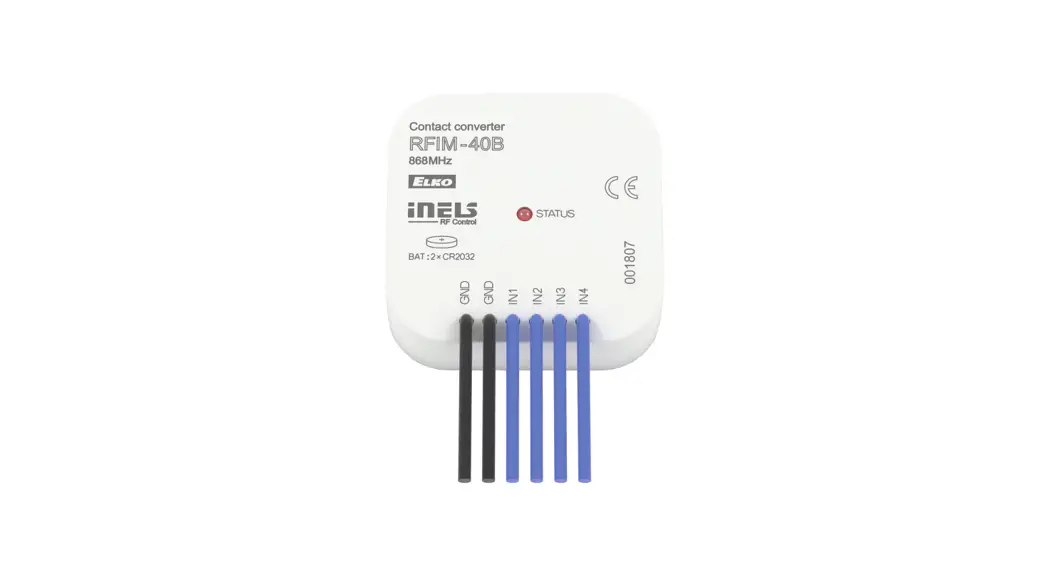
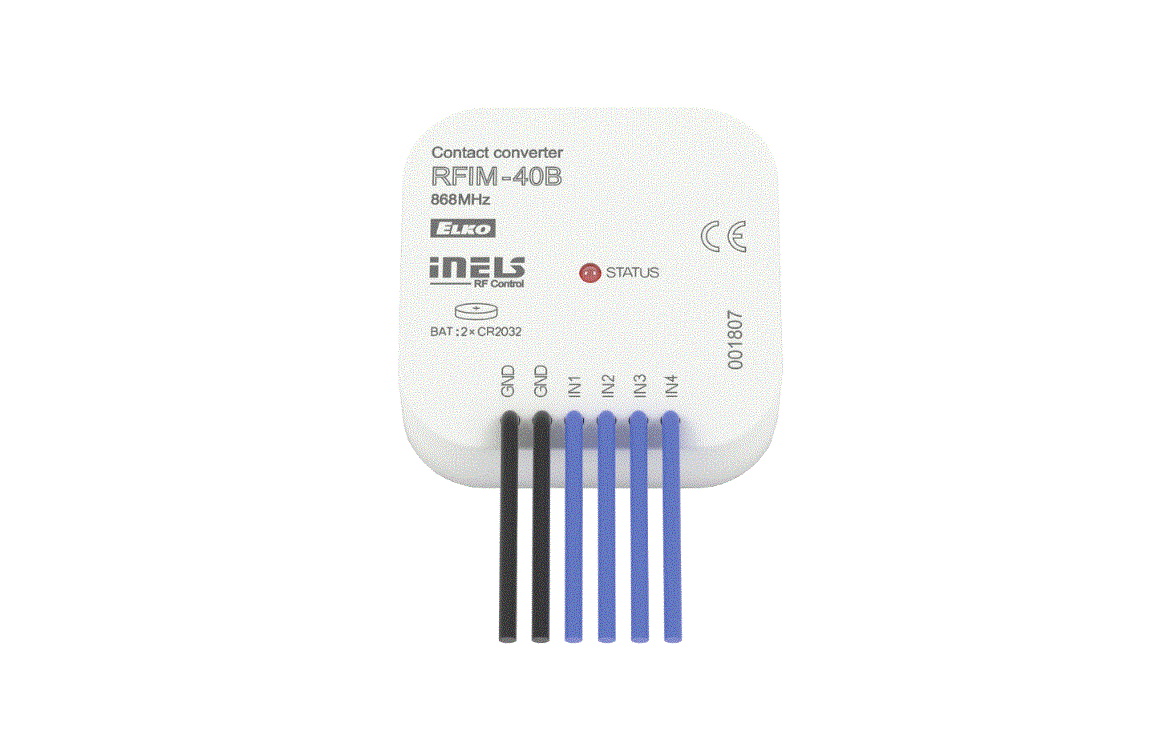
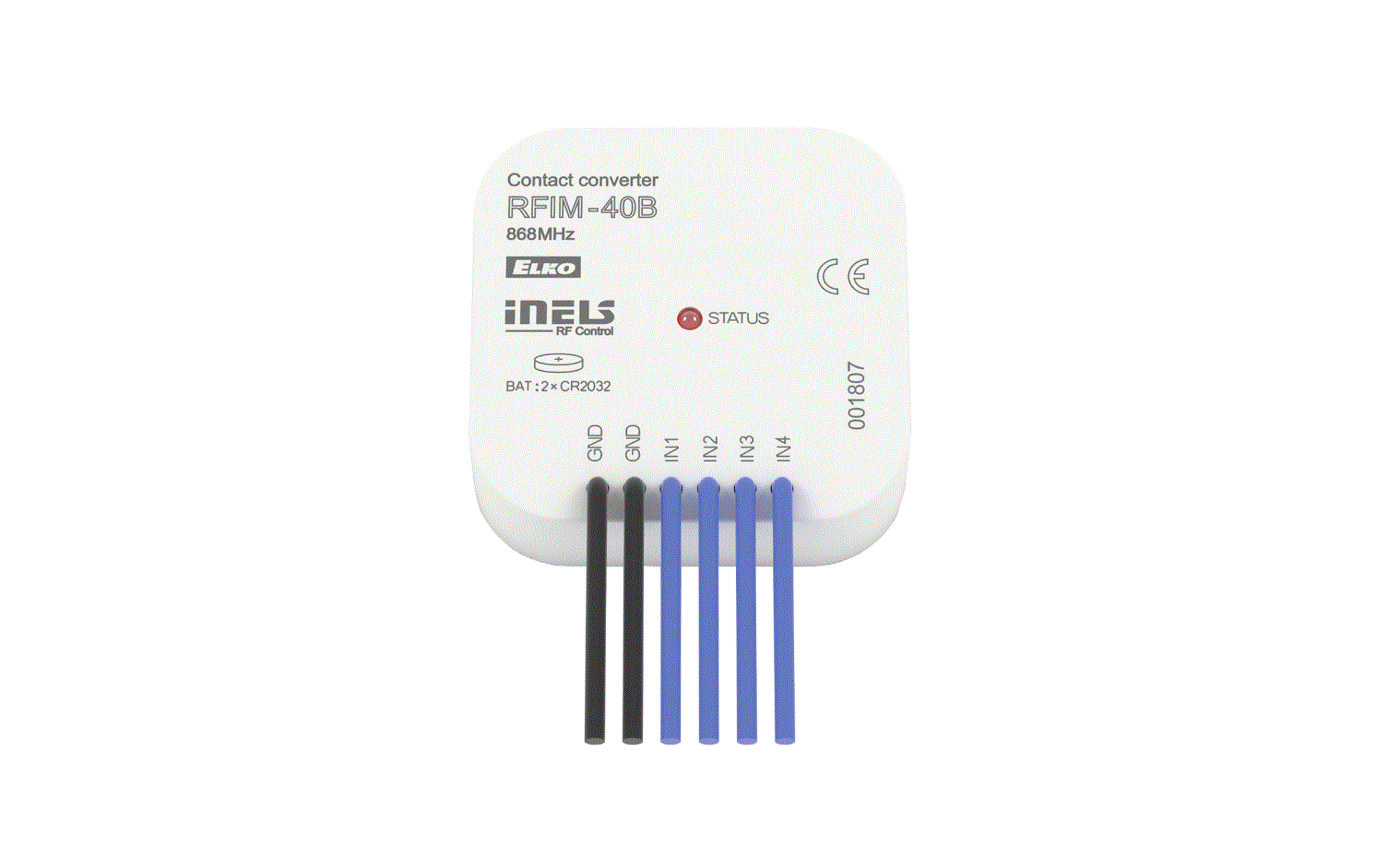
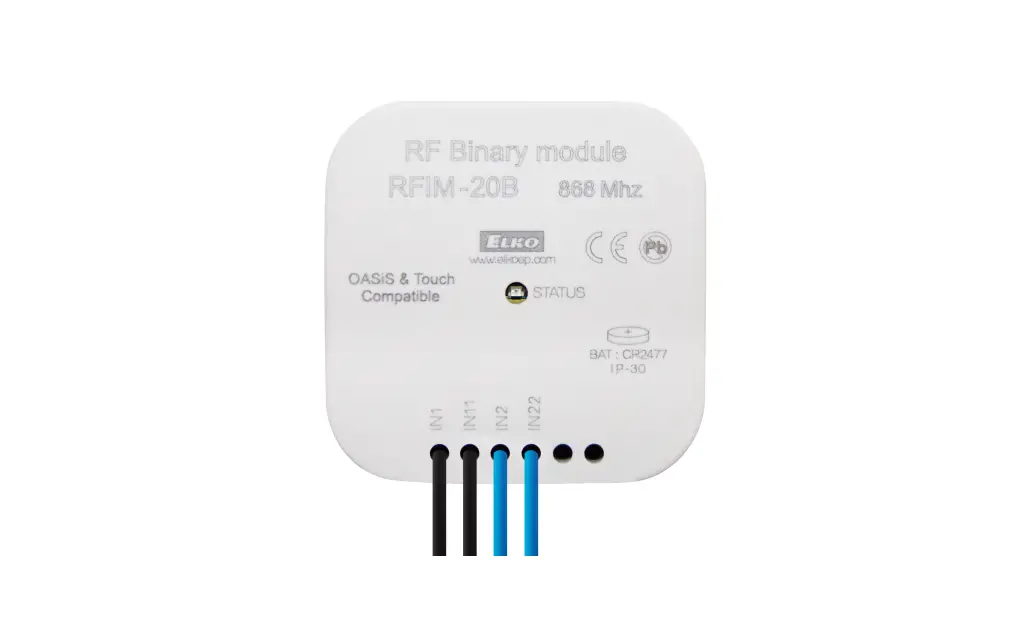
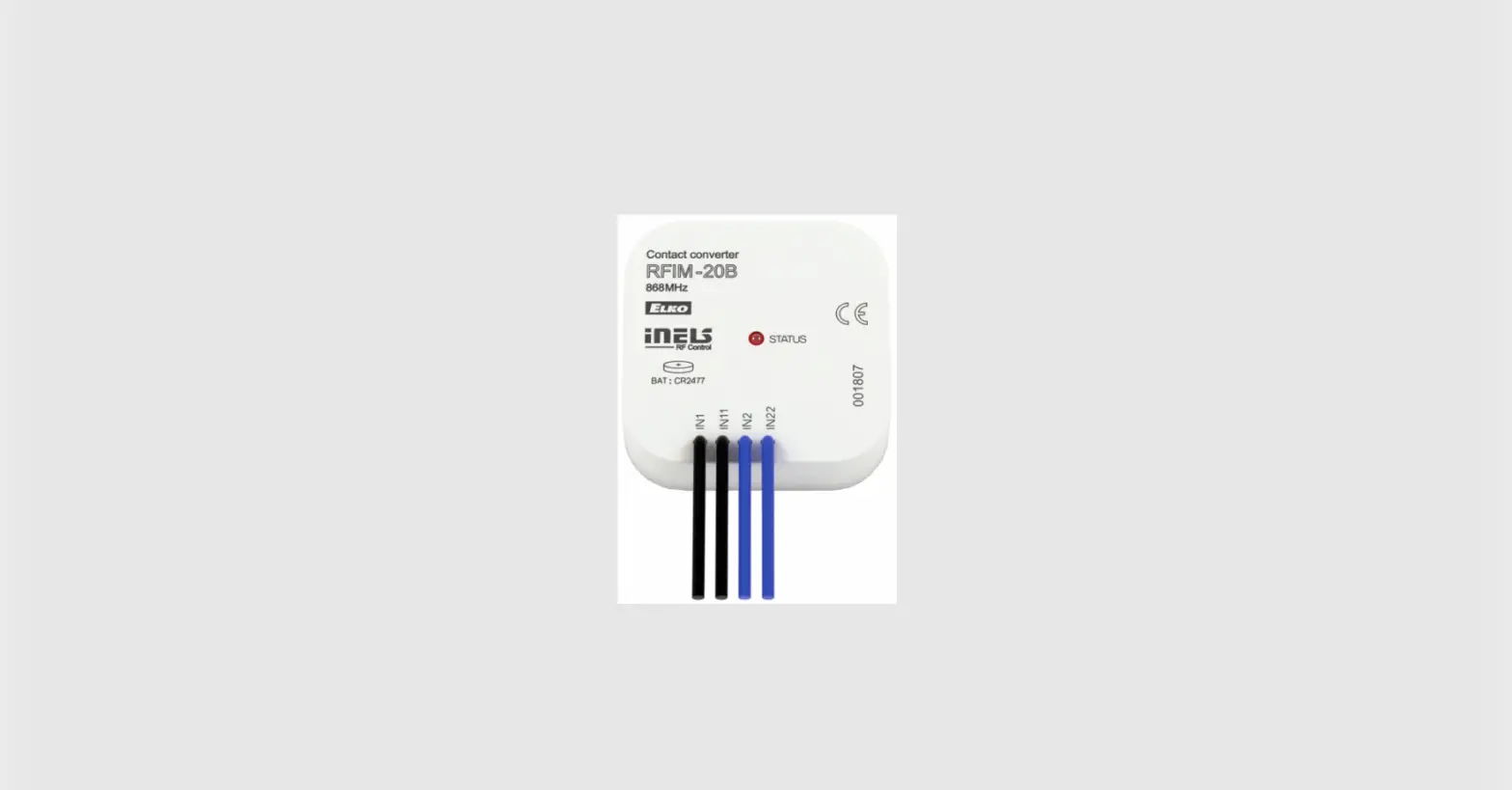
The RFIM-20B and RFIM-40B are input contacts converters
manufactured by ELKO EP, s.r.o in the Czech Republic. These devices
are designed to convert input contacts into radio frequency signals
for control purposes. They are suitable for various construction
materials and can be used in both residential and commercial
settings.
Characteristics
- RFIM-20B: Features a switch and input contacts (IN2, IN1, IN22,
IN11) - RFIM-40B: Features buttons and input contacts (IN4, IN2, GND,
IN3, IN1, GND) - Radio frequency signal penetration through various construction
materials:- 80 – 95% through brick walls
- 80 – 90% through wooden structures with plaster boards
- 60 – 90% through reinforced concrete
- 20 – 60% through metal partitions
- 0 – 10% through common glass
Safe Handling
When handling the device, it is important to avoid contact with
liquids. Do not place the device on conductive pads or objects, and
avoid unnecessary contact with the components of the device.
Indicators and Settings
To switch between RFIO2 mode and compatibility mode, follow
these steps:
- Insert the battery.
- When the LED is constantly lit, press buttons 1 and 3
simultaneously and hold. - Release the buttons when the LED starts to signal the changed
mode (double flash or rapid flash). - The selected function mode is stored in memory and will be
maintained even after replacing the battery.
Technical Parameters
- Supply voltage:
- RFIM-20B: 1 x 3V battery CR 2477
- RFIM-40B: 2 x 3V battery CR 2032
- Battery life: 5 years*
- Transmission indication / function:
- RFIM-20B: Orange LED
- RFIM-40B: Red LED
- Number of inputs:
- RFIM-20B: 2
- RFIM-40B: 4
- Transmitter frequency: 866 MHz, 868 MHz, 916 MHz
- Signal transmission method: Unidirectionally addressed
message - Range in free space: Up to 200 m
- Operating temperature: < 300°C
- Operating position: Free at lead-in wires
- Terminals (CY wire, cross-section):
- RFIM-20B: 4 x 0.75 mm2
- RFIM-40B: 6 x 0.75 mm2
- Length of terminals:
- RFIM-20B: 90 mm
- RFIM-40B: Not specified
- Resist.of connection between terminals:
- For switched on button: > 10 kΩ
- For disconnected contact: < 300 Ω
- Mounting: Free at lead-in wires
- Protection: IP30
- Contamination degree: 2
- Dimensions: 49 x 49 x 13 mm
- Weight:
- RFIM-20B: 45 g
- RFIM-40B: 50 g
- Open contact voltage: Pulse 12 V (RFIM-40B), 3 V
(RFIM-20B) - Length of cable to contact: Max. 100 m of parallel lines
- Related standards: EN 60669, EN 300220, EN 301489 R&TTE
Directive, Order. No 426/2000 Coll. (Directive 1999/EC)
*Battery life is approximately 1 month if the contact is
permanently closed.
Product Usage Instructions
Battery Insertion and Replacement
RFIM-20B:
- Using a screwdriver, carefully remove the rear cover.
- By putting slight pressure on the wires, partially slide the
device out of the box. - By carefully pulling on the wires, slide the device into the
box. - The LED must be aligned and go into the opening in the front
part of the box. - Slide the CR2477 batteries into the battery holders, observing
the polarity. - Snap on the rear cover.
RFIM-40B:
- Using a screwdriver, carefully remove the rear cover.
- By putting slight pressure on the wires, partially slide the
device out of the box. - By carefully pulling on the wires, slide the device into the
box. - The LED must be aligned and go into the opening in the front
part of the box. - Slide the CR2032 batteries into the battery holders, observing
the polarity. - Snap on the rear cover.
Note: Ensure that the contact is permanently closed to achieve a
battery life of approximately 5 years.
Attention: When installing iNELS RF Control
system, maintain a minimum distance of 1 cm between each unit.
Allow at least a 1-second interval between individual commands.
ELKO EP, s.r.o.
Palackého 493 769 01 Holesov, Vsetuly Czech Republic Tel.: +420 573 514 211 e-mail: [email protected] www.elkoep.com
RFIM-20B RFIM-40B
Input contacts converter
EN
Made in Czech Republic Rev.0
Characteristics
· the wireless contact converter changes your existing button to a wireless one. – four inputs enable control of four units independently. – battery power supply (2x 3V/CR2032) with battery life of around 5 years based on frequency of use (included in the supply). – only impulse control
· It can be used to transmit information on switching on the contact (detector, button, technology, logic output).
· The BOX design lets you mount it right in an installation box under the button or switch. · When pressing the button, it sends a set signal (ON/OFF, dimming, time switching OFF/ON, blinds
up / down). · Sending a command is indicated by a red LED. · Option of setting light scenes, where with a single press, you can control multiple units of iNELS
RF Control. · Range up to 200 m (in open space), if the signal is insufficient between the controller and unit, use
the signal repeater RFRP-20 or protocol component RFIO2 that support this feature. · Communication frequency with protocol iNELS RF Control.
Connection
RFIM-20B
s witch
IN2 IN1 IN22 IN11
RFIM-40B buttons
IN4 IN2 GND IN3 IN1 GND
Radio frequency signal penetration through various construction materials
RFRP-20
RF controlers can control:
· switches RFSA-11B, RFSA-61B, RFSA-62B, RFSA-61M, RFSA-66M, RFSAI-61B, RFSC-11, RFSC-61, RFUS-11, RFUS-61, RFJA-12B · dimmers RFDA-73/RGB, RFDA-11B, RFDA-71B, RFDEL-71B, RFDEL-71M, RFDSC-11, RFDSC-71, RFDAC-71B · lighting RF-RGB-LED-550, RF-White-LED-675
x
80 – 95 % 80 – 90 % 60 – 90 % 20- 60 %
brick walls
wooden structures with plaster boards
reinforced concrete
metal partitions
0 – 10 %
common glass
Safe handling
When handling a device unboxed it is important to avoid contact with liquids. Never place the device on the conductive pads or objects, avoid unnecessary contact with the components of the device.
Indicators, settings
After inserting the battery, the red LED lights up continuously for 3 seconds and then for 5 seconds, the selected controller function is indicated by flashing LED. · double flash – standard RFIO2 operating mode · rapid flashing – mode of compatibility with older actuators If you do not want to change the function of the controller, you must not press any buttons during this time
To switch between RFIO2 mode and compatibility mode: If you need to change the operating mode of the controller, after inserting the battery, when the LED is constantly lit. press buttons 1 and 3 simultaneously and hold until the LED starts to signal the changed mode (double flash or rapid flash). Then the buttons must be released. The selected function mode is stored in memory and after replacing the battery, the controller continues to operate in the same mode.
If the controller is used in RFIO2 mode, then it is necessary to instruct the controller and link to the actuators switch to learn mode not only the actuator (according to the instructions for the actuator), but also the controller in the following way: Remove the battery from the remote control, press one of the buttons several times to discharge the device, and insert the battery again. When the LED lights up, press button 1 and keep it pressed until the controller starts signaling the learning mode with short flashing LEDs. Then release the button and the button now works in RFIO2 learning mode. To end the learning mode, remove the battery, press some of the buttons several times. and then replace the battery. Now we press any button and the controller will start again in RFIO2 operating mode.
1 / 2
Insertion and replacement of a battery
RFIM-20B
1
2
Using a screwdriver, carefully remove the rear cover.
By putting slight pressure on the wires, partially slide the device out of the box.
4
5
By carefully pulling on the wires, slide the device into the box.
The LED must be aligned and go into the opening in the front part of the box.
3
+
CR2477 Slide the CR2477 batteries into the battery holders. Observe the polarity.
6
Snap on the rear cover.
Technical parameters
RFIM-20B
RFIM-40B
Supply voltage: Battery life: Transmission indication / function: Number of inputs: Transmitter frequency: Signal transmission method: Range in free space: Other data
1 x 3V battery CR 2477
2 x 3V battery CR 2032
5 years*
orange LED
red LED
2
4
866 MHz, 868 MHz, 916 MHz
unidirectionally addressed message
up to 200 m
Operating temperature: Operating position: Terminals (CY wire, cross-section): Length of terminals: Resist.of connection between ter-
4 x 0.75 mm2
-10 … +50 °C any
90 mm
6 x 0.75 mm2
minals – for switched on button: – for disconnected contact: Mounting: Protection: Contamination degree: Dimensions: Weight: Open contact voltage: Length of cable to contact: Related standards:
< 300
> 10 k
free at lead-in wires
IP30
2
49 x 49 x 13 mm
45 g
50 g
pulse 12 V
3 V
max. 100 m of parallel lines
max. 5 m
EN 60669, EN 300220, EN 301489 R&TTE Directive, Order. No 426/2000 Coll. (Directive 1999/EC) /
RFIM-40B
1
2
3+
CR2032
* on condition, that contact is permanently closed- battery life is approx. 1 month.
Attention: When you instal iNELS RF Control system, you have to keep minimal distance 1 cm between each units. Between the individual commands must be an interval of at least 1s.
Using a screwdriver, carefully remove the rear cover.
4
By carefully pulling on the wires, slide the device into the box.
By putting slight pressure on the wires, partially slide the device out of the box.
5
The LED must be aligned and go into the opening in the front part of the box.
Slide the CR2032 batteries into the battery holders. Observe the polarity.
6
Snap on the rear cover.
Warning
Instruction manual is designated for mounting and also for user of the device. It is always a part of its packing. Installation and connection can be carried out only by a person with adequate professional qualification upon understanding this instruction manual and functions of the device, and while observing all valid regulations. Trouble-free function of the device also depends on transportation, storing and handling. In case you notice any sign of damage, deformation, malfunction or missing part, do not install this device and return it to its seller. It is necessary to treat this product and its parts as electronic waste after its lifetime is terminated. Before starting installation, make sure that all wires, connected parts or terminals are de-energized. While mounting and servicing observe safety regulations, norms, directives and professional, and export regulations for working with electrical devices. Do not touch parts of the device that are energized life threat. Due to transmissivity of RF signal, observe correct location of RF components in a building where the installation is taking place. RF Control is designated only for mounting in interiors. Devices are not designated for installation into exteriors and humid spaces. The must not be installed into metal switchboards and into plastic switchboards with metal door transmissivity of RF signal is then impossible. RF Control is not recommended for pulleys etc. radiofrequency signal can be shielded by an obstruction, interfered, battery of the transceiver can get flat etc. and thus disable remote control.
ELKO EP declares that the RFIM-20B/40B type of equipment complies with Directives 2014/30/EU, 2011/65/EU, 2015/863/EU and 2014/35/EU. The full EU Declaration of Conformity is available at: https://www.elkoep.com/wireless-contact-converter-rfim-20b https://www.elkoep.com/wireless-contact-converter-rfim-40b
ELKO EP, s.r.o., Palackého 493, 769 01 Holesov, Vsetuly, Czech Republic Tel.: +420 573 514 211, e-mail: [email protected], www.elkoep.com
2 / 2
 ELKO EP - Global relay manufacturer • ELKO EP