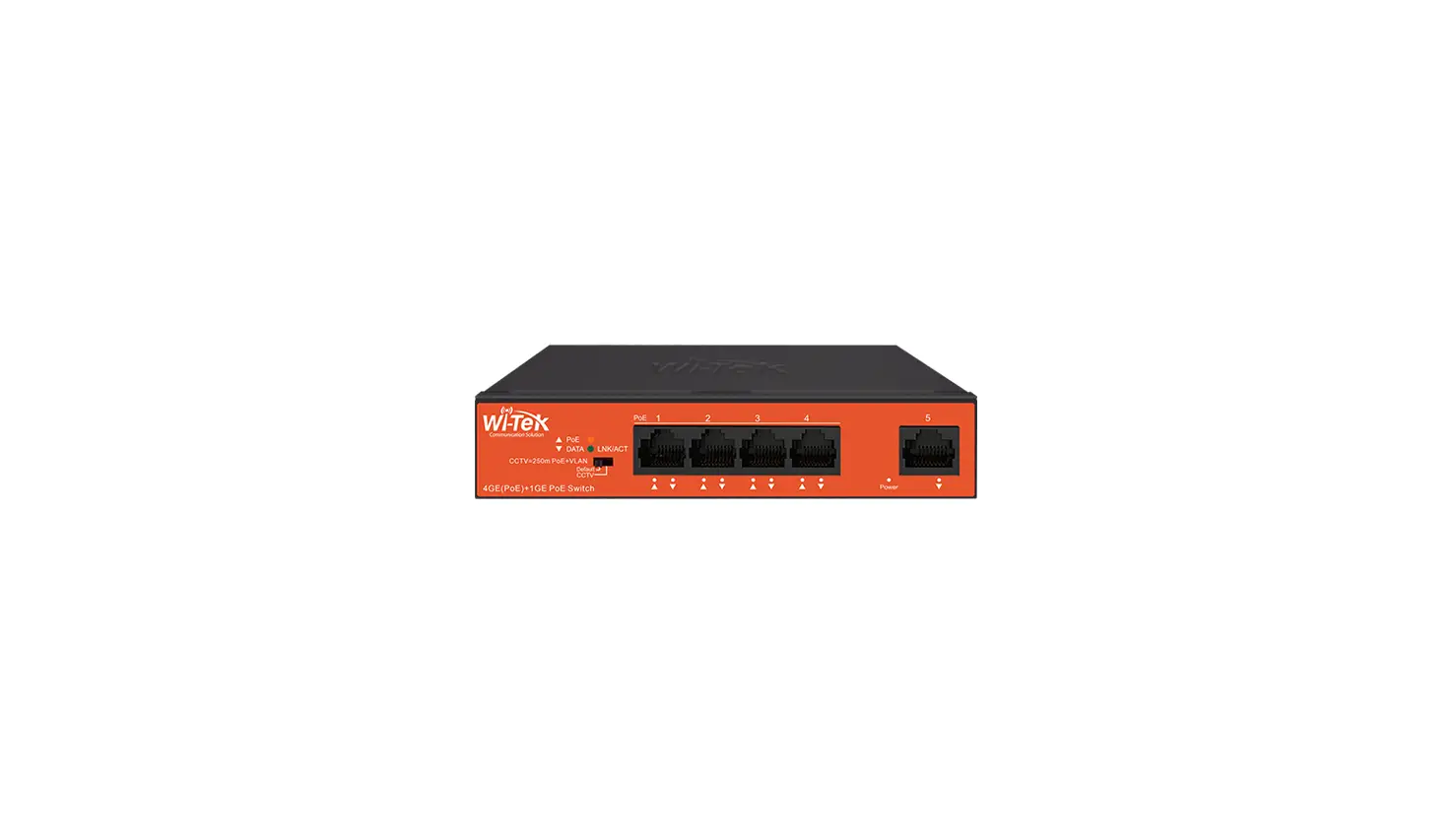
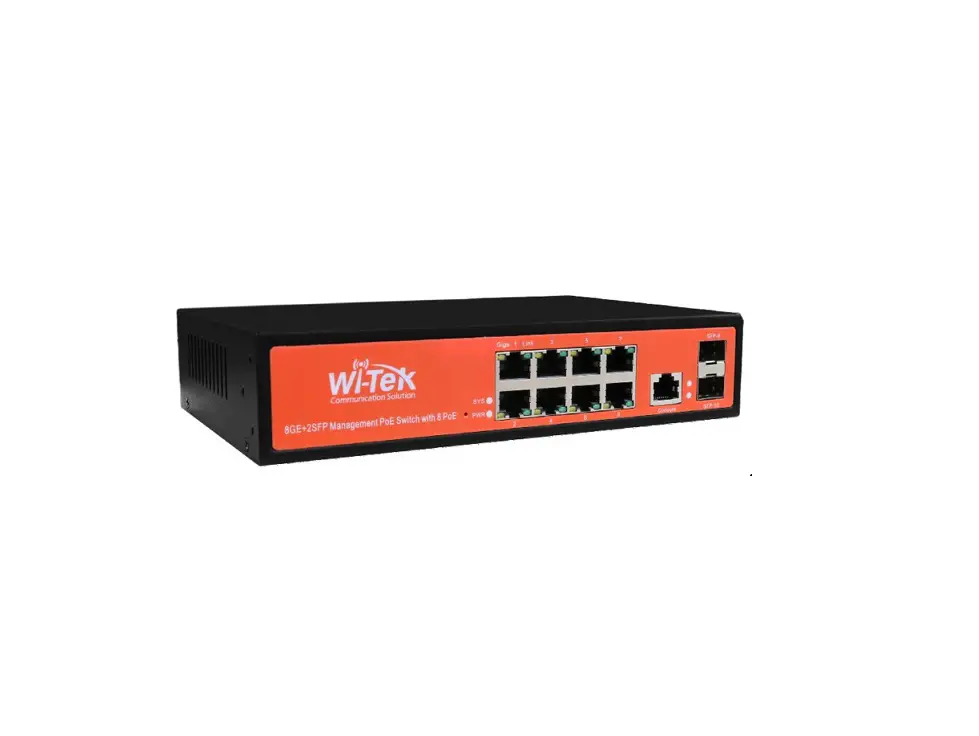
WI-PS305G Gigabit PoE Switch
Product Information:
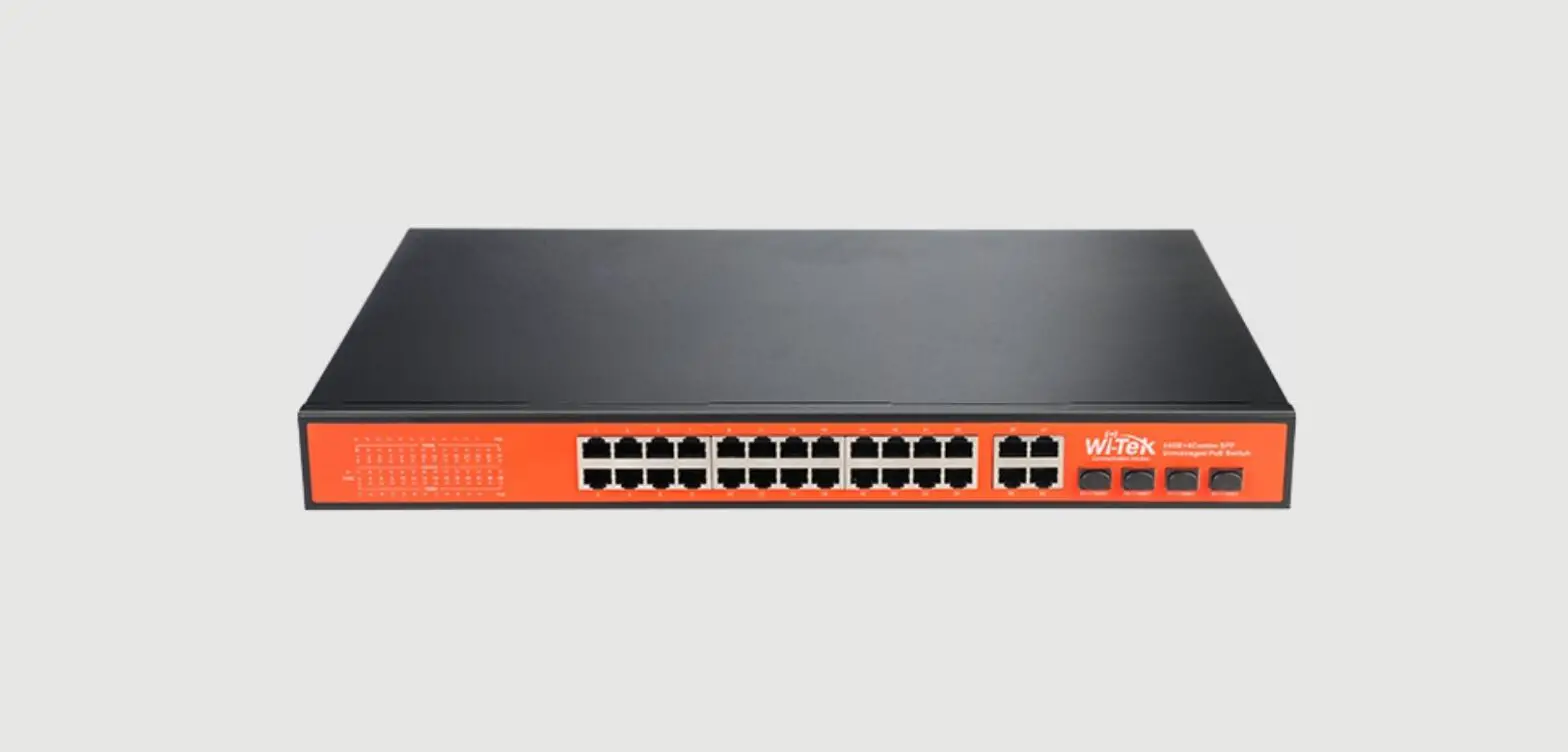
The product is a 24GE+2SFP Gigabit PoE Switch that is designed
for network connectivity and power supply to PoE-enabled devices.
It comes in various models with different port configurations and
power budgets. The switch supports VLAN and CCTV modes for
optimized network performance.
- Model: 24GE+2SFP Gigabit PoE Switch
- Interface: 24 100/1000Mbps RJ45 PoE+ Ports, 2 1000Mbps Combo
SFP Ports - Power Budget: Different power budgets available depending on
the model - Power Supply: AC 100-240V
- Default Mode: The transmission distance of PoE port can be up
to 100m with 100Mbps. - VLAN Mode: All downlink ports are isolated from each other, but
can communicate with uplink ports. - CCTV Mode: CCTV mode ensures voice and video applications
remain clear and lag-free. The transmission distance of PoE port
can be up to 250m, but the rate is limited to 10Mbps.
Product Usage Instructions:
Follow the steps below to use the 24GE+2SFP Gigabit PoE
Switch:
- Unbox the package and check the contents. The package should
include the switch itself along with any additional
accessories. - Select an appropriate power supply source and connect it to the
switch’s grounding interface. - Choose the desired mode of operation – Default, VLAN, or CCTV –
based on your network requirements. - Connect your PoE-enabled devices to the RJ45 PoE+ ports on the
switch. Make sure the devices are within the specified transmission
distance. - For uplink connectivity, use the Combo SFP Ports to connect to
other network devices. - Observe the LED indicators on the switch to monitor its status.
The PWR indicator should be on if the device is powered on
normally. - Verify the link and activity status of the ports by checking
the Link/Act indicator. It should be blinking if there is data
transmission. - If using 1000Mbps negotiation, ensure that the 1000Mbps
indicator is on and blinking to indicate successful negotiation and
data transmission.
Refer to the product manual for more detailed instructions and
specific information related to your model.
1. Package Contents
· 1.1 Take WI-PS326GF as an example
1000M
PoE
1
3
5
7
9
11
13
15
17
19
21
23
1 3 5 7 9 11 13 15 17 19 23 25 27
Link/Act
PWR 2 4 6 8 10 12 14 16 18 20 24 26 28
VLAN
1000M
Default
CCTV
PoE
2
4
6
8
10
12
14
16
18
20
22
24
24GE+2SFP Gigabit PoE Switch
25-SFP
26-SFP
2. Hardware Introduction
· 2.1 Front Panel
1000M
PoE
1
3
5
7
9
11
13
15
17
19
21
23
1 3 5 7 9 11 13 15 17 19 23 25 27
Link/Act
PWR 2 4 6 8 10 12 14 16 18 20 24 26 28
VLAN
1000M
Default
CCTV
PoE
2
4
6
8
10
12
14
16
18
20
22
24
24GE+2SFP Gigabit PoE Switch
25-SFP
26-SFP
LED
DIP Switch
2 1000Mbps Combo SFP Ports
24 100/1000Mbps RJ45 PoE+ Ports
Installation Guide
WI-PS305G | WI-PS305GF | WI-PS308G | WI-PS309GF | WI-PS310GF WI-PS318GF | WI-PS320GF | WI-PS326GF | WI-PS328GF WI-PS348G
WI-PS105F | WI-PS110F | WI-PS128GF | WI-PS150GF
www.wireless-tek.com
1 × WI-PS326GF
AC 100-240V
Grounding Interface AC IN 100-240V
1 × Power Cord
1 × Rack mount kit
(Except WI-PS305G, WI-PS308G, WI-PS305GF, WI-PS309GF
Installation Guide
WI-PS305G | WI-PS305GF | WI-PS308G | WI-PS309GF | WI-PS310GF WI-PS318GF | WI-PS320GF | WI-PS326GF | WI-PS328GF WI-PS348G
WI-PS105F | WI-PS110F | WI-PS128GF | WI-PS150GF
www.wireless-tek.com
WI-PS326GF
DIP Switch Description
Default
The transmission distance of PoE port can be up to 100m with 100Mbps.
VLAN
All downlink ports are isolated from each other, but can communicate with uplink ports.
CCTV Extend
CCTV mode is to ensure voice and video applications remain clear and lag-free.
The transmission distance of PoE port can be up to 250m, but the rate is limited to 10Mbps
LED Light
PWR (Power indicator)
Off: the device is power off or failed On: the device power on is normal
Link/Act indicator
Off: ports link down On: ports link up Blinking: data on TX/RX
1000Mbps indicator
Off: The negotiate speed is 10/100Mbps, not 1000Mbps On: The negotiate speed is 1000Mbps and ports link up Blinking: The negotiate speed is 1000Mbps and data on TX/RX
1 × Wall mount kit
(Only for WI-PS305G, WI-PS308G, WI-PS305GF, WI-PS309GF)
1 × Installation guide
Model
Interface
Power Budget Power Supply Default Mode
WI-PS305G WI-PS308G
Port 1: 1000Mbps RJ45 PoE++ 60W Port Port 2-4: 1000Mbps RJ45 PoE+ Ports 2 1000Mbps RJ45 Ports
65W
Port 1: 1000Mbps RJ45 PoE++ 60W Port Port 2-8: 1000Mbps RJ45 PoE+ Ports 2 1000Mbps RJ45 Ports
120W
AC 100~240V AC 100~240V
Extend Mode Port 1-2 Port 1-2
4 1000Mbps RJ45 PoE+ Ports WI-PS305GF 1 1000Mbps RJ45 Port
1 1000Mbps SFP Slot
65W
AC 100~240V
Port 1-4
VLAN Mode
CCTV Mode
× × ×
8 1000Mbps RJ45 PoE+ Ports WI-PS309GF 1 1000Mbps RJ45 Port
1 1000Mbps SFP Slot
150W
AC 100~240V
Port 1-8
×
WI-PS310GF
8 1000Mbps RJ45 PoE+ Ports 2 1000Mbps SFP Slots
150W
AC 100~240V
×
WI-PS318GF
16 1000Mbps RJ45 PoE+ Ports 2 1000Mbps SFP Slots
350W
AC 100~240V
×
WI-PS320GF
16 1000Mbps RJ45 PoE+ Ports 2 1000Mbps Combo SFP Ports
350W
AC 100~240V
×
WI-PS326GF
24 1000Mbps RJ45 PoE+ Ports 2 1000Mbps SFP Slots
400W
AC 100~240V
×
WI-PS328GF
24 1000Mbps RJ45 PoE+ Ports 4 1000Mbps Combo SFP Ports
400W
× AC 100~240V
×
×
×
WI-PS348G 48 1000Mbps RJ45 PoE+ Ports
600W
× AC 100~240V
×
×
×
4 100Mbps RJ45 PoE+ Ports
WI-PS105F
1 1000Mbps SC Fiber
65W
× AC 100~240V
×
×
×
WI-PS110F
8 100Mbps RJ45 PoE+ Ports 1 1000Mbps Combo Port
150W
AC 100~240V
×
WI-PS128GF
24 100Mbps RJ45 PoE+ Ports 4 1000Mbps Combo Ports
350W
× AC 100~240V
×
×
×
WI-PS150GF
48 100Mbps RJ45 PoE+ Ports 2 1000Mbps Combo Ports
700W
× AC 100~240V
×
×
×
3. Hardware Installation
AC Cord
LAN Port WAN Port
1000M
PoE
1
3
5
7
9
11
13
15
17
19
21
23
1 3 5 7 9 11 13 15 17 19 23 25 27
Link/Act
PWR 2 4 6 8 10 12 14 16 18 20 24 26 28
VLAN
1000M
Default
CCTV
PoE
2
4
6
8
10
12
14
16
18
20
22
24
24GE+2SFP Gigabit PoE Switch
25-SFP
26-SFP
IP Camera IP Camera
NVR PC
SFP Port
4. Installation
· Wall mounted (Only for WI-PS305G, WI-PS308G, WI-PS305GF, WI-PS309GF)
· Rack mounted (Except WI-PS305G, WI-PS308G, WI-PS305GF, WI-PS309GF
8GE+2SFP Gigabit PoE Switch
Giga 1 Link
3
5
7
Default
9
10 Extend
VLAN
POWER
2
4
6
8
SFP-9
SFP-10
8GE+2SFP Gigabit PoE Switch
Giga 1 Link
3
5
7
Default
9
10 Extend
VLAN
POWER
2
4
6
8
SFP-9
SFP-10
Warranty Card
Username Address Telephone No. Purchase Shop Purchase Address Product Model No. Purchase Time Serial No. Dealer Signature
If the product defects within three months after purchase, we will provide you a new product of the same model. If the product defects within the three-year warranty period, we will provide the professional maintenance service. Proof of purchase and a complete product serial number are required to receive any services guaranteed as part of the limited warranty. Any other defects that are not caused by workmanship or product quality, such as natural disaster, water damage, extreme thermal or environmental conditions. sticker damaged, warranty card losing will disqualify the product from limited warranty.
Technical Support
Cloud Management
Company Website
Wireless-Tek Technology Limited Address: Biaofang Technology Building 402, Bao’an street, Baoan District,Shenzhen City, Guangdong, China Website:www.wireless-tek.com Tel:86-0755-32811290 Email:[email protected] Technical Support:[email protected]
RoHS
 Test and Measurement Equipment | Tektronix
 Wireless-Tek Technology Limited.