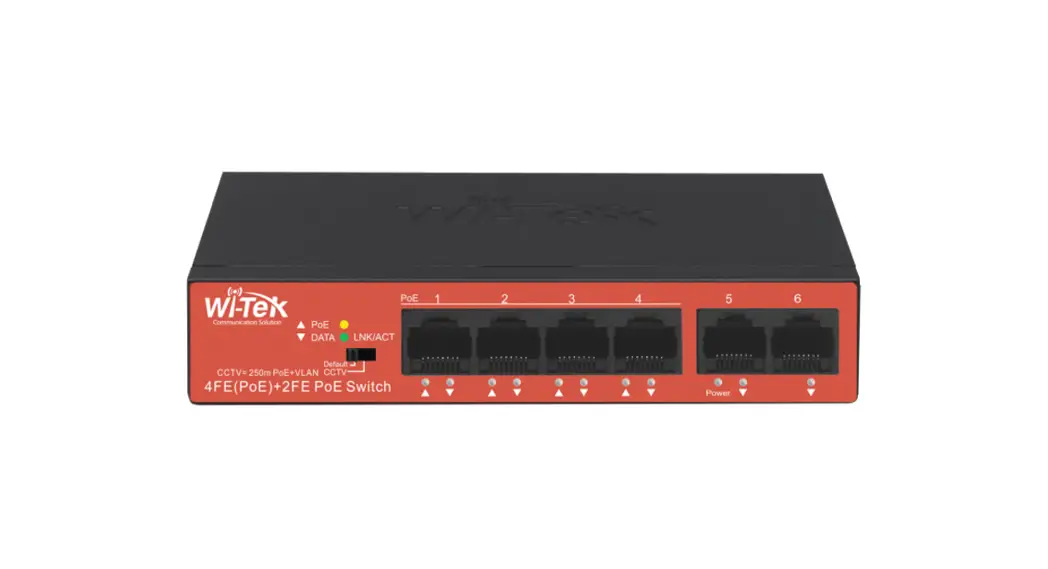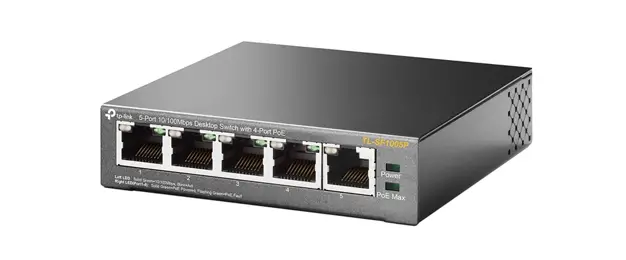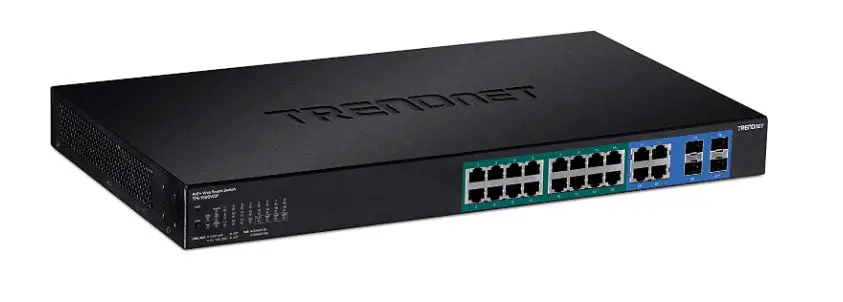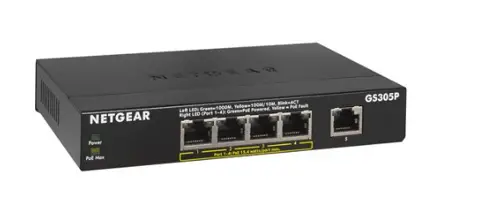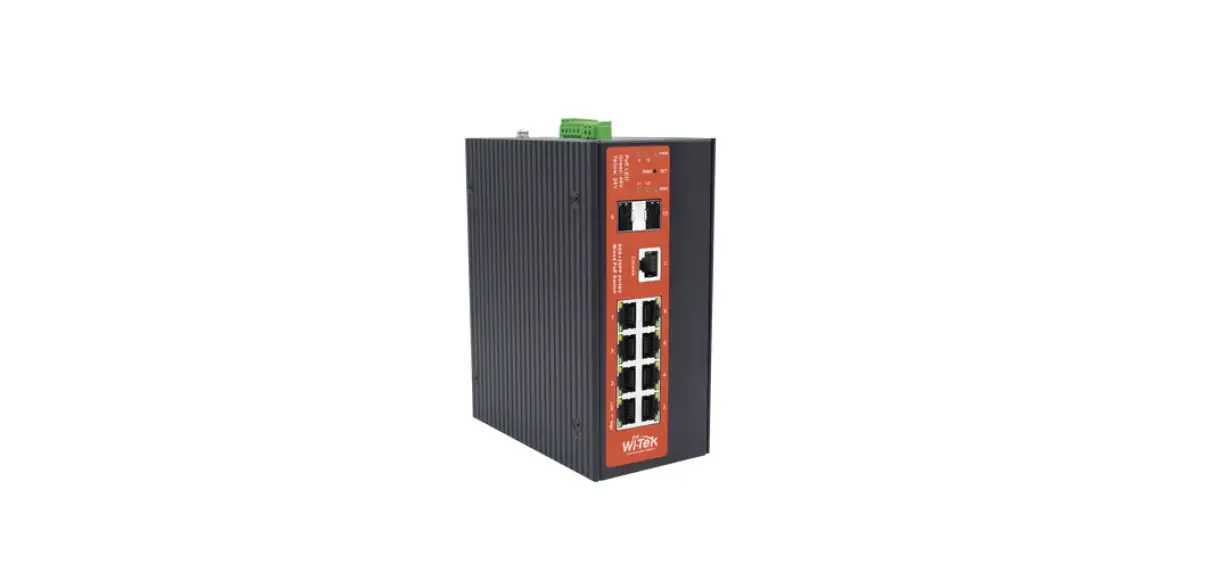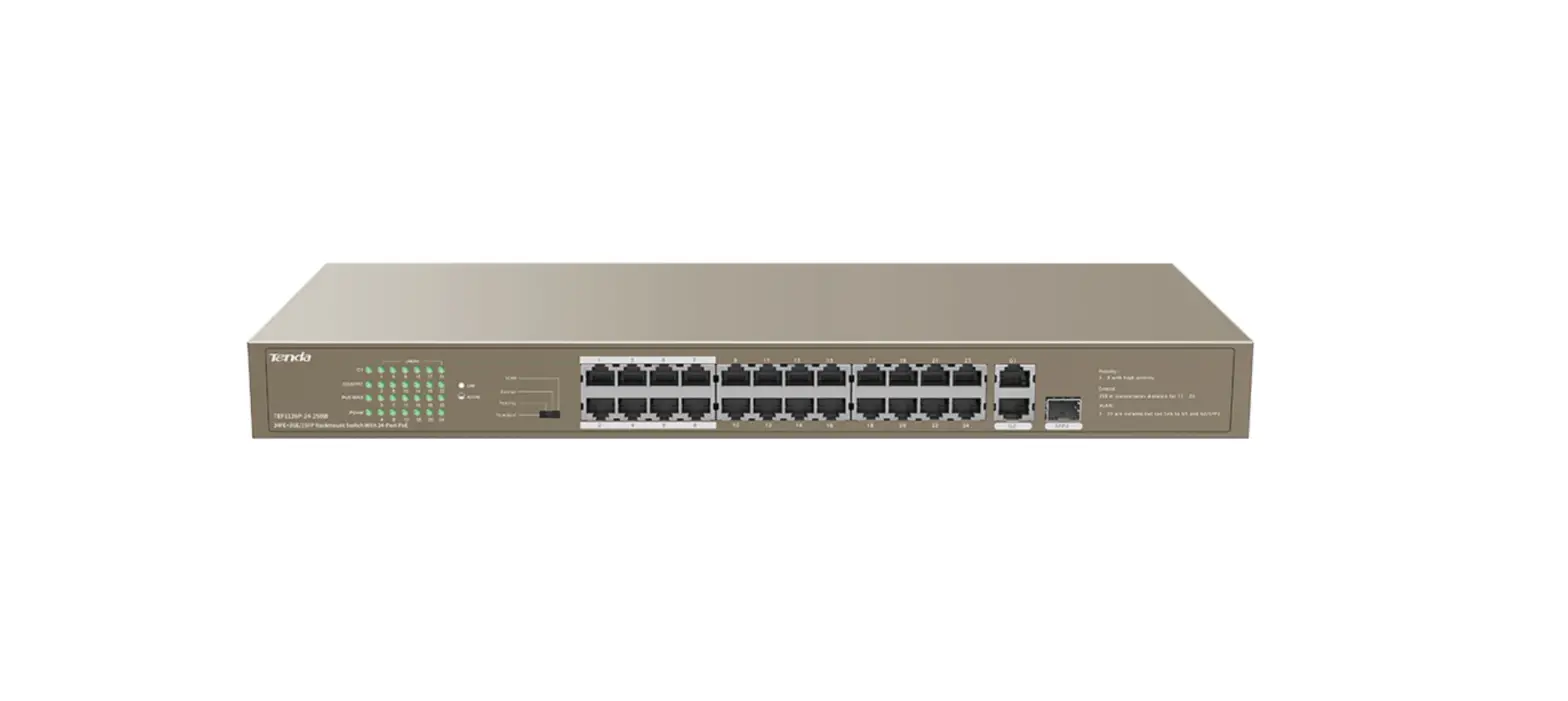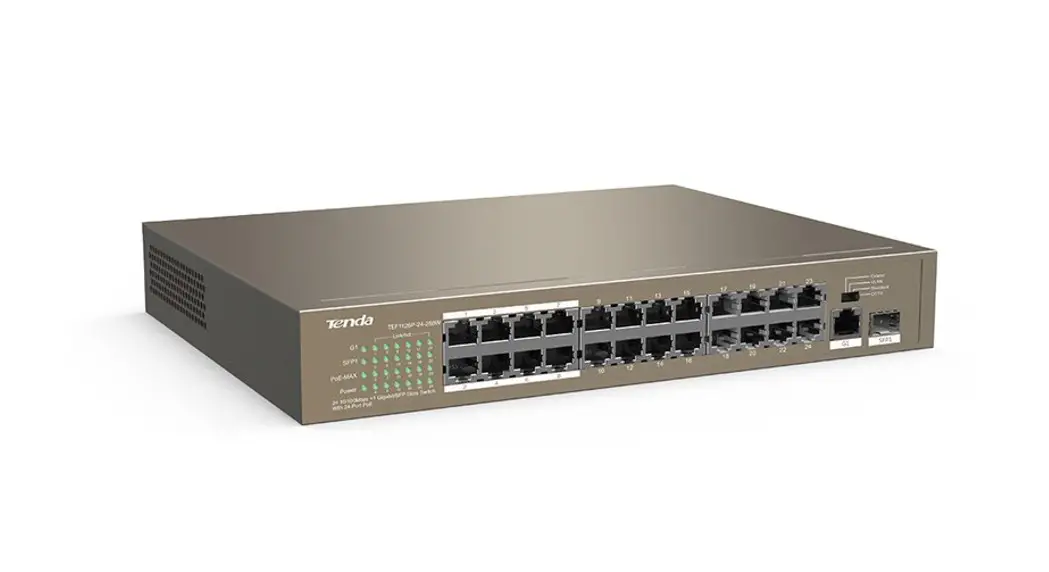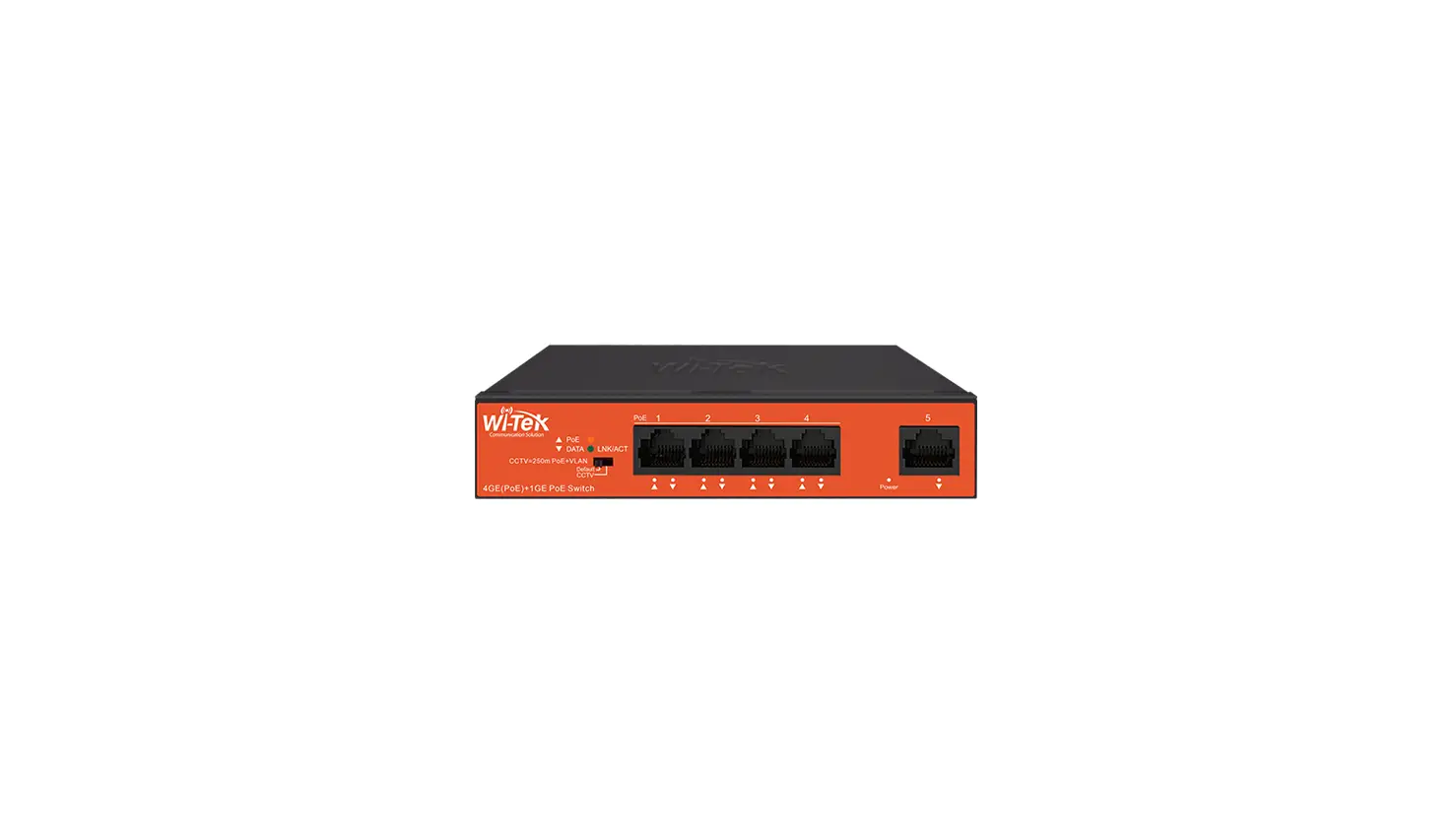

Wi-Tek WI-PS205 250m Long Range CCTV PoE Switch
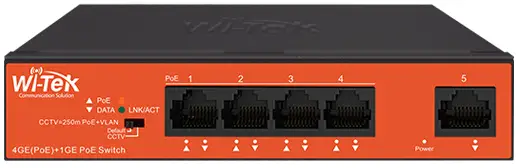
Product Information
The WI-PS series of products from Wireless-Tek are network switches that come with Power over Ethernet (PoE) capabilities. They are available in different models including WI-PS205, WI-PS210, WI-PS210G, WI-PS518G, and WI-PS526G. These switches have different port configurations and power budgets and are compliant with different PoE standards such as 802.3af/at/bt.
Package Contents
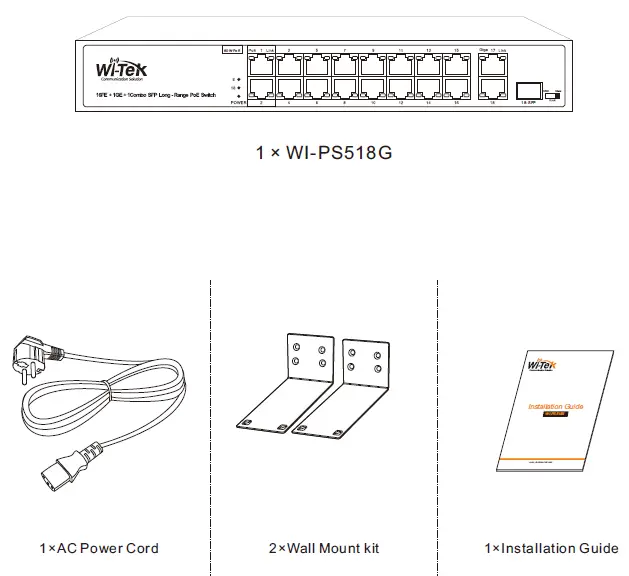
- Installation guide
- WI-PS switch (specific model as per purchase)
- AC cord
- Warranty card
Hardware Introduction
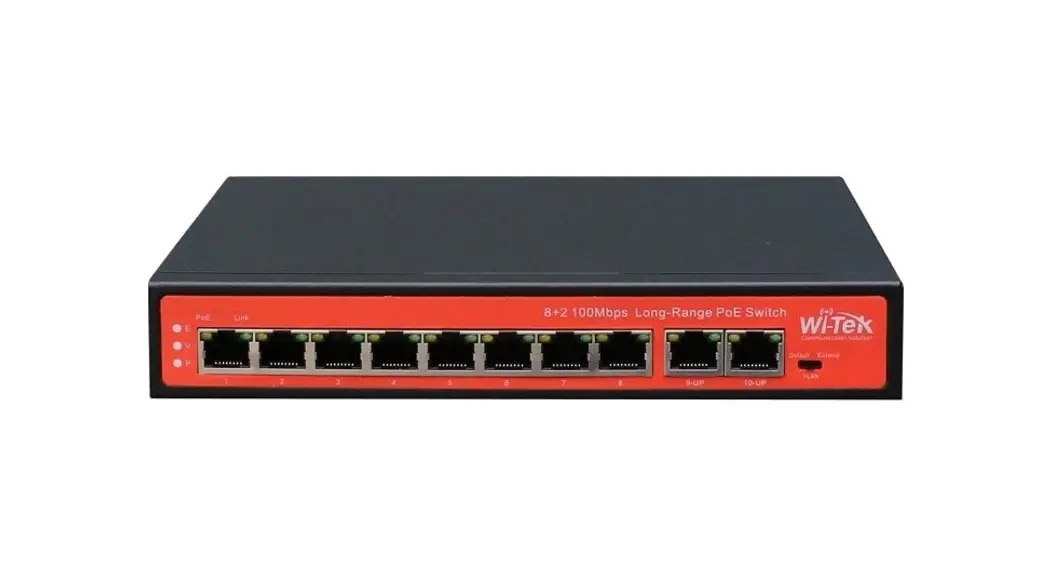
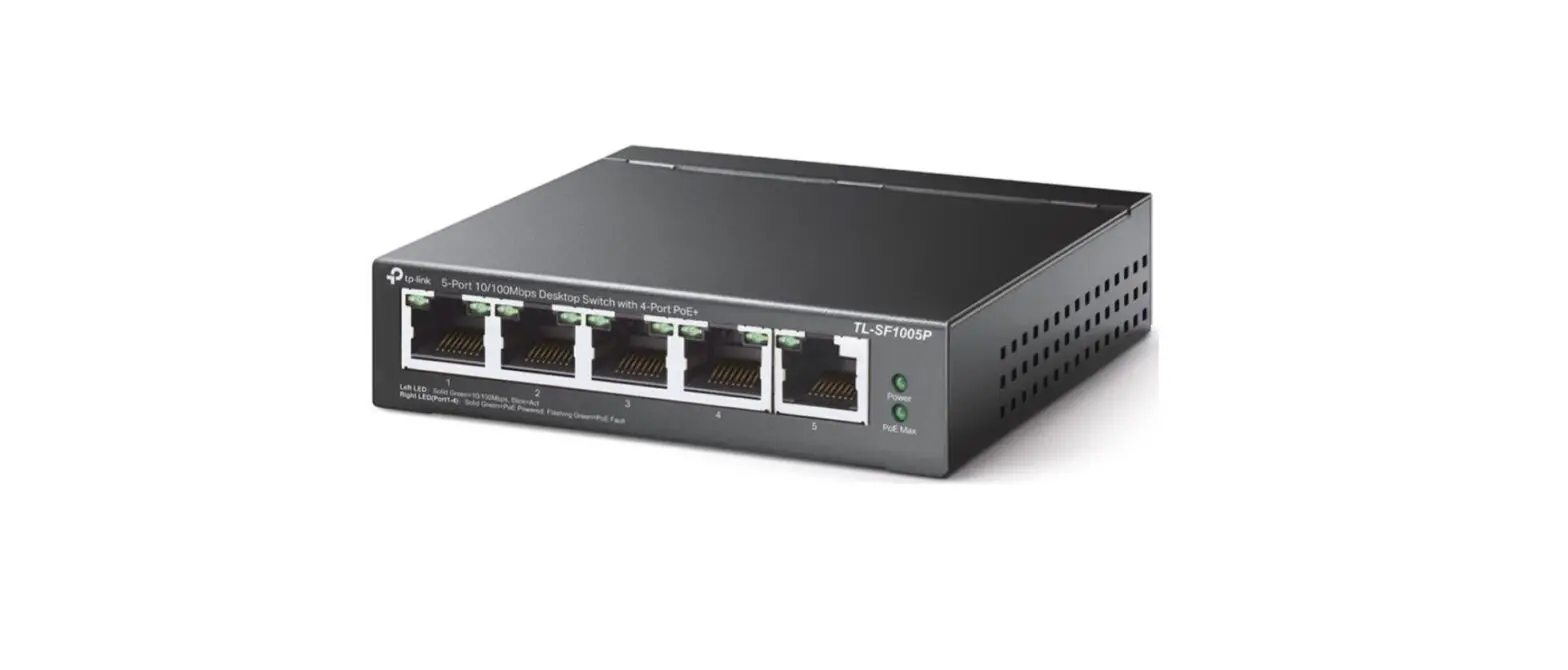
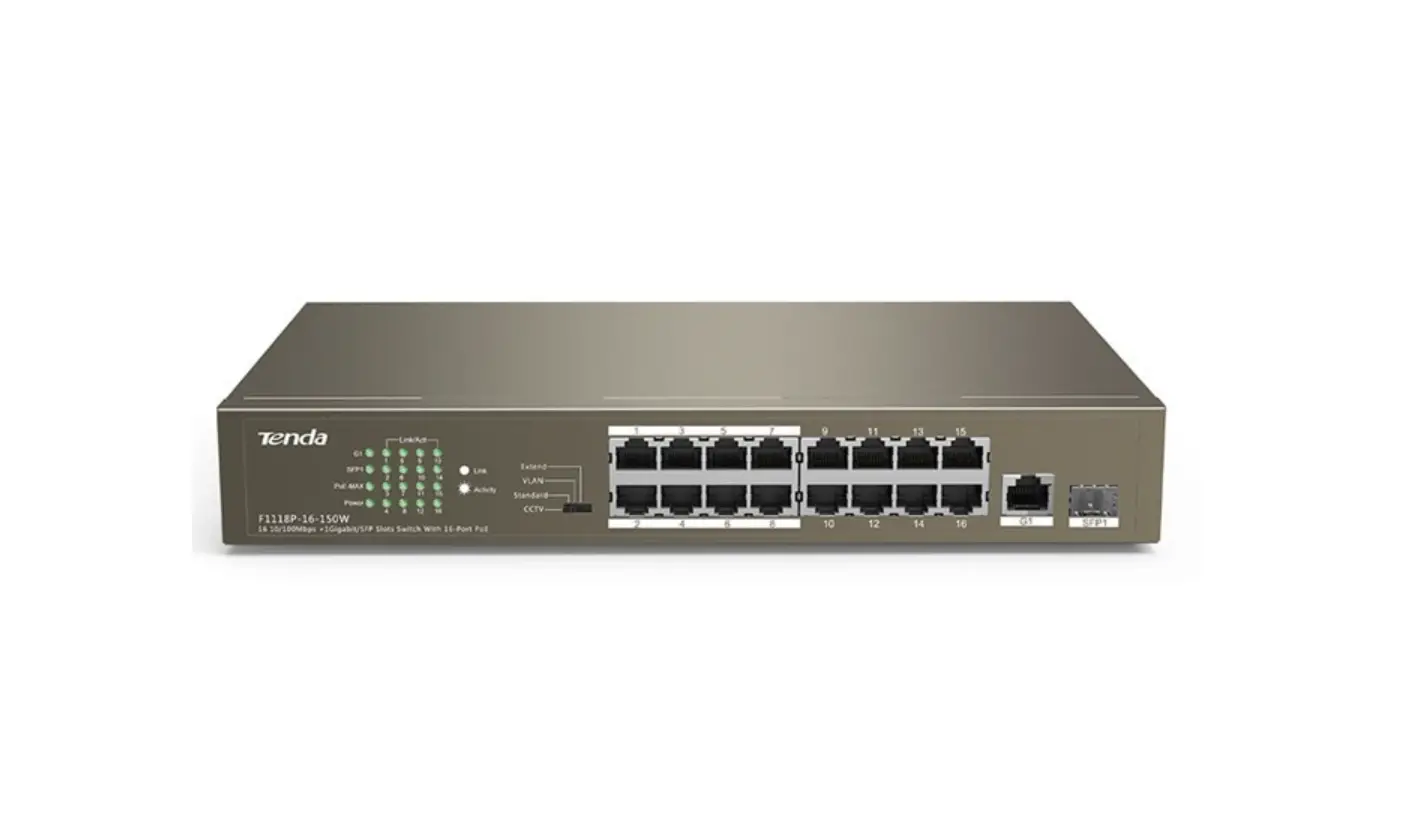
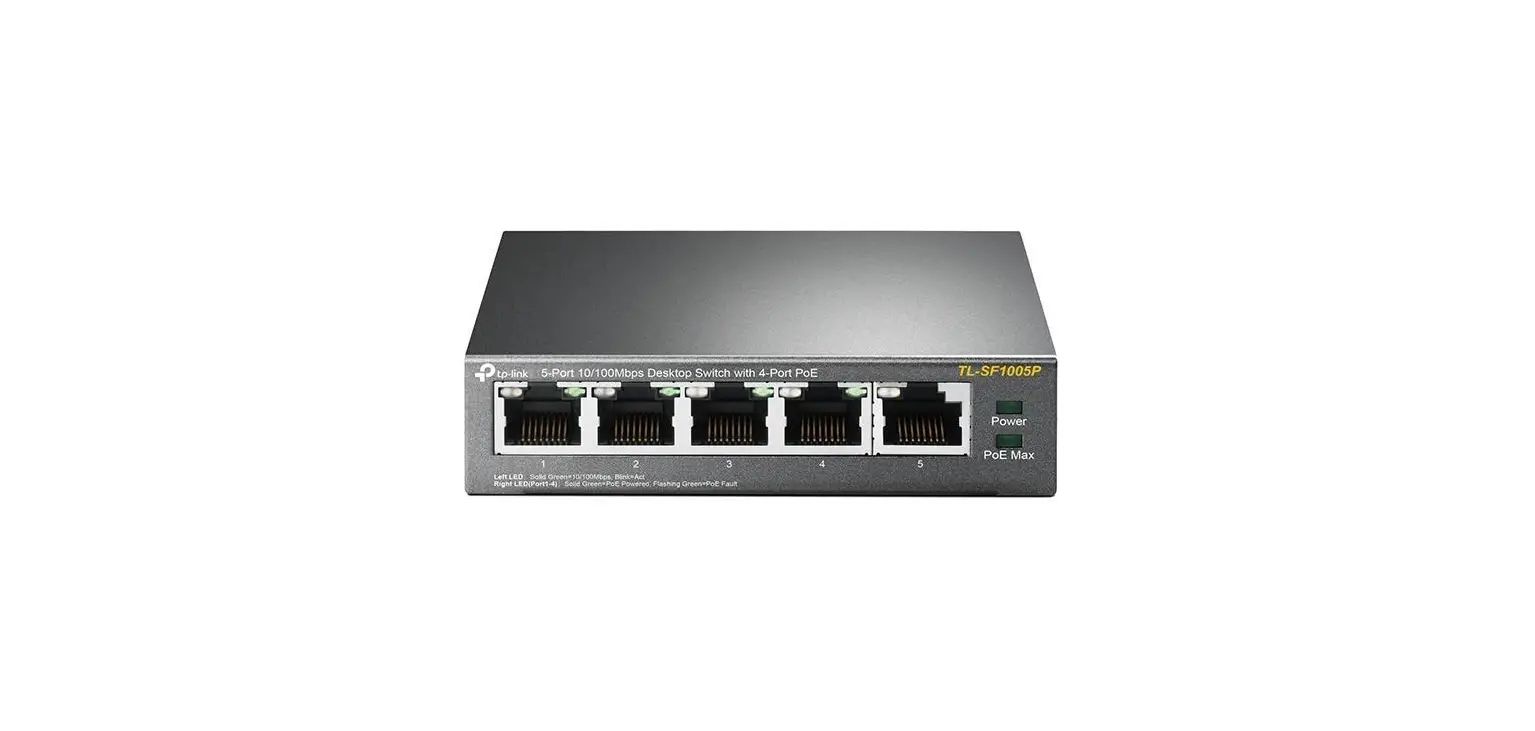
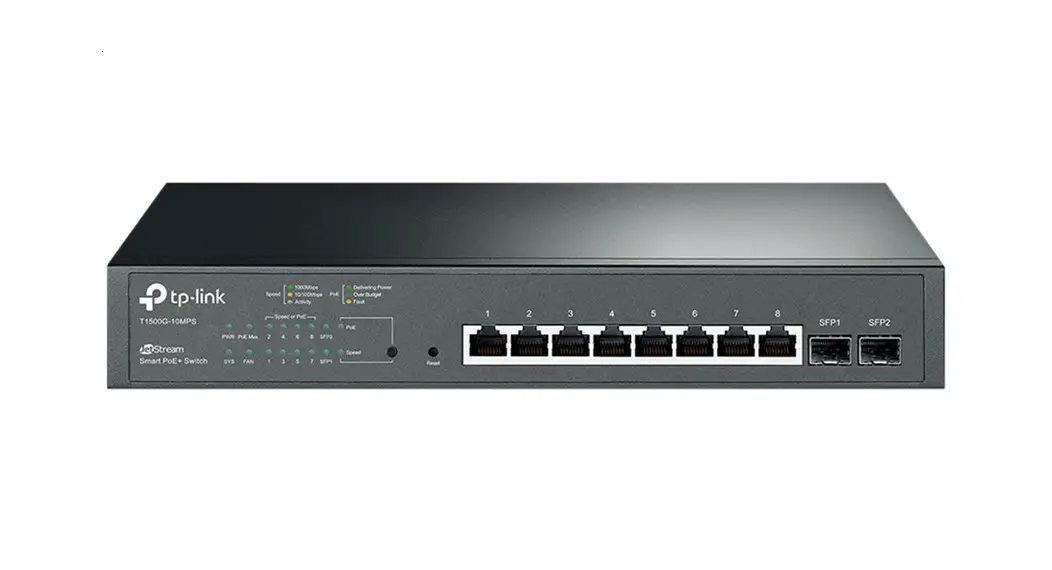
The WI-PS switch has a front panel with different ports and LEDs. The ports are labeled based on their type (PoE, Ethernet, SFP, Combo) and speed (10/100Mbps or 10/100/1000Mbps). The LEDs indicate the status of PoE, link, power, and extend mode. The switch also has a DIP switch for configuring VLANs, extend mode, and PoE watchdog function.
DIP Switch Settings
- Default: Normal operation mode
- VLAN: Enable VLAN isolation on downlink ports
- Extend: Enable long-range PoE transmission up to 250m at 10Mbps
PoE Watchdog Function
All PoE ports on the switch have a watchdog function that can detect and reboot offline PoE devices. To disable this function, flip the DIP switch quickly back and forth (from default to default mode) and check if the power LED blinks.
Hardware Installation
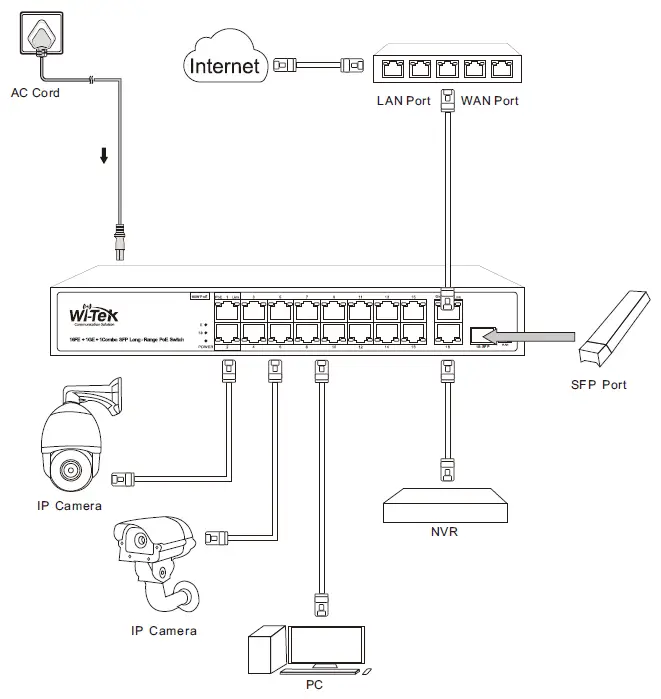
The WI-PS switch can be installed by following these steps:
- Connect the AC cord to the switch and a power outlet.
- Connect Ethernet devices (such as IP cameras, NVRs, or PCs) to the switch’s PoE or Ethernet ports.
- For long-range PoE transmission, connect an SFP module to the switch’s SFP port and connect it to another SFP module on the receiving end.
- Power on the switch and check the LED indicators for proper functioning.
Product Usage
The WI-PS switch can be used to expand your network by connecting multiple Ethernet devices and powering them through PoE. The switch supports different PoE standards and has a high power budget for devices that require more power. It also supports VLAN isolation and long-range PoE transmission for specific use cases. Follow these guidelines for using the switch:
Guidelines
- Choose the appropriate switch model based on your port and power requirements.
- Connect Ethernet devices to the switch’s PoE or Ethernet ports.
- If required, enable VLAN isolation or long-range PoE transmission using the DIP switch.
- Check the LED indicators for proper functioning of PoE, link, power, and extend mode.
- To disable PoE watchdog function, flip the DIP switch quickly back and forth (from default to default mode) and check if the power LED blinks.
If you face any technical issues with the WI-PS switch, refer to the warranty card for support information or contact Wireless-Tek’s technical support team.
Package Contents
Take WI-518G as an example.
Hardware Introduction
Front Panel
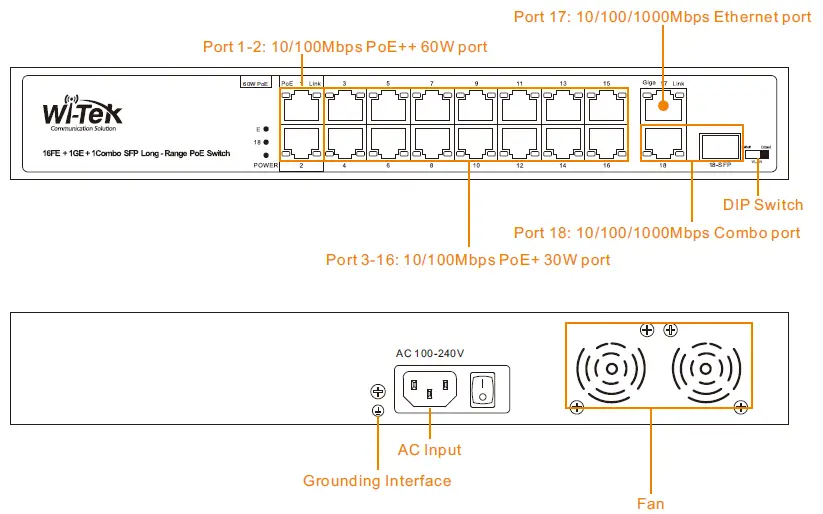
| WI-PS518G | |
| DIP Switch | |
| Default | The transmission distance of PoE port can be up to 100m with 100Mbps. |
| VLAN | All downlink ports are isolated from each other, but can communicate with uplink ports. |
| Extend | The transmission distance of PoE port can be up to 250m, but the rate is limited to10Mbps. |
Note:
PoE Watchdog – All PoE ports enable the PoE watchdog function, which can detect and reboot the offline compliant PoE-powered devices. Turn off the PoE watchdog function: Flip the DIP switch back and forth quickly (from default mode to default mode), Check the Power LED light if it is blinking, the PoE watchdog was disabled successfully.
| LED Light | |
| PoE | Off: PoE not working On: PoE is working |
| Link | On: Data on TX/RX Off: Ports link down |
| E: Extend | On: Extend mode is enable Off: Extend mode is disable |
| 18: Port 18 | On: Port 18 link up Off: Port 18 link down |
| Power | On: The device power on is normal Off: The device is power off or failed Blinking: PoE watchdog is disable |
| Model | WI-PS205 | WI-PS210 | WI-PS210G | WI-PS518G | WI-PS526G |
| Interface | 4 100M RJ45 PoE Ports 2 10/100Mbps RJ45 Ports | 8 100M RJ45 PoE Ports 2 10/100Mbps RJ45 Ports | 8 100M RJ45 PoE Ports 2 100/1000Mbps RJ45 Ports | 16 100M RJ45 PoE Ports 1 100/1000Mbps RJ45 Port 1 100/1000Mbps Combo | 16 100M RJ45 PoE Ports 1 100/1000Mbps RJ45 Port 1 100/1000Mbps Combo |
| Standard | 802.3 af/at/bt compliant PoE | ||||
| PoE Ports | Port 1-4 | Port 1-8 | Port 1-8 | Port 1-16 | Port 1-24 |
| Power Bupply | AC 100~240V 50/60Hz | ||||
| Power Budget | 65W | 120W | 120W | 200W | 250W |
| Hi-PoE 60W | Port 1 | Port 1 | Port 1 | Port 1-2 | Port 1-2 |
| DIP Switch | Default/VLAN/Extend | Default/VLAN/Extend | Default/VLAN/Extend | Default/VLAN/Extend | Default/VLAN/Extend |
| PoE Watchdog | Yes | Yes | Yes | Yes | Yes |
Warranty Card
| Username | |
| Address | |
| Telephone No. | |
| Purchase Shop | |
| Purchase Address | |
| Product Model No. | |
| Purchase Time | |
| Serial No. | |
| Dealer Signature |
- If the product defects within three months after purchase, we will provide you with a new product of the same model.
- If the product defects within the three-year warranty period, we will provide professional maintenance service.
- Proof of purchase and a complete product serial number is required to receive any services guaranteed as part of the limited warranty.
- Any other defects that are not caused by workmanship or product quality, such as natural disasters, water damage, or extreme thermal or environmental conditions. sticker damaged, warranty card losing will disqualify the product from a limited warranty.

Wireless-Tek Technology Limited
- Address: Biaofang Technology Building 402, Bao’an Street, Baoan District, Shenzhen City, Guangdong, China
- Website: www.wireless-tek.com.
- Tel: 86-0755-32811290
- Email: [email protected].
- Technical Support: [email protected].
 Test and Measurement Equipment | Tektronix
 Wireless-Tek Technology Limited.