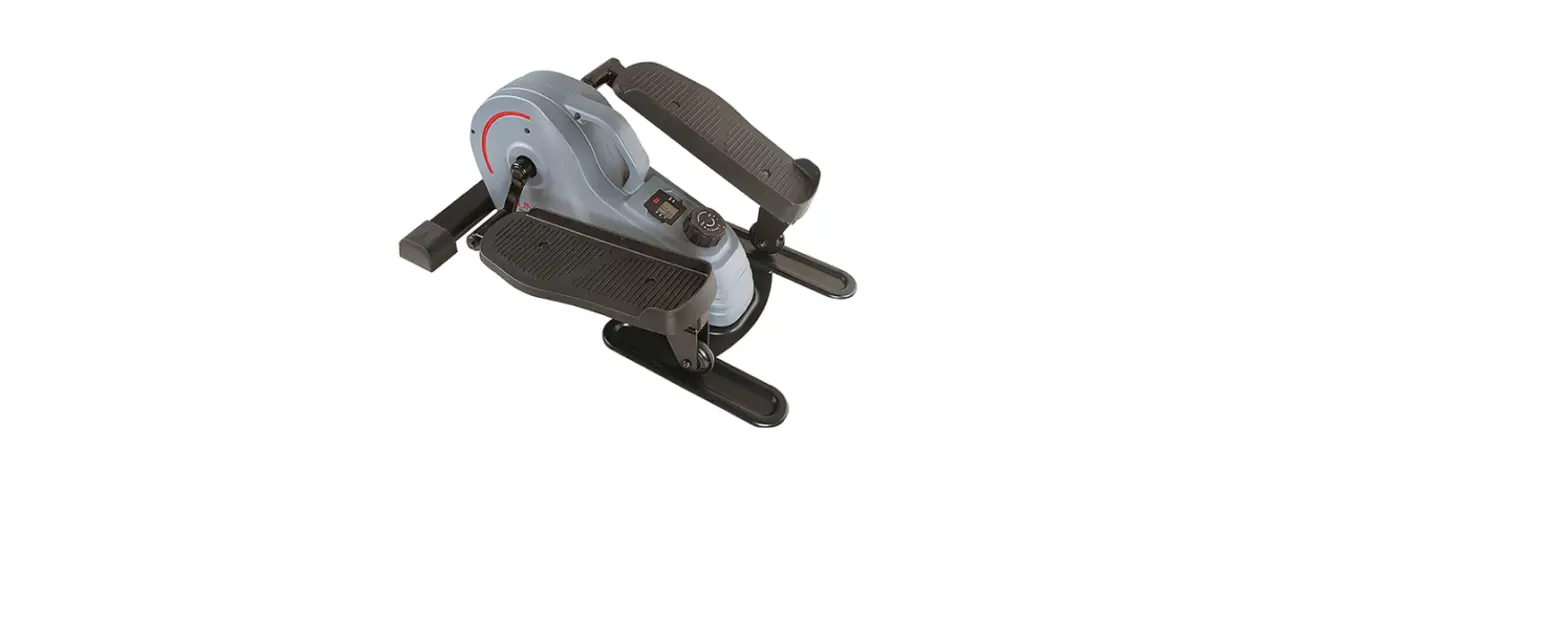
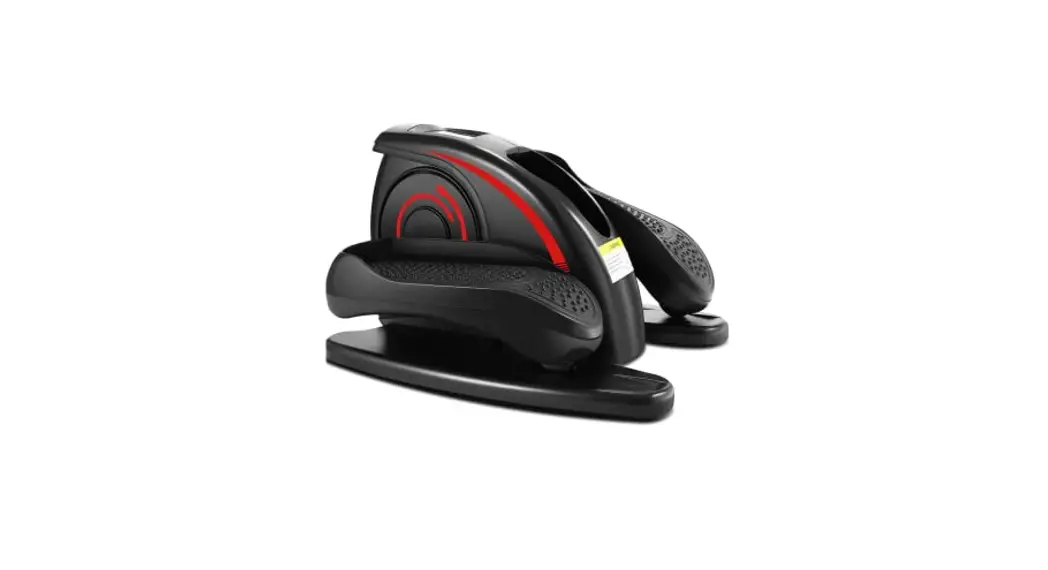
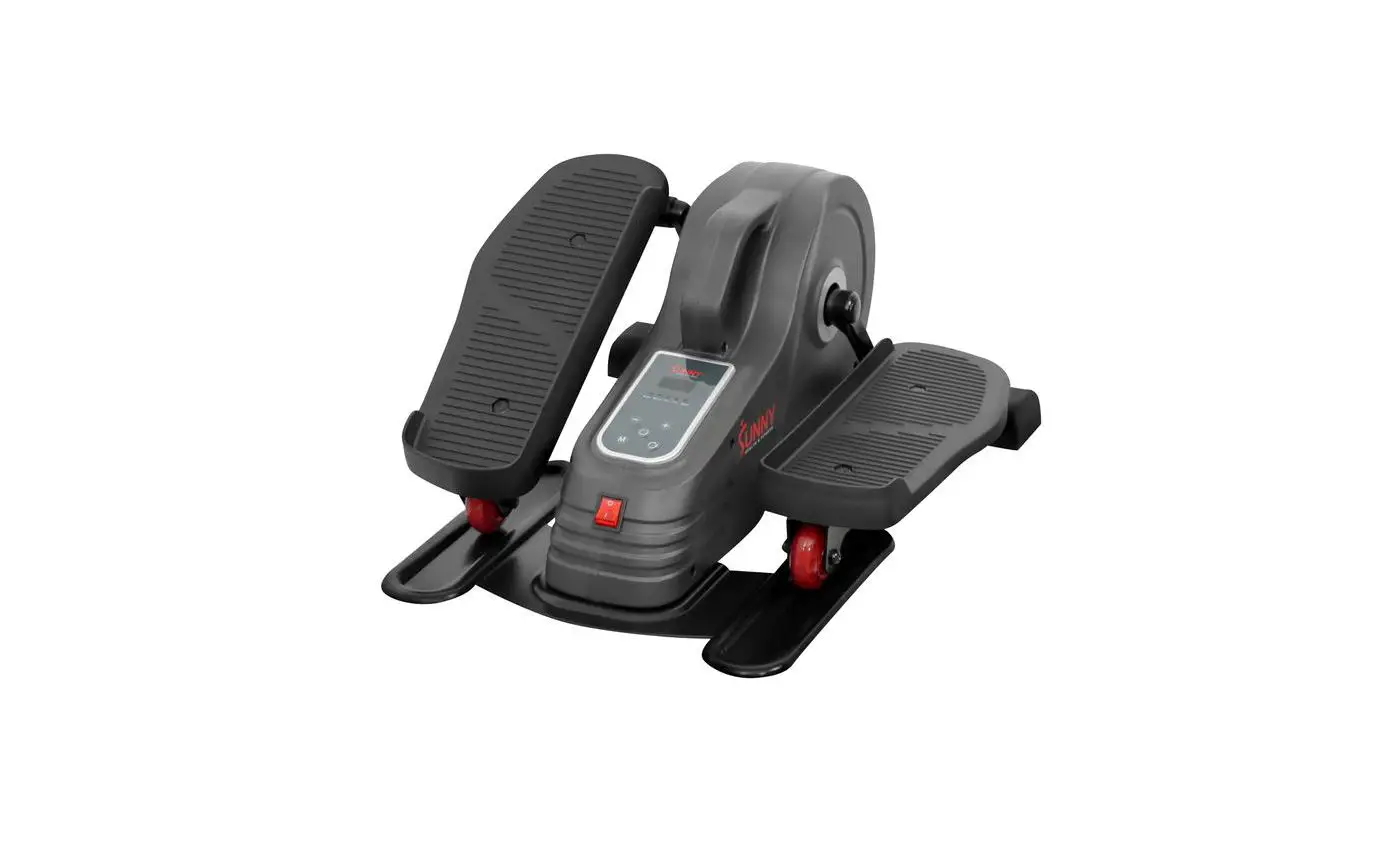
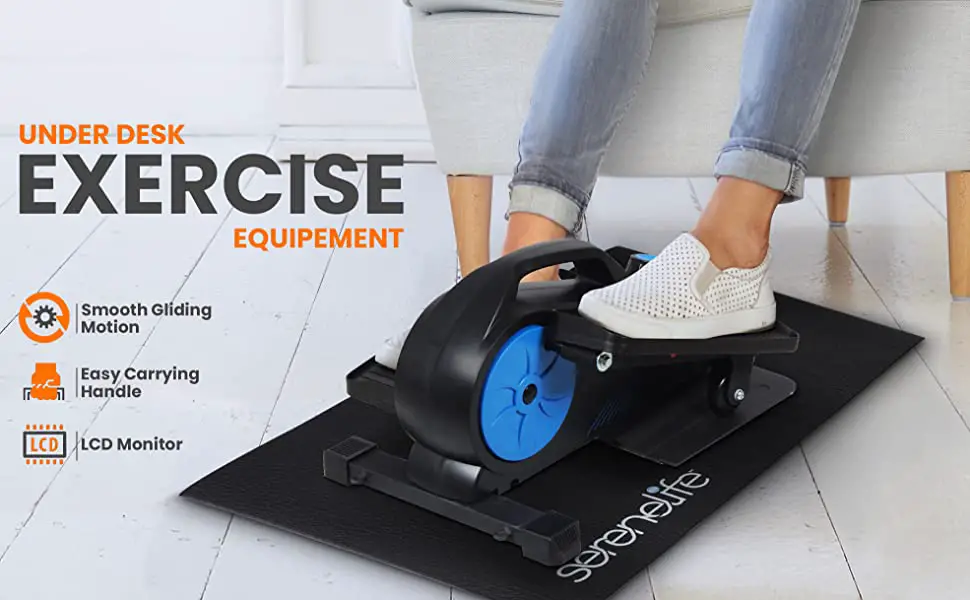
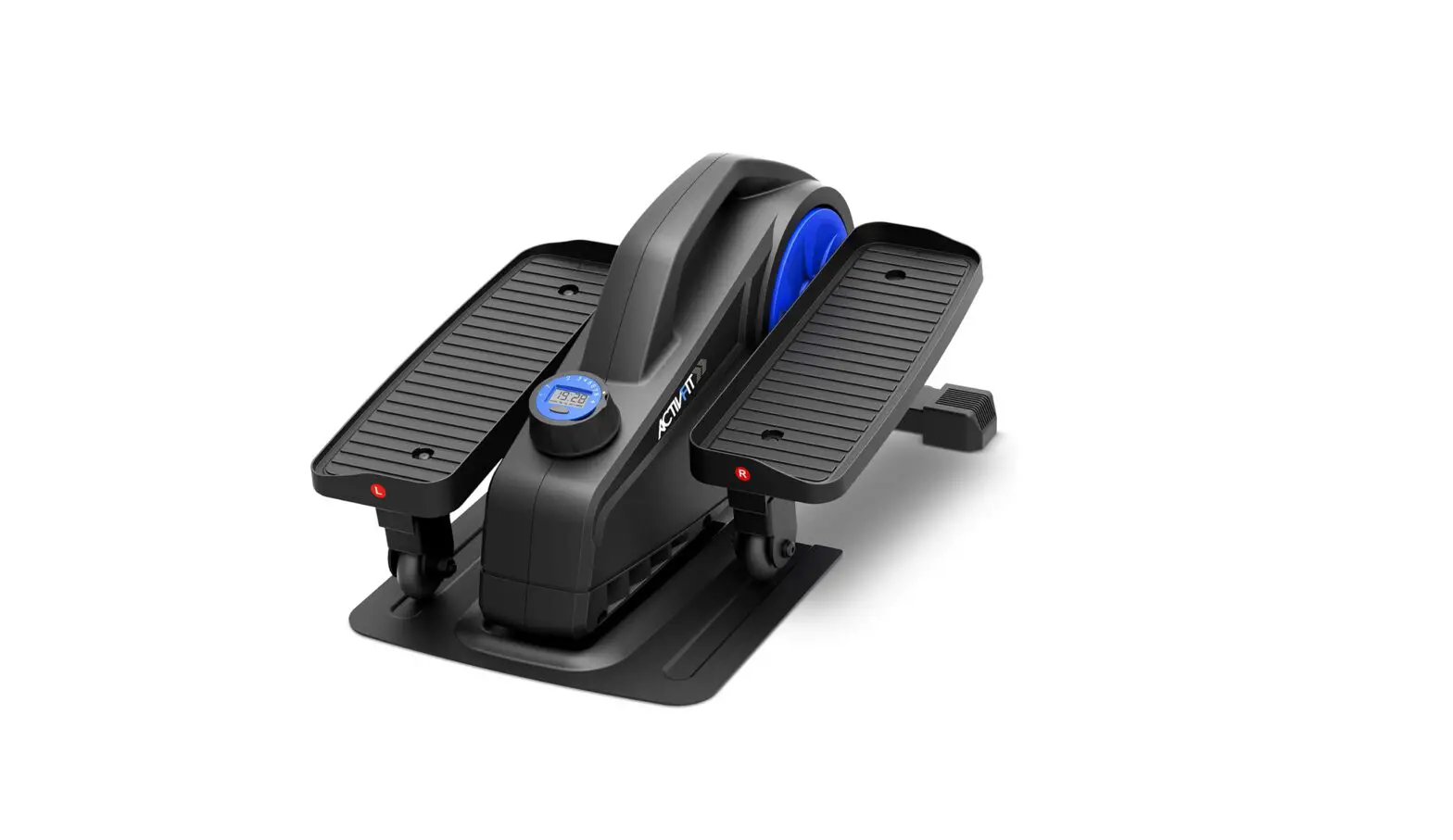
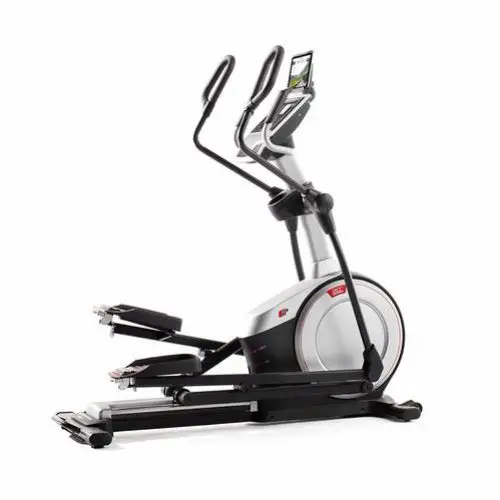
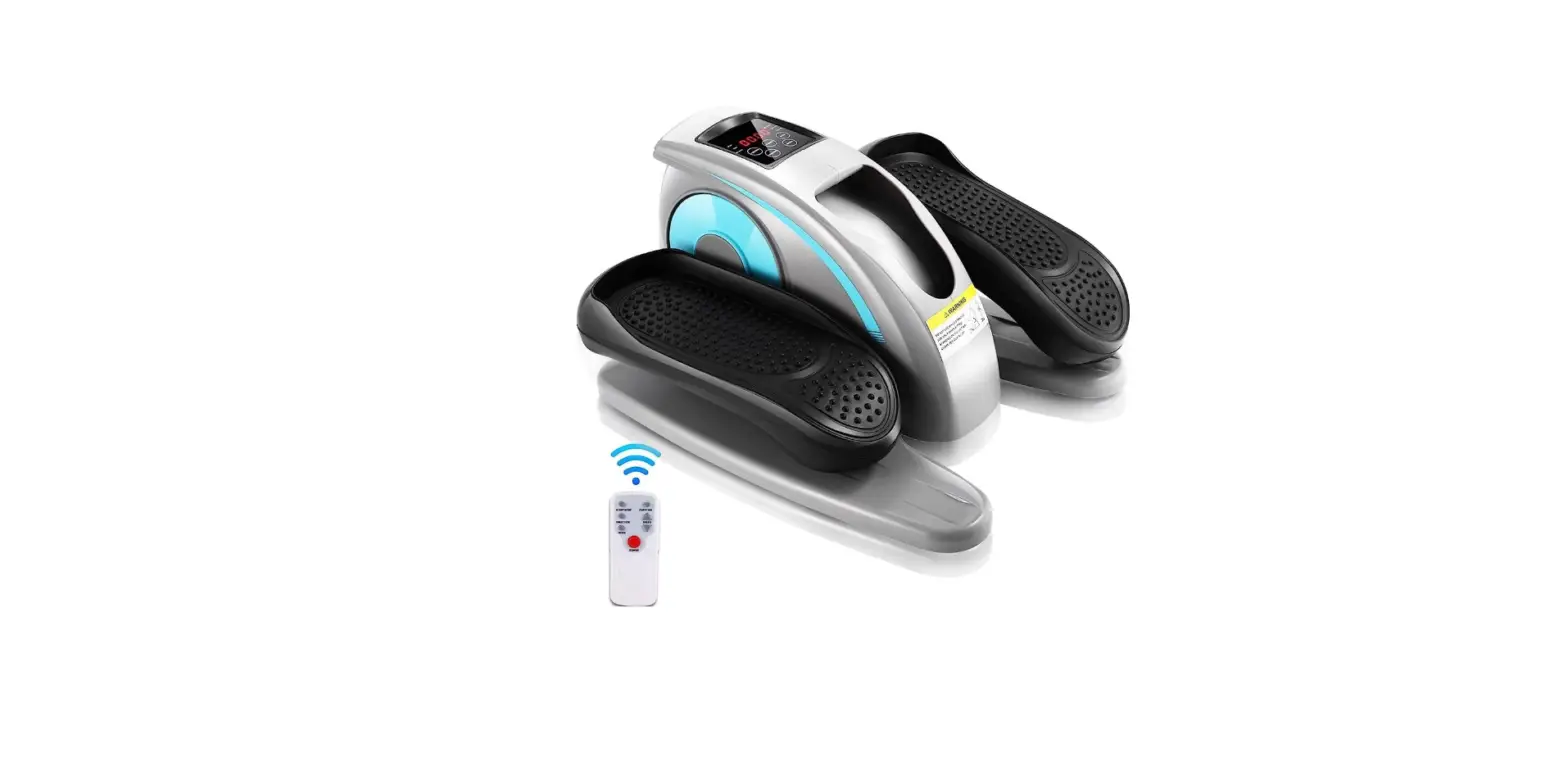
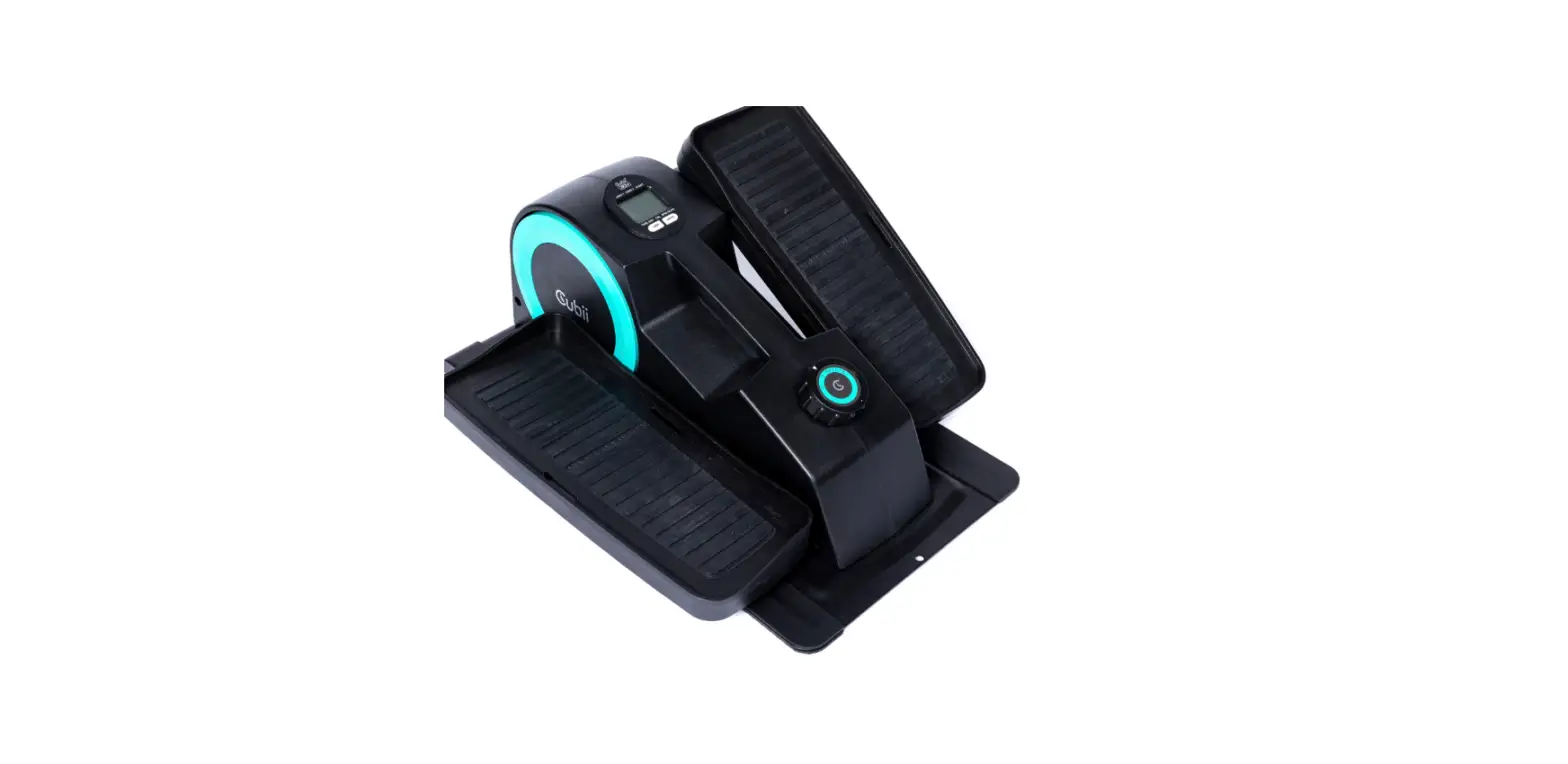
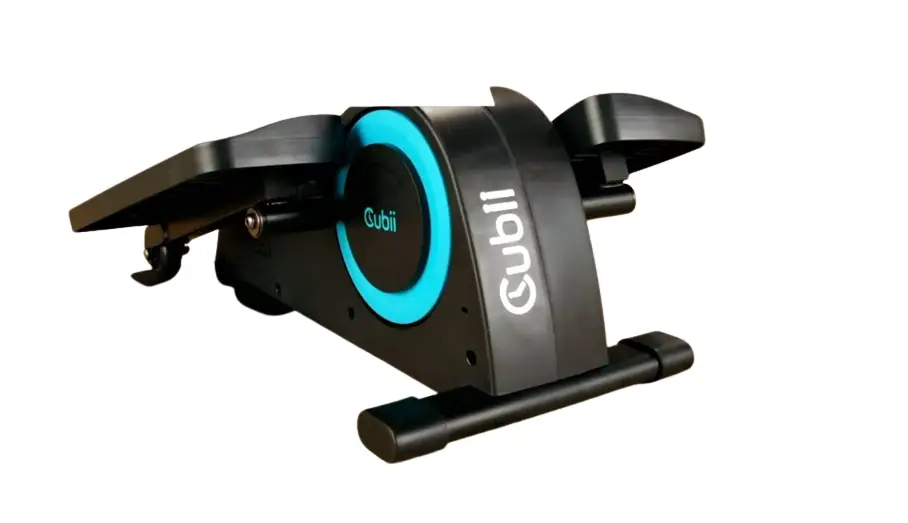
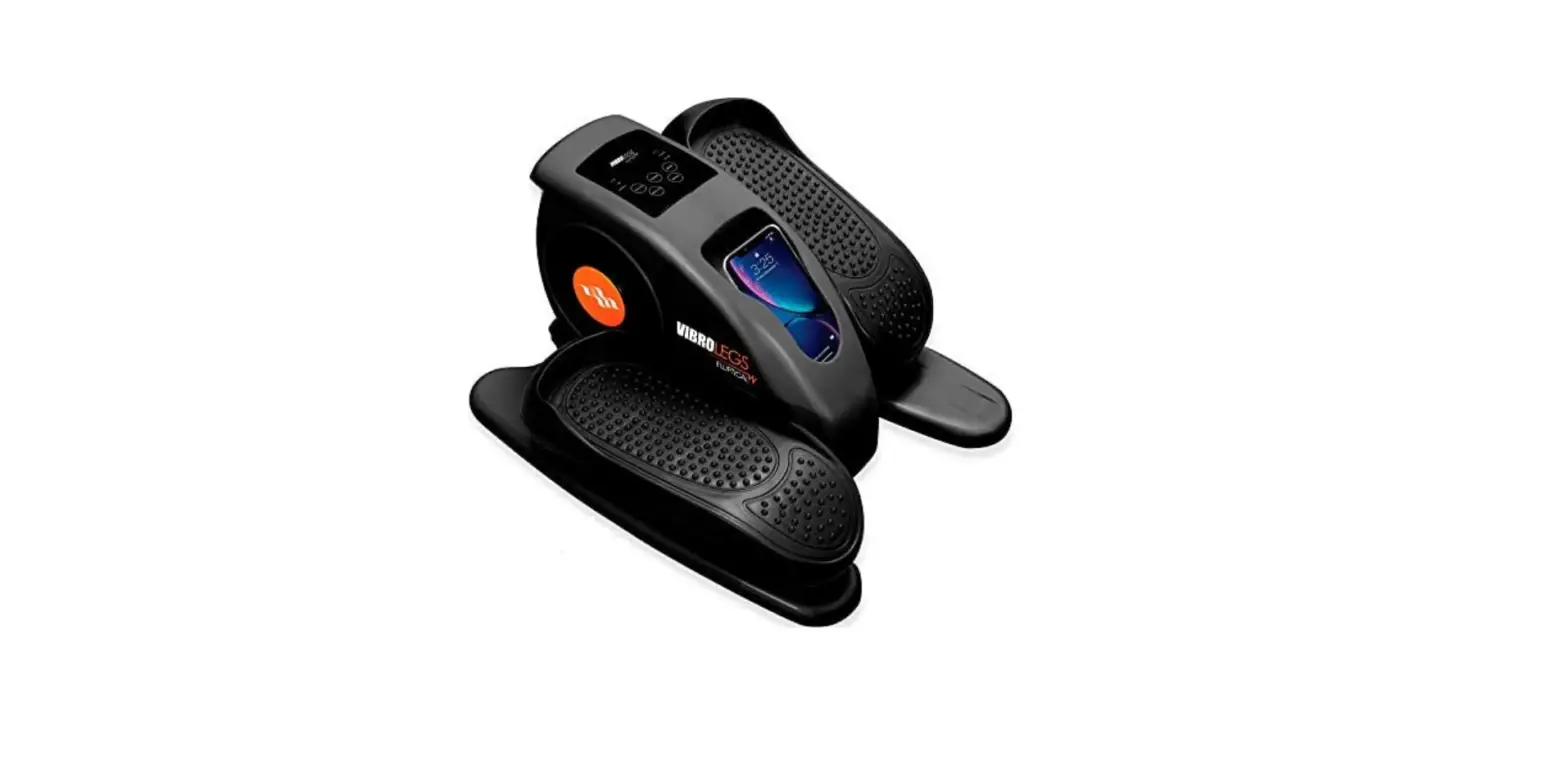
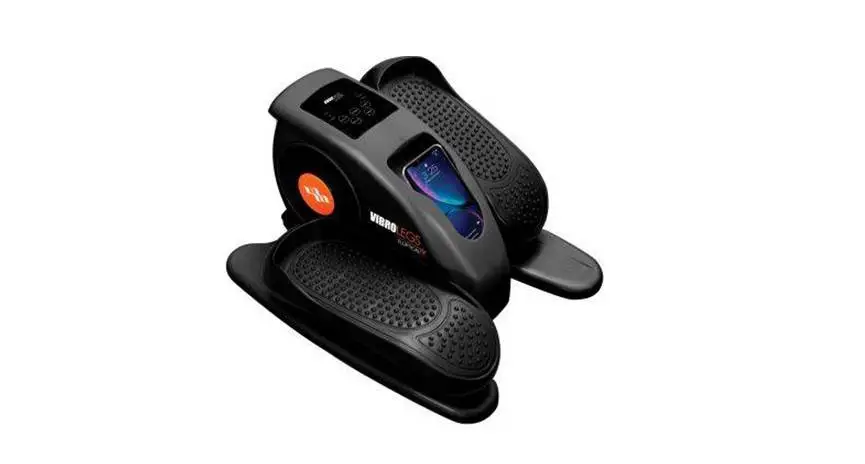
3606 MINI Under Desk Elliptical
MINI Elliptical Manual Model3606
Table of Contents
1. Safety Guidelines——2
2. Assembly Instructions——3~6
3. APP Instructions for Use——7~11
4. Electronic Meter Instructions——12~13
Please read all instructions in the manual carefully before
using the equipment and keep this manual properly.
1. Safety Guidelines
Ensure to follow the safety guidelines provided in the manual to
use the equipment safely.
2. Assembly Instructions
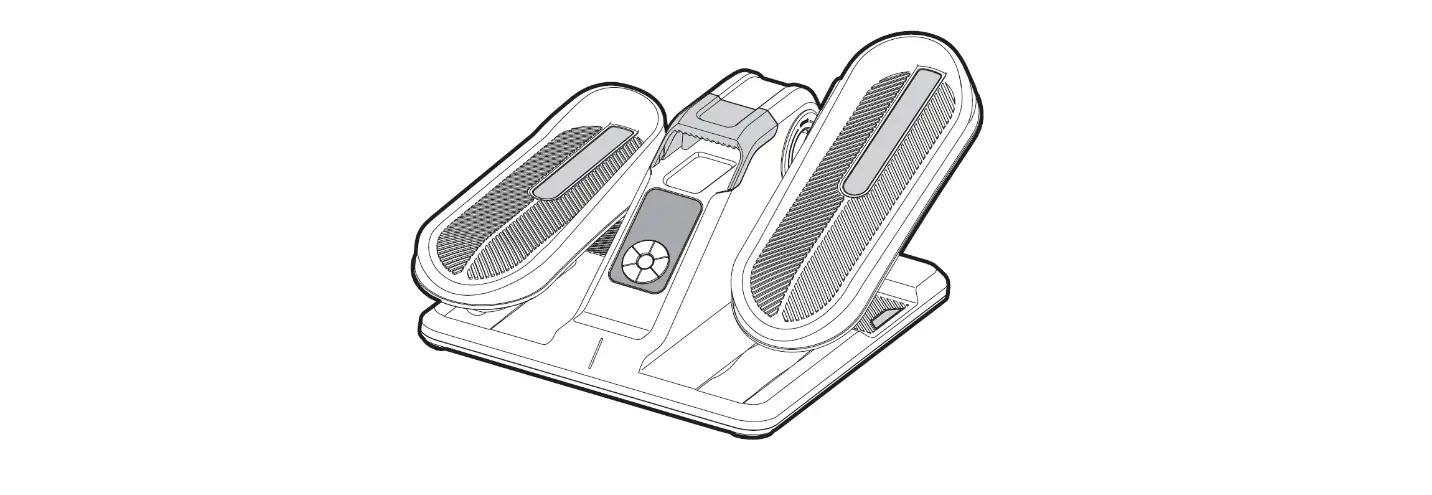
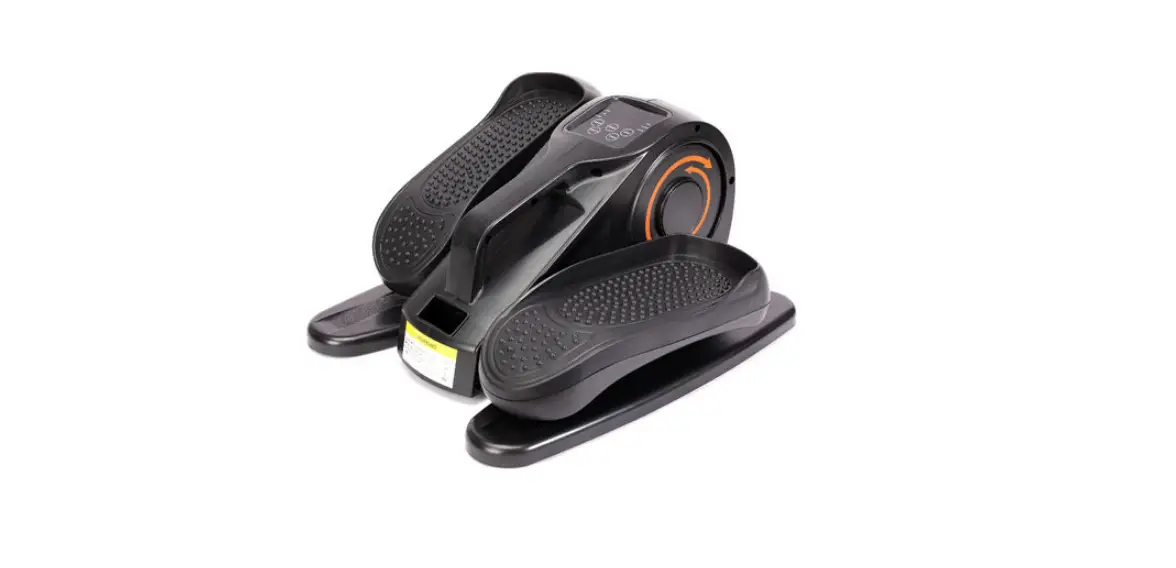
The picture below shows the parts diagram of the whole machine
installation, open the box, you can take out the following parts
inside the box.
| No. | Name | Specification | Quantity |
|---|---|---|---|
| 1 | Elliptical | 1 | |
| 2 | Fixing straps | 1 | |
| 3 | Battery | AA No.5 | 4 |
Installation steps:
Step 1: Thread the fixing webbing (NO.2) into the bottom of the
mainframe as shown in the picture. (The webbing can be used to
attach to the office chair to prevent the seat from sliding during
use of the elliptical)
Step 2: Put on the other end of the webbing as shown to complete
the webbing assembly, please ensure that the webbing will not fall
off.
Step 3: Remove the electronic meter and set it aside first. Open
the battery cover of the main transmitter.
Step 4: Install 2 AA batteries as shown in the figure, and
fasten the battery cover. Complete the transmitter battery
assembly.
Step 5: Take out the battery cover of the electronic meter as
shown.
Step 6: Install 2 AA batteries as shown in the figure, and
fasten the battery cover. Complete the electronic meter battery
assembly.
3. APP Instructions for Use
(Note: The scenario simulation function in the KINOMAP &
Zwift APP is free for a limited time. The final right of
interpretation belongs to the official KINOMAP & Zwift
APP.)
1. FUNCTIONS OF THE BLUETOOTH :
1.1 Working frequency: This wireless transmitter is a Bluetooth
4.2 device. Its working frequency is 2.4GHZ.
1.2 Requirements for Cell-phone APP Installation:
2. APP OPERATING INSTRUCTIONS :
2.1.1 Search KINOMAP in mobile app store to download app.
2.1.2 After the download is completed, open the app and register
the personal information. Turn on the Bluetooth of the mobile phone
to ensure that the transmitter is powered on and in the wake-up
state. (If you can’t search for Bluetooth devices, turn on the
lighted electronic meter, tap the pedal, and then continue to
search for devices)
2.1.3 Add sports equipment as follows:
Brand: Niceday Model: 3606
2.1.4 Add equipment to complete, start your exercise!
2.2 Description of Zwift connection:
2.2.1 Search Zwift in mobile app store to download app:
2.2.2 After the download is completed, open the app and register
the personal information. Turn on the Bluetooth of the mobile phone
to ensure that the transmitter is powered on and in the wake-up
state. (If you can’t search for Bluetooth devices, turn on the
lighted electronic meter, tap the pedal, and then continue to
search for devices)
2.2.3 Connect the sports equipment as follows:
2. Connect equipment to complete, start your exercise!
4. Electronic Meter Instructions
NOTE: When the Bluetooth transmitter and app are successfully
connected, the connection between the computer and the transmitter
will be disconnected and the computer will stop counting. To
reconnect the computer and transmitter, you need to exit the mobile
app and re-pair the computer and transmitter.
MINI Elliptical Manual Model3606
Table of Contents
1. Safety Guidelines——2 2. Assembly Instructions——3~6 3. APP Instructions for Use——7~11 4. Electronic Meter Instructions——12~13
5. Warm-up Exercise——14
Please read all instructions in the manual carefully before using the equipment and keep this manual properly.
1
1. Safety Guidelines
If you are in trouble or need help, please kindly contact our Customer Service Team via amazon. Please make sure you have read this manual thoroughly when assembling and using this device. Only proper installation, maintenance and use of the device will result in safe and effective use. Please ensure that all users of this equipment are informed of all warnings and precautions for use. (1) Before starting any exercise program, please consult your doctor to confirm if there are any injuries or medical conditions that may endanger your health and safety or prevent you from using this equipment. If you are currently on medication for heart rate, blood pressure or cholesterol levels, then your doctor’s advice is very important to you. 2) Please be aware of the various signals your body sends. Warning: Inappropriate or excessive exercise can damage your health. Stop the exercise as soon as you feel pain, tightness of the heart, irregular heartbeat, shortness of breath, weakness, dizziness or any discomfort. 3) Please place this equipment on a hard, level and protective layer or carpeted floor for use. In normal use, the training area to deny third parties to enter the dangerous part of the equipment (at least 1.2M of free space around) Please take care of your children and keep them away from this apparatus. This apparatus is only suitable for adult use. 4) Before use, please check that all bolts, webbing and other parts are completely installed firmly. 5) Warning: This apparatus can only be used in a safe condition if regular inspection of the parts susceptible to wear/damage is carried out. Please pay special attention to the parts most prone to wear and tear. 6) Warning: Please place the device on a smooth and perfectly level ground for installation. If you find any defective components during installation or inspection of the device, or if you hear any abnormal noise during use, please stop using the device immediately. Please do not use the equipment until the relevant problems are solved. 7) Wear well-fitting sports clothing during exercise. Do not wear loose clothing to avoid getting involved in any moveable parts. Do not wear shoes with too long laces before exercise to prevent the laces from getting caught in any movable parts. 8) When lifting and moving this equipment, please operate carefully to avoid back injury. Please use the correct lifting method and seek assistance if necessary. 9)Please make sure that the foot pedal is fixed before the exercise starts to prevent accidents. (10) Because this equipment is equipped with a flywheel inertia system, the exercise process may cause injuries to feet, ankles, legs and knees. Please prepare for warm-up before exercise. (11) Warning: prevent third parties, especially children, from using or turning the rotating parts arbitrarily during the exercise. (12) Warning: The movement process should please keep any adjustment device that may cause user movement interference should not deviate from the designed state. (13) Warning: This equipment is not intended for medical use. This equipment can only sit and exercise, not stand up and step on. (14) This product implements GB17498.1-2008/GB17498.10 -2008 standard. The maximum body weight is 110KG.
2
2. Assembly Instructions
The picture below shows the parts diagram of the whole machine installation, open the box, you can take out the following parts inside the box.
No.
Name
Specification Quantity
1
Elliptical
1
2
Fixing straps
1
3
Battery
AA No.5
4
3
Installation steps: Step 1: Thread the fixing webbing (NO.2) into the bottom of the mainframe as shown in the picture. (The webbing can be used to attach to the office chair to prevent the seat from sliding during use of the elliptical)
Step 2: Put on the other end of the webbing as shown to complete the webbing assembly, please ensure that the webbing will not fall off.
4
Step 3: Remove the electronic meter and set it aside first. Open the battery cover of the main transmitter.
Step 4: Install 2 AA batteries as shown in the figure, and fasten the battery cover. Complete the transmitter battery assembly.
5
Step 5: Take out the battery cover of the electronic meter as shown. Step 6: Install 2 AA batteries as shown in the figure, and fasten the battery cover. Complete the electronic meter battery assembly.
6
3. APP Instructions for Use
(Note: The scenario simulation function in the KINOMAP & Zwift APP is free for a limited time. The final right of interpretation belongs to the official KINOMAP & Zwift APP. ) 1. FUNCTIONS OF THE BLUETOOTH :
1.1 Working frequency: This wireless transmitter is a Bluetooth 4.2 device. Its working frequency is 2.4GHZ. 1.2 Requirements for Cell-phone APP Installation:
1.2.1 IOS cell-phone system should be no lower than 7.1 version and support Bluetooth 4.2, iphone 4s and beyond. 1.2.2 For Android, a system no lower than 4.3 is required and the cell-phone shall support bluetooth 4.2. 1.3 The wireless transmitter only records the user’s data when connected to the mobile phone and sends it to the mobile app. Before starting sports equipment, please connect the app to the transmitter to ensure the authenticity and validity of the data. 1.4 The transmitter will go into Sleep mode if it receives no signal input in 2 minutes. In Sleep mode, transmitter is unavailable for cell-phone. In this situation, wake up the Bluetooth transmitter by using the sports equipment and it can be found by the cell-phone again.
2. APP OPERATING INSTRUCTIONS : 2.1.1 Search “KINOMAP” in mobile app store to download app.
2.1.2 After the download is completed, open the app and register the personal information. Turn on the Bluetooth of the mobile phone to ensure that the transmitter is powered on and in the wake-up state. (If you can’t search for Bluetooth devices, turn on the lighted electronic meter, tap the pedal, and then continue to search for devices)
7
2.1.3 Add sports equipment as follows:
Brand: Niceday Model: 3606 8
2.1.4 Add equipment to complete, start your exercise!
2.2 Description of Zwift connection: 2.2.1 Search “Zwift” in mobile app store to download app:
2.2.2 After the download is completed, open the app and register the personal information. Turn on the Bluetooth of the mobile phone to ensure that the transmitter is powered on and in the wake-up state.(If you can’t search for Bluetooth devices, turn on the lighted electronic meter, tap the pedal, and then continue to search for devices)
9
2.2.3 Connect the sports equipment as follows: 10
2. Connect equipment to complete, start your exercise! 11
4. Electronic Meter Instructions
NOTE: When the Bluetooth transmitter and app are successfully connected, the connection between the computer and the transmitter will be disconnected and the computer will stop counting. To reconnect the computer and transmitter, you need to exit the mobile app and re pair the computer and transmitter.
FUNCTIONAL BUTTONS: MODE Push down to select functions.
Push down to reset time,distance and calories for 2 seconds. SET To set the values of time,distance and calories when not in scan mode. RESET Push down to reset time,distance and calories. FUNCTION AND OPERATIONS:
1. SCAN: Press the “MODE” button to select the function to “TIME”, at which time the “SCAN” words appear on the left of the monitor and monitor will rotate through all the 5 functions:time, speed, distance, odometer and calories. Each display will be hold 6 seconds. In the process of cyclic display of Each function, press “MODE” button once to make the “SCAN” disappear in any function mode to display this function.If you want to return to “SCAN” again, press the “MODE” button to select the function to “TIME”.In “SCAN” mode, the “SCAN” word on the left of the monitor flashes continuously.
2. TIME: Display the time from exercise start to end. 3. SPEED: Display current speed. 4. DISTANCE: Display the distances from exercise start to end. 5. ODOMETER: Monitor will display the total accumulated distance, after the battery is reinstalled, the value will return to zero. 6. CALORIES: Display the calories burned from exercise start to end.
TARGET TRAINING SETTINGS: This computer has three target training modes: time,distance and calories (when switching to the target function, if there is “SCAN” font flashing on the display, you need to press the “MODE” button again to make the “SCAN” font disappear before setting)
1. TIME target training mode: first press the “MODE” button to switch to the “TIME” function, and then press the “SET” button to set the target time (Press and hold the set button to speed up the setting). when it reaches the required time, stop the button. Then start to use the machine, and the display will start to count down. When the count down reaches zero, the time function flashes to indicate the completion of the training target. At this time, if you continue to train, the computer will automatically start to count up from zero. 2. DISTANCE target training mode: first press the “MODE” button to switch to the “DIST” function, and then press the “SET” button to set the target distance (Press and hold the set button to speed up the setting). when it reaches the required distance, stop the button. Then start to use the machine, and the display will start to count down. When the count down reaches zero, the distance function flashes to indicate the completion of the training target. At this time, if you continue to train, the computer will automatically start to count up from zero.
3. CALORIE target training mode: first press the “MODE” button to switch to the “CAL” function, and then press the “SET” button 12
to set the target calorie (Press and hold the set button to speed up the setting). when it reaches the required calorie, stop the button. Then start to use the machine, and the display will start to count down. When the count down reaches zero, the calorie function flashes to indicate the completion of the training target. At this time, if you continue to train, the computer will automatically start to count up from zero.
If you want to modify the target data after the setting process or completion, press “RESET” button directly to clear all settings, and then reset according to the previous description.
NOTE 1. If the battery symbol on the display lights up, please replace the battery. 2. The monitor will automatically shut off if there is no signal received after 2 minutes. 3. Press any button to wake up the computer and the computer will restart. 4. When you stop exercising for 4 seconds, the display will stop calculating and a “STOP” will be displayed on the screen. When you start exercising, the display will automatically start calculating and the “STOP” will disappear.
SPECIFICATIONS:
SCAN
FUNCTION
TIME SPEED DISTANCE
ODOMETER
CALORIES BATTERY TYPE OF COMPUTER:
BATTERY TYPE OF TRANSMITTER:
OPERATING TEMPERATURE
STORAGE TEMPERATURE
Every 6 seconds 0:00~99:59 0.0~99.9 KM/HMILE/H) 0.00~99.99 KM MILE) 0 ~ 9999 KMMILE) 0.0~999.9 CAL 2pcs of SIZE AA or UM 3 2pcs of SIZE AA or UM 3 0°C ~ +40°C -10°C ~ +60°C
13
5. Warm-up Exercise
Before exercise, it is better Warm muscles stretch more easily, so the first of 5 ~ 10 minutes to warm up. Then in accordance with the following methods to stop and do stretching exercises – do five times, each leg every time 10 seconds or more time to do it again after the end of the exercise.
Down the stretch: knees slightly curved, the body bent forward slowly, so that the back and shoulders relaxed, hands try to touch your toes. Maintain 10 to 15 seconds, and then relax. Repeat three times to do (see Figure l).
Hamstring stretch: sitting on the clean seat, put one leg straight. Inward close to the other leg to make it close to the inside leg straight. Hands try to touch the toes. Maintain 10 to 15 seconds, and then relax. Repeat for each leg do three times (see Figure 2).
Legs and feet tendon stretch: two on the Rotary wall or tree stand, one foot in the post. Keep legs straight and heel to tilt the direction of the wall or tree. Maintain 10 to 15 seconds, and then relax. Repeat for each leg do three times (see Figure 3).
Quadriceps stretch: the left hand wall or table Cu master balance, and then stretched his right hand back to seize the right foot to the buttocks with slowly pull until you feel the front thigh muscles tense. Maintain 10 to 15 seconds, then relax. Repeat for each leg to do three times (see Figure 4).
Sartorial muscle (inner thigh muscles) stretch: Foot In contrast, the knee outward to sit down. The hands grasp the feet to the groin pull. Maintain 10 to 15 seconds, and then relax. Repeat three times (see Figure 5)
14