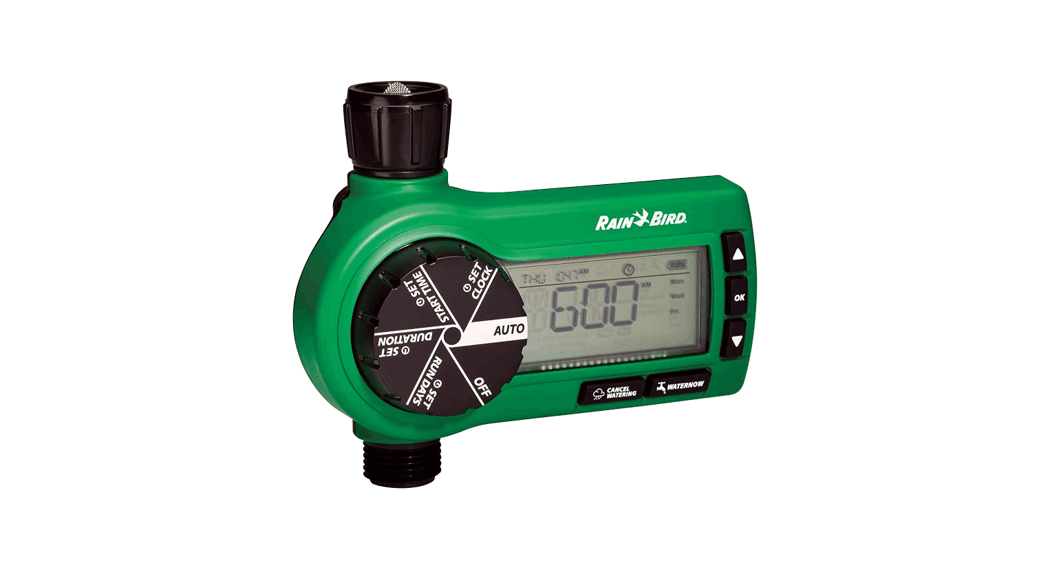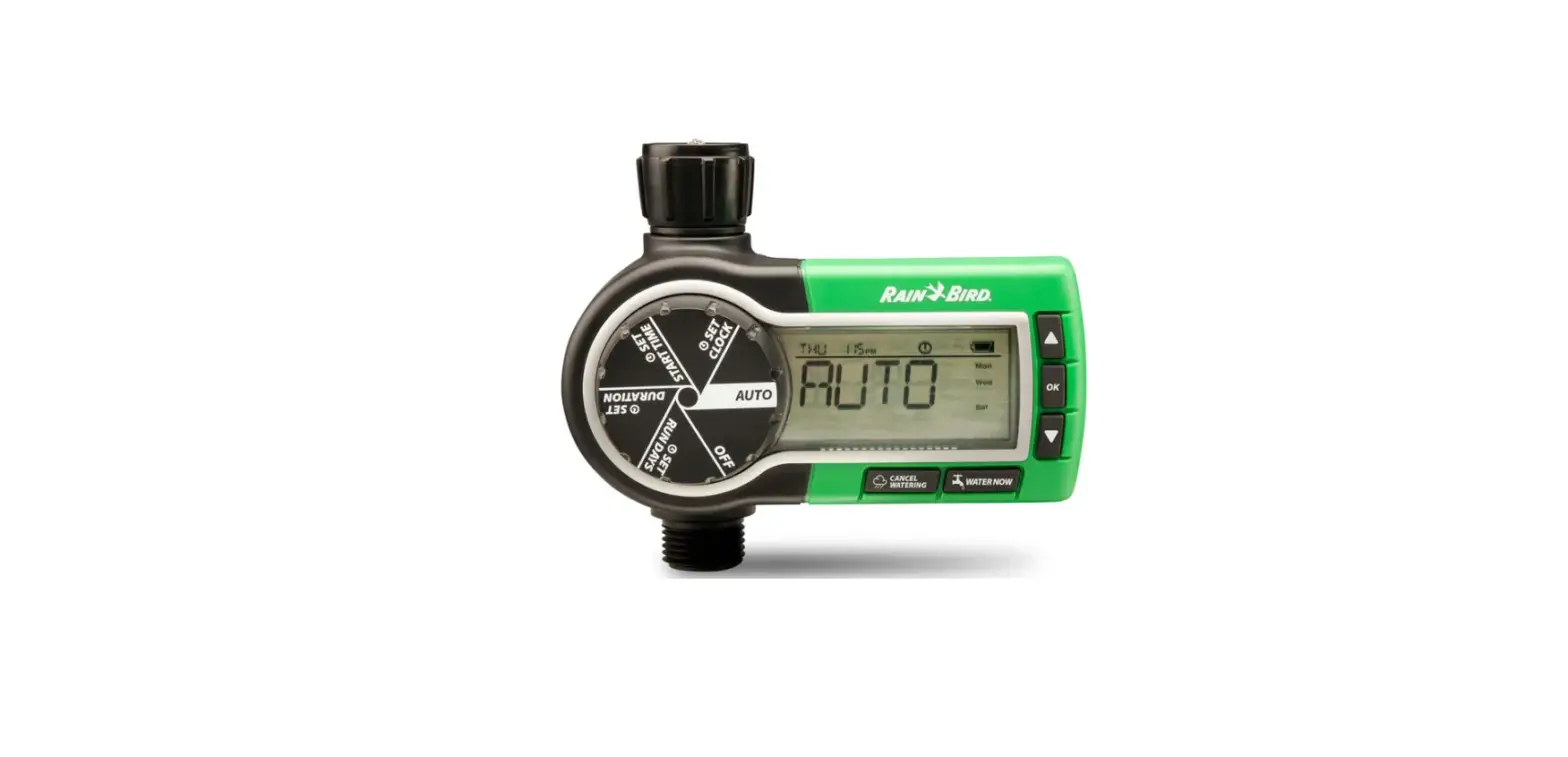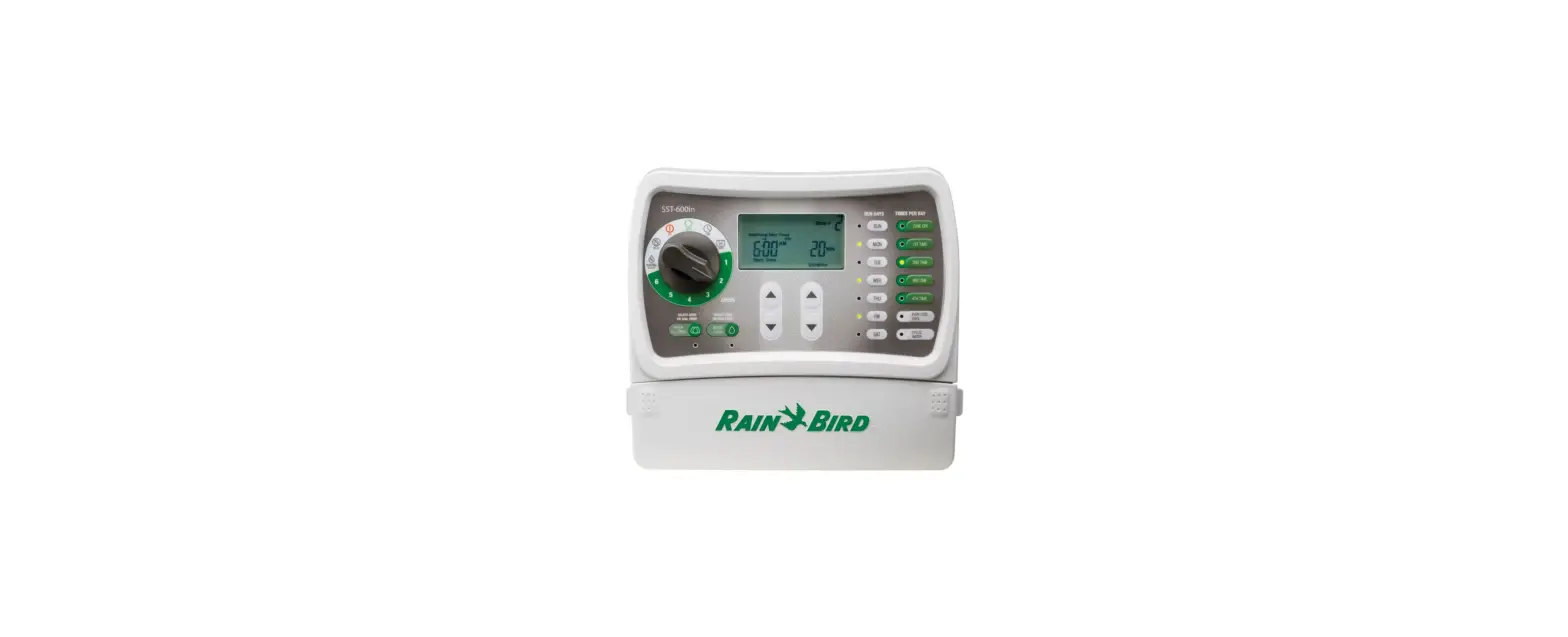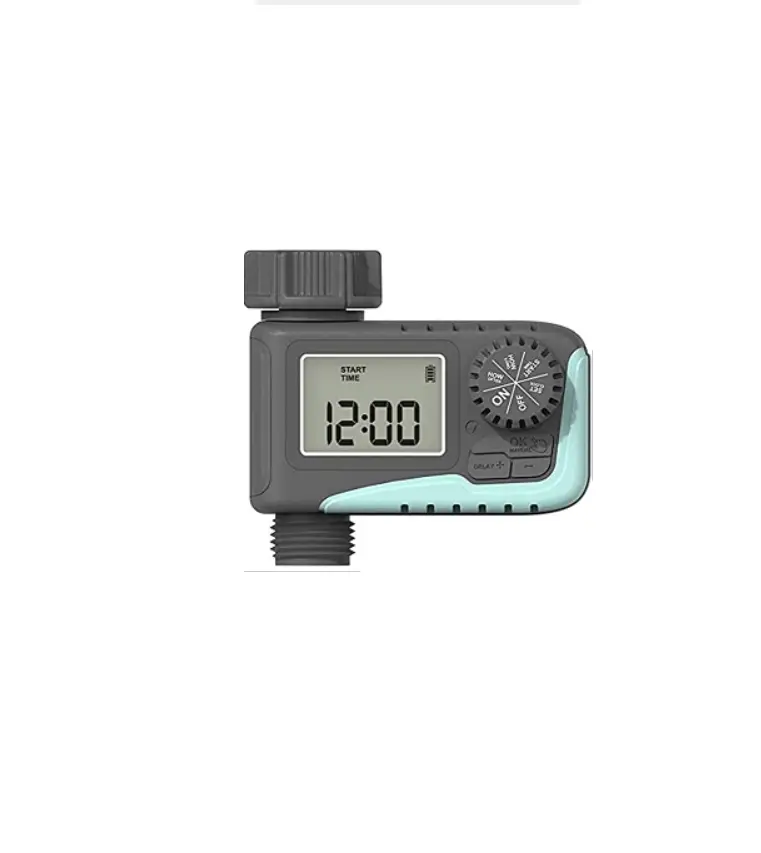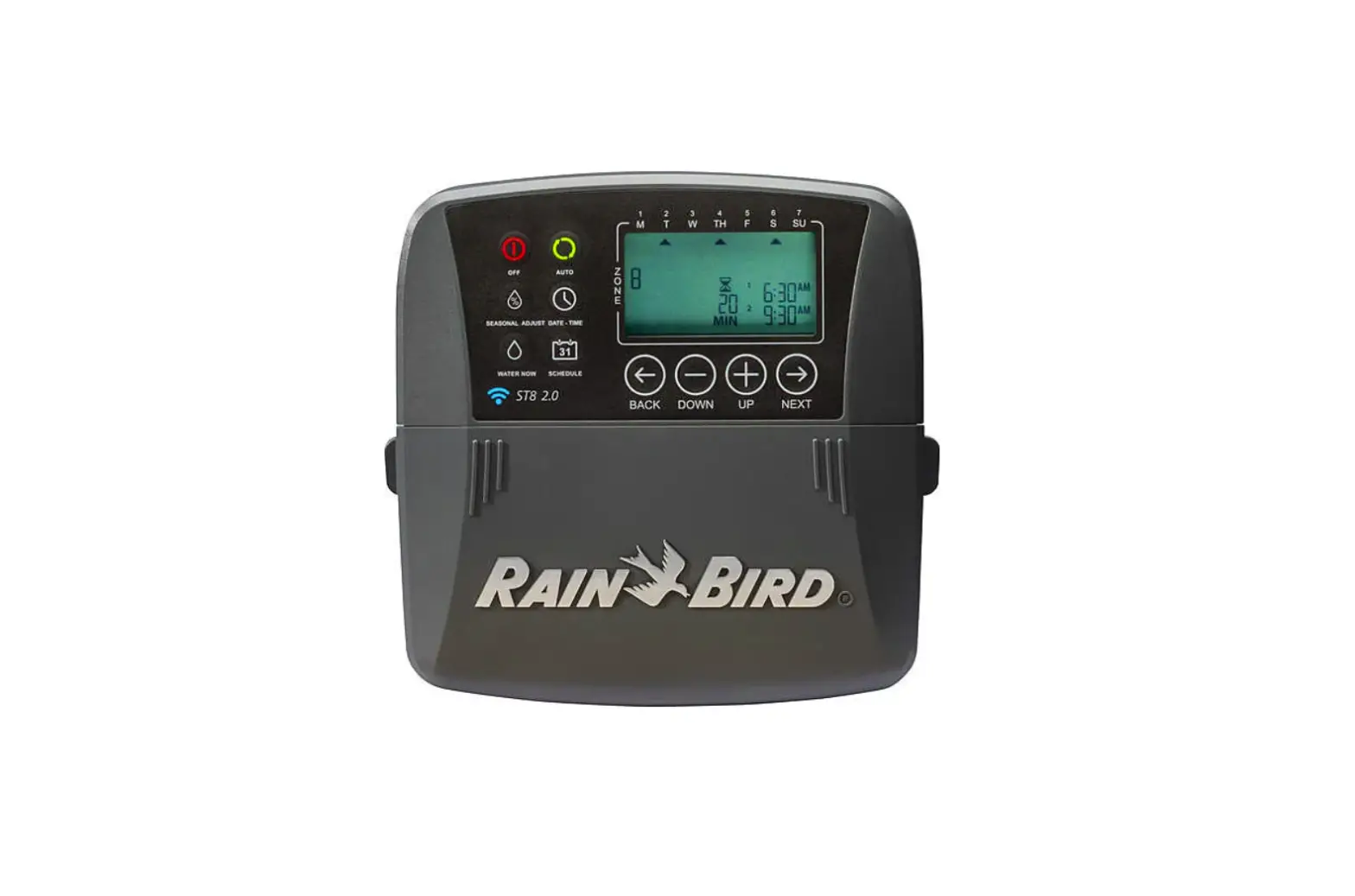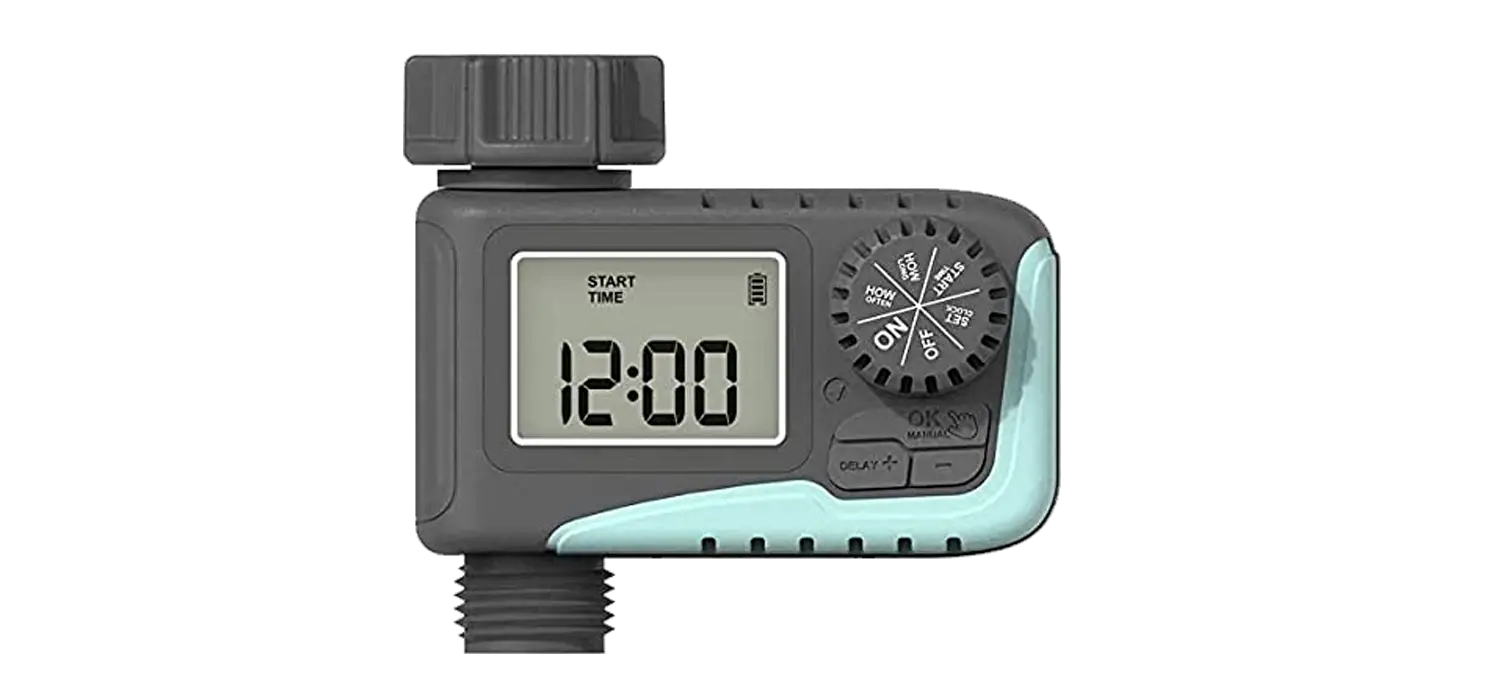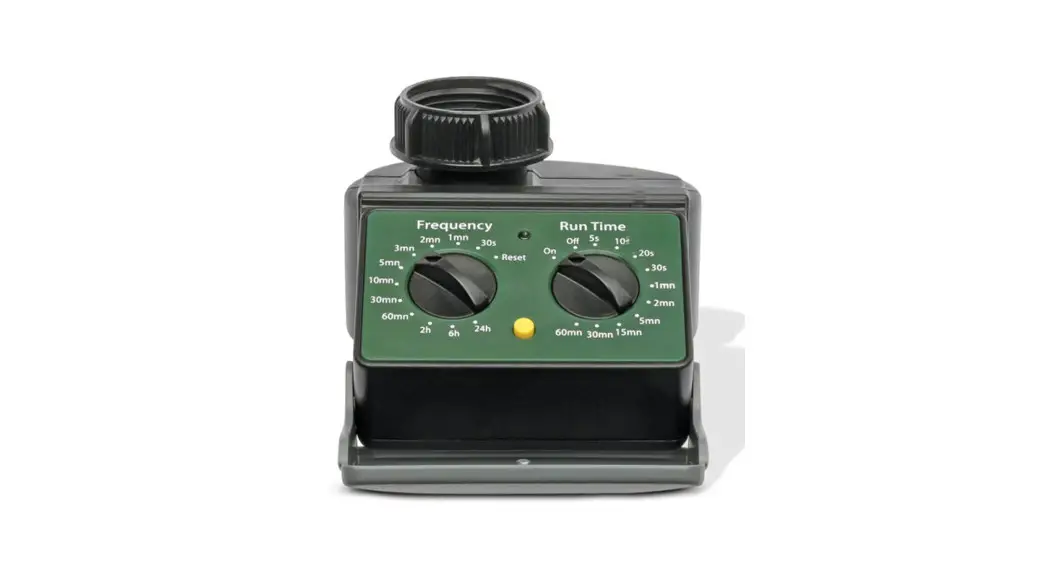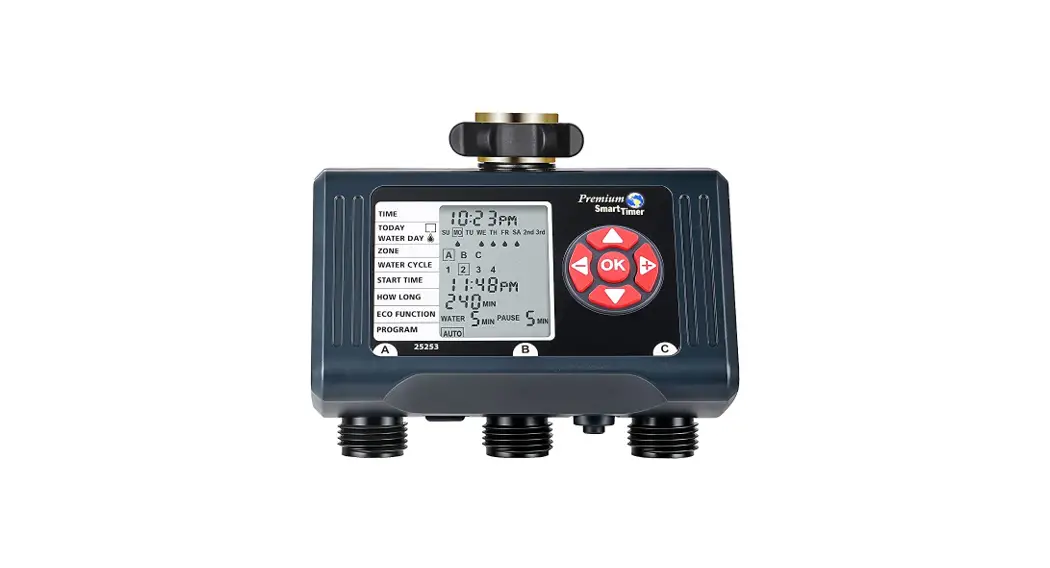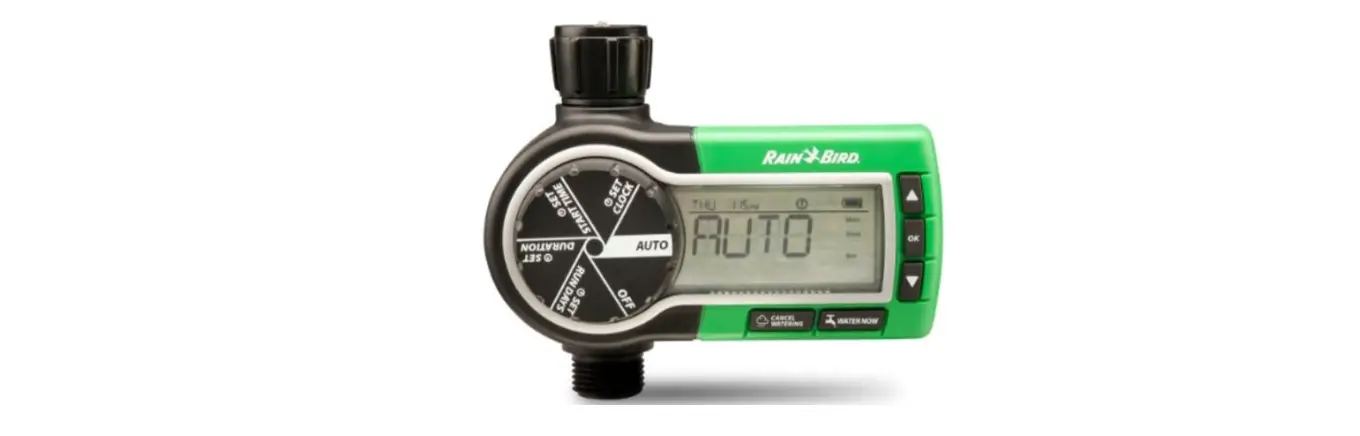

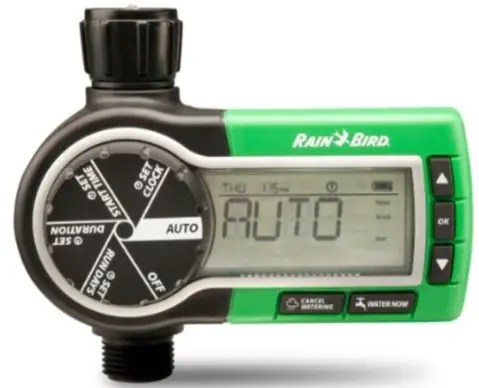
RAIN BIRD 1ZEHTMRP Professional Grade Electronic Digital Hose End Timer
Hose End Timers Troubleshooting Guide
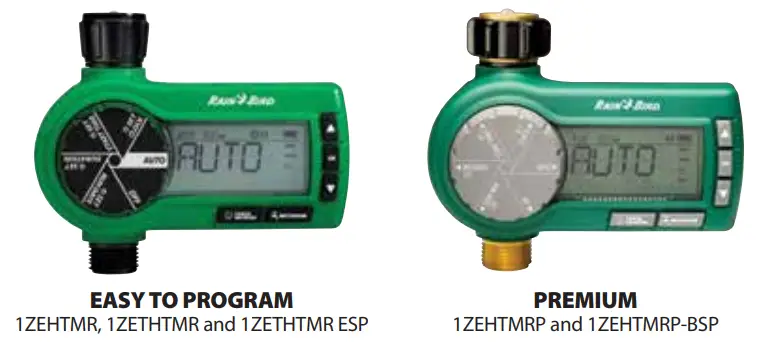
| Problem No power | Potential Issues | Potential Solution |
| Low/dead batteries | Check battery meter on display and replace batteries if low. | |
| Battery tray is not fully inserted | Make sure battery tray is fully inserted. | |
| Batteries installed backwards | Remove battery tray, and reinstall batteries in the opposite direction. | |
| Timer does not water | Hose bibb/tap is not open | Open hose bibb/tap completely. |
| Clogged filter | Remove timer from hose bibb/tap and check mesh screen filter. Remove any debris found in screen. | |
| Insufficient water pressure | Test water pressure to confirm it is at least 15 PSI or greater. | |
| Timer is not programmed | Be sure to press OK after each programming step. | |
| Water does not come on at desired time | Clock is set to incorrect time | Verify time is set correctly including AM and PM. |
| Timer is not programmed | Depending on timer model, refer to the appropriate instruction manual to set the start time, duration, and run days. | |
| Dial is not set to “Auto” | Set dial to “Auto”. | |
| Rain Delay is on | Turn dial to “Off” and then back to “Auto” to clear the rain delay feature. | |
| Timer will not stop watering | Duration is set incorrectly | Verify duration is set to desired time. |
| Timer leaks at hose bibb/tap | Rubber washer/screen filter is missing | Confirm rubber washer/screen filter is inserted in the coupling and tighten connection. |
| Timer leaks at the male outlet | Debris clogged in diaphragm | Cycle timer by pressing the “Water Now” button. Let timer water for 10 seconds, then press the “Cancel Watering” button to stop watering. Repeat the process as needed. |
| “Not Set” is flashing on the display | A programming step was not saved | If “Not Set” is displayed, a step was not saved by pressing OK. Review and press OK after each step. |
| Display is black | Internal temperature of the timer is too hot | Shade the timer, or relocate timer to an area that’s not in direct sunlight. When the timer cools down, the display will return to normal operating mode. |
USER TIPS
Automate your hose-end sprinklers, drip Irrigation system or soaker hose with a simple-to-set Hose End Timer from Rain Bird.
To maximize operating life of your timer:
- Remove old batteries at the end of the watering season and dispose of properly. Install fresh batteries at the start of the season and whenever the Low Battery icon flashes.
- Winter Caution: Remove from faucet to avoid freeze damage.
 If you no longer have a copy of the operating instructions, they can be downloaded by scanning this code.
®Registered trademark of Rain Bird Corporation ©2022 Rain Bird Corporation
184263 Rev. 11/22
1-800-RAIN BIRD | www.rainbird.com
The Intelligent Use of Water®
 Rain Bird | A Global Irrigation Company