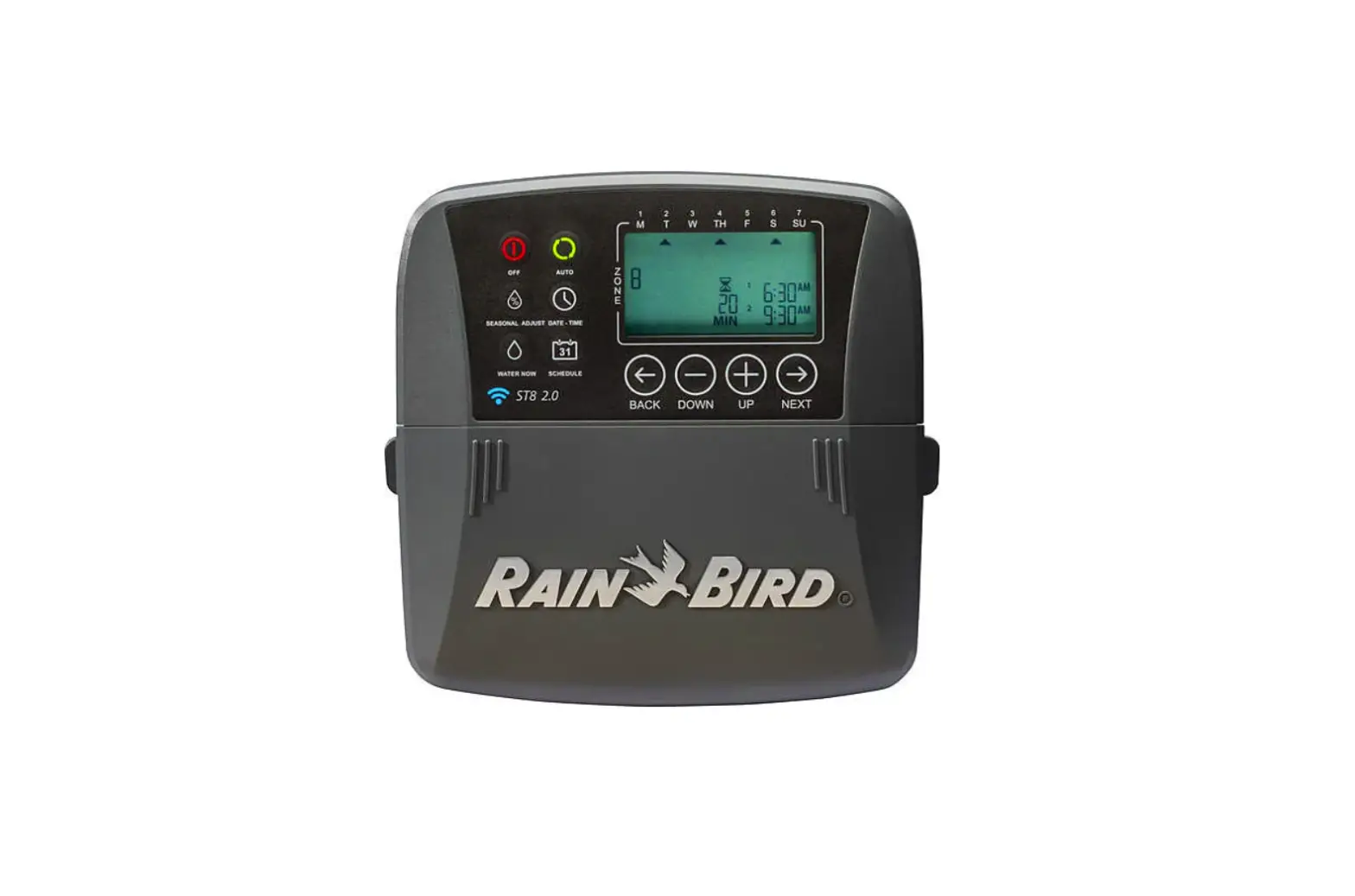
RAIN BIRD RAINBIRD01EC99 Homeowner Smart Irrigation WiFi Timer Instructions

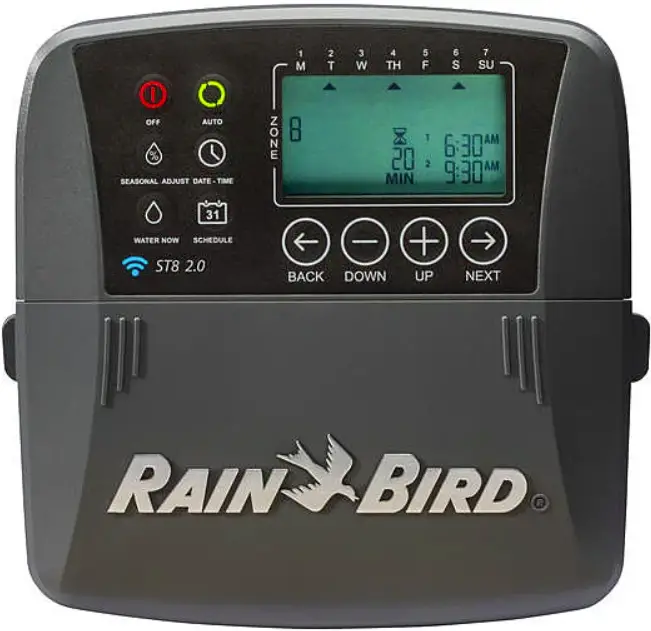
Program your irrigation controller from anywhere, anytime!
- Ensure strong WiFi signal strength at the controller.
 NOTE: Ensure that you are using the 2.4GHz frequency WiFi channel (5.0GHz not compatible) and 802.11 b/g/n router.
 NOTE: If necessary, improve signal strength by moving the router closer or using a signal booster.
 - Download the Rain Bird Mobile App


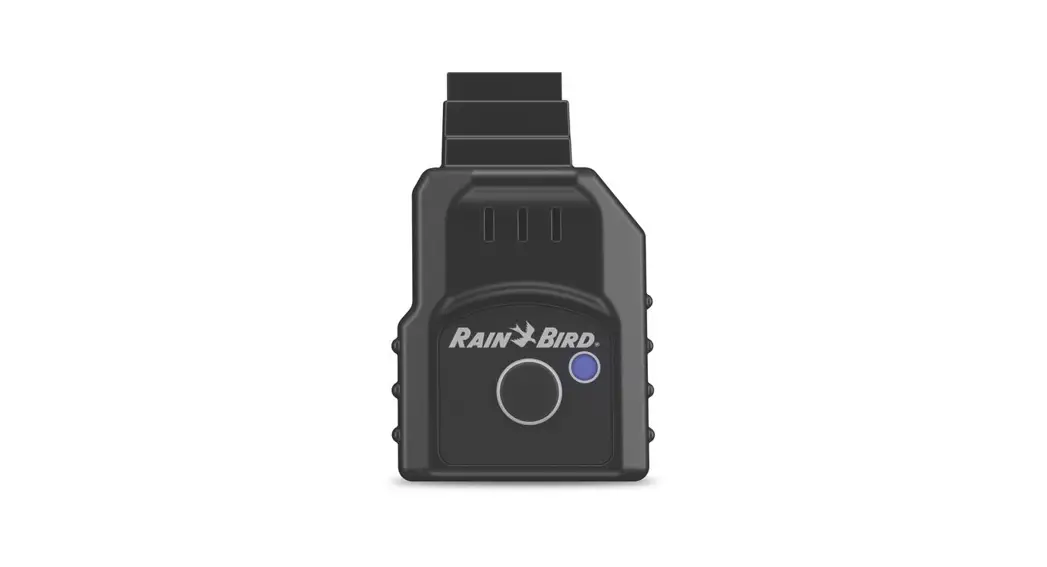
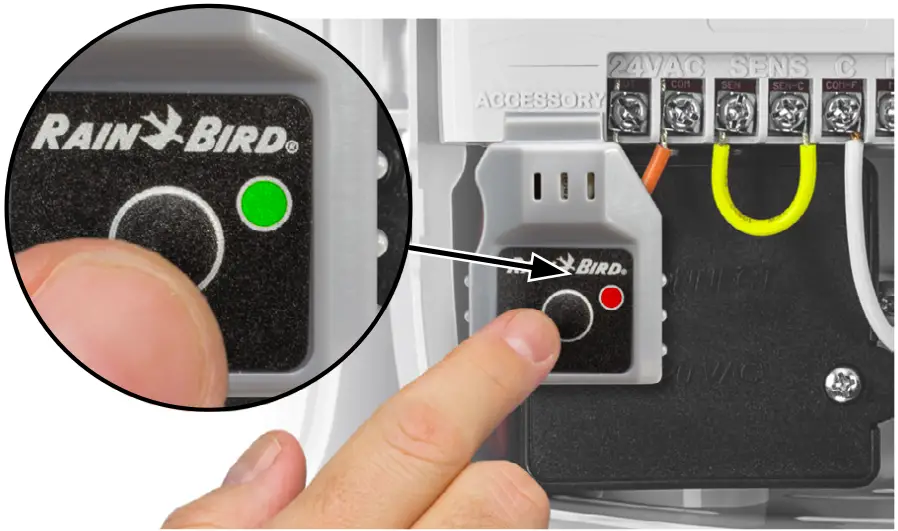
- Press the button on the LNK WiFi Module. The light blinks GREEN and RED to indicate hotspot mode.

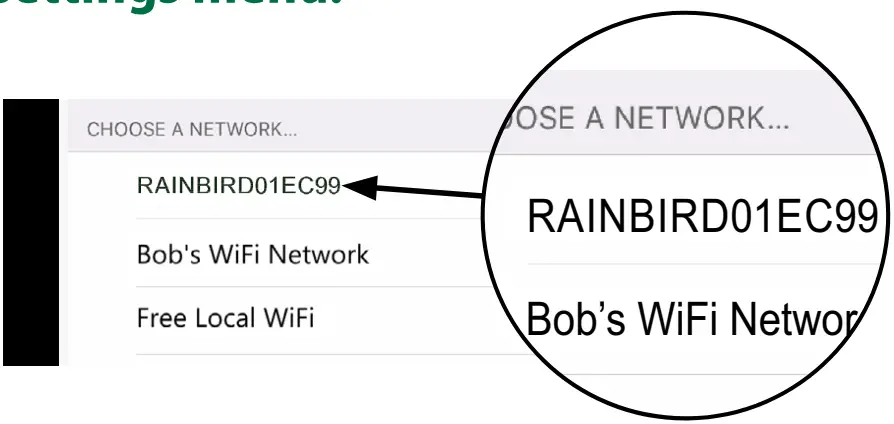
- Locate and connect to the Rain Bird network in the phone/tablet’s WiFi settings menu

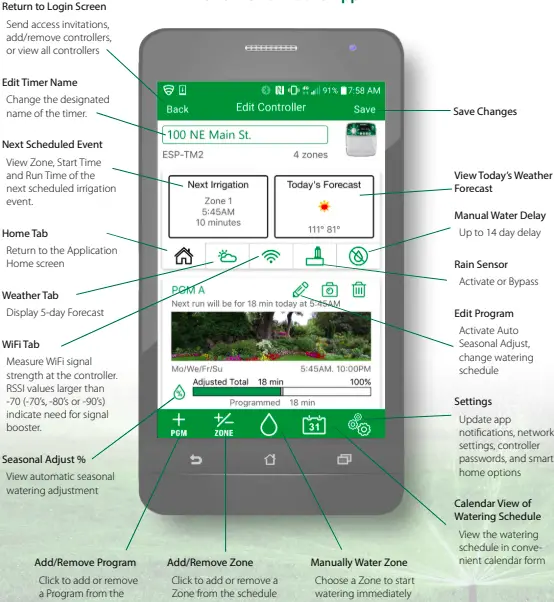
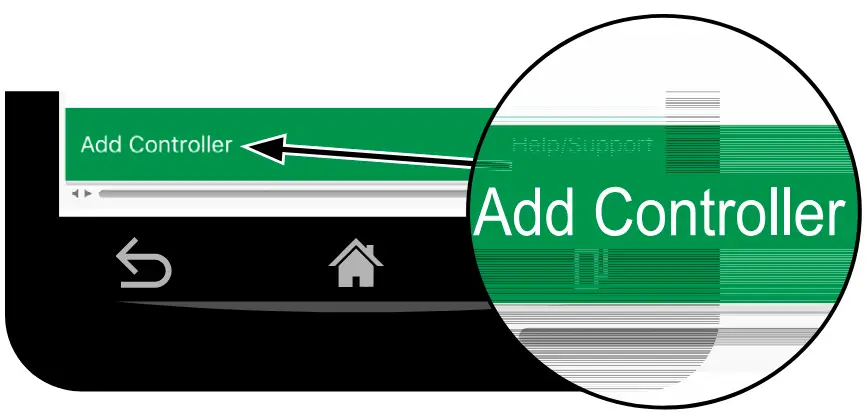
- Open Rain Bird app and select Add Controller (bottom left of screen), then follow Setup Wizard

NOTE: Information you will need for setup- WiFi network name (SSID)
- WiFi network password
- Email address
- Residence Zip Code
 NOTE: Ensure that you are using the 2.4GHz frequency WiFi channel (5.0GHz not compatible) and 802.11 b/g/n router.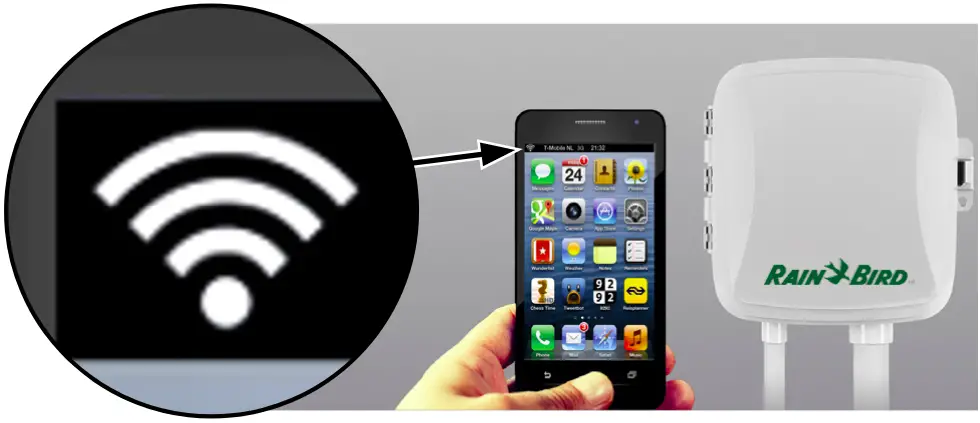



Scan this QR code or visit wifi-pro.rainbird.com/support to watch setup and support videos.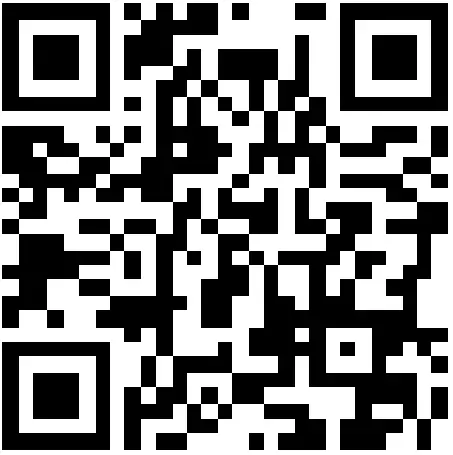
http://wifi-pro.rainbird.com/support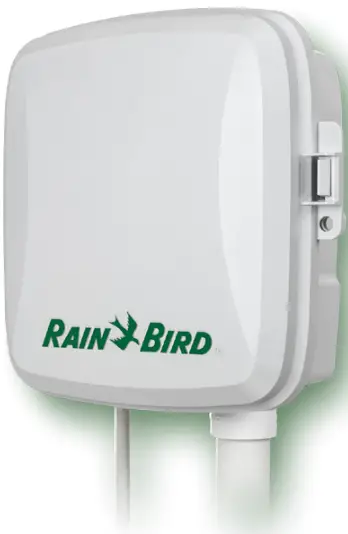
The Rain Bird Mobile App