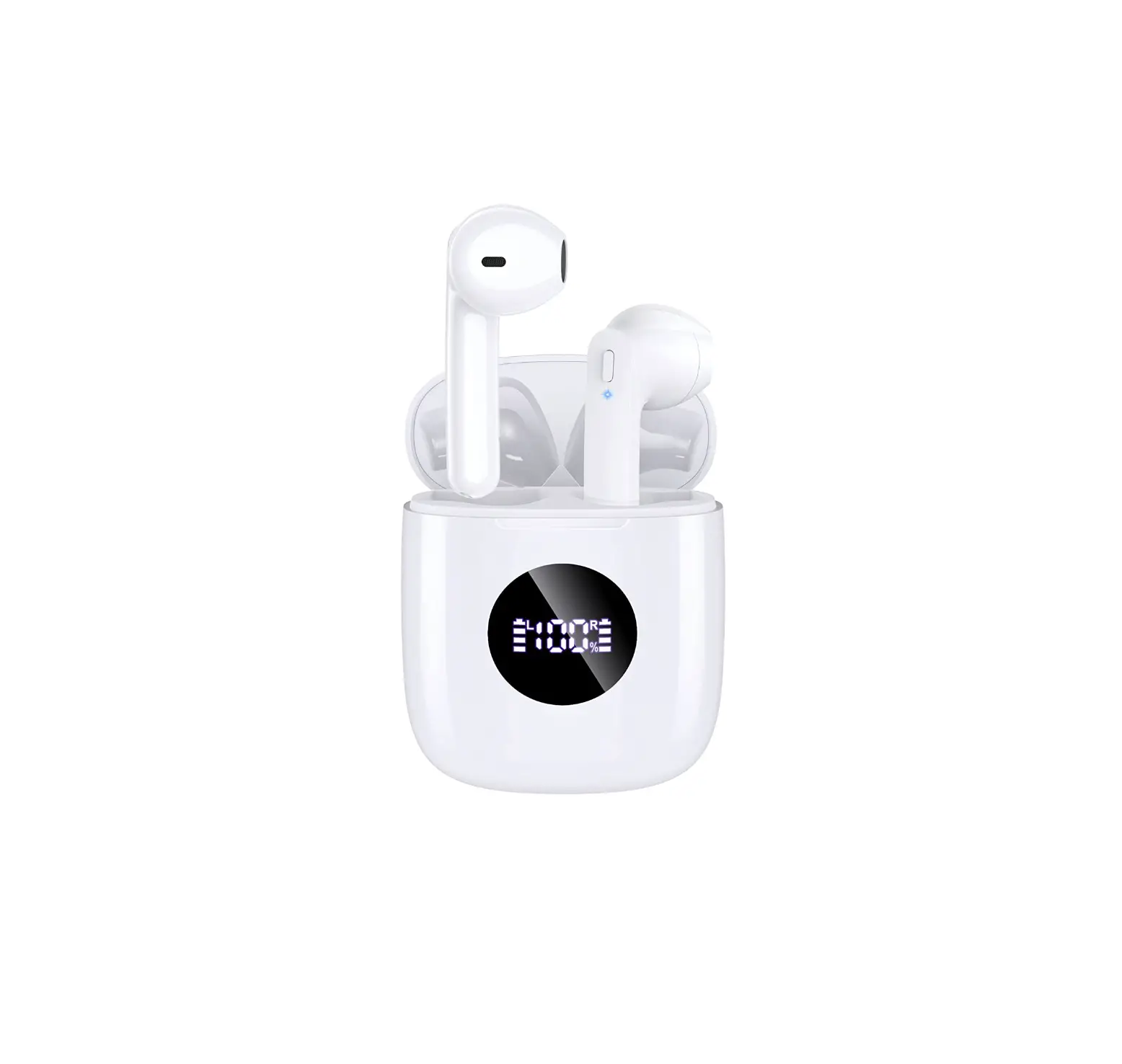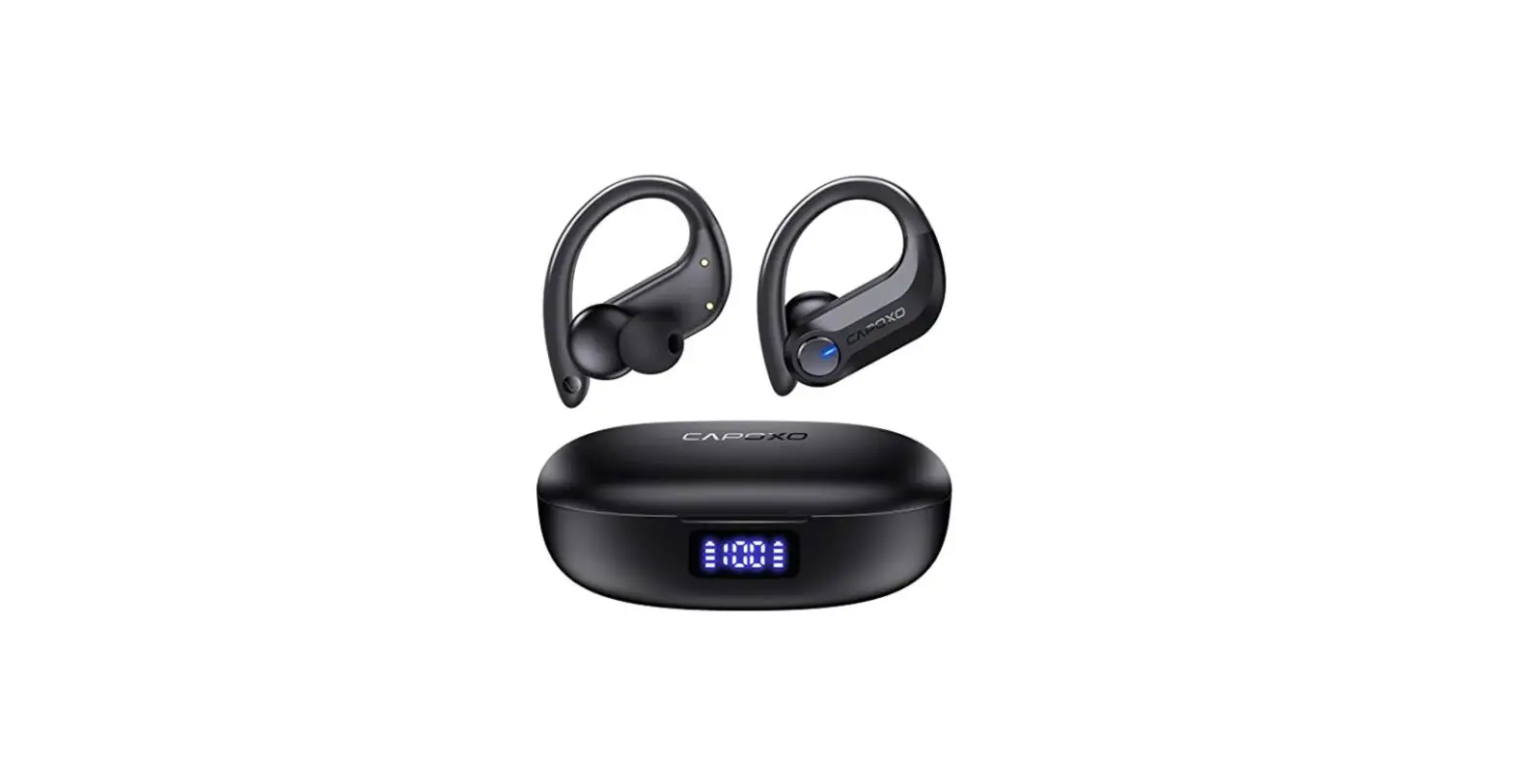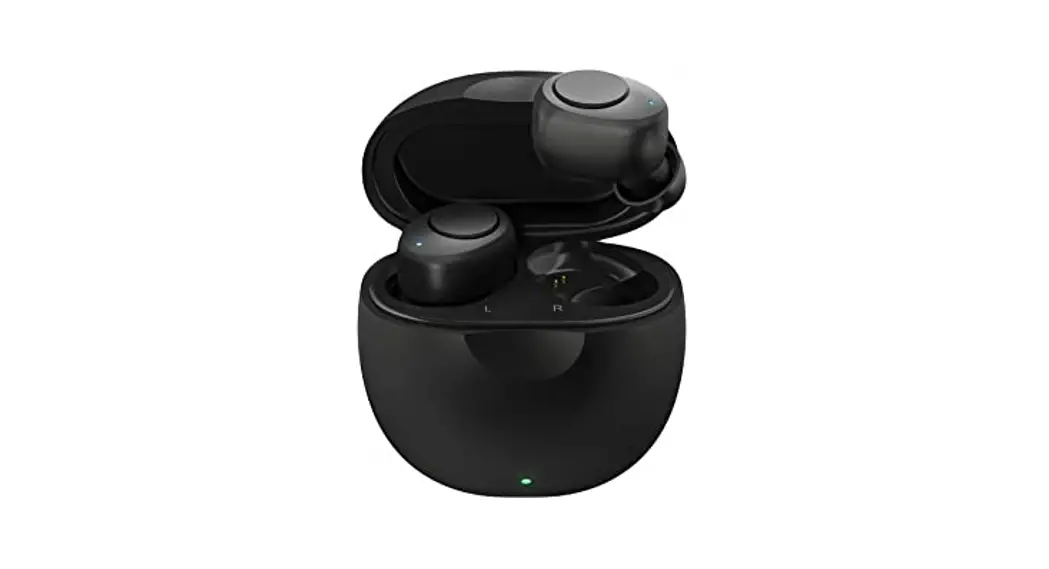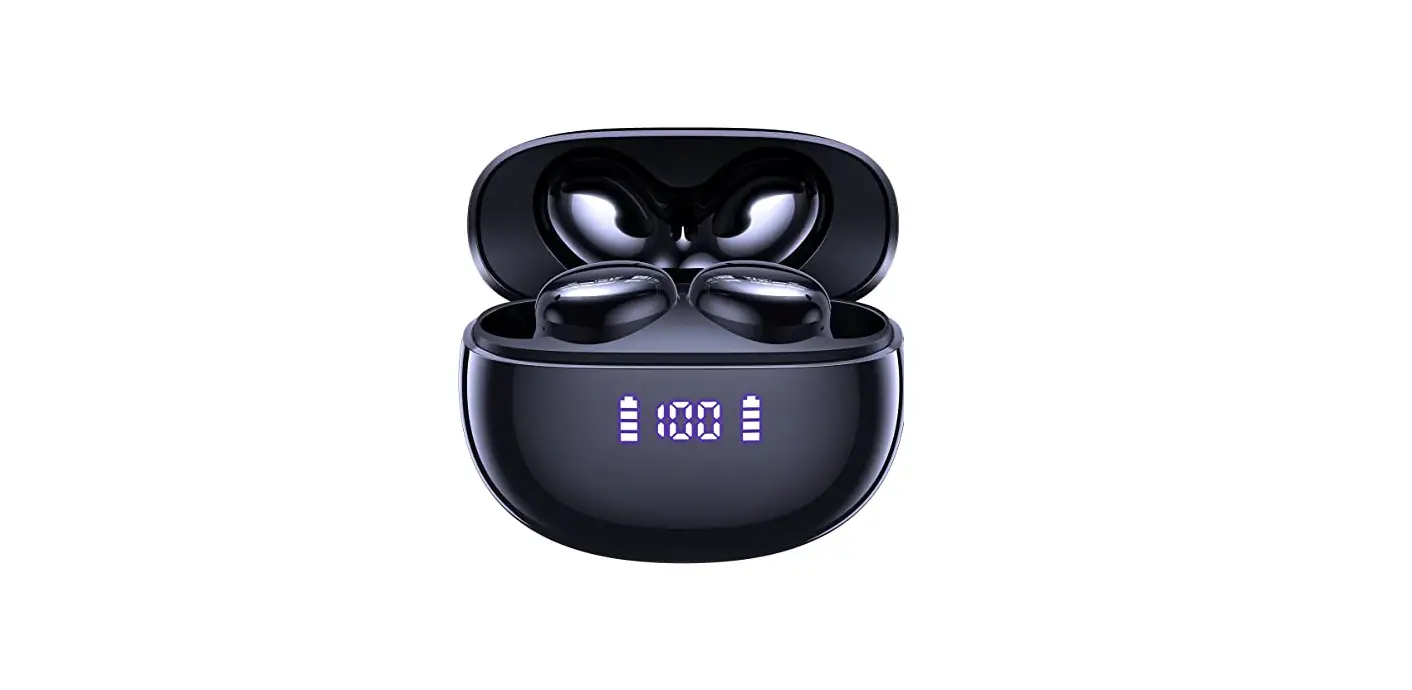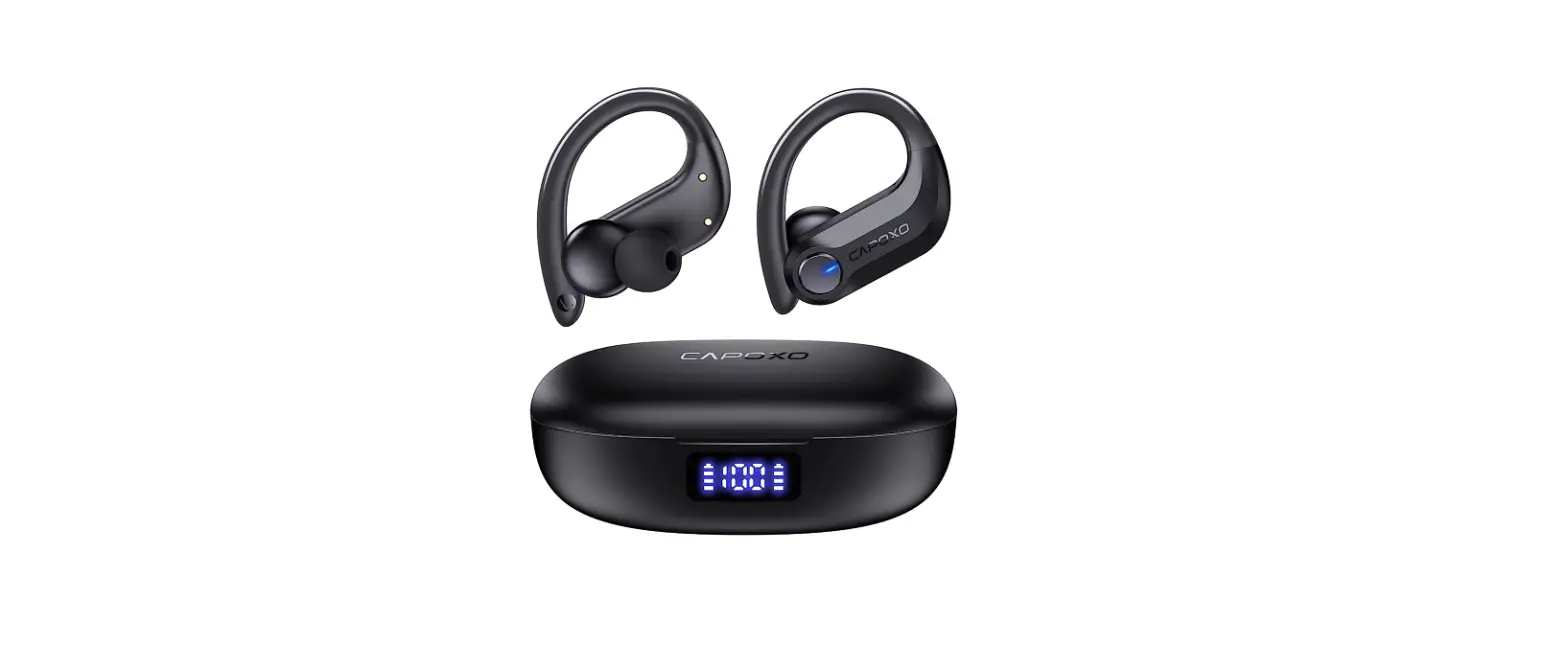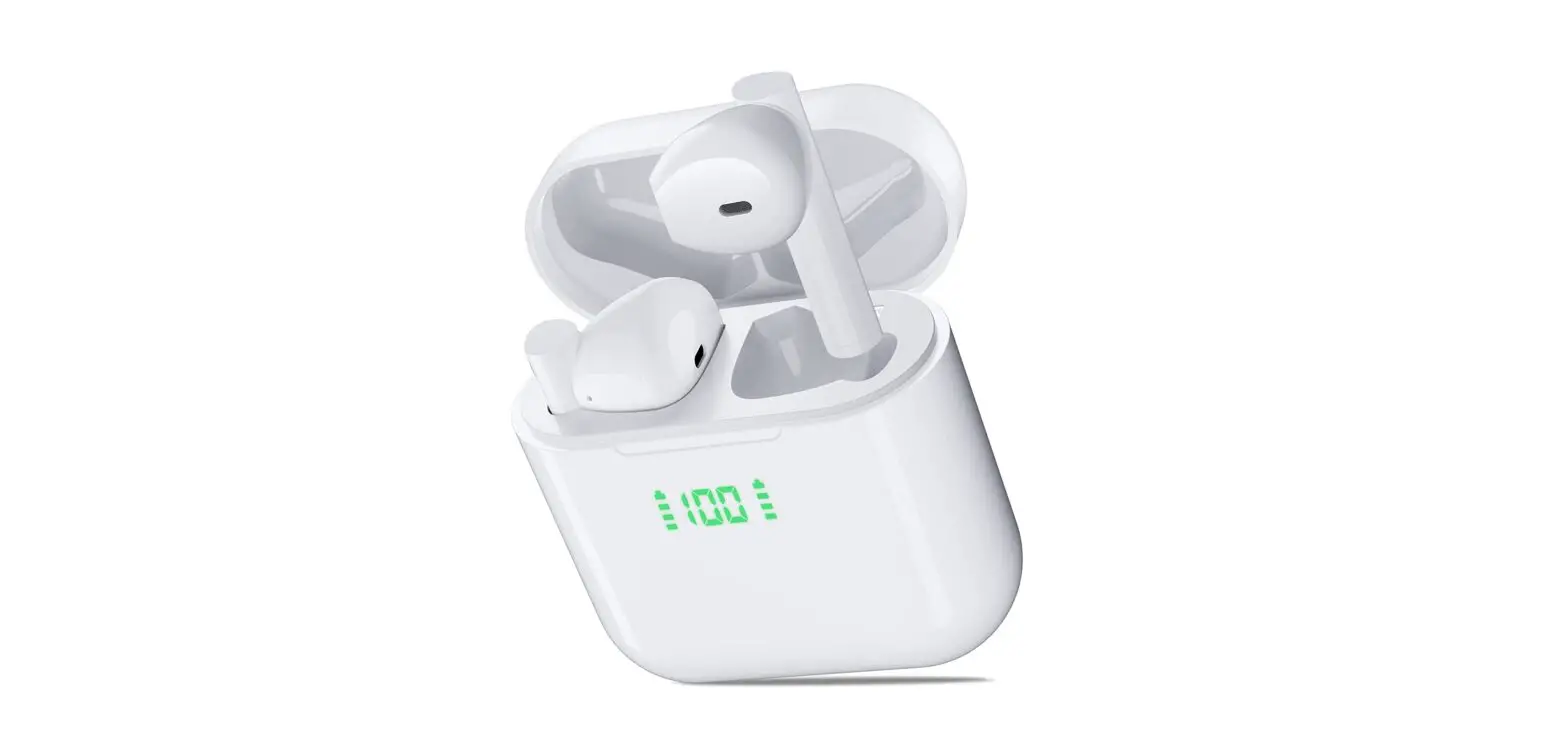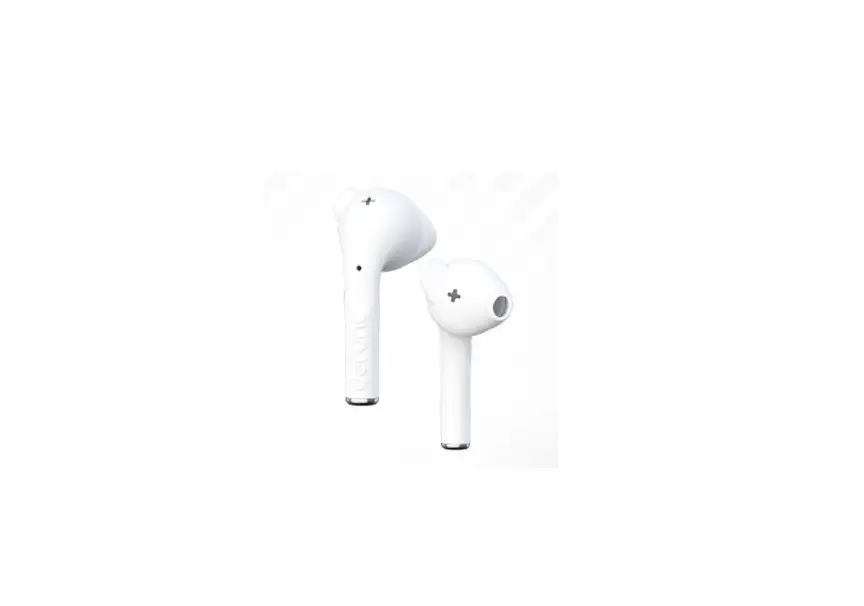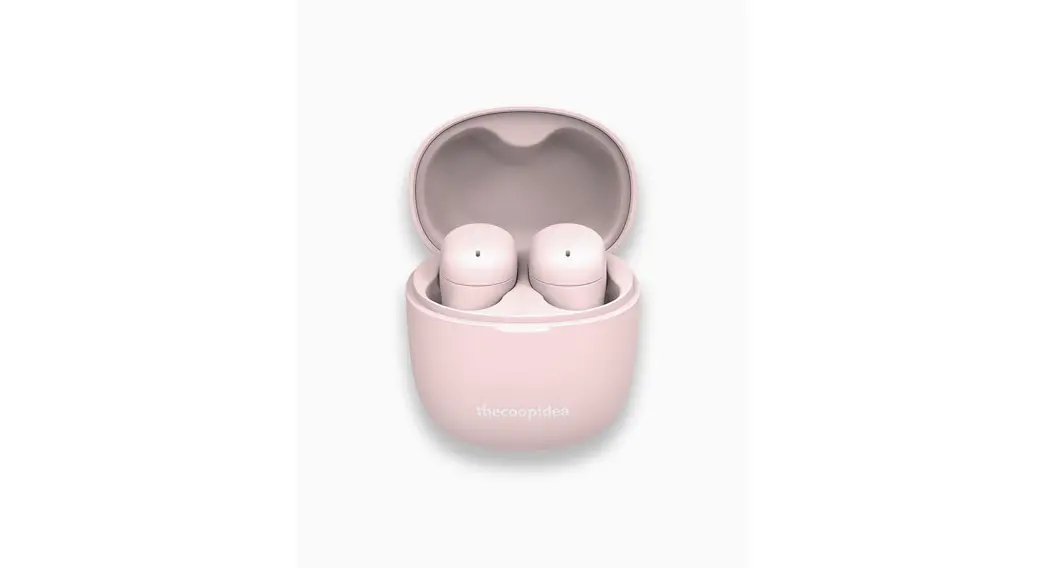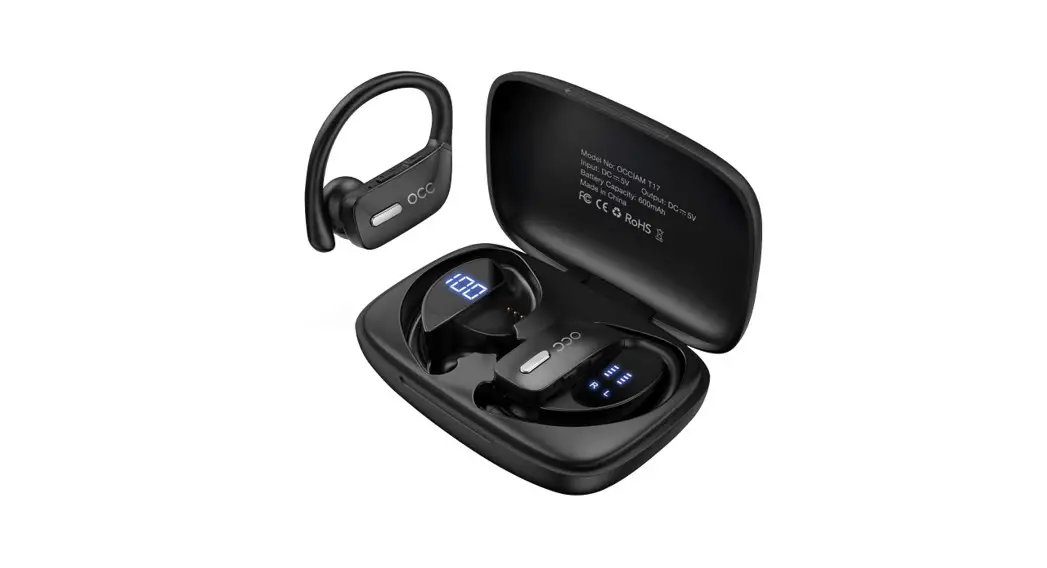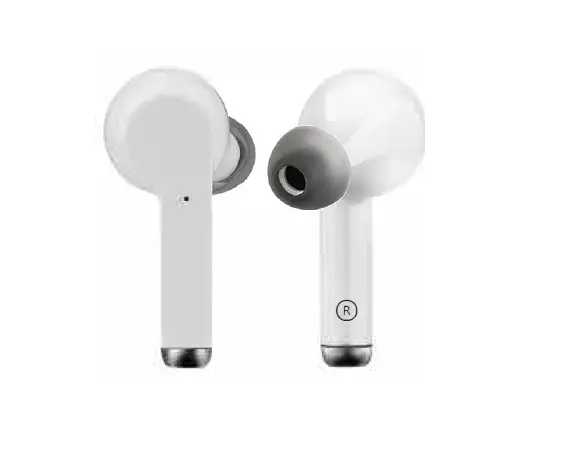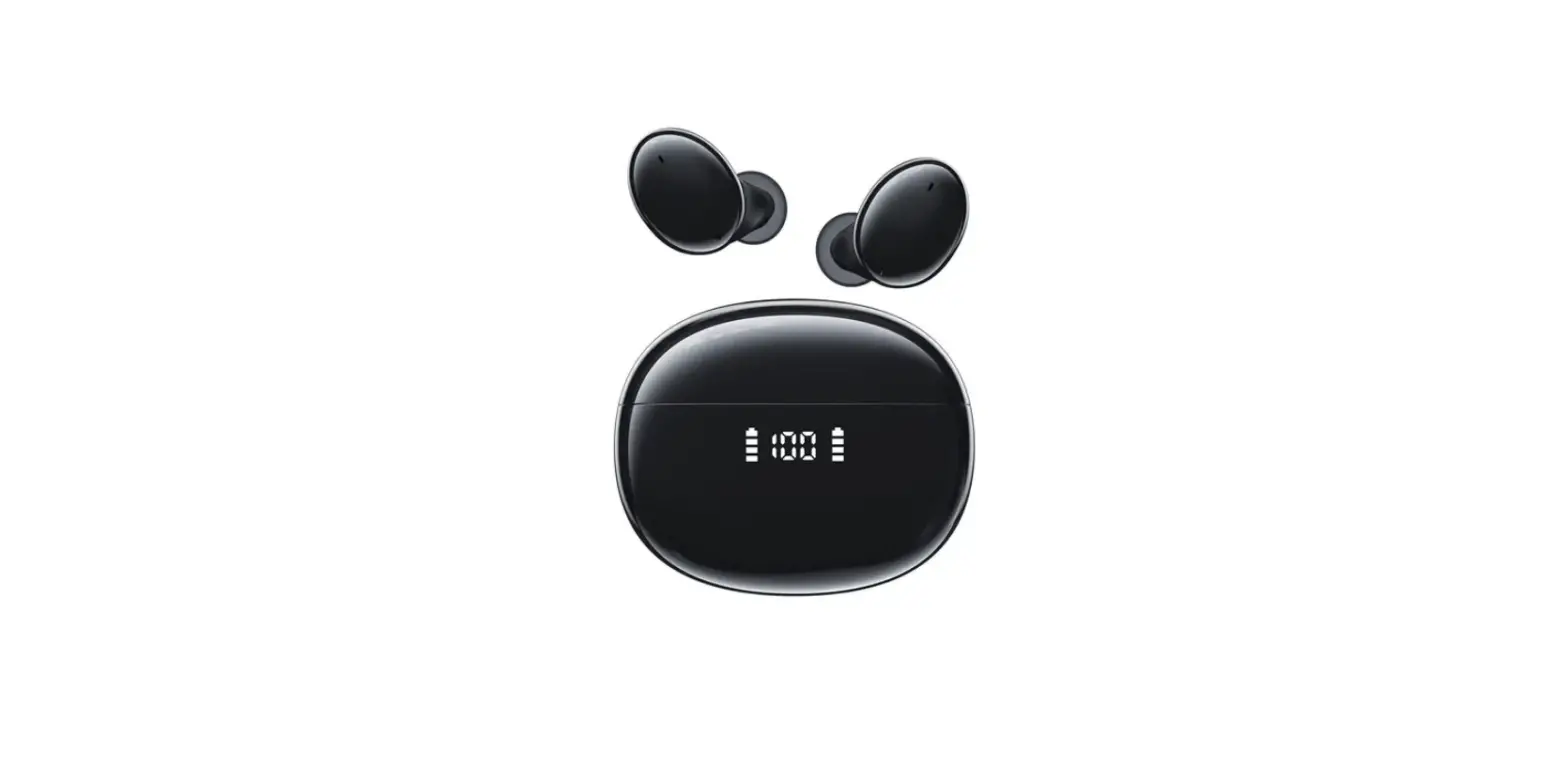

CAPOXO D7 True Wireless Earbuds
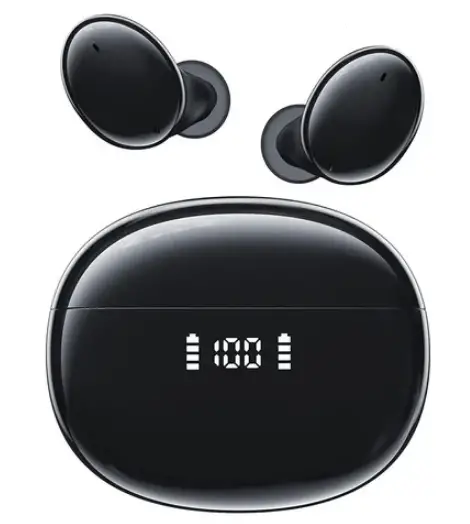
Packing List
- Charging Case x1
- Type-C Charging Cable x1
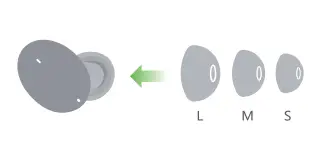
- Ear tips x3
- Earphones x2
- User Manual x1
Product specification
- Model Name: D7
- Bluetooth Version: V5.0
- Support: A2DP/ HFP/ HSP/ AVRCP
- Charging Case Size: 62.5*51.5*27.5mm
- Earbud Size: 25 2422mm
- Transmission Range: 30 Feet (without Obstacle)
- Music Time: About 6H
- Call Time: About 5H
- Headphones Standby Time: About 100H
- Charging Time: About 2H
- Headphones Battery Capacity: 40mAh
- Charging Case Battery Capacity: 500mAh
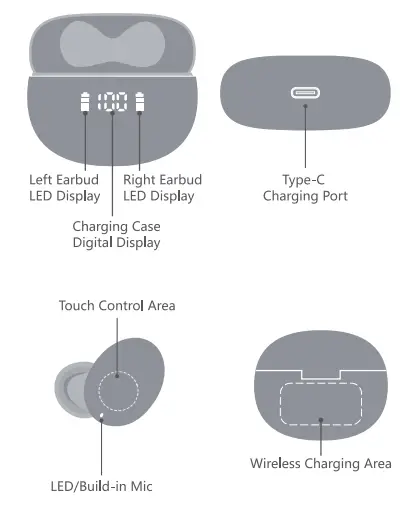
Product Overview
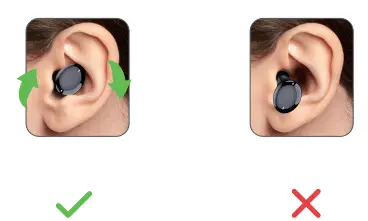
How to wear?
- Choose suitable ear tips

- Put on and adjust to the most comfortable position

Charge the Charging Case
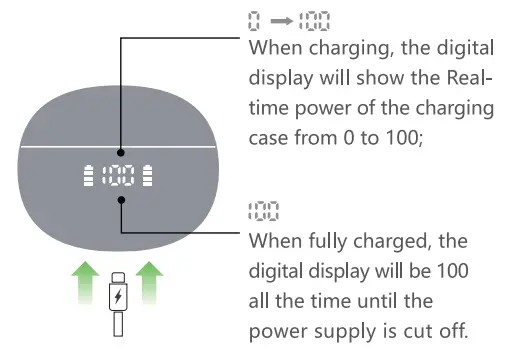
- Charge the case via Type-C cable

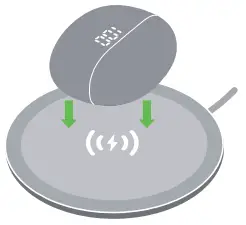
- Wireless charging supported We recommend you use a wireless charging pad(not included) with a QI certificate.

Activate & Charge the Earbuds
(Before using, make sure both the Earbuds and Charging Case are fully charged. To chargeproperly, pins need to be well-contacted.)
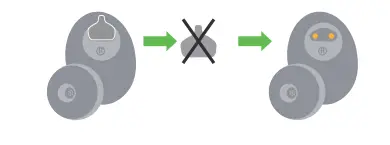
- Prior to first-time charging, please remove the insulating film on the earbuds charging point.

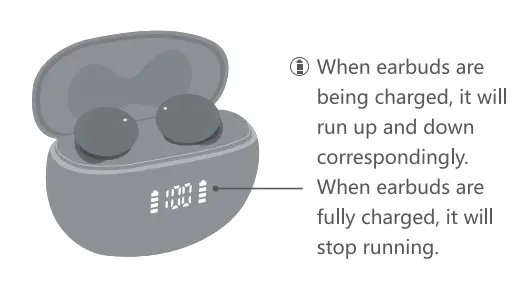
- Put both earbuds into the charging case to activate and charge them.

Power on/Power off
Automatically Power On/Off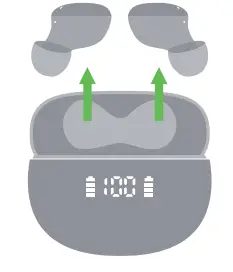
Take out the earbuds fro the Charging Case, it will Power On automatically. Put the earbuds back into the Charging Case, it will Power Off automatically.
Manually Power On
Touch and hold one earbud for about 2 seconds to turn on the earbuds. The blue indicator on for 1 second with a prompt sound “power on”.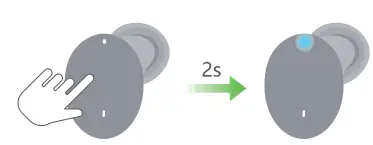
Tips: The earbuds will automatically Power Off after 5 minutes if the device is not connected.The white indicator on for 1 second with a prompt sound “power off.
Pairing and Connection
- Step 1- Take out the 2 earbuds from the charging case, they will power on and pair with each other automatically.
 Step 2- Activate the Bluetooth setting on your phone, search and click “D7” to connect. There should be a voice prompt “connected” if you wear the earbuds.
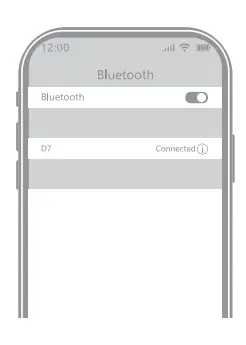 Step 2- Activate the Bluetooth setting on your phone, search and click “D7” to connect. There should be a voice prompt “connected” if you wear the earbuds.
Single Mode
- When on dual-mode, put one earbud into the charging case.
- Only take one earbud out of the charging case and connect it.
Other Instructions
- Each time you use your earbuds, it will automatically connect to your last successfully connected device.
- The earbuds will automatically power off if without any connections within 5 mins.
- Any issue with pairing, please try the tips on next page to restore factory resetting.
Earbud reset
When should I reset?
When only one side plays music. When you can’t use the two earbuds together. or occur connection-related issues.
How to reset?
- Deactivate the Bluetooth setting on your phone and forget all “D7” from the menu.
- Put the 2 earbuds into the charging case, long- press both earbuds for 8 seconds.

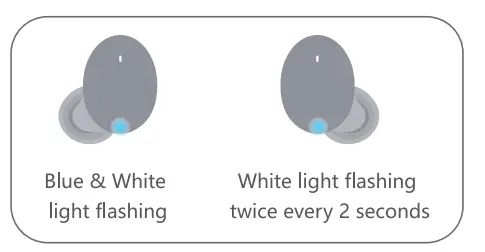
- Take out the 2 earbuds from the charging case, they will power on and pair with each other automatically. One earbud Blue and white lights flash alternately. The other earbud White light flashes twice every 2 seconds.

- Now, activate the Bluetooth setting on your phone, search and select “D7” to connect, it should work properly. (If not, please put the earbuds back to the Charging Case and repeat the steps above.)
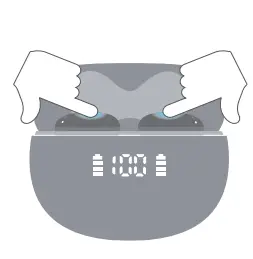
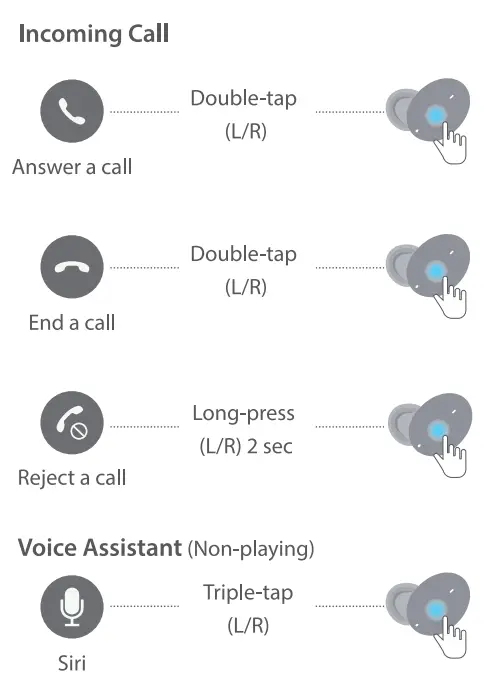
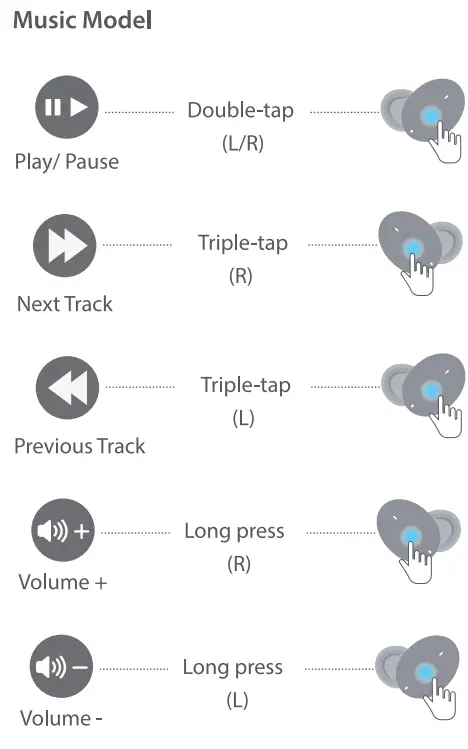
Touch Control Functions

FAQ
- Q1: Why does the music cut in and out sometimes?
A1: 1-Please make sure there is no obstacle between the earbuds and your device. 2-Please make sure there is no Microwave oven Wifi transmitter around you, which is more likely to produce electromagnetic interference and result in a signal interruption.
Note: Please keep the device and the earbuds as close as possible to ensure a more stable Bluetooth connection. - Q2: Why I can’t get the earbuds charged?
A2: 1-You need to remove the white insulating film on the earbuds charging point first. 2-Make sure the charging case was fully charged. 3-Or make sure the charging case was plugged into the power supply. - Q3: How to contact Customer service?
A3: We offers a one-year replacement warranty, if there are any issues with your D7, please don’t hesitate to contact us, we will reply within 24 hours and resolve it 100%.
Customer Service
- Email: s[email protected]
- WhatsApp: (+86) 139 2349 0475
- Web: (www.capoxo.store)