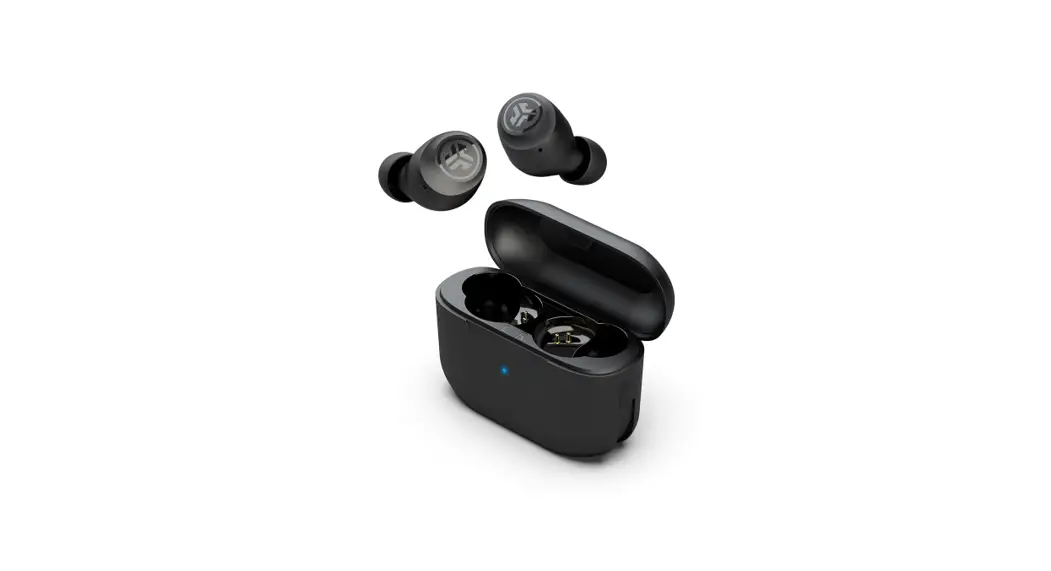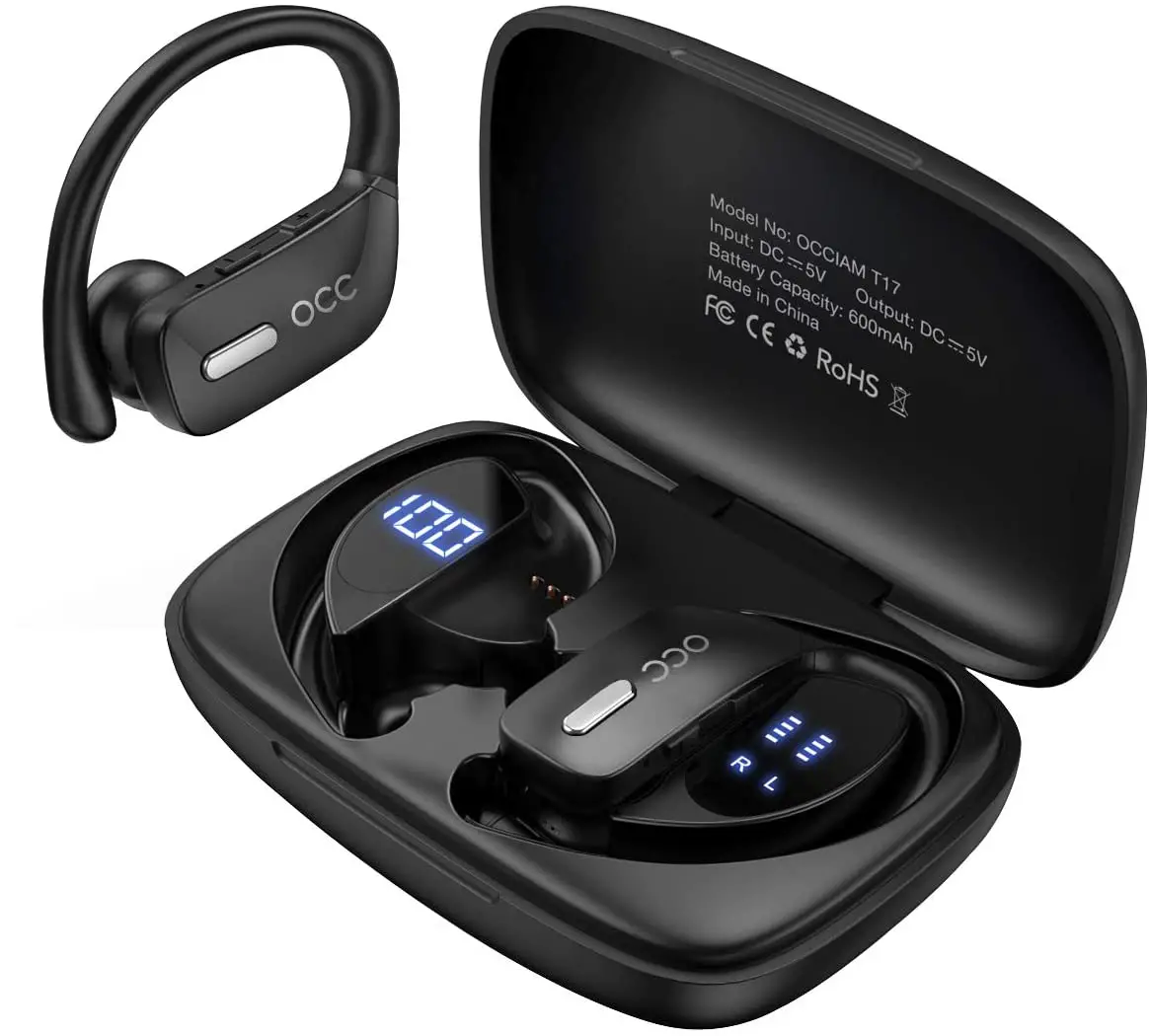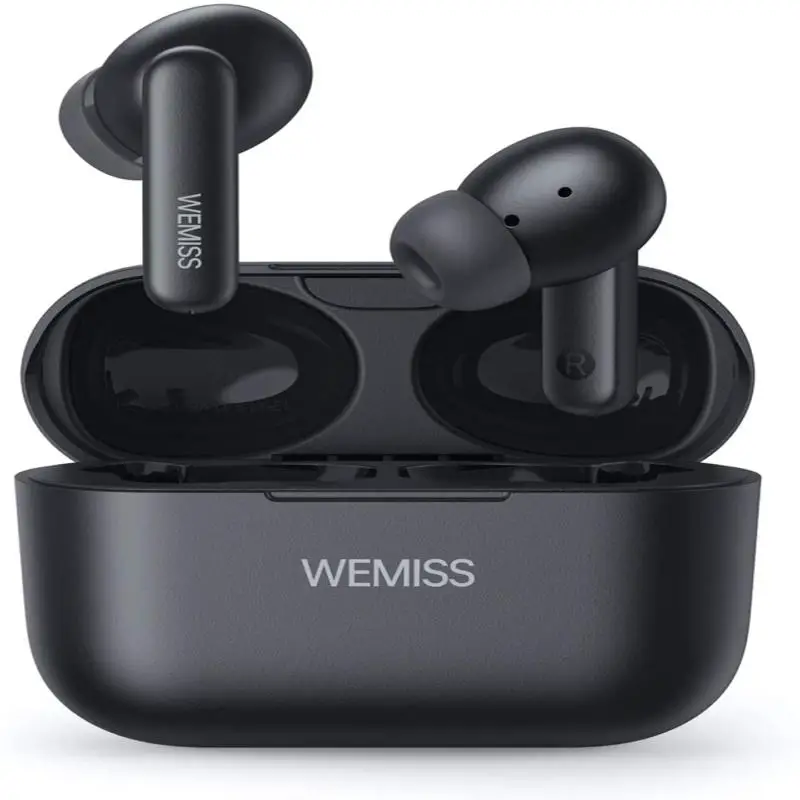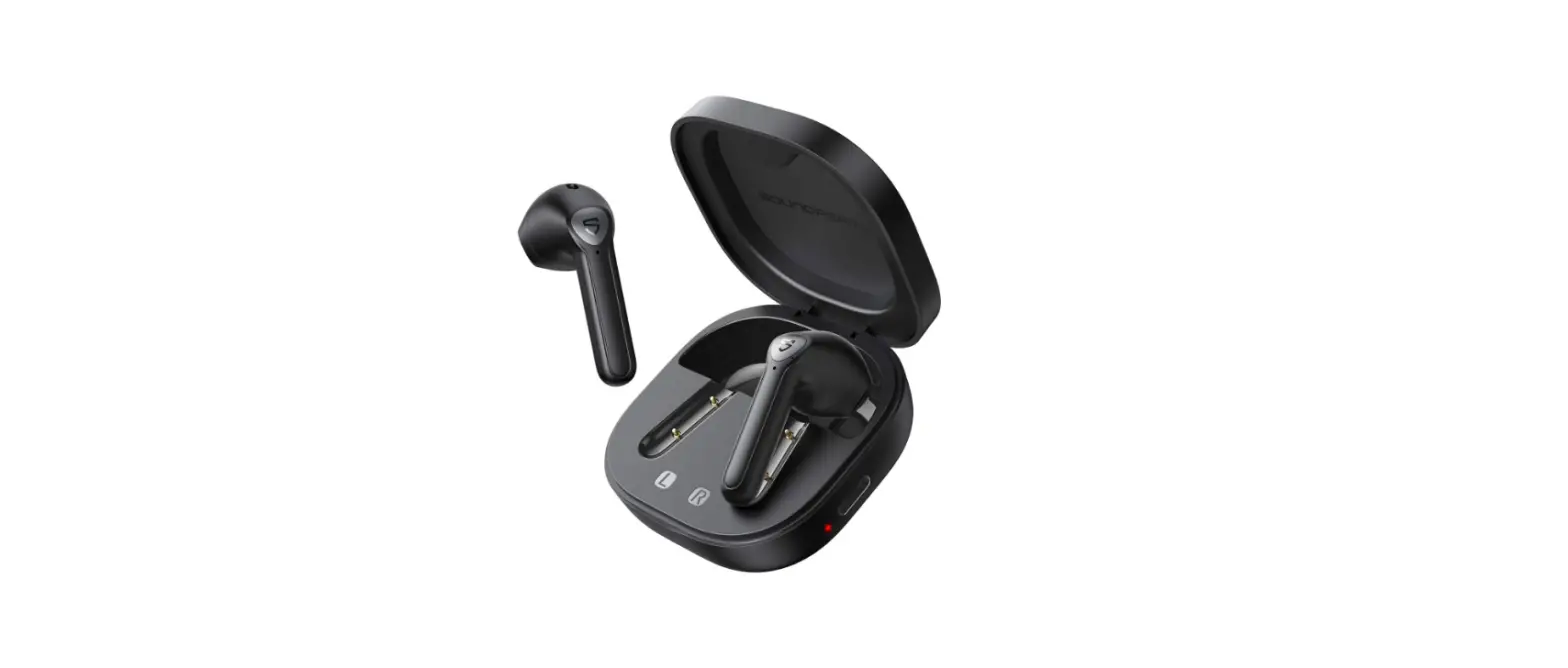

USER MANUAL

CP-TW02
V19-06
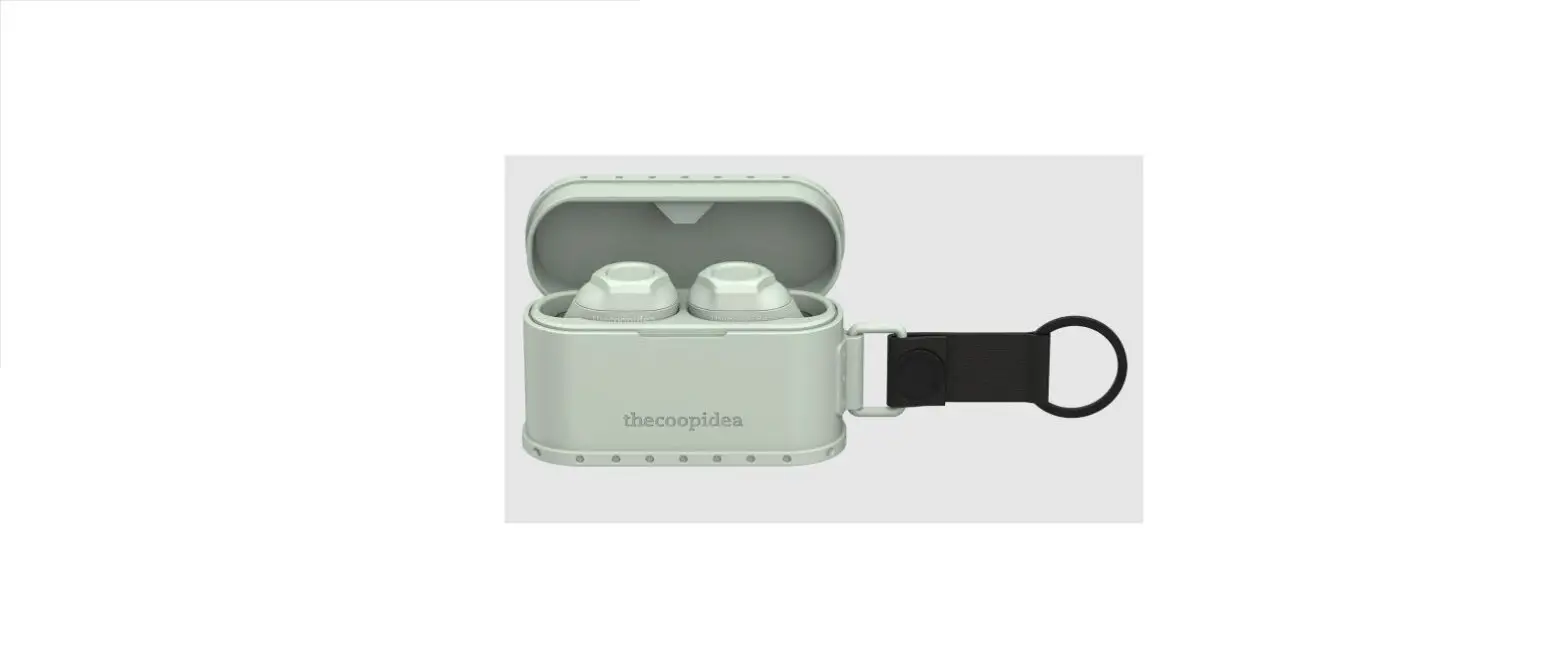
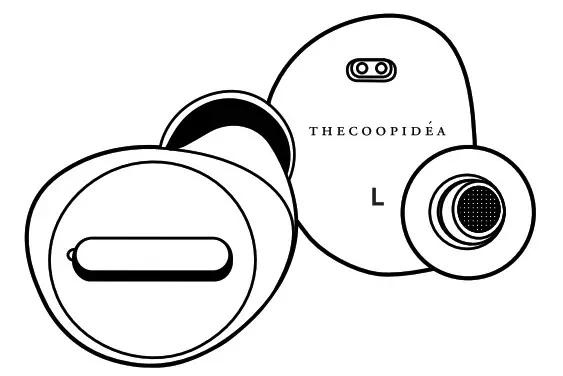
Product overview
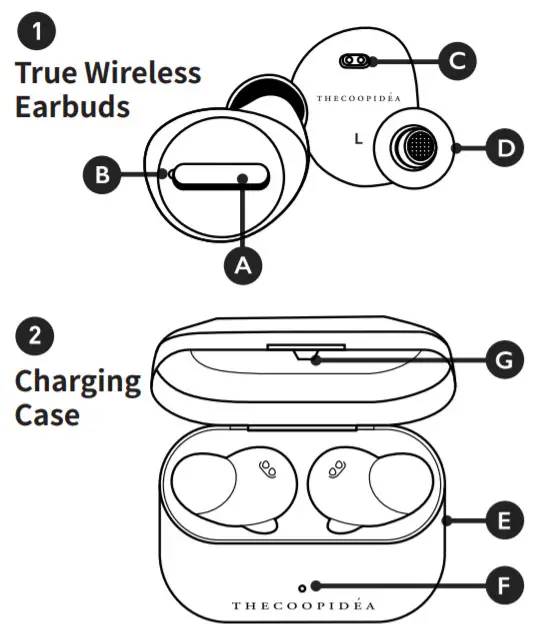
| 1 | Multi-Function Button+ LED light | 5 | Micro USB input |
| 2 | Microphone | 6 | LED Light |
| 3 | Charging interface | 7 | Magnetic Closure |
| 4 | Ear Cap | 8 |
Specification
| Frequency Response | 20 – 20KHz |
| Bluetooth Version | :5.0 |
| Bluetooth Range | :10m |
| Recharge Earbuds | :6 Times |
| Battery | :800mAh |
| Input | :5V/1A (Micro)5V/1A (Wireless) |
| Case Dimensions | 65x40x30mm(L x W x H) |
| Case Net Weight | 40g |
| Earbuds Dimensions | 27 x24 x20mm(L x W x H) (each) |
| Earbuds Net Weight | :5g |
| Waterproof Rating | : IPX7 |
| Stand by Time | :100hrs |
| Playtime | : Up to 5hrs (Up to 35hrs On-The-Go) ging Time(Earbuds) |
| Charging Time(Earbuds) | :1hr |
| (Charging case) | :2hrs (Micro)/4hrs (Wireless) |
Package Contents
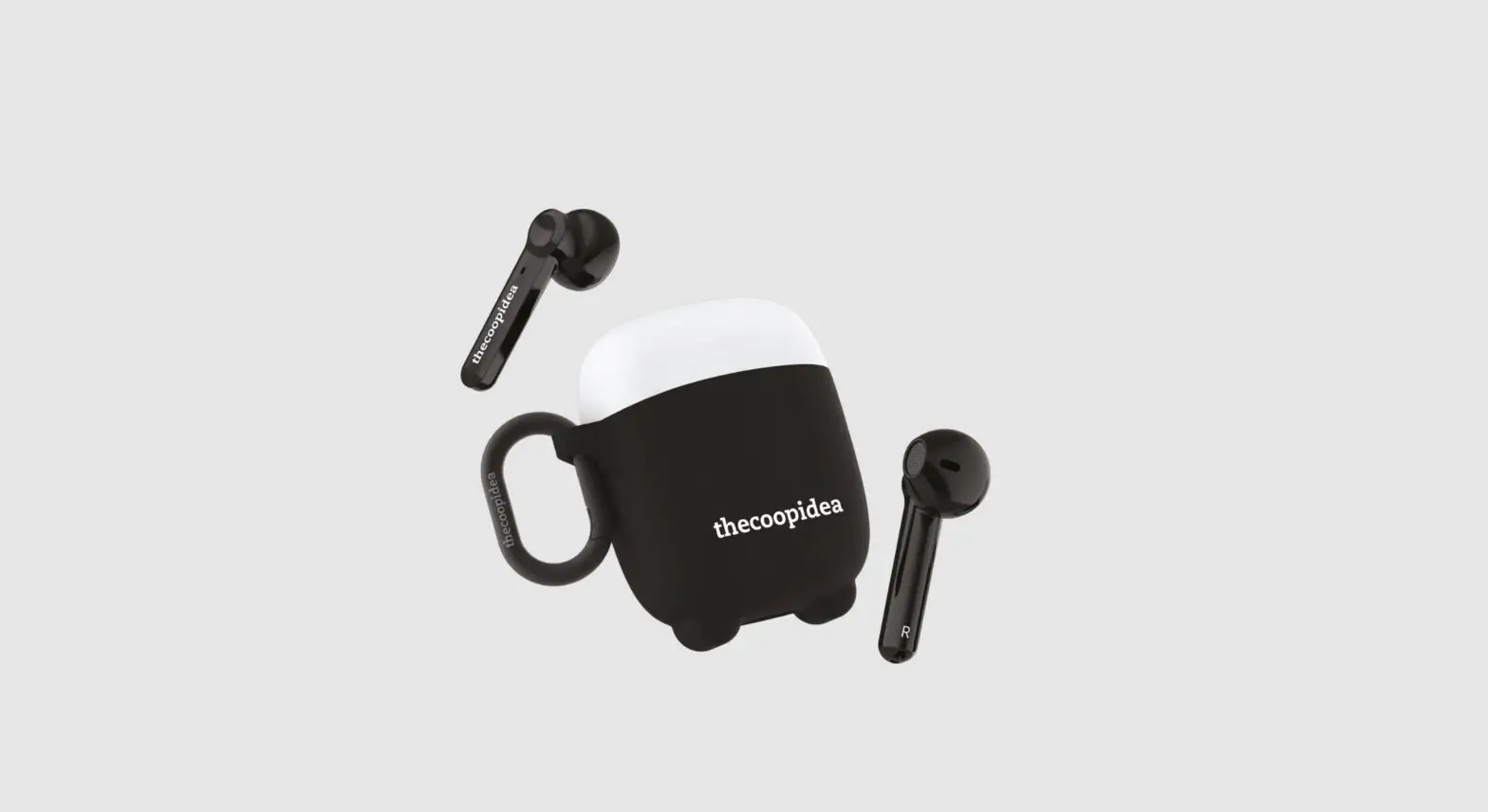
1x Beans PRO True Wireless Earbuds (Pair)
1x Sport Eartips (Pairs)
1x Eartip S, M, L (Pairs)
1x Beans PRO Charging Case
1x Micro USB Cable
CHARGE AND ACTIVATE
Charge your BEANS PRO before first time use.
First-time use
Before using BEANS PRO, charge it for at least 1 hour.
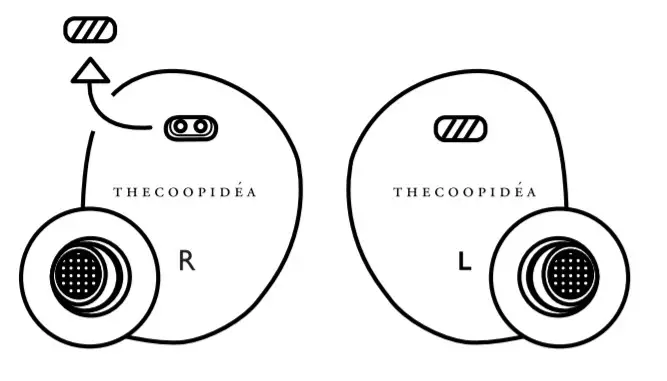
STEP1
Remove the film cover on the charging interface
STEP2
Put earbuds into the charging case
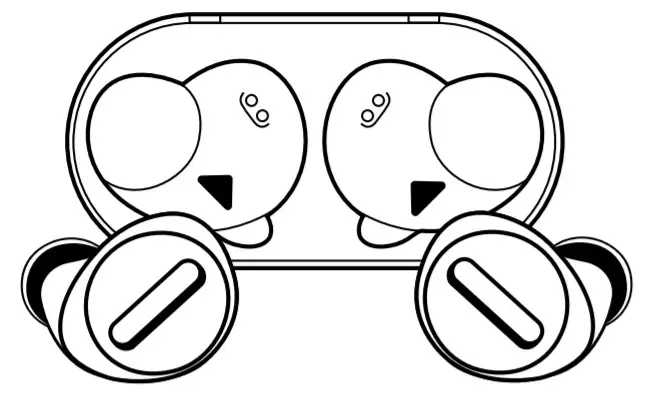
 Only put a dry BEANS PRO into the charger.
Two ways of charging
STEP3
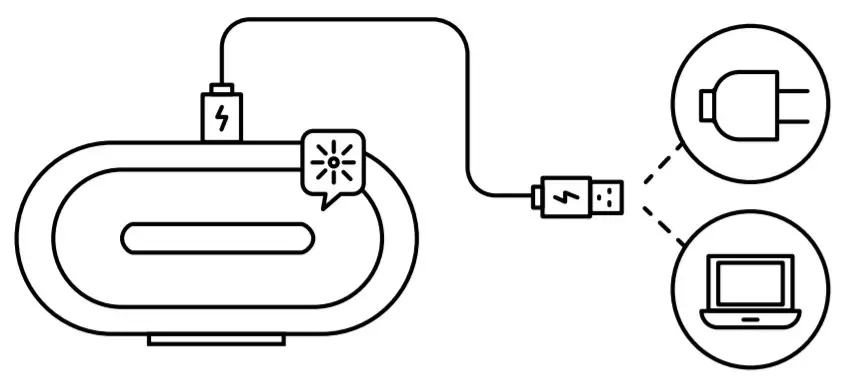
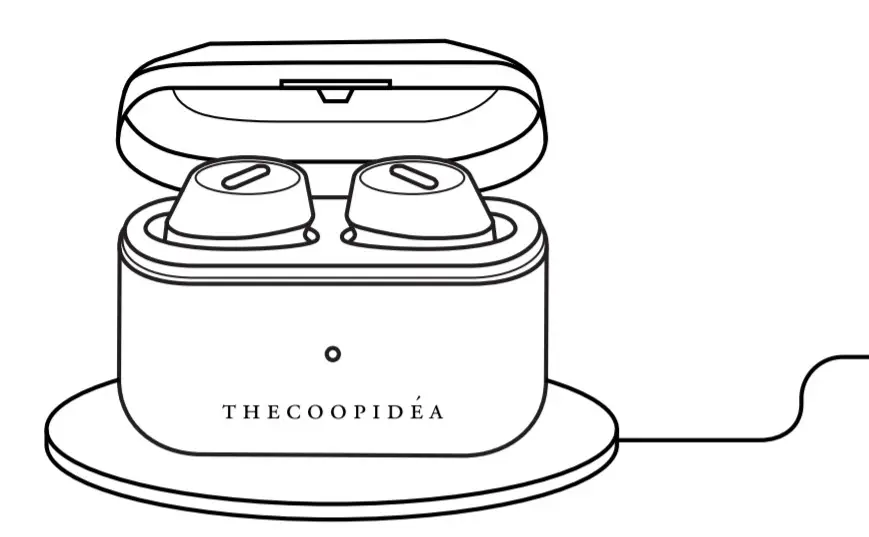
By Micro USB
Connect charging case to your computer or a power supply via micro USB cable. plug-in micro USB port and charge the case.
By Wireless Charge
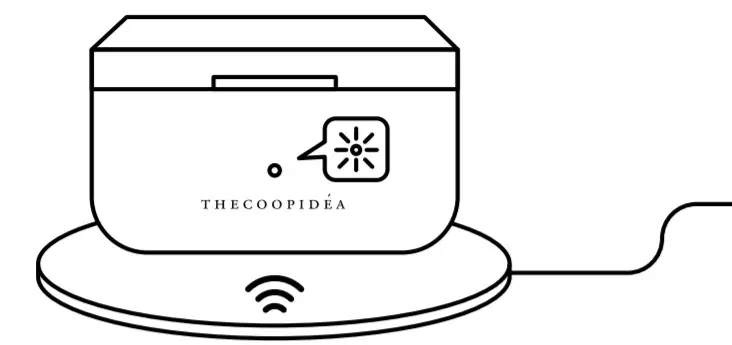
Place the Charging case on the wireless charging pad.
PerfectFit
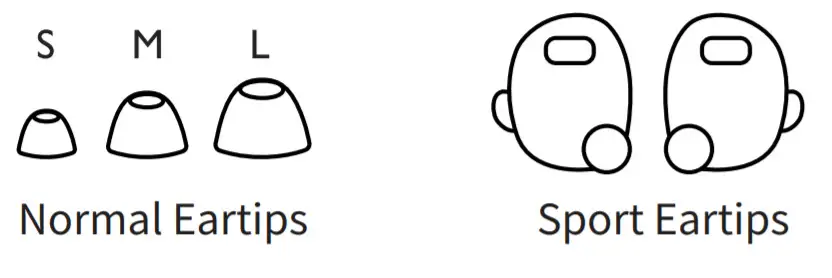
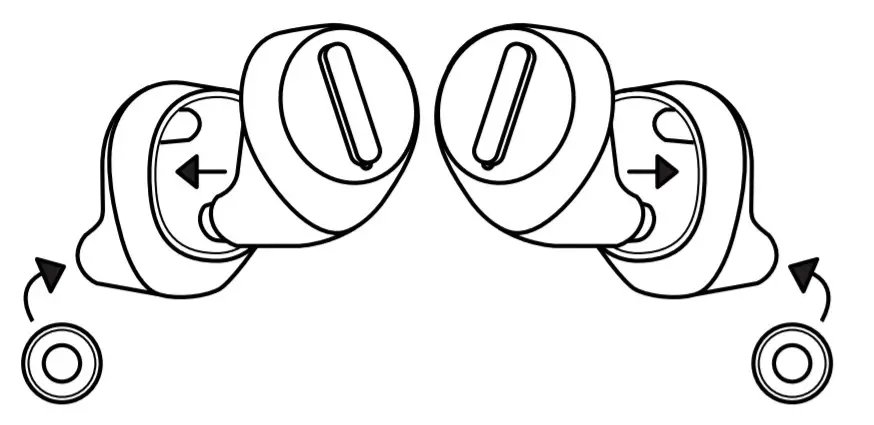
Best for Sport
Put on sport ear tips with normal ear tips
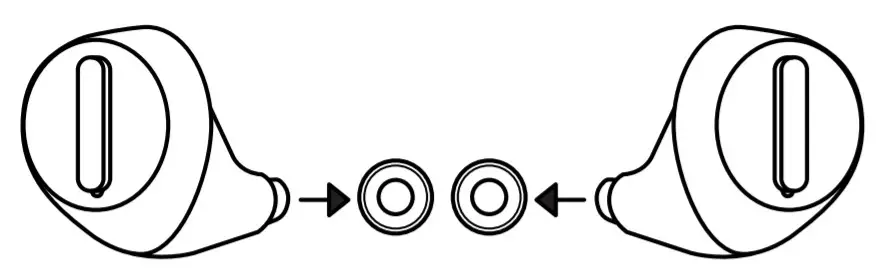
Best for music
Put on normal ear tips
Insert Earbuds
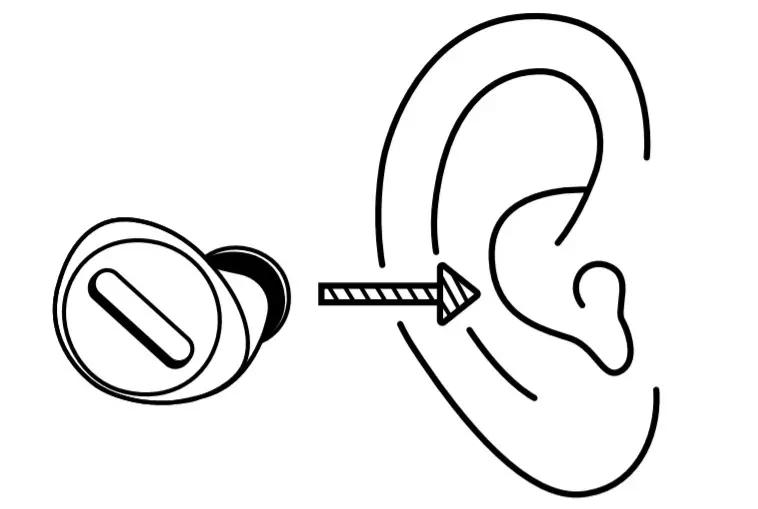
STEP1
Tilt and insert BEANS PRO firmly in your ear.
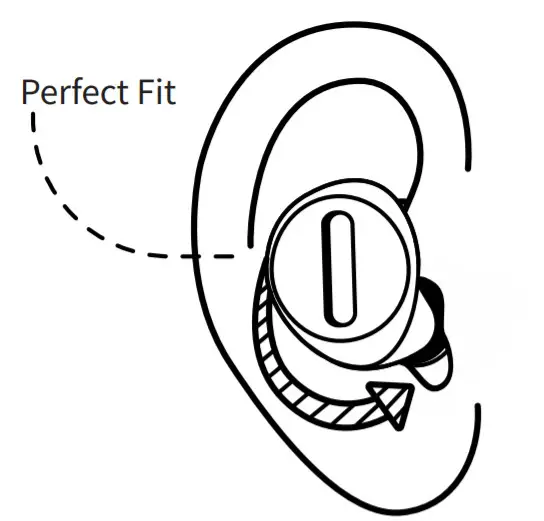
STEP2
Adjust the BEANS PRO by rotating it backward.
Turning Earbuds On
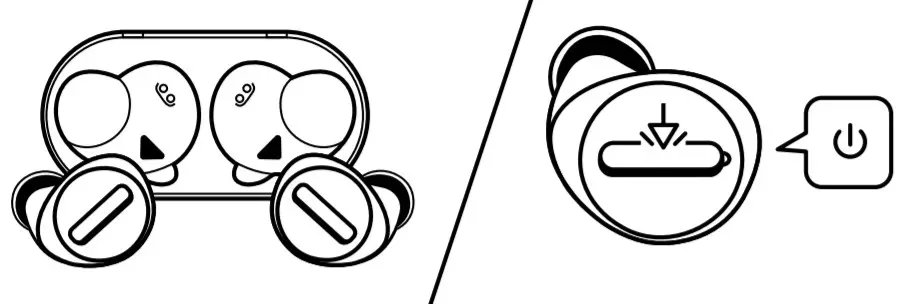
Power On
Pick up 1 from the charging case or Hold A both buttons for 2 secs “Power On”
Bluetooth pairing
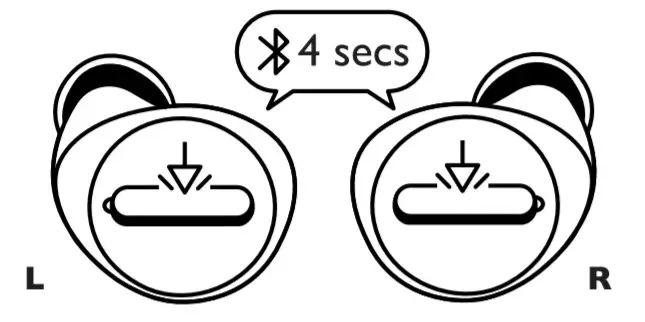
Pairing Mode
Pick up 1 from the charging case or Hold A both buttons for 4 secs (When Earbuds are turned off outside charging case) “Pairing”
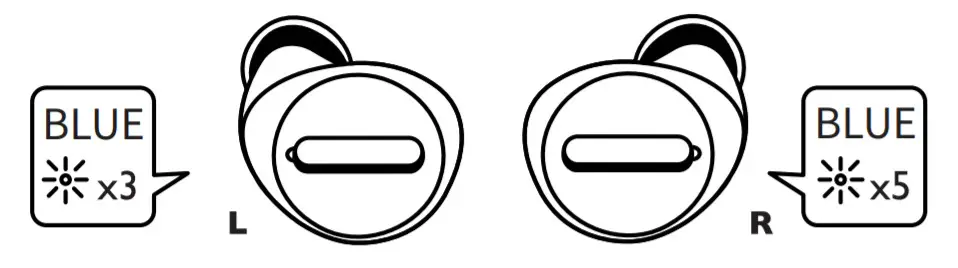
Earbuds Pairing
Left Earphone: Blue LED flash 3 times then Blue & White LED flash alternatively
Right Earphone:Blue LED flash 5 times than White light flash once every 8 seconds
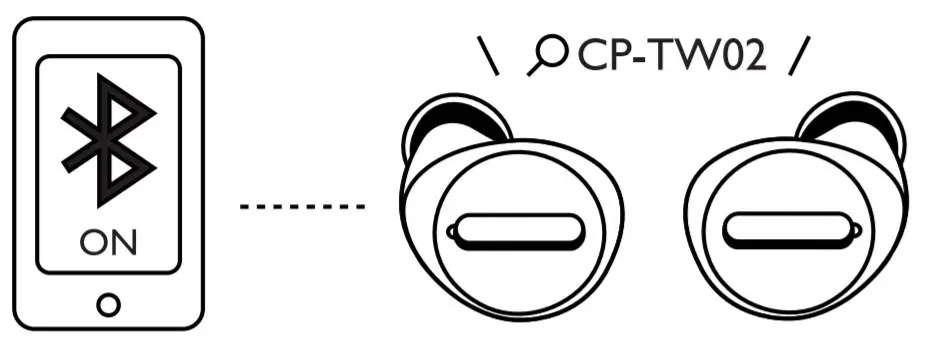
Earbuds Pairing Success
Left Earphone: Blue LED flash once every 6 seconds
Right Earphone: White LED flash once every 6 seconds“Connected”“Left Channel” on left
“Right Channel” on Right
Turning Earbuds Off
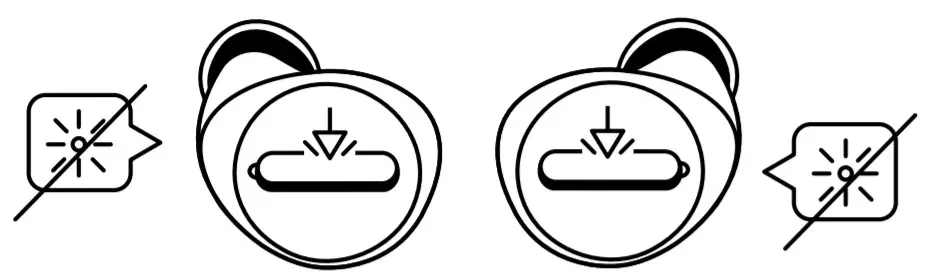
Power off:Put earbud back into case 2 or Hold 1 either button for 4 secs
Auto power off: Idle 1 for 10mins “Power Off”
Manual Pairing / Forget Pairing
- Turn off the earphones
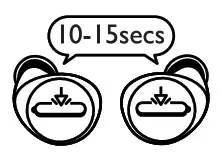
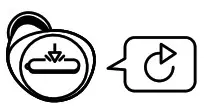
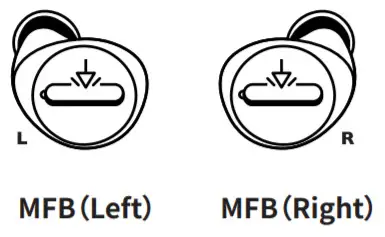
- Hold the MFB of both earphones for 10-15 secs until 2 indications sounds are heard

- Turn off the earphones and turn on the earphones again

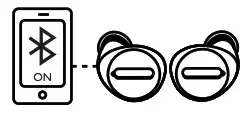
- L and R earphones are pair and enter pairing mode with mobile devices
Charging Earbuds
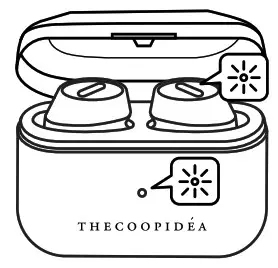
 Earphone charging
White light on Earphone fully charged
White light off
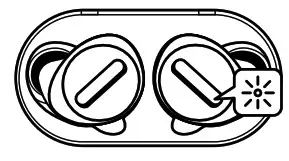
Charging case charging
White light flashCharging carefully charged
White light on
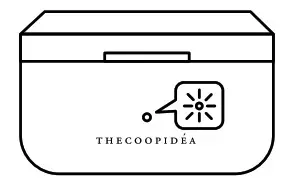
Earphone charging in charging case
Charging case Blue light onEarphone fully charged in charging case
Charging case Blue light
Call/music Control
| Pick up call |  |  | or | |
| Hang up |  | | or | |
| Reject call |  |  | ||
| Switch between phone/ headset (during a call) |  | | ||
| Play / Pause |  | | or | |
| Next track |  |  | ||
| Next track |  | | ||
| Volume up |  | | ||
| Volume down |  | | ||
| Siri/ Google assistant |  | or | |
 TAP
TAP  HOLD
HOLD  2SCE
2SCE
 HOLD
HOLD  2SCE
2SCEWarning
- Always store the earbuds in the charging case and safely protected them.
- Avoid storing the earbuds in hot or cold environments to prevent depletion of the battery capacity.
- Avoid storing the earbuds for extended periods of time without recharging them.
- If the earbuds or the charging case become dirty, it is recommended to clean them with a soft cloth that has been dampened with clean water.
- The OS version of mobile devices may affect performance of Beans Pro, it is recommended to update the OS of your mobile device to the latest
the version before use. - Beans Pro is waterproof (IPX7 related) which withstands heavy sweat or rain and being rinsed with fresh water under the tap. Beans Pro is not designed to enjoy music while swimming. We recommended that you do not submerge them in salt or chlorinated water or clean and dry Beans Pro properly when it has been exposed to water and sweat.
- Swimming pools that are enriched with heavy chemicals can ultimately lead to damaging Beans Pro from the inside.
- Don’t put the Beans Pro into the Charging case while it’s still wet or moist. Doing so can cause severe damage to the electronics or housing of Beans Pro. BeansPro Charging case is not waterproof.
- Remove from power source once the product is fully charged. Extended periods of over-charging will decrease battery life.
- Store the product in a dry area. Keep away from fire, heat, moist and erosive materials.
- Do not use rough chemicals such as soap or cleanser to scrub the product.
- Do not disassemble, damage, or expose the product to water or fire. Warranty will be voided by any misuse of the product.
- If the battery is expanded or emits a smell, stop using the product immediately.

QUESTIONS
Find the answer at
www.thecoopidea.com


204-820482
Inspirations from New Zealand. Designed in Hong Kong.
Produced in China. Copyright 2019 The Coop Idea Ltd.
 thecoopidea