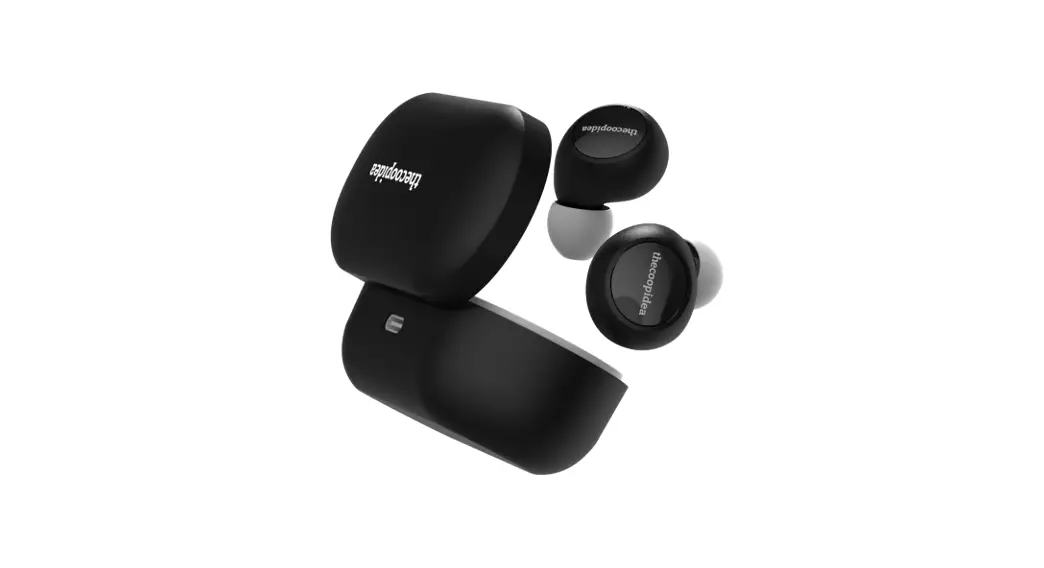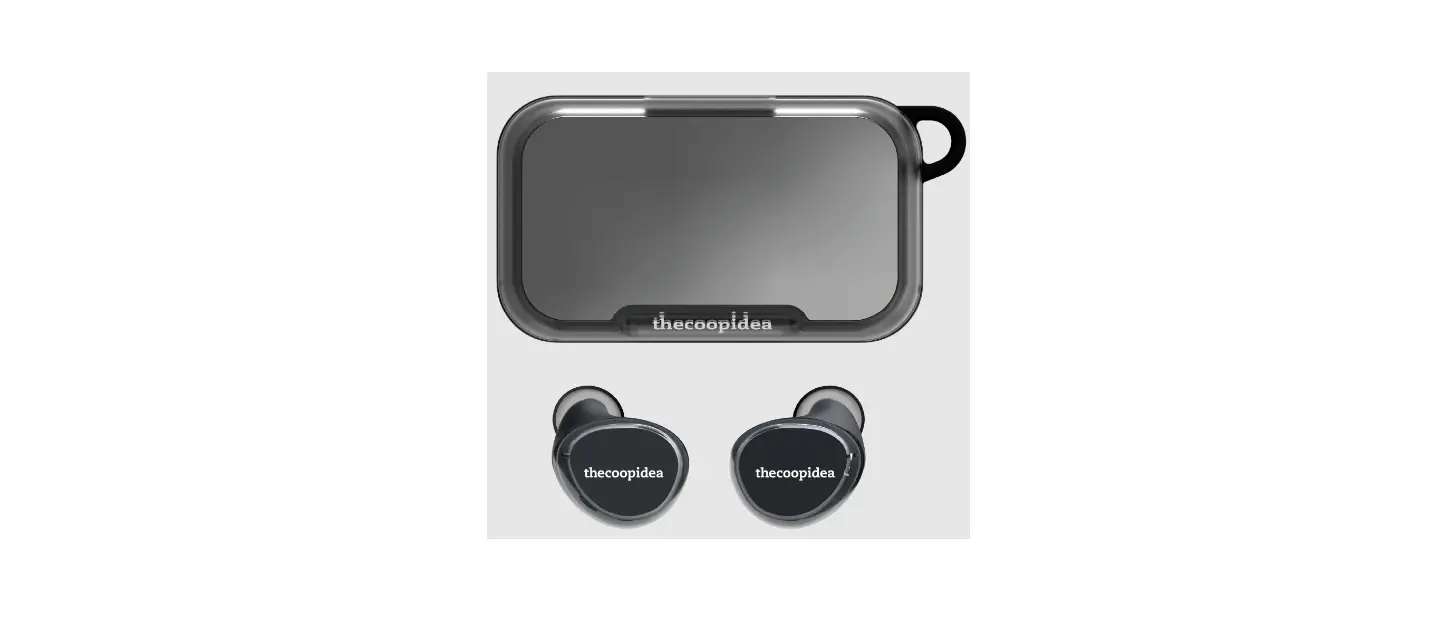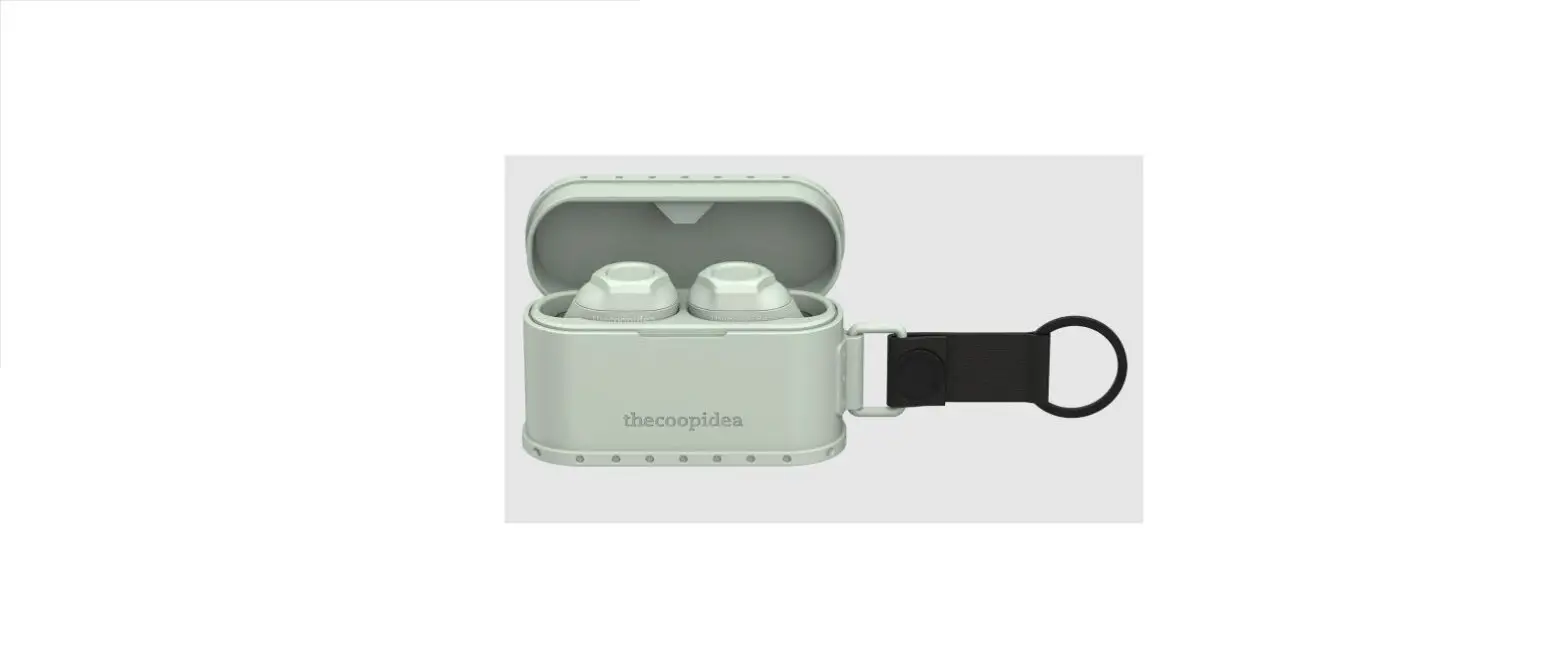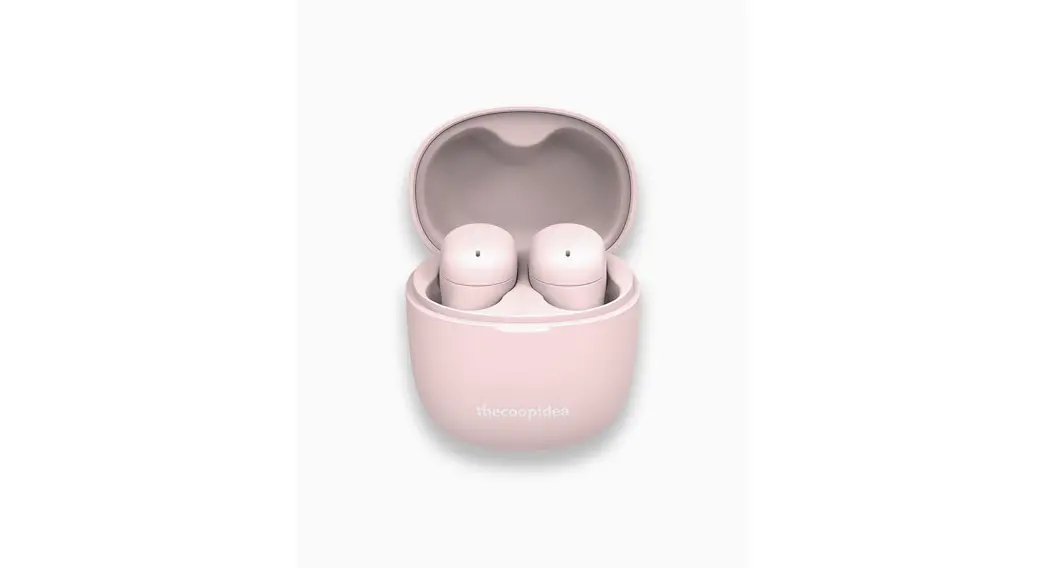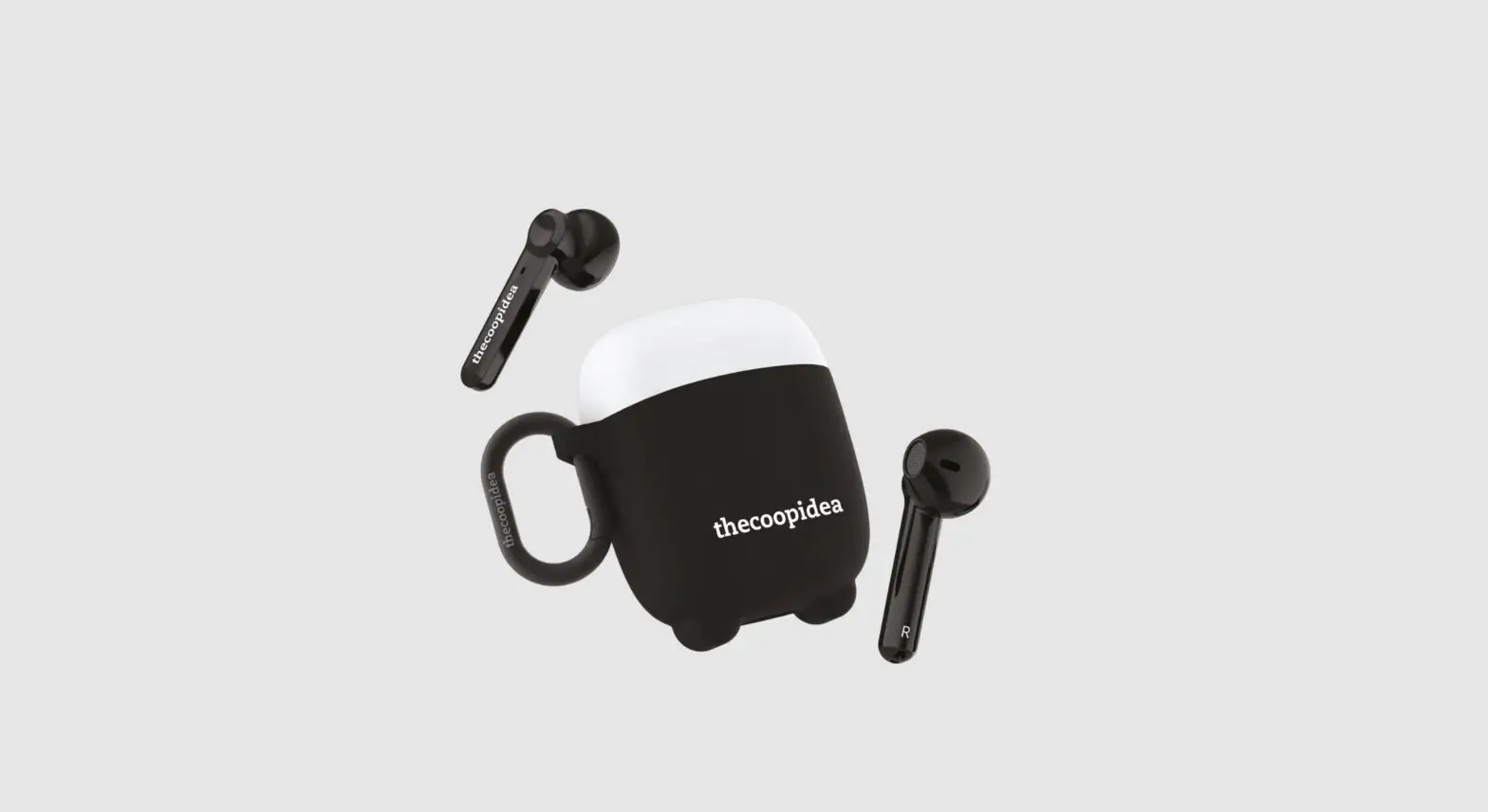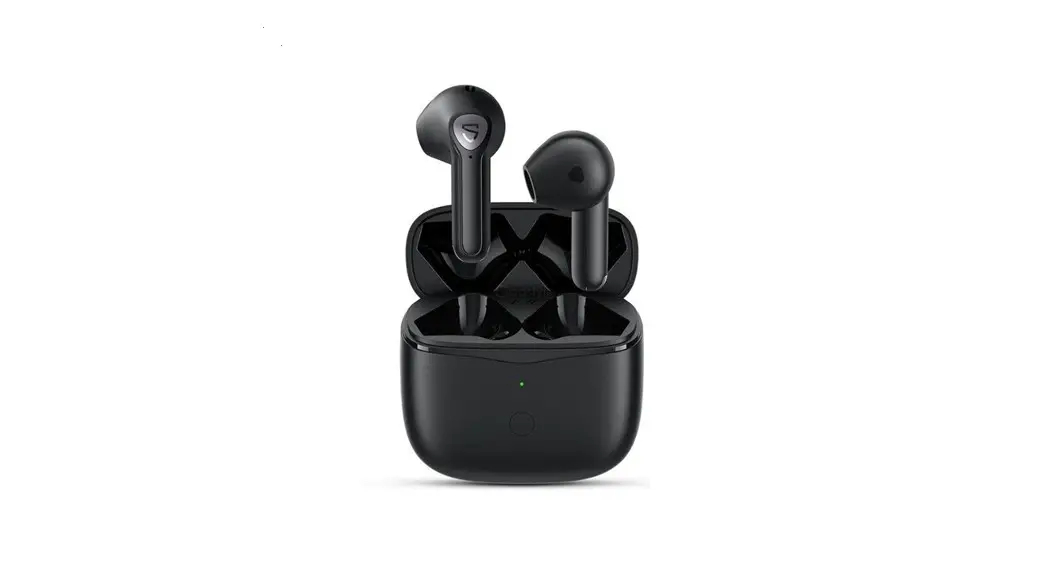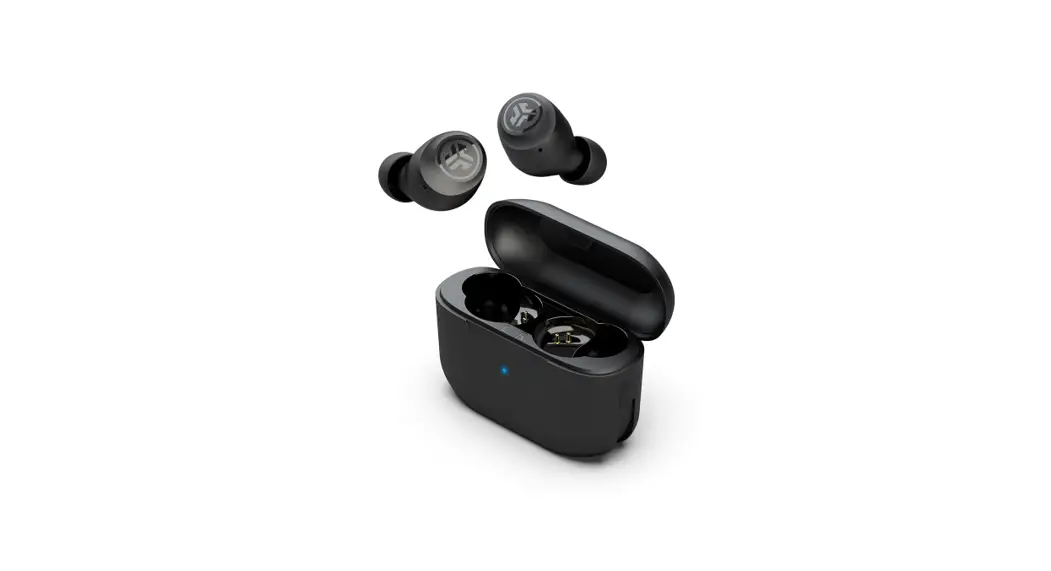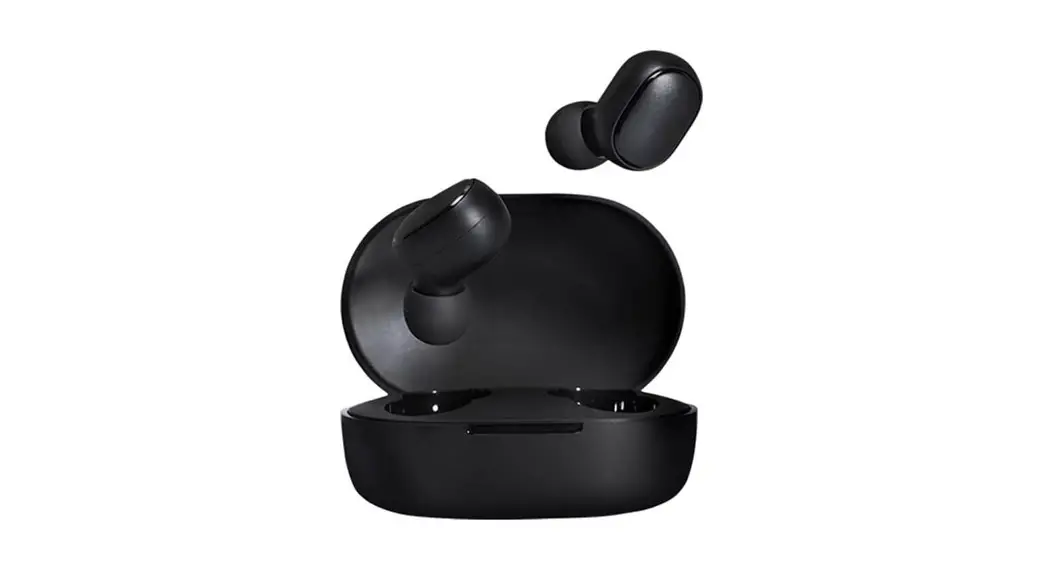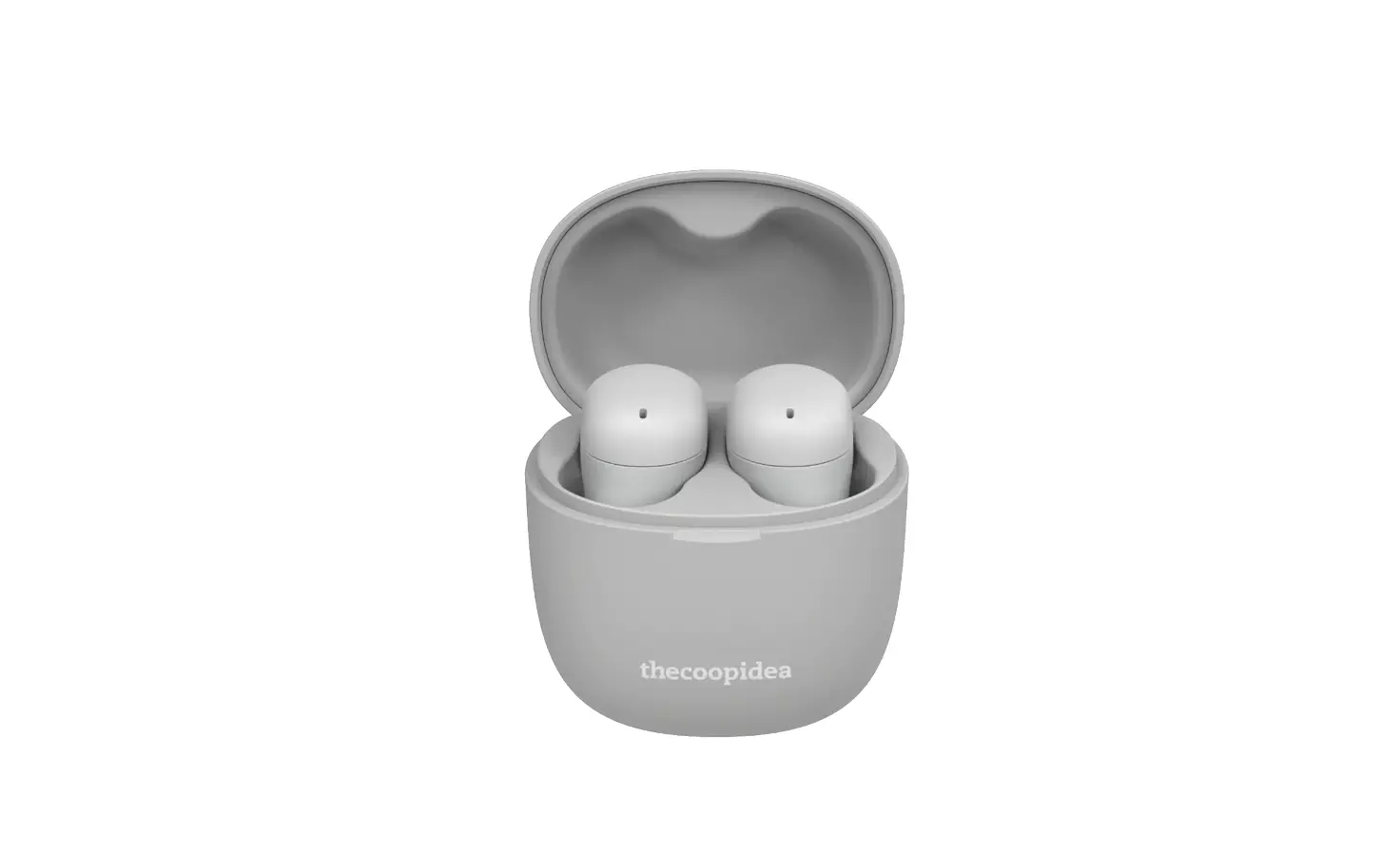
thecoopidea Beans Air True Wireless Earbuds User Manual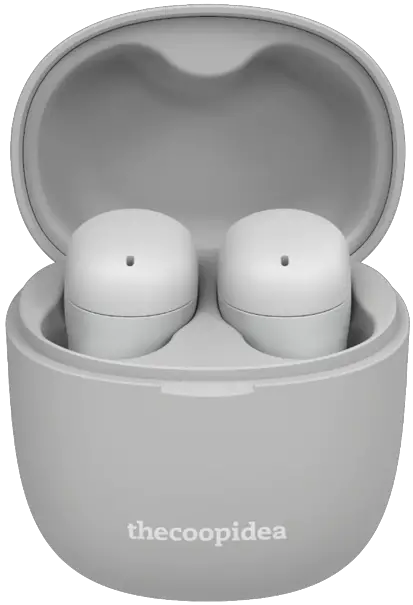
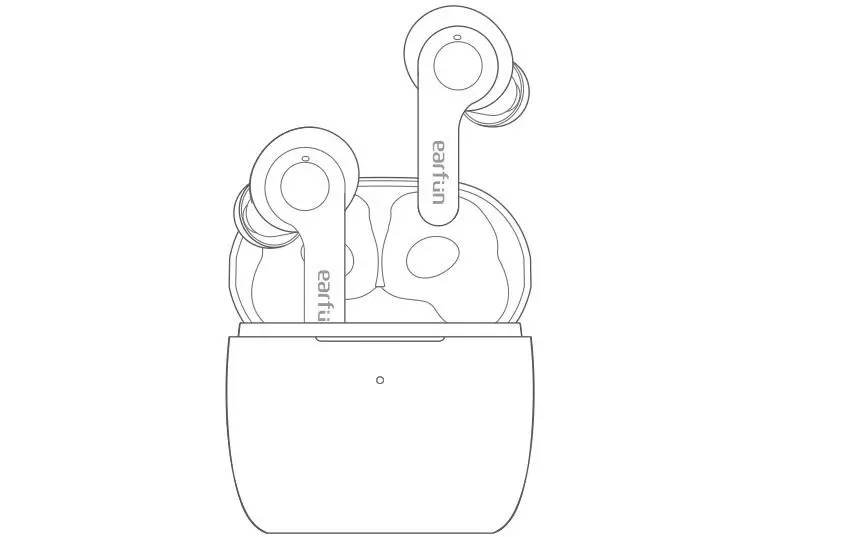
Product Overview
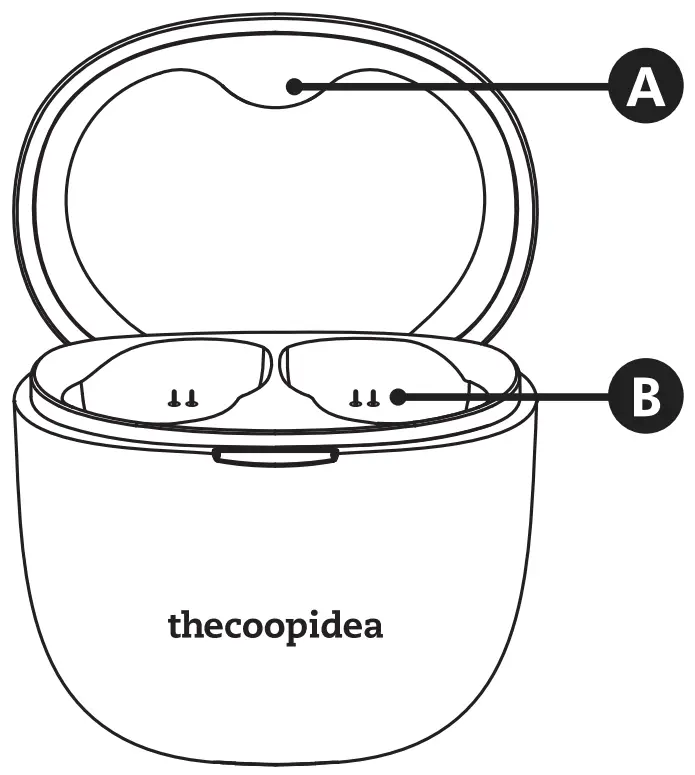
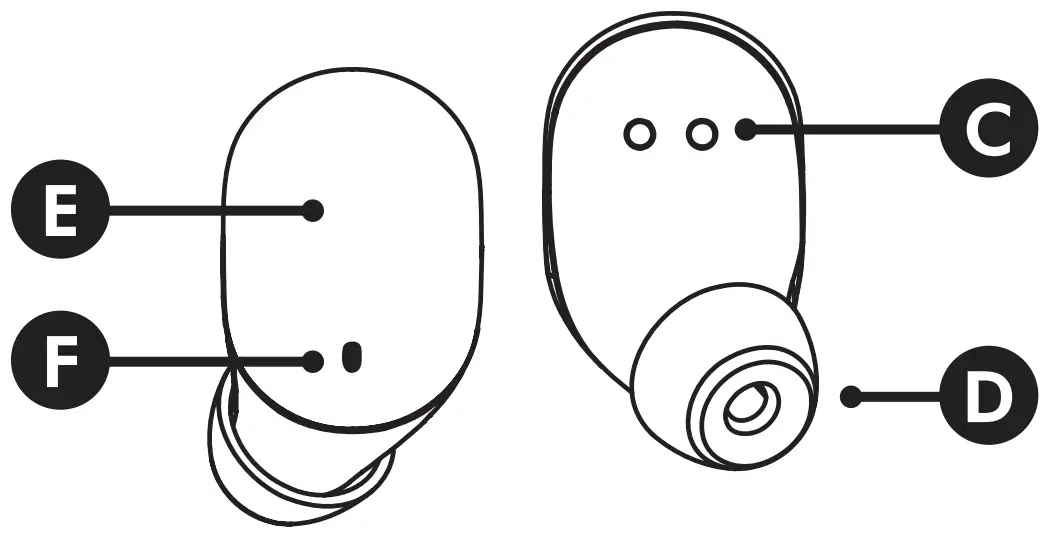
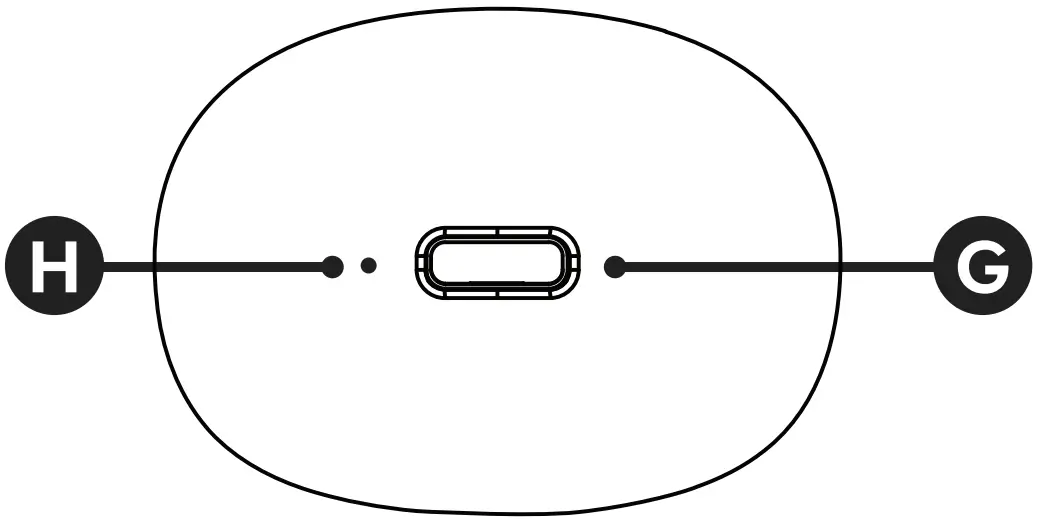
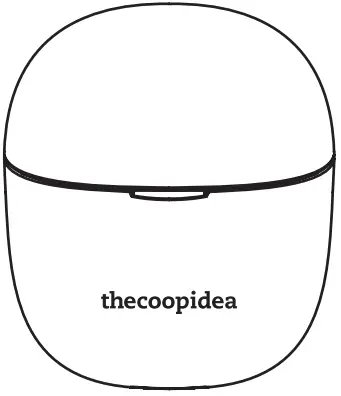
- A. Magnetic Closure
- B. Charging Pin
- C. Charging Interface
- D. Eartips
- E. Touch Interface/ LED Indicator
- F. Microphone
- G. Type-C Input
- H. Power Indicator
CONTENTS
- Charging Case

- Earbuds

- Eartips x 6 Pairs

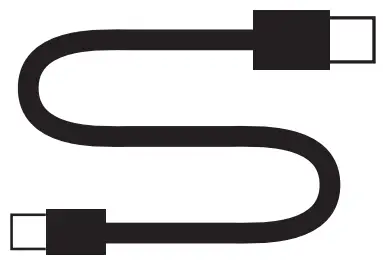
- Type-C Cable

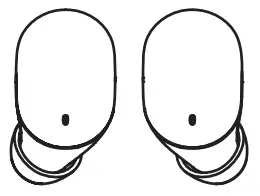
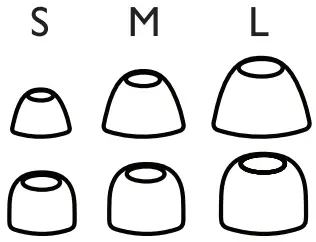
PICK THE RIGHT TIPS
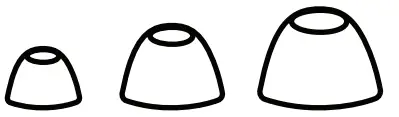
- Bass Eartips
The enhanced bass frequencies penetrate deeper into the ear canal, reducing the length of the sound waves’ path, for an exceptional listening experience and maximum comfort. Lessens the hissing sounds for a more moderate, heavier sound and that enhances the sound of the music
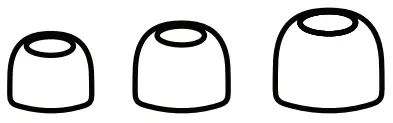
- Balance Eartips
The tight fit to the shape of the ear canal gives a super airtight effect, providing powerful noise cancellation and delivering the most realistic, high-resolution music without external interference.
CHARGING
Charging Earbuds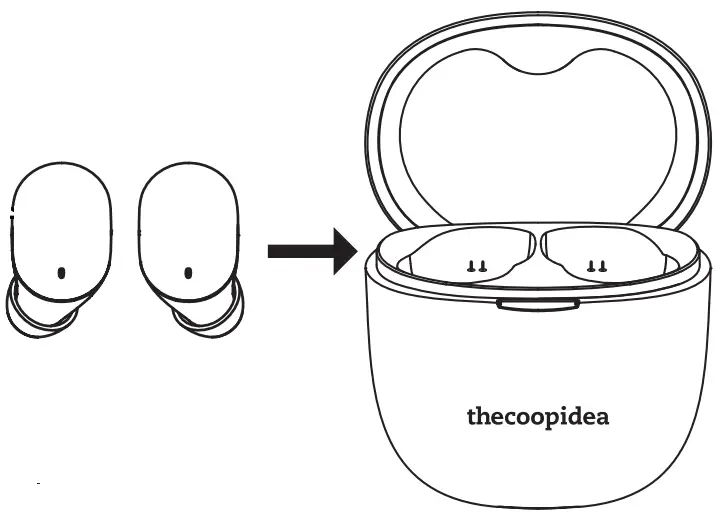
 White Charging Off Charged
Charging Battery Case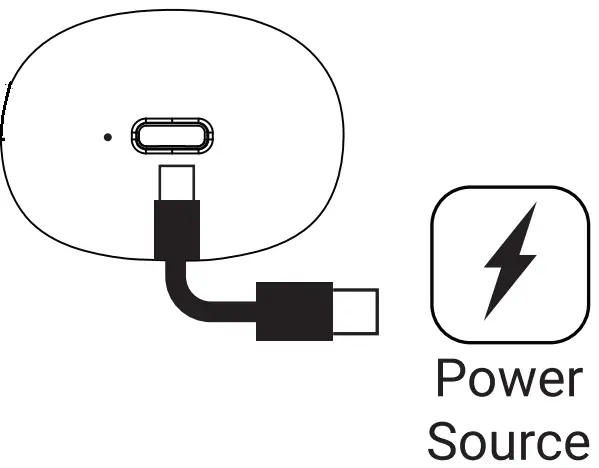 White Flashes: ChargingWhite On: Charged
*It is recommended to use the supplied charging cable to provide the optimal charging experience.
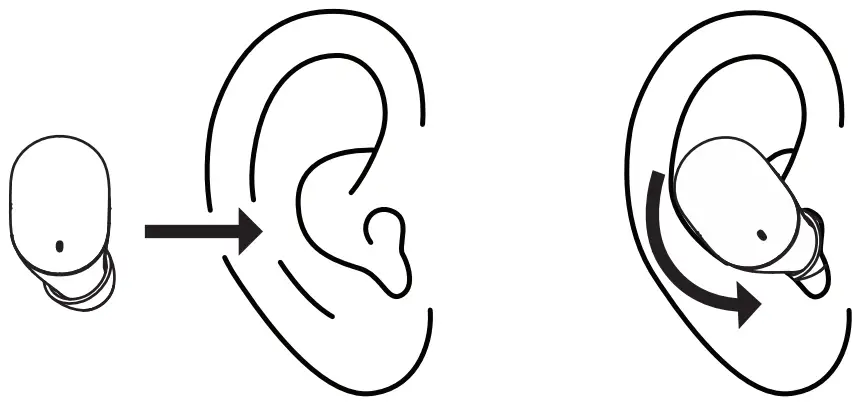
WEARING
PAIRING
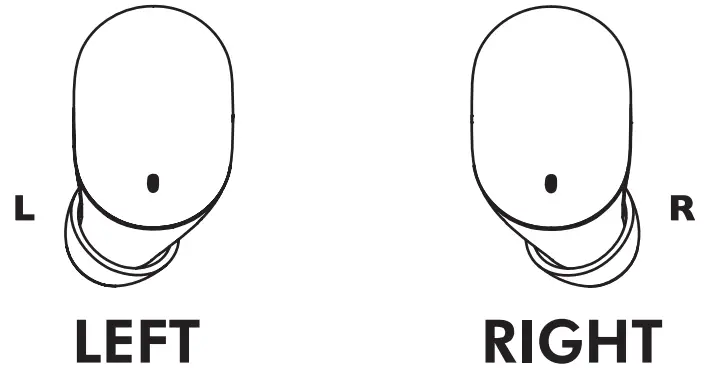
Connects each other automatically.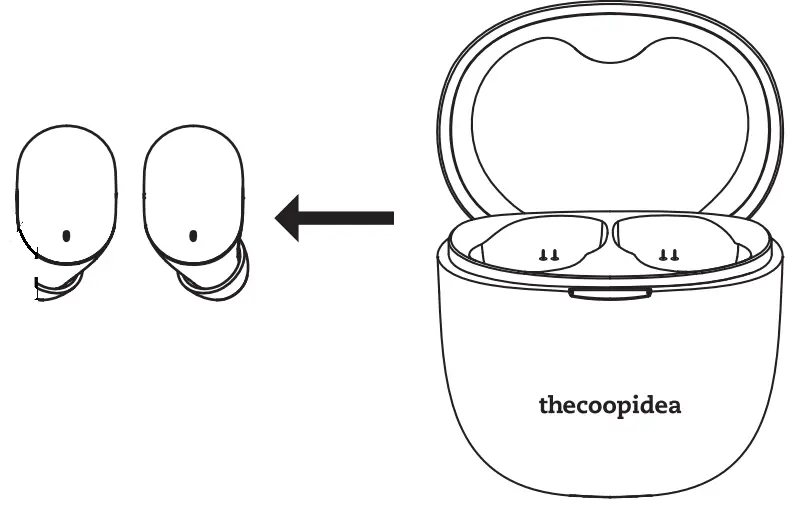
White Blue Blinks: Master White Blinks: Slave
“Connected, left channel” and “Connected, right channel” will be heard on each earbud.
Make sure your device’s Bluetooth function is turned on
Look for “THECOOPIDEA BEANS AIR” from the bluetooth device list and press connect.
Indicator on Earbuds should be off if the it is successfully paired.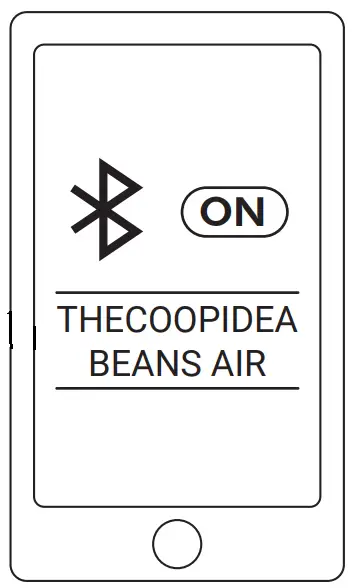
CONTROLS
Play/Pause |  |  | or |
| Next track | |
| |
Previous track |  |  2S 2S | |
| Volume up |  |
| |
Volume down |  |  | |
| Siri/Google assistant |  | or | |
Pick up call |  | | or |
| Hang up |  | | or |
Reject call |  | | |
Power On: Pick up earbuds from charging case | |||
Power Off: Place earbuds back to charging case | |||
| Manual On/Off | 5S | and | |
| Auto Power Off | Idle for 10 seconds | ||
| TAP HOLD | |||
SPECIFICATION
| Model Number | BEANS AIR |
| Color Options | Ash, Sakura, Turquoise, White Marble, Black Marble |
| Bluetooth Version | 5.1 |
| Frequency Range | 20-20KHz |
| Impedance | 16Ω |
| Sensitivity | 93dB ± 5 dB |
| Driver Size | 6mm |
| Support Codex | AAC, SBC |
| Support Prole | HFP, HSP, A2DP, AVCTP, AVDTP, AVRCP |
| Play Time | Up To 5H |
| OTG Play Time | Up To 25H |
| Standby Time | 100H |
| Recharge Time | 1H (Charging Case), 1H (Earphones) |
| Battery Capacity | 300mAh (Charging case), 40mAh (Earphones) |
| Case Dimensions | 51 x 44 x 32mm (LxWxH) |
| Case Net Weight | 28g |
| Earbuds Dimensions | 27 x 15 x20mm (LxWxH) (Each) |
| Earbuds Net Weight | 3.6g (Each) |
| Waterproof Rating | IPX5 (Earphones) |
| Safety Protections | Short Circuit, Over Charge, Over Discharge |
| Manufactory By | Tendo Company Limited |
FCC STATEMENT
NOTE: This equipment has been tested and found to comply with the limits for a Class B digital device, pursuant to part 15 of the FCC Rules. These limits are designed to provide reasonable protection against harmful interference in a residential installation. This equipment generates uses and can radiate radio frequency energy and, if not installed and used in accordance with the instructions, may cause harmful interfarence to radio communications. However, there is no guarantee that interference will not occur in a particular installation. If this equipment does cause harmful interference to radio or television reception, which can be determined by turning the equipment off and on, the user is encouraged to try to correct the interference by one or more of the following measures:
- Reorient or relocate the receiving antenna.
- Increase the separation between the equipment and receiver.
- Connect the equipment into an outlet on a circuit different from that to which the receiver is connected.
- Consult the dealer or an experienced radio/TV technician for help
Changes or modifications not expressly approved by the party responsible for compliance could void the user’s authority to operate the equipment.
This device complies with Part 15 of the FCC Rules. Operation is subject to the following two conditions:
- this device may not cause harmful interference, and
- this device must accept any interference received, including interference that may cause undesired operation.
True wireless earbuds
Brand: Thecoopidea
Model: BEANS AIR
Tendo Company Limited
306A Building B Guangxin Plaza, No.103 Dongchen Rd,Dongguan China Import: The Coop Idea Ltd.
Address: Room B11, 5/F, Block B, Hong Kong Industrial Centre, 489-491 Castle Peak Rcod,Kowloon, H.K.
210-146435
FCC ID: 2AUDS-THECOOPIDEA
Made in China
You can find the product name, model, trade mark, MIC ID and LOGO on page 20 of the manual and on the back of the color box
For other languages and soft copy of the manual, Scan: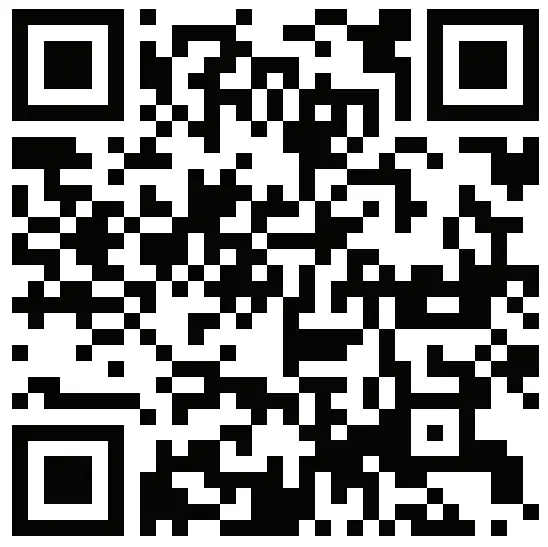
Find out more at www.thecoopidea.com thecoopidea
Inspirations from New Zealand. Designed in Hong Kong. Produced in China. Copyright 2020 The Coop Idea Ltd.