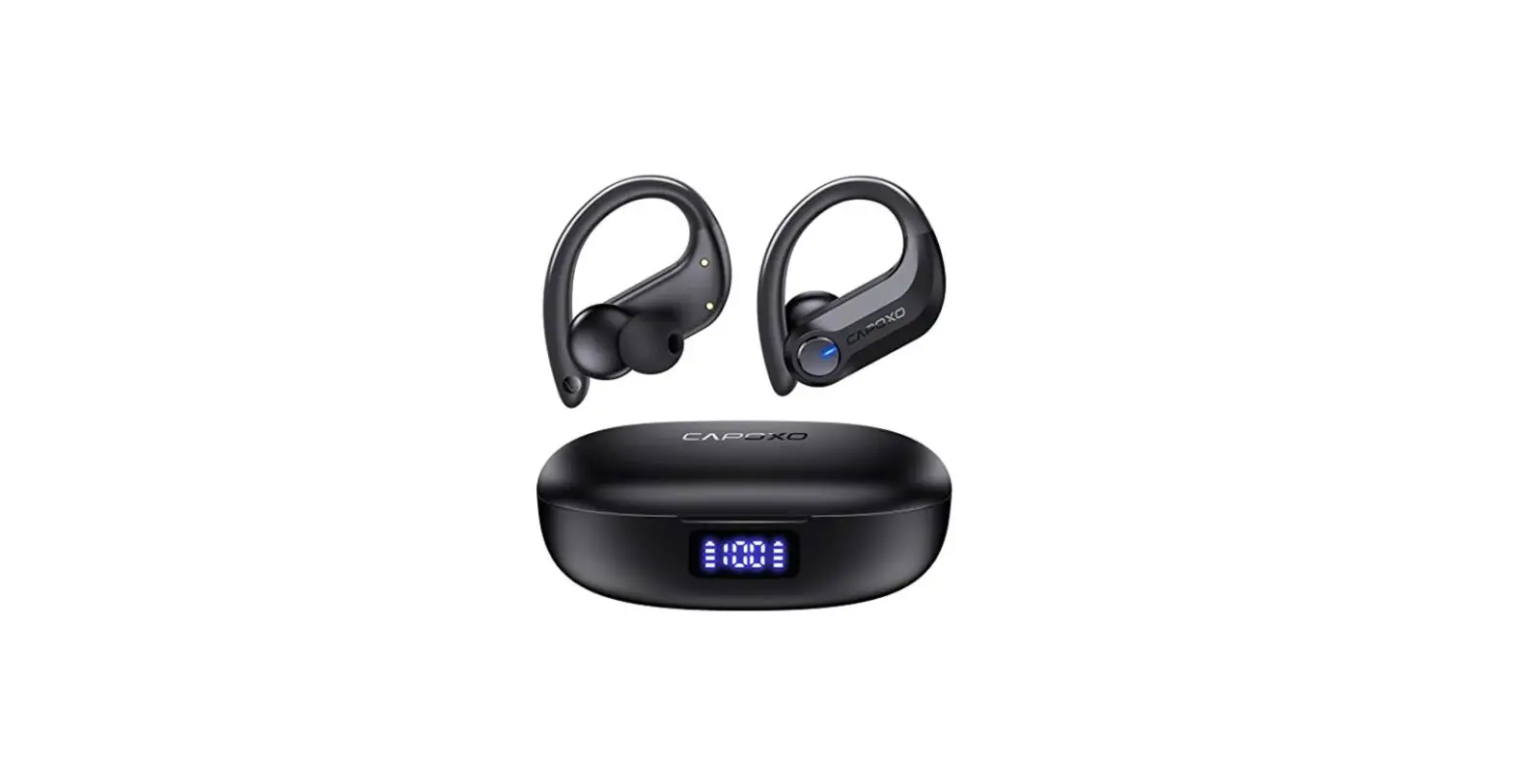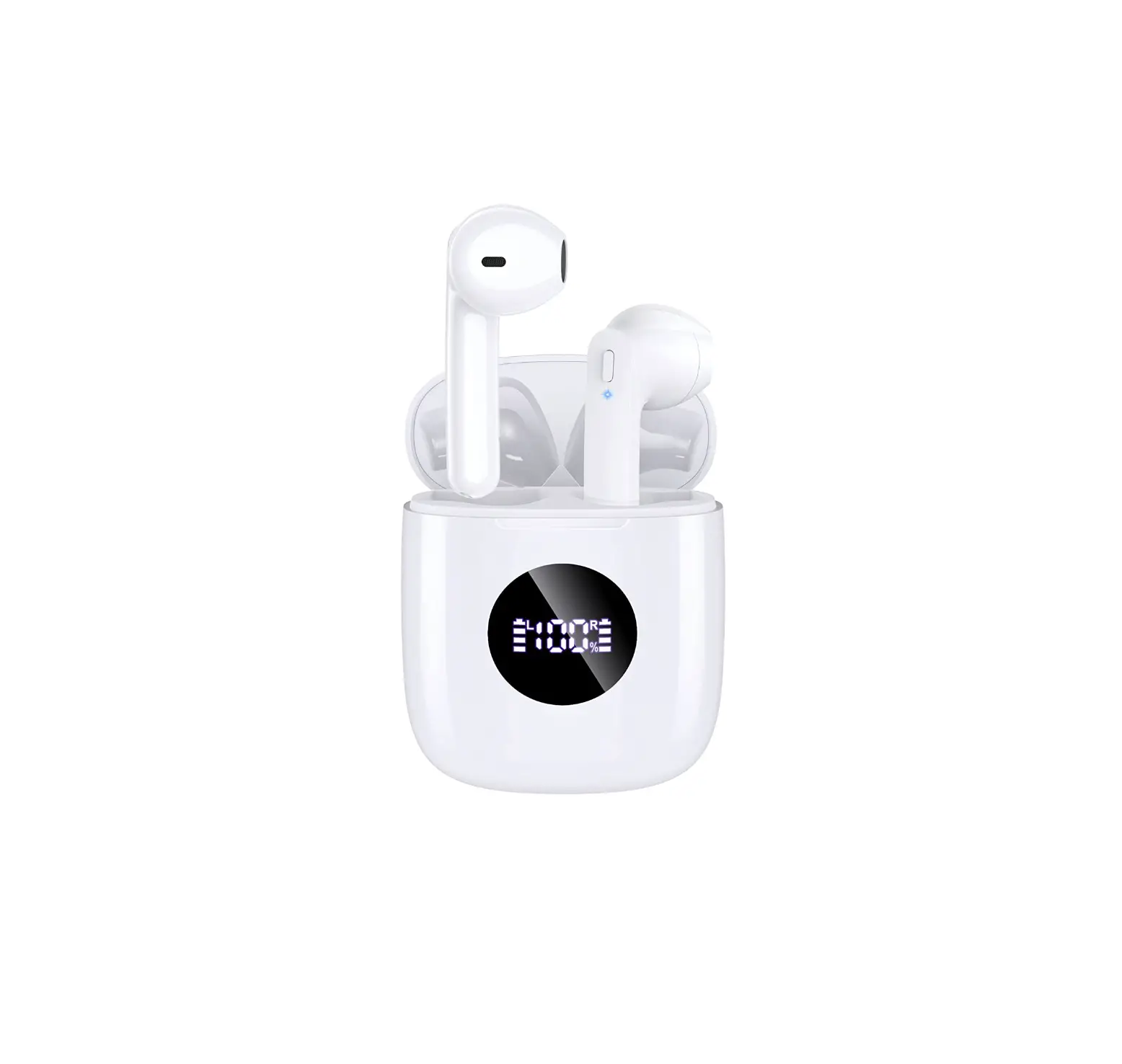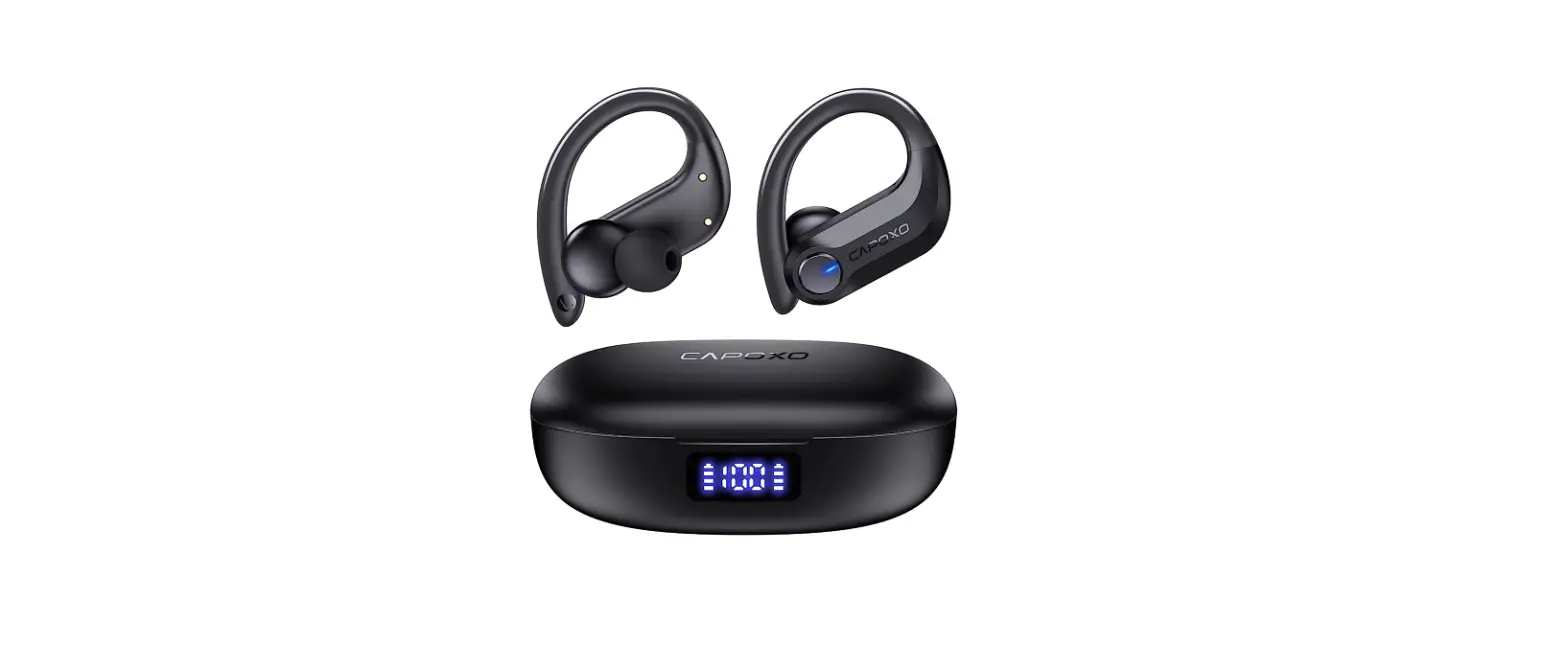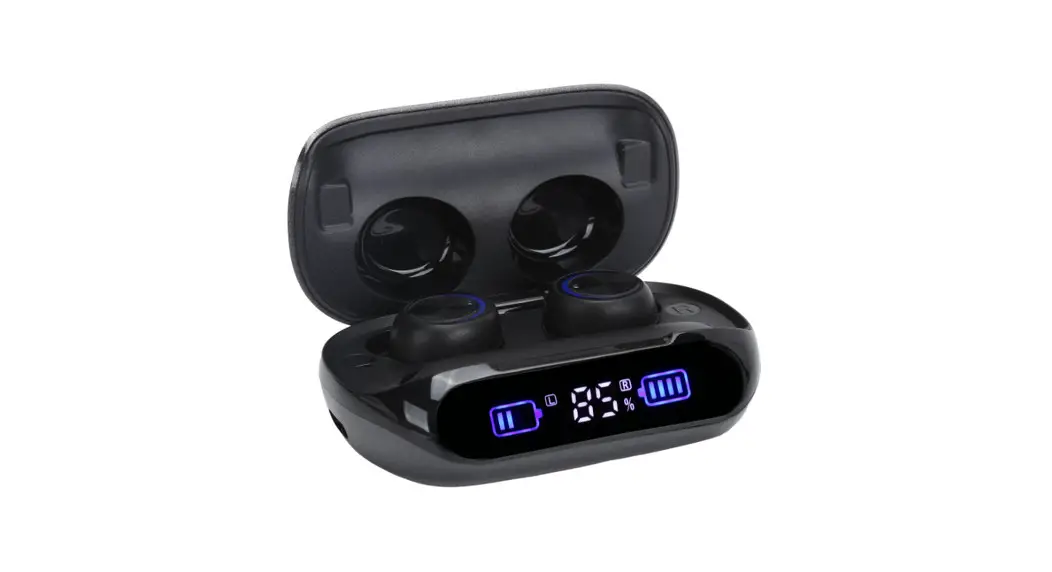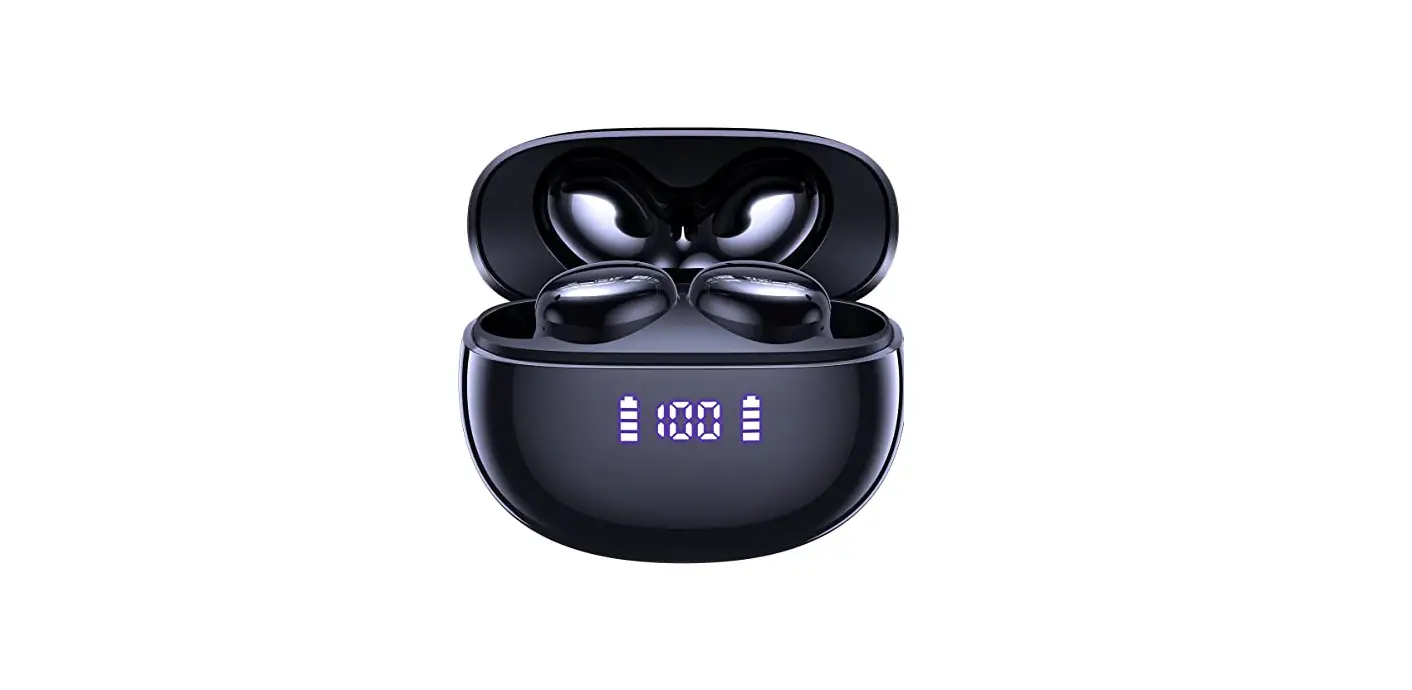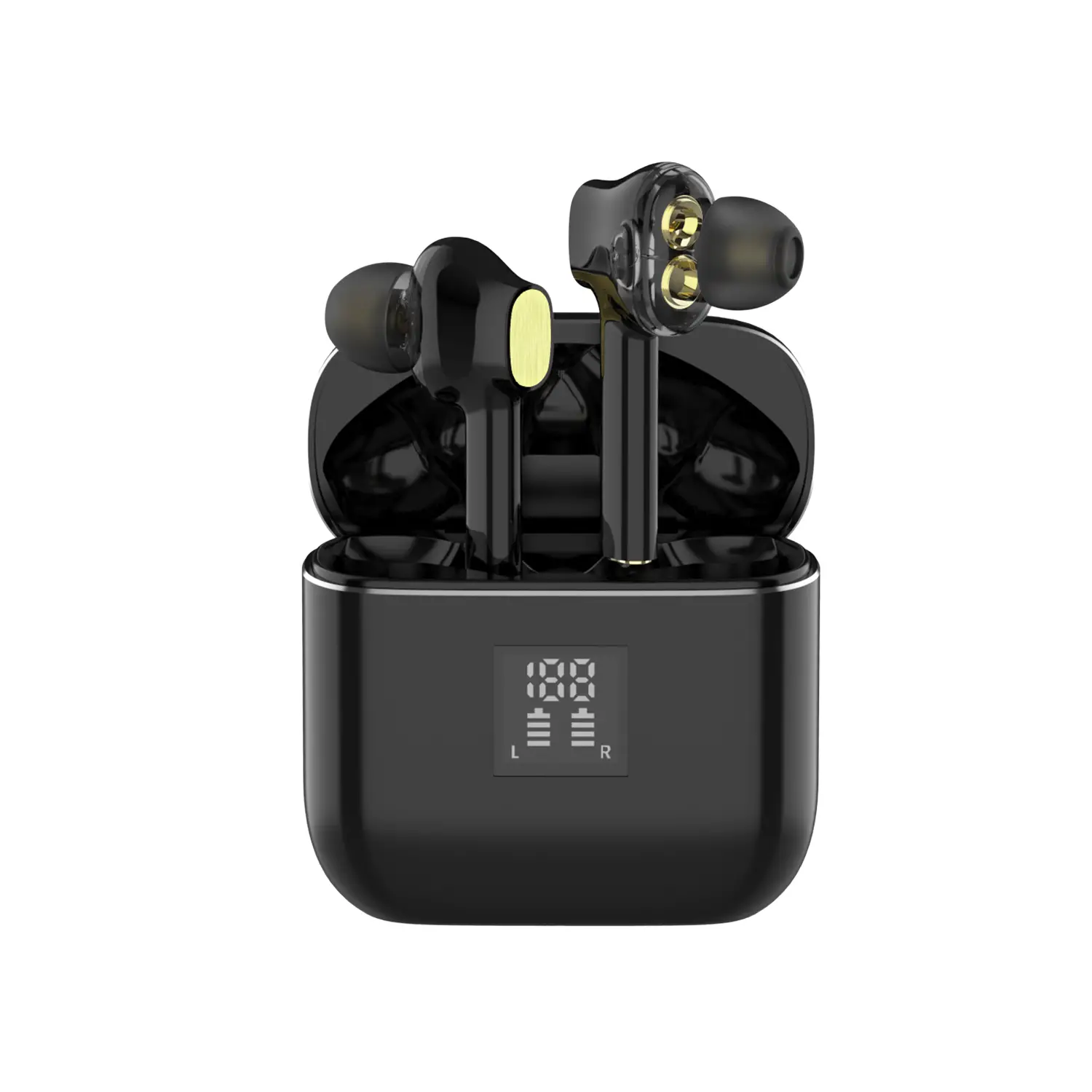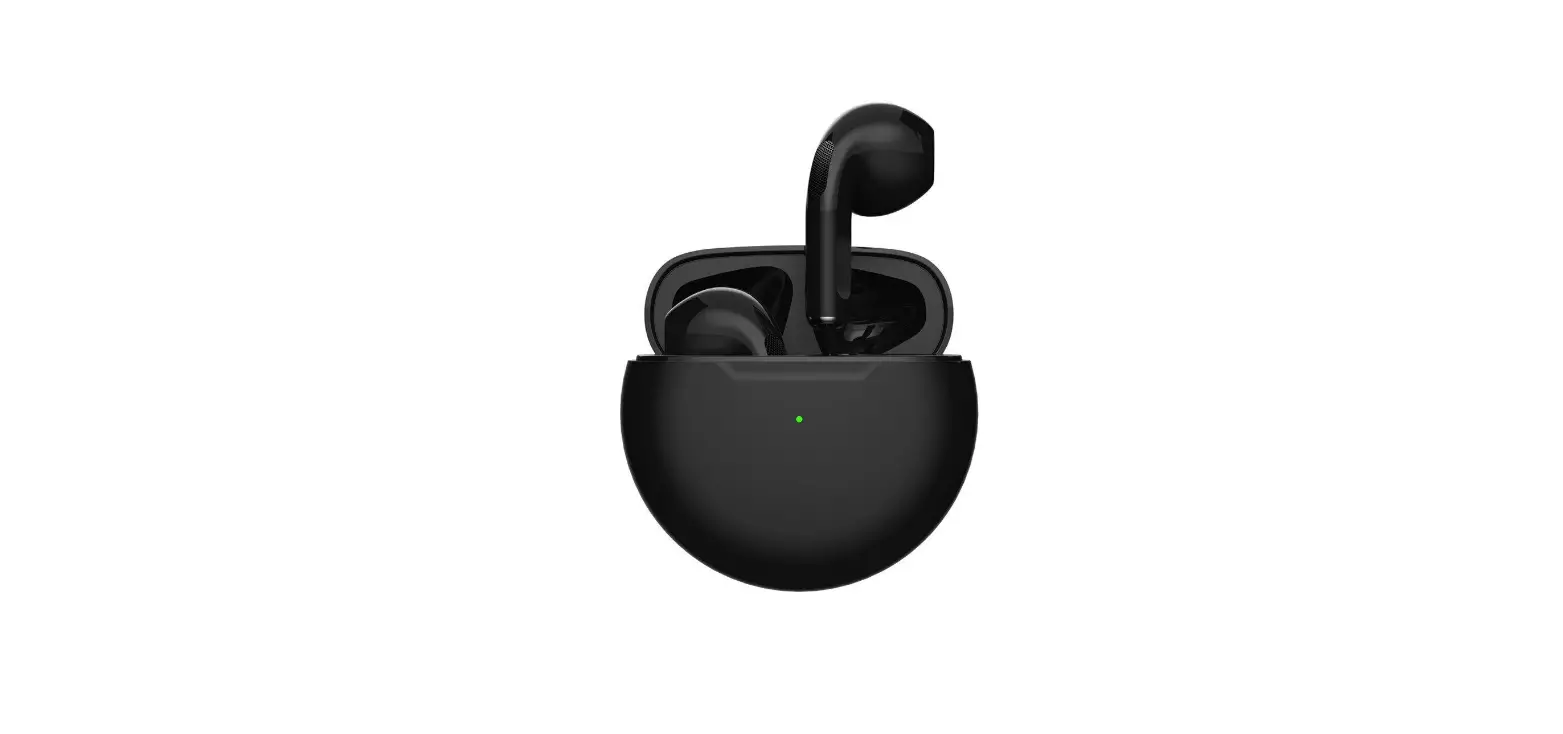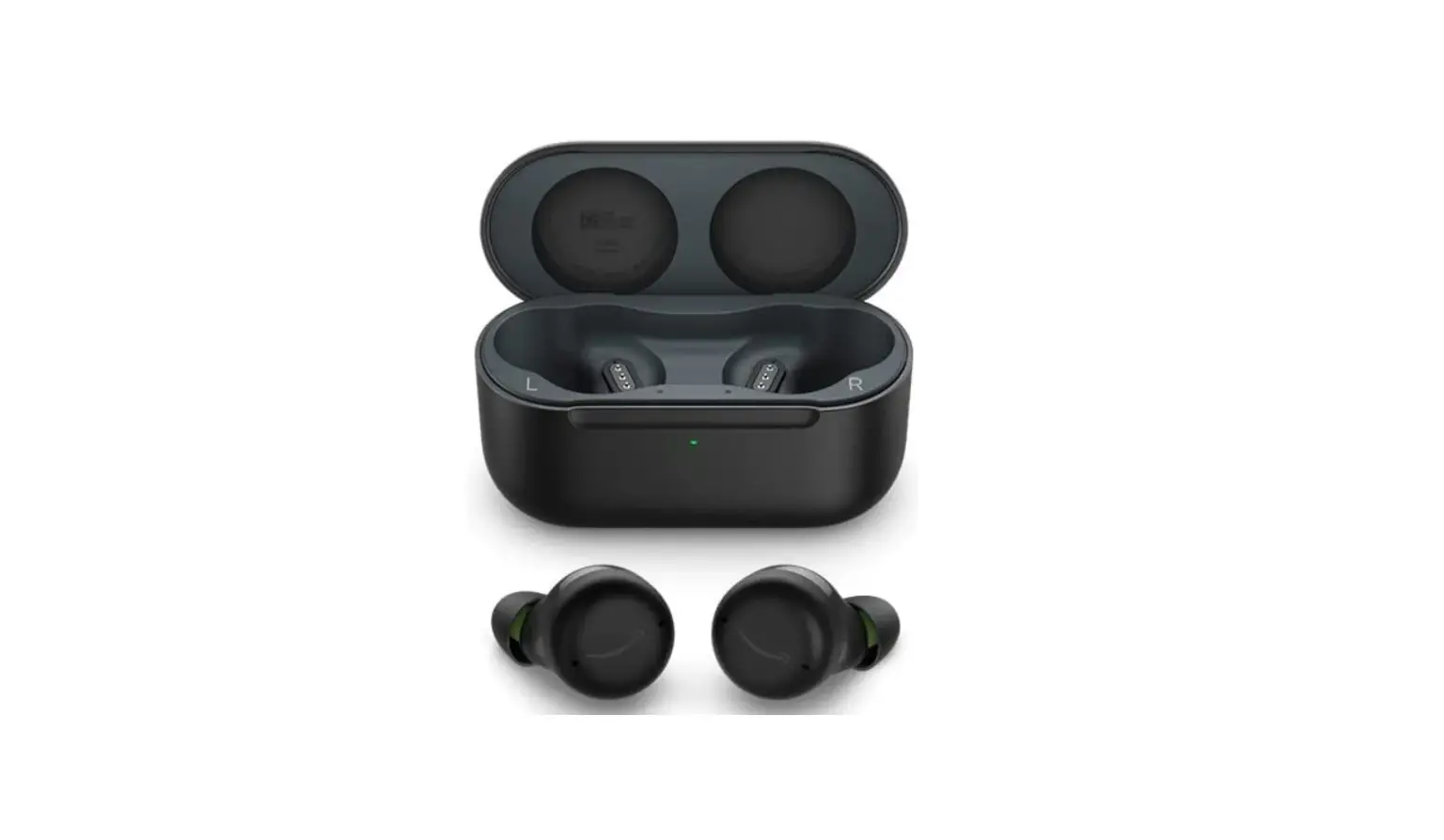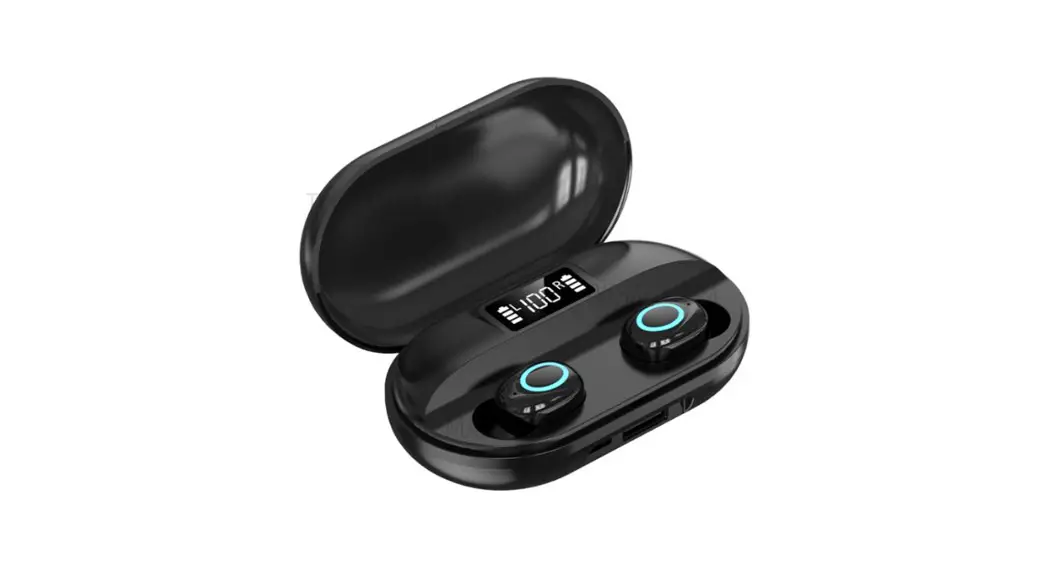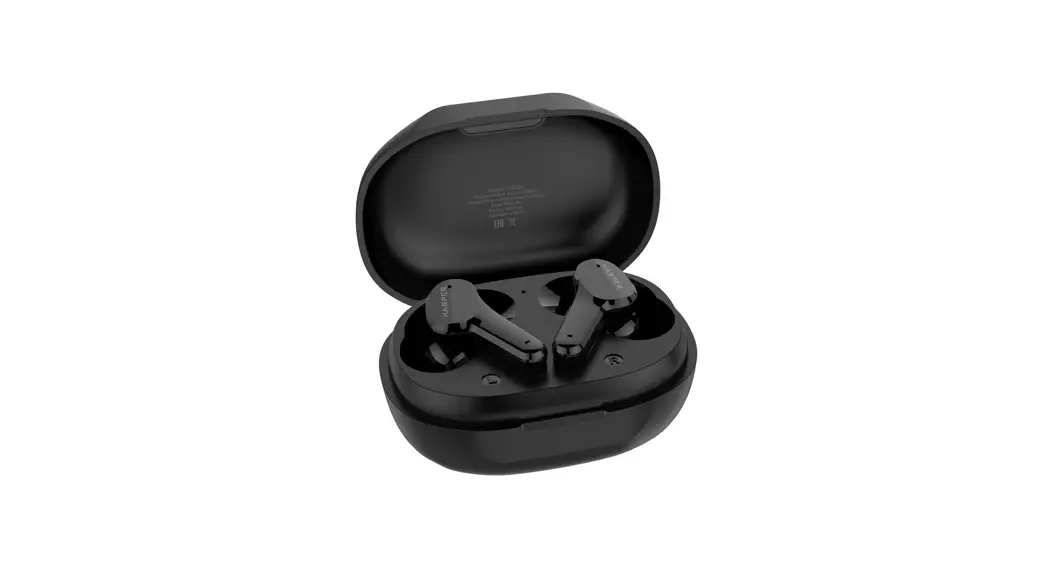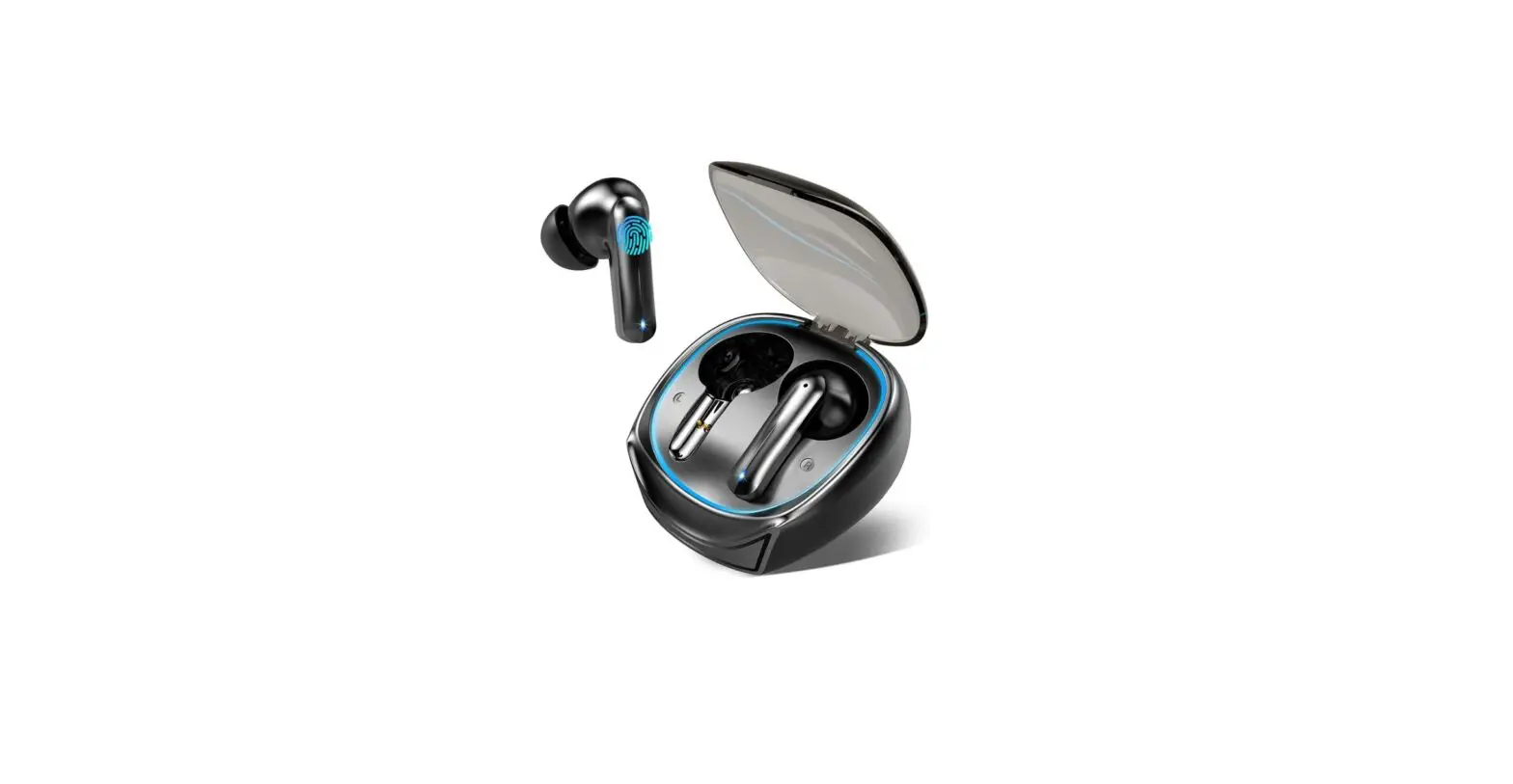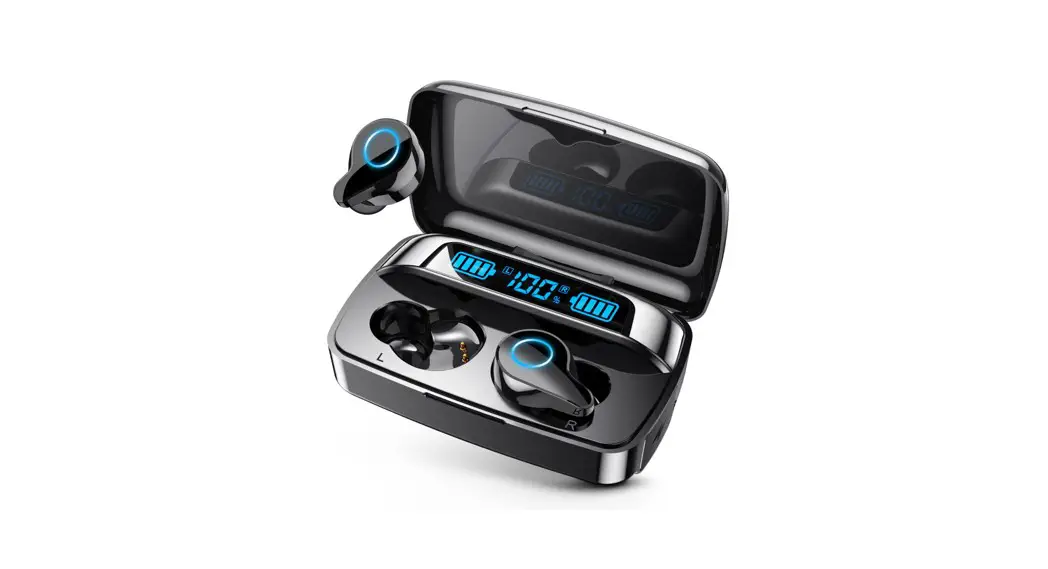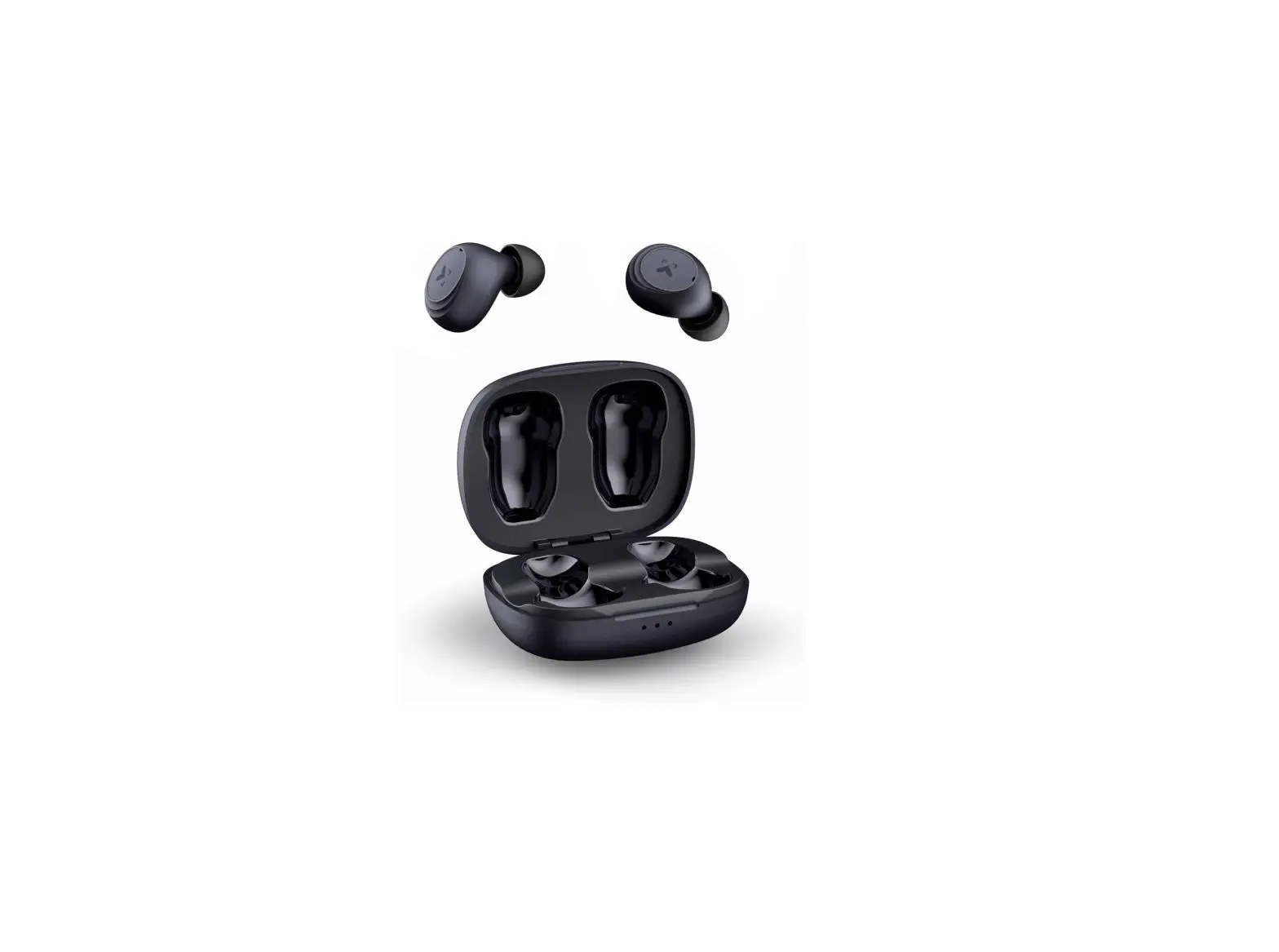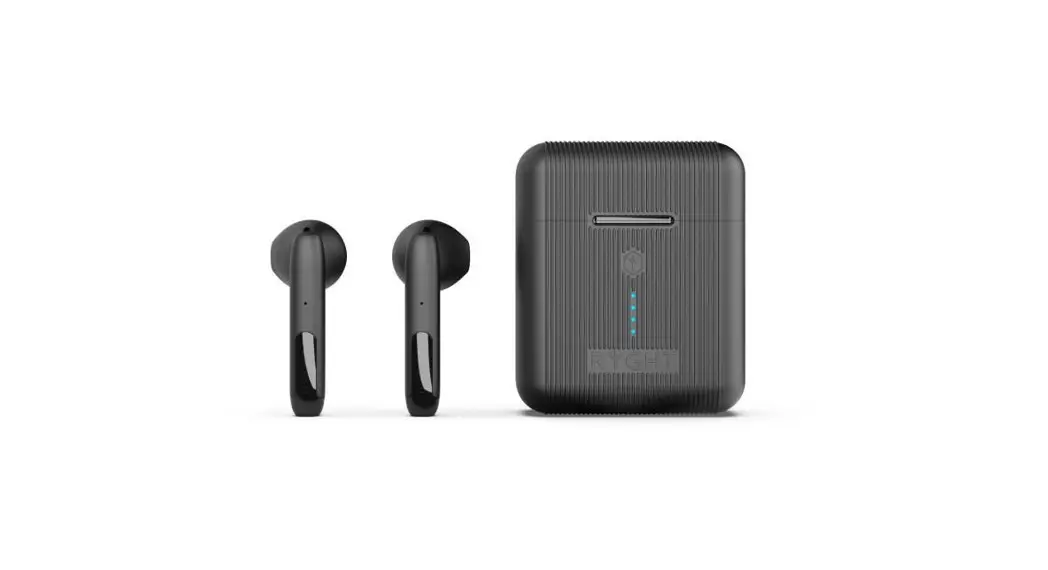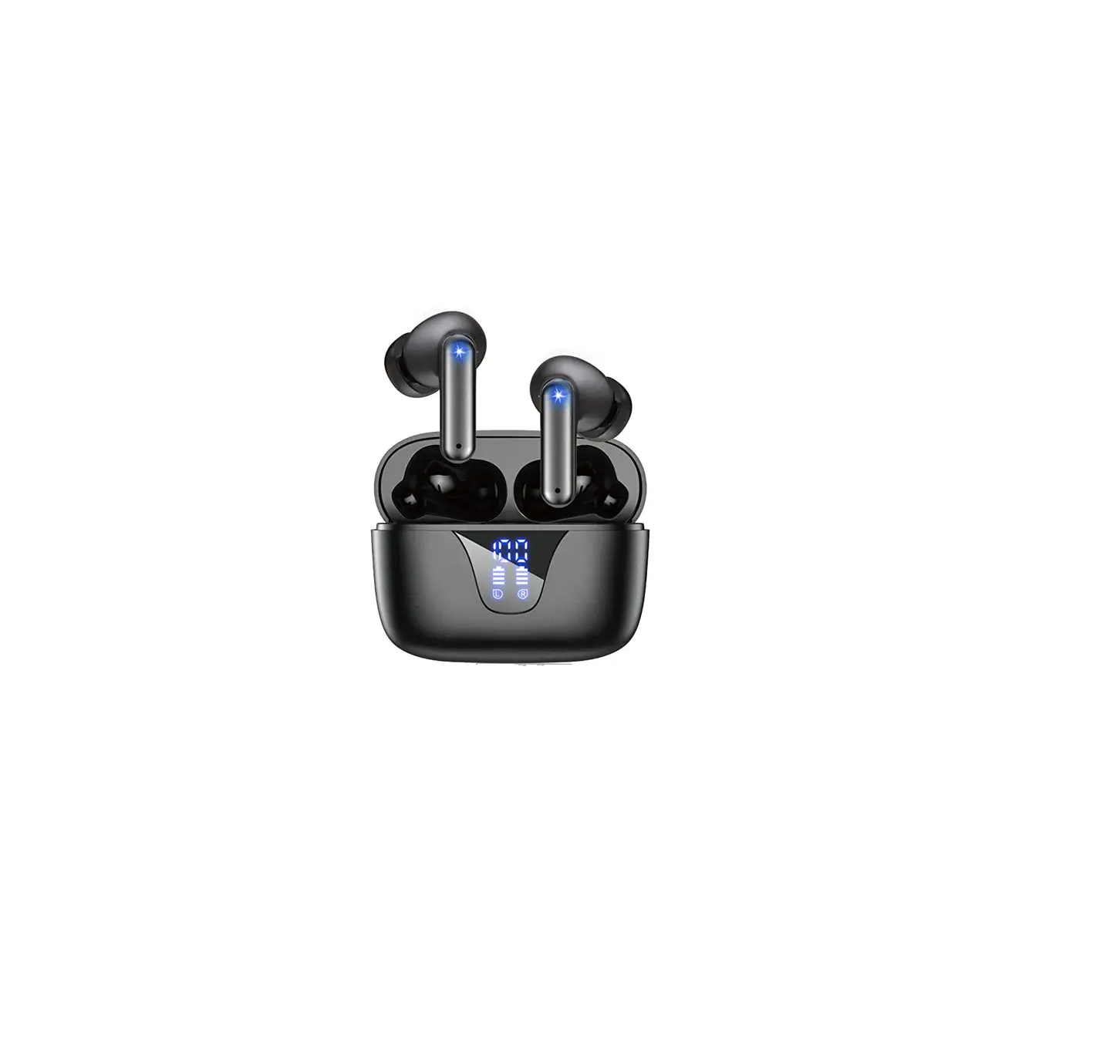
 H06 Wireless Earbuds
User Manual
H06 Wireless Earbuds
Customar Service Email: [email protected]
 WhatsApp: (+86) 139 2349 0475
 Web: www.capoxo.store
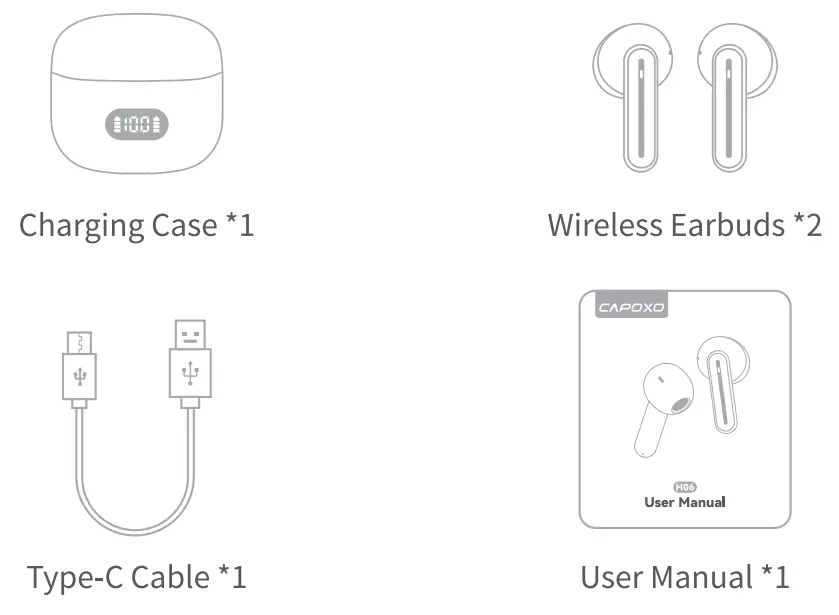
Packing List
Overview
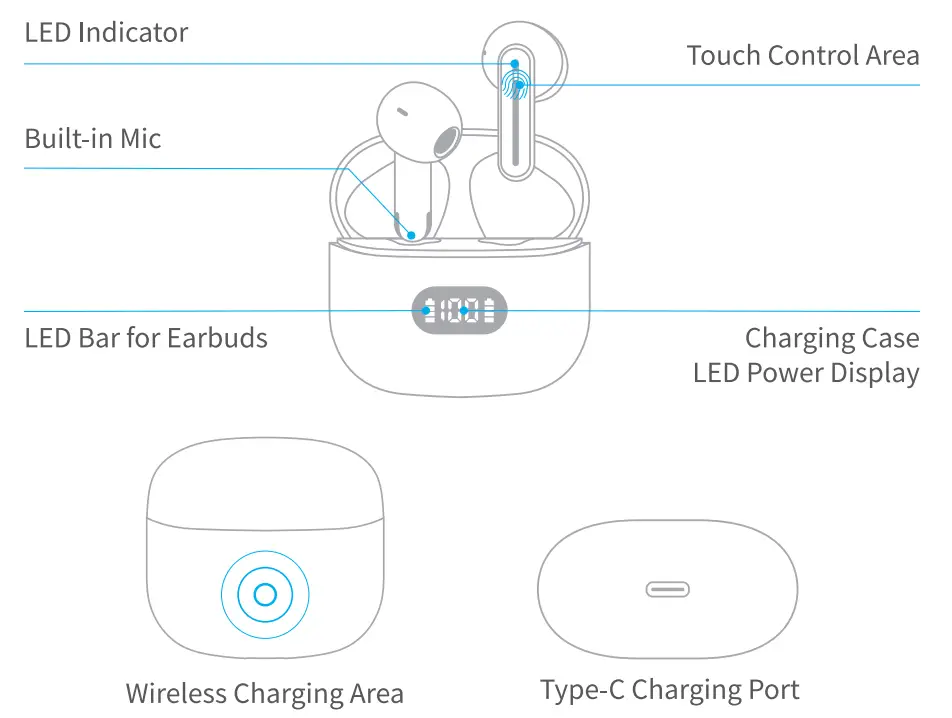
Note: Please remove protective films of the LED power display screen and charging point before using it.
Specifications
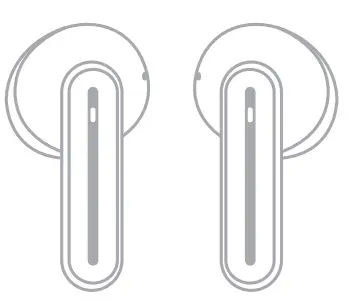 Earbud (each)
- Model Name: H06
- Bluetooth Version: V5.3
- Battery Capacity: 35mAh
- Charging Time: about 1.51-1
- Supports: A2DP, HFP, HSP, AVRCP
- Size/Weight: 33.1’17.5’17.7mm/3.6g
- Transmission Rang: 39 feet(without obstacle)
Charging Case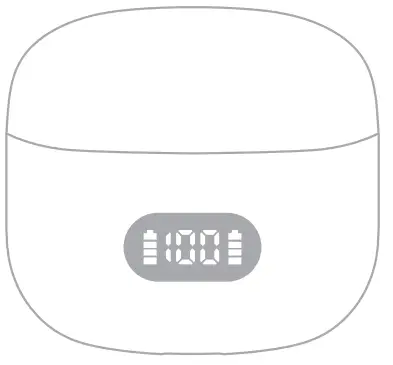
- Charging Port: Type-C
- Battery Capacity : 500mAh
- Charging Time: about 2H
- Size/Weight: 53.5’50’28.5mm/45.5g
Power On/Off
Auto Power On
The earbuds will turn on automatically when you open the charging case.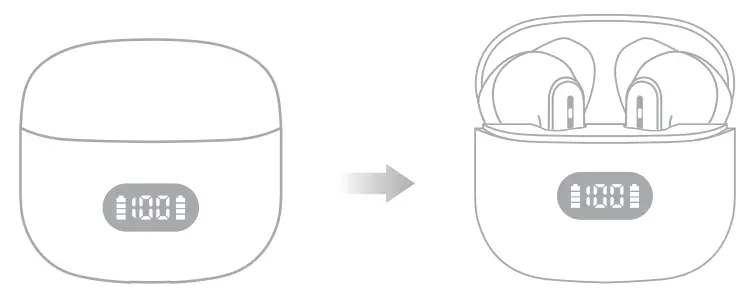 Auto Power Off
Put the earbuds back into the charging case and close the case, the earbuds will turn off automatically and enter charging mode.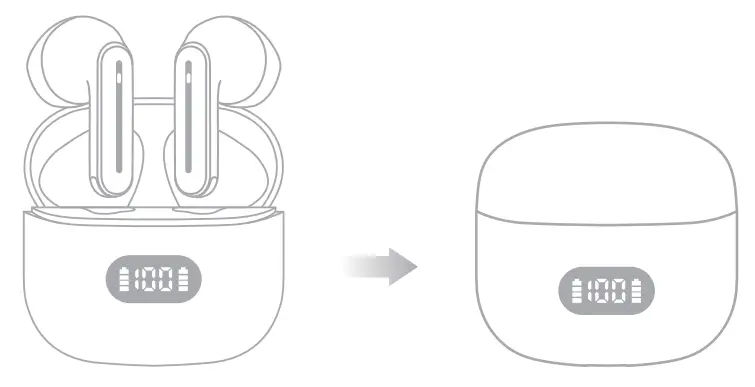 Manually Power On
If the earbuds are not in the case and power off, press & hold them about 2 seconds, light on earbuds will flash blue and then them will power on.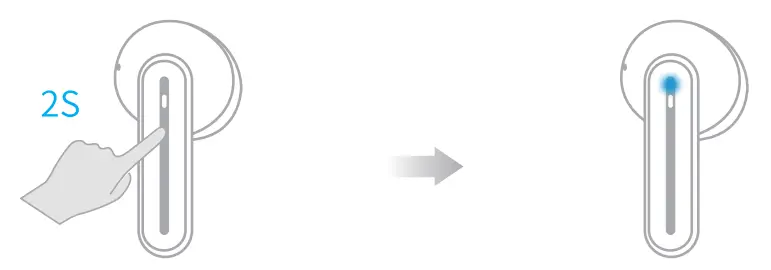 Manually Power Off
Press & hold the earbuds about 5 seconds, light on earbuds will flash red and then them will power off.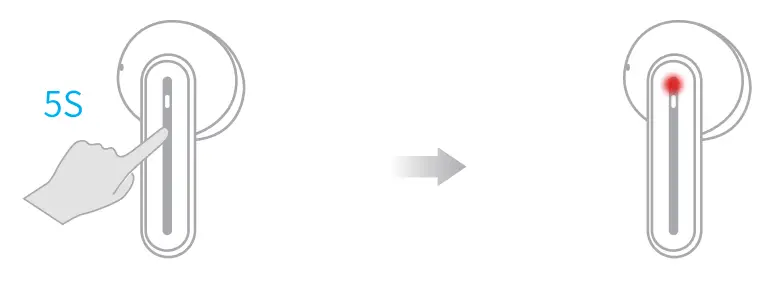
Bluetooth Connection
Prior to first use (or not in use for long time), please fully charge both earbuds and charging case.
First Time Pairing
Step 1 – The twin earbuds will automatically power on and enter pairing mode when you open the charging case. At this time, led indicator of master earbud will flash Blue & Red light alternately, and the vice earbud led indicator flashes Blue light 2 times every 2 seconds.
Step 2 -Activate the Bluetooth setting on your phone, search and connect “H06”.
Once connected, the led light of both earbuds goes off.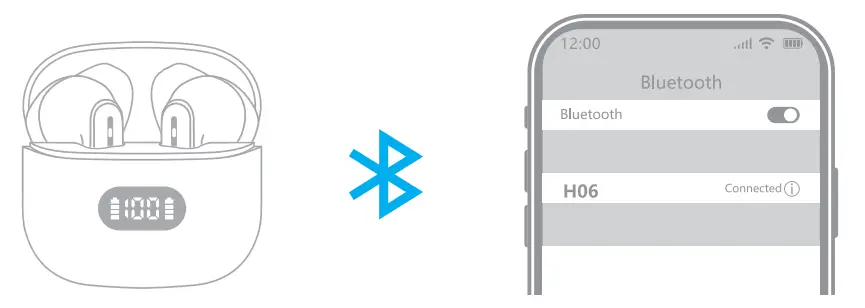 Note: If the earbuds are not connected to your device over 5 minutes, the earbuds will power off automatically.
For Second Time Use
If the earbuds have already connected with your device, and the Bluetooth setting of this device is on, in the second time using, when you take out the earbuds from the charging case, they will connect with your device automatically.
Pair with Other Device
H06 Earbuds have memory function, they usually auto connect with the last paired device.
Thus, if you want to pair them with other device, you should disconnect “1-106” from the last paired device, AND forget the pairing record on the last device.
Then try to connect it to a new device, it should work properly.
Mono Mode (Only Left/Right Earbud is being Used)
You can use one earbud alone, leave another earbud in the charging case.
- When in Dual mode, put one earbud into the charging case and close the case.
- Turn on the Bluetooth setting on your phone, then search & connect “H06” on your device.