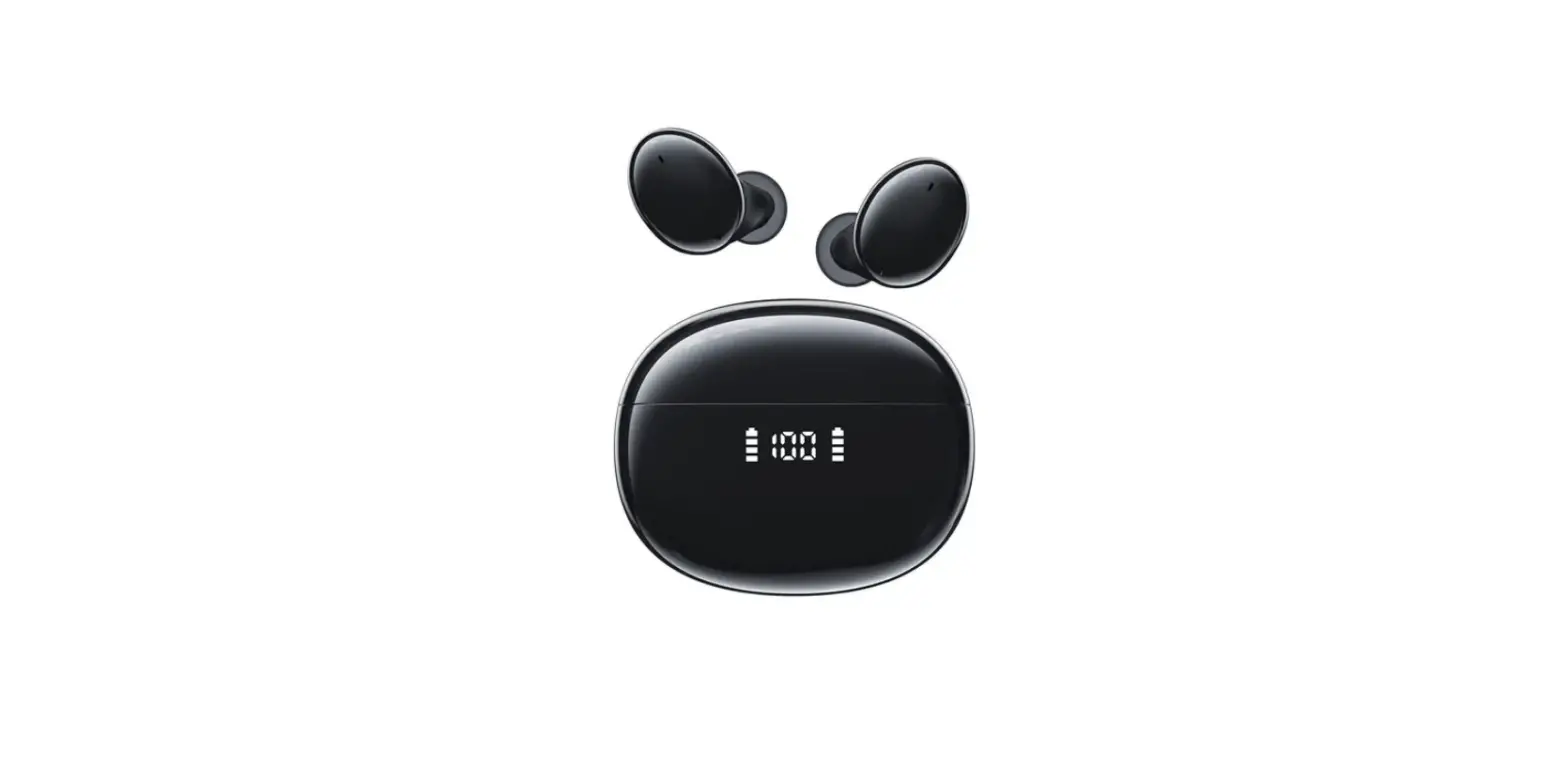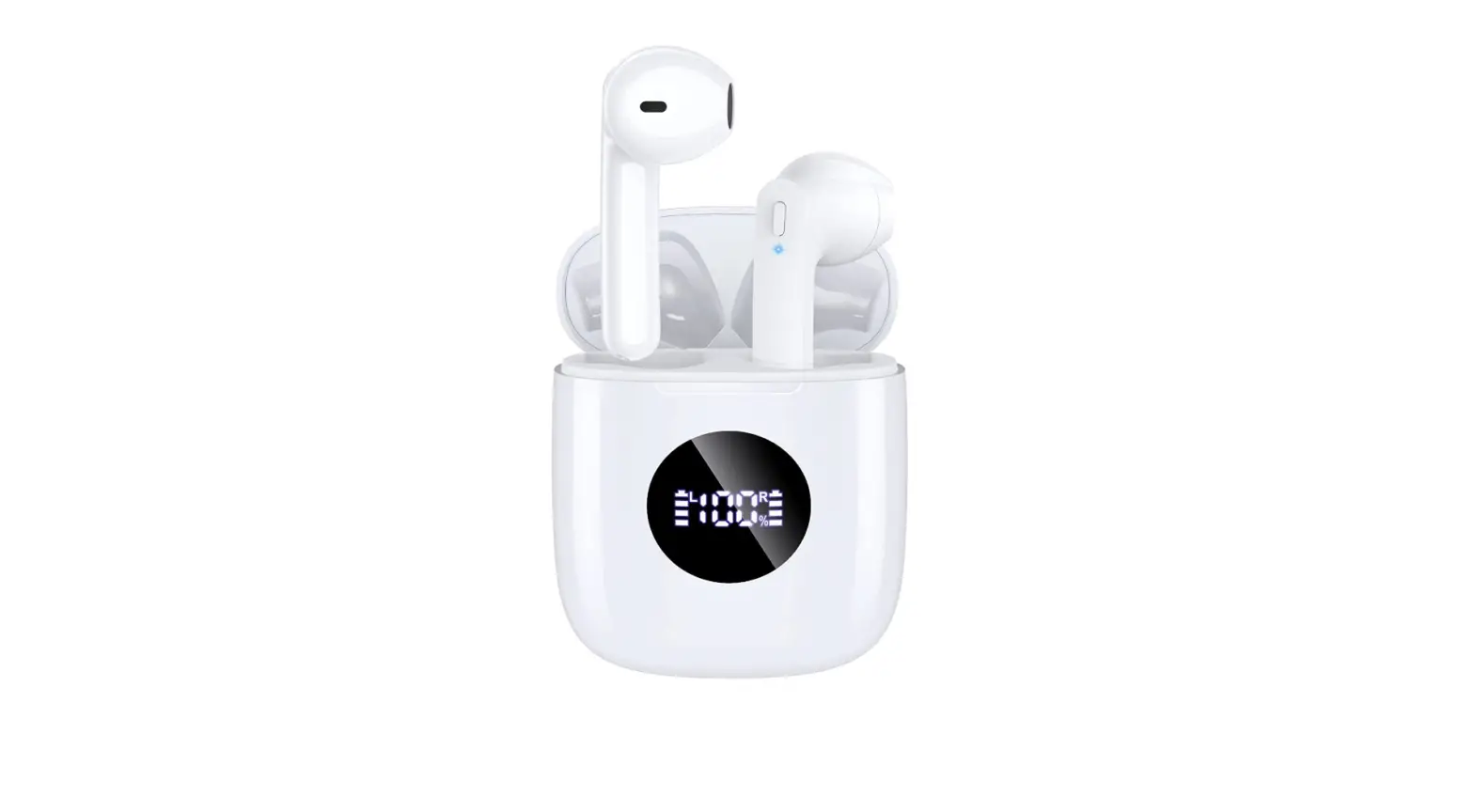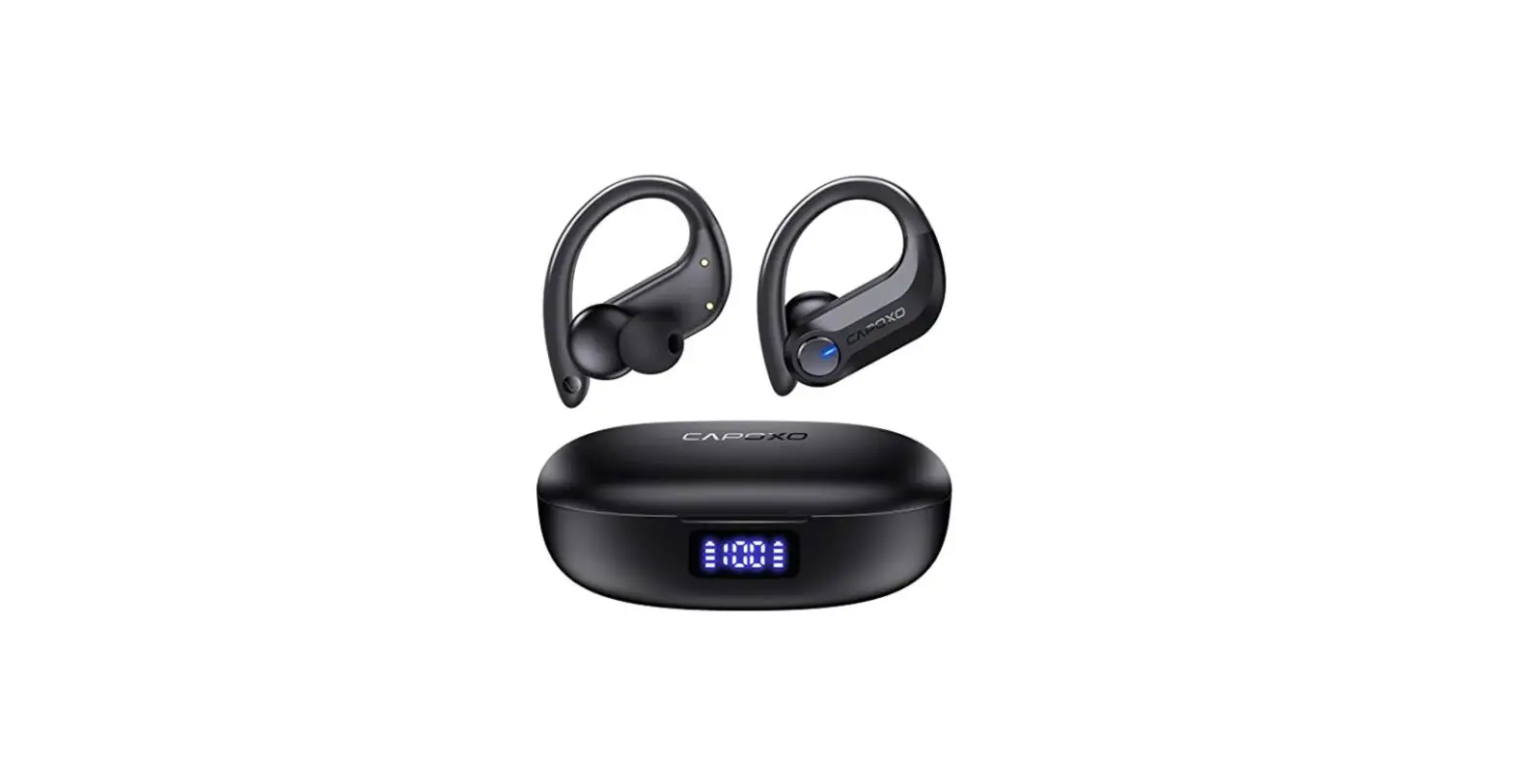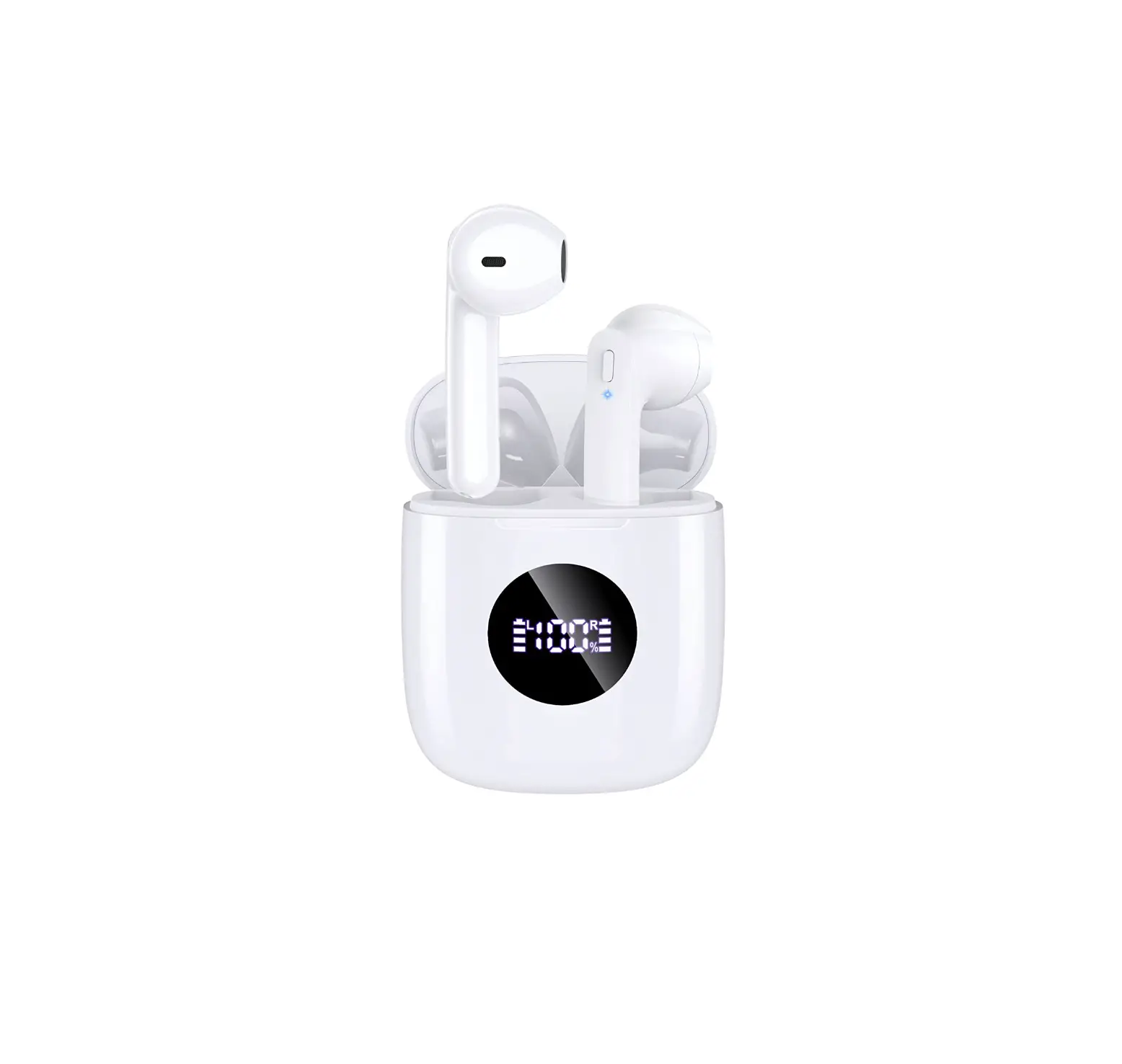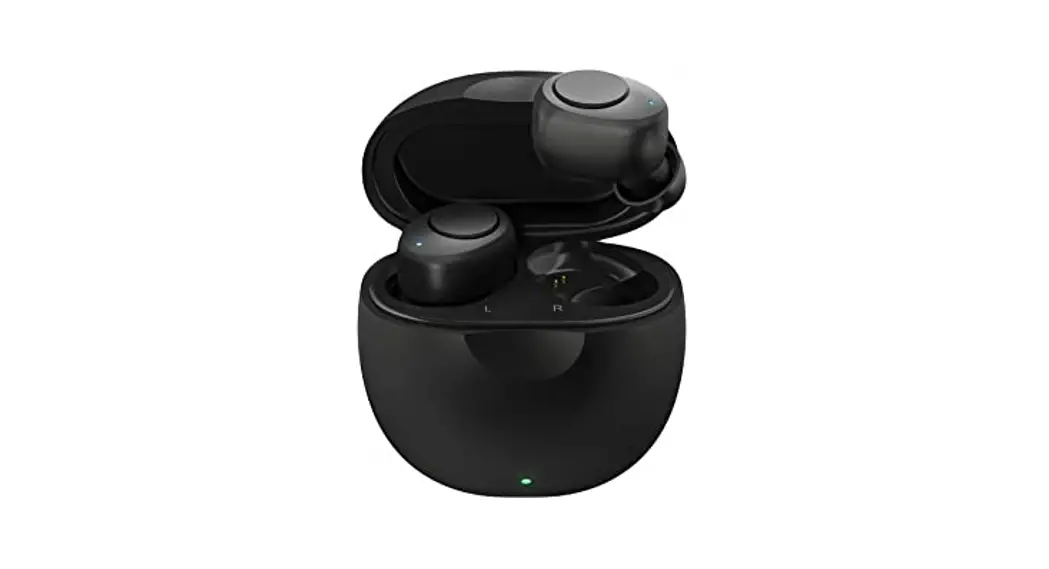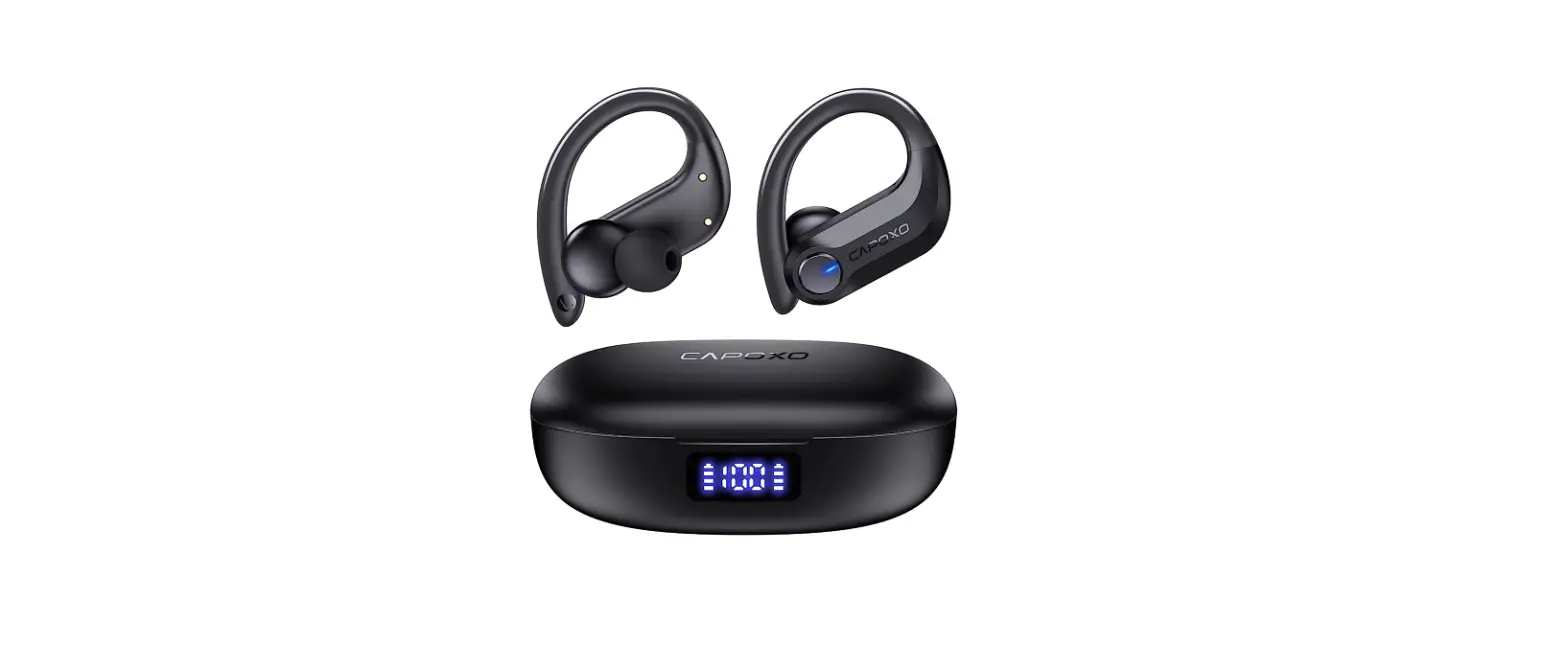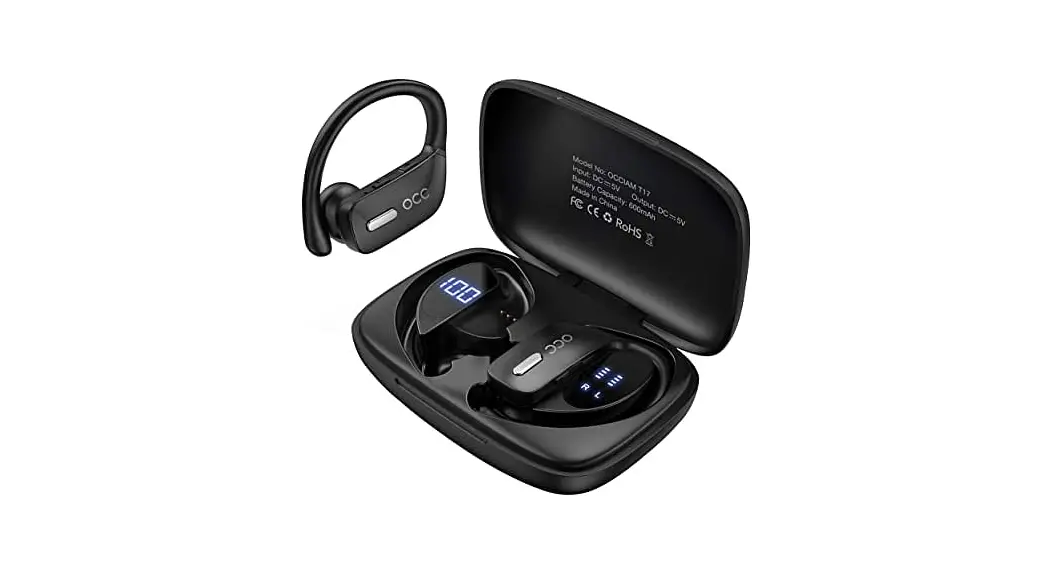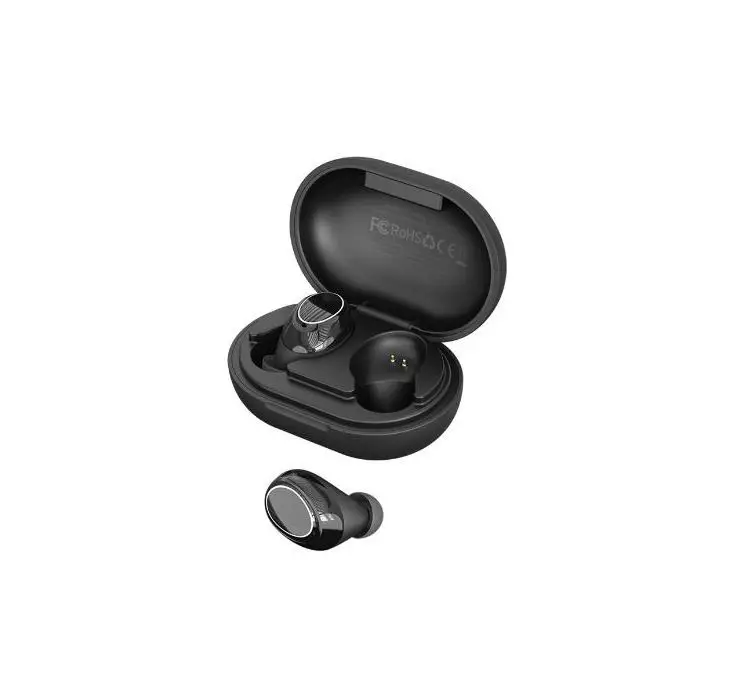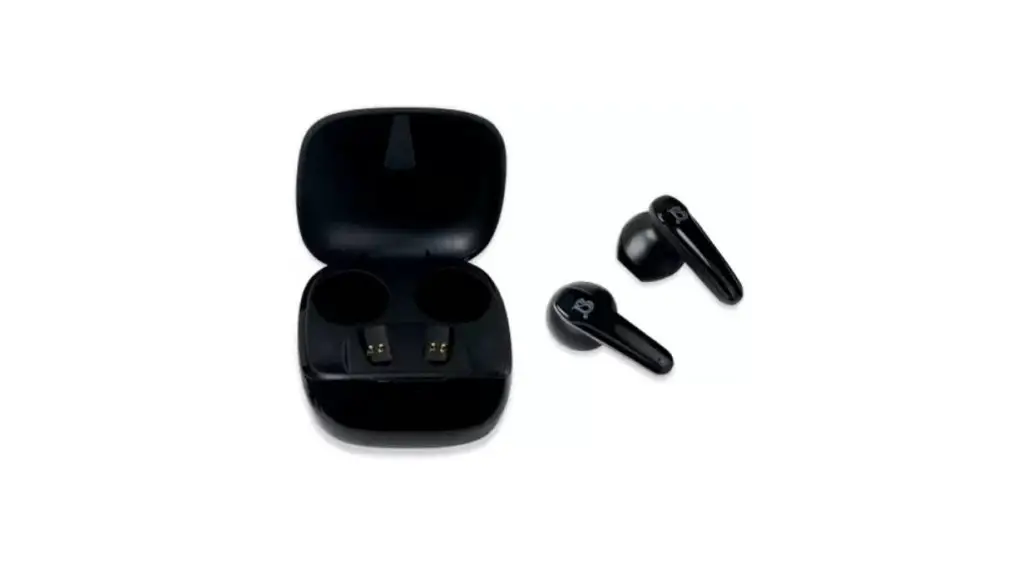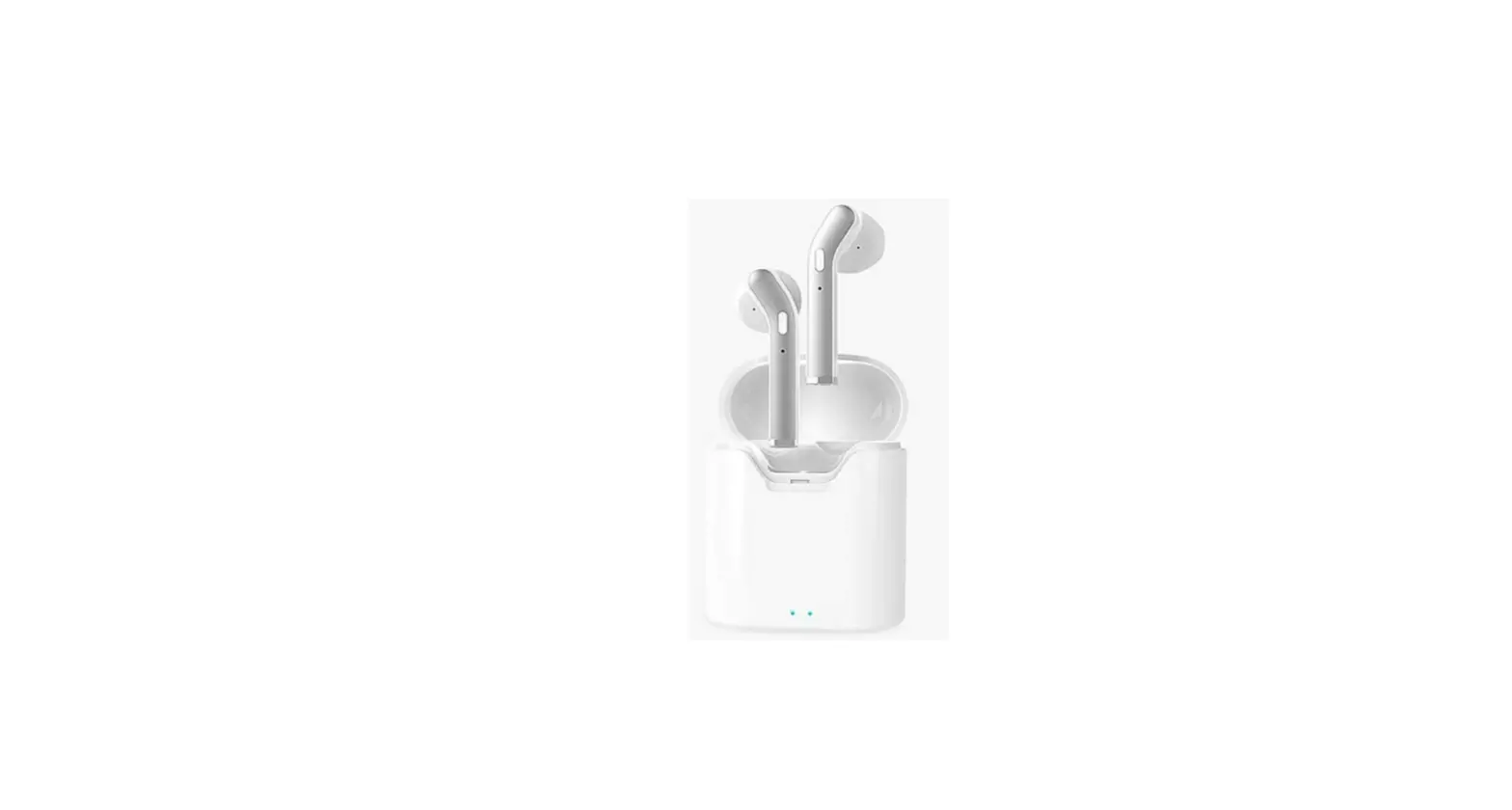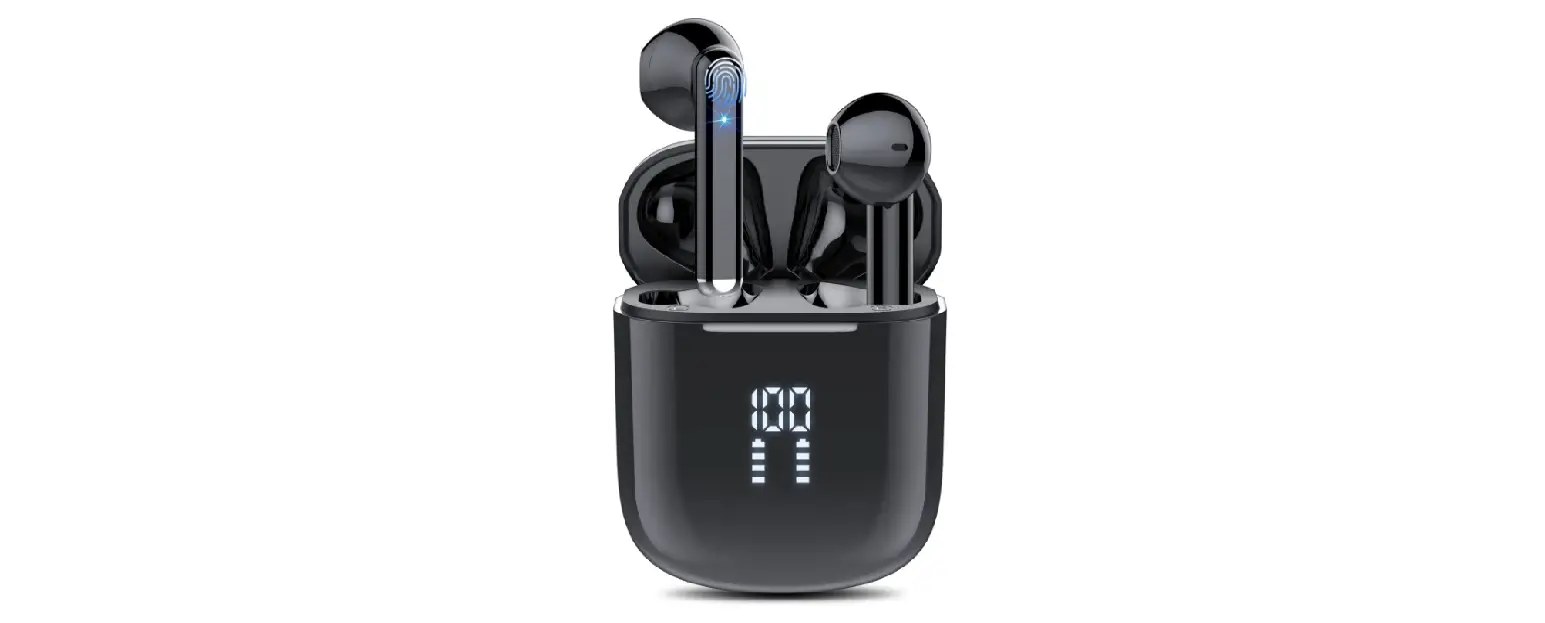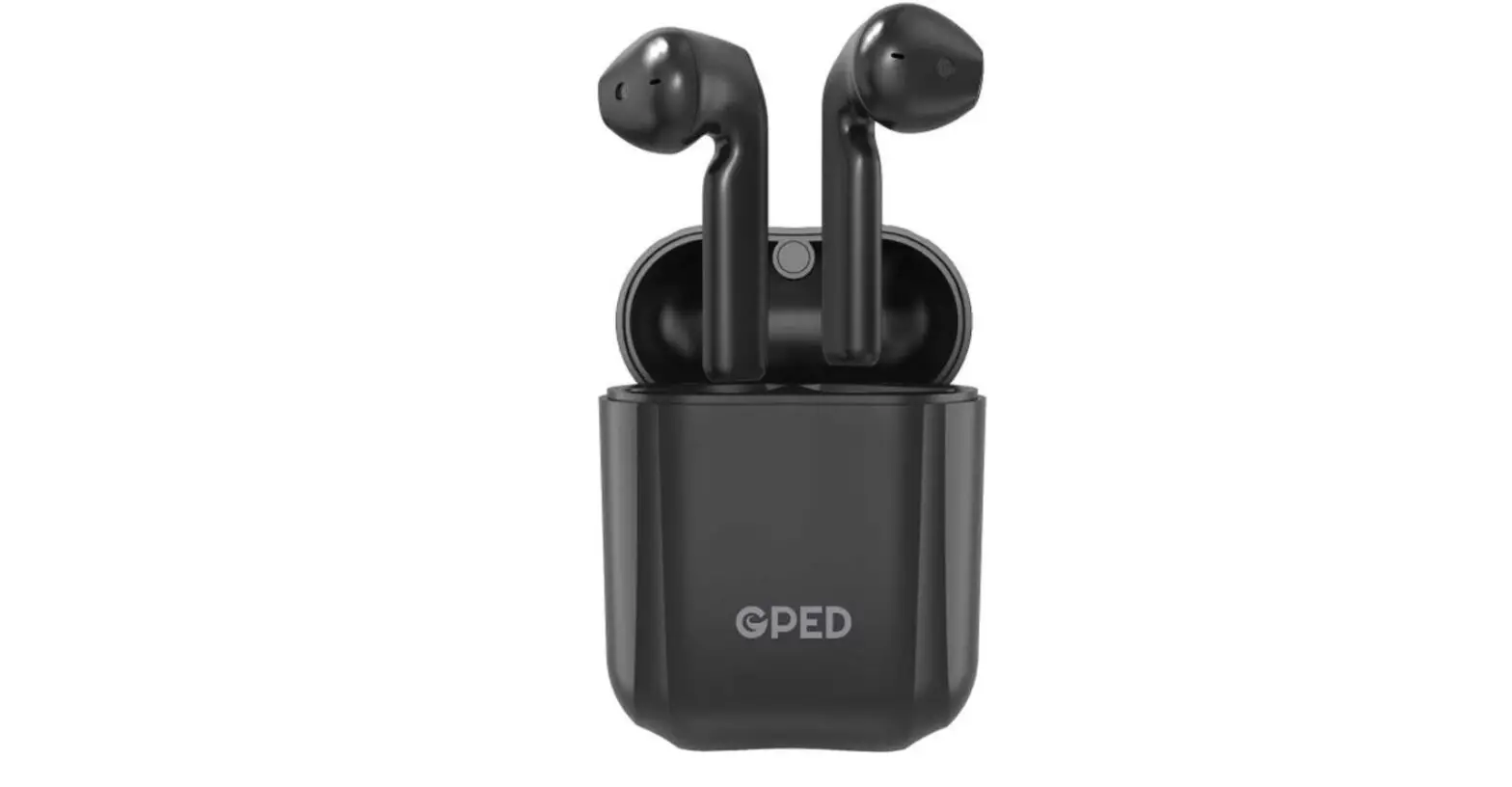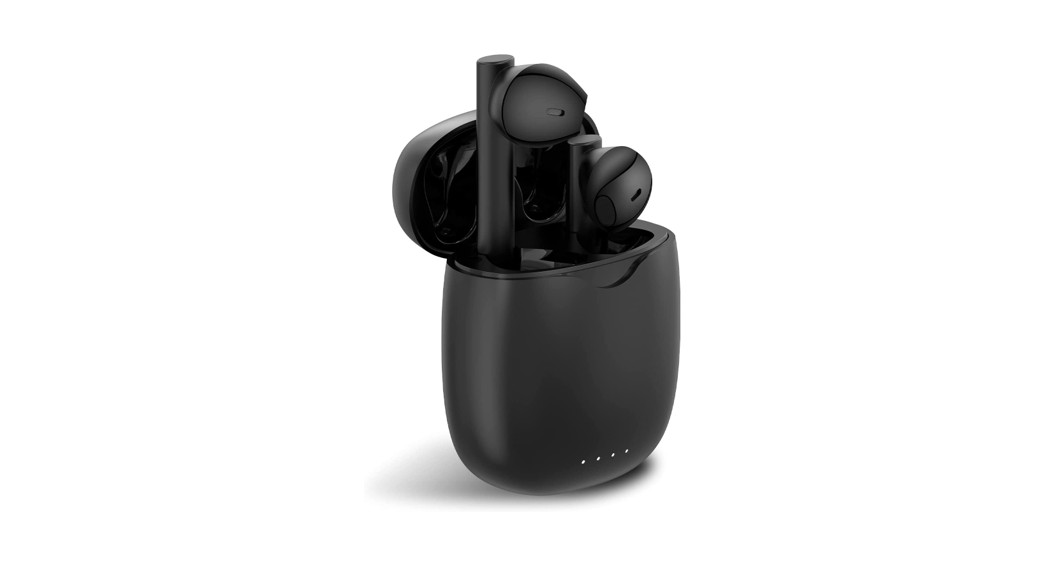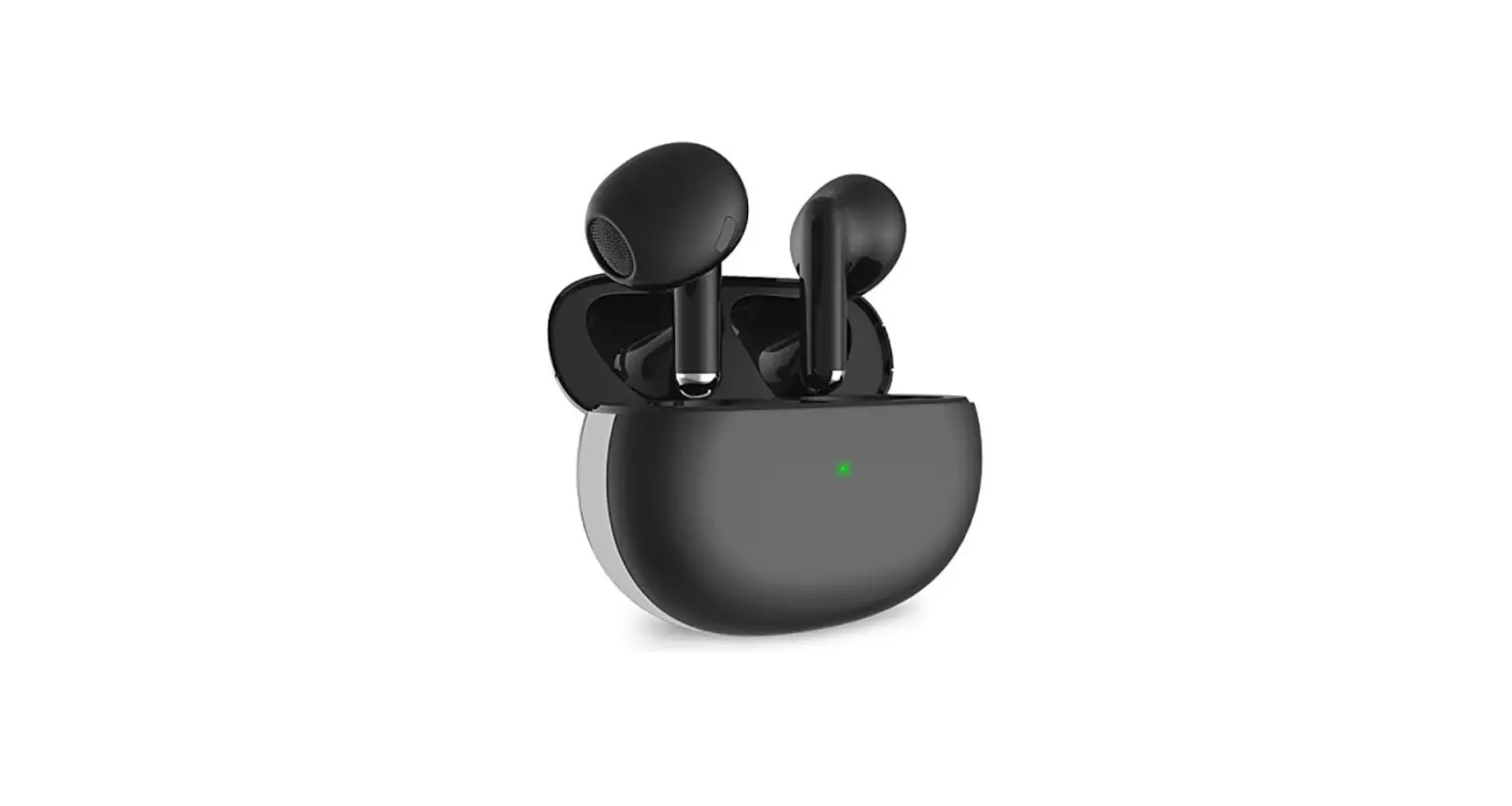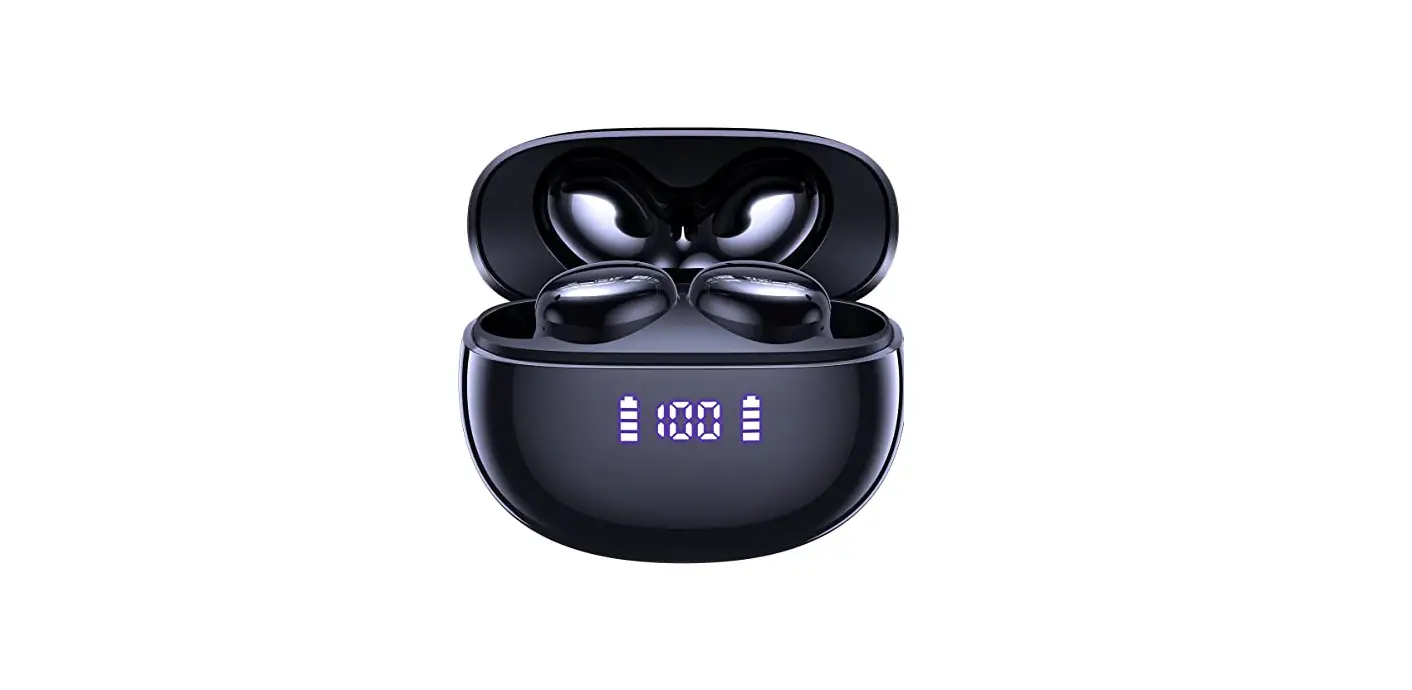

CAPOXO D7 Wireless Earbuds Bluetooth Headphones
Customer Service
- Email: [email protected]
- WhatsApp: (+86) 139 2349 0475
- Web: (www.capoxo.store)
Packing List
- Charging Case x1
- Type-C Charging Cable x1
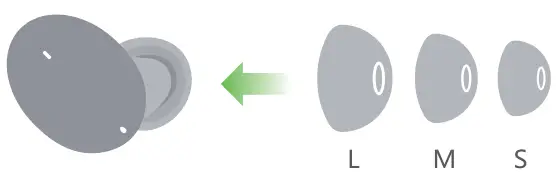
- Ear tips x3
- Earphones x2
- User Manual x1
Product specification
- Model Name: D7
- Bluetooth Version: V5.0
- Support: A2DP/ HFP/ HSP/ AVRCP
- Charging Case Size: 62.5 51.5 27.5mm
- Earbud Size: 25*24*22mm
- Transmission Range: 30 Feet (without Obstacle)
- Music Time: About 6H Call Time: About 5H
- Headphones Standby Time: About 100H
- Charging Time: About 2H Headphones
- Battery Capacity: 40mAh Charging Case
- Battery Capacity: 500mAh
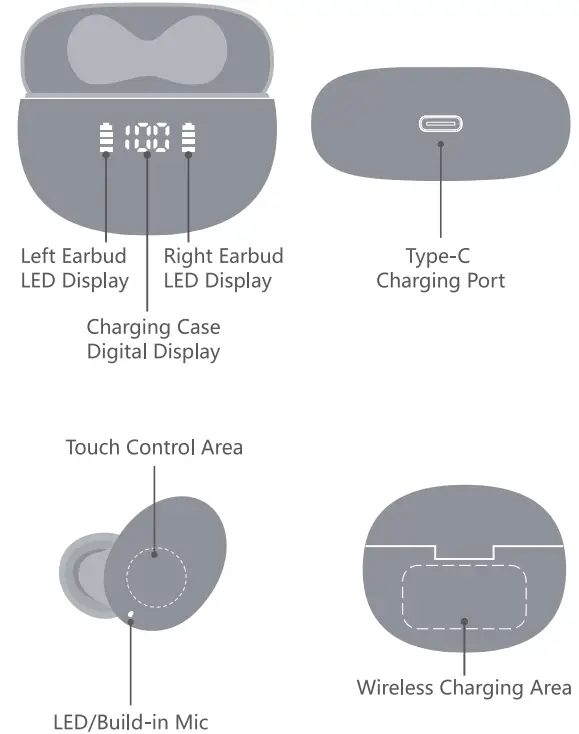
Product Overview
How to wear?
- Choose suitable ear tips

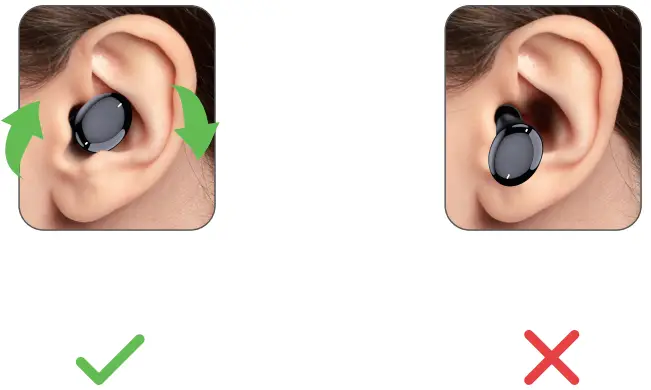
- Put on and adjust to the most comfortable position

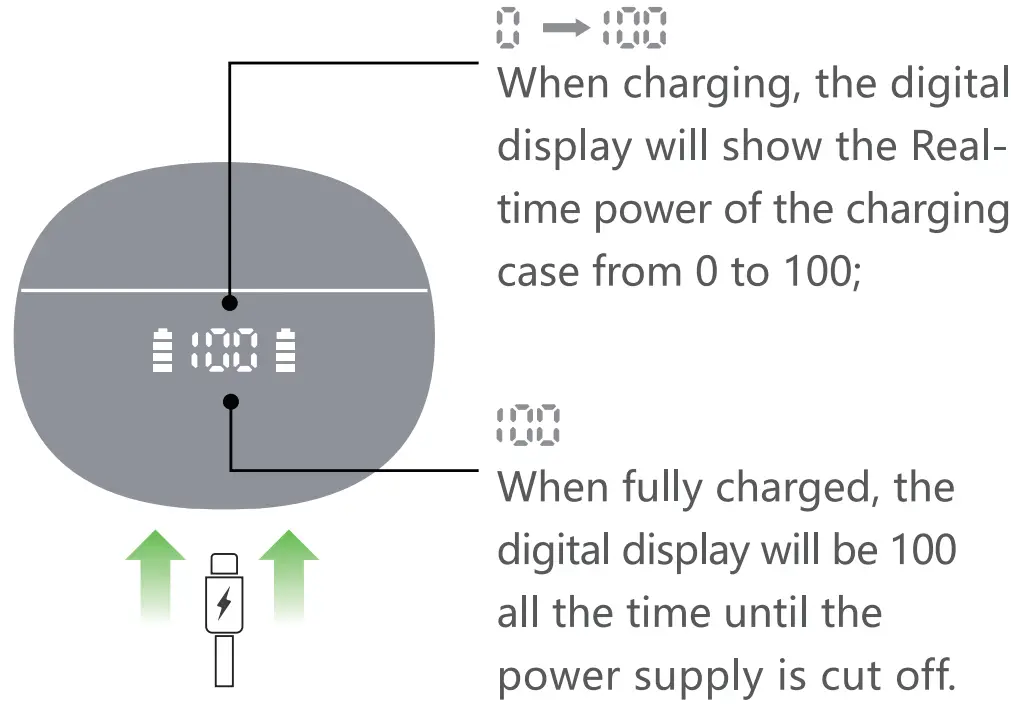
Charge the Charging Case
- Charge the case via Type-C cable

- Wireless charging supported

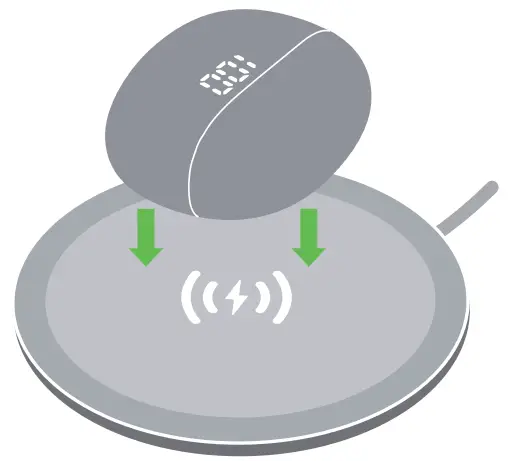
We recommend you use a wireless charging pad (not included) with a Q certificate.
Activate & Charge the Earbuds
(Before using, make sure both the Earbuds and Charging Case are fully charged. To charge properly, pins need to be well-contacted.)
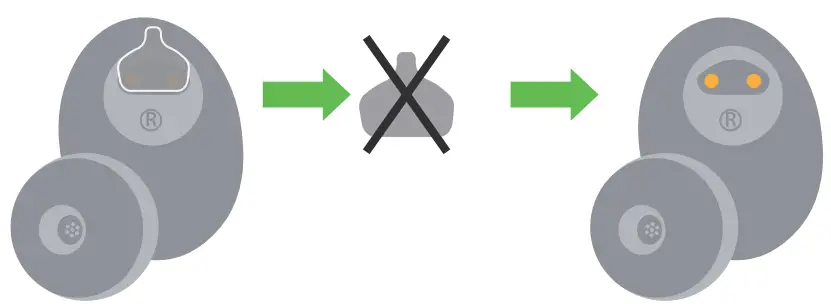
- Prior to first-time charging, please remove the insulating film on the earbuds charging point.

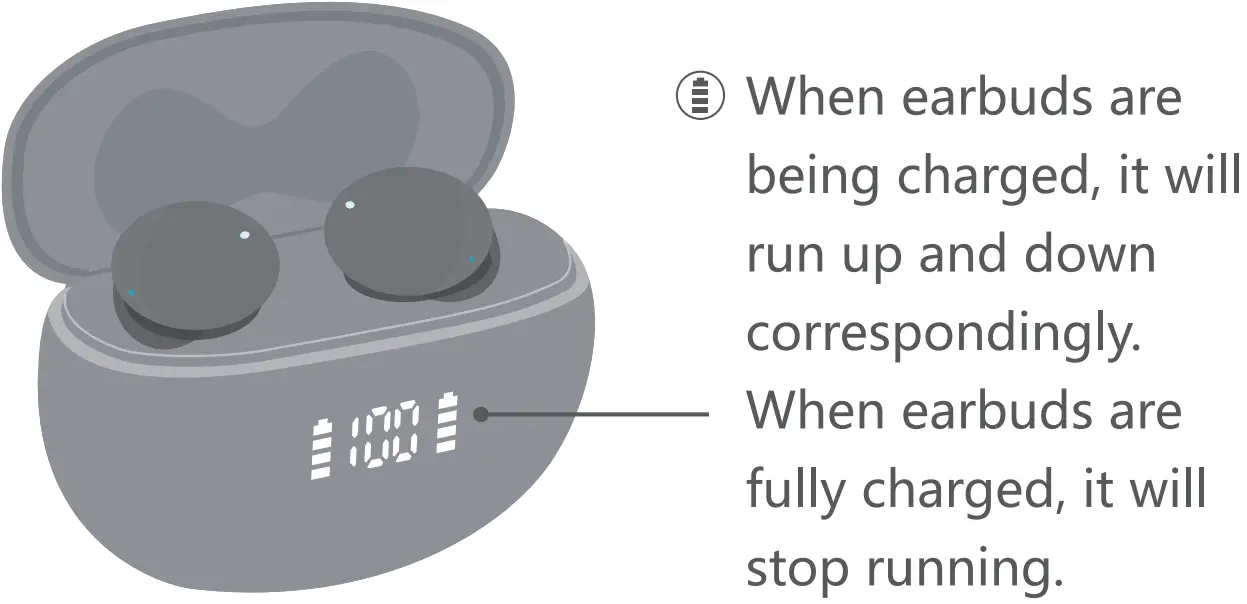
- Put both earbuds into the charging case to activate and charge them.

Power on/Power off
Automatically Power On/Off Take out the earbuds from the Charging Case, it will Power On automatically. Put the earbuds back into the Charging Case, it will Power Off automatically. Manually Power On Touch and hold one earbud for about 2 seconds to turn on the earbuds. The blue indicator is on for 1 second with a prompt sound “power on”. Tips: The earbuds will automatically Power Off after 5 minutes if the device is not connected. The white indicator is on for 1 second with a prompt sound “power off”.
Pairing and Connection
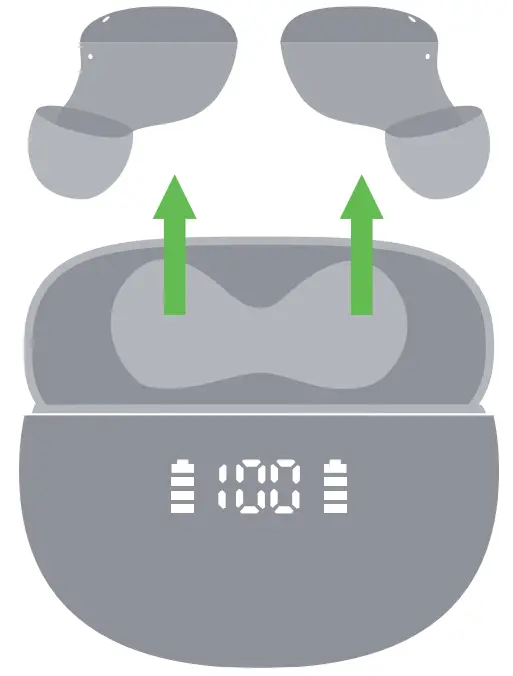
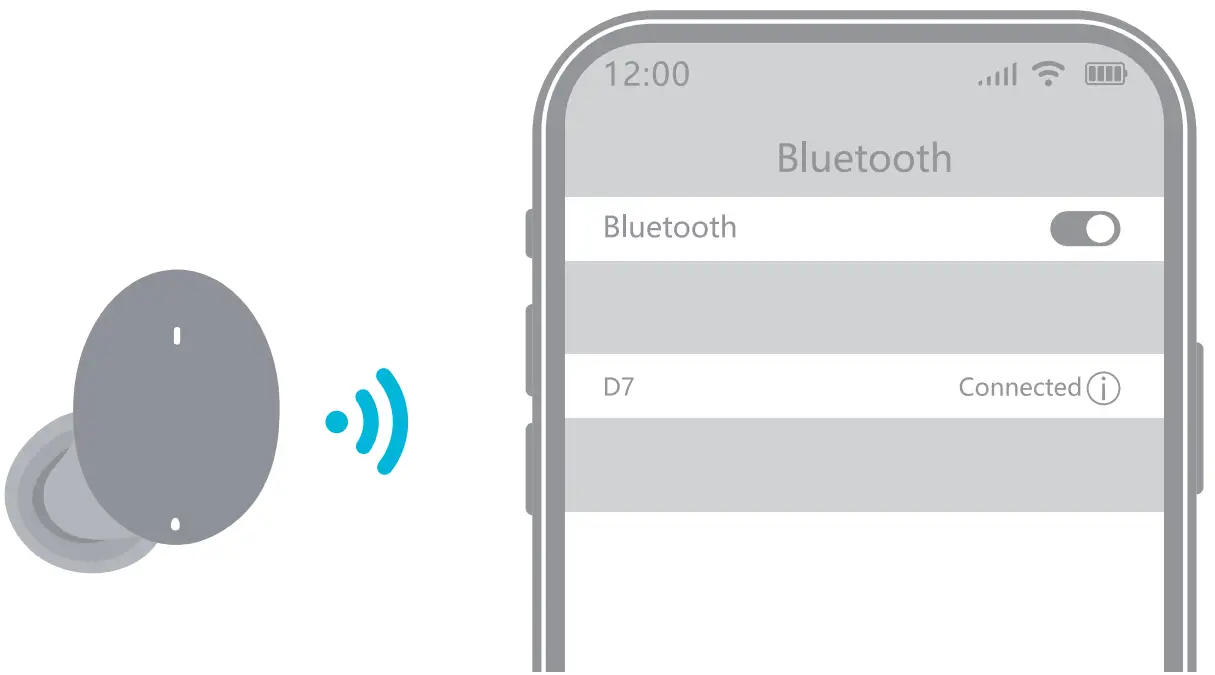
- Step 1-Take out the 2 earbuds from the charging case, they will power on and pair with each other automatically.

- Step 2- Activate the Bluetooth setting on your phone, search and click “D7” to connect. There should be a voice prompt “connected” if you wear the earbuds.

Single Mode
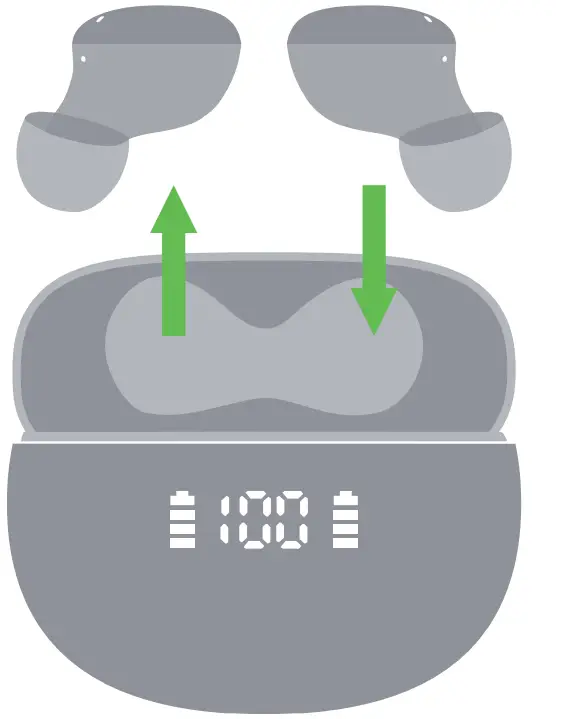
- When on dual mode, put one earbud into the charging case.
- Only take one earbud out of the charging case and connect it.

Other Instructions
- Each time you use your earbuds, it will automatically connect to your last successfully connected device.
- The earbuds will automatically power off without any connections within 5 mins.
- Any issue with pairing, please try the tips on the next page to restore factory resetting.
Earbud reset
- When should I reset it? When only one side plays music. When you can’t use the two earbuds together. or occur connection-related issues.
- How to reset?
- Deactivate the Bluetooth setting on your phone and forget all “D7” from the menu
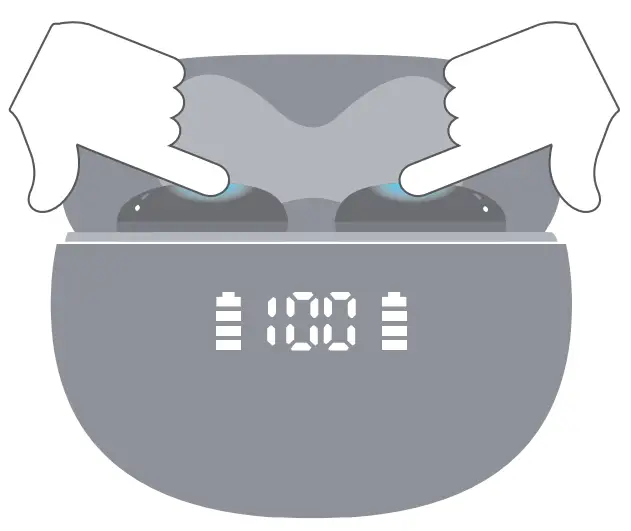
- Put the 2 earbuds into the charging case, long- press both earbuds for 8 seconds.

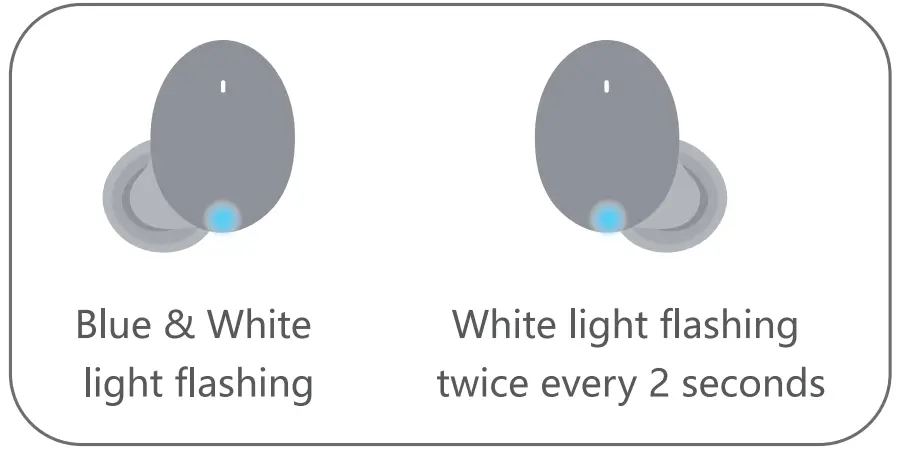
- Take out the 2 earbuds from the charging case, they will power on and pair with each other automatically. One earbud Blue and white lights flash alternately. The other earbud’s White light flashes twice every 2 seconds.

- Now, activate the Bluetooth setting on your phone, search and select “D7” to connect, it should work properly. (If not, please put the earbuds back in the Charging Case and repeat the steps above.)
Touch Control Functions
Incoming Call Answer call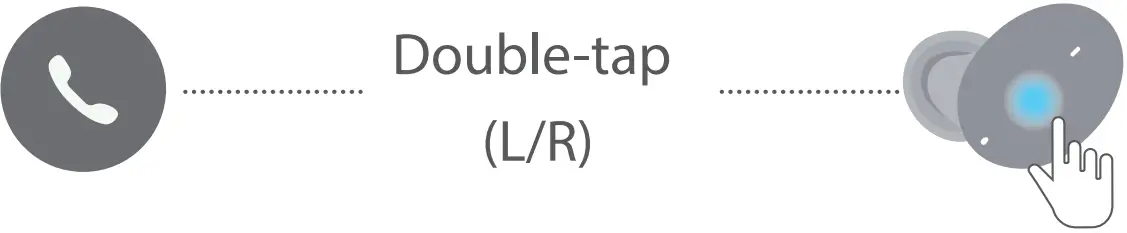 End call
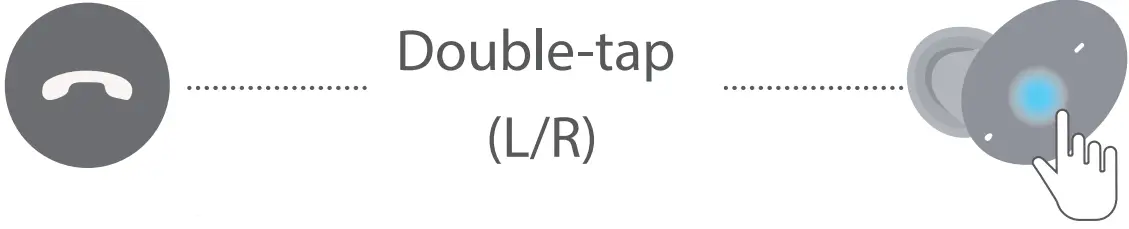 Reject call
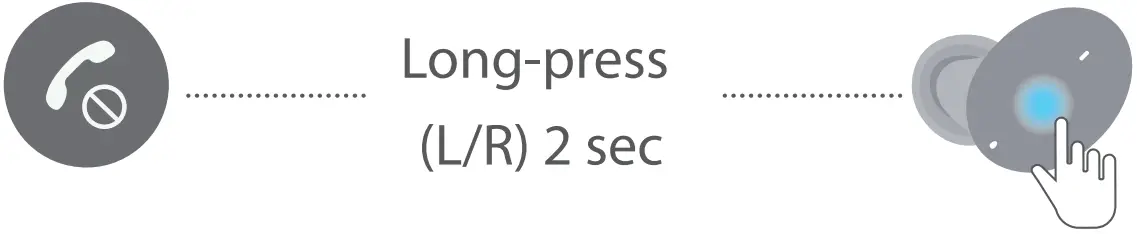 Voice Assistant (Non-playing)
Music Model
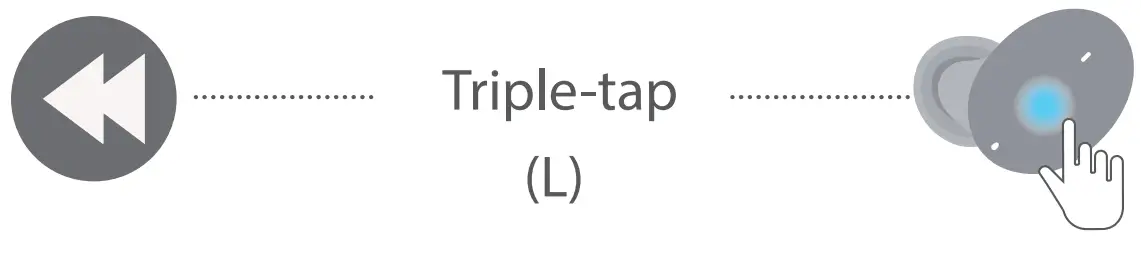
Play/Pause 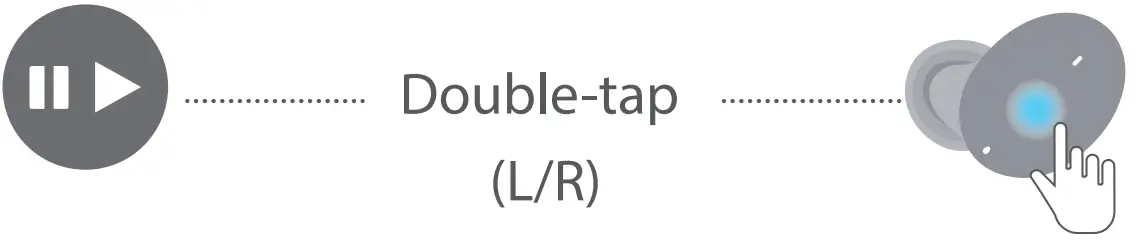 Next Track
 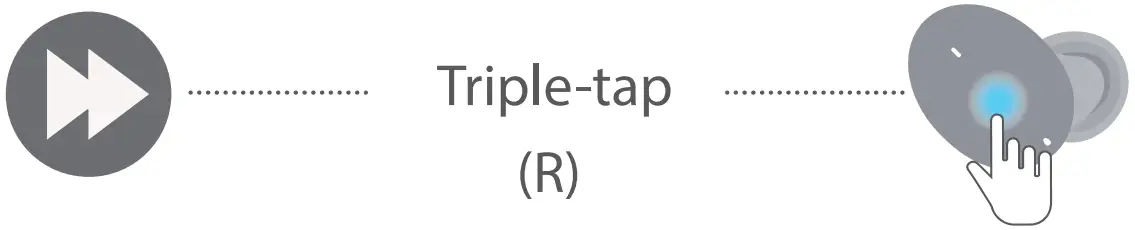 Previous Track
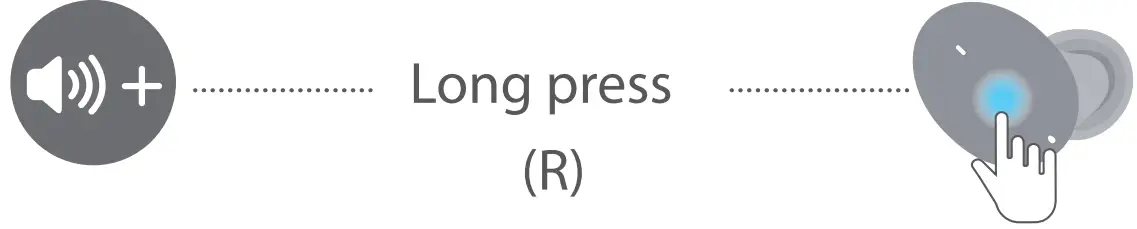
  Volume+
  Volume-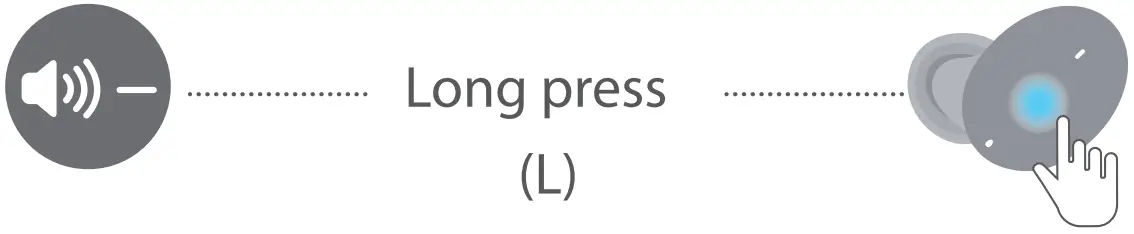
FAQ’s
Why does things fade in and out throughout the music?
Please check that there are no obstructions in the path of the earbuds and your smartphone.
Please check that there are no microwaves or WiFi transmitters nearby as these are more likely to cause electromagnetic interference and disrupt the transmission.
To provide a more stable Bluetooth connection, kindly maintain the closest distance feasible between the device and the earphones.
Why can’t I charge my earbuds?
1. First, you must take off the white insulating paper covering the earbud charging port.
2. Verify that the charging case is completely charged.
3. Alternatively, confirm that the charging case is connected to the power source.
Where can I reach customer service?
We provide a one-year replacement warranty. If you have any problems with your D7, don’t hesitate to contact us; we’ll respond within 24 hours and completely take care of the problem.
Do these reflect any light when being used, as my existing headphones do, which occasionally disturbs others?
There is no light other than what is left of the battery, which is not at all disruptive:) I think this buy is fantastic!
How do you respond to calls on a phone?
Mr. Customer, I appreciate you asking. HD phone calls are supported by our D7 wireless earbuds. Via our D7, you can answer a call. Double-tap on the L or R earpiece to answer or end a call. To reject a call, press and hold the L or R earbud for two seconds (please refer to the video above.)
Can I use a laptop with these?
Any Bluetooth-enabled device will function, BUT I am unable to use any earphones with my Mac when using Zoom. only the computer’s speakers Therefore, keep that in mind—maybe yours will work.
Is Windows 11 compatible with the earbuds?
I only have Windows 10, and it works on my Windows 10, so I have no idea.
Can either one be used once they are paired?
Yup. may switch between the left and right earbuds. Simply place the device you aren’t using in the case, and it will disconnect and begin to charge. will last much longer if you wear them in this way.
Can these be operated from an iPhone and would they function as earplugs for a motorbike helmet?
It will depend on the noise’s decibel level.
What controls the volume?
With my pair, raising the volume with one finger on the right bud and lowering it with one finger on the left bud. Additionally, you could change the volume on the associated device.
How do these wireless earphones fare when they get wet?
Dear Customer,
I appreciate you asking.
The Bluetooth headset may be protected from perspiration or severe rain by being IPX7 Sweat proof. Even during strenuous exercises and in all weather situations, you can wear it.
Is the power cable a type C one?
Hello! The charging cable is a type-C cable, yes.
Without a phone, how can I turn off the headphones?
Dear Customer, Thank you for your inquiry. If the device is not connected after 5 minutes, the earphones will shut off automatically. The white indicator illuminates for one second while the phrase “power off” is played.
Are these compatible with glasses wearers?
Yes. These in-ear headphones are compact and light. They won’t interfere with your glasses any longer and will remain in your ear.
How about the quality of ear caps ? Is it fine for the ones who can’t do the hard plastic design?
Despite having a rubber allergy, I can wear these in-ear headphones without any issues.
Due to the excellent quality of these earbuds, I don’t think there is a problem.
Are these zoom-compatible? My Anker slimbuds are incompatible with Zoom, and I have a set of them.
No issue. It’s efficient.
Should I charge the case without the buds inserted
Hello, no worries! When charging the charging case, you might place the earbuds inside.
Is there an audio signal that plays when the battery is low so you can hear it while wearing them?
Video
It does inform you when the battery is low.