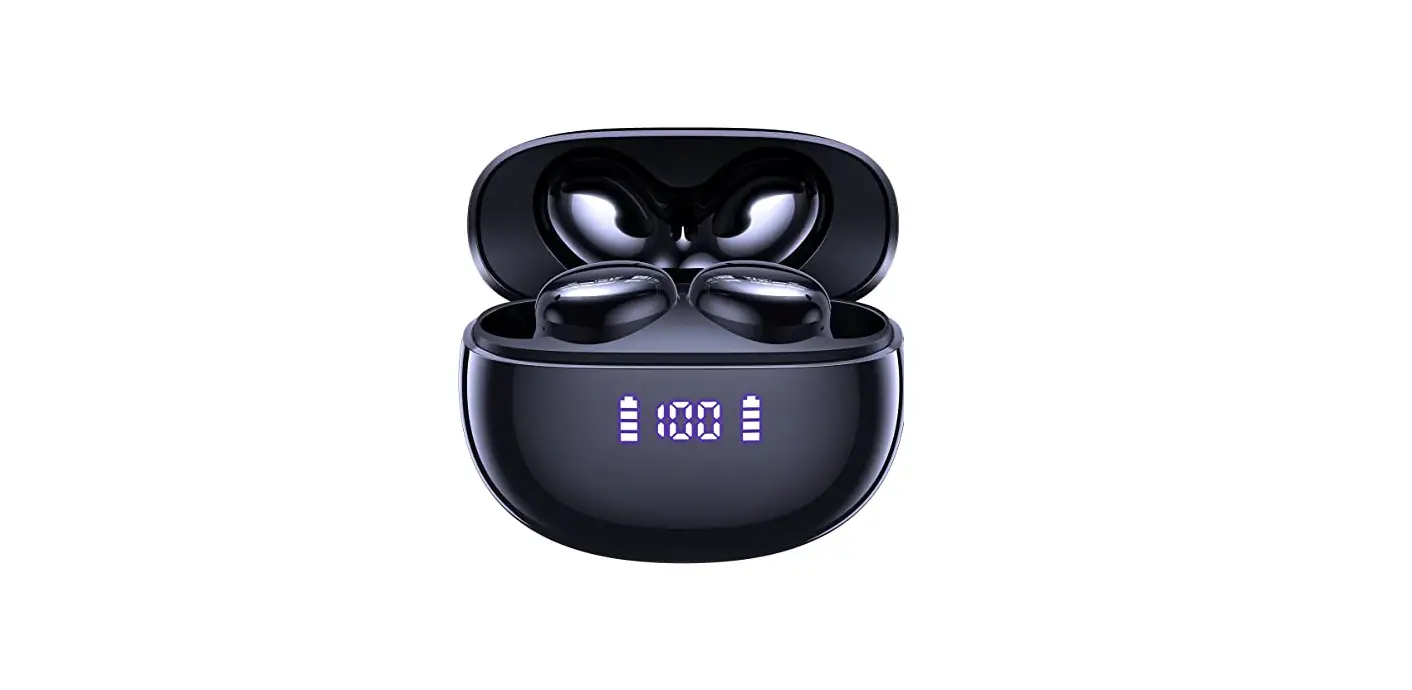
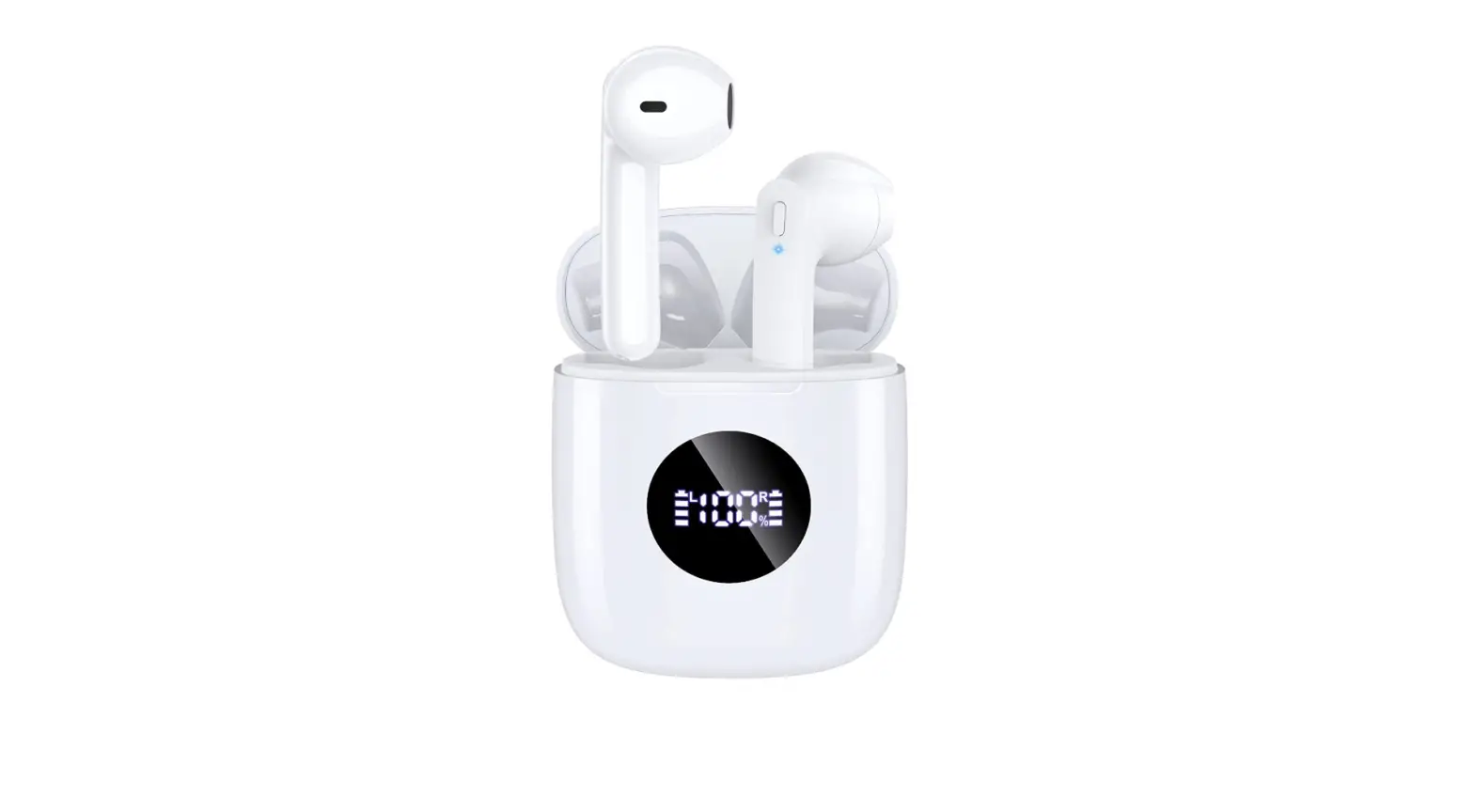
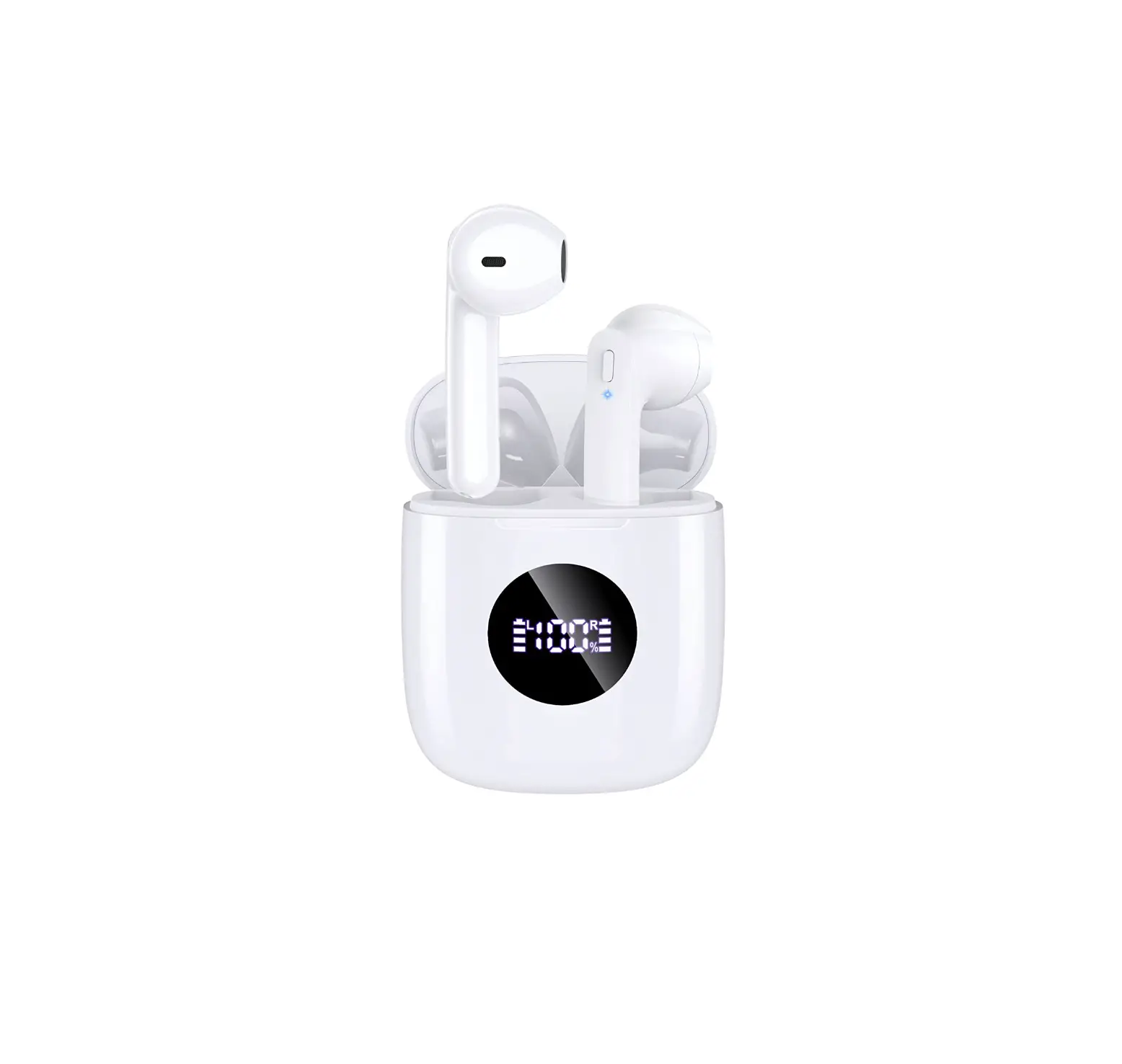
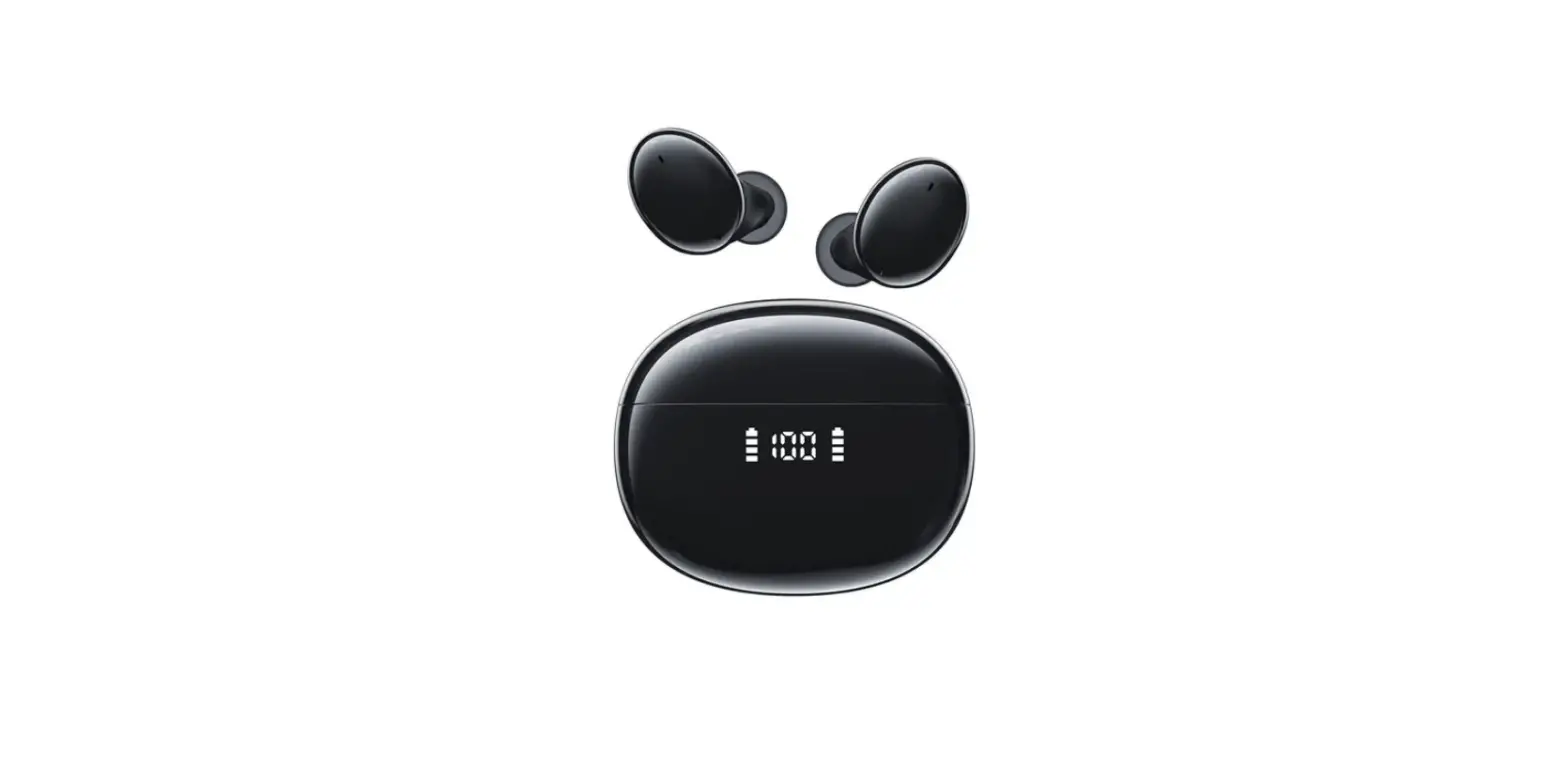
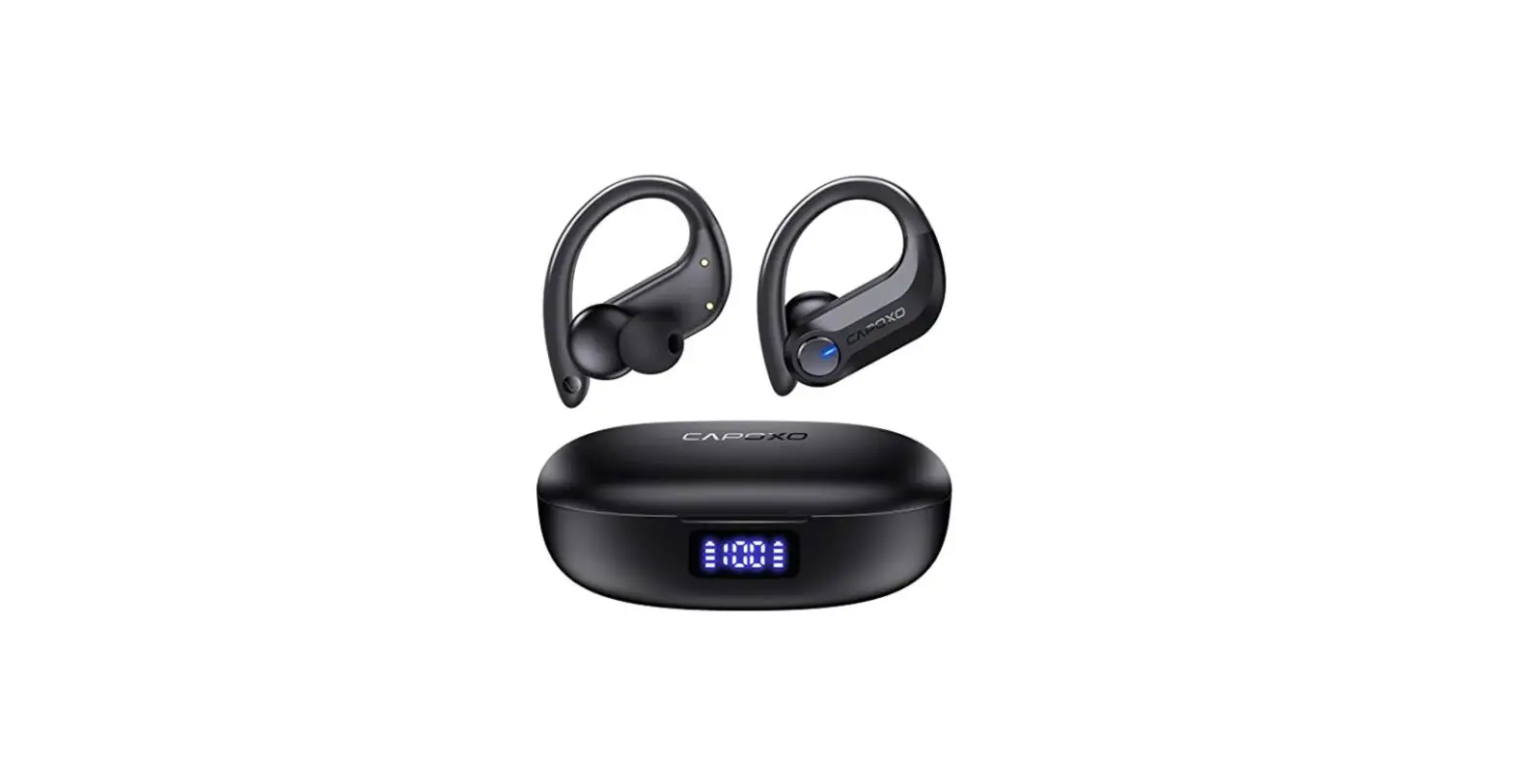
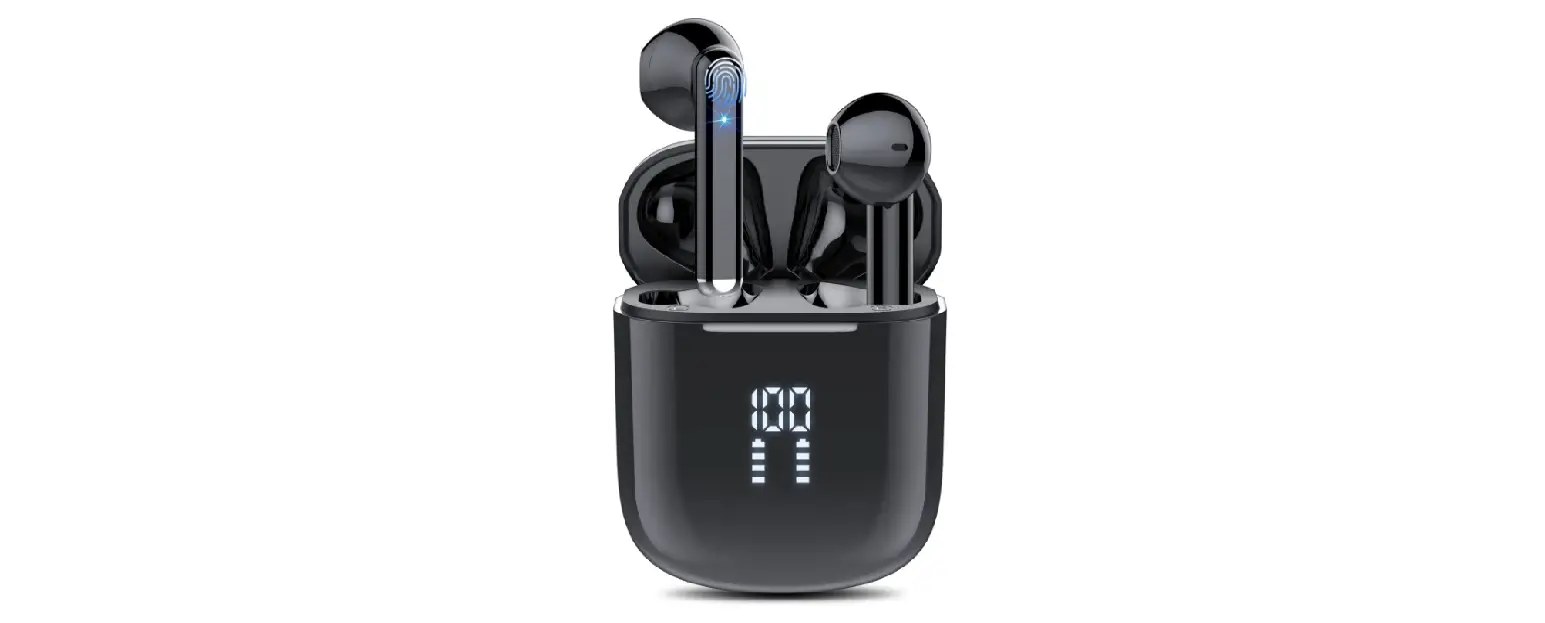
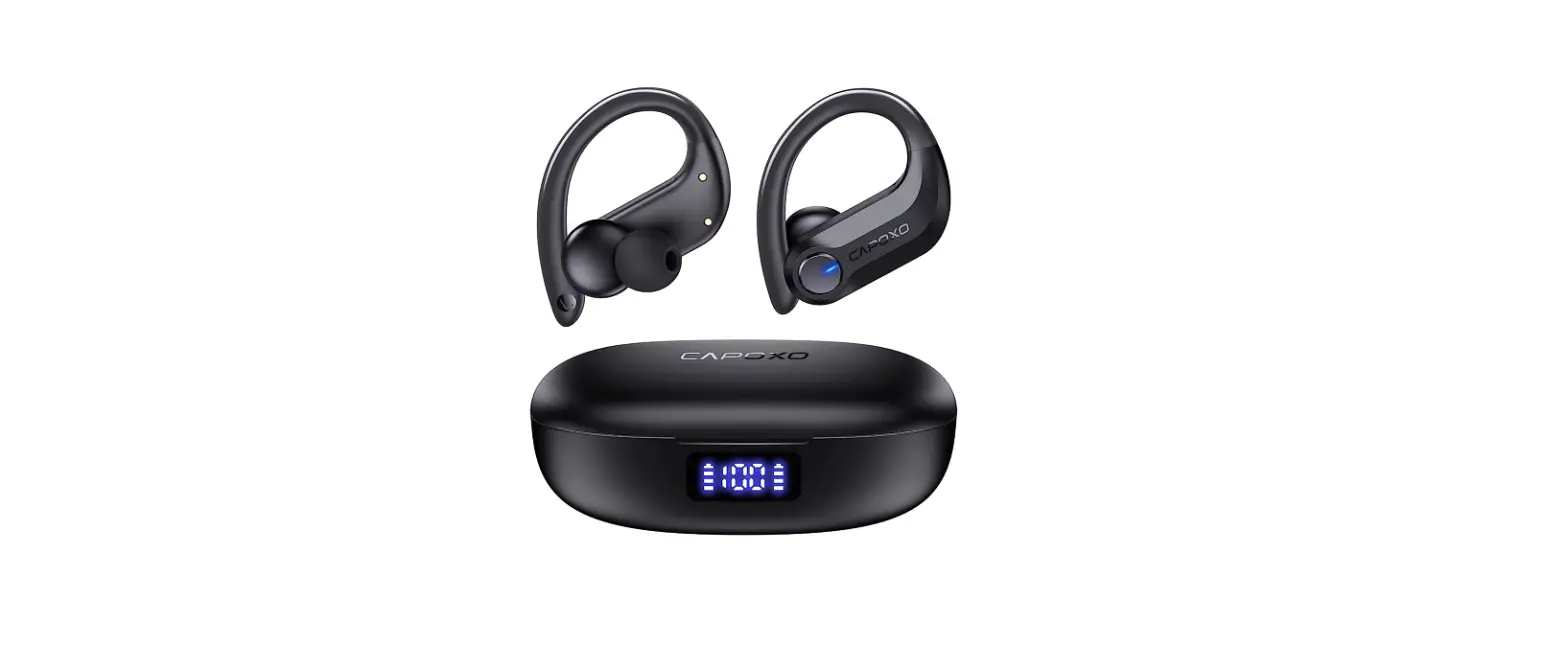
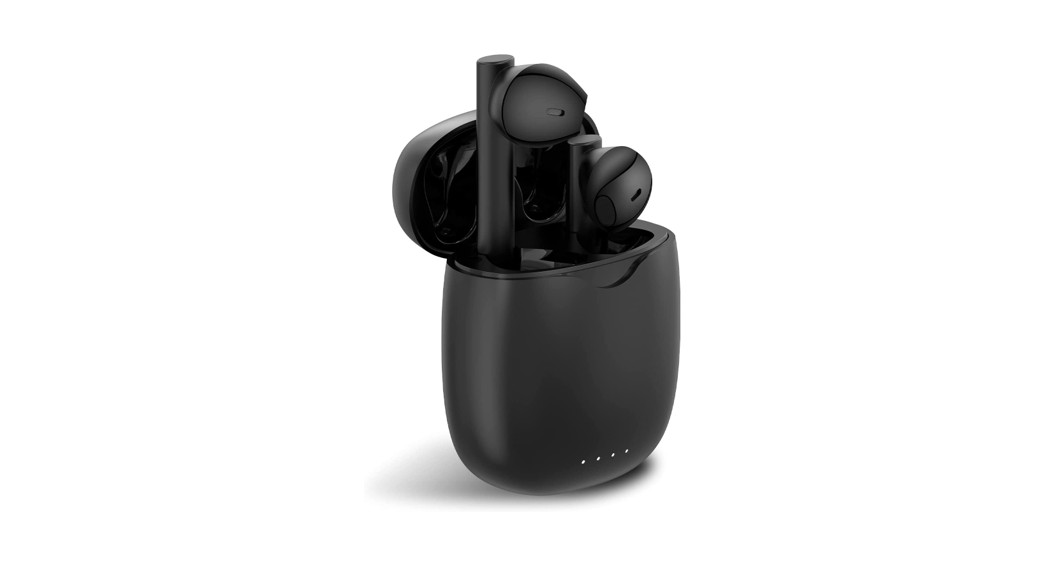
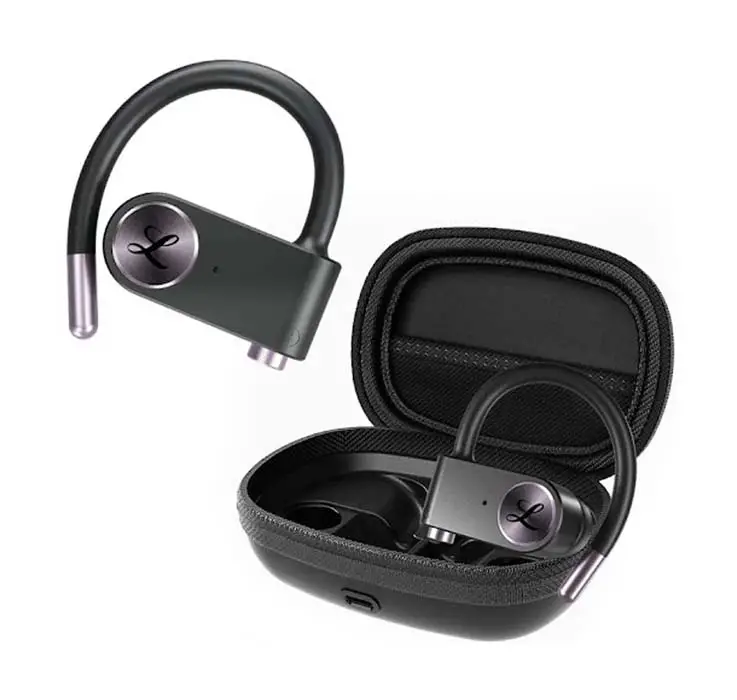
N7 Wireless Earbuds V5.3 Bluetooth Headphones
- Product Information:
- Customer Service: Email: [email protected],
Phone: (857) 887-2857 (Mon. – Fri., 11am – 8pm EDT), Web: www.capoxo.store - Packing List: Charging Case x1, Earbuds x1
Pair, Type-C Cable x1, User Manual x1 - Product Overview:
- Earphone LED Light
- Charging Case Power Display
- Multi-function Button(MFB)
- Built-in Mic
- Earbuds Power Display
- Type-C Charging Port
- Please kindly note that the wireless charging area is on the
back of the charging case.
- Specifications:
- Model Name: N7
- Bluetooth Version: V5.3
- Support: AVRCP/HFP/HSP/A2DP/SBC/AAC
- Transmission Range: 33 feet (without obstacle)
- Charging Time: about 2 hours
- Headphones Battery Capacity: 45mAh
- Charging Case Battery Capacity: 400mAh
- Charging Port: Type-C
- CAUTION:
- Please remove the protective film before use, otherwise the
headphones will not be able to charge. - Tear off the protective film
- Wear correctly to enhance sound quality.
- Please clean the charging contact on earbud and charging pin on
the charging case with alcohol wipes if the headphones can’t be
charged.
- Please remove the protective film before use, otherwise the
- Multi-Function Operations:
- Incoming Call: Answer – Press (L/R) Earbud
Once, End Call – Press (L/R) Earbud Once, Reject Call – Press (L/R)
Earbud Twice - Voice Assistance: Siri – Press (L/R) Earbud
Thrice - Music Mode: Play/Pause – Press (L/R) Earbud
Once, Next Track – Press (R) Earbud Twice, Previous Track – Press
(L) Earbud Twice, Volume+ – Press & Hold (R) Earbud, Volume- –
Press & Hold (L) Earbud
- Incoming Call: Answer – Press (L/R) Earbud
- Charging Case:
- Battery indicator of Charging Case: The
display will light up to show the remaining power of charging case
when you open (or close) the lid, then go off after 8 secs. The
number will flash when being charged, and will be 100 when fully
charged and stay on until the power supply cut off. - Battery Indicator of Earbuds: Put the earbuds
back into the box to charge the earbuds. The battery icons will
flash when charging, will turn off after fully charged. Features
with NTC tempera control protection, N7 earbuds will not charge if
the temperature reaches 45 degrees or higher. (Charging case will
automatically protect themselves in that case.) It is recommended
to stop charging (or disconnect wireless charging) firstly,
recharge after the temperature drops below 45 degrees. - Wireless Charging Supported: We recommend you
to use wireless charging pad (not included) with QI
certificate.
- Battery indicator of Charging Case: The
- Power On/Off:
- Automatically Power On/Off: Open the lid of
the charging case and the earbuds will power on automatically. Put
the earbuds into the charging case and close the lid, the earbuds
will power off automatically. - Manually Power On: Press & hold both
earbuds for 2 secs, it will flash Blue light and then power
on. - Manually Power Off: Press & hold either
earbud for 5 secs, it will flash Red light and then power off.
Non-music mode.
- Automatically Power On/Off: Open the lid of
1 Customer Service
Email: [email protected] Phone: (857) 887-2857 (Mon. – Fri., 11am – 8pm EDT) Web: www.capoxo.store
2 Packing List
Charging Case x1
Earbuds x1 Pair
Type-C Cable x1
User Manual x1
01
3 Product Overview
Earphone LED Light
Charging Case Power Display
Multi-function Button(MFB)
Built-in Mic
Earbuds Power Display
Type-C Charging Port
* Please kindly note that the wireless charging area is on the back of the charging case.
02
4 Specifications
Model Name: N7 Bluetooth Version: V5.3 Support: AVRCP/HFP/HSP/A2DP/SBC/AAC Transmission Range: 33feet (without obstacle) Charging Time: about 2H Headphones Battery Capacity: 45mAh Charging Case Battery Capacity: 400mAh Charging Port: Type-C
5 CAUTION
Please remove the protective film before use, otherwise the headphones will not be able to charge.
Tear off the protective film
03
Wear correctly to enhance sound quality.
Please clean the charging contact on earbud and charging pin on the charging case with alcohol wipes if the headphones can’t be charged.
* To fix charging issue Charging Contact
Charging Pin 04
6 Multi-Function Operations
Incoming Call
Answer End Call Reject Call
Press (L/R) Earbud Once
Press (L/R) Earbud Once
Press (L/R) Earbud Twice
Voice Assistance
Note: in standby/ play mode
Siri
Press (L/R) Earbud Thrice
05
Music Mode
Play/Pause
Press (L/R) Earbud Once
Next Track
Press (R) Earbud Twice
Previous Track
Press (L) Earbud Twice
Volume+
Press & Hold (R) Earbud
Volume-
Press & Hold (L) Earbud
Note: 1 – Prompt sound “Du” will be produced when the volume reach minimum or maximum level.
2 – For Android user, please enable “Absolute Volume”/”Media Volume Sync” in your phone settings”, otherwise the volume on headphones will not be synchronized with your Android phone. Scan this QR code to watch a video to learn more details.
06
7 Charging Case
Battery indicator of Charging Case
The display will light up to show the remaining power of charging case when you open (or close) the lid, then go off after 8 secs. The number will flash when being charged, and will be “100” when fully charged and stay on until the power supply cut off.
Battery Indicator of Earbuds
Put the earbuds back into the box to charge the earbuds. The battery icons will flash when charging, will turn off after fully charged. * Features with NTC tempera control protection, N7 earbuds will not charge if the temperature reaches 45 degrees or higher. (Charging case will automatically protect themselves in that case.) It is recommended to stop charging (or disconnect wireless charging) firstly, recharge after the temperature drops below 45 degrees.
07
Wireless Charging Supported
We recommend you to use wireless charging pad (not included) with QI certificate.
8 Power On/Off
Automatically Power On/Off
Open the lid of the charging case and the earbuds will power on automatically. Put the earbuds into the charging case and close the lid, the earbuds will power off automatically.
08
Manually Power On
Press & hold both earbuds for 2 secs, it will flash Blue light and then power on.
Press & hold 2 secs
Manually Power Off
Press & hold either earbud for 5 secs, it will flash Red light and then power off. Non music mode
Press & hold 5 secs
NoteThe earbuds will automatically power off if there is no devices connected within 5 mins.
09
9 Bluetooth Connection
Step 1
Open the lid of charging case, two earbuds will automatically power on and enter pairing mode.
Step 2
Activate Bluetooth setting on your phone, search and connect “N7”.
12:00
Bluetooth
Bluetooth
Now discoverable as “My iphone”. MY DEVICES
N7
Connected
OTHER DEVICES
10
10 Single Mode
When on dual mode, put one earbud into the charging case. Only take one earbud out of the charging case and connect it.
12:00
Bluetooth
Bluetooth Now discoverable as “My iphone”. MY DEVICES
N7
Connected
OTHER DEVICES
11 Pair with Other Device
N7 Wireless Earbuds have memory function, they usually auto connect with the last paired device. Thus, if you want to pair them with other device, you should disconnect “N7” from the last paired device, AND forget the pairing record on the last device. Then try to connect them to a new device, they should work properly.
11
12 Factory Restore Setting
When should I reset?
When only one side play music. When you can’t use the two earbuds together. When both earbuds fail to pair with each other or occur connection related issues.
How to reset
Delete all “N7” from the Bluetooth menu on your phones and deactivate the bluetooth setting. Press & hold either earbud for 5 secs, it will flash Red light and then power off. Press & hold both earbuds 8 secs simultaneously to clean the pairing record with the last paired device. (* Both earbuds will flash Red & Blue light 3 secs, then turn to Red light and stay on for 1 sec then go off.) Put the earbuds back into charging case and close the lid. Now open the charging case and turn on the Bluetooth on your device, search and connect “N7”, they should work properly. (* lf it still doesn’t work, please repeat the steps to try again.)
12
13 fcc caution
Any Changes or modifications not expressly approved by the party responsible for compliance could void the user’s authority to operate the equipment. This device complies with part 15 of the FCC Rules. Operation is subject to the following two conditions: (1) This device may not cause harmful interference, and (2) this device mustaccept any interference received, including interference that may cause undesired operation.
Activate Warranty Contact Us
Thank you for purchasing the authentic product. For more newer products, parts and accessories, please visit: www.capoxo.store For any assistance please contact Email: [email protected]
13