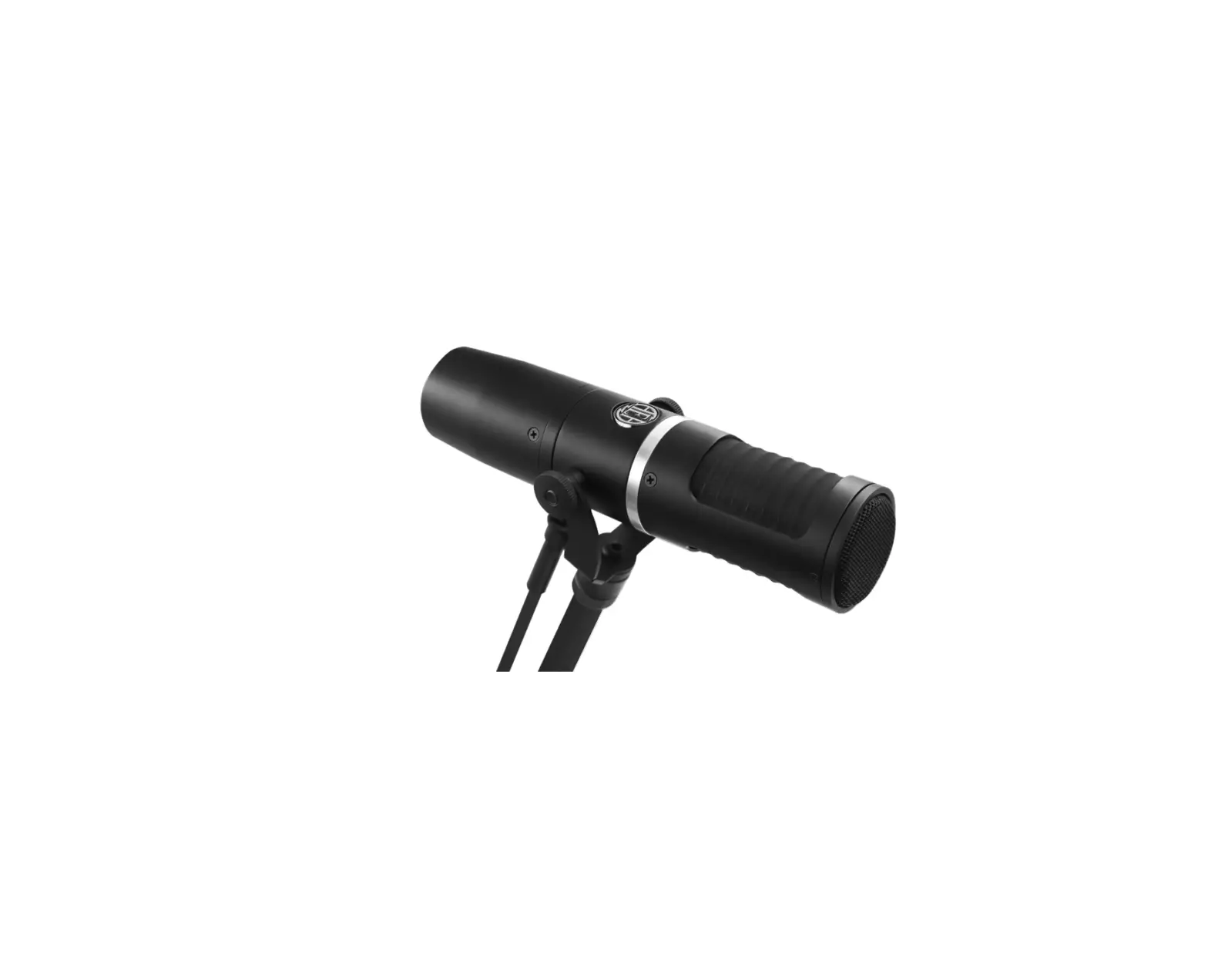
PHEME M1 Supercardoid Microphone
Product Information
The PHEME M1 is a streaming microphone designed by GAMDIASTM. It
comes with various features to enhance your audio recording
experience. The microphone is equipped with a 14mm condenser
capsule and supports a sample/bit rate of 192 kHz/24-bit. It has a
supercardioid polar pattern, which ensures focused sound capture
and reduces background noise. The microphone has a frequency
response range of 20Hz to 20kHz and can handle a maximum sound
pressure level (SPL) of 110db.
The package includes the following items:
- GAMDIASTM PHEME M1 Streaming Microphone
- Pop Filter Windshield
- 5.9ft (1.8m) Type-A&C to Type-C Cable
The microphone features a status indicator with different colors
for different modes. The blue light indicates the supercardioid
mode, the green light indicates the ENC (Environmental Noise
Cancellation) mode, and the red light indicates the mute mode. The
microphone has a gain adjustment dial for controlling the input
level. It also has a streammix dial and a 3.5mm headphone jack for
real-time monitoring of the audio. The microphone can be connected
to a computer via USB Type-A or Type-C.
Additionally, the PHEME M1 has built-in 5/8” inch threads for
mounting on a compatible stand or boom arm. It comes with an
integrated desktop stand for convenient placement on your desk.
Quick Tip: The PHEME M1 is a side-address microphone, so make
sure to speak into the front of the mic (the side with the Gamdias
logo) and not the top.
Specifications:
- Sample/Bit Rate: 192 kHz/24-bit
- Capsule: 14mm condenser capsule
- Polar Patterns: Supercardioid
- Frequency Response: 20Hz – 20kHz
- Max SPL: 110db
- Dimensions: Not specified
- Weight (microphone and stand): 0.391 kg
- Weight (microphone only): 0.185 kg
Product Usage Instructions
To use the PHEME M1 streaming microphone, follow these
steps:
- Connect the microphone to your computer using the provided USB
Type-A or Type-C cable. - Place the microphone on a stable surface, such as your desk,
using the integrated desktop stand. - Make sure to speak into the front of the microphone (the side
with the Gamdias logo) for optimal sound capture. - Adjust the gain level using the gain adjustment dial to control
the input volume. - If you want to monitor your audio in real-time, connect
headphones to the 3.5mm headphone jack on the microphone. - The status indicator light will show different colors depending
on the mode. Blue indicates the supercardioid mode, green indicates
the ENC mode, and red indicates the mute mode. - To mute the microphone, perform a short tap on the microphone.
To activate the ENC mode, perform a long tap on the
microphone. - If you want to change the light effect, perform a short press
on the gain adjustment dial. Perform a long tap on the dial to turn
off the light effect. - Remember to adjust the microphone position and distance
according to your recording needs for optimal sound quality.
QUICK INSTALLATION GUIDE
PHEME M1
Streaming Microphone
Package Contents
GAMDIASTM PHEME M1 Pop Filter Windshield 5.9 (1.8m) Type-A&C to Type-C Cable
PHEME M1 Default Sengs
Status Indicator Blue: Supercardioid Green: ENC Mode Red: Mute
Short Tap: One-Tap to mute Long Tap: ENC Mode
Gain Adjustment Dial
GAIN
Short Press: Change the Light Effect Long Tap: Turn off the Light Effect
Built-in 5/8” inch threads
Streammix Dial 3.5mm Headphone Jack USB Connecon
Integrated Desktop Stand
Quick Tip
PHEME M1 is a side-address microphone, which means that you should speak into the front of the mic (the side with the Gamdias logo), and not the top of the mic.
Connecng the microphone VIA USB Type-A or Type-C
Type C USB
Specificaon
Sample/Bit Rate Capsule Polar Paerns Frequency Response Max SPL
Dimensions
Weight (microphone and stand) Weight (microphone only)
192 kHz/24-bit 14mm condensor capsule Supercardioid 20Hz – 20kHz 110db
0.391 kg 0.185 kg