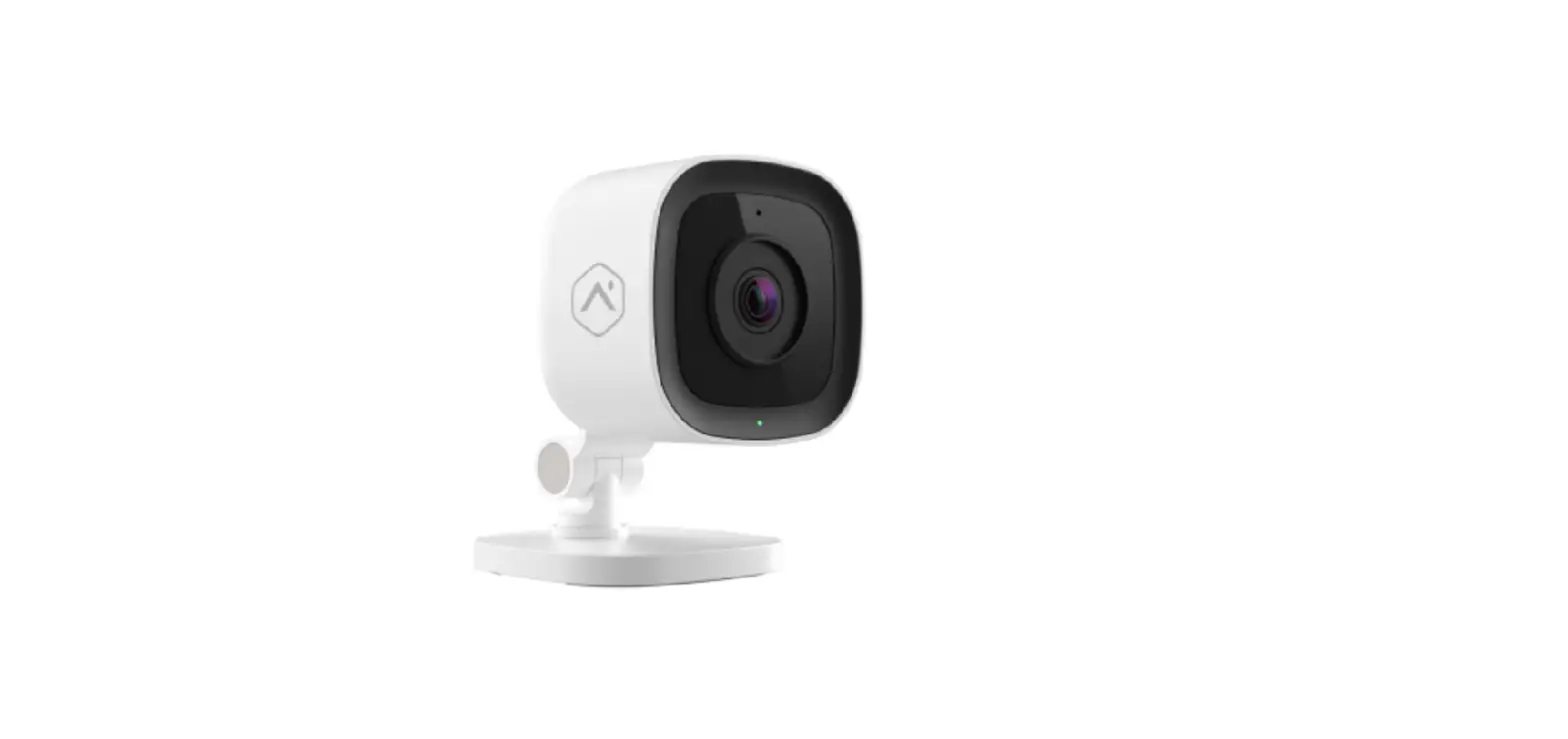
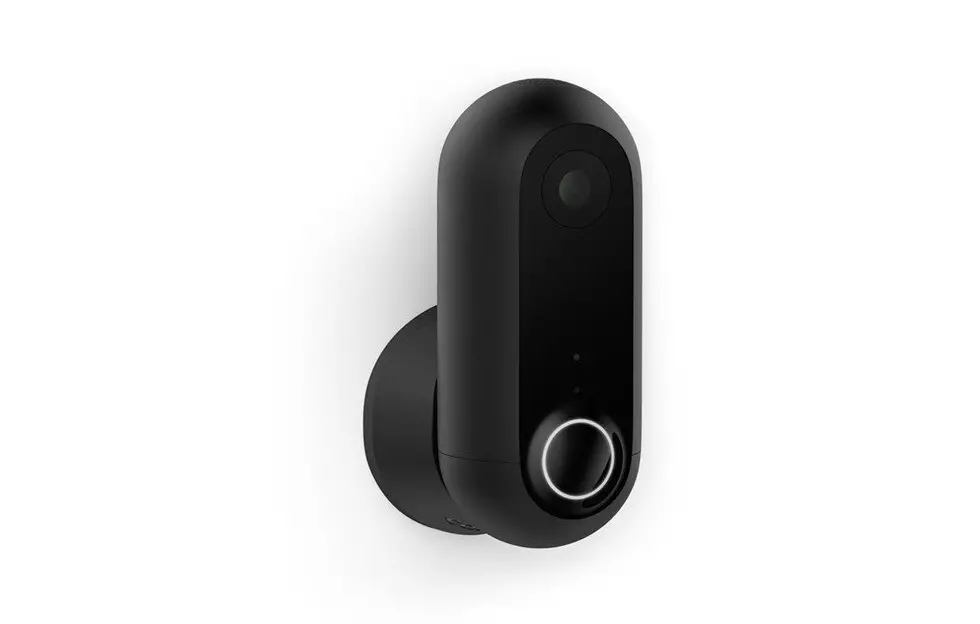
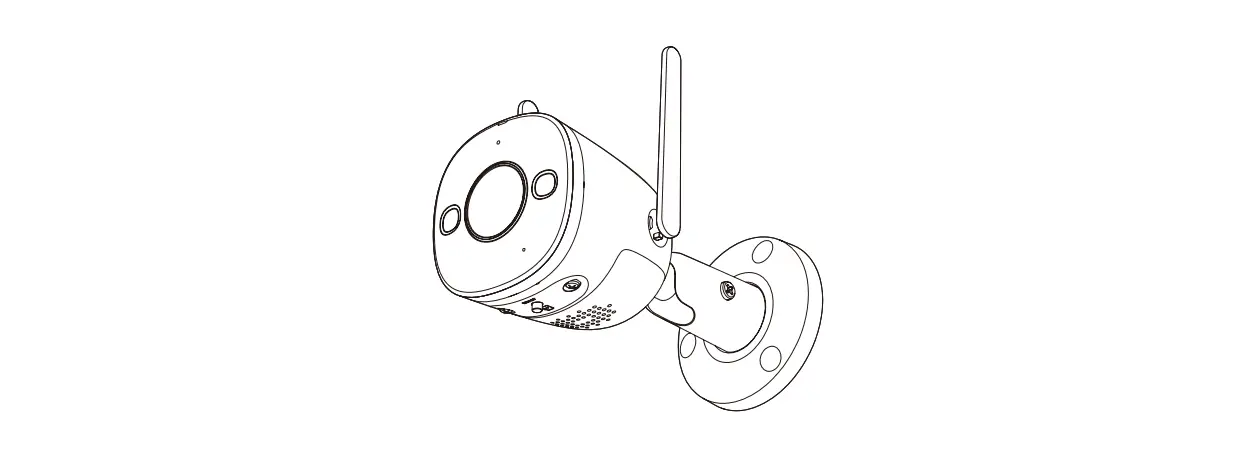
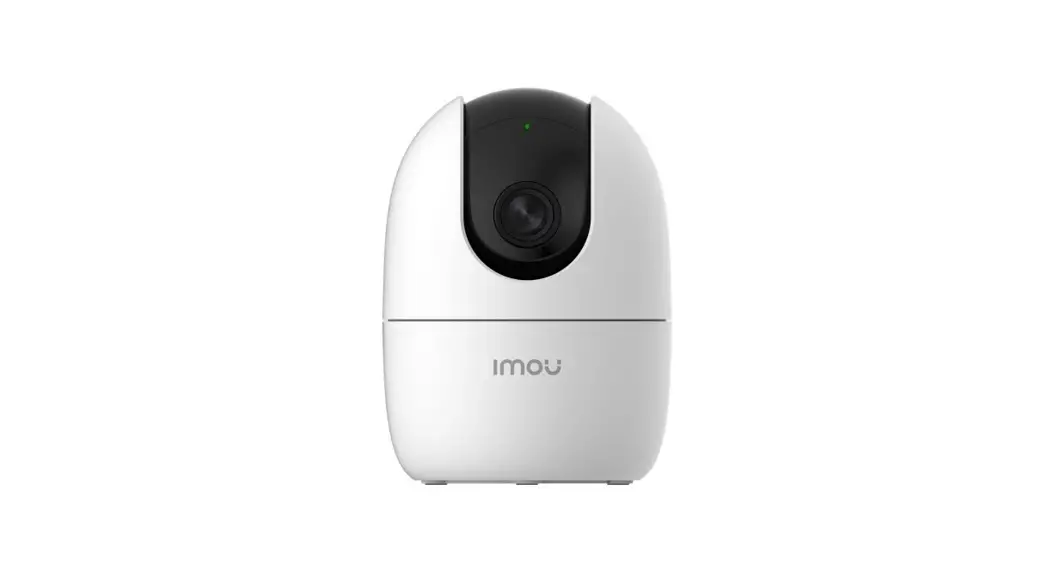
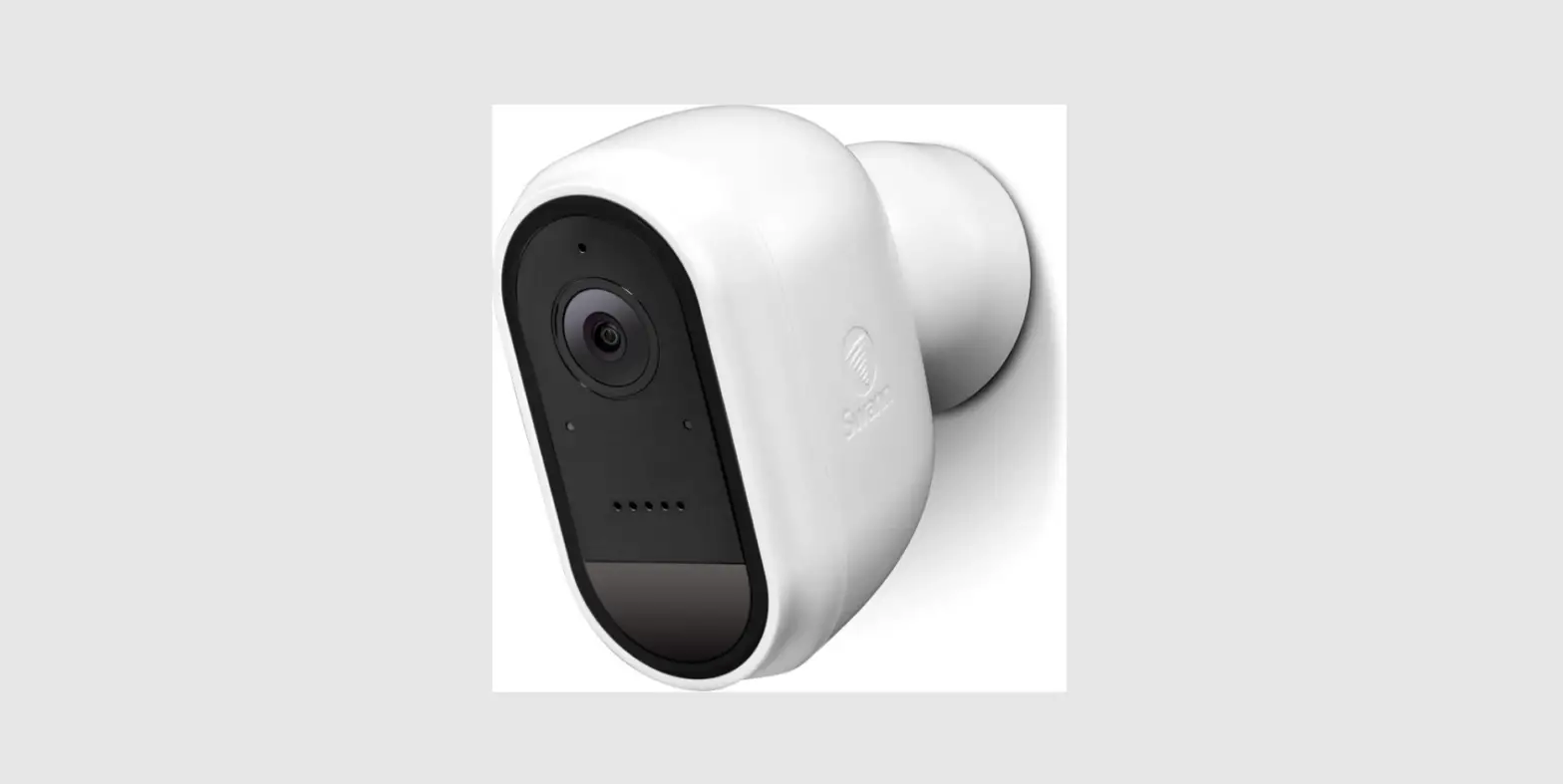
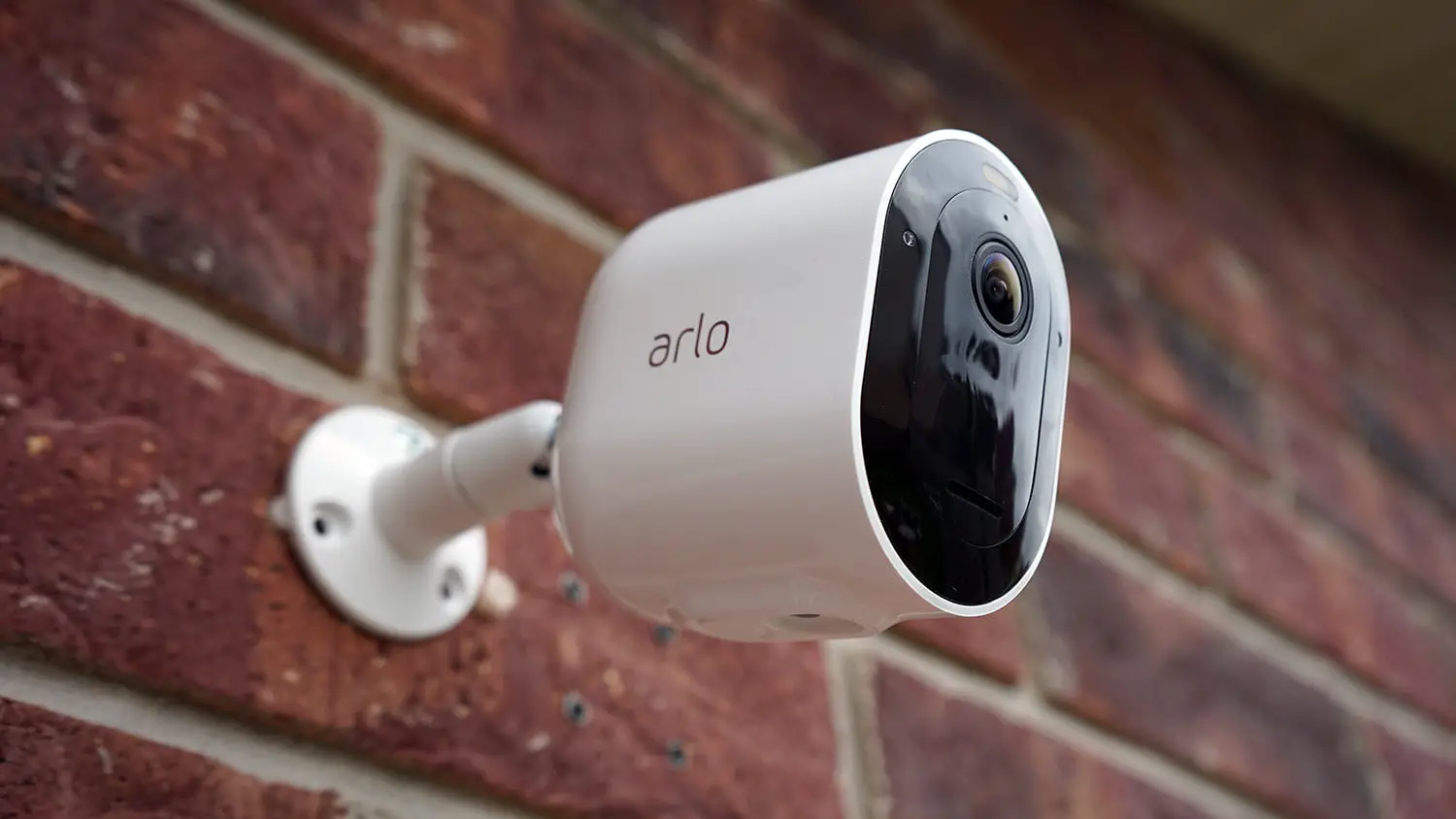
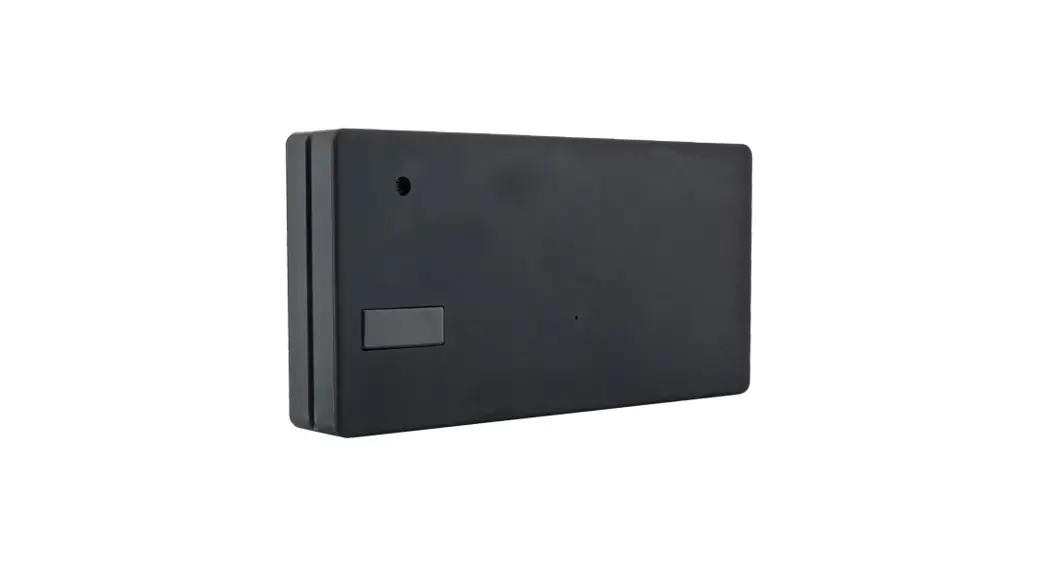
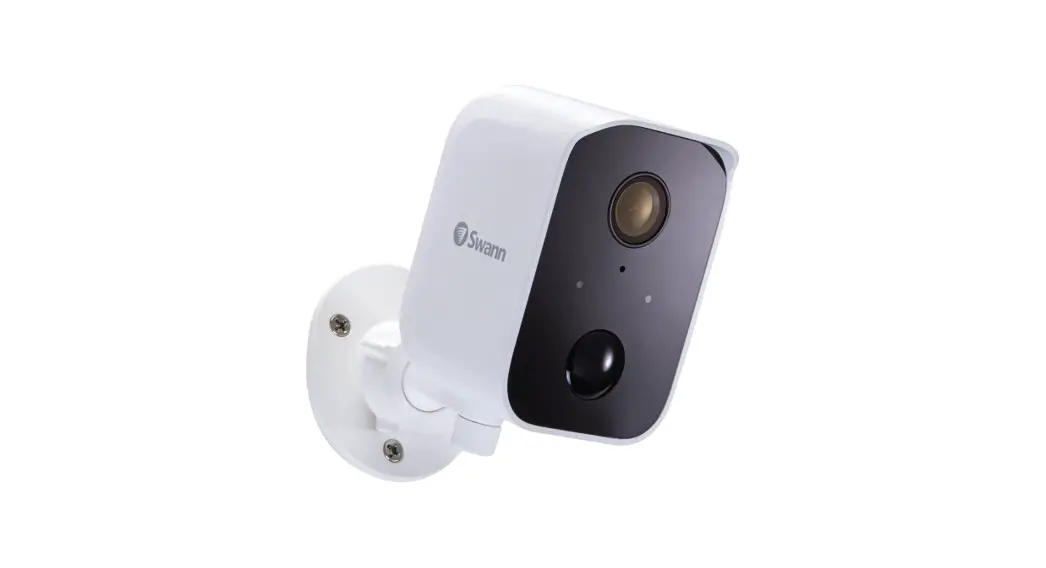
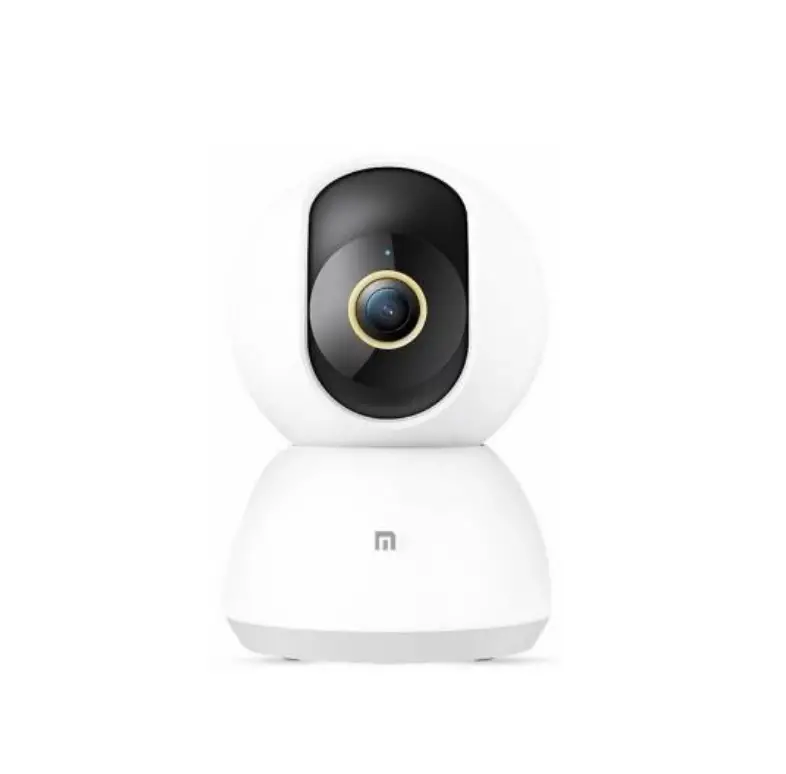
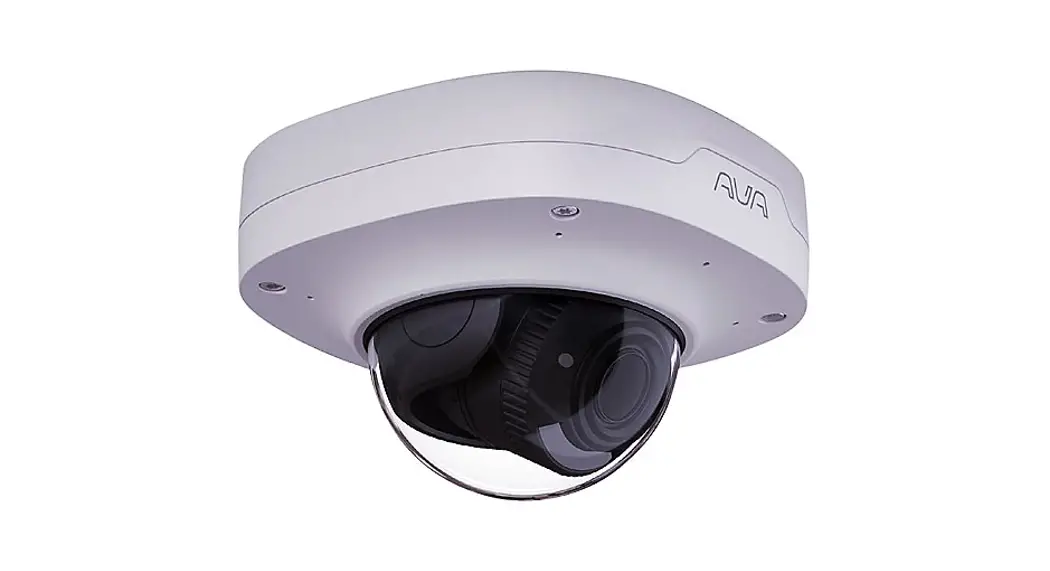
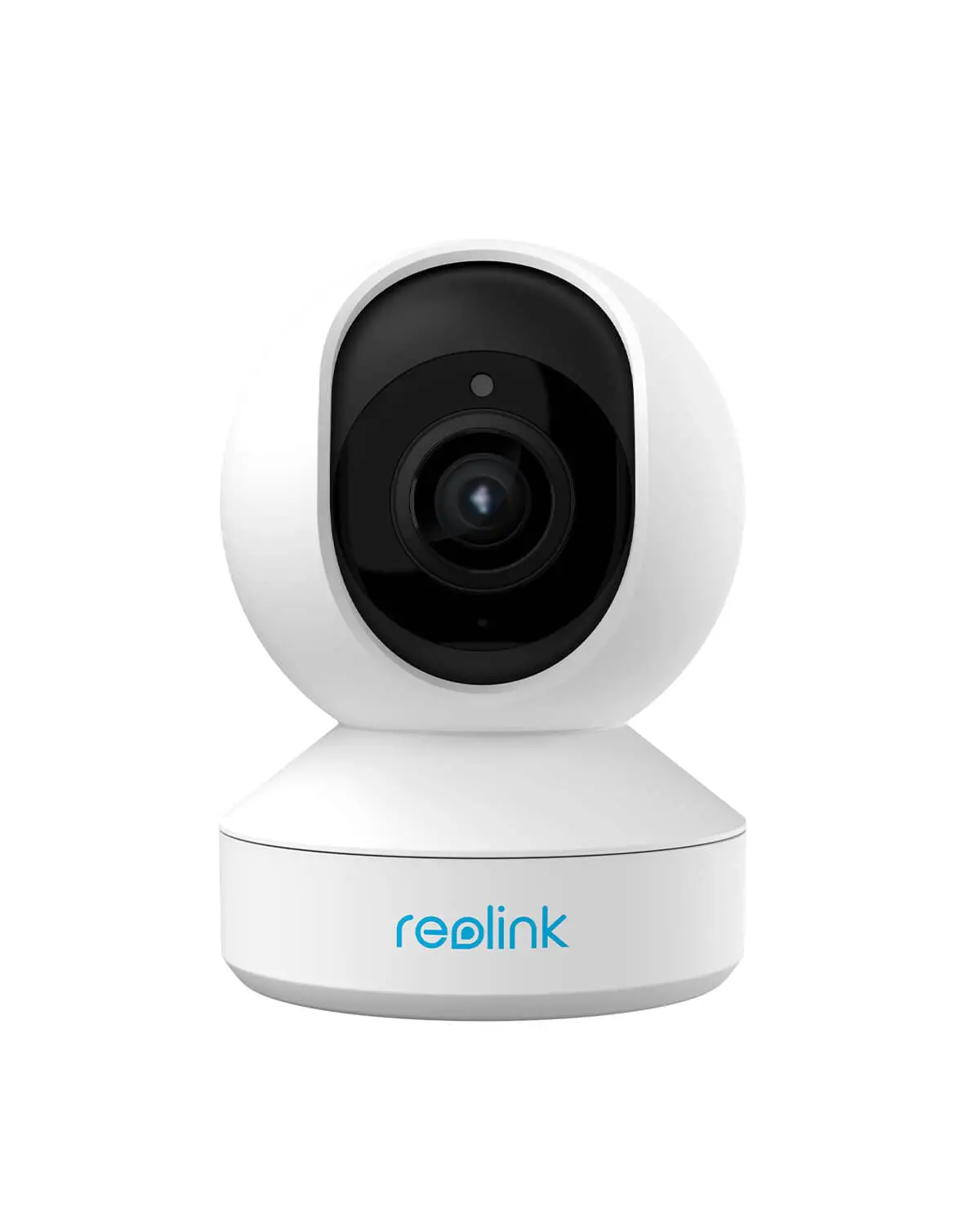
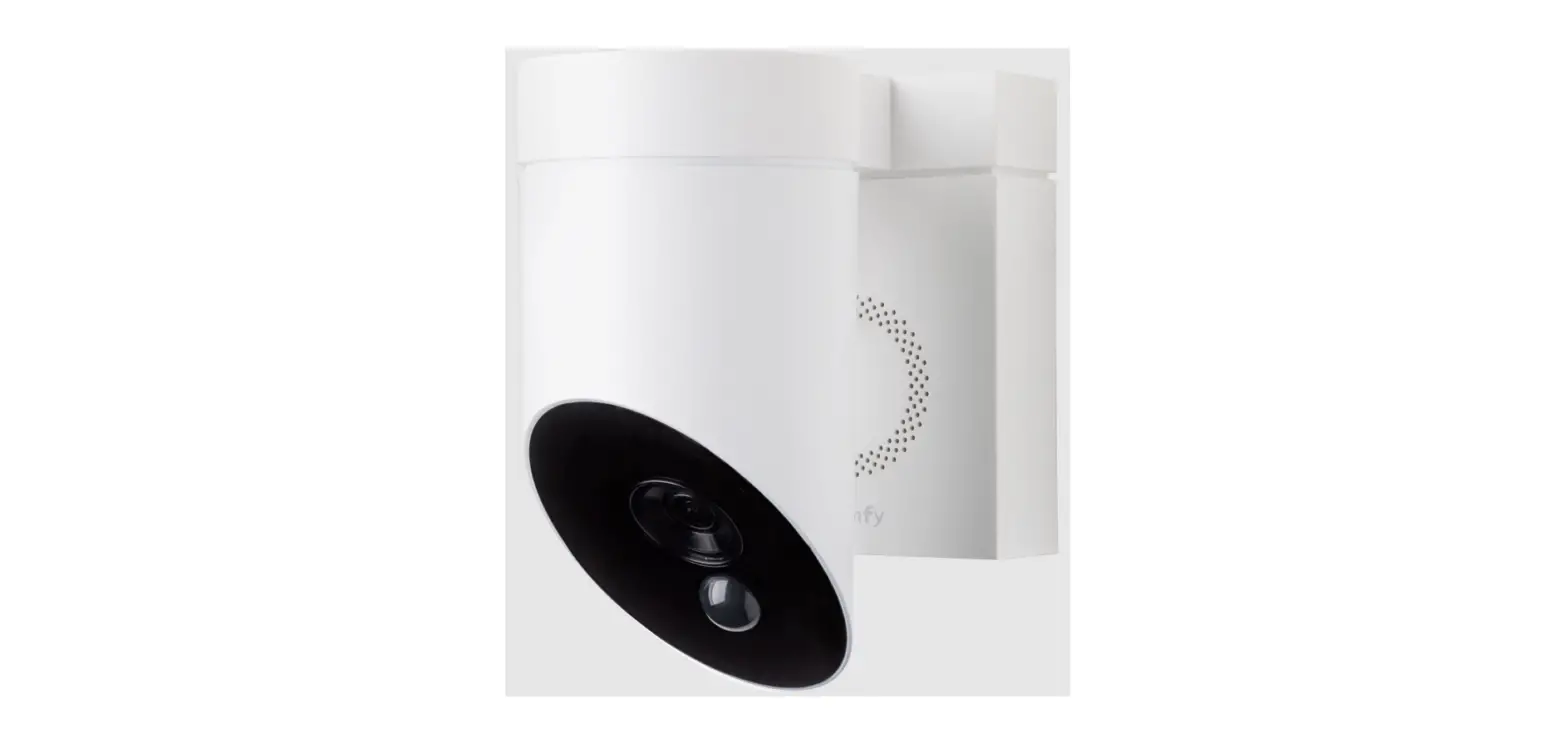
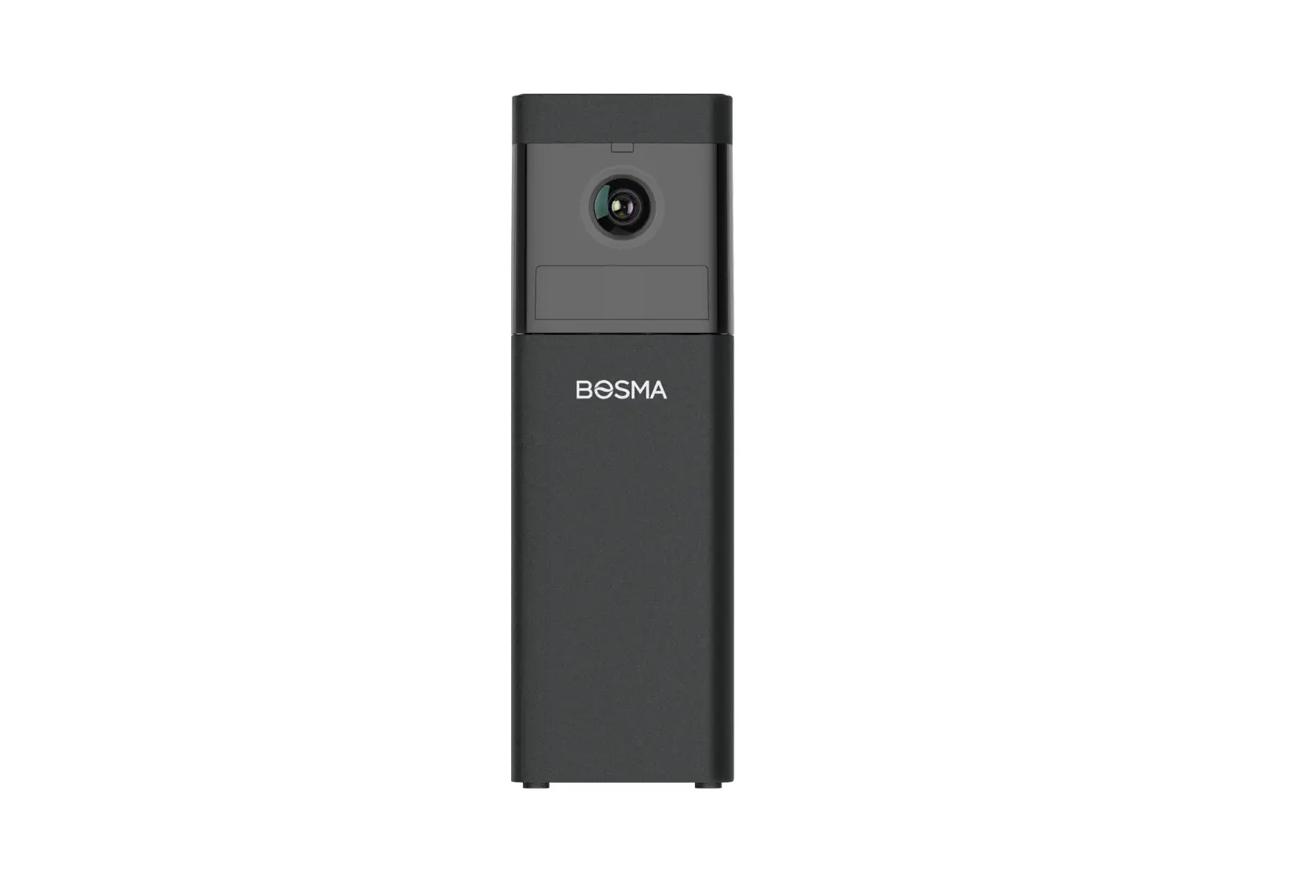
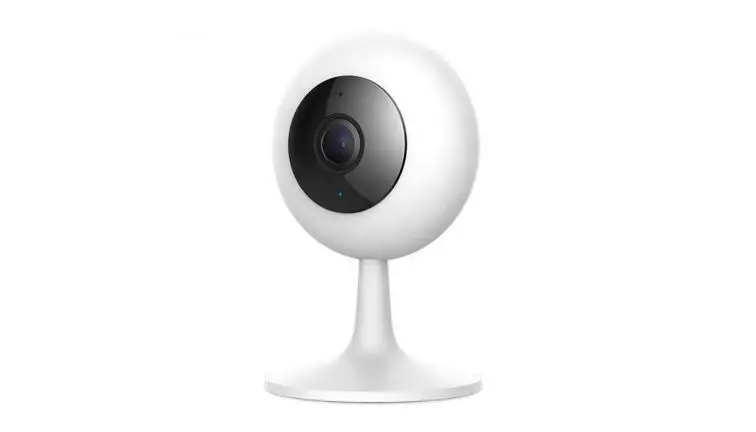
FLEX 2MP Camera
Product Information
The product is a camera mounting bracket designed for securely
installing a camera on a wall or ceiling. It comes with a hex 2.5mm
tool and requires a PH2 screwdriver and a drill with a 6mm (1/4)
drill bit for installation. The box content includes the mounting
bracket, screws, anchors, and cable routing alternatives.
Screw dimensions: dh = 9.4 mm, l = 32 mm, d = 4 mm
Anchor dimensions: d, l
Product Usage Instructions
- Ensure you have all the required tools mentioned above.
- Decide on the cable routing alternative you prefer: through the
wall/ceiling (4A) or side entry (4B). - Begin by installing the bracket. Use the drill and the 6mm
(1/4) drill bit to create holes in the desired location on the wall
or ceiling. - Insert the anchors into the holes.
- If you chose the through-the-wall/ceiling cable routing (4A),
pass the cable through the wall/ceiling and connect it to the
camera. - If you chose the side entry cable routing (4B), connect the
cable to the camera. - Attach the camera to the mounting bracket securely.
- Adjust the ball joint to position the camera at the desired
angle. Also, ensure proper adjustment of the video stream if
necessary. - Refer to the Ava Aware user manual to adjust the image
orientation.
Mounting guide
Important warnings and safety instructions
Avoid exposing the camera to shocks, high pressure or temperatures above 40oC. Avoid placing the camera near fans, ventilation or other noise sources. This will degrade audio performance. Avoid placing the camera near fans, ventilation, or other heat sources. This will degrade sensor performance. Avoid scratching or leaving fingerprints on the lens, this degrades image quality. If possible, keep the protective plastic on the lens cover during installation. Do not clean the camera with harsh detergents, gasoline or chemicals such as Acetone. Do not try to repair the unit yourself. Refer all servicing of the camera to Ava or contact a reseller. Prolonged use of the white LEDs may affect sensor readings. This product should be supplied by a Power over Ethernet (PoE) Power Sourcing Equipment (PSE) compliant with IEEE 802.3af or USB-C power source rated 5V 1.5A. The power supply should be UL-listed and marked “Limited Power Source”or “LPS”. The camera and the PoE PSE must be installed within the same building, as described by Environment A of the IEEE 802.3af standard. The PoE PSE must be properly grounded.
Ava Flex · Mounting guide | 2 / 7
Box content
Hex 2.5mm
Required:
PH2 screw driver Drill with 6mm (1/4″) drill bit”
dh
d
l
Screw dimensions
dh = 9.4 mm l = 32 mm d = 4 mm
d
l Anchor dimensions
l = 25 mm d= Ø6mm / ¼ ”
Ava Flex · Mounting guide | 3 / 7
Cable routing alternatives
Ava Flex · Mounting guide | 4 / 7
Installing the bracket
1
2
Dia: 6mm, [¼”] 3
Depth: 40mm [1.5″]
4A Through the wall / ceiling cable
4B Side entry cable
Ava Flex · Mounting guide | 5 / 7
Attaching the camera and connecting the ethernet cable
5
6
7
Ava Flex · Mounting guide | 6 / 7
Adjusting the ball joint and video stream
8
9
Adjust the image orientation in Ava Aware. 11
10 Ava Flex · Mounting guide | 7 / 7