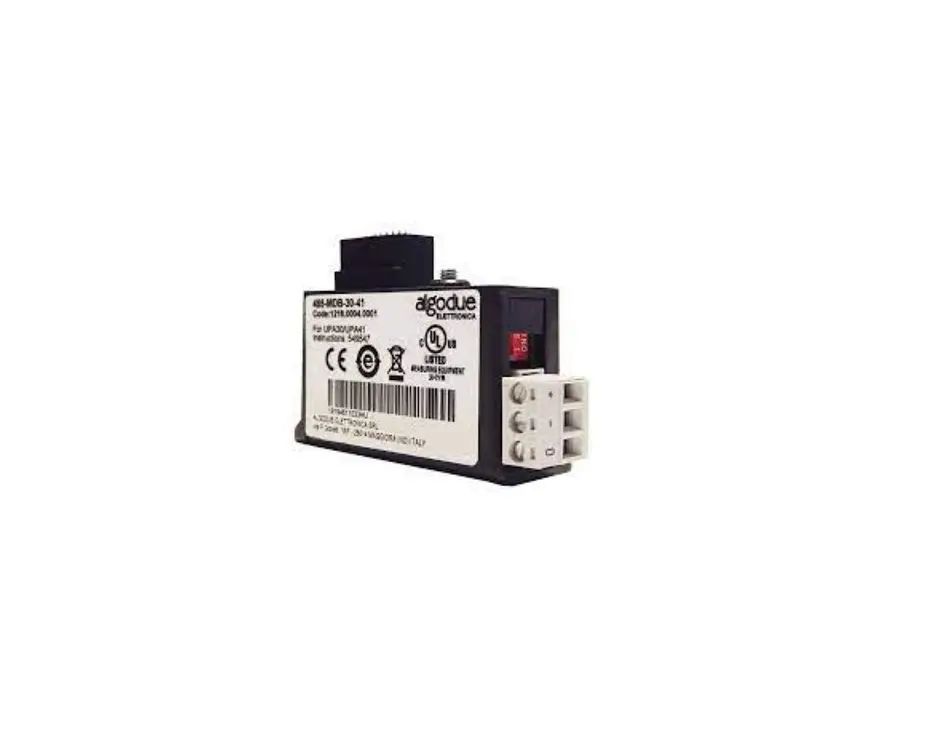
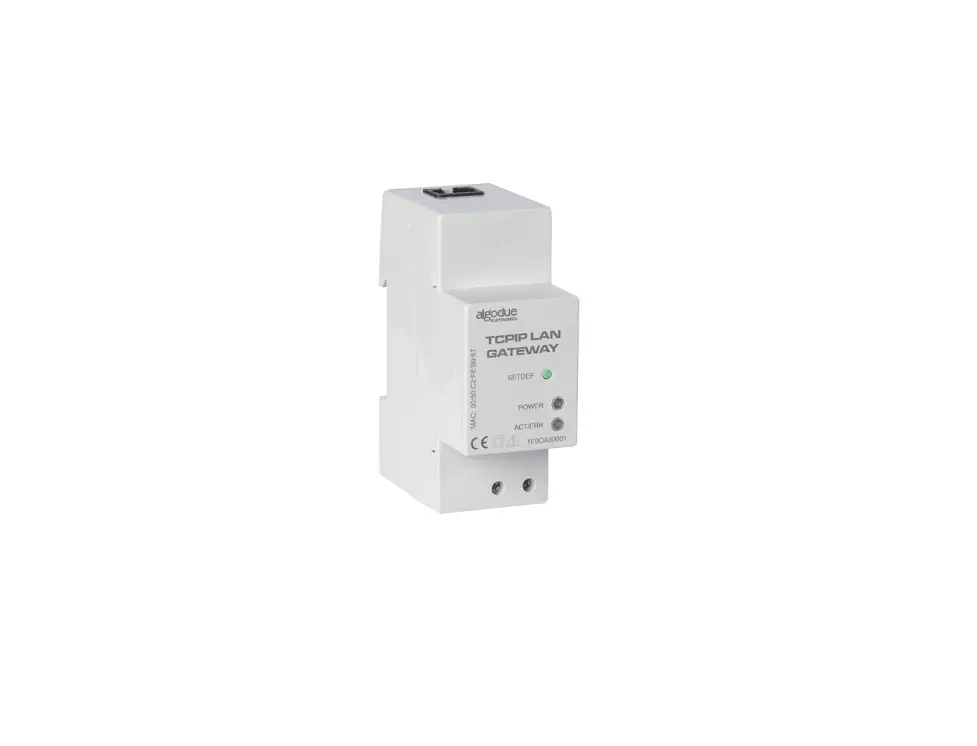
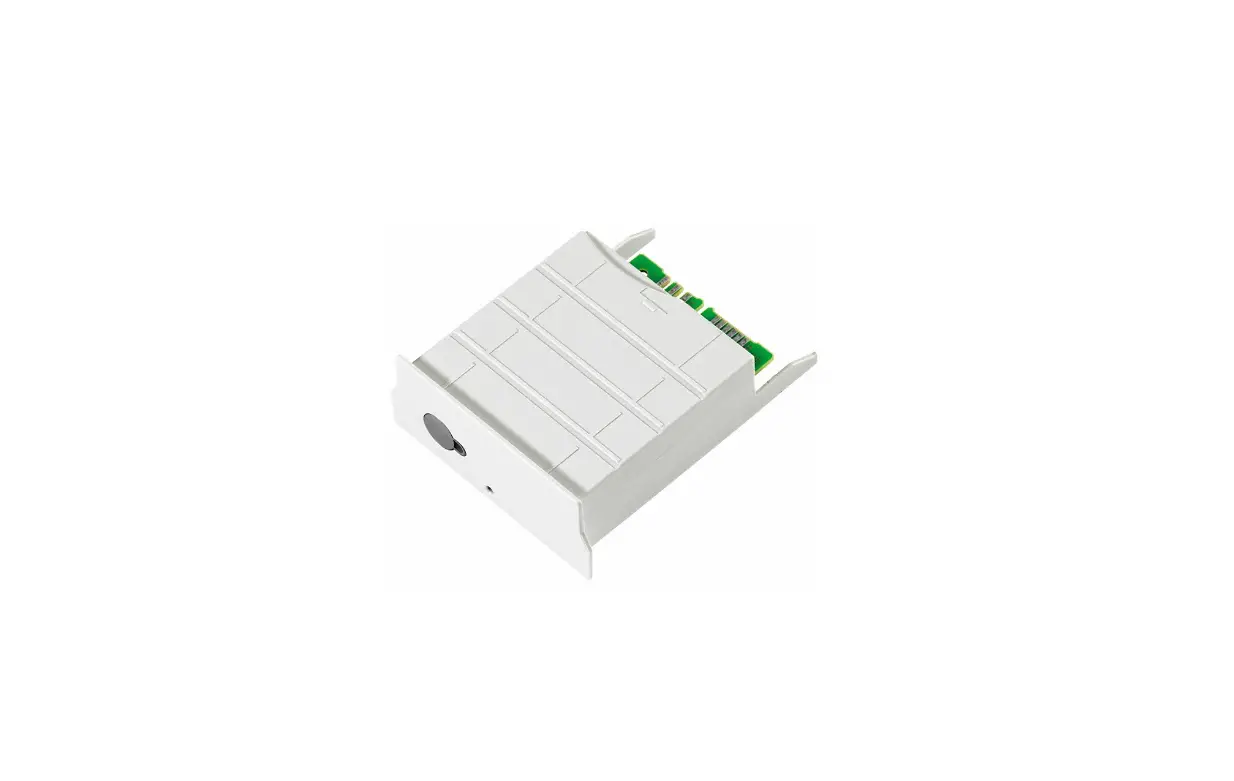
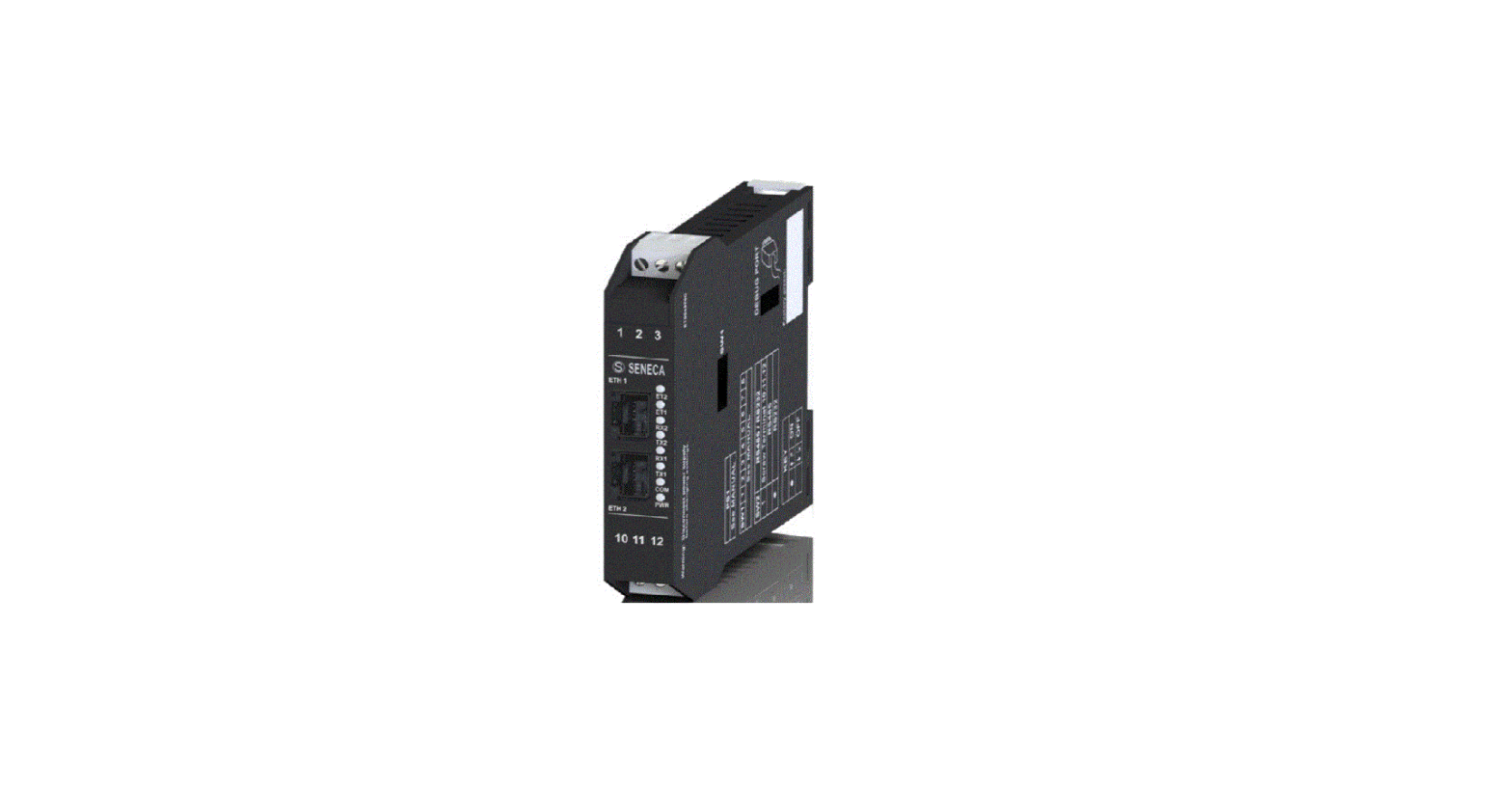
M-Bus Communication Module
Product Information:
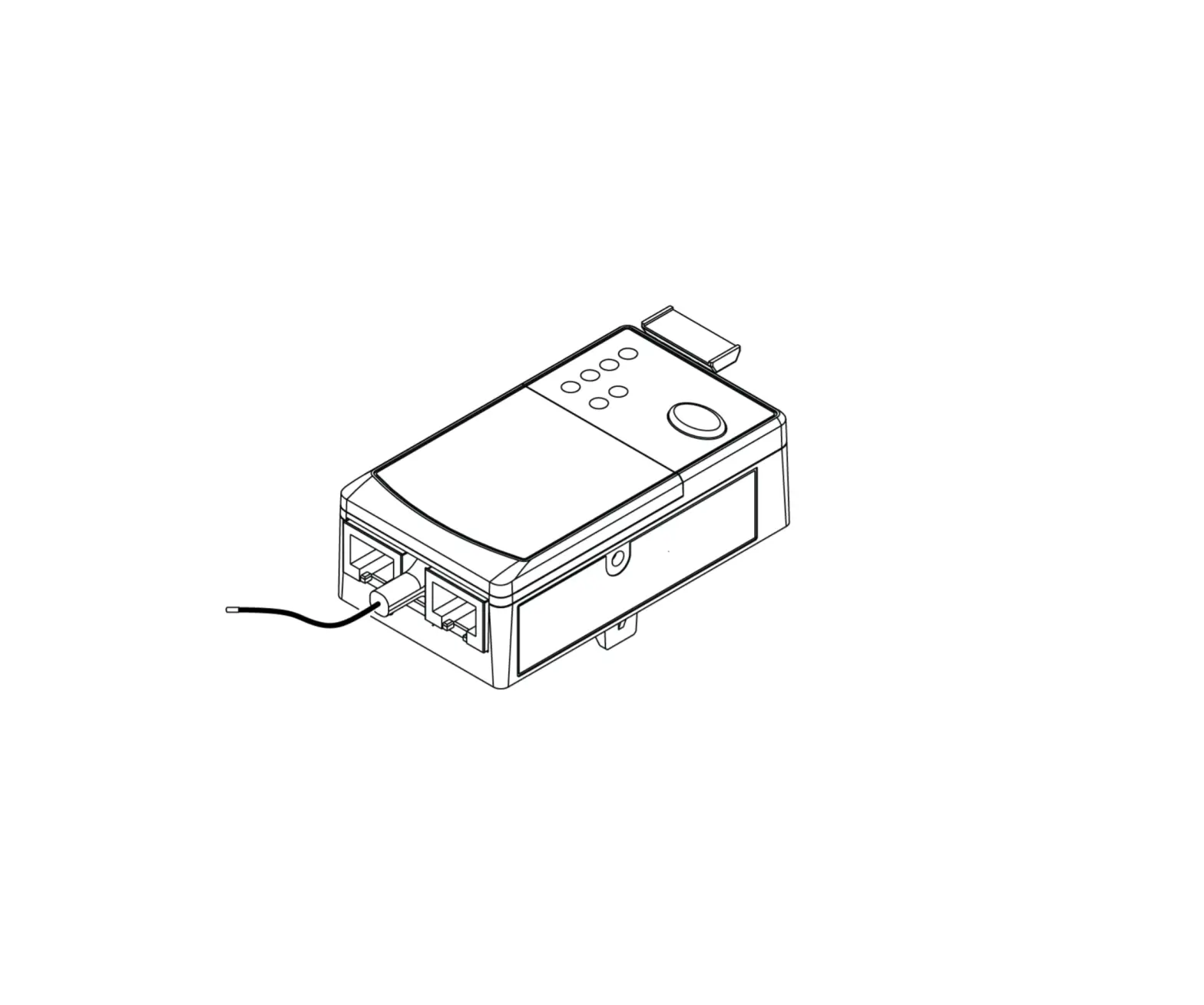
The Ed2212 is a communication module designed for use with the
M-Bus network. It allows for communication between a PC and the
M-Bus network by adapting the RS232/USB port to the network. The
module features M-Bus connection terminals, an optical COM port, a
SET DEFAULT key, a power supply LED, and a communication LED. The
module requires professional installation and should only be used
by qualified personnel. The relevant communication protocol and
software can be found on the website www.algodue.com.
Product Usage Instructions:
- Before installation, ensure that the voltage is switched
off. - Strip the cable to a length of 5 mm for the module terminal
connection. Use a blade screwdriver with a size of 0.8×3.5 mm and a
fastening torque of 0.5 Nm. Refer to picture B for guidance. - Refer to picture C for an overview of the module’s
components:
- M-Bus connection terminals
- Optical COM port
- SET DEFAULT key
- Power supply LED
- Communication LED
adapts the RS232/USB port to the M-Bus network.
depending on the used master interface.
twisted pair and a third wire.
a single meter. Place them side by side, perfectly lined up, with
the module’s optical port facing the meter’s optical port. Refer to
picture D for guidance.
- Power supply LED:
- – Off: The module is off
- – Green (always on): The module is on
- Communication LED:
- – Off: The module is off
- – Green (slow blink, 2 s off time): M-Bus communication and
meter communication are okay - – Red (fast blink, 1 s off time): M-Bus communication is
faulty/missing, but meter communication is okay - – Red (always on): Meter communication is faulty/missing
- – Green/Red (alternating colors for 5 s): SET DEFAULT procedure
in progress
Ed2212
Algodue Elettronica Srl Via P. Gobetti, 16/F · 28014 Maggiora (NO), ITALY Tel. +39 0322 89864 · +39 0322 89307 www.algodue.com · [email protected]
M-BUS
EN – U S E R M A N U A L DE – B E D I E N U N G S A N L E I T U N G IT – M A N U A L E D ‘ U S O FR – N OT I C E D ‘ E M P LO I ES – M A N U A L D E L U S U A R I O
Subject to change without prior notice / Änderungen vorbehalten Soggetto a modifiche senza preavviso / Susceptible de modification sans préavis Sujeto a modificaciones sin aviso previo
PICTURE/ABBILDEN/FIGURA/FIGURE/IMAGEN
A
B
EN – C O M M U N I C AT I O N M O D U L E
The communication protocol and the relevant software are available at www.algodue.com
WARNING! Device installation and use must be carried out only by qualified professional staff. Switch off the voltage before device installation.
CABLE STRIPPING LENGTH
For the module terminal connection, cable stripping length must be 5 mm. Use a blade screwdriver with 0.8×3.5 mm size, fastening torque 0.5 Nm. Refer to picture B.
OVERVIEW
Refer to picture C: 1. M-Bus connection terminals 2. Optical COM port 3. SET DEFAULT key 4. Power supply LED 5. Communication LED
CONNECTIONS
A master interface is required between PC and the M-Bus network to adapt RS232/USB port to network. The maximum number of modules to be connected can change according to the used master interface. For the connection among the different modules, use a cable with a twisted pair and a third wire. After making M-Bus connections, combine each M-Bus module with a single meter: place them side by side, perfectly lined up, with module optical port facing the meter optical port. Refer to picture D.
LEDS FUNCTIONALITY
Two LEDs are available on the module front panel to provide power supply and communication status:
LED COLOUR SIGNALLING
POWER SUPPLY LED
–
Power OFF
GREEN
Always ON
COMMUNICATION LED
–
Power OFF
GREEN
Slow blink (2 s OFF time)
MEANING
The module is OFF The module is ON
The module is OFF M-Bus communication=OK Meter communication=OK
RED
Fast blink
M-Bus communication=fault/missing
(1 s OFF time) Meter communication=OK
RED
Always ON
Meter communication=fault/missing
GREEN/RED
Alternating colours for 5 s
SET DEFAULT procedure in progress
DE – K O M M U N I K AT I O N S M O D U L
Die Kommunikationsprotokolle und entsprechenden Software sind in der Website www.algodue.com erhältig.
ACHTUNG! Die Installation und Inbetriebsnahme des Moduls darf nur von ausgebildeten Fachkräften durchgeführt werden. Vor jeder Tätigkeit am Gerät muß die Versorgung getrennt werden.
KABELABISOLIERE LÄNGE
Für den Modulklemmenanschluss muss die Kabelabisolierlänge 5 mm betragen. Verwenden Sie einen Klingen-Schraubendreher der Größe 0.8×3.5 mm, Anzugsmoment 0.5 Nm. Siehe Bild B.
ÜBERSICHT
Siehe Bild C: 1. Klemmen brücken zum Einschlaten des Terminationswiederstandes (RT) 2. Optische Schnittstelle 3. Taste WERKSEINSTELLUNG 4. LED der Hilfsspannung 5. LED der Kommunikation
VERDRAHTUNG
Zwischen PC und M-Bus Netzwerk ist ein Masterschnittstelle zur Anpassung der RS232/USB zum M-Bus Netzwerk erfordert. Die Anzahl der anzuschliessenden Module hängt von der angewendenten Master ab. Die Verdrahtung unter der verschiedenen Module soll mit geschilderten gedrehten Kabel durchgeführt werden. Nachdem die Anschlusse an dem M-Bus Netwerk durgeführt worden sind, jedes M-Bus Modul mit einem Zähler ankoppeln: die zwei nähern und einreihen, damit die Optische Schnittstelle gegenüber stehen. Siehe Bild D.
LED FUNKTION
Die zwei LED befinden sich auf die Frontseite des Moduls zur Anzeige des Versorgungs- und Kommunikationsstandes:
LED FARBE MELDUNG
BEDEUTUNG
LED DER HILFSSPANNUNG
–
Ausgeschaltet Ausgeschaltetes Modul
GRÜN
Immerangeschaltet Eingeschaltetes Modul
LED DER KOMMUNIKATION
–
Ausgeschaltet Ausgeschaltetes Modul
GRÜN
Langsam blinkend M-Bus Kommunikation=OK
(jede 2 s aus)
Kommunikation zum Zähler=OK
ROT
Schnell blinkend M-BusKommunikation=fehlende/fehlerhaft (jede 1 s aus) KommunikationzumZähler=OK
ROT
Immer angeschaltet
Kommunikation zum Zähler=fehlende/fehlerhaft
GRÜN/ROT
Wechselfarben für 5 s
Laufende Werkseinstellung
IT – M O D U LO D I C O M U N I C A Z I O N E
Il protocollo di comunicazione e il software relativo sono disponibili sul sito www.algodue.com
ATTENZIONE! L’installazione e l’utilizzo dello strumento devono essere effettuate esclusivamente da personale qualificato. Togliere la tensione prima di intervenire sullo strumento.
LUNGHEZZA SPELATURA DEI FILI
Per il collegamento dei morsetti del modulo, la lunghezza di spelatura del cavo deve essere di 5 mm. Utilizzare un cacciavite a taglio da 0,8×3,5 mm, coppia di serraggio 0,5 Nm. Fare riferimento alla figura B.
PANORAMICA
Fare riferimento alla figura C: 1. Morsetti per collegamento M-Bus 2. Porta ottica di comunicazione 3. Tasto SET DEFAULT 4. LED di alimentazione 5. LED di comunicazione
COLLEGAMENTI
Tra il PC e la rete M-Bus è richiesta un’interfaccia master per adattare la porta RS232/USB alla rete. Il numero di moduli collegabili dipende dall’interfaccia master utilizzata. Per il collegamento tra i diversi dispositivi, utilizzare un cavo schermato con i due conduttori di segnale “twistati”. Dopo aver effettuato i collegamenti sulla rete M-Bus, abbinare ogni modulo M-Bus ad un singolo contatore: avvicinarli e allinearli perfettamente in modo che le rispettive porte ottiche si fronteggino. Fare riferimento alla figura D.
FUNZIONAMENTO DEI LED
I due LED sono presenti sul pannello frontale del modulo e consentono di segnalarne lo stato di alimentazione e comunicazione:
COLORE LED SEGNALAZIONE SIGNIFICATO
LED ALIMENTAZIONE
–
Spento
Modulo spento
VERDE
Sempre acceso Modulo acceso
LED COMUNICAZIONE
–
Spento
Modulo spento
VERDE
Lampeggio lento Comunicazione M-Bus=OK
(spento 2 s)
Comunicazione con il contatore=OK
ROSSO
Lampeggio veloce Comunicazione M-Bus=fallita/mancante
(spento 1 s)
Comunicazione con il contatore=OK
ROSSO
Sempre acceso
Comunicazione con il contatore=fallita/mancante
VERDE/ROSSO
Colori alternati per 5 s
Procedura di SET DEFAULT in corso
FR – M O D U L E D E C O M M U N I C AT I O N
Le protocole de communication et le logiciel associé sont disponibles sur www.algodue.com
ATTENTION! La mise en service et l’utilisation de l’appareil doivent être faites seulement par du personnel qualifié. Couper la tension avant toutes actions sur l’appareil.
LONGUEUR DE DENUDAGE DES FILS
Pour le raccordement des bornes du module, la longueur de dénudage du câble doit être de 5 mm. Utilisez un tournevis plat de taille 0,8×3,5 mm, couple de serrage 0,5 Nm. Voir la figure B.
VUE D’ENSEMBLE
Voir la figure C: 1. Bornes à raccorder pour activer la resistance de fin de ligne (RT) 2. Port optique pour la communication 3. Bouton SET DEFAULT 4. LED alimentation 5. LED communication
CONNEXION
Entre le PC et le réseau M-Bus il faut installer une interface master pour adapter le port RS232/USB au réseau. Le nombre maximum de modules connectables depend du type d’interface master utilisée. Pour la connexion entre les appareils il est conseillé d’utiliser un cable blindé avec deux conducteurs torsadés. Après la connexion sur le réseau M-Bus il faut combiner chaque module M-Bus aux compteurs: les rapprocher et les mettre l’un à côté de l’autre afin que les deux ports optiques soient en face. Voir la figure D.
FONCTIONNEMENT DES LEDs
Les deux LEDs sont sur la face avant du module fournissent des informations sur l’état de l’alimentation et de la communication:
COULEUR LED SIGNAL
SIGNIFICATION
LED ALIMENTATION
–
Eteint
Module éteint
VERT
Toujours allumé Module allumé
LED COMMUNICATION
–
Eteint
Module éteint
VERT
Clignotement lent Communication M-Bus=OK (temps éteint 2 s) Communication avec compteur=OK
ROUGE
Clignotement rapide Communication M-Bus=échec/absente (temps éteint 1 s) Communication avec compteur=OK
ROUGE
Toujours allumé
Communication avec compteur=échec/absente
VERT/ROUGE
Couleurs alternants 5 s
Réinitialisation en cours (SET DEFAULT)
ES – M Ó D U LO D E C O M U N I C A C I Ó N
El protocolo de comunicación y el software relacionado están disponibles en el sitio www.algodue.com
¡ATENCIÓN! La instalación y el uso del instrumento deben ser efectuados exclusivamente por personal cualificado. Desconectar la tensión antes de intervenir en el instrumento.
LONGITUD PELADURA CONDUCTORES
Para la conexión de los terminales del módulo, la longitud de pelado del cable debe ser de 5 mm. Utilice un destornillador plano con un tamaño de 0,8×3,5 mm, par de apriete de 0,5 Nm. Ver figura B.
PANORAMA GENERAL
Ver figura C: 1. Bornes a puentear para habilitar la resistencia de terminación (RT) 2. Puerto óptico de comunicación 3. Tecla SET DEFAULT 4. LED de alimentación 5. LED de comunicación
CONEXIONES
Entre el PC y la red M-Bus se requiere una interfaz master para adaptar el puerto RS232/USB a la red. El número de módulos conectables depende de la interfaz master utilizada. Para la conexión entre los distintos dispositivos, utilizar un cable blindado con los dos conductores de señal trenzados. Después de efectuar las conexiones en la red M-Bus, asociar cada módulo M-Bus a un solo contador: acercarlos y alinearlos perfectamente de manera que los respectivos puertos ópticos queden enfrentados. Ver figura D.
FUNCIONAMIENTO DE LOS LED
Los dos LED están en el panel frontal del módulo y permiten señalizar el estado de alimentación y comunicación:
COLOR LED SEÑAL
SIGNIFICADO
LED ALIMENTACIÓN
–
Apagado
Módulo apagado
VERDE
Siempre encendido Módulo encendido
LED COMUNICACIÓN
–
Apagado
Módulo apagado
VERDE
Parpadeo lento Comunicación M-Bus=OK (tiempo apagado 2 s) Comunicación con el contador=OK
ROJO
Parpadeo rápido Comunicación M-Bus=fallida/ausente (tiempo apagado 1 s) Comunicación con el contador=OK
ROJO
Siempre encendido
Comunicación con el contador=fallida/ausente
VERDE/ROJO
Colores alternados durante 5 s
Procedimiento de SET DEFAULT en curso
M-BUS MASTER APPLICATION
M-BUS MASTER TOOL
APPLICAZIONE M-BUS MASTER
LOGICIEL M-BUS MASTER
LOGICIEL M-BUS MASTER
M-Bus Master is an application software which allows to manage M-Bus module communication. With this application software it is possible to:
M-Bus Master ist eine Software zur Verwaltung der Kommunikation mit dem M-Bus Modul. Die Software dient:
M-Bus Master è un software di applicazione che consente di gestire la comunicazione del modulo M-Bus. Tramite questa applicazione è possibile:
M-Bus Master est un logiciel applicatif qui permet de gérer la communication du module M-Bus. Ce logiciel permet de:
M-Bus Master es un software de aplicación que permite gestionar la comunicación del módulo M-Bus. Mediante esta aplicación es posible:
C
· detect and communicate with M-Bus modules · change M-Bus module settings
· Zur Identifizierung und Kommunikation der M-Bus Module · Zur Änderung der Einstellungen der angeschlossenen M-Bus Module
· rilevare e comunicare con i moduli M-Bus · cambiare le impostazioni dei moduli M-Bus connessi
· identifier et communiquer avec les modules M-Bus · modifier la programmation des modules M-Bus branchés
· detectar y comunicarse con los módulos M-Bus · cambiar la configuración de los módulos M-Bus conectados
1
· display the detected measurements of the energy meter connected to the M-Bus module
· Zur Anzeige der Messwerte aus dem an dem Modul gekoppelten Zähler
· visualizzare i valori di misura del contatore connesso al modulo M-Bus · impostare la cadenza e il tipo di misura da rilevare
· afficher les valeurs mesurées par le compteur connecté au module M-Bus · programmer la cadence et le type de mesure à détecter
· visualizar los valores medidos por el contador conectado al módulo M-Bus · configurar la frecuencia y el tipo de medición a realizar
· set the measurement rate and type to be detected
· Zur Einstellung der Takt und der gewünschten Messung
Per utilizzare M-Bus Master, seguire le istruzioni:
Pour utiliser le M-Bus Master suivre les instructions:
Para utilizar M-Bus Master, seguir las instrucciones:
To use M-Bus Master, follow the instructions:
Zur Anwendung der M-Bus Master wie unter verfolgen:
1. Collegare uno o più moduli su linea M-Bus come precedentemente 1. Connecter un ou plusieurs modules à la ligne M-Bus comme décrit 1. Conectar uno o varios módulos en la línea M-Bus como se describió
2
1. Connect one or more modules on M-Bus network as previously described.
1. Ein oder mehere Module an der M-Bus Linie anschliessen. 2. Ein Modul bei jedem Zähler stellen, so daß die optischen Schnittstellen
descritto. 2. Posizionare un contatore per ogni modulo in modo che le porte
précedemment. 2. Positionner un compteur avec chaque module afin que les ports
anteriormente. 2. Colocar un contador por cada módulo de modo que los puertos
3
2. Place one counter for each M-Bus module: module optical port must face up to meter optical port.
kopplen können. 3. M-Bus Master an PC installieren.
ottiche di entrambi si fronteggino. 3. Installare M-Bus Master su PC.
optiques des deux soient face à face. 3. Installer le M-Bus Master sur le PC.
ópticos de ambos queden enfrentados. 3. Instalar M-Bus Master en el PC.
4
3. Install M-Bus Master on PC.
4. Nach der Installation die M-Bus Master laufen lassen.
4. Al termine dell’installazione, avviare M-Bus Master.
4. Dès que l’installation est terminée, démarrer le M-Bus Master.
4. Al finalizar la instalación, iniciar M-Bus Master.
5
4. At the end of installation, run M-Bus Master.
5. Eine Suche nach M-Bus Module im Netzwerk durchführen.
5. Effettuare una ricerca dei moduli M-Bus sulla rete.
5. Faire une recherche des modules M-Bus sur le réseau.
5. Efectuar una búsqueda de los módulos M-Bus en la red.
5. Carry out a search for the available M-Bus modules on the network.
SET DEFAULT FUNCTION
FUNKTION WERKSEINSTELLUNG
FUNZIONE SET DEFAULT
FONCTION SET DEFAULT
FUNCIÓN SET DEFAULT
SET DEFAULT function allows to restore on the module default settings DieFunktionWERKSEINSTELLUNGdientzumRücksetzenallerEinstellungen La funzione SET DEFAULT consente di riportare sul modulo le impostazioni La fonction SET DEFAULT permet de réinitialiser la configuration par LafunciónSETDEFAULTpermiterestablecerlaconfiguracióndefábricadel
(e.g. in case of M-Bus primary address forgotten). To restore default und stellt die Werkseinstellungen ein (z.B. wenn der M-Bus Primärwert di default (es. in caso l’indirizzo primario M-Bus venga dimenticato). Per défaut dans le module (par exemple si l’adresse primaire M-Bus est módulo (ej. en caso de dirección primaria M-Bus olvidada). Para restablecer
D
settings, keep SET DEFAULT key pressed for at least 5 s, communication LED will blink green/red for 5 s. At the end of SET DEFAULT procedure, communication LED will be red continuously indicating to release the key.
vergessen wird). Um die Werkseinstellung durchzuführen soll die Taste WERKSEINSTELLUNG mindestens 5 s ausgedrückt werden, dann wird das Kommunikationsled Grün/Rot für 5 s blinken. Nach der Werkseinstellung
ripristinare le impostazioni di default, tenere premuto per almeno 5 s il tasto SET DEFAULT, il LED di comunicazione lampeggierà verde/rosso per 5 s. Dopo che il modulo ha effettuato la procedura di SET DEAFULT il LED di
oubliée). Pour réinitialiser la configuration par défaut il faut appuyer au moins 5 s sur le bouton SET DEFAULT, la LED de communication va clignoter vert / rouge 5 s. Après la LED de communication sera rouge
la configuración de fábrica mantener pulsada al menos 5 s la tecla SET DEFAULT. El LED de comunicación parpadea verde/rojo durante 5 s. Una vez efectuado el procedimiento SET DEFAULT, el LED de comunicación se
wird das Kommunikationsled ständig Rot sein, damit die Taste erlösen wird. comunicazionesiaccenderàrossocontinuoperindicaredirilasciareiltasto. sans interruption pour indiquer qu’il faut relâcher le bouton.
enciende fijo en rojo para indicar que hay que soltar la tecla.
Default settings:
M-Bus primary address = 000
Werkseinstellungen:
Valori di default:
Valeurs défaut:
Valores de fábrica:
M-Bus secondary address (ID number) = Progressive value on 8 digits M-Bus Primäradresse = 000
Indirizzo primario M-Bus = 000
Adresse primaire M-Bus = 000
Dirección primaria M-Bus = 000
M-Bus communication speed = 2400 bps
M-Bus Sekundäradresse (ID Nummer) = Zunehmender 8-stelliger Wert Indirizzo secondario M-Bus (numero ID) = Valore progressivo su 8 cifre Adresse secondaire M-Bus (Numéro ID) = Valeur progressive de 8 chiffres Dirección secundaria M-Bus (número ID) = Valor progresivo en 8 cifras
Mask of data detected on the meter by the module = Default
M-Bus Kommunikationsgeschwindigkeit = 2400 bps
Velocità di comunicazione M-Bus = 2400 bps
Vitesse de communication M-Bus = 2400 bps
Velocidad de comunicación M-Bus = 2400 bps
Vom Zähler aufgenommene Angabentabelle durch das Modul = Default Maschera dei dati rilevati dal contatore tramite il modulo = Default
Masque des données décelés par le compteur = Default
Pantalla de los datos medidos por el contador mediante el módulo = Default
TECHNICAL FEATURES
Data in compliance with EN 13757-1-2-3 standard.
POWER SUPPLY
Through bus connection
M-BUS COMMUNICATION
Protocol
M-Bus
Port
2 screw terminals
Communication speed
300 … 9600 bps
SERIAL COMMUNICATION
Type
Optical port
Communication speed
38400 bps
STANDARDS COMPLIANCE
M-BUS
EN 13757-1-2-3
EMC
EN 61000-6-2, EN 61000-4-2, EN 61000-4-3, EN 61000-4-4, EN 61000-4-5, EN 61000-4-6, EN 61000-4-11, EN 55011 Class A
Safety
EN 60950
WIRE SECTION FOR TERMINALS AND FASTENING TORQUE
Terminals
0.14 … 2.5 mm2 / 0.5 Nm
ENVIRONMENTAL CONDITIONS
Operating temperature
-15°C … +60°C
Storage temperature
-25°C … +75°C
Humidity
80% max without condensation
Protection degree
IP20
TECHNISCHES EIGENSHAFTEN
Angaben gemäß der Richtlinie EN 13757-1-2-3.
HILFSSPANNUNG
Aus der Buslinie
M-BUS KOMMUNIKATION
Protokoll
M-Bus
Schnittstelle
2 Schraubenklemmen
Kommunikationsgeschwingidkeit
300 … 9600 bps
BUSLINIE
Typ
Optische Schnittstelle
Kommunikationsgeschwingidkeit
38400 bps
KONFORMITÄTSERKLÄRUNG
M-BUS
EN 13757-1-2-3
EMV
EN 61000-6-2, EN 61000-4-2,
EN 61000-4-3, EN 61000-4-4,
EN 61000-4-5, EN 61000-4-6,
EN 61000-4-11, EN 55011 Class A
Sicherheitsbestinnungen
EN 60950
ANSCHLIESSBARER LEITER UND ANZIEHMOMENT
Klemmen
0.14 … 2.5 mm2 / 0.5 Nm
UMWELTBEDIENGUNGEN
Arbeitstemperaturbereich
-15°C … +60°C
Lagertemperaturbereich
-25°C … +75°C
Relative Luftfeuchte
80% max ohne Kondensation
Schutzgrad
IP20
CARATTERISTICHE TECNICHE
Dati conformi alla normativa EN 13757-1-2-3.
ALIMENTAZIONE
Tramite linea bus
COMUNICAZIONE M-BUS
Protocollo
M-Bus
Porta
2 morsetti a vite
Velocità di comunicazione
300 … 9600 bps
COMUNICAZIONE SERIALE
Tipo
Porta ottica
Velocità di comunicazione
38400 bps
NORME DI CONFORMITA’
M-BUS
EN 13757-1-2-3
EMC
EN 61000-6-2, EN 61000-4-2, EN 61000-4-3, EN 61000-4-4, EN 61000-4-5, EN 61000-4-6, EN 61000-4-11, EN 55011 Class A
Sicurezza
EN 60950
SEZIONE FILO PER MORSETTI E MOMENTO TORCENTE
Morsetti
0,14 … 2,5 mm2 / 0,5 Nm
CONDIZIONI AMBIENTALI
Temperatura di funzionamento
-15°C … +60°C
Temperatura di stoccaggio
-25°C … +75°C
Umidità relativa
80% max senza condensa
Grado di protezione
IP20
CARACTERISTIQUES TECHNIQUES
Données conforme à la norme IEC 13757-1-2-3.
ALIMENTATION
Au travers du bus
COMMUNICATION M-BUS
Protocol
M-Bus
Port
2 bornes à vis
Vitesse de communication
300 … 9600 bps
COMMUNICATION SERIE
Type
Port optique
Vitesse de communication
38400 bps
CONFORMITÉ AUX NORMES
M-BUS
EN 13757-1-2-3
EMC
EN 61000-6-2, EN 61000-4-2, EN 61000-4-3, EN 61000-4-4, EN 61000-4-5, EN 61000-4-6, EN 61000-4-11, EN 55011 Class A
Securité
EN 60950
SECTION DU FIL POUR LES BORNES ET COUPLE DE SERRAGE
Bornes
0,14 … 2,5 mm2 / 0,5 Nm
ENVIRONNEMENT
Température de fonctionnement
-15°C … +60°C
Température de stockage
-25°C … +75°C
Humidité relative
80% max sans condensation
Indice de protection
IP20
CARACTERÍSTICAS TÉCNICAS
Datos conformes a la normativa IEC 13757-1-2-3.
ALIMENTACIÓN
Mediante línea bus
COMUNICACIÓN M-BUS
Protocolo
M-Bus
Puerto
2 bornes de tornillo
Velocidad de comunicación
300 … 9600 bps
COMUNICACIÓN SERIE
Tipo
Puerto óptico
Velocidad de comunicación
38400 bps
NORMAS DE CONFORMIDAD
M-BUS
EN 13757-1-2-3
EMC
EN 61000-6-2, EN 61000-4-2, EN 61000-4-3, EN 61000-4-4, EN 61000-4-5, EN 61000-4-6, EN 61000-4-11, EN 55011 Class A
Seguridad
EN 60950
SECCIÓN CABLE PARA BORNES Y PAR DE APRIETE
Bornes
0,14 … 2,5 mm2 / 0,5 Nm
CONDICIONES AMBIENTALES
Temperatura de funcionamiento
-15°C … +60°C
Temperatura de almacenaje
-25°C … +75°C
Humedad relativa
80% máx. sin condensación
Grado de protección
IP20
 Algodue Elettronica: sistemi di monitoraggio energia