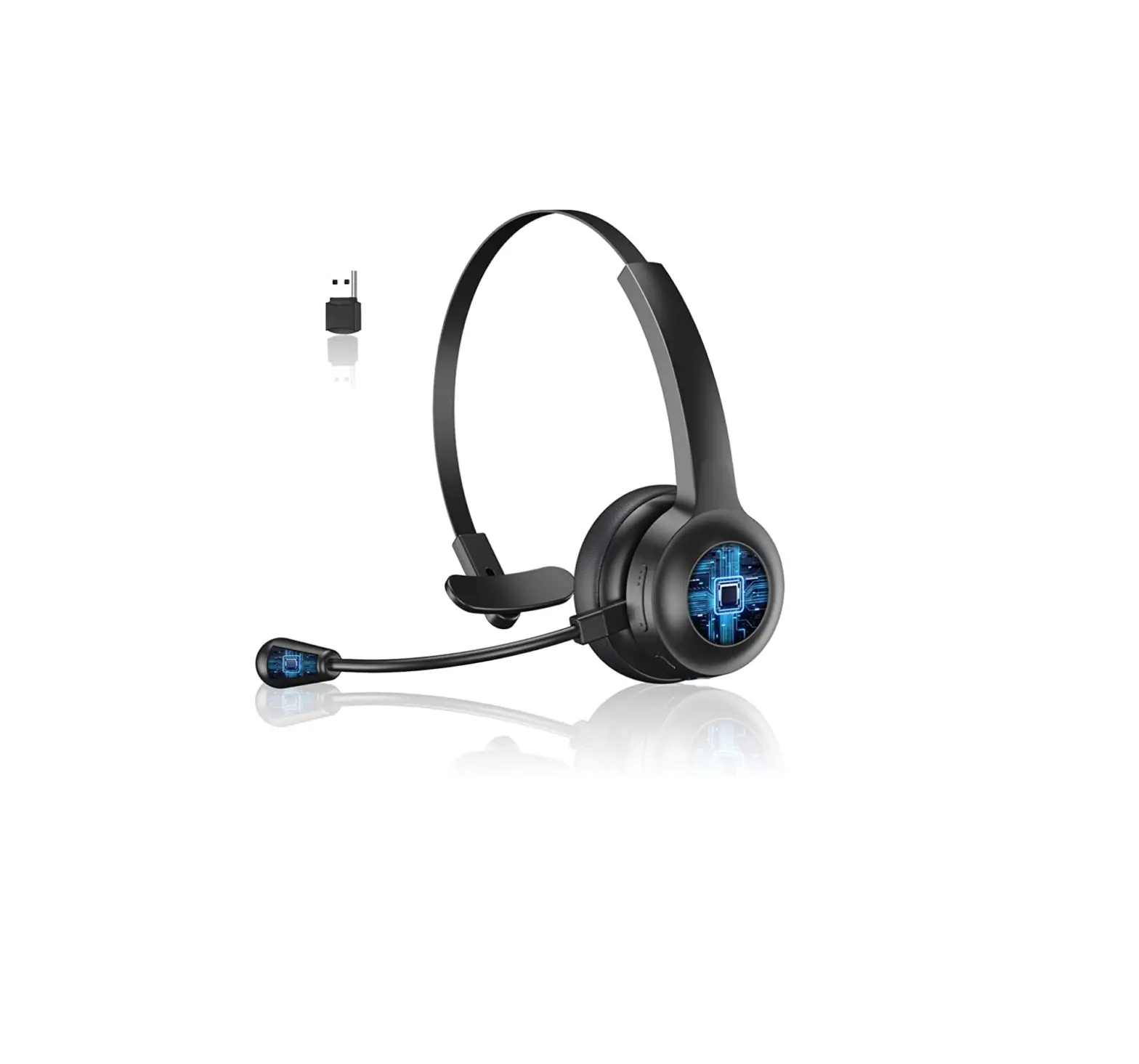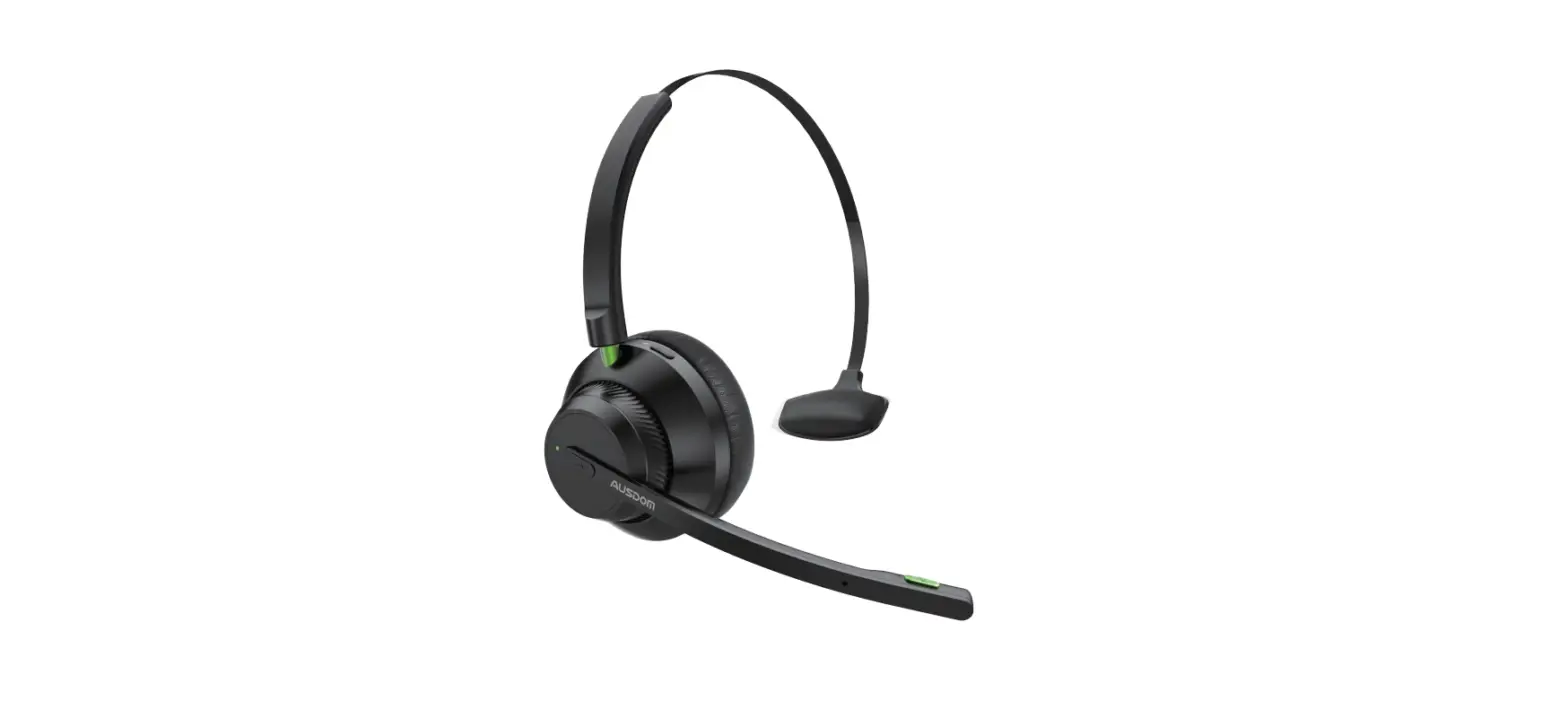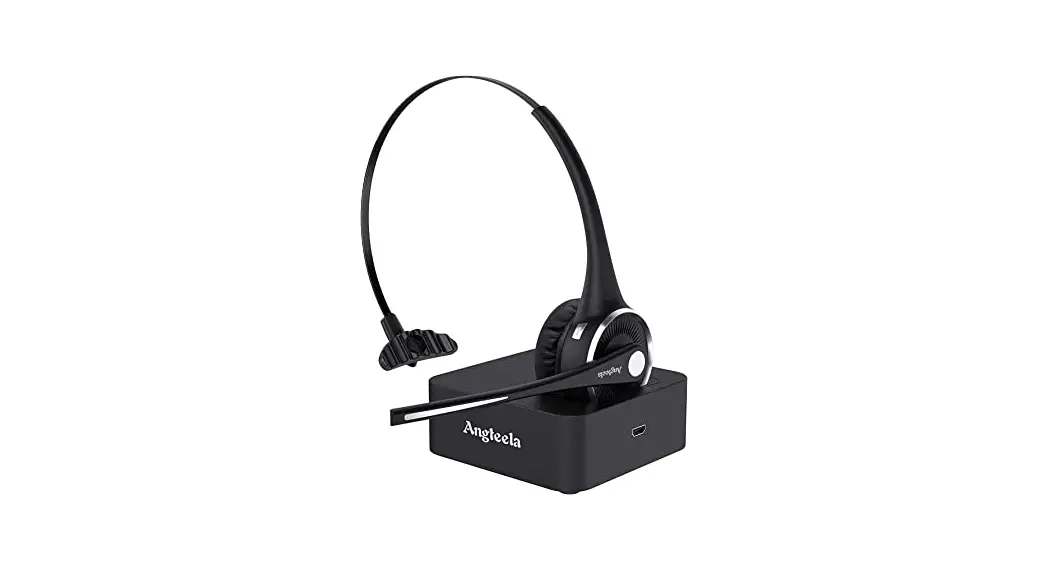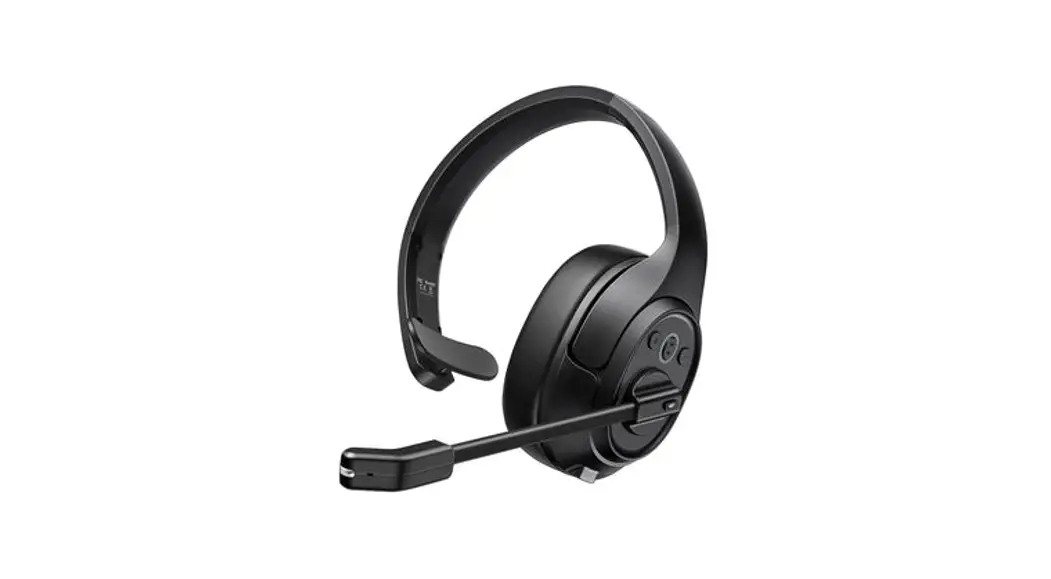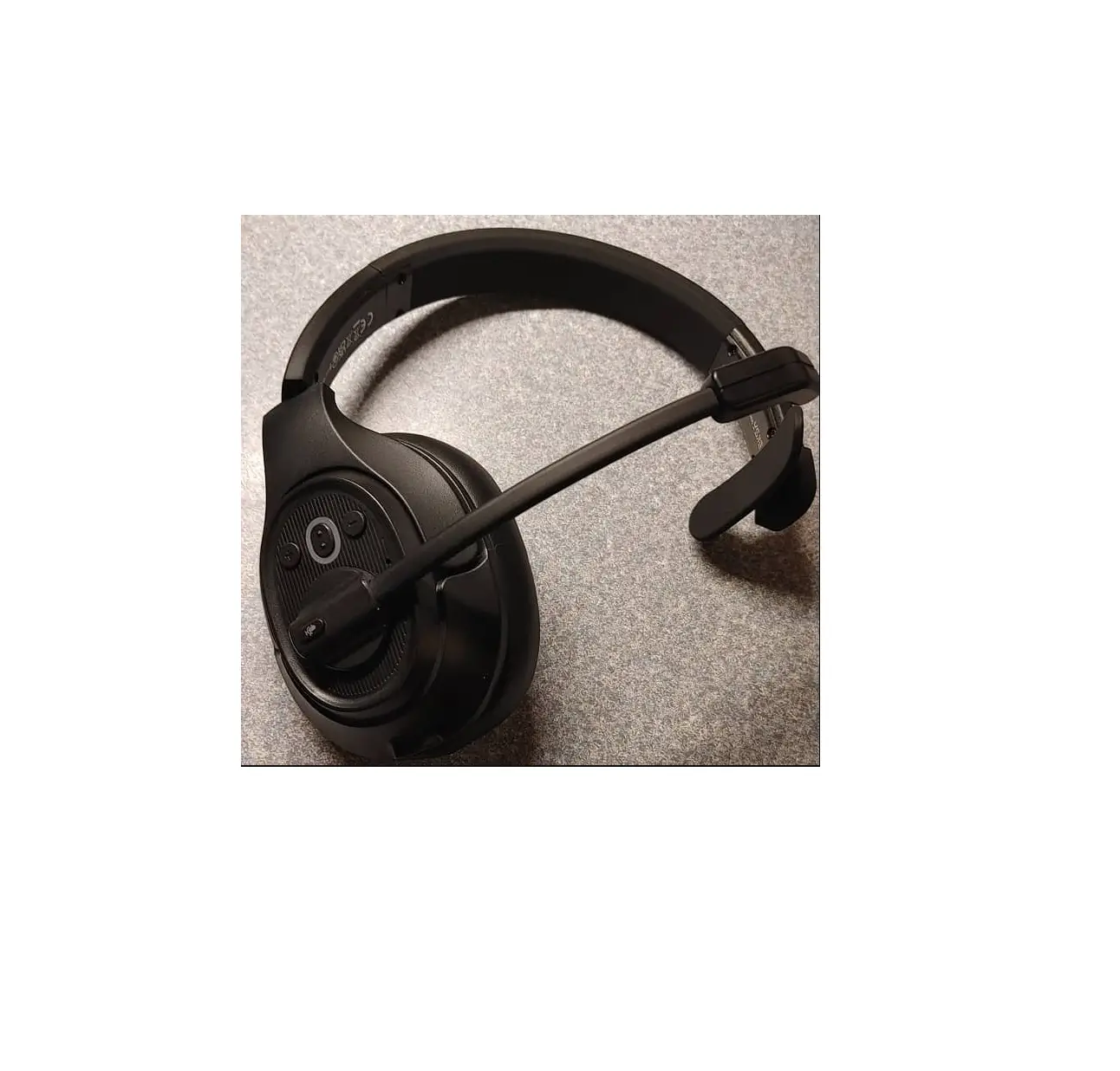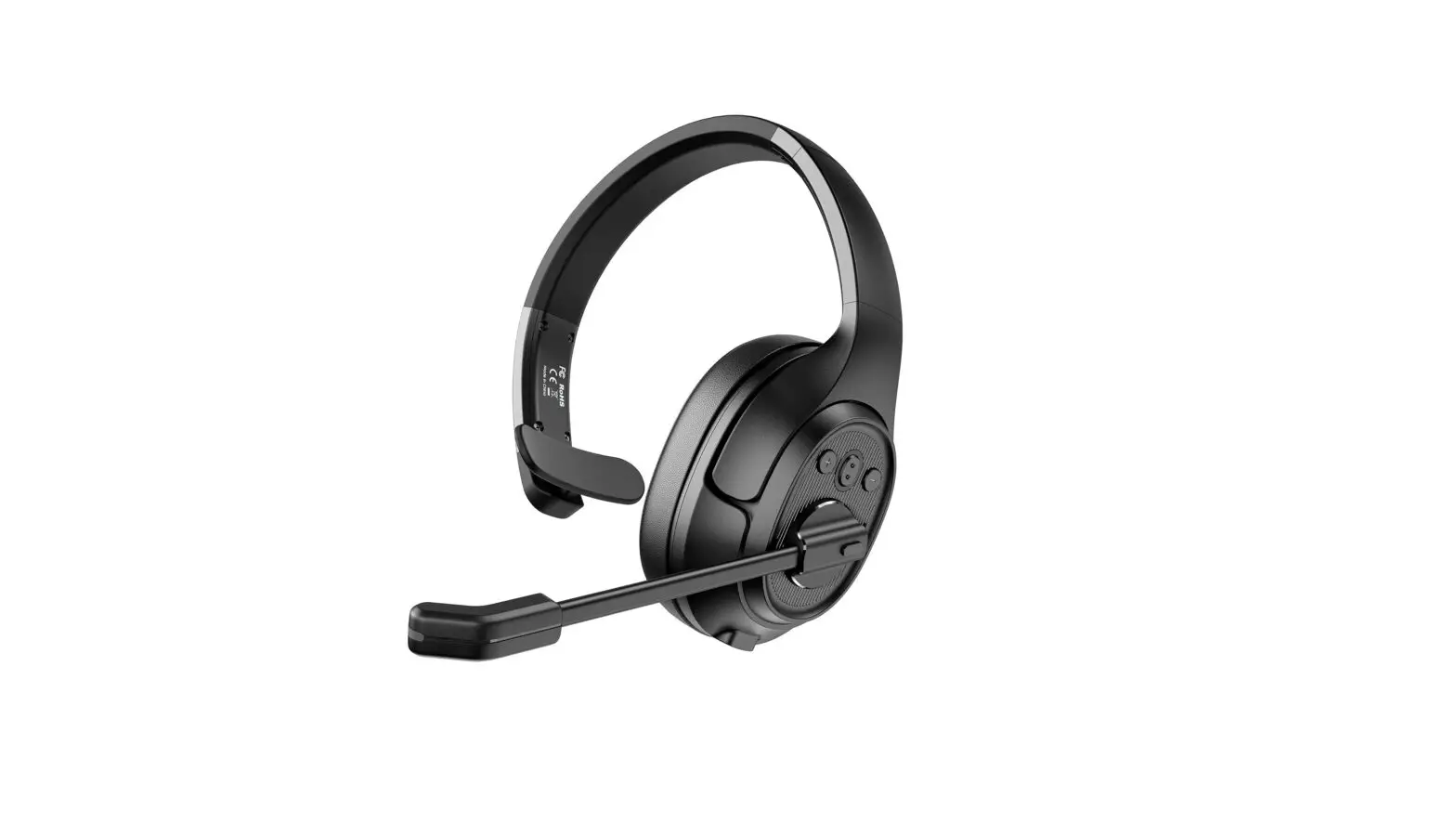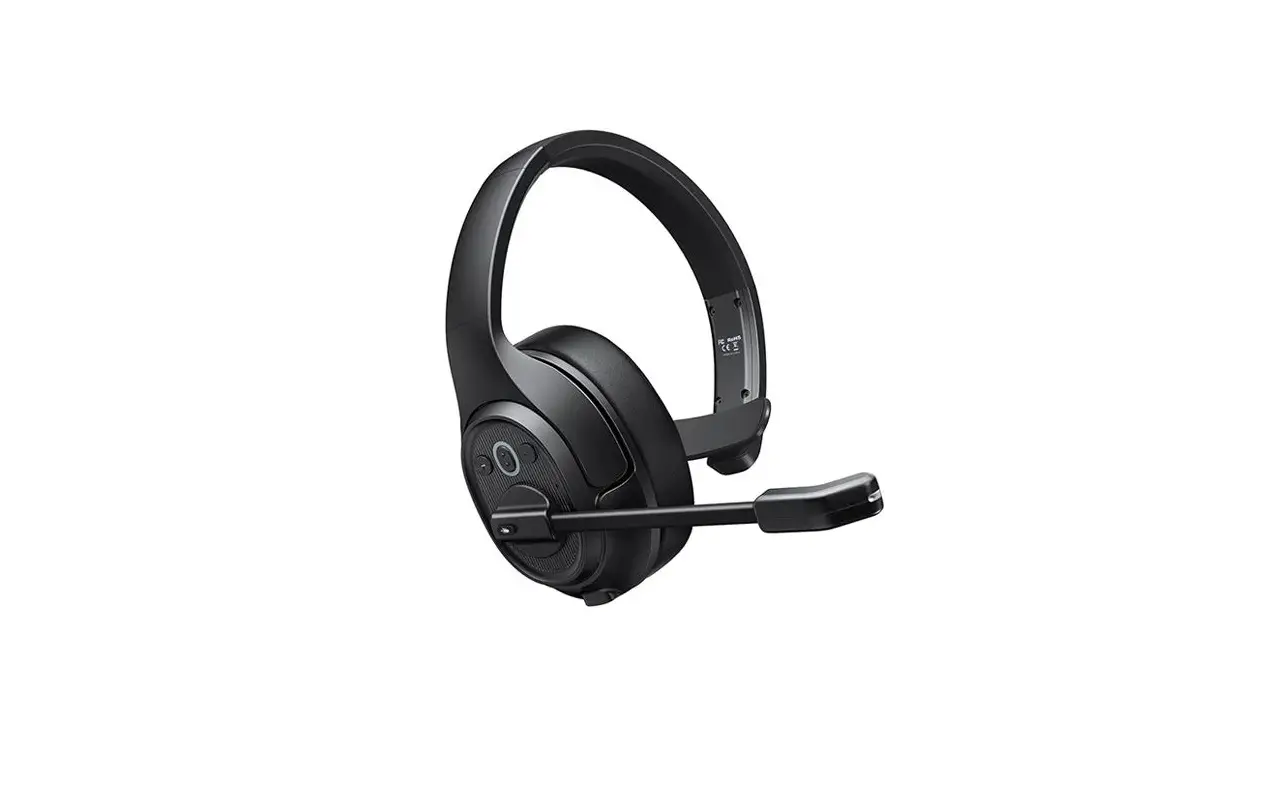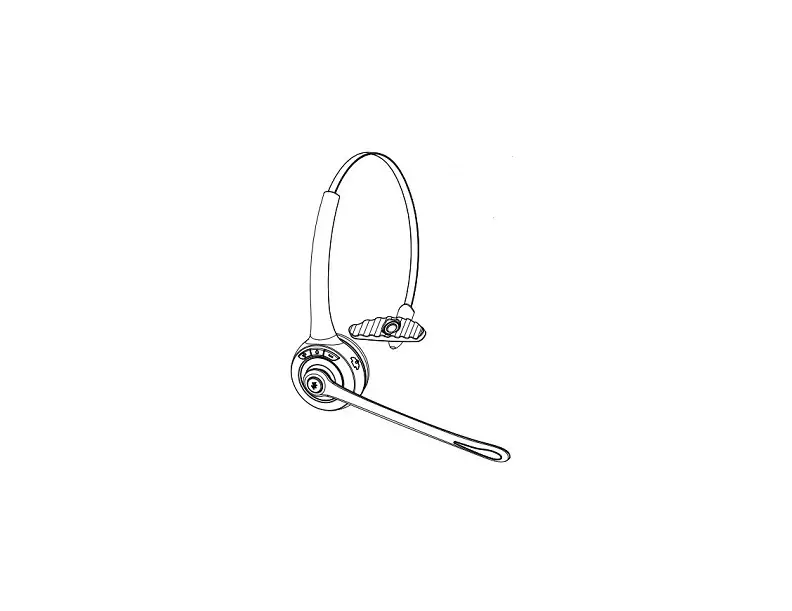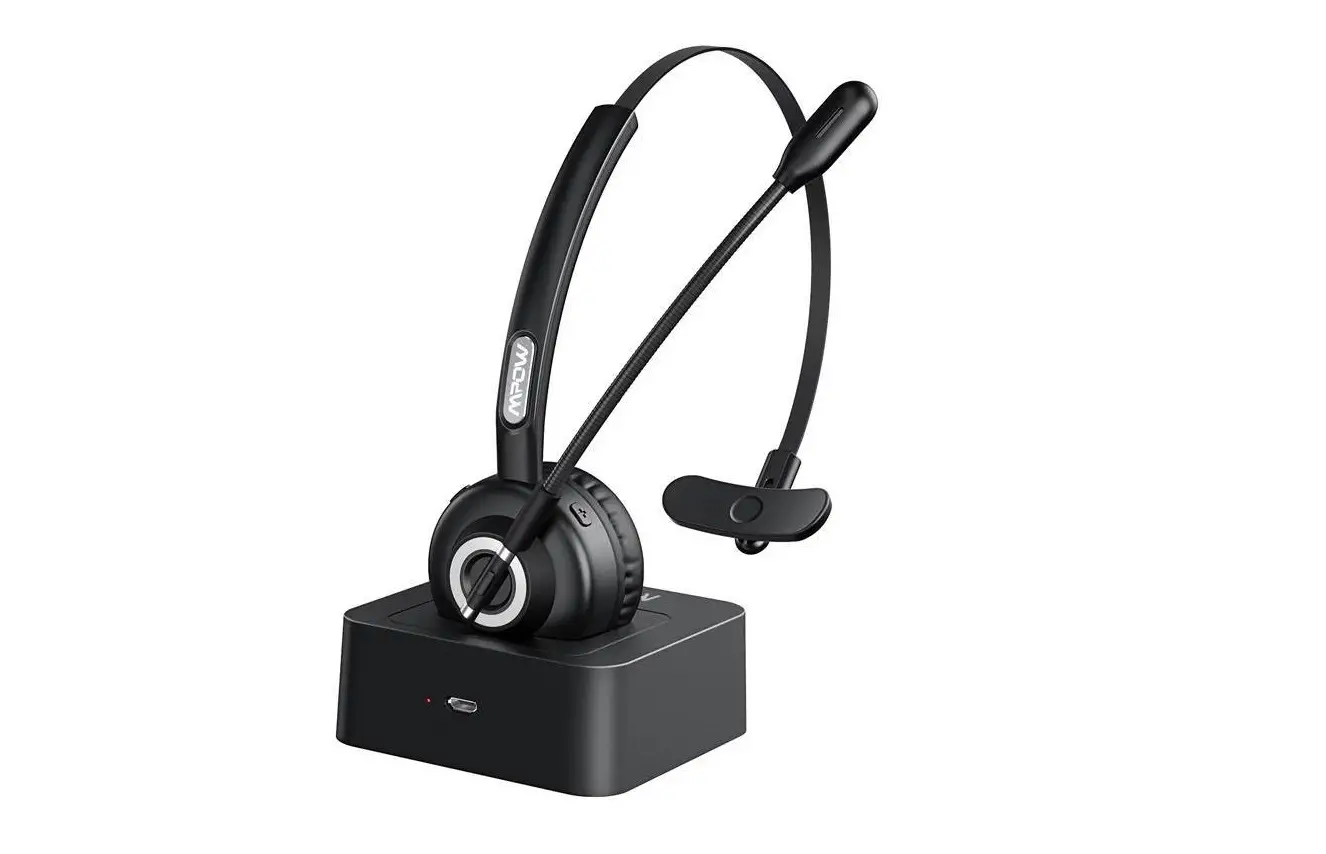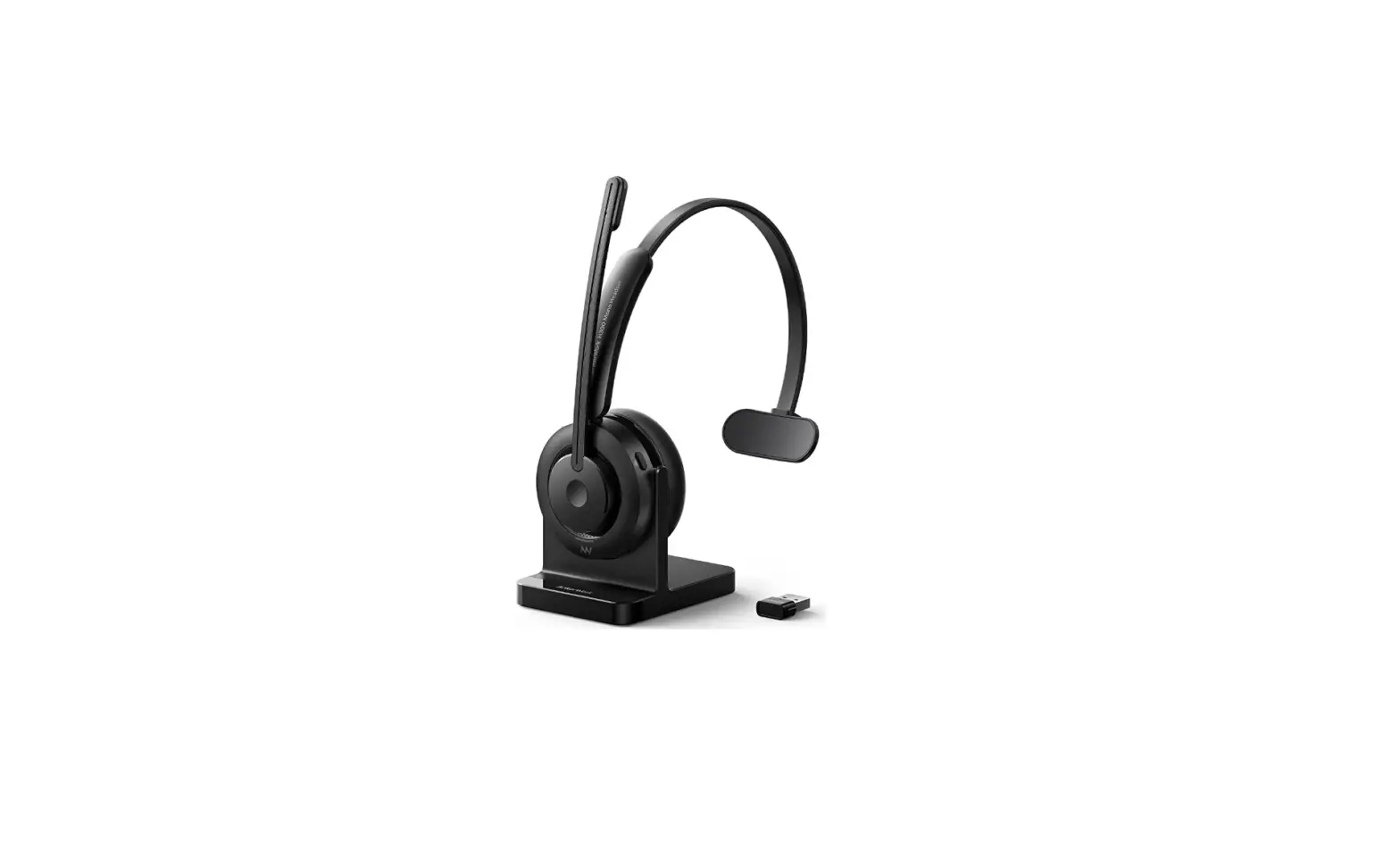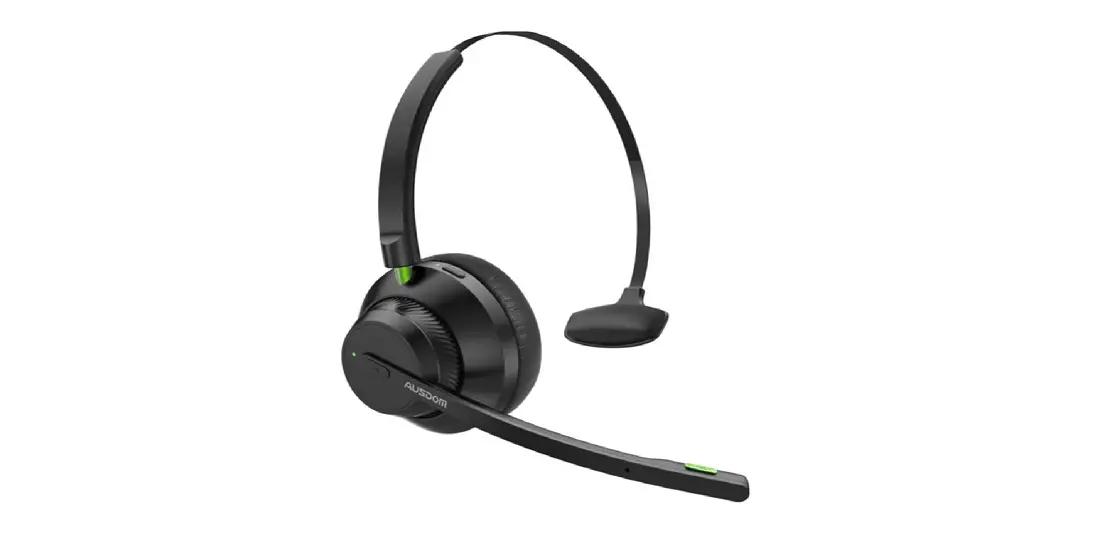

AUSDOM A2301 Trucker Bluetooth 5.1 Headset
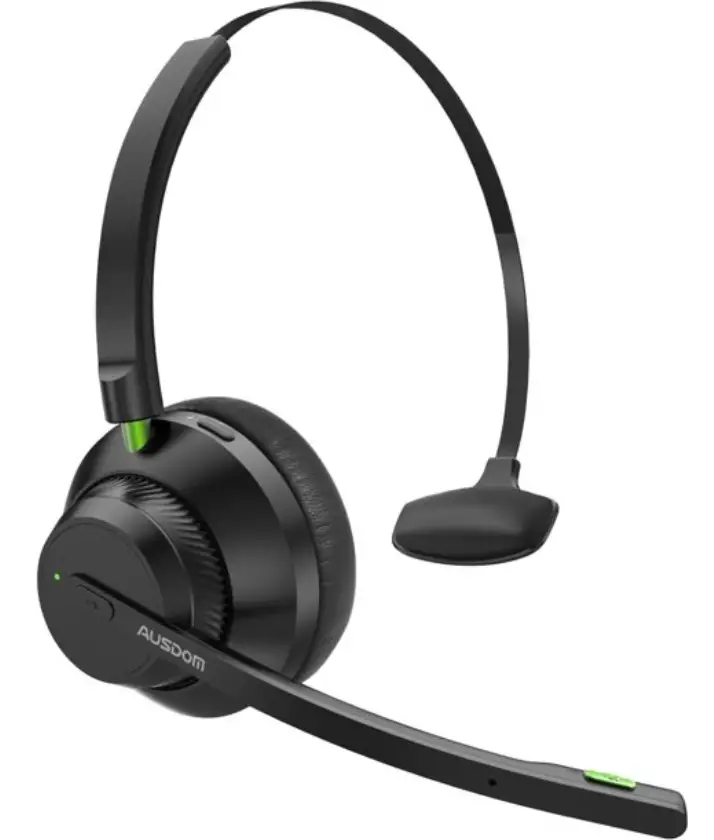
Quick Start
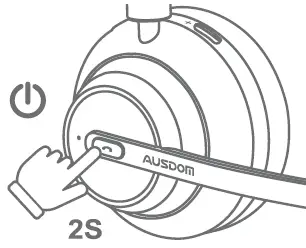
- Step1
Press and hold the power Bluetooth button for 2 seconds to power on.
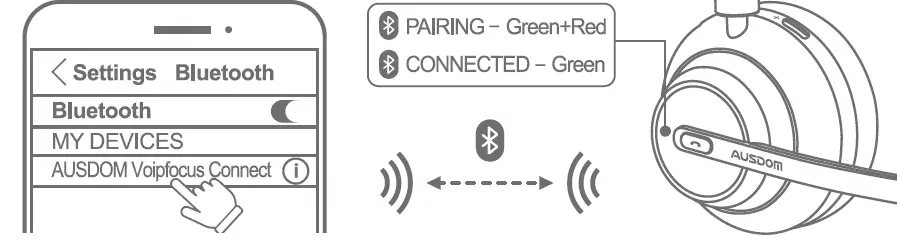
- Step2
Select “AUSDOM Voip focus Connect” on your device’s Bluetooth list to connect.
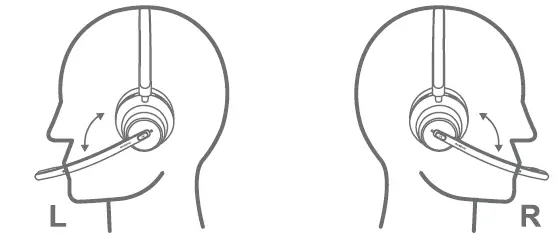
- Step 3
Wear the headset with the microphone boom on either side and adjust it close to your mouth.
Controls
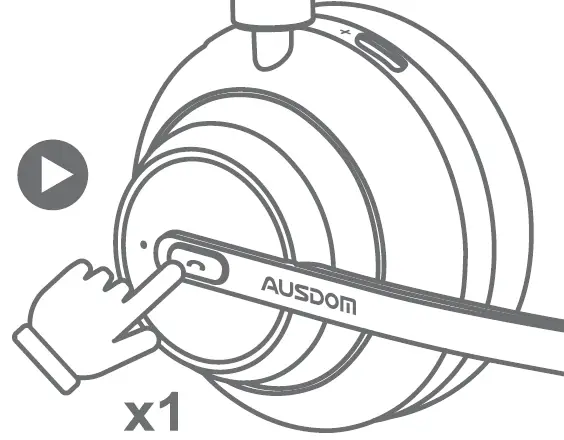
- Play/Pause a Call Music & Answer/End
Press once power Bluetooth button
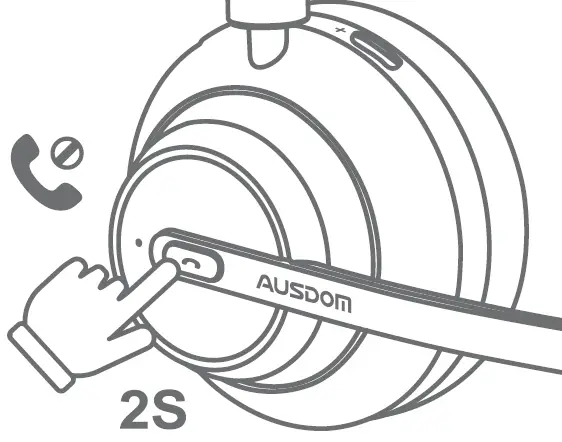
- Reject a call
Press and hold power Bluetooth button for 2 seconds when calls coming
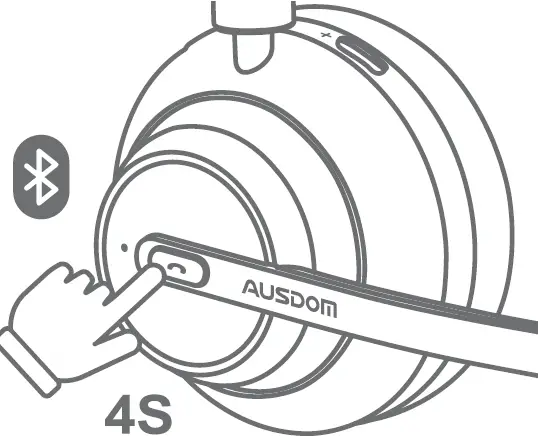
- Repairing
Press and hold for 4 seconds when powered off
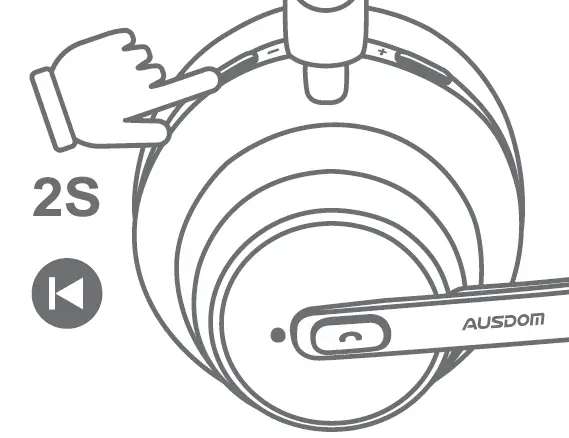
- Previous Track Music
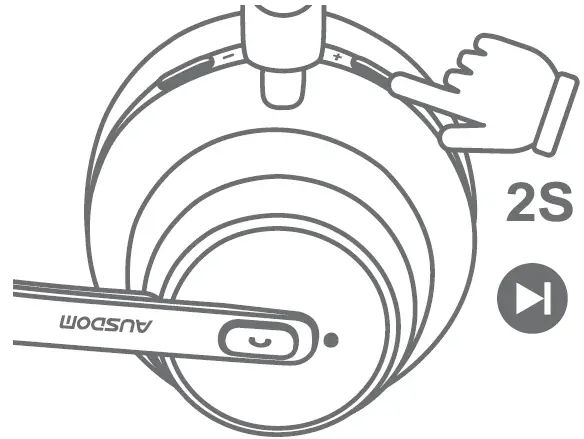
Press and hold Volume- button for 2S
- Next Track Music
Press and hold Volume- button for 2S
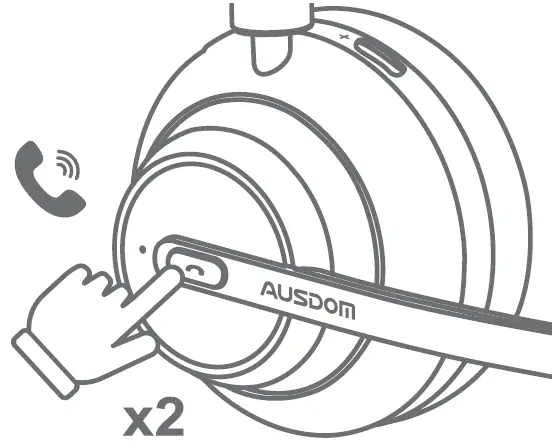
- Last number Recall
Press twice
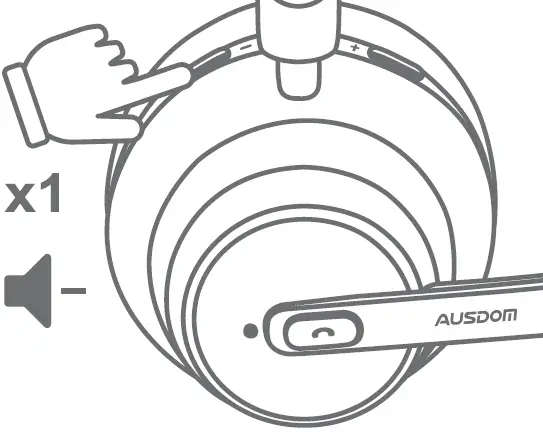
- Volume Down
Press Volume- button once
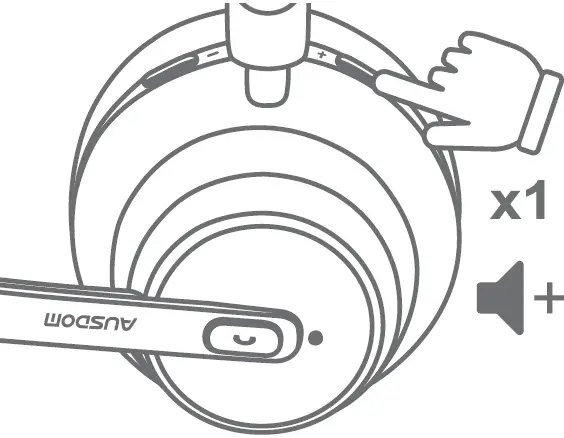
- Volume
Press volume + button once
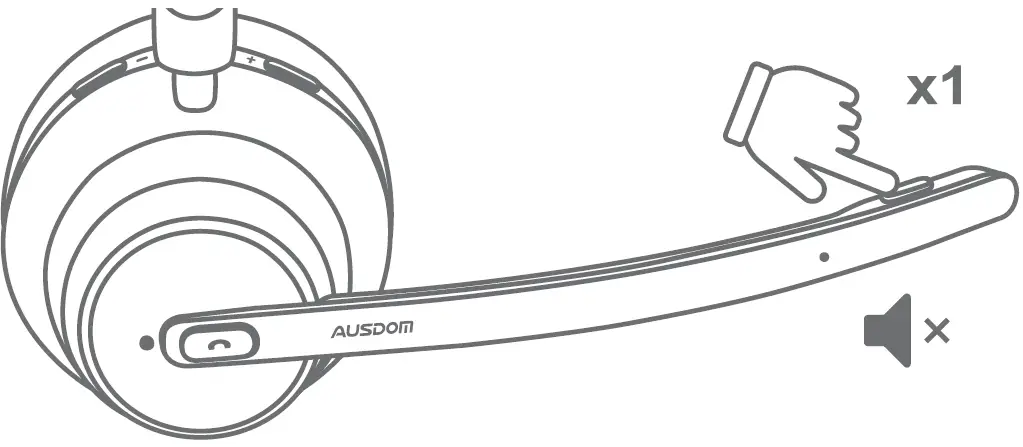
- Mute On/Off
Press mute button once