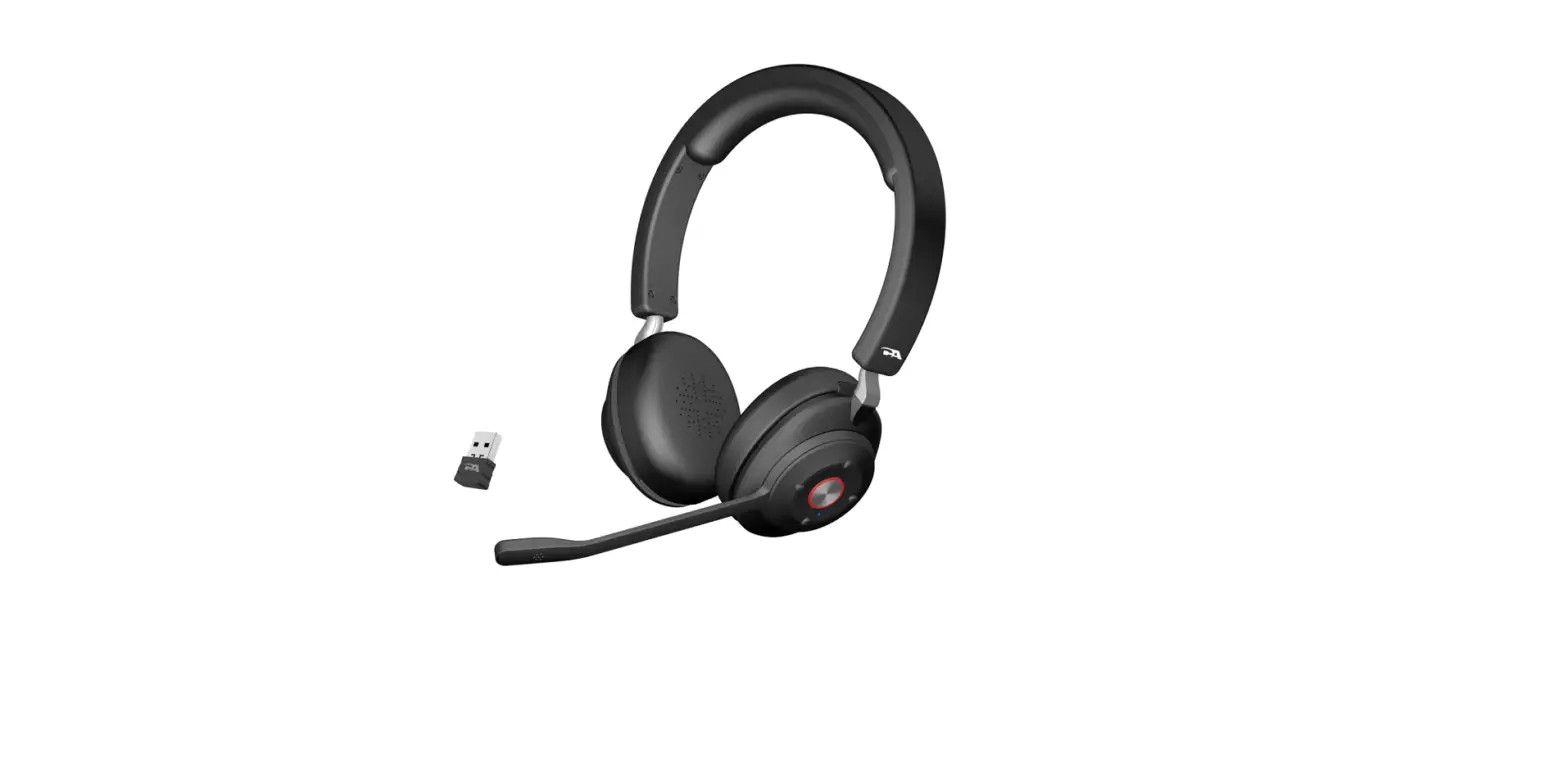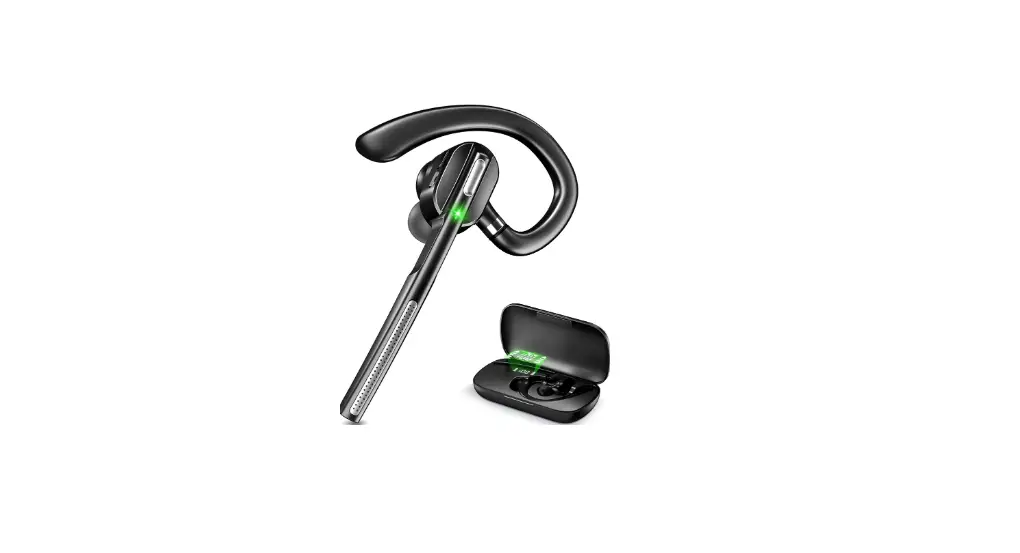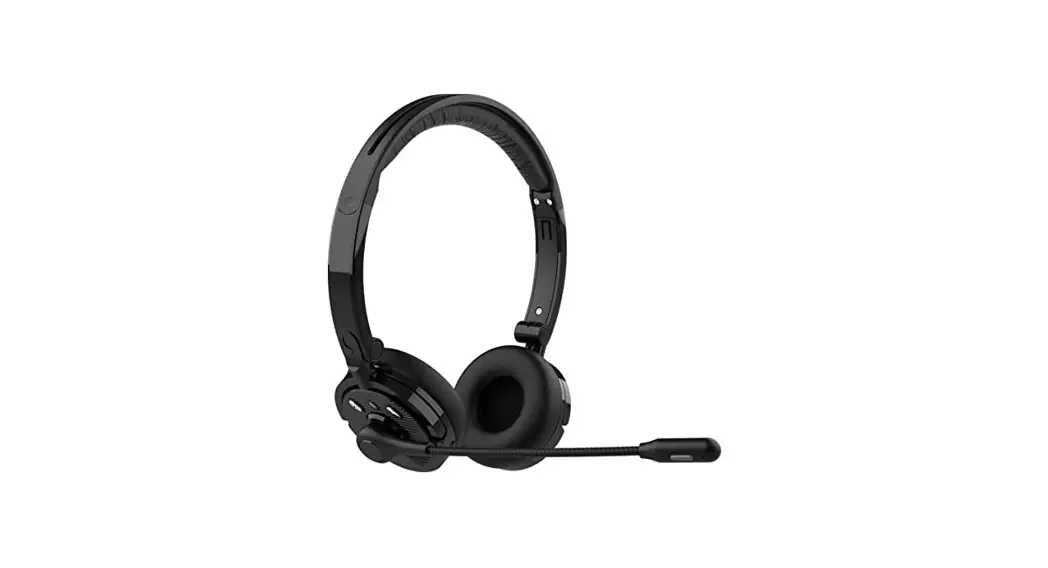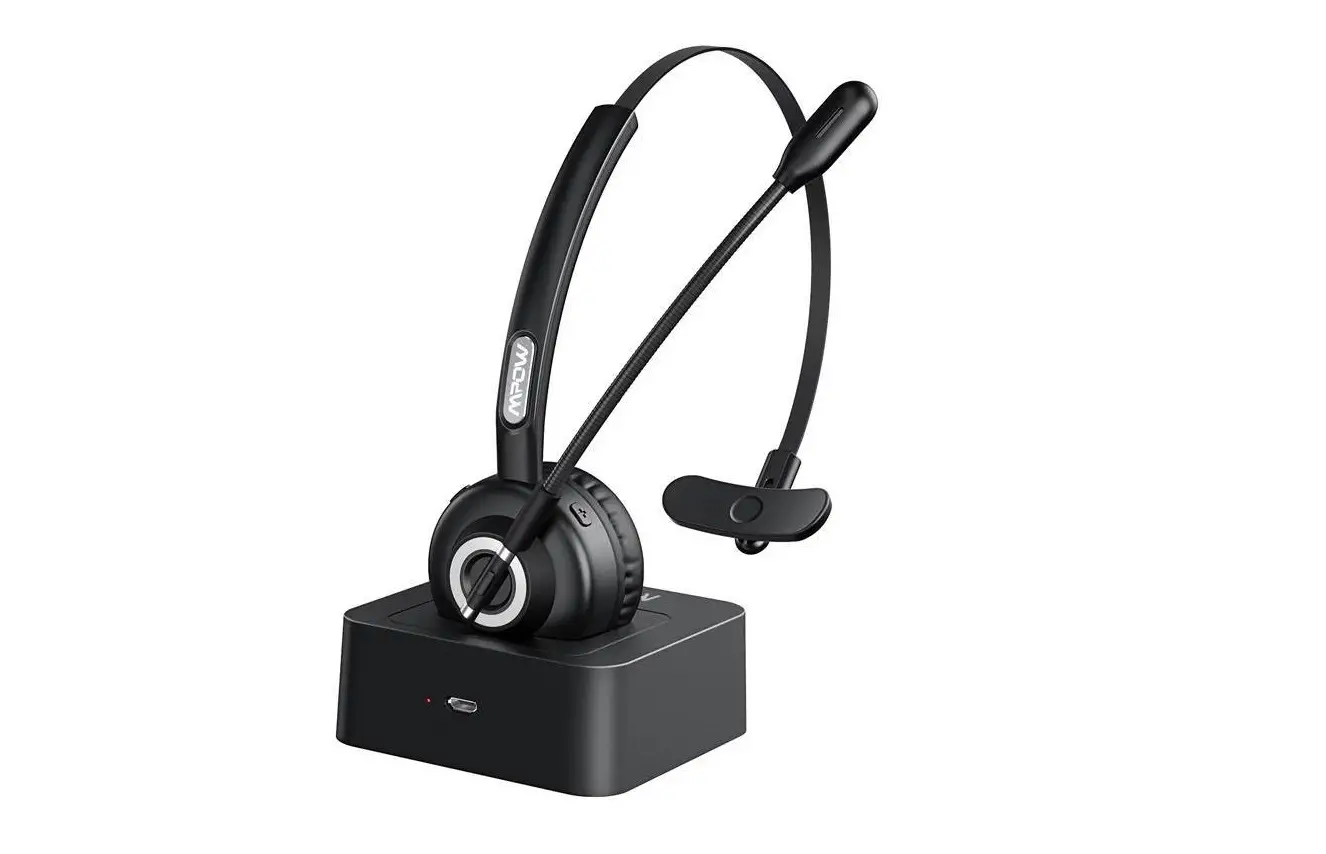
HF Electronics A102 Bluetooth Headset User Manual

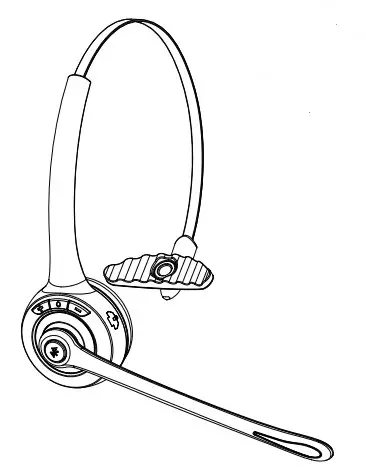
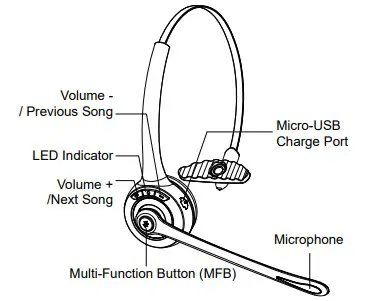
1.Product Overview
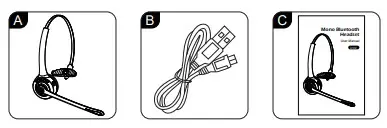
Package Contents:
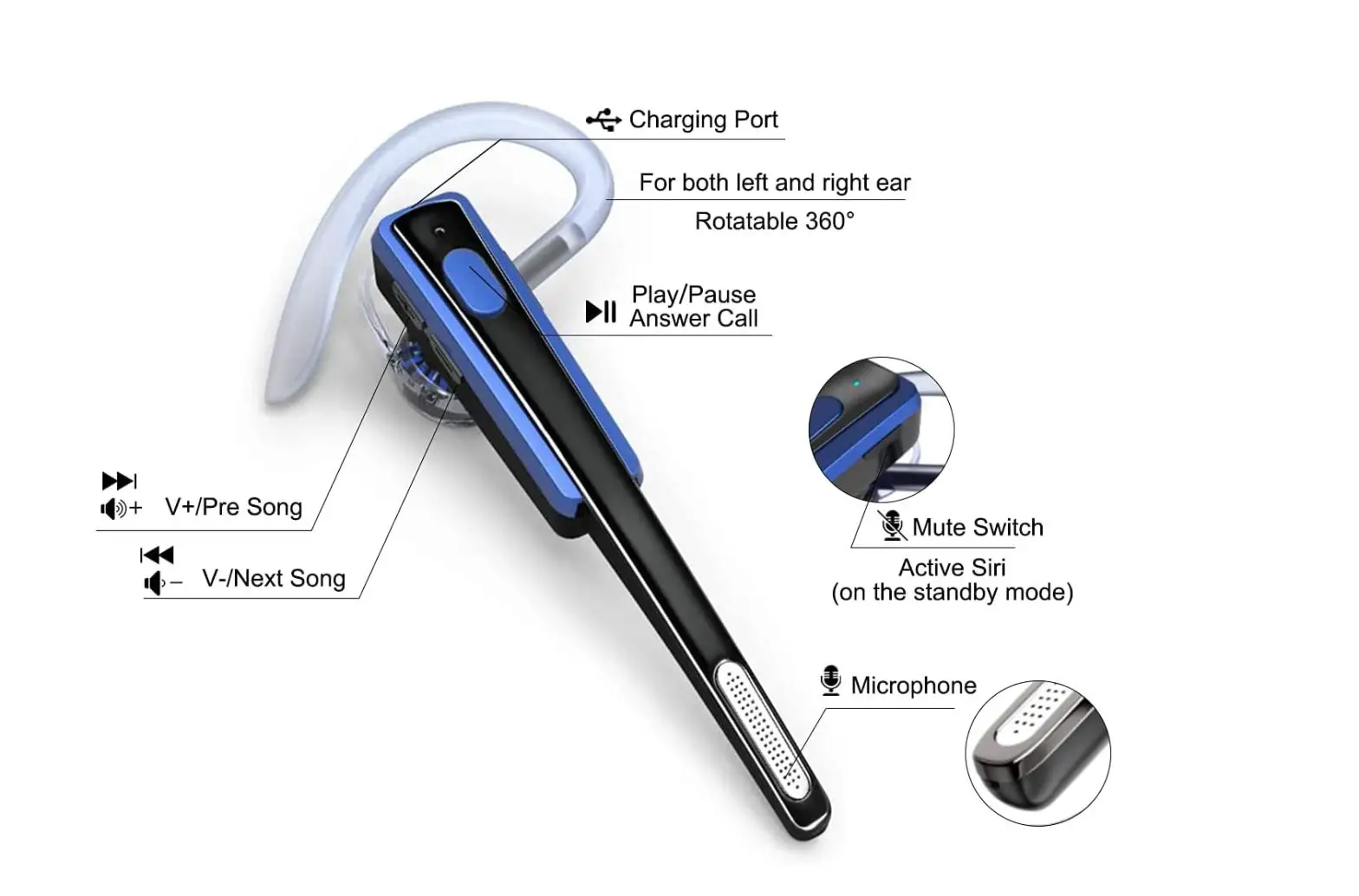
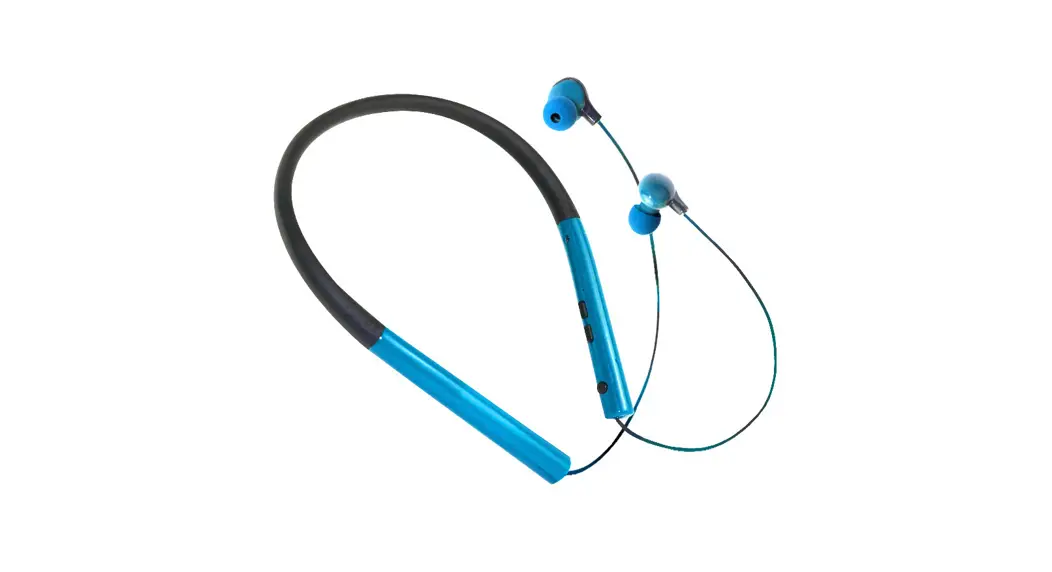
A.Bluetooth Headset A102 X 1
B.Micro USB charging cable x 1
C.User manual x 1
2.Basic Operation
| Button | Function | Operation |
| Button | Power On | In off status,Long press MFB for 3 seconds to power on. |
| Power Off | In on status,Long press MFB for 5 seconds to power off. | |
| Enter Pairing Mode | In off status,long press MFB for 5 seconds to enter pairing mode. | |
| Play/Pause | Short press when play music. | |
| Redial A Call | In connected status,double press MFB to dial the last call. | |
| Voice Dialing | In connected status, long press MFB for 3 second then release. | |
| Audio Switch | When during a call, long press for 1 second MFB then release. | |
| Answer A Call | When a call incoming,short press to answer | |
| Hang Up A Call | When during a call, short press to hang up | |
| Reject A Call | When a call incoming, long press for 1 second to reject a call. | |
| Microphone Mute | When during a call, double press to mute, double press again to cancel | |
| Volume + | Volume Up | Short press. |
| Next Song | Long press for 1 second. | |
| Volume – | Volume Down | Short press. |
| Previous Song | Long press for 1 second. |
3.Bluetooth Pairing and Connection
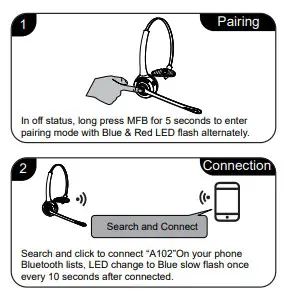
A. In off status, long press MFB for 5 seconds to enter pairing mode with Blue & Red LED flash alternately.
B. Search and click to connect”A102″ on your phone Bluetooth lists, LED change to Blue slow flash once every 10 seconds after connected, now you can play music from phone to headphone.
C. You can press MFB / volume+ / volume- on the Bluetooth headset to control the answer/hang up a call and play/pause) of the music, next and previous song, volume up and down.
4.Connection with Two devices
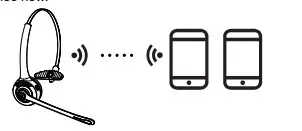
IA. Follow part 3 to connect with first phone, then turn off the Bluetooth function of first phone.
B. Turn off the headset then long press MFB for 5 seconds to enter pairing mode again with Red & Blue LED flash alternately. Turn on the Bluetooth function of second phone to search and connect “A102”, LED change to Blue flash once every 10 seconds.
C. Turn on Bluetooth function of second phone, click to reconnect “A102” on Bluetooth lists. LED change to Blue slow flash after connected.
D. Turn on Bluetooth function of first phone, click to reconnect “A102” on Bluetooth lists. Headset is connected with two phones now.
Notes :
Music only can be played from one phone under two connections, when you want to play music from another phone, you need to pause or turn off the music of the previous
phone. The same operation during talking status.
5.LED Indicator
| Mode | LED Indicator |
| Power on | Blue LED flash 3 times |
| Power off | Red LED is on for 1 second |
| Pairing mode | Red & Blue LED flash alternately |
| Reconnect mode | Blue LED flash twice every 5 seconds |
| Connected standby mode | LED Blue flash once every 10 seconds |
| Playing Music | LED Blue flash twice every 10 seconds |
| Talking | LED Blue flash twice every 10 seconds |
| Charging | Solid Red LED |
| Full charged | Solid Blue LED |
| Low battery | Red LED flash |
6.Charging
Please charge the A102 at once when the Red LED flash.
Charging time is about 2 hours. Red LED turn off and blue LED turn on when full charged.
Charge Connections
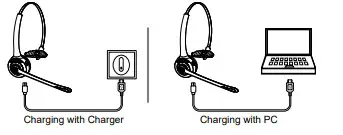
Please connect to the A102 charging port through the Micro
USB end of Micro USB charging cable, the USB end to the charger as car charger, travel charger, computer USB, etc.
Notes :
- Please charge the A102 at least one time every 2 months when don’t use it.
- Plug charging cable for charging when power on, will reset the headset and power off.
7.Product Specification
| Bluetooth Version | V5.1 |
| Bluetooth Chipset | QCC3020 |
| Operation Range | 10 meters |
| Battery Capacity | 180mAh/3.7V |
| Charging Time | About 2 hours |
| Standby Time | About 160 hours |
| Music Time | About 13 hours |
| Talking Time | About 11 hours |
| Working Temperature | -10- 55°C |
Notes :
* Actual use time will differ from environment and music
8.Attentions and Q & A
A. How to reconnect and operation when failed to reconnect?
When A102 connected with your mobile phone successfully at the first time, it will search and reconnect the paired device automatically when power on, If failed, please pair and connect again.
B. How to delete paired records? In power on status, long press the Volume – and Volume + for 5 seconds to clear the pairing record. Blue and Red LED flash once at the same time that means the pairing record
has been cleared, and the A102 will not connect the connected device. When there are various connection problem, try clearing the pairing record firstly.
C. What devices could charge for the headphone? Any car charger, power bank, PC etc which meet DC 5V , charging current more than 500mA could be charge for this item.
D. How to do if can not power on or dead? Please try charging reset: Plug the charging cable when power on, it will reset the headset and power off.