 INSTALLATION AND SETUP
QUICK START GUIDE
MD-2
CLOUD-INTELLIGENT
INDOOR DUAL
MOTION & LIGHT
SENSOR
POWERED BY PoE+
PACKAGE CONTENT
| PACKAGE CONTENT | 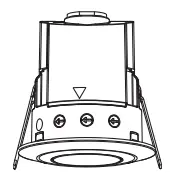 | 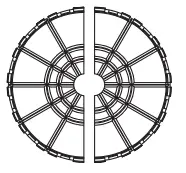 |  |
| ITEM | PoE Motion/ Light Sensor | Lens Shield | Quick Start Guide |
| QUANTITY |
PRODUCT DESCRIPTION
2.1 Features
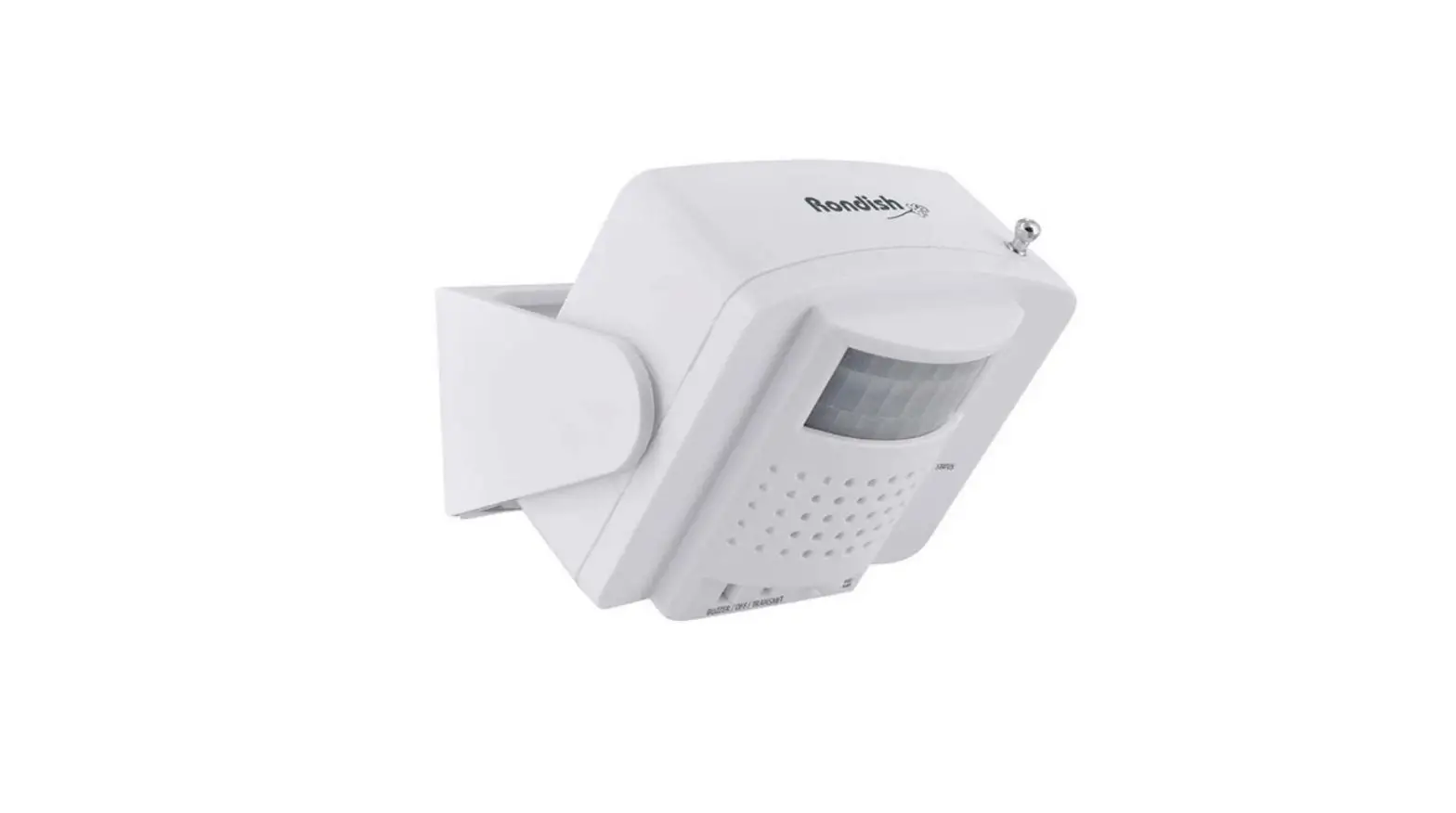
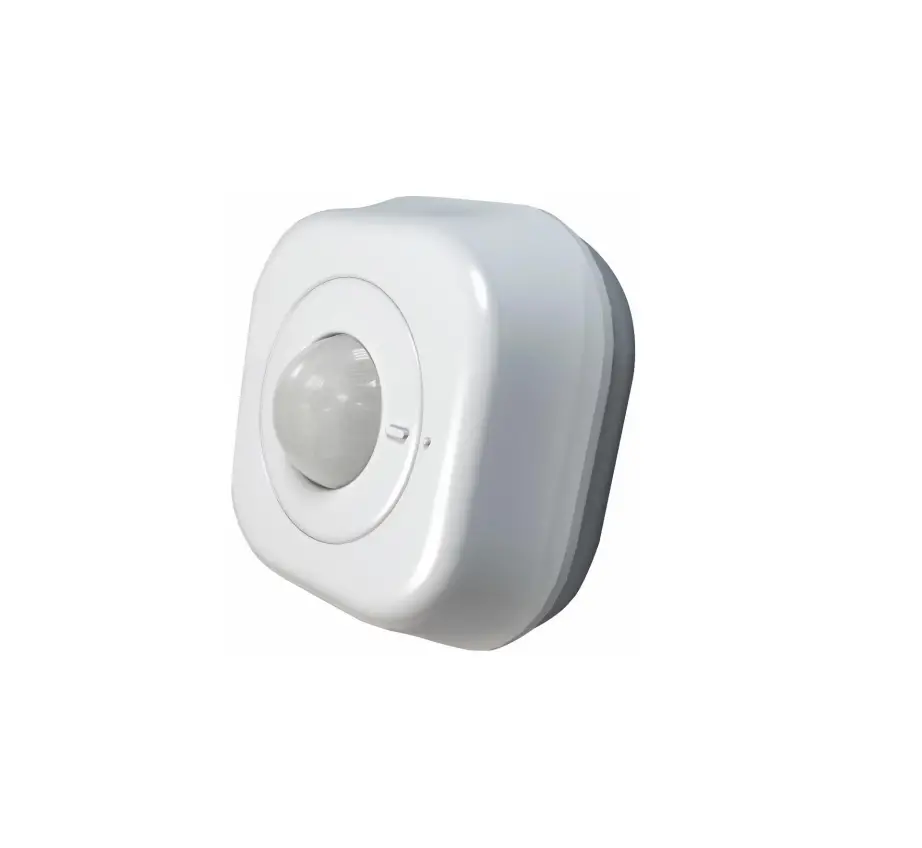
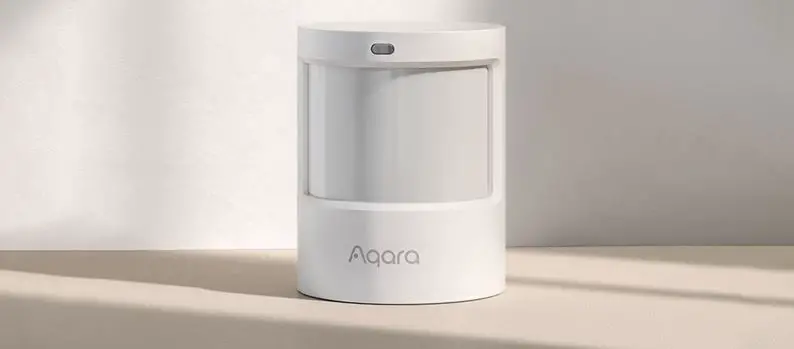
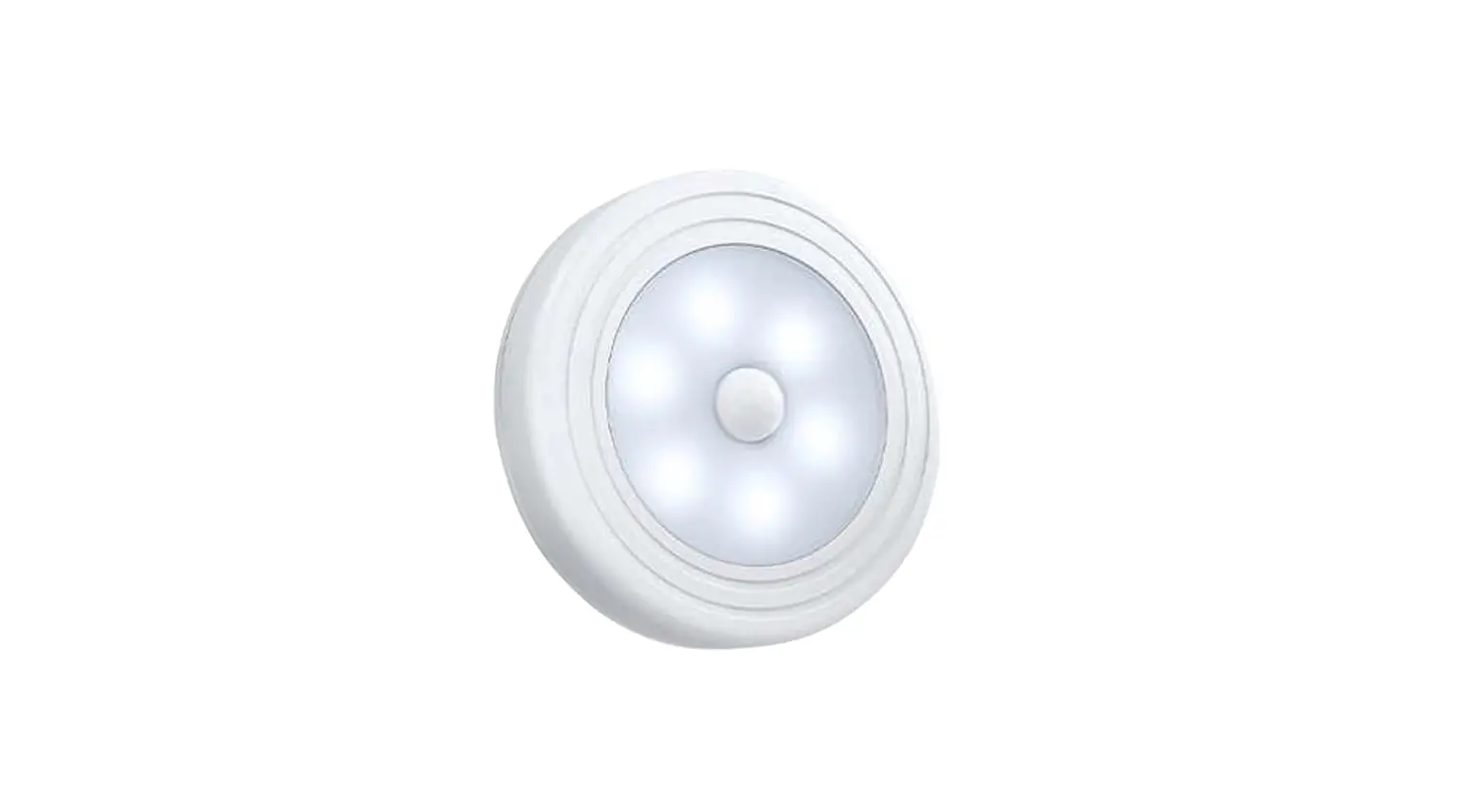
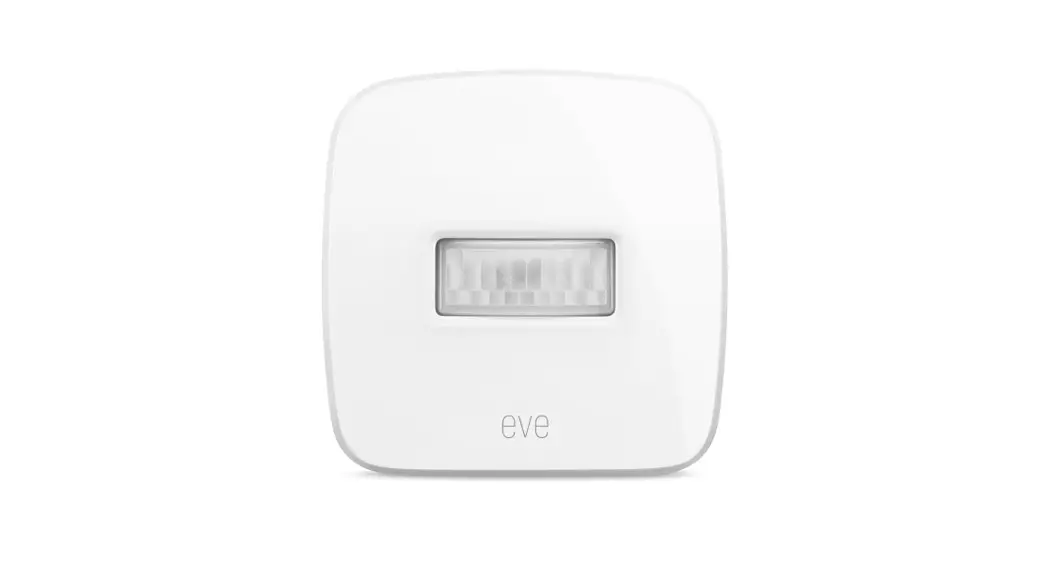
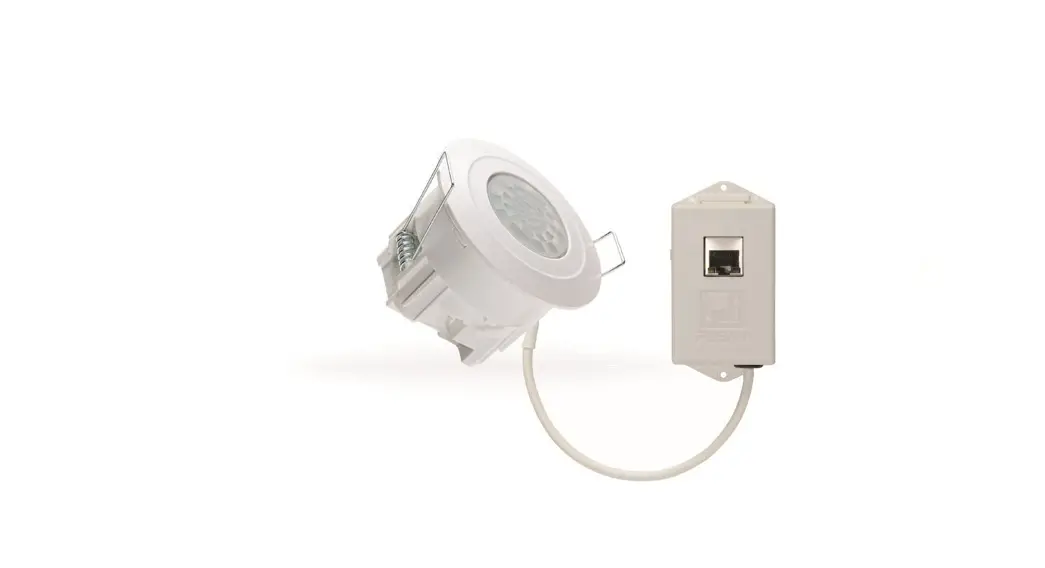
This flush-mountable Passive Infrared Motion Detector is ideal for an indoor installation. It will trigger lights to automatically power on when an occupant enters its monitored space and power off when the space becomes vacant. App-controlled Lux, Time, and Duration-adjusting functions allow the user to conveniently control conditions of motion detection.
2.2 Dimensions (See Fig 1-A and Fig 1-B)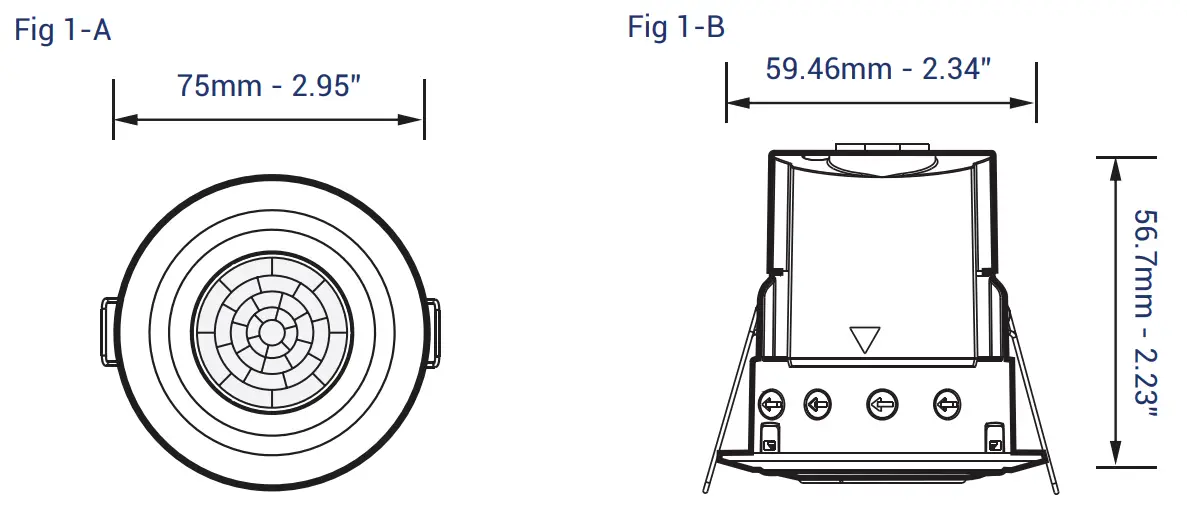
INSTALLATION & WIRING
3.1 Select a Proper Location
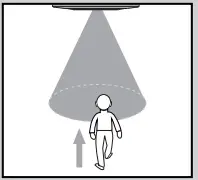
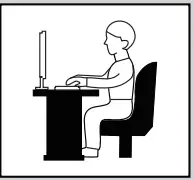
The unit can be installed at a height of 2-4m (6.56 – 13.12ft). At a height of 2.5m (8.02ft), the detection range can reach up to 8m (26.24ft) in diameter with a 360-degree detection angle.
3.2 Installation Procedure
a. Drill a hole with a diameter of 65mm (2.55”) on the ceiling sheetrock. (See Fig 2)
b. Connect a Cat Cable to the MD-2 PoE Driver
c. Insert the MD-2 PoE Driver into the drilled hole cavity
d. Close two spring clips of the detector and insert detector into the ….. drilled hole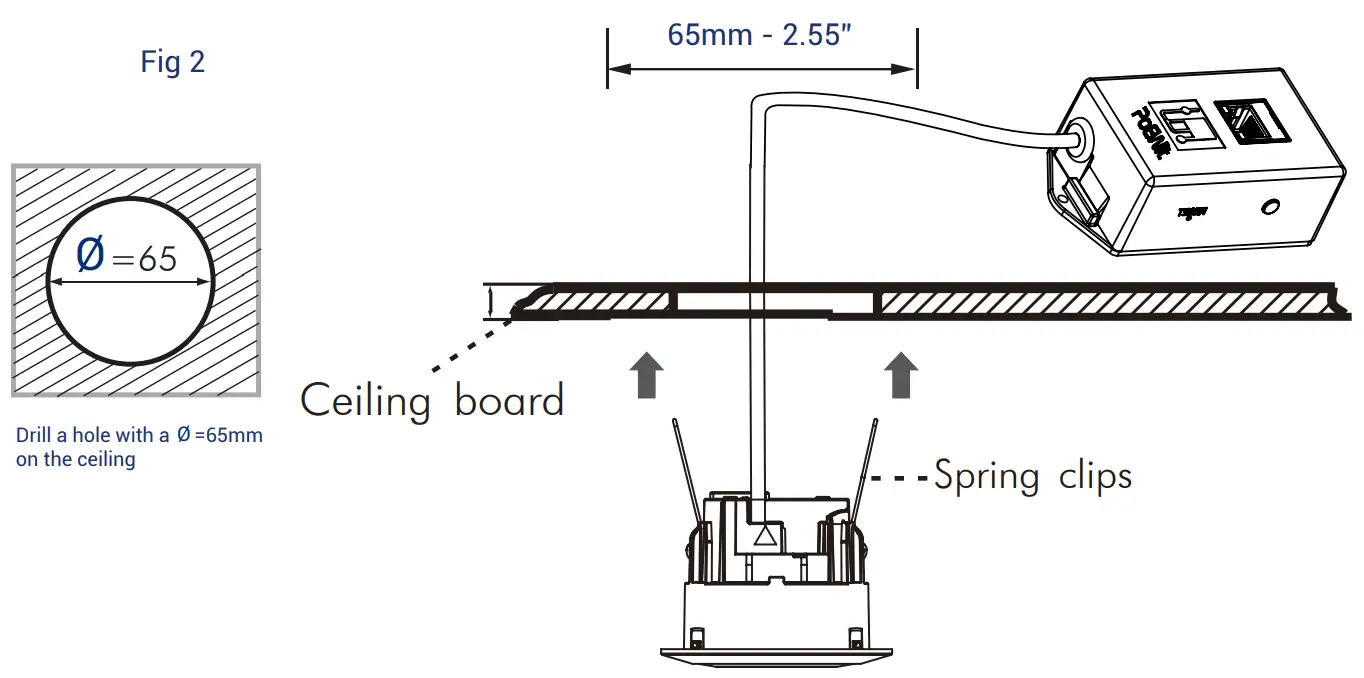
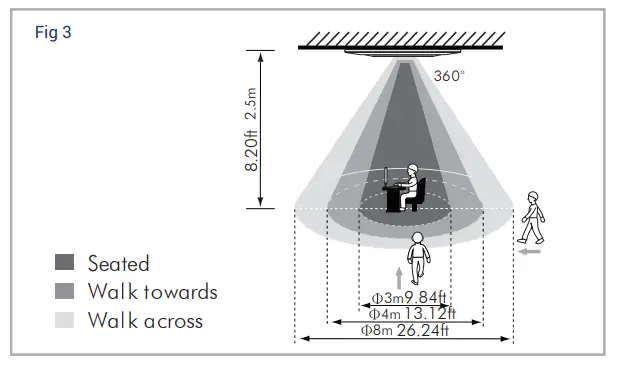
| Height | Walk Across | alk Towards | Seated |
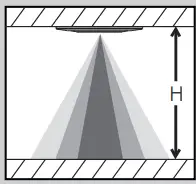 | 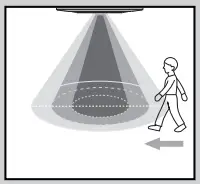 |  |  |
| 6.56ft 2.0m | 6ft 7m22.9 | 9.84ft 3m | 9.84ft 3m |
| 8.20ft 2.5m | 26.24ft 8m | 13.12ft 4m | 9.84ft 3m |
| 9.84ft 3.0m | 29.52ft 9m | 13.12ft 4m | 19.84ft 3m |
| 11.48ft 3.5m | 32.80ft 10m | 13.12ft 4m | 6.56ft2m |
| 13.12ft 4.0 m | 13.12ft 8m | 13.12ft 4m | N/ a |
Note: The unit is more sensitive to movement across than to move towards the detector. Detection coverage is reduced when walking directly toward the unit. (See Fig 3 & 4)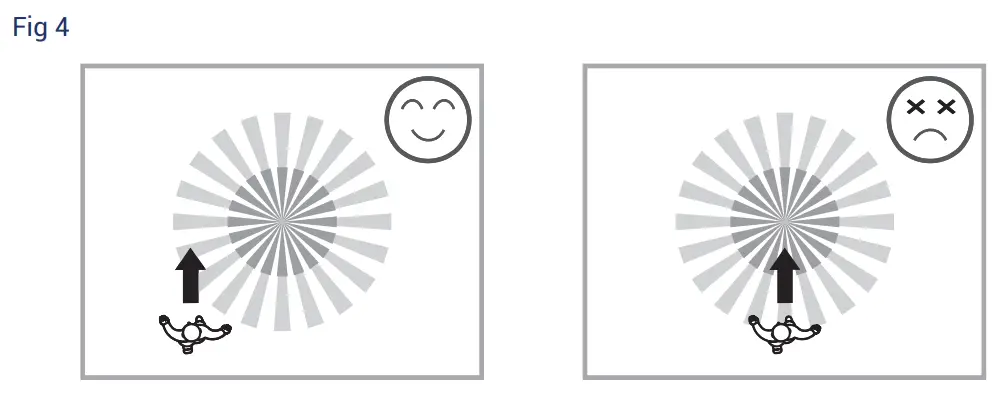
3.3 Helpful Tips for Installation
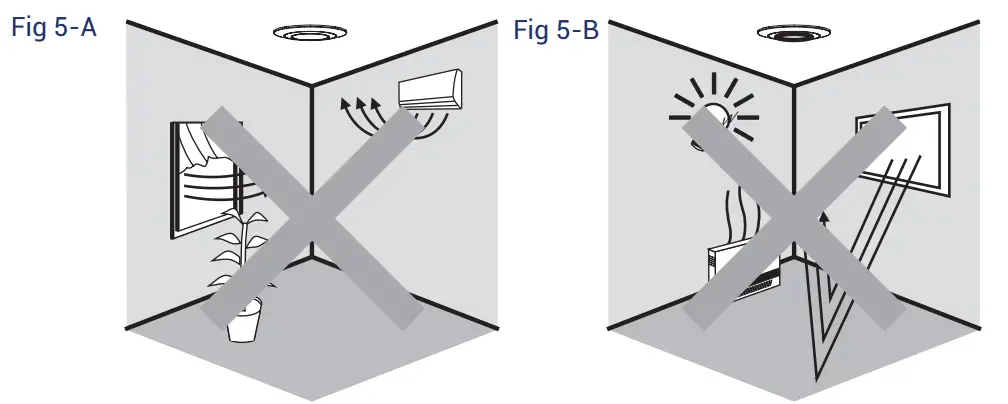
WARNING: The detector will respond to temperature changes.
- Avoid pointing the detector toward highly-reflective surfaces (such as mirrors, glass, etc.)
- Avoid mounting the detector near heat sources (such as heating vents, air conditioners, lights, etc.)
- Avoid aiming the detector towards objects which may sway in the wind (such as curtains, tall plants, etc.) (See Fig 5-A & 5-B)
SHIELD
4.1 Usage of Lens Shield
The MD-2 has two (2) lens shields for masking the undesired detection area. (See Fig 6)
| Used Lens Shield | Covered Detection Range |
| None | 26.24ft 8m |
| Small Segment | 30º per piece |
| A+B+C | 3.28ft 1m |
| A+B | 9.84ft 3m |
| A | 16.40ft5m |
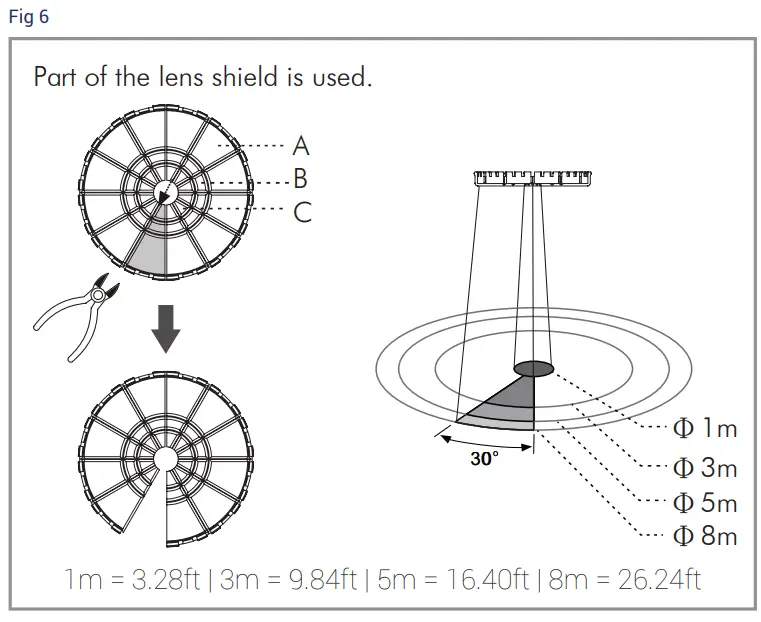
The shadow of the lens shield in Fig 6 represents the area excluded from detection.
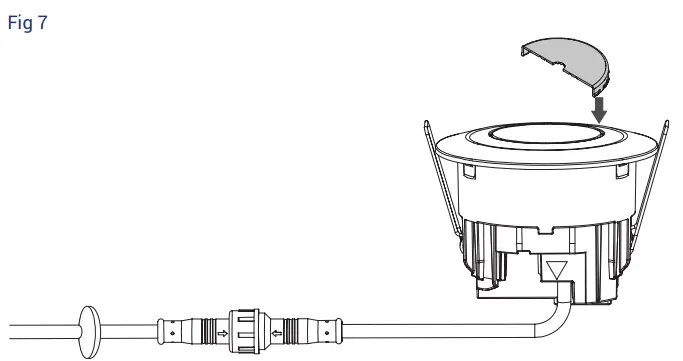
After selecting the desired detection area, the redundant lens shield should be illuminated. Fixing lens shield: There is a slot around the lens; insert the lens shield into slot. (See Fig 7)
CONFIGURATION INSTRUCTIONS
Power on the device. You should automatically be connected to the Internet. You are now ready to download and install the PoEWit app. Search “PoEWit” in the Apple App Store or Google Play.
NOTE: Your device and mobile phone must both have an Internet connection through the same external IP address and must be on the same local subnet.
After initial configuration, a PoEWit wall switch and/or PoEWit motion detector PIR can control the lights should the Internet connection go down. 
TROUBLESHOOTING
When the MD-2 works abnormally, check the “problems and suggested solutions” table below.
| Problem | Possible Cause | Suggested Solution |
| Nuisance triggered | There are heat sources, highly- reflective objects, or other objects which may sway in the wind within the detection coverage range. | Avoid aiming the detector toward any heat sources, such as air conditioning units, electric fans, heaters, or any highly-reflective surfaces. Verify that there are no swaying objects within the detection coverage range. |

 PoE lighting (Power over Ethernet) + Smart Home Technology | PoEWit