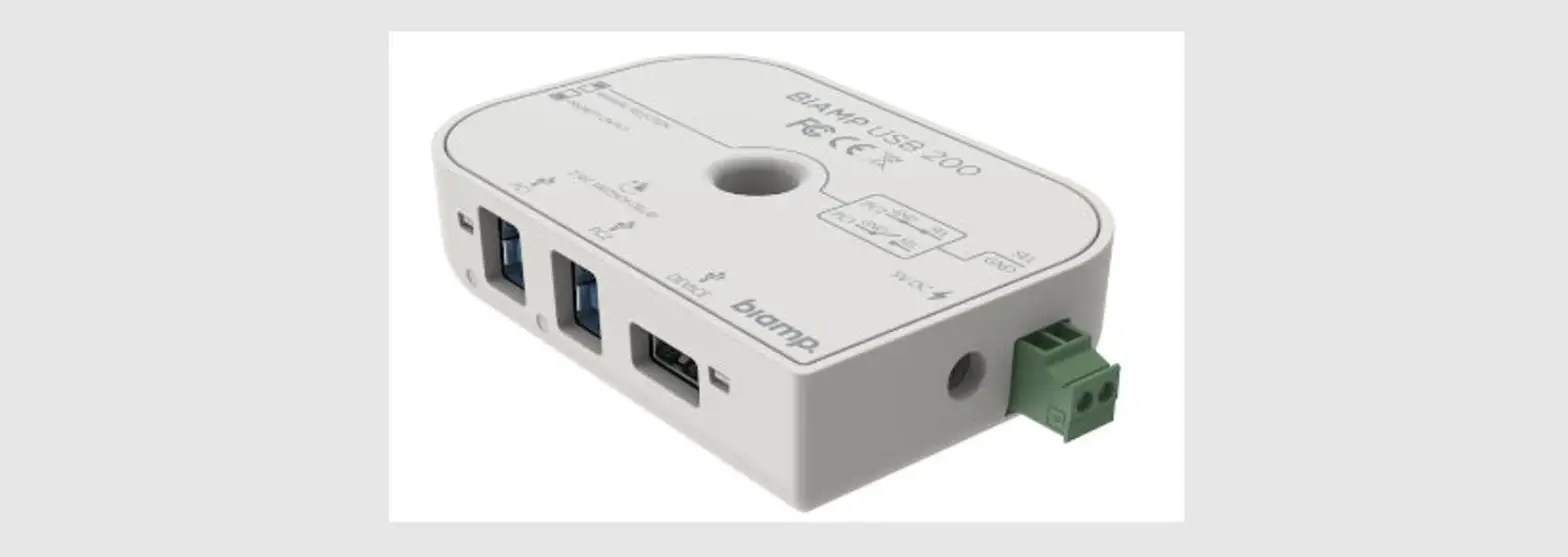

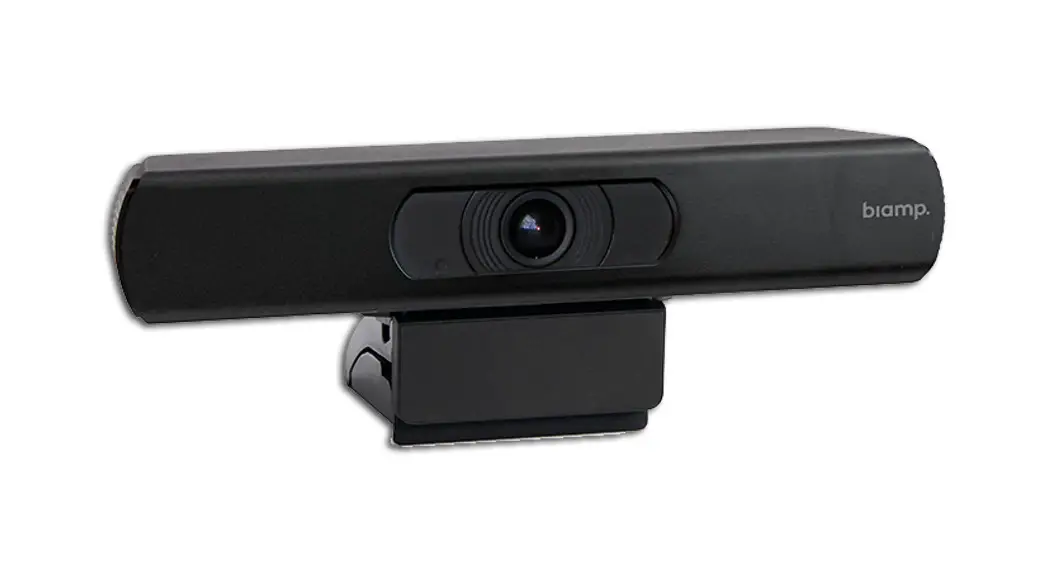
biamp USB 200 Flexibility to Dedicated Video Conferencing Rooms
 What Is In The Box
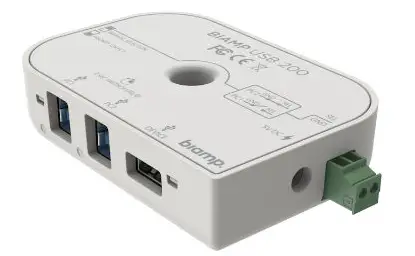 What Is In The Box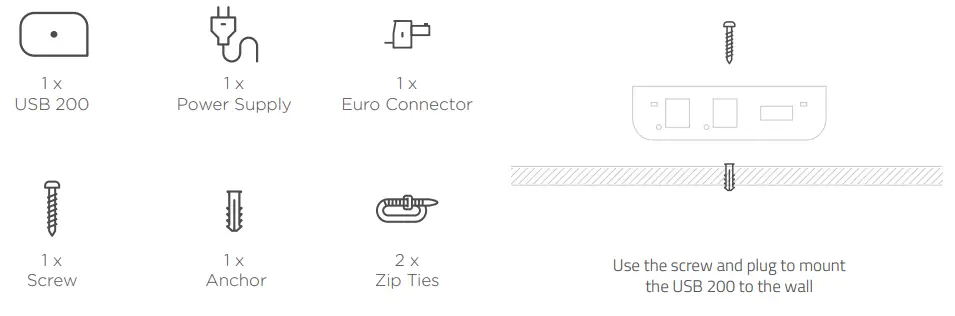
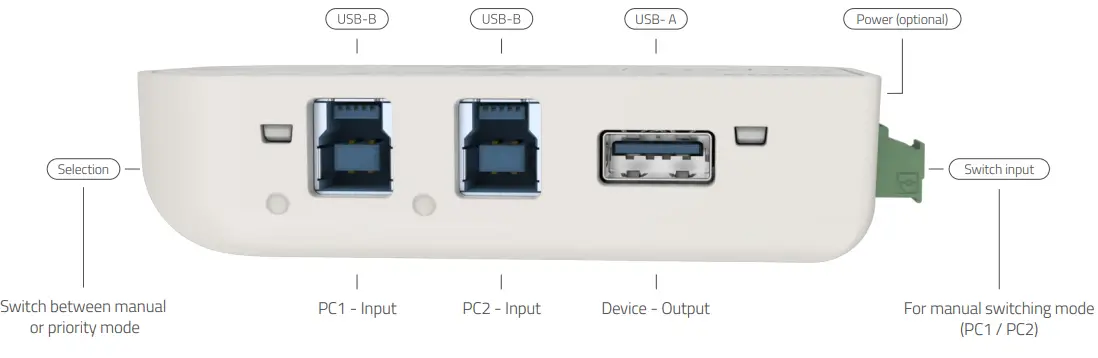
PRODUCT FEATURES
Mounting Options
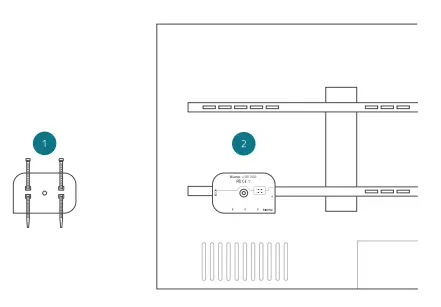
LED Behavior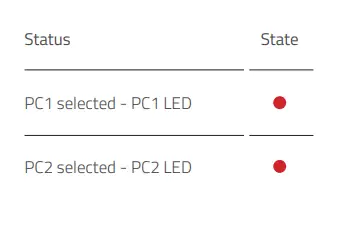
Get Started
- Use the Switch to select the Manual or Priority Mode.
- When using Manual Mode, connect an external control system switch connector.
- Connect USB cables (not included) to the device and Host PC’s.
- If auxiliary power supply is required, connect mains power via the power supply unit.
- See the application diagram for the recommended setup.
Application Diagram
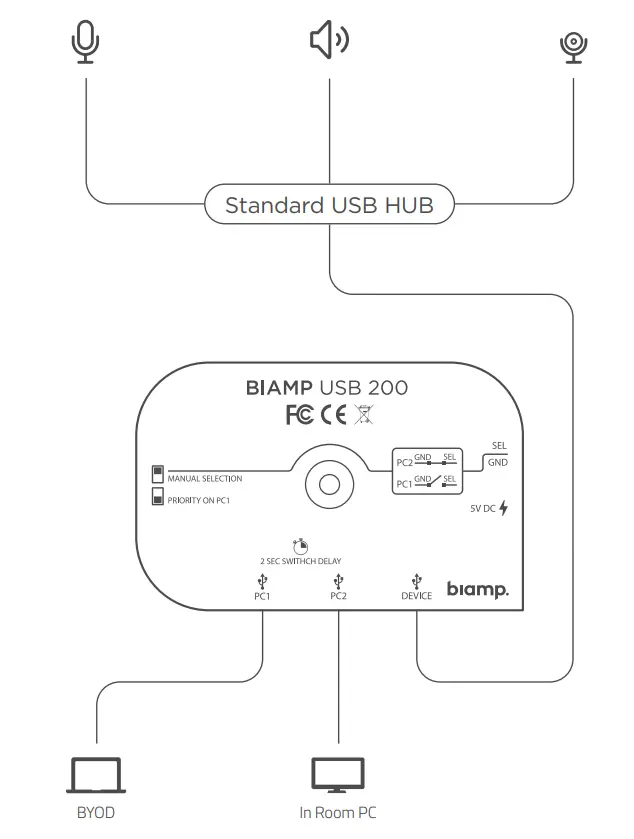
Featuring
- Supports both USB 2.0 and USB 3.0.
- Power switch delay cuts power for 2 seconds when switching between computers, to secure stable switching of the device.
- Built-in USB extender extends USB 2.0 cable lengths to up to 17 feet (5m and USB 3.0 cable lengths up to 10 feet (3m) on each side of the switch
 Biamp - Connecting People Through Extraordinary Audiovisual Experiences

![Yamaha Video Sound Collaboration System For Huddle Rooms [cs-700] User Manual](https://static-data1.manualsee.com/1/img/166/57375/2021/02/Yamaha-Video-Sound-Collaboration-System-for-Huddle-Rooms-CS-700-User-Manual.jpg "Yamaha Video Sound Collaboration System For Huddle Rooms [cs-700] User Manual")