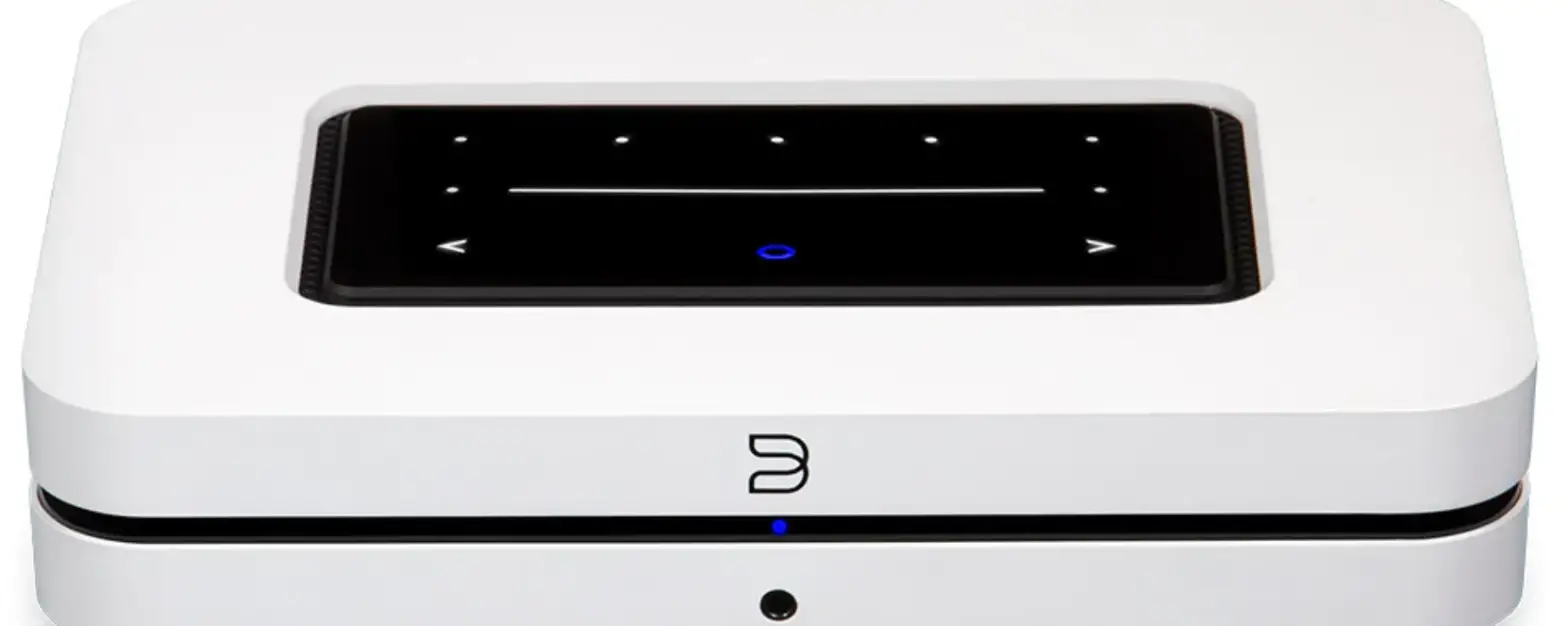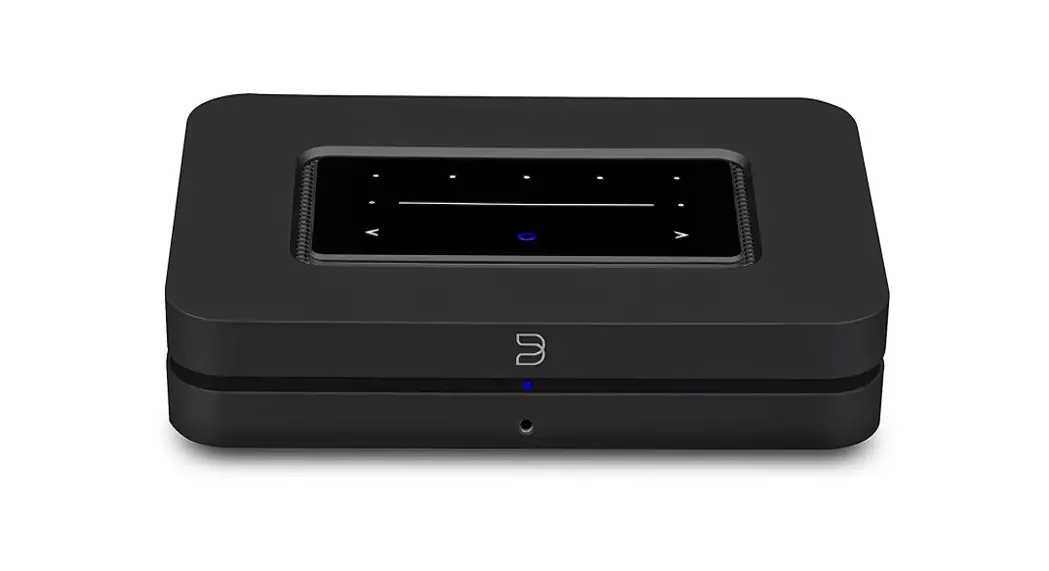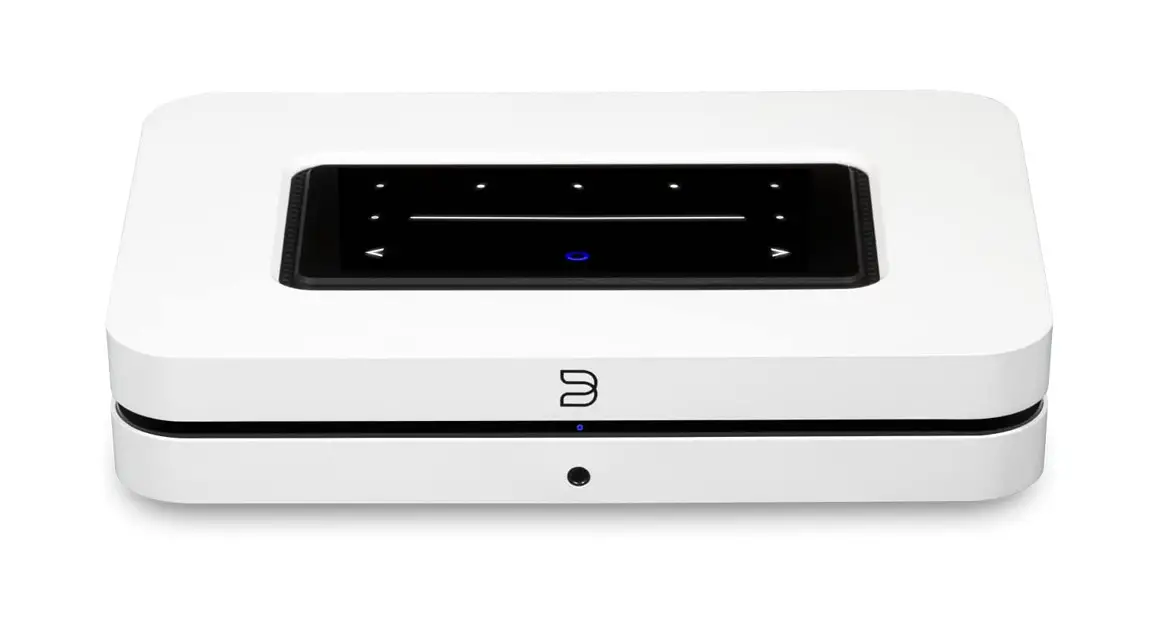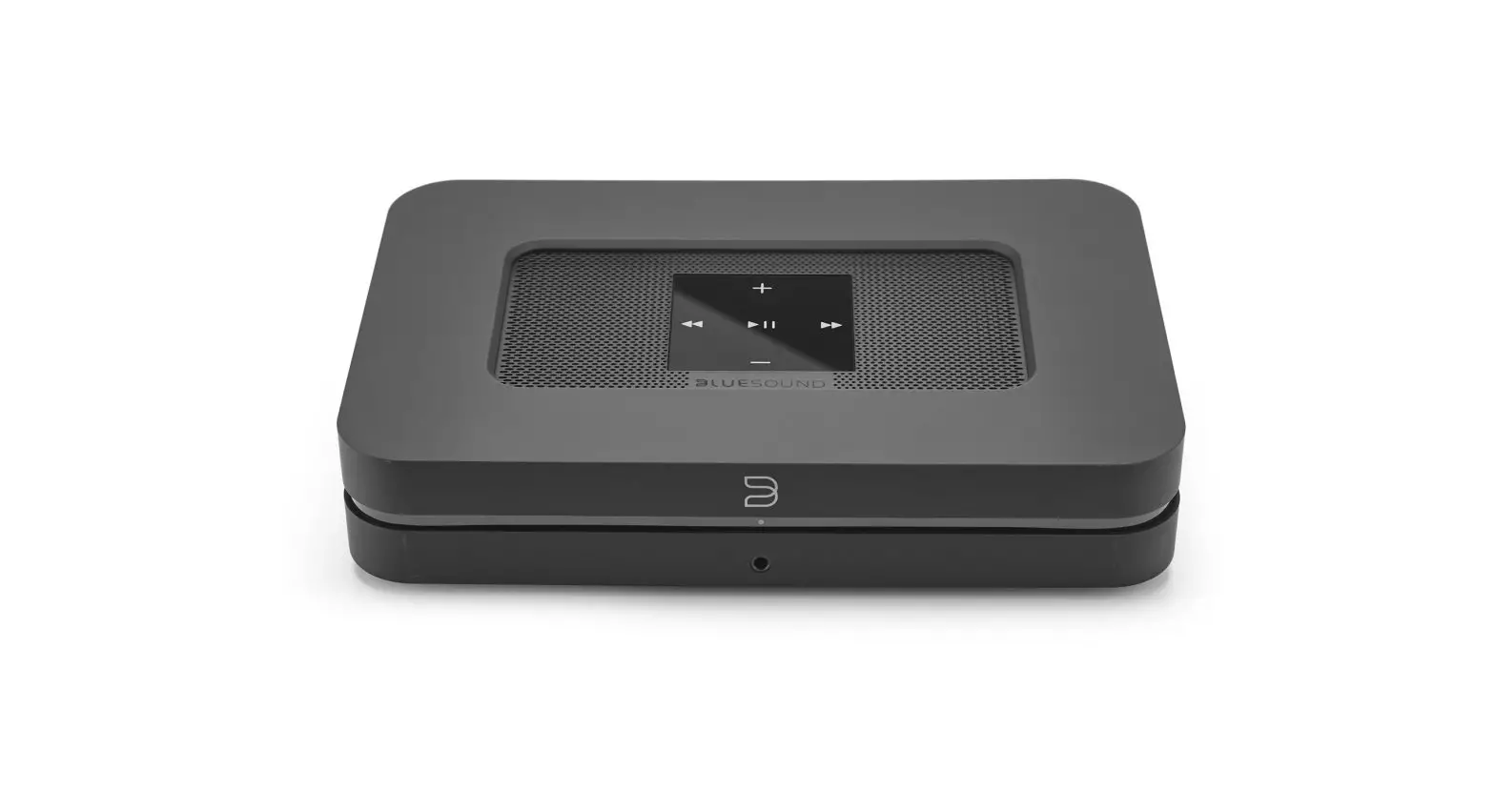

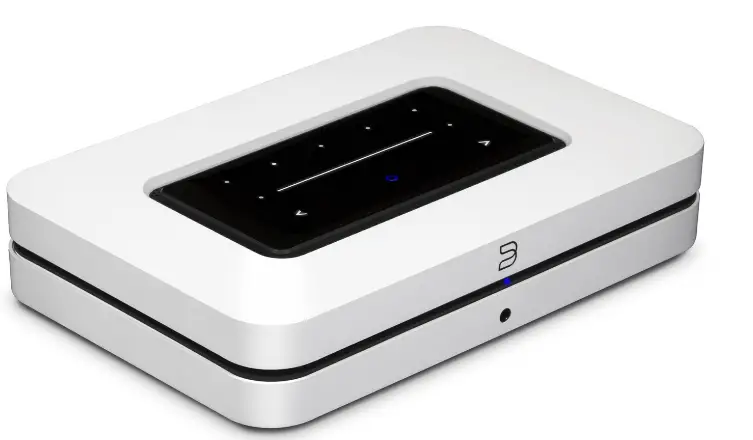
BLUESOUND N130 Wireless Multi-Room Streamer
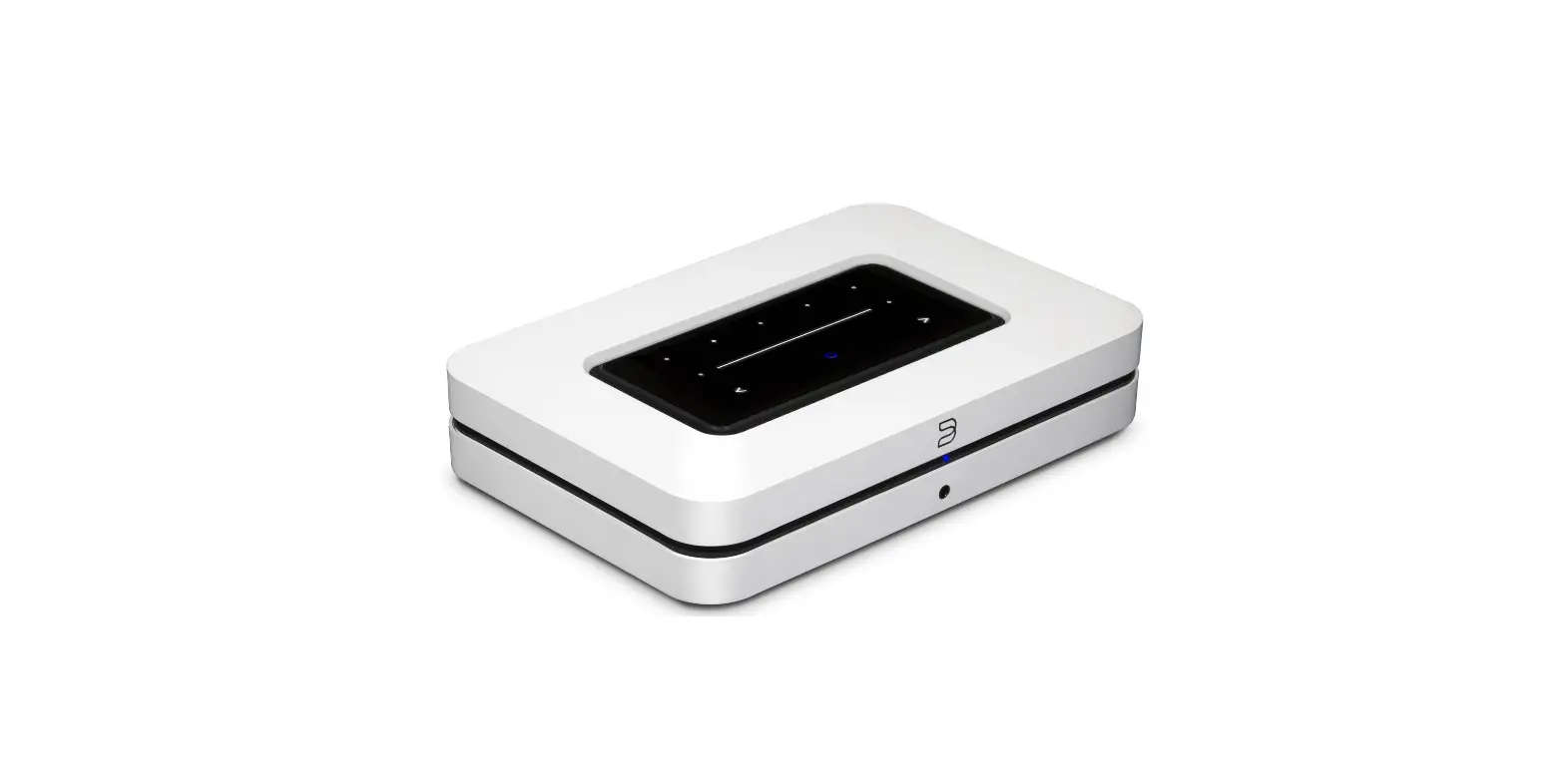
OVERVIEW
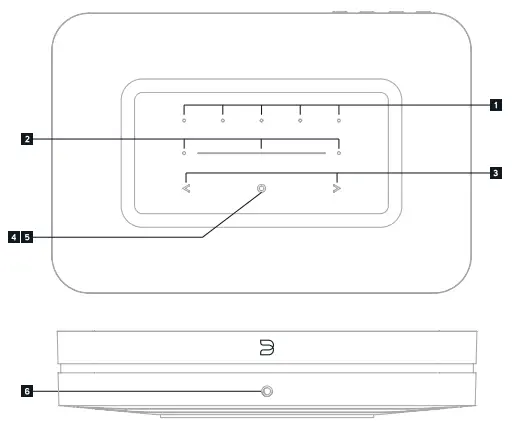
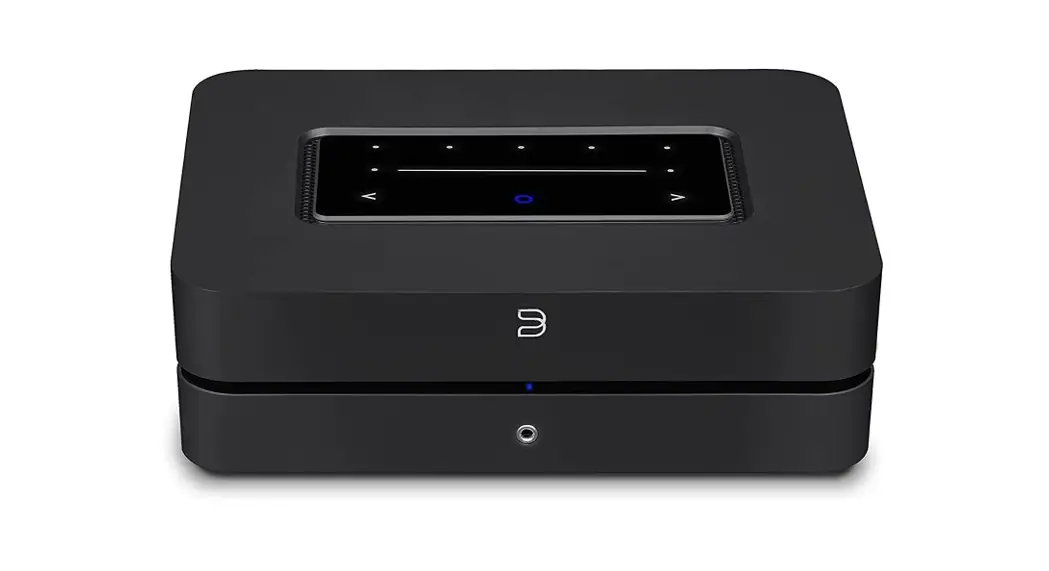
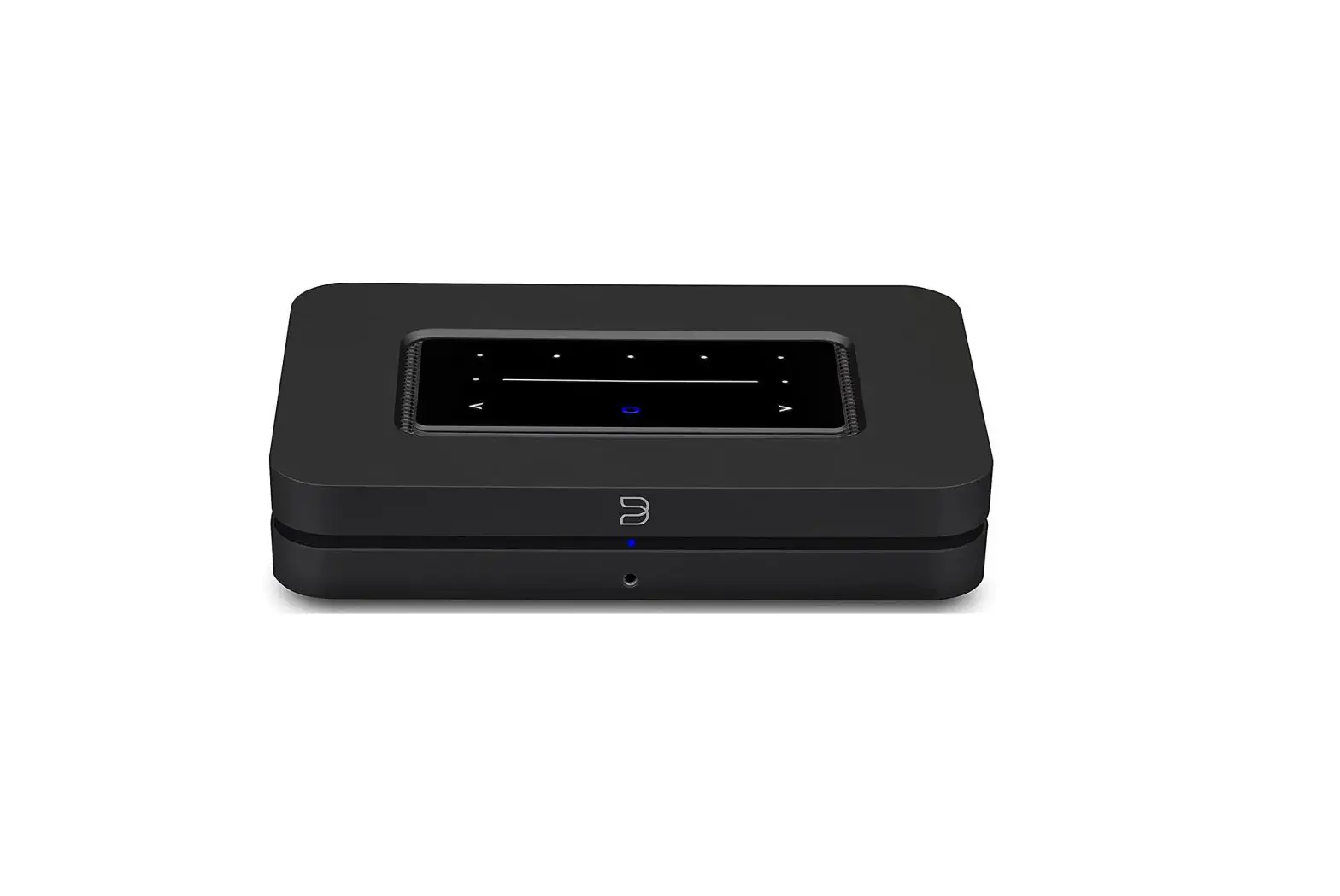
- PRESETS 1-5
- VOLUME SLIDER/TAP
- PREVIOUS TRACK/NEXT TRACK
- STATUS INDICATOR
- PLAY/PAUSE BUTTON
- HEADPHONE JACK

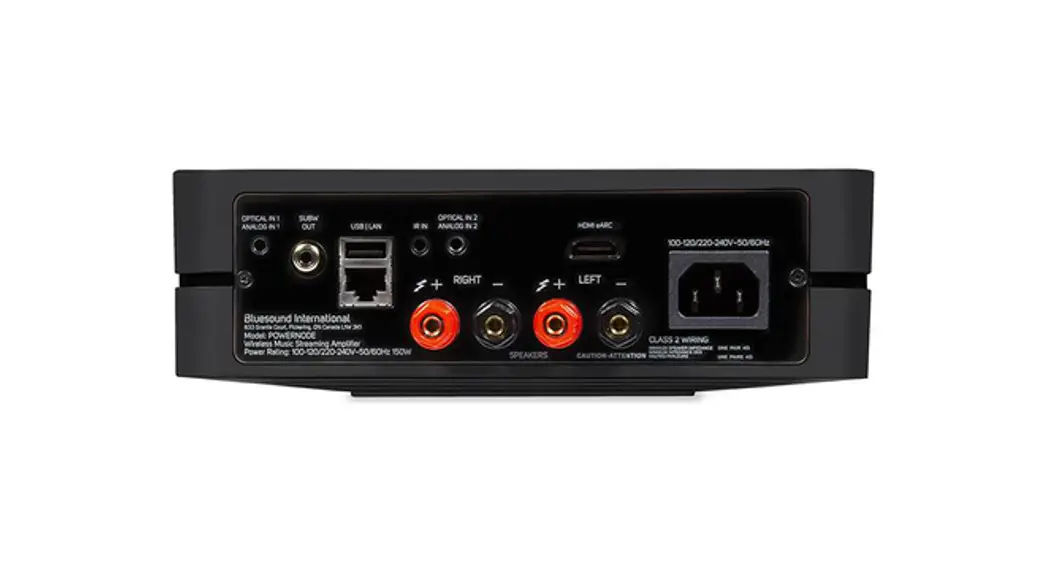
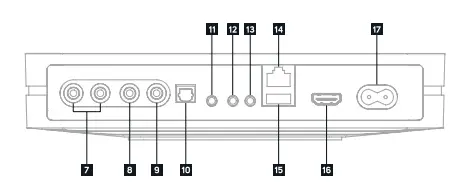
- ANALOG OUT
- SUBWOOFER OUT
- COAX OUT
- OPTICAL IN/ANALOG IN
- OPTICAL OUT
- TRIGGER OUT
- IR IN
- LAN PORT
- USB (TYPE A)
- HDMI eARC
- AC MAINS INPUT
ACCESSORIES
 120V AC Power Cord
 230V AC Power Cord
 Ethernet Cable
 Stereo RCA to RCA Cable
 Mini Jack to Toslink Adaptor
 120V AC Power Cord
 230V AC Power Cord
 Ethernet Cable
 Stereo RCA to RCA Cable
 Mini Jack to Toslink Adaptor
CONNECT FOR SOUND
ANALOG RCA, OPTICAL, OR COAXIAL OUTPUT TO A MATCHING INPUT ON YOUR SYSTEM
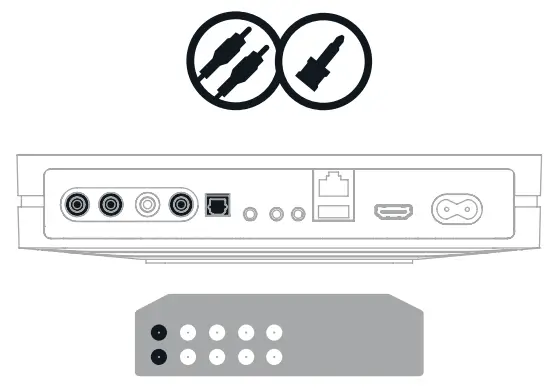
- Connecting with the Analog RCA output will use the NODE’s internal DAC.
- Connecting with a digital output (Optical or Coaxial) will bypass the NODE’s internal DAC.
PLUG IN YOUR PLAYER
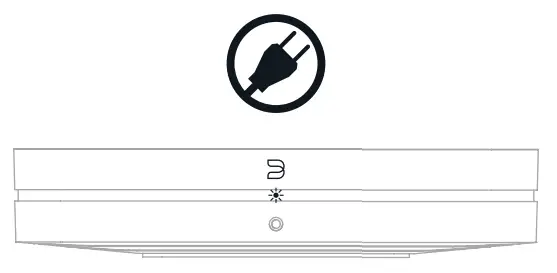
- WATCH FOR THE LED TO TURN SOLID GREEN, INDICATING ‘HOTSPOT’ MODE
ADD YOUR NODE TO THE NETWORK
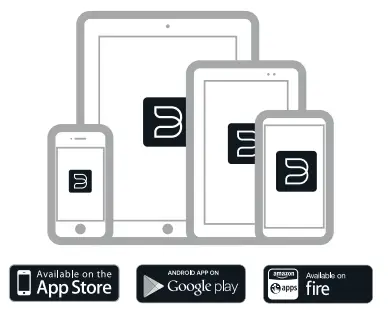
USING YOUR PHONE OR TABLET, DOWNLOAD AND OPEN THE BLUOS APP
The ‘Add A Player’ wizard will guide you through the steps to complete your setup
© Bluesound International. Bluesound, the stylized wordmark “B” logotype, the phrase “HiFi for a wireless generation”, NODE and all other Bluesound product names and taglines are trademarks or registered trademarks of Bluesound International, a division of Lenbrook Industries Limited. All other logos and services are trademarks or service marks of their respective owners.
WELCOME TO #LIVINGHIFI
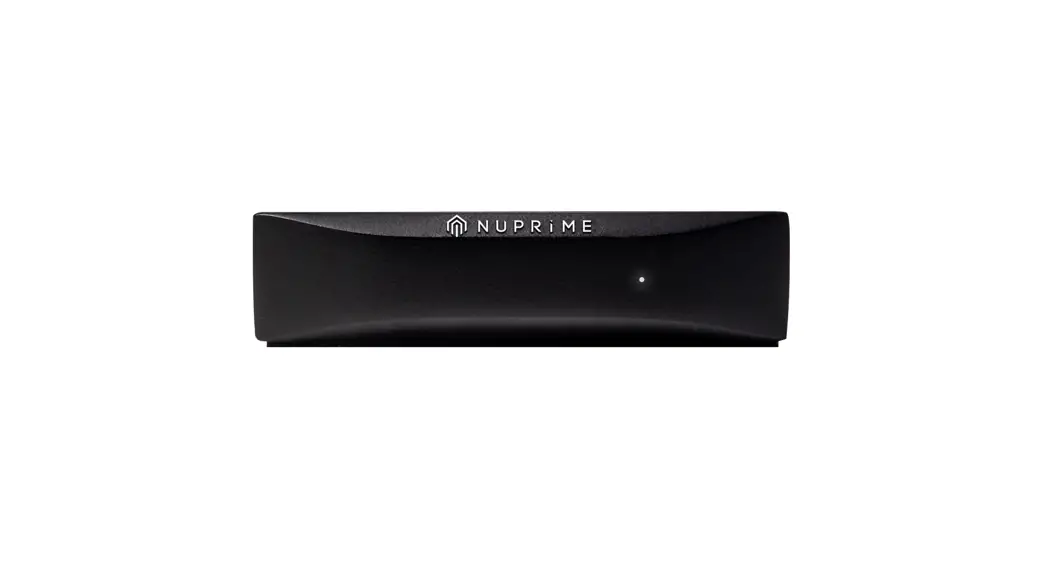
We know that audio quality matters to you. It matters to us, too. A lot. The NODE is the gold standard of hi-resolution, multi-room audio players. It is a network music streamer that works with any amplifier or active speakers to conveniently bring the enjoyment of hi-resolution music to everyday life. It can be used as a standalone streamer alongside your preferred amp, or grouped with other Bluesound Players to create multi-room listening experiences. The NODE must be wired or connected wirelessly to your home network for full functionality. This Quick Setup Guide will take you through the basic steps to get your NODE positioned, plugged in, and on your network
- Go to bluesound.com/downloads to download the App. The initial network setup is done using the BluOS App on your phone or tablet. Make sure you have the App downloaded and installed, and your phone or tablet nearby as you get started.

- The NODE online owners manual has even more in-depth information, including troubleshooting tips and tricks. Please visit bluesound.com/products/node to download the latest version of the manual.

If you have any questions during setup please visit our support site at support.bluesound.com
HAVE QUESTIONS? GET IN TOUCH
- support.bluesound.com
- [email protected]
- North America: 1 855 531 4666
- EU: 00 800 53 14 66 66
 Wireless multi-room speakers and components for music streaming - Bluesound