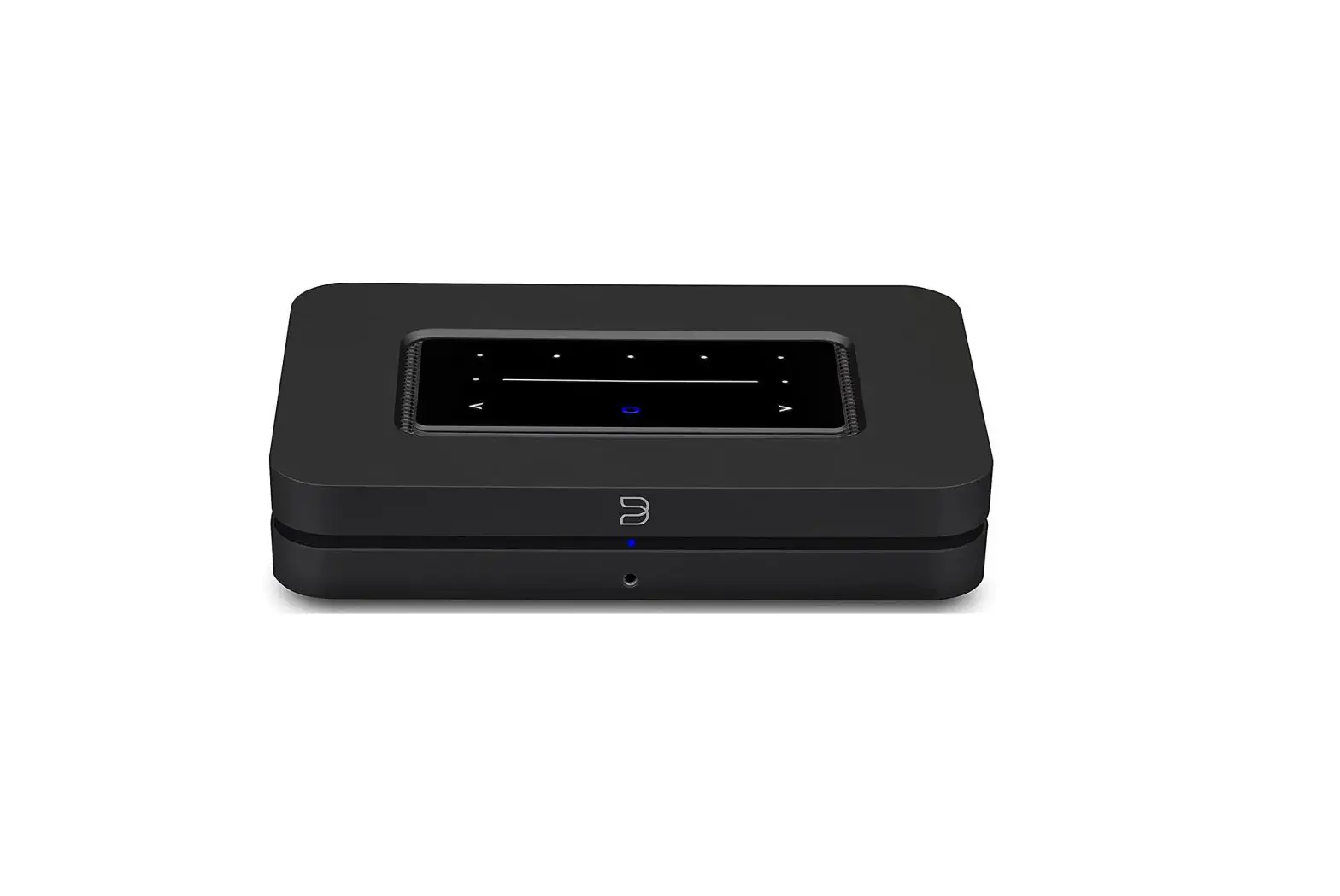
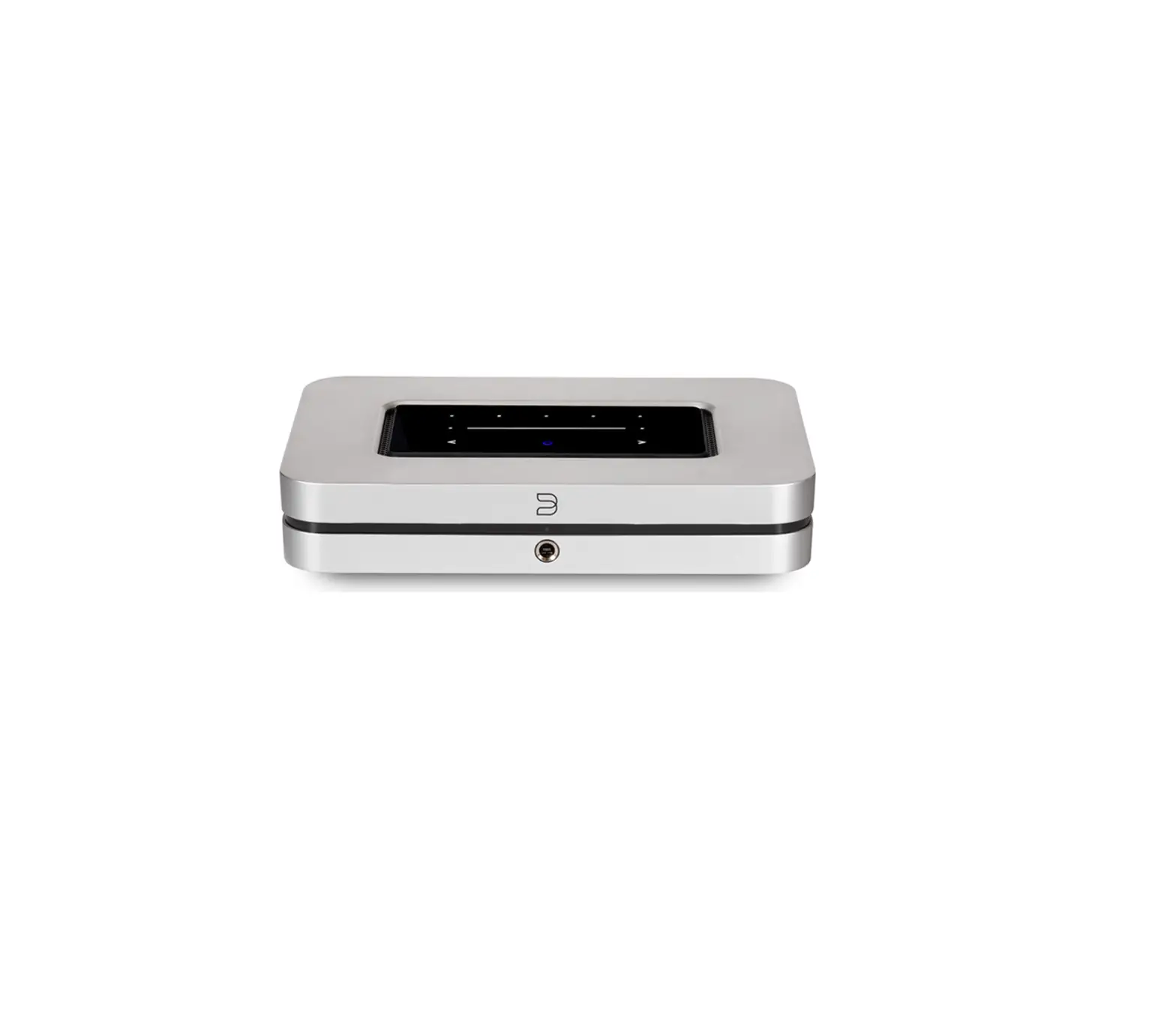
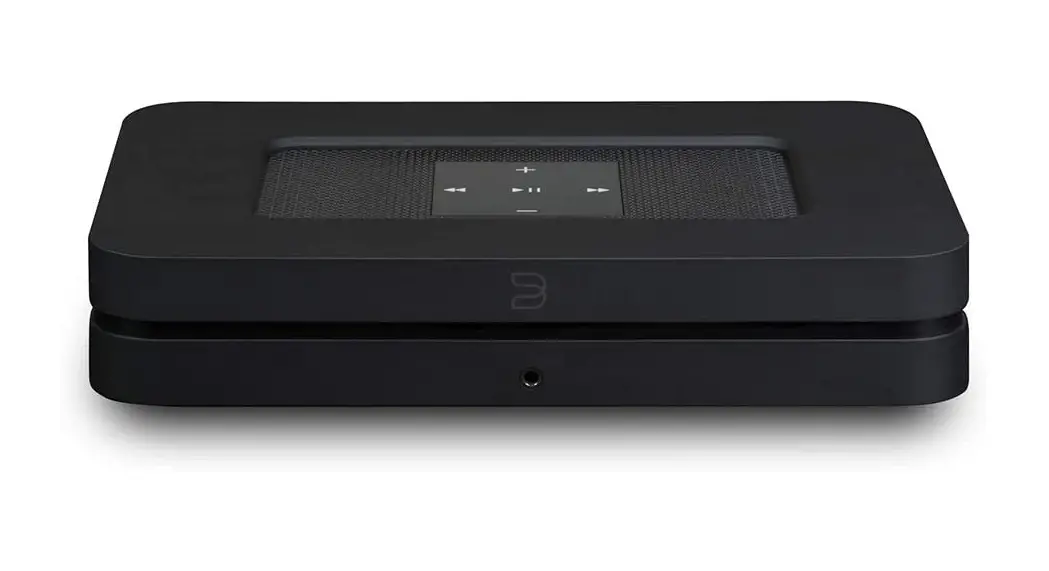
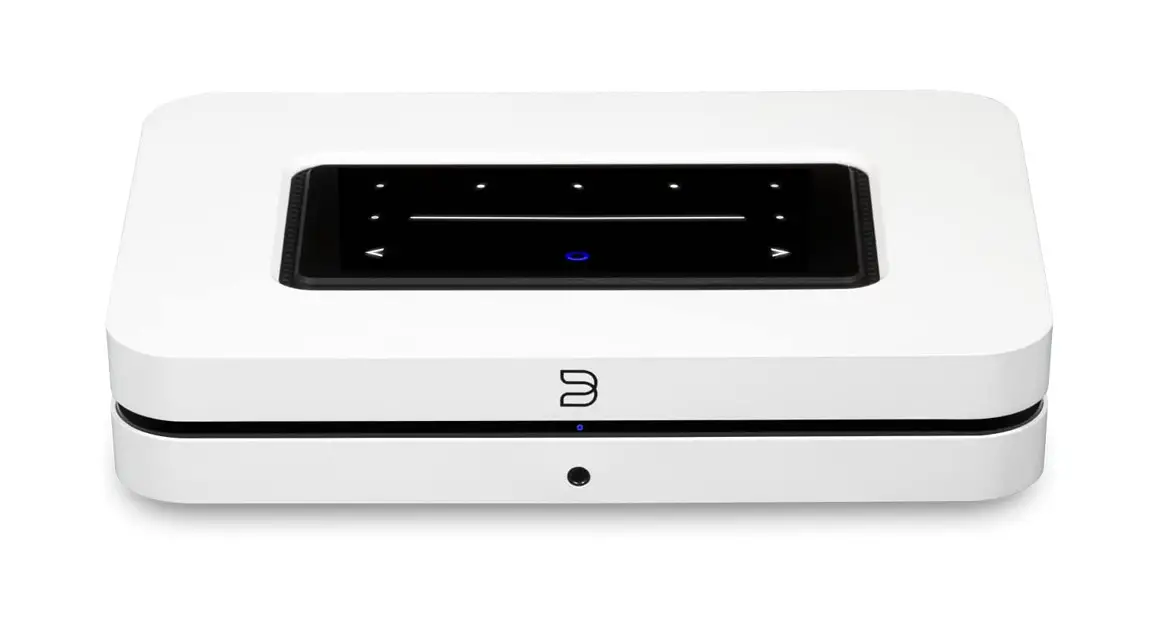
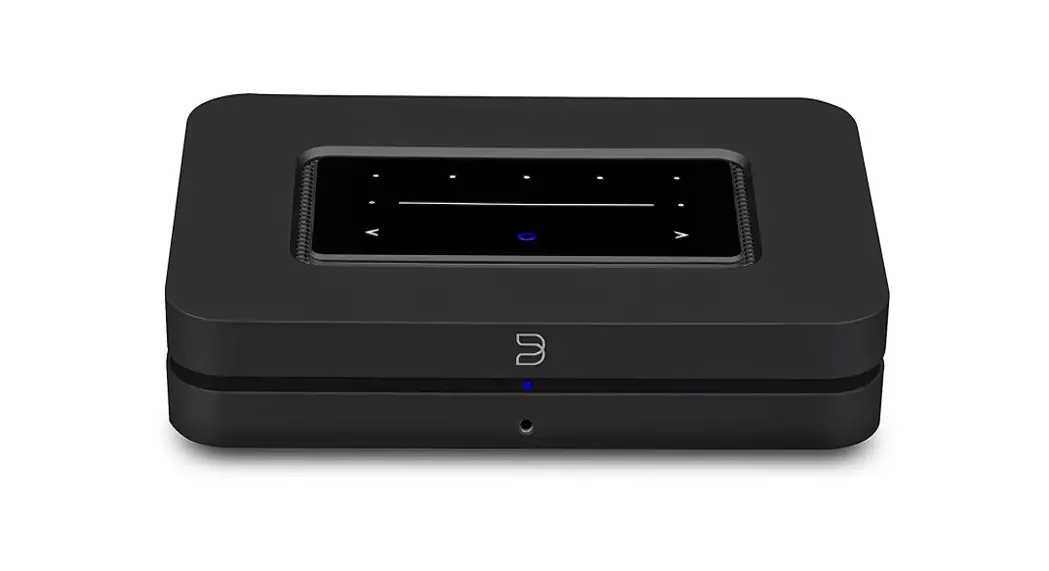
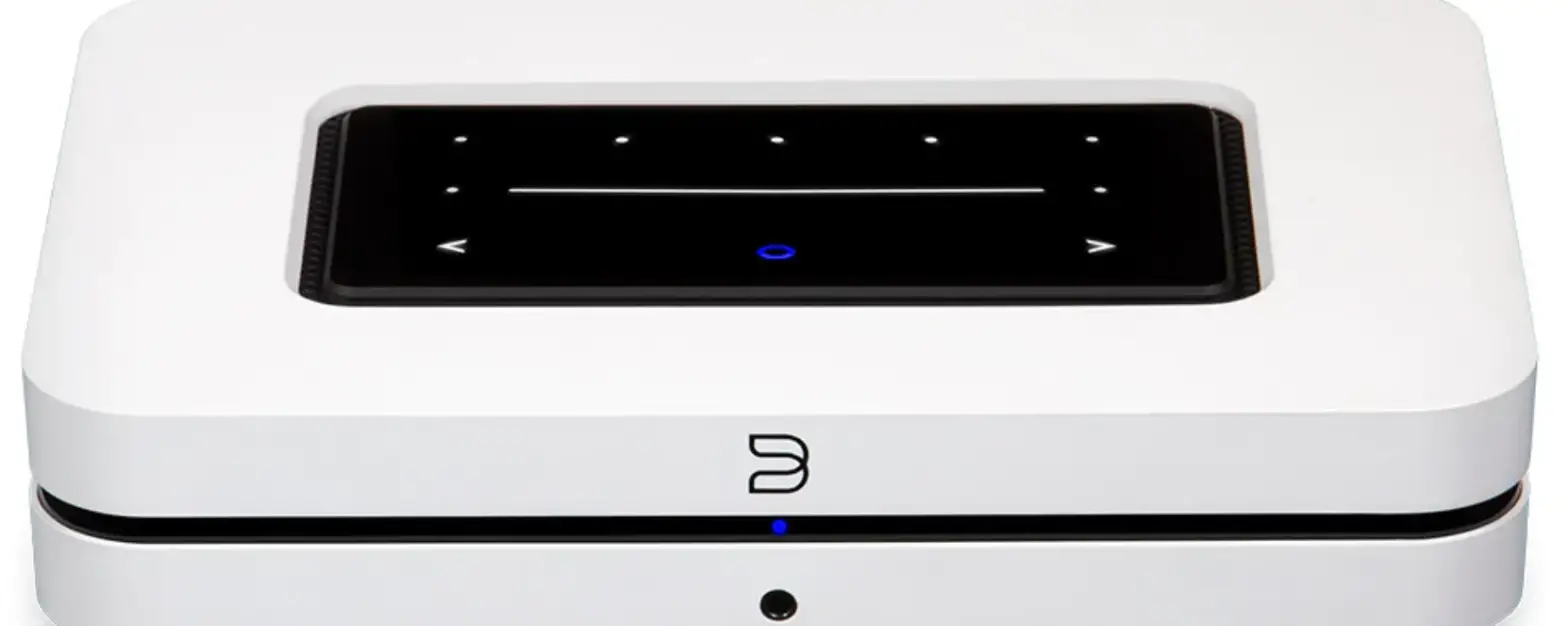
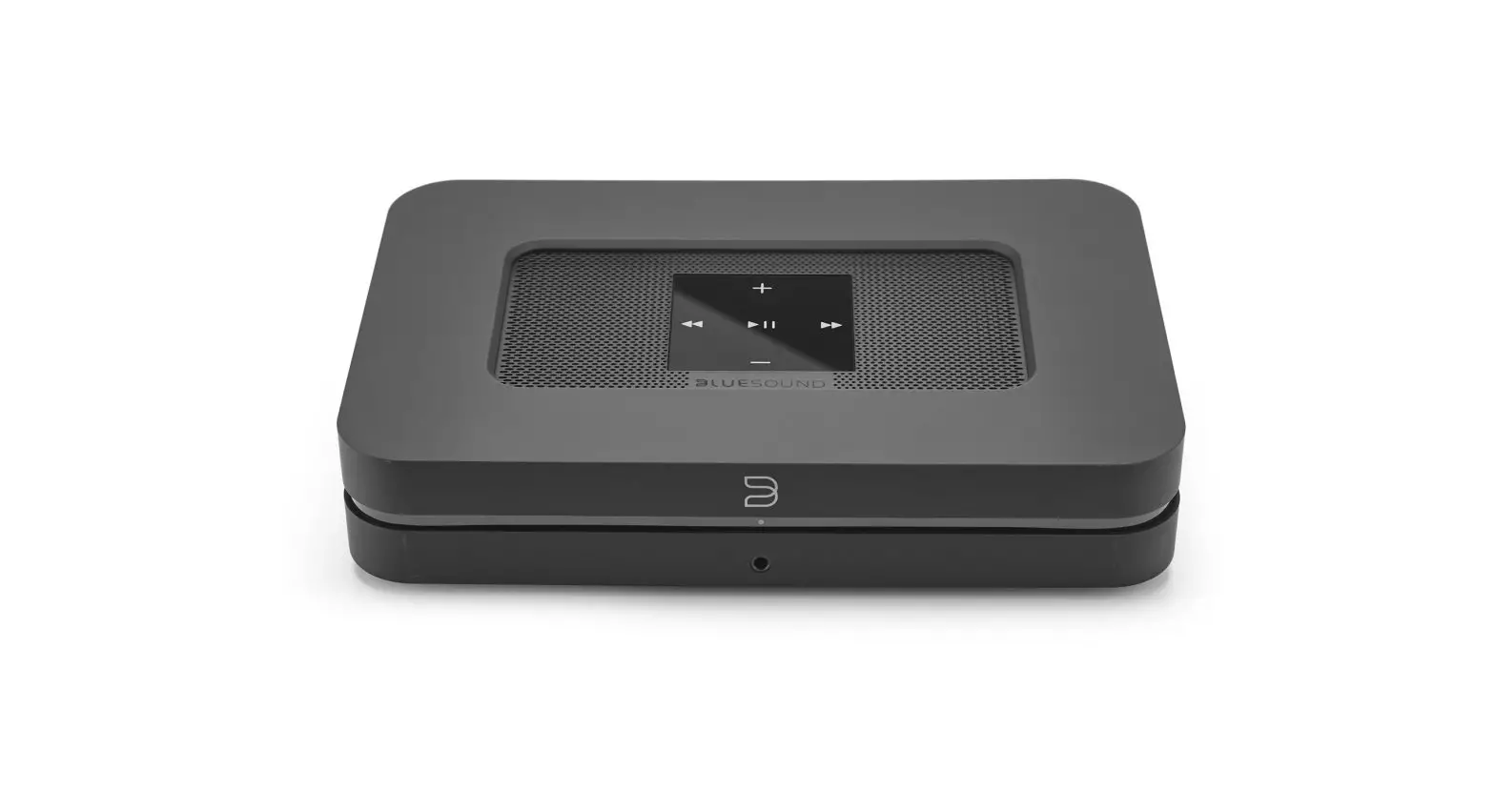
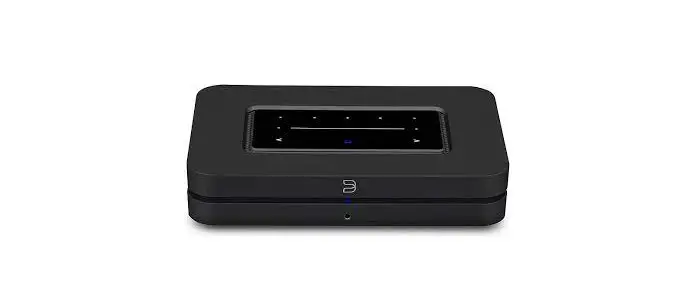
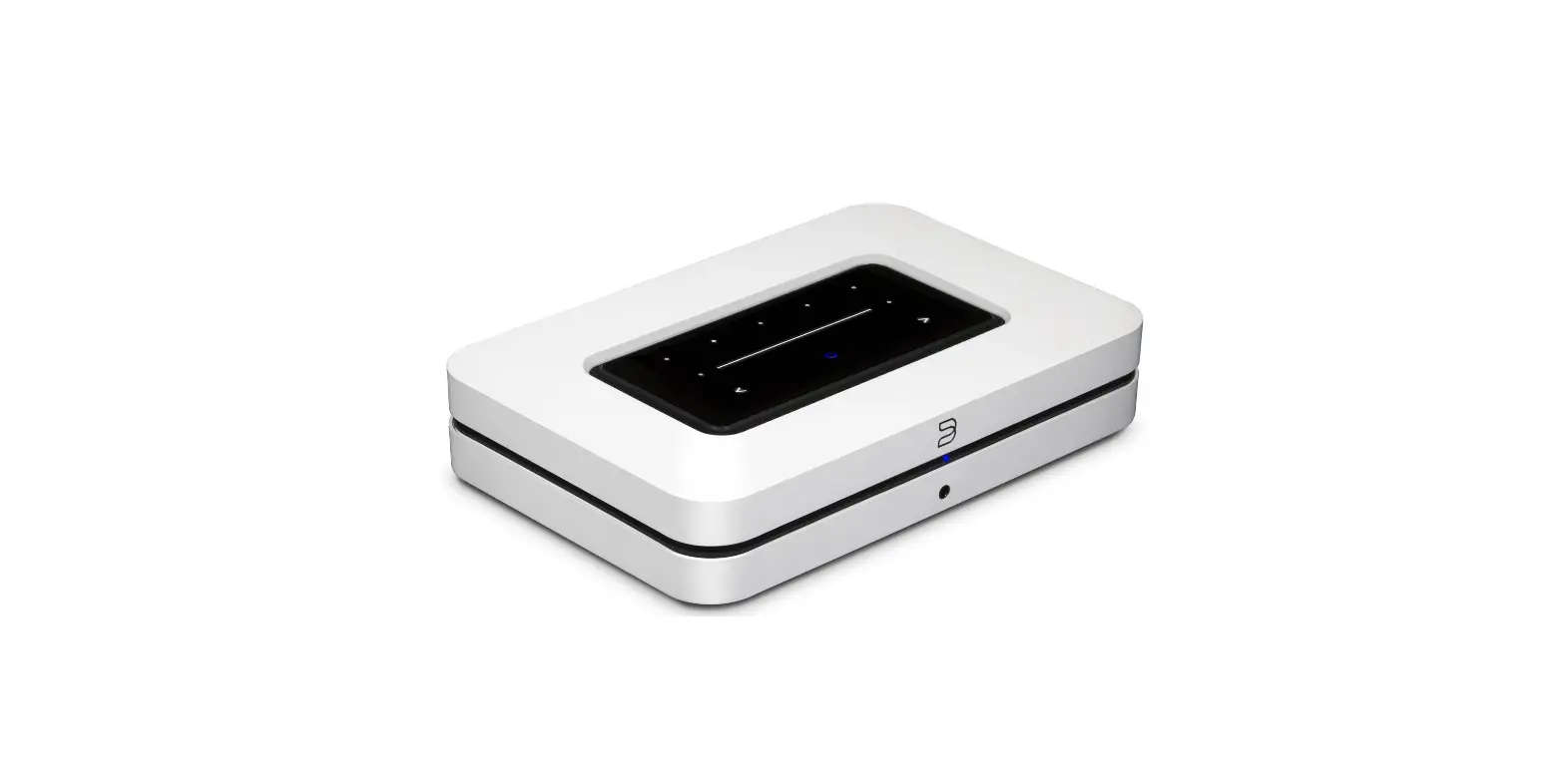
NODE X Wireless Music Streamer
§LUE:SOUND
QUICK SETUP GUIDE
NODE
X
bluesound.com
CELEBTRATING 10 YEARS OF #LIVINGHIFI
This Quick Setup Guide will take you through the basic steps to get your NODE X positioned, plugged in, and on your network.
Go to bluesound.com/downloads to download the App. The initial network setup is done using the BluOS App on your phone or tablet. Make sure you have the App downloaded and installed, and your phone or tablet nearby as you get started.
The NODE X online owners manual has even more in-depth information, including troubleshooting tips and tricks. Please visit bluesound.com/products/node-x to download the latest version of the manual.
If you have any questions during setup please visit our support site at support.bluesound.com
ACCESSORIES
120V AC Power Cord
Stereo RCA to RCA Cable
230V AC Power Cord
Mini Jack to Toslink Adaptor
Ethernet Cable
RC1 Remote Controller
0
0
0
0
0
0 —— 0
au–+——-/
~
-… I
~
-ft
0 PRESETS 1-5 fJ VOLUME SLIDER/TAP IJ PREVIOUS TRACK/NEXT TRACK
II STATUS INDICATOR
EJ PLAY/PAUSE BUTTON
[I HEADPHONE JACK
fJ ANALOG OUT
m SUBWOOFER OUT m COAX OUT
ml OPTICAL OUT
m OPTICAL IN/ANALOG IN m TRIGGER OUT
I!] IRIN
Ill LAN PORT Im USB (TYPE A) IN/OUT ml HDMleARC
m AC MAINS INPUT
CONNECT FOR SOUND
ANALOG RCA, OPTICAL, USB, OR COAXIAL OUTPUT TO A MATCHING INPUT ON YOUR SYSTEM
Connecting with the Analog RCA output will use the NODE X’s internal DAC. Connecting with a digital output (Optical, USB, or Coaxial) will bypass the NODE X’s internal DAC.
·-@~II LJ @ 0 00 11!!11 (-)
——
Sortie rca analogique, USS,optique ou coaxiale vers une entree correspondante sur votre systeme / Salida anal6gica rca, USS, 6ptica, o coaxial a una entrada coincidente de tu sistema / Analoger cinch, USS, optischer oder koaxialer ausgang zu einem passenden eingang an deinem system / Uscita analogica rca, USS, ottica o coassiale ad un ingresso corrispondente sul proprio sistema / Analoge rca, USS, optische of coaxiale uitvoer naar de daarvoor geschikte invoer van uw systeem / Salda rca anal6gica, USS, 6tica OU coaxial para uma entrada correspondente no seu Sistema / AHanorOBblVI BblXOA rca, usb, OnT”1YeCK”1VI i,,ni,, ui,,cppOBOVI BblXOA Ha COOTBeTCTBYIOW”1VI BXOA Bsawei;i rncTeMe
La connexion avec la sortie RCA analogique utilisera le DAC interne du NODE X. La connexion avec une sortie numerique (optique, USS ou coaxiale) contournera le DAC interne du NODE X. / Conectar con la salida anal6gica RCA usara el DAC interno del NODE X. Conectar con una salida digital (6ptica, USS o coaxial) evitara el DAC interno del NODE X. / Sei Verwendung des analogen Cinch-Ausgang, wird der interne DAU von NODE X genutzt. Die Verbindung mit einem digitalen Ausgang (optisch,USS oder koaxial) umgeht den internen DAU von NODE X. / ll collegamento con l’uscita analogica RCA utilizzera il DAC interno del NODE X. ll collegamento con un’uscita digitale (ottica, USS o coassiale) bypassera il DAC lnterno del NODE X. / Een verbinding met de analoge RCA-uitvoer maakt gebruik van de interne DAC van de NODE X. Een verbinding met een digitale uitvoer (optisch, USS of coaxiaal) zal de interne DAC van de NODE X omzeilen. / A liga~ao com salda RCA anal6gica usara o DAC interno do NODE X. A liga~ao com salda digital (6tica, USS OU coaxial) ignorara o DAC interno do NODE X. / npi,, nOAKfllOYeH”1″1 c i,,cnonb30BaH”1eM aHanorosoro BblXOAa RCA 6yAeT i,,cn0/1b30BaTbC~ BHyTpeHH”1Vl l.l”1!ppo-aHanoroBblVI npeo6pa30BaTenb yCTpOVICTBa NODE X. npi,, nDAKfllOYeH”1″1 Ci,,cnOflb30BaHl-1eM u1-1cpposoro BblXOAa (onrnYeCKOro, usb i,,ni,, KOaKrnanbHoro) 6yAeT Bb1nonHmbc~ o6xoA aHyTpeHHero ui,,cppo-aHanoroaoro npeo6pa3osaTe11~ ycTprni,cTBa NODE X
PLUG IN YOUR PLAYER
WATCH FOR THE LED TO TURN SOLID GREEN, INDICATING ‘HOTSPOT’ MODE
23
co-·-
I
Branchez votre lecteur / Conecta tu reproductor / Verbinden Sie lhren Player/ Collega il lettore / Sluit uw speler aan / Ligue o seu leitor no,o.KJ1to4111re nneep
Attendez que la LED affiche un vert permanent/ Espera a que el LED se ilumine en verde / Warten Sie, bis die LED durchgehend gron leuchtet / Attendi la luce LED verde e fissa / Wacht tot het groene ledlampje blijft branden / Espere ate que o LED fique constantemente ,OmK,0.111TeCb, 4T06bl 111H,0.111KaTOp HenpepblBHO CBeTll1J7Cs:I 3eJleHblMLBeTOM
ADD YOUR NODE XTO
THE NETWORK
USING YOUR PHONE OR TABLET, DOWNLOAD ANO OPEN THE BLUOS APP
The ‘Add A Player’ wizard will guide you through the steps to complete your setup.
~
IJ
e ‘ta—.–t111 ‘—flL—
> ANOROI O APP ON Coosk ploy
bluesound.com/downloads
Ajoutez votre NODE X au reseau / Ariade tu NODE X a la red / Fugen Sie NODE X lhrem Netzwerk hinzu / Aggiungi il tuo NODE X alla
rete / Voeg uw NODE X aan het netwerk toe/ Adicione o seu NODE X arede / ,O,o6asbre NODEa X s cerb
Suivez les instructions affichees dans l’application pour finaliser la configuration/ Sigue las instrucciones de la aplicacion para terminar la configuracion / Folgen Sie den Anweisungen in der App, um die Einrichtung abzuschlieBen / Segui le istruzioni in-app per completare la configurazione / Volg de instructies in de app om de installatie te voltooien /_Siga as instrui;:oes na aplicai;:cio para terminar a configurai;:M ,D,n5l 3asepweHvt5l HacrpoliiKvt C/leAyliire vtHCTP:JKl..lv15lM B npvtllO>KeHvtvt
HAVE QUESTIONS? GET IN TOUCH
support.bluesound.com
[email protected] North America: 1855 531 4666 EU: 00 800 53 14 66 66
Avez-vous des questions 7 / lTienes preguntas7 / Noch Fragen7 / Domande7 / Hebt u vragen7 / Tern perguntas / Ecrb sonpocb17 Contacter / Ponte en contacto / Kontaktieren Sie uns / Contattaci / Neem contact met ans op / Contacte-nos / Cs~>Kt.-1recb c HaMt.-1
USING THE BLUESOUND RC1
Setup
Remove the back panel of the remote using a nail or coin, and insert the two 3V batteries included with the remote. Once the batteries are inserted, you can simply point the RC1 at your Bluesound player to start controlling your music.
Presets
With the preset buttons on the RC1 you can access your presets 1 to 1Oquickly without opening the BluOS app. For more information regarding creating presets, visit support.bluesound.com.
Changing Channels
If you are using multiple Bluesound players in your home environment, you can change the channel the remote uses to prevent unintended commands from being sent to one of your players. To ensure your RC1 works correctly with your player, you will need to have both RC1 and player configured for the same channel.
– Changing the Channel on your RC1
Press and hold both the Network Standby (power) button and the preset button corresponding with the channel you would like to use for 1Oseconds until the LED at the top of your RC1 flashes green. The RC1 can be programmed from channel Oto channel 7. To change to channel 0, hold both Network Standby and preset 1O.
– Changing the Channel on your Bluesound Player
To change the channel being used by your Bluesound player, open the BluOS app, select the player you would like to configure, then go to Settings > Player > IA Remote > BluOS Remote. From here you will see an option for IR Channel where you can configure your player
from channel oto channel 7.
~
§)LUE SOUND
993140 00
~LU550UND
CELEBRAllNG
10YEARSOF IILIVINGHIFI
NODE
X
A decade ago, Bluesound set out to become the original hi-res multiroom streaming ecosystem, revolutionizing how modern audiophiles accessed, controlled, and enjoyed their critical and casual listening experiences. Always true to its HiFi heritage, Bluesound’s spare-no-expense attitude is represented in every product, from start to finish, each painstakingly designed to deliver a complete, cutting-edge hi-res audio experience.
e of the Bluesound brand is the NODE, which modernizes
ms, giving audiophiles
to nearly every track ever
rand, Bluesound is proud to launch the ct that includes all
finish.
With this purchase lover #LivingHiFi – tha
 NODE X - Bluesound