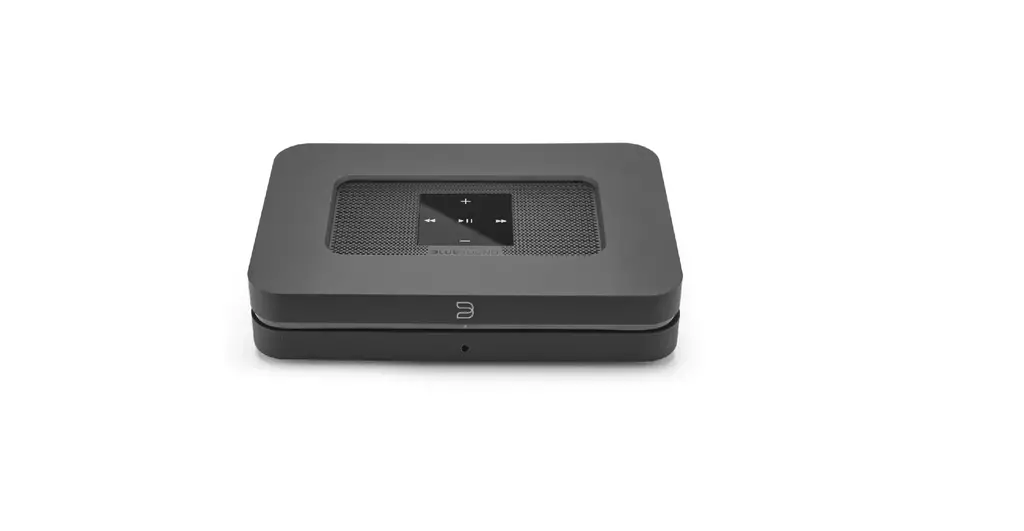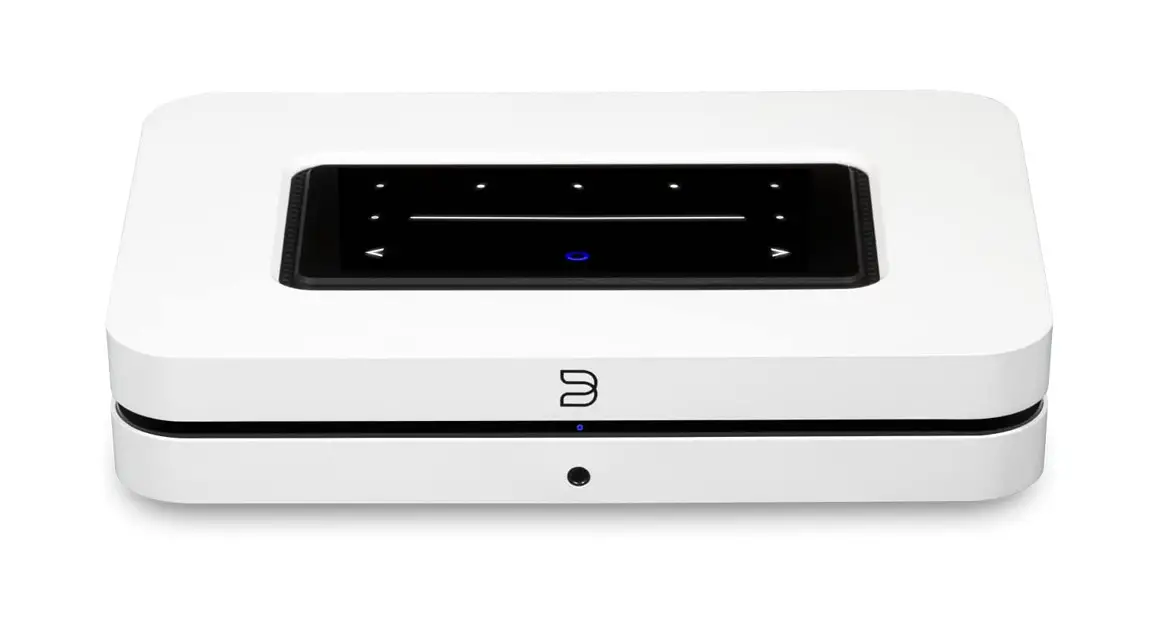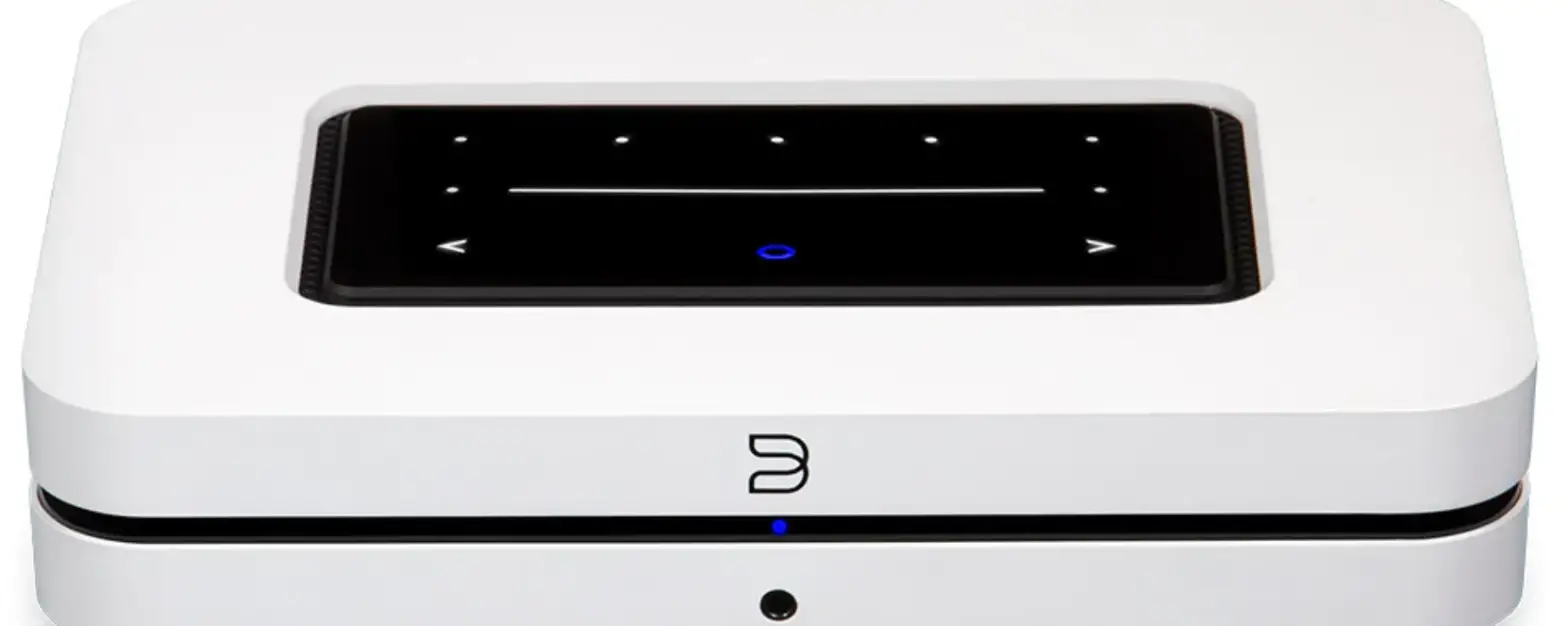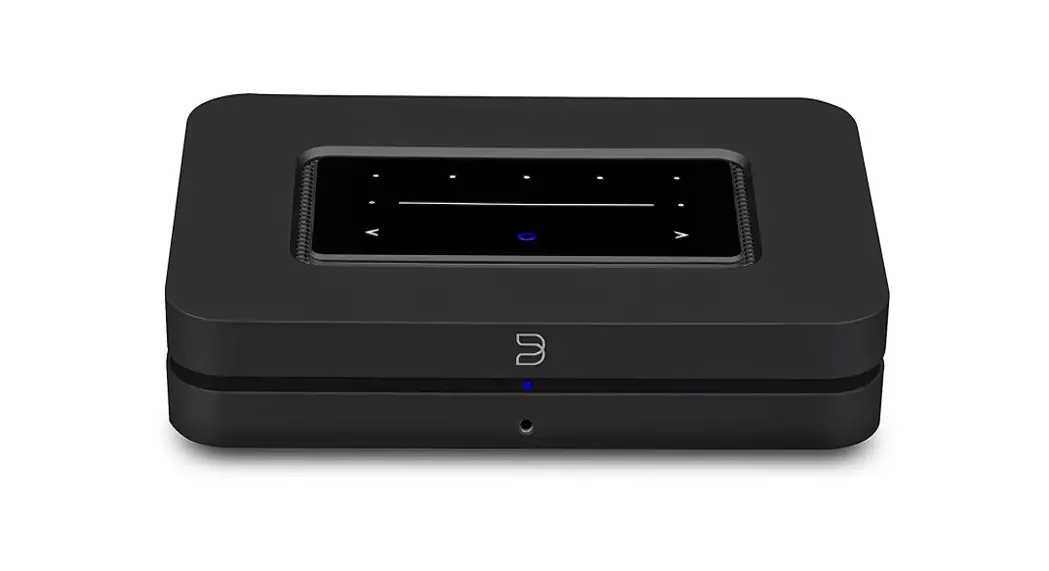
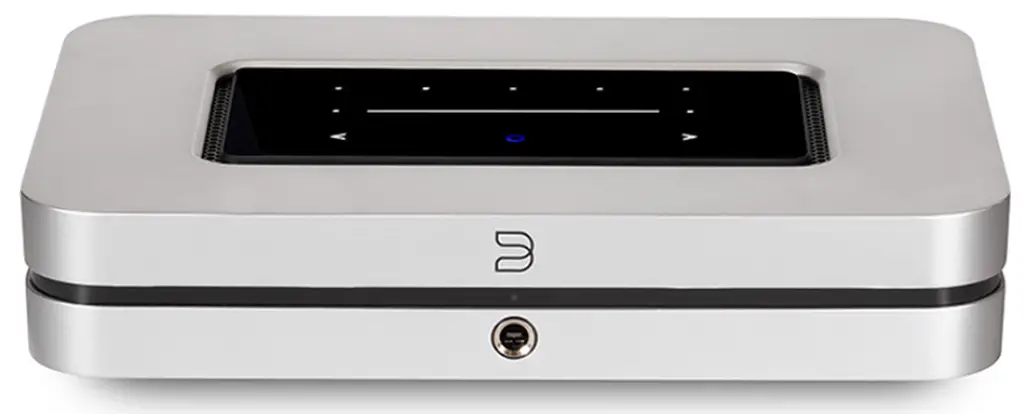
Bluesound NODE X Upgraded Music Streamer
Overview
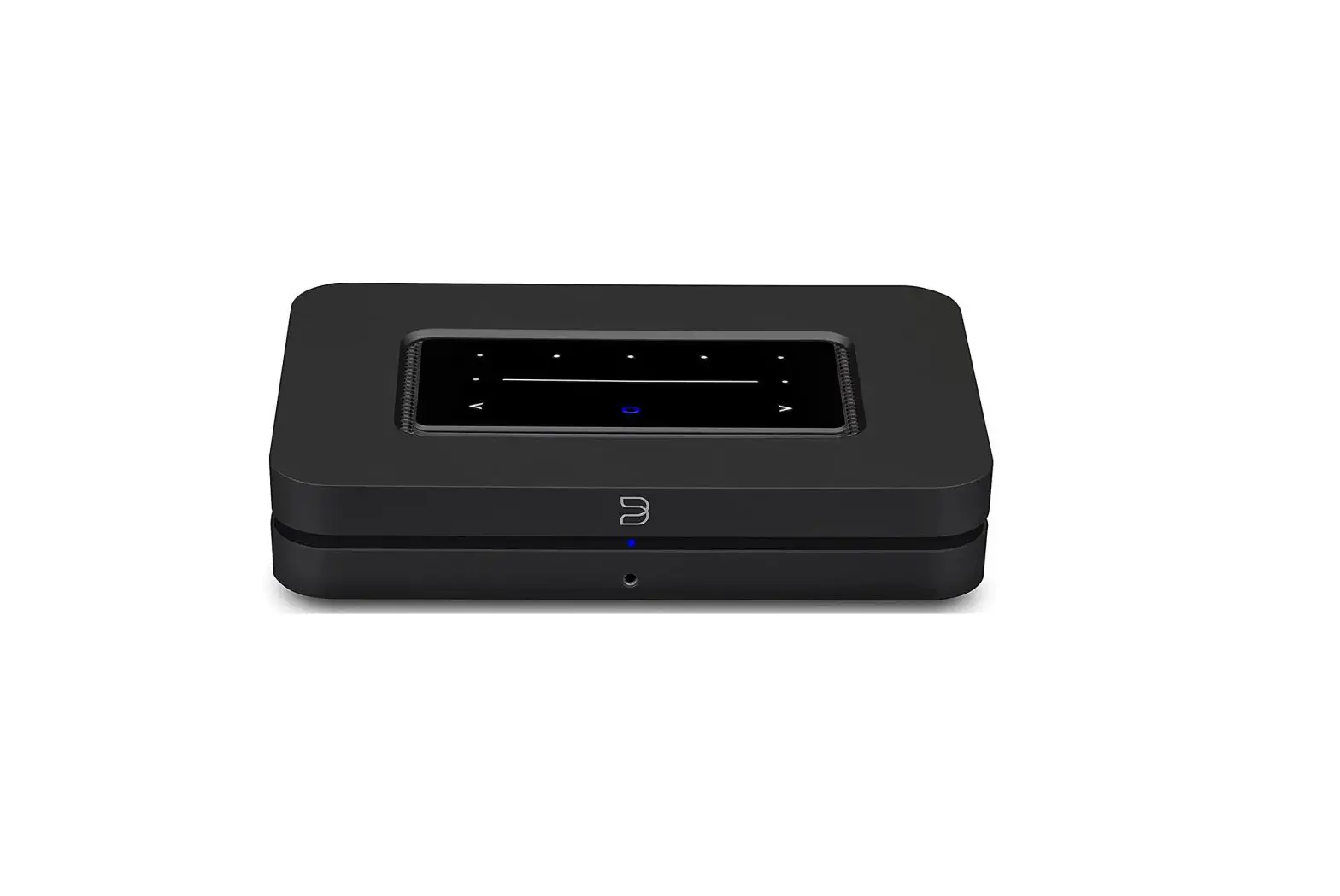
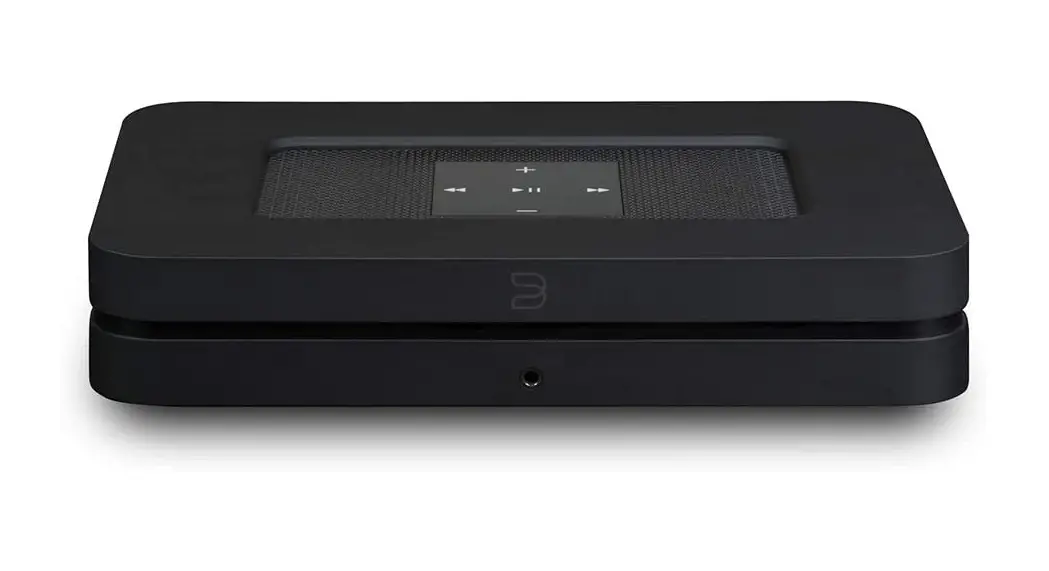
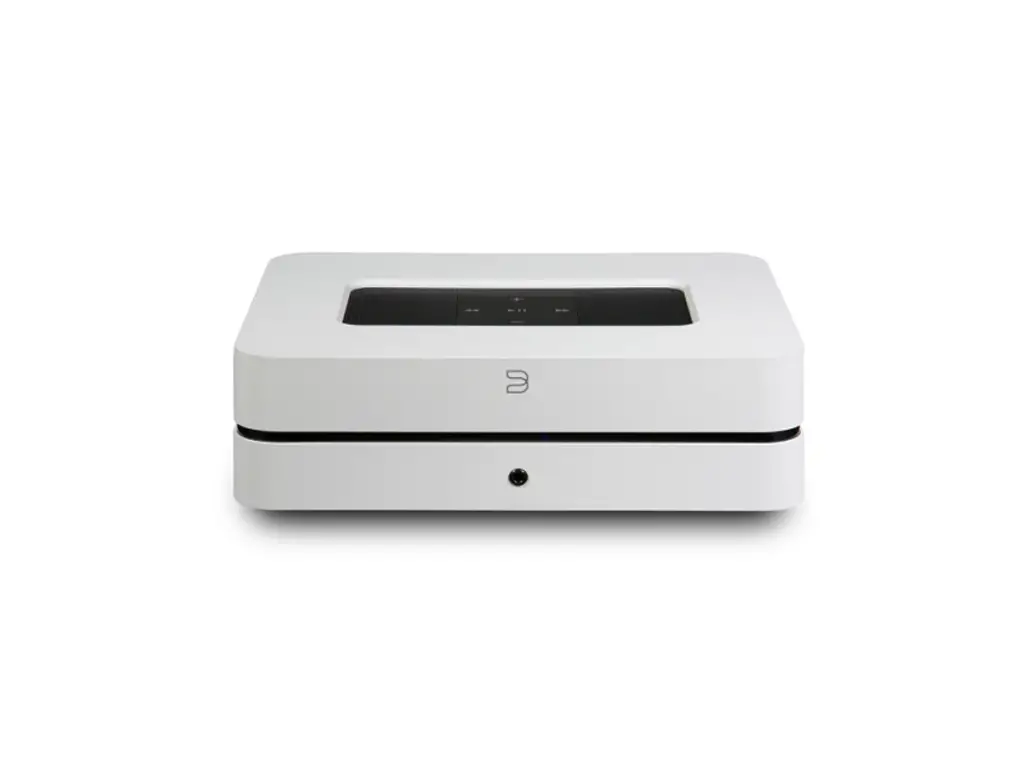
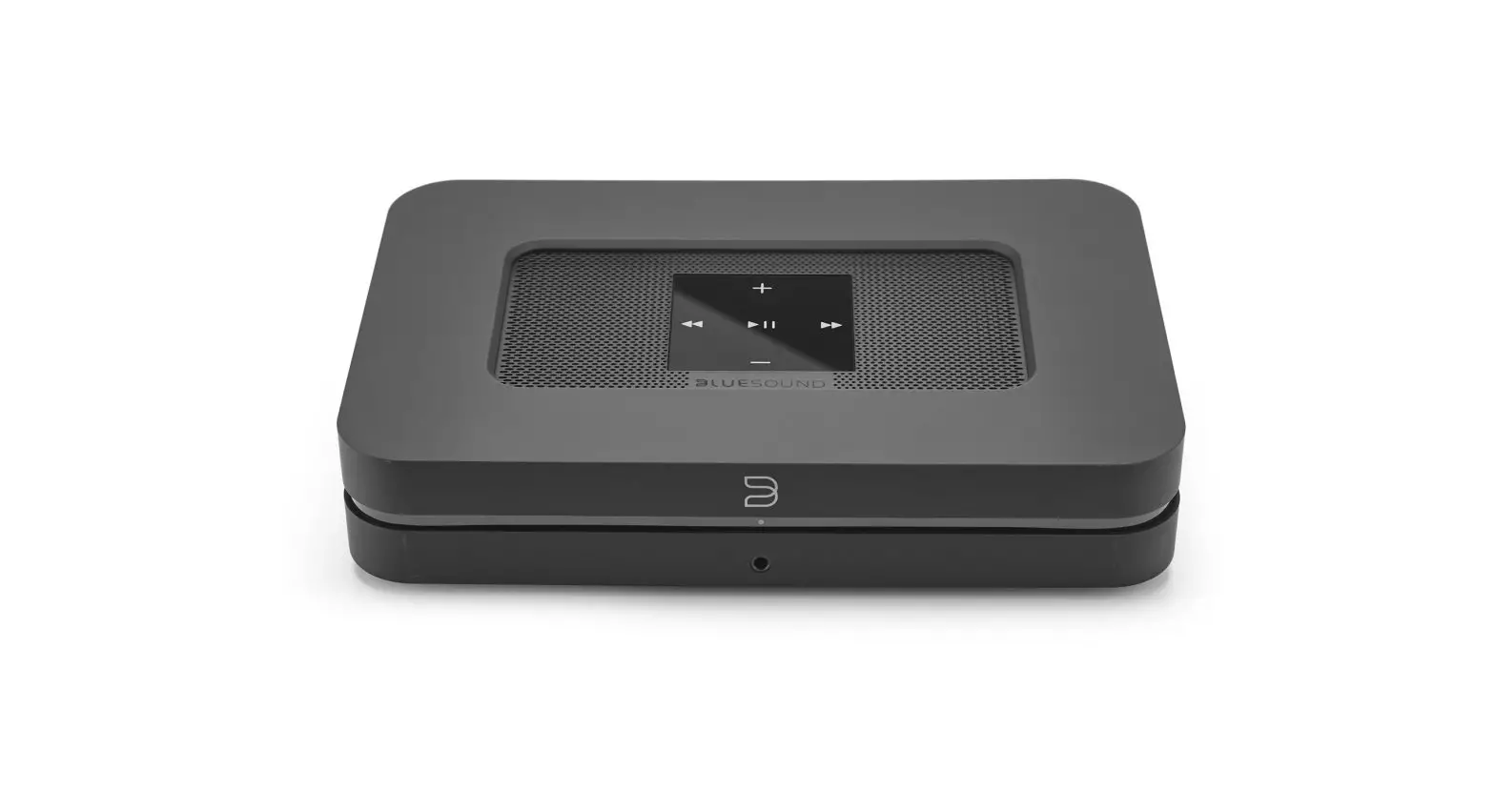
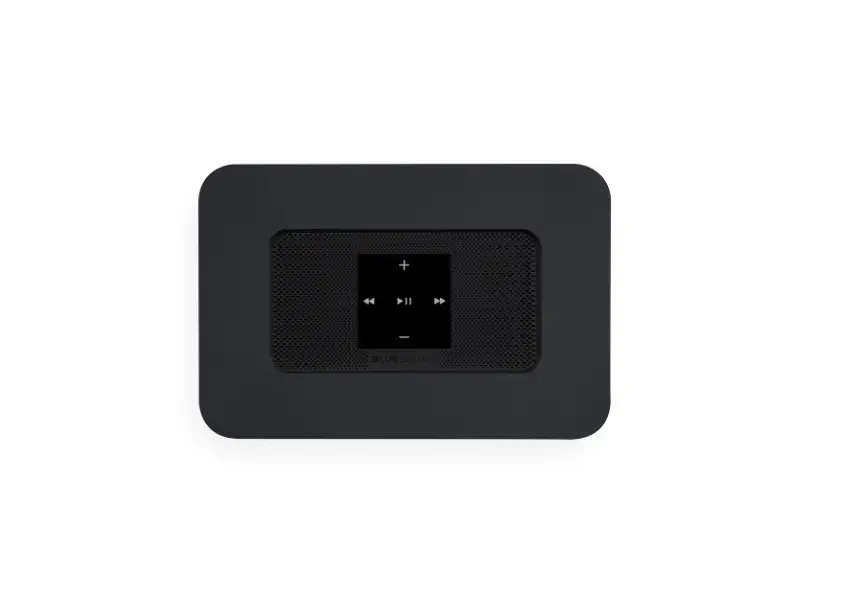
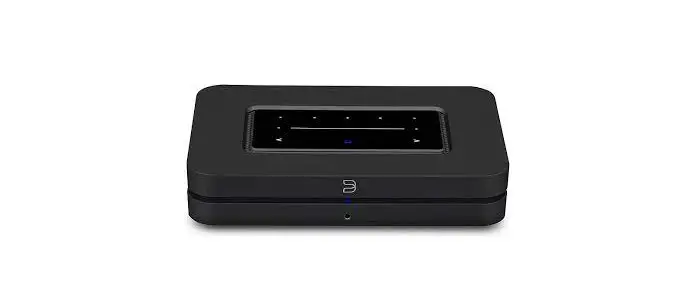
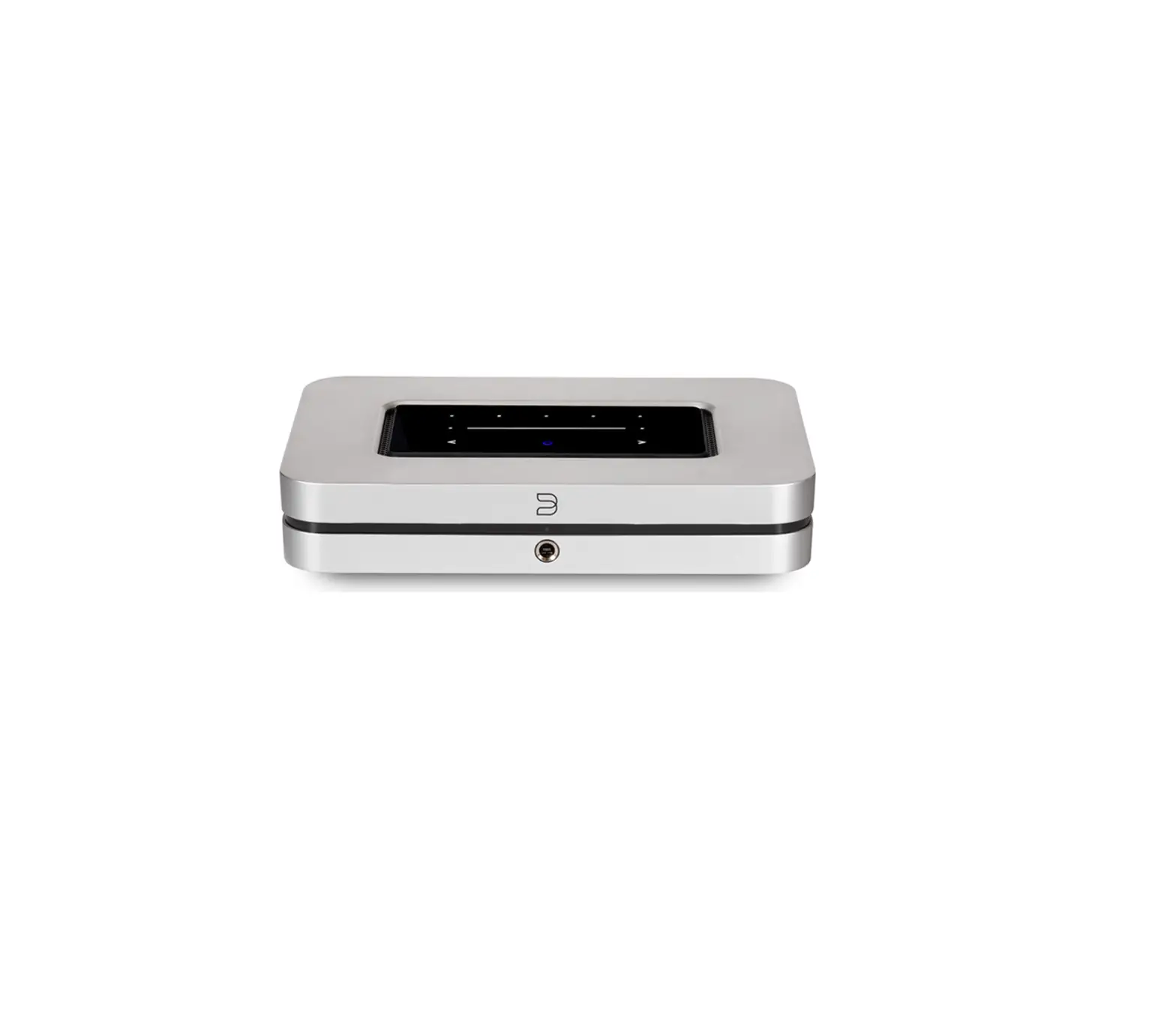
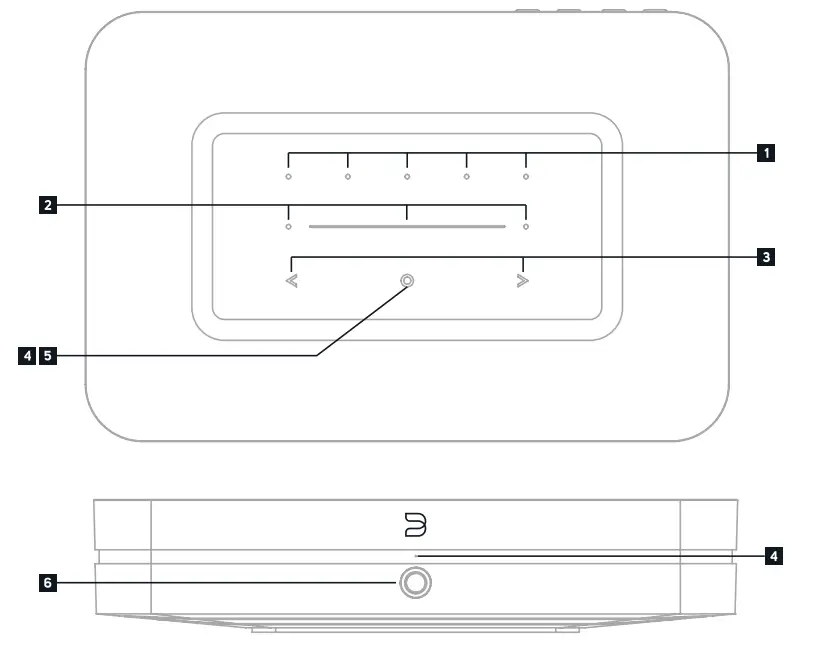
- PRESETS 1-5
- VOLUME SLIDER/TAP
- PREVIOUS TRACK/NEXT TRACK
- STATUS INDICATOR
- PLAY/PAUSE BUTTON
- HEADPHONE JACK
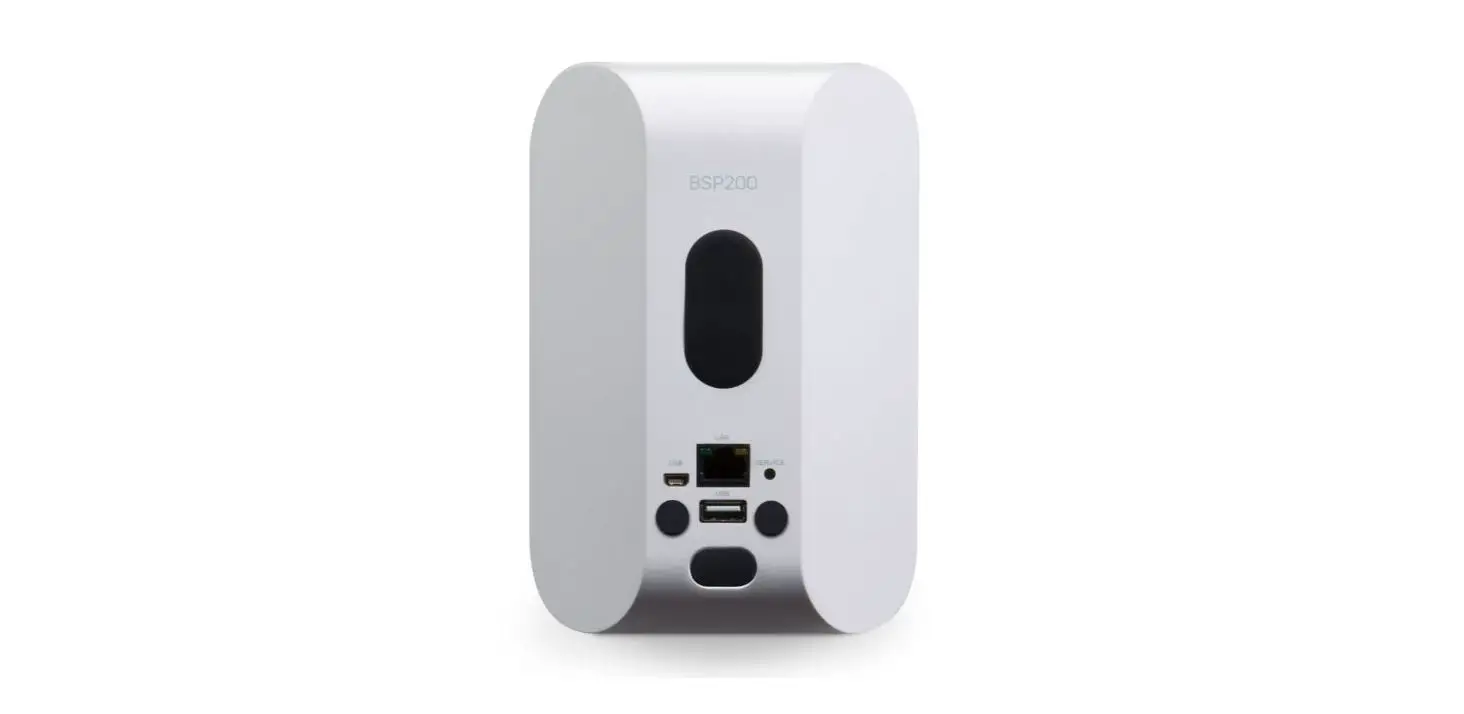
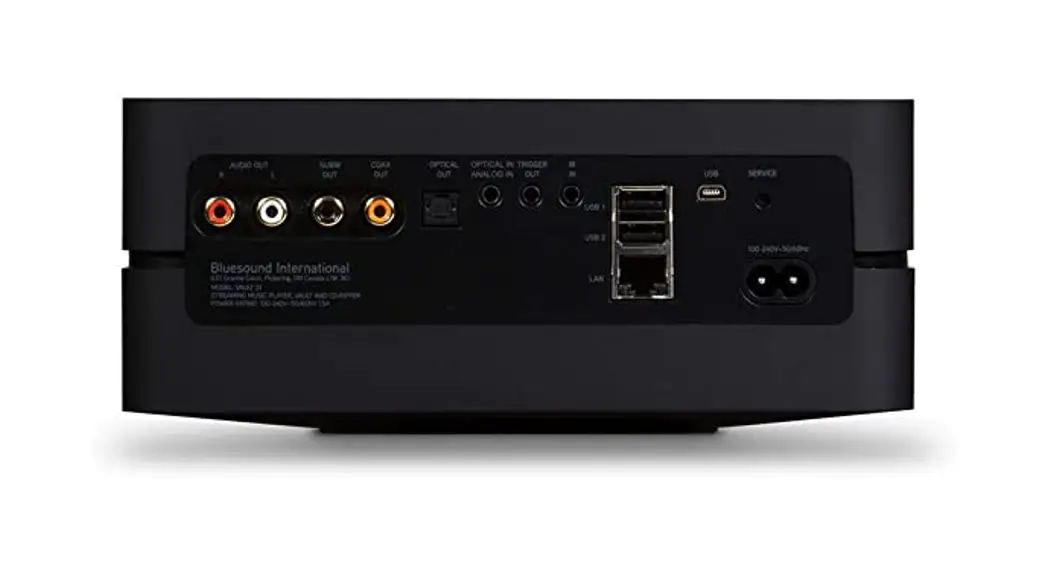
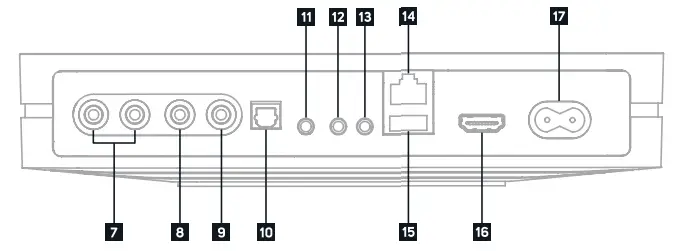
- ANALOG OUT
- SUBWOOFER OUT
- COAX OUT
- OPTICAL OUT
- OPTICAL IN/ANALOG IN
- TRIGGER OUT
- IR IN
- LAN PORT
- USB (TYPE A) IN/OUT
- HDMI eARC
- AC MAINS INPUT


ACCESSORIES
- 120V AC Power Cord

- 230V AC Power Cord
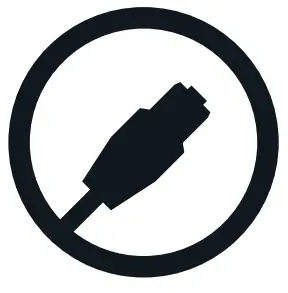
- Ethernet Cable
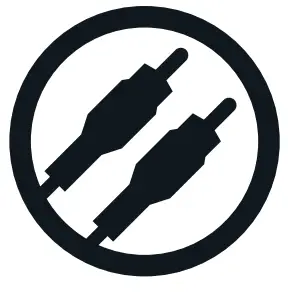
- Stereo RCA to RCA Cable
- Mini Jack to Toslink Adaptor
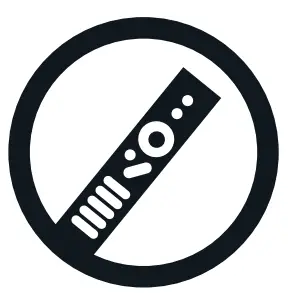
- RC1 Remote Controller

CONNECT FOR SOUND
Connecting with the Analog RCA output will use the NODE X’s internal DAC.
Connecting with a digital output (Optical, USB, or Coaxial) will bypass the NODE X’s internal DAC.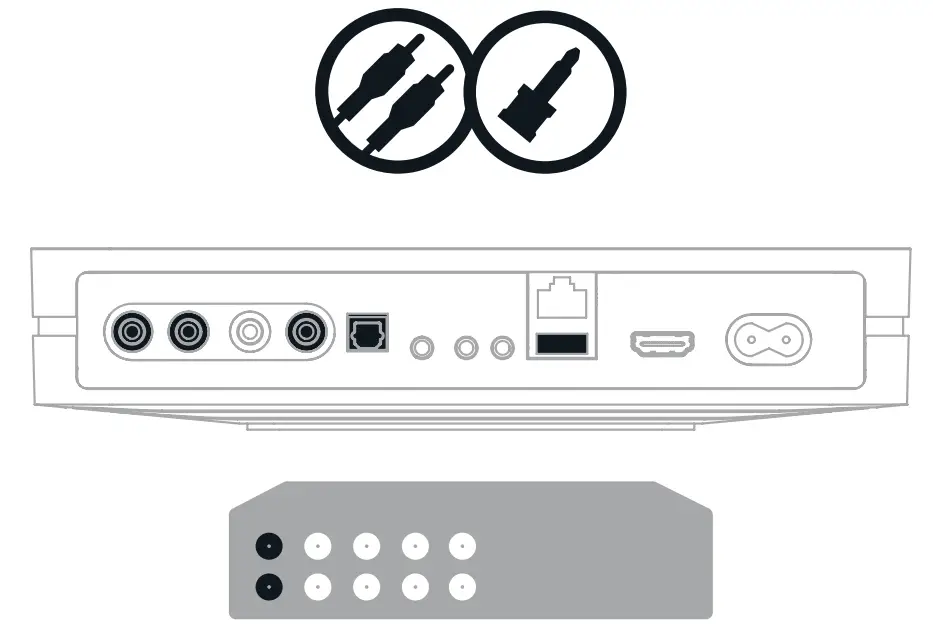
PLUG IN YOUR PLAYER
WATCH FOR THE LED TO TURN SOLID GREEN, INDICATING ‘HOTSPOT’ MODE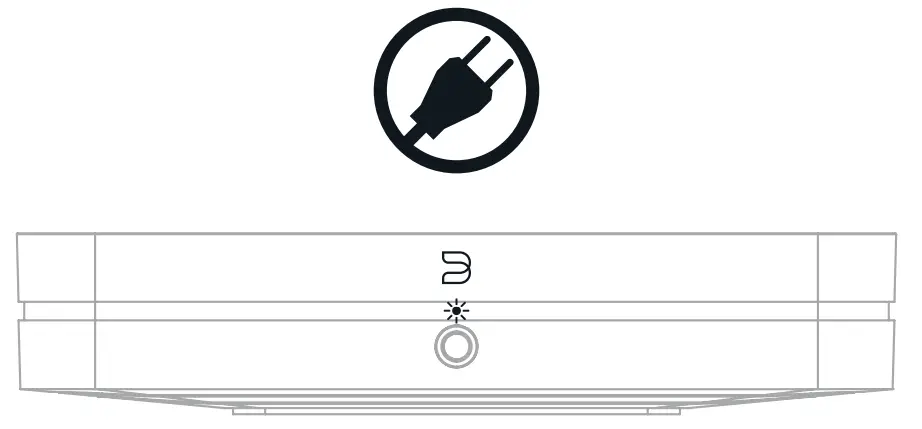
ADD YOUR NODE X TO THE NETWORK
USING YOUR PHONE OR TABLET, DOWNLOAD AND OPEN THE BLUOS APP
The ‘Add A Player’ wizard will guide you through the steps to complete your setup.
 | ||
 |  |  |
Go to bluesound.com/downloads to download the App.
The initial network setup is done using the BluOS App on your phone or tablet. Make sure you have the App downloaded and installed, and your phone or tablet nearby as you get started.
The NODE X online owners manual has even more in-depth information, including troubleshooting tips and tricks. Please visit bluesound.com/products/node-x to download the latest version of the manual.
HAVE QUESTIONS? GET IN TOUCH
 support.bluesound.com
 [email protected]
 North America: 1 855 531 4666 EU: 00 800 53 14 66 66
 Wireless multi-room speakers and components for music streaming - Bluesound