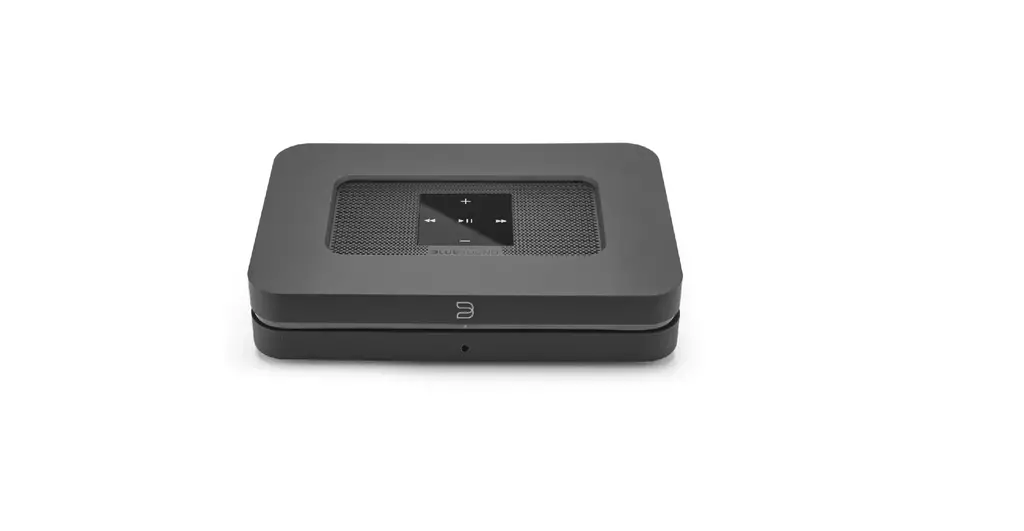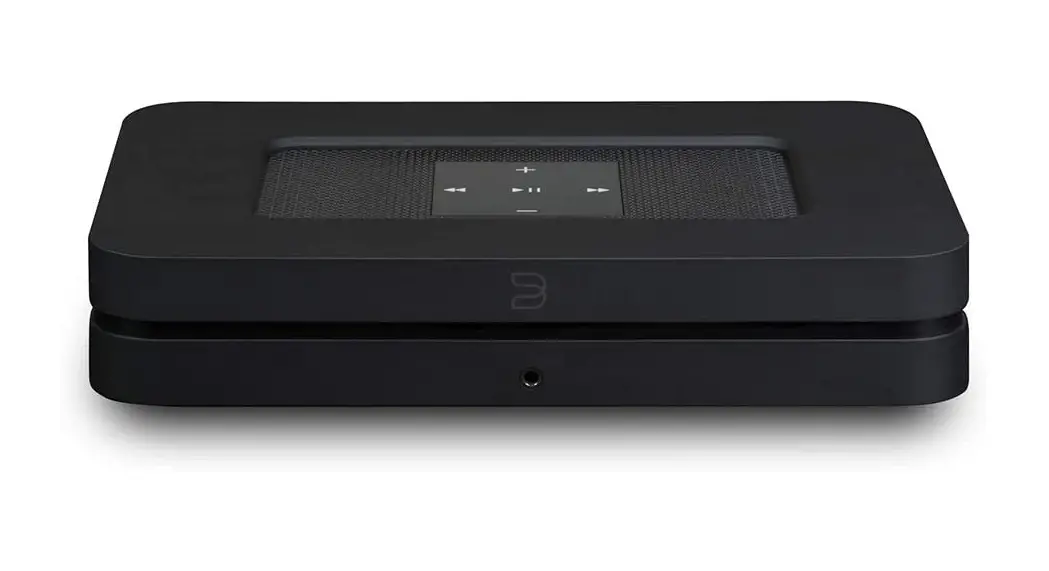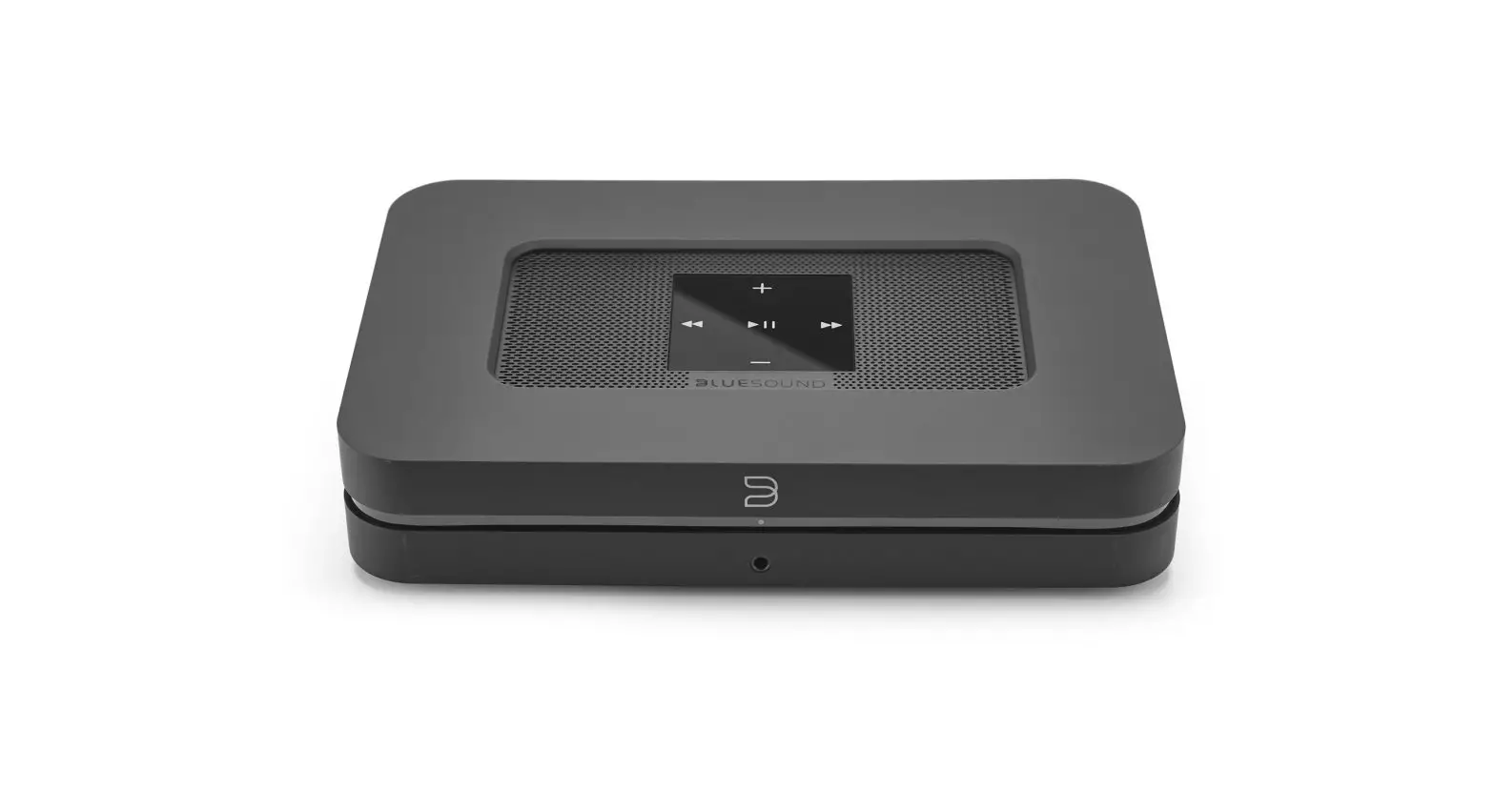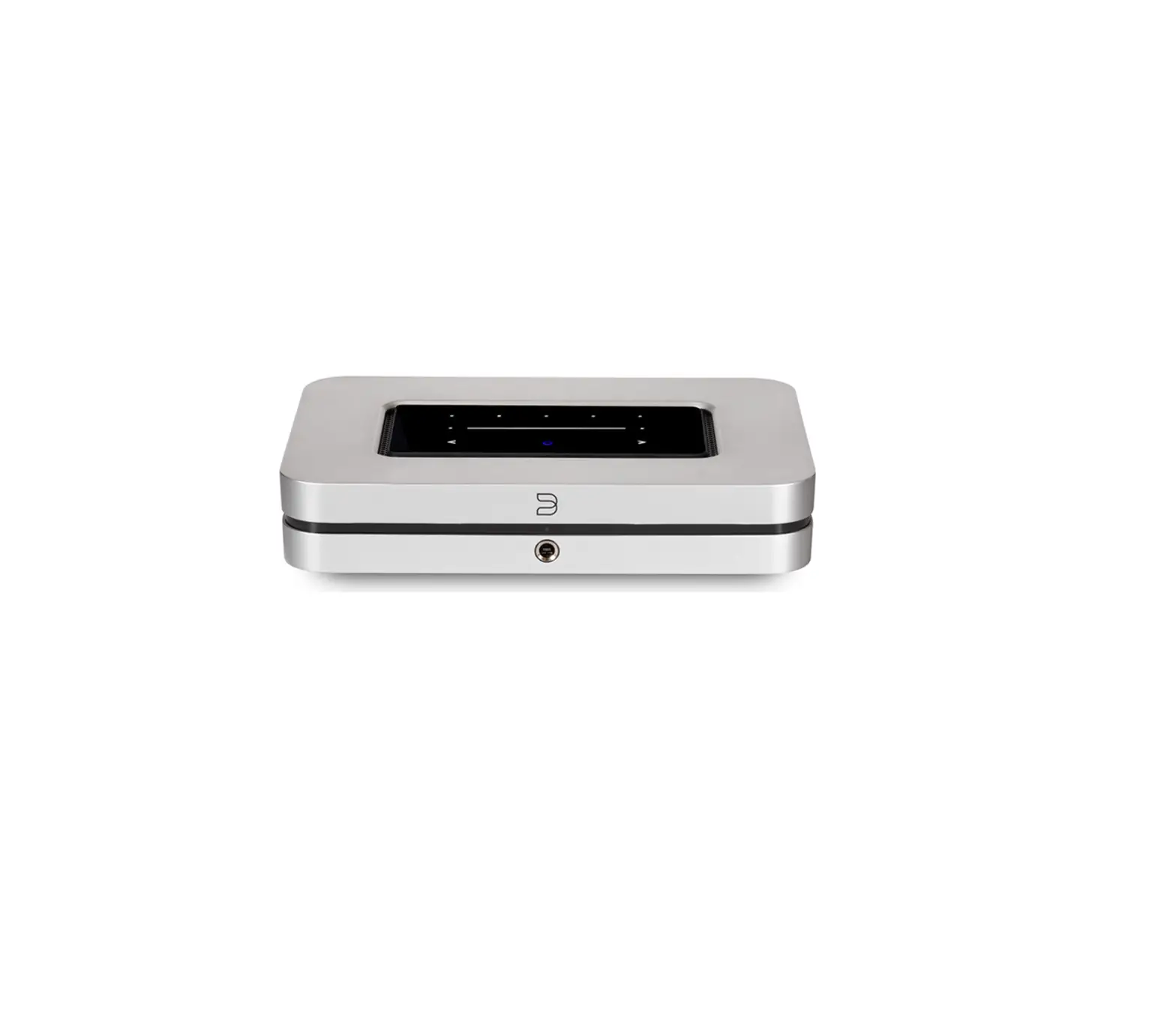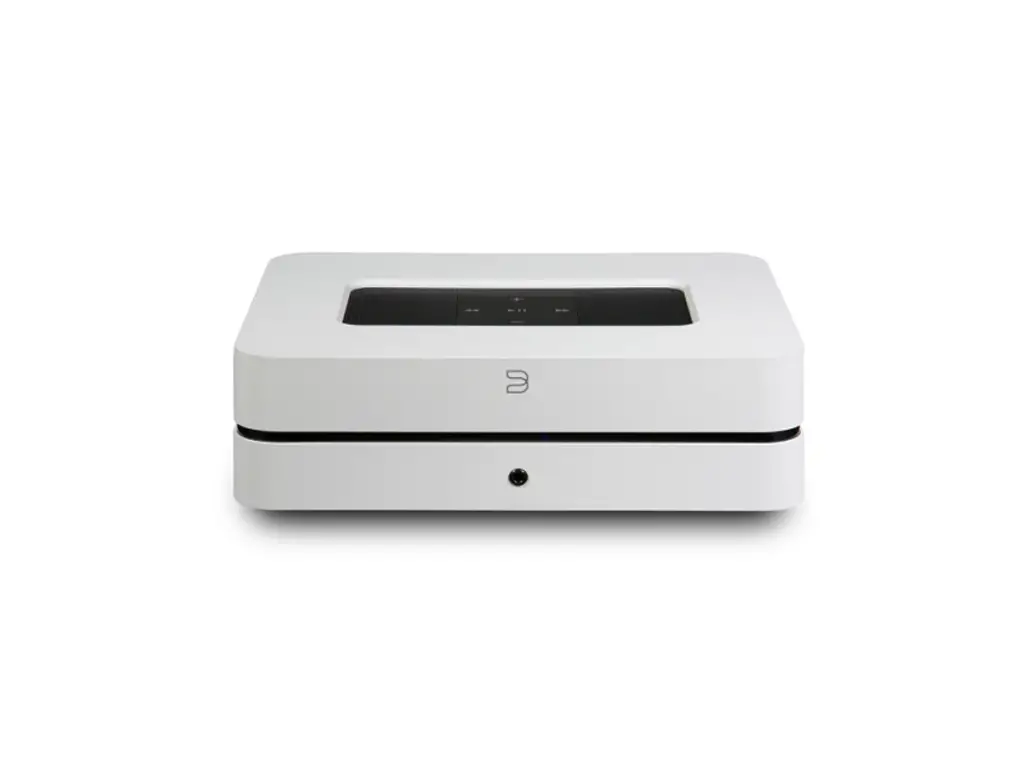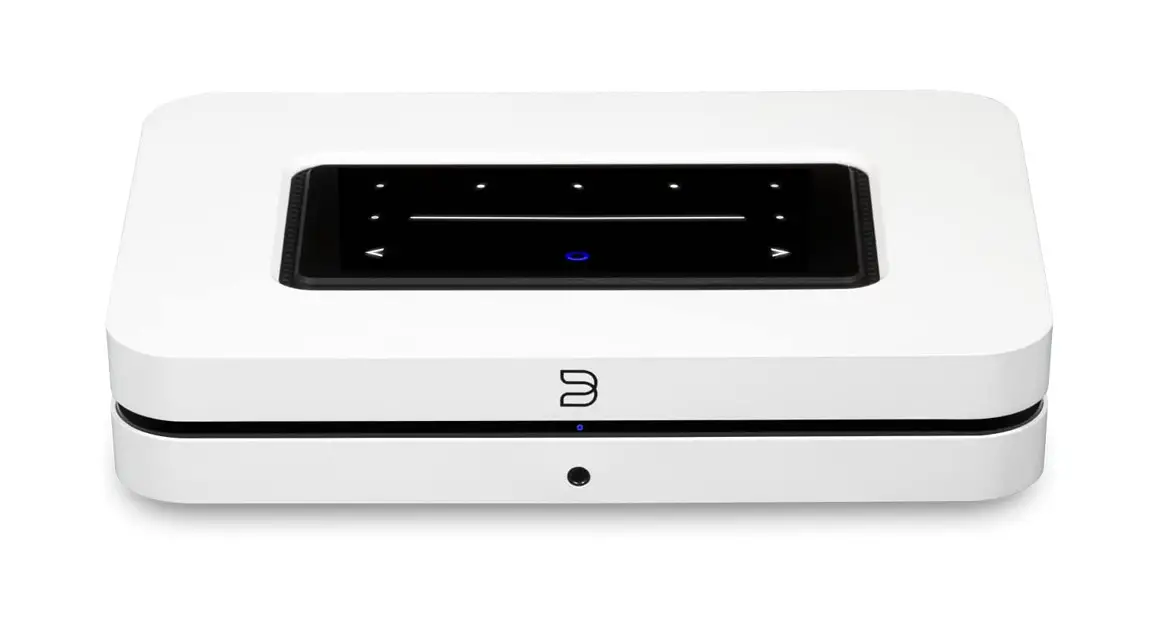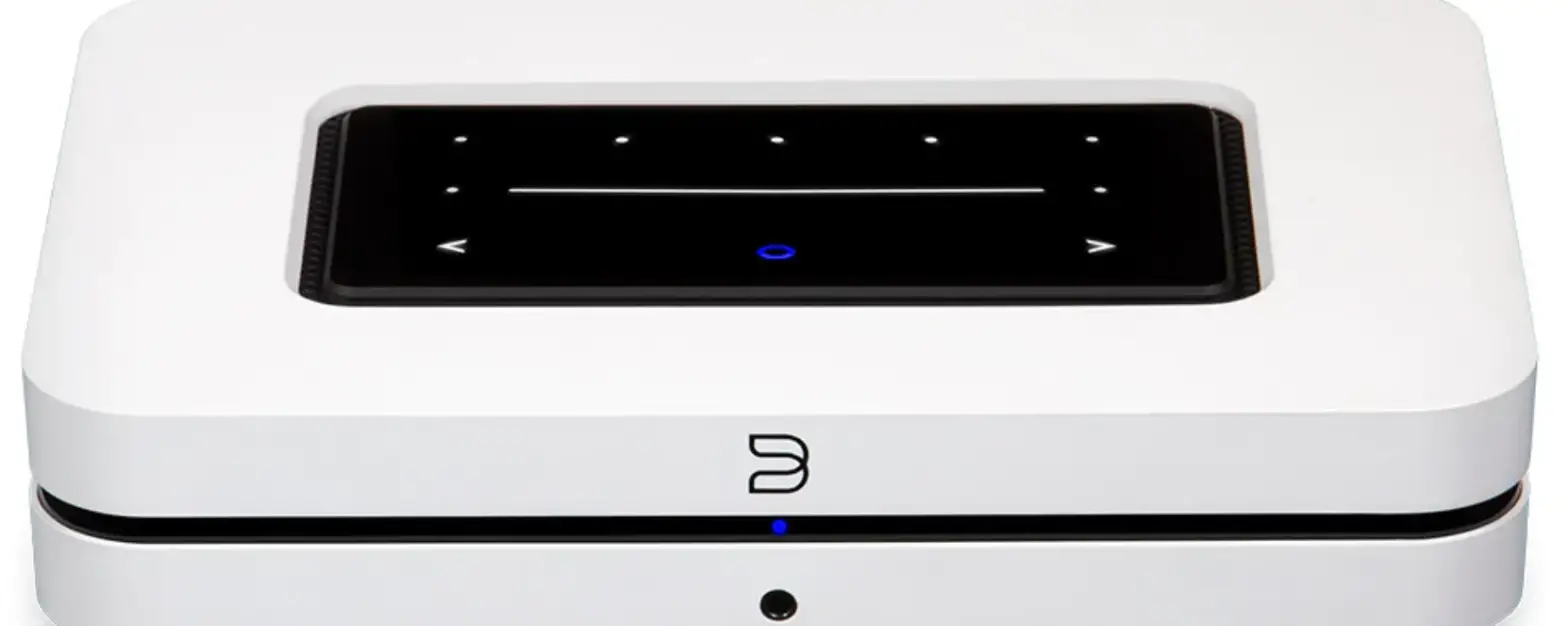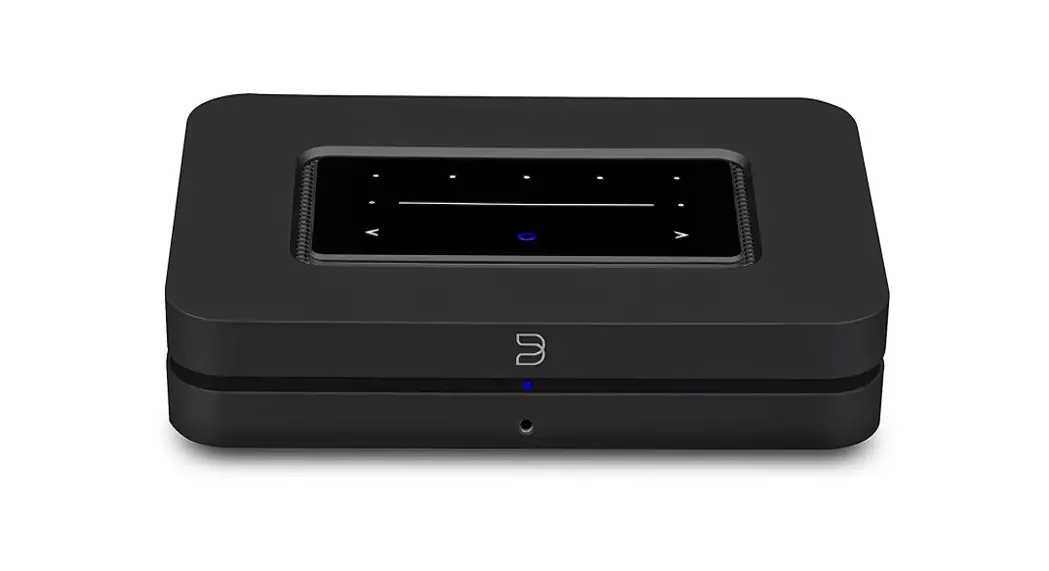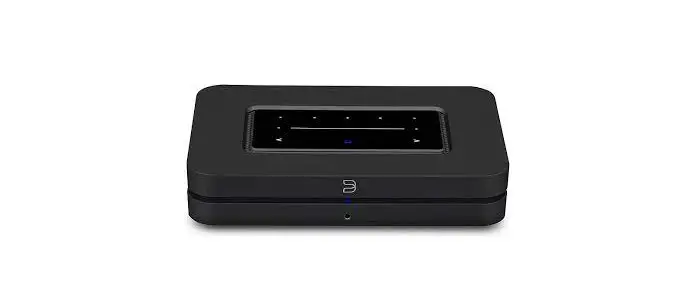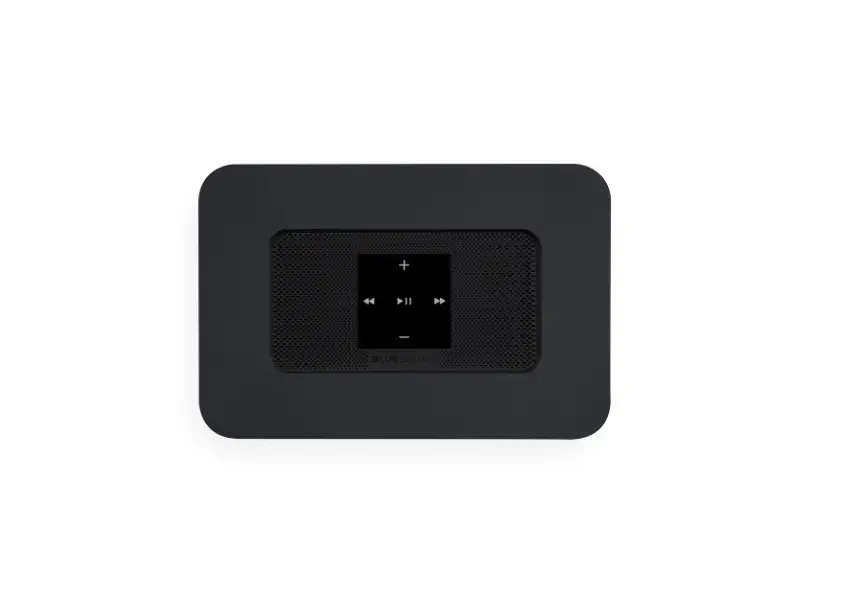
LIVINGHIFI NODE 2i
WELCOME TO #LIVINGHIFI
NODE 2i
QUICK SETUP GUIDE
bluesound.com
© Bluesound Intemational. Bluesound, the stylized wordmark “B” logotype, the phrese “HiFi for @ wireloss generation”, NODE 2i and al ctnor Bluesound product names and taglines are trademarks or egistoced tredemarks oF Bluesound Inornational, devision of Lenbrook industries Limited, Al other logos and services are trademarks or service marks of ther respective ownes.
HAVE QUESTIONS?
GET IN TOUCH
 support.bluesound.com
 [email protected]
 North America: 1855 531 4666
EU: 00 800 53 14 66 66
WHAT’S IN THE BOX




1 CONNECT FOR SOUND
ANALOG OR OPTICAL TO YOUR EXISTING SYSTEM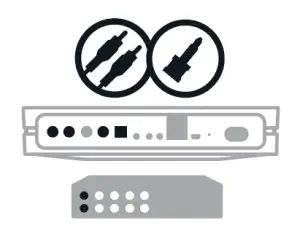
2 PLUG IN YOUR PLAYER
WATCH FOR THE LED TO TURN SOLID GREEN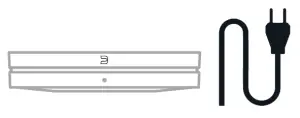
3 GET THE BLUOS APP
USE YOUR PHONE OR TABLET
4 ADD YOUR NODE 2i TO THE NETWORK
FOLLOW THE IN-APP INSTRUCTIONS TO FINISH SETUP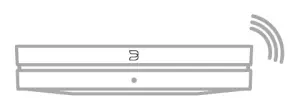
 Wireless multi-room speakers and components for music streaming - Bluesound