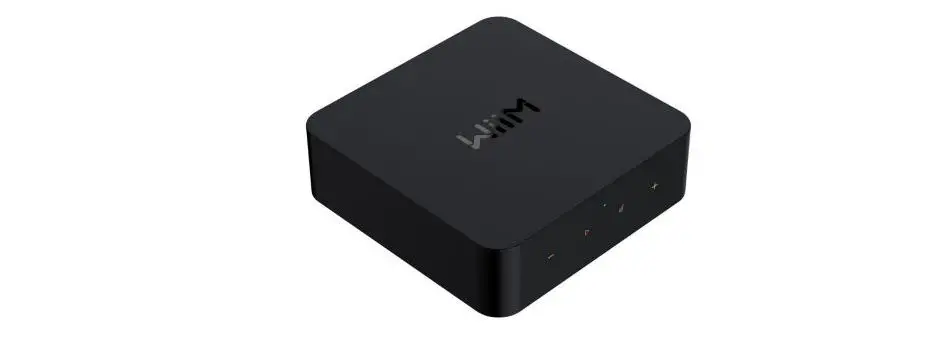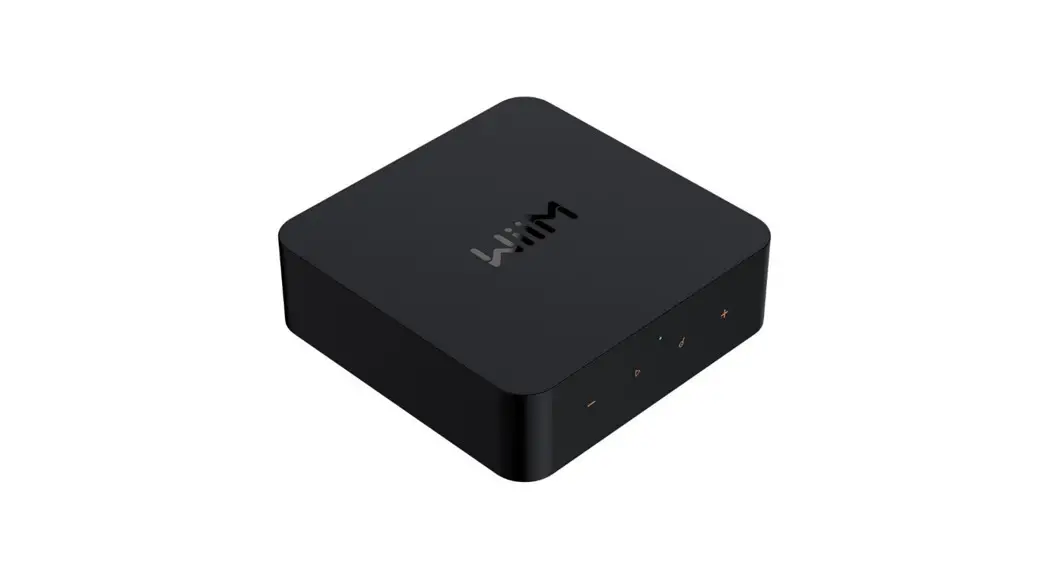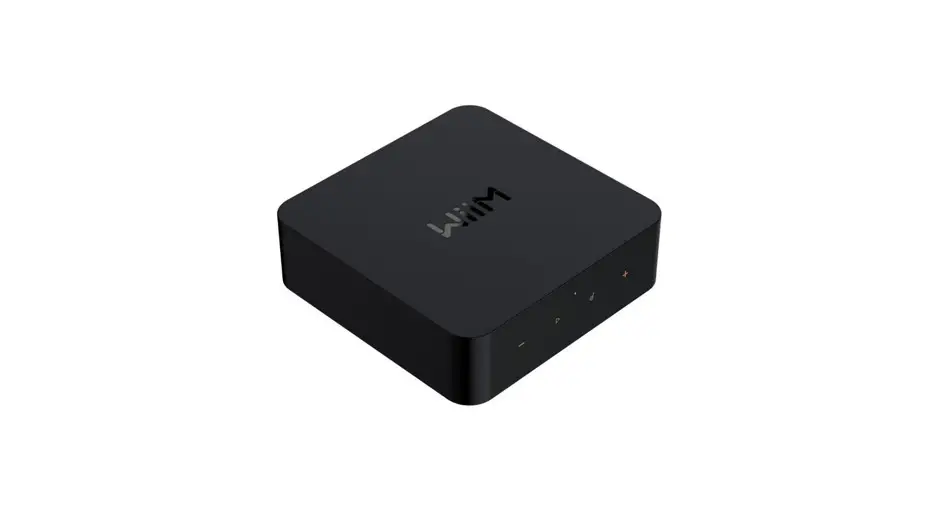
WiiMPro Audiophile Grade Music Streamer User Guide
WiiM Home app
Connect WiiM Pro to your stereo system
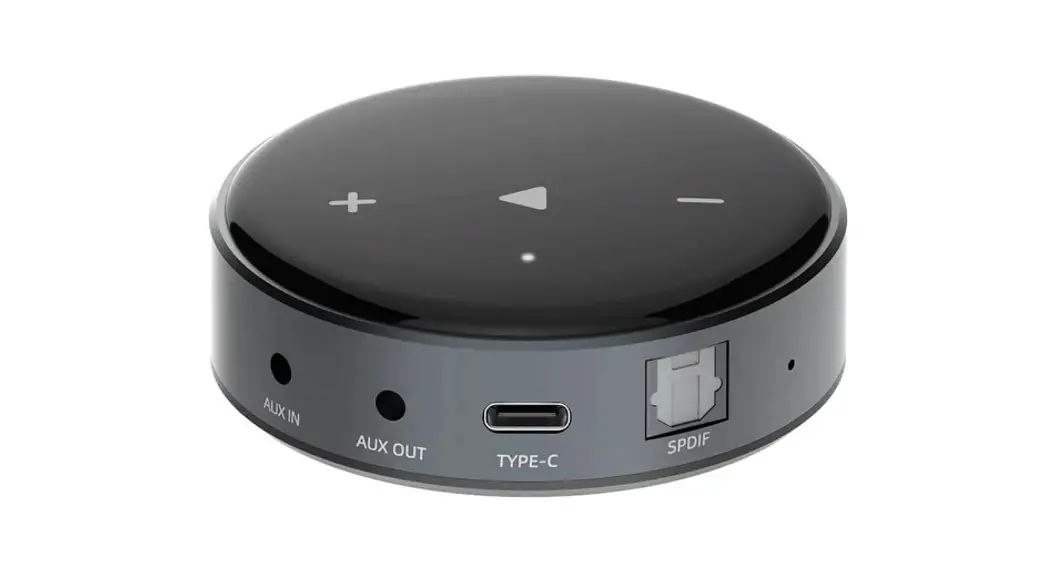
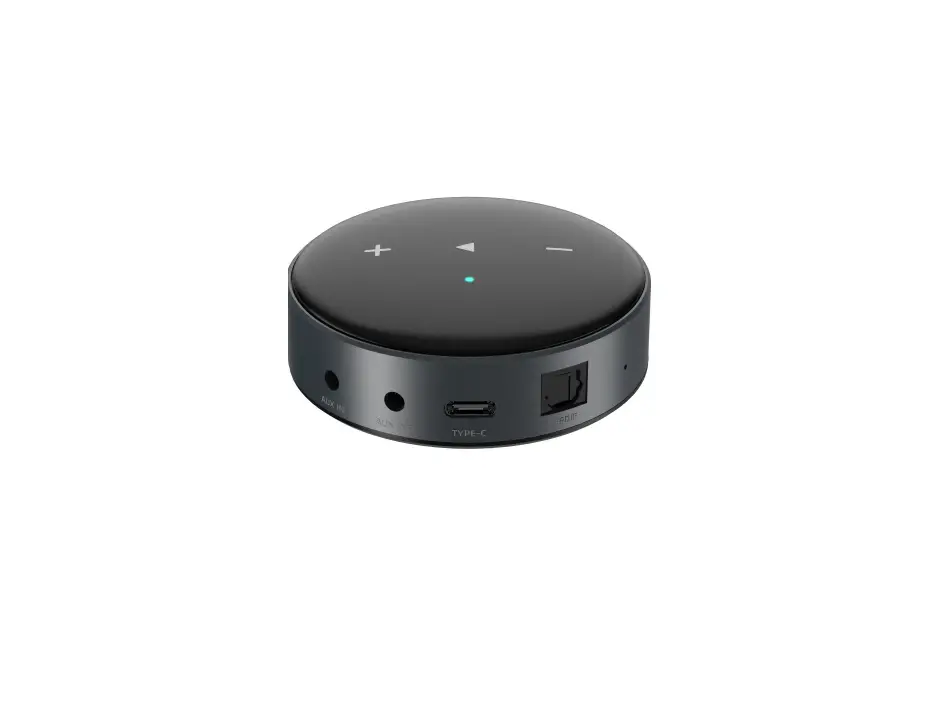
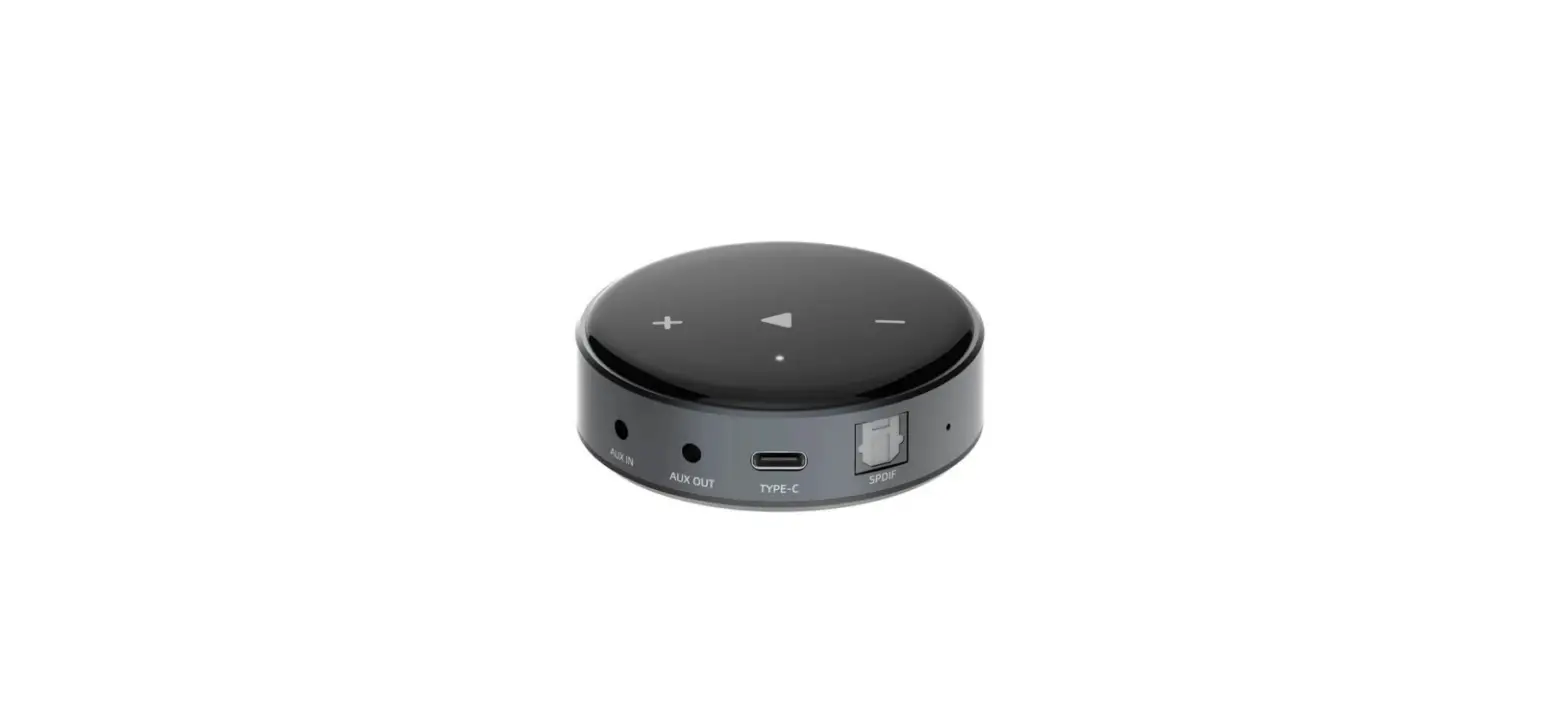
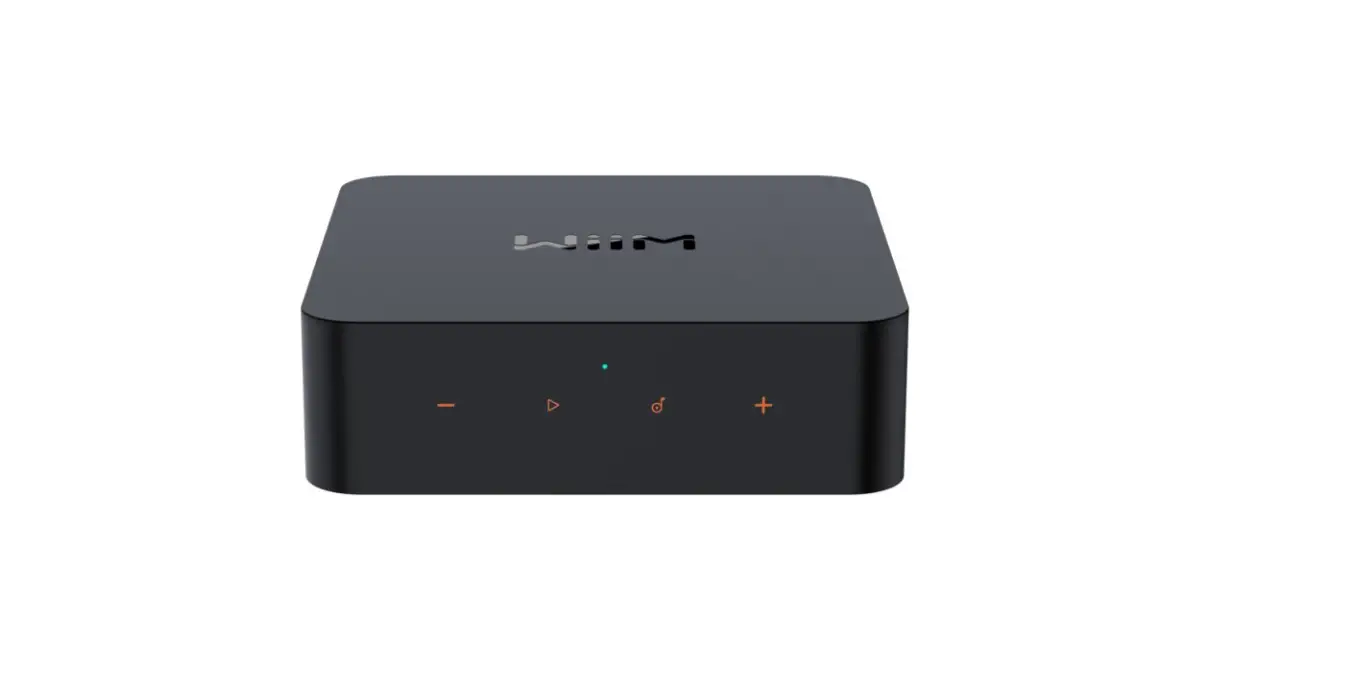
Connect WiiM Pro to your stereo system through either through Line OUT (not Line IN), SPDIF OUT or Coax Out. Plug in USB cable to Type-C power port.
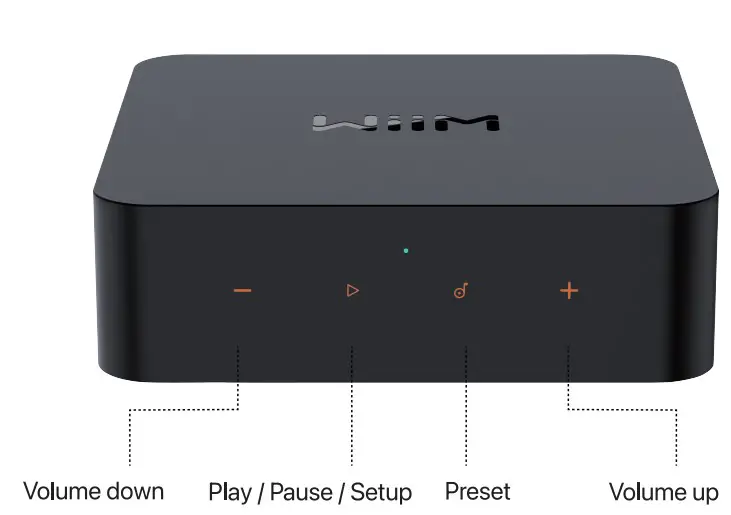
Setup — Press/hold play button on the WiiM Pro for 3 seconds or longer.
Restore to factory setting — Press/hold play button on the WiiM Pro for 10 seconds or longer.
Bluetooth pairing — Press/hold volume +&- for 2 seconds or longer.
Download the WiiM Home app
Open the WiiM Home app when you’re ready to get started. You’ll use it to set up and control your WiiM Pro.


Connect to WiiM Home app
- Turn on Bluetooth in your mobile devices settings.
- Back to the WiiM Home app, choose the device you found and tap “Set up”.
- Allow the location permission to discover the nearby network to set up the Wi-Fi network for WiiM Pro.
- If you use Ethernet connection, connect WiiM Pro then go back to WiiM Home App to finish the device setup.
Fill your home with music
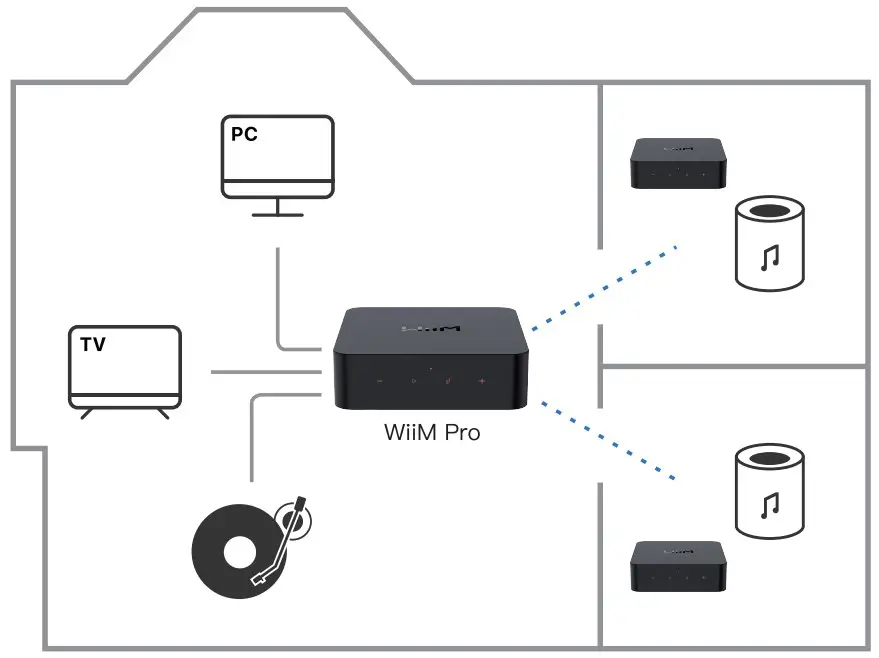
Stream your favorite music, radio stations through Wi-Fi or Bluetooth. Having multiple WiiM Pro devices, play streaming music the whole house. Or plug in a stereo component—like an amplified turntable, CD player, or MP3 player—and cast music to multiple WiiM Pro connected speakers at once.
Need help?
WiiM Home app: Settings > FAQ, Feedback, Forum
Website: wiimhome.com/support
Email: [email protected]
Product user guides: wiimhome.com/wiimpro/guides
 @wiimhome
 @wiimhome
 @wiimhome
 @wiimhome
Use Restriction: The device for operation in the band 5150-5350 MHz is only for indoor use to reduce the potential for harmful interference to co-channel mobile satellite systems.