
WELCOME TO #LIVINGHIFI
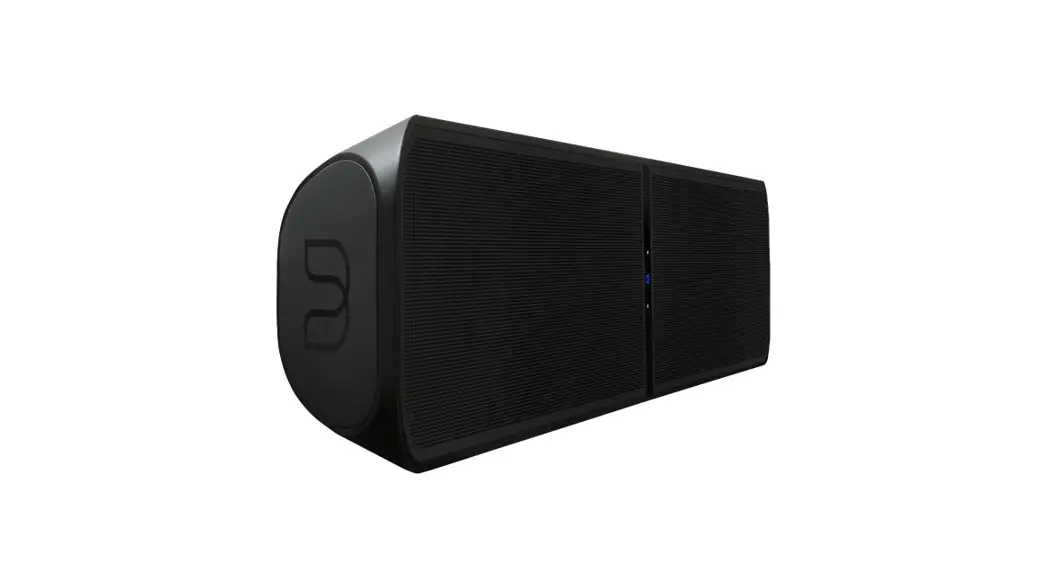
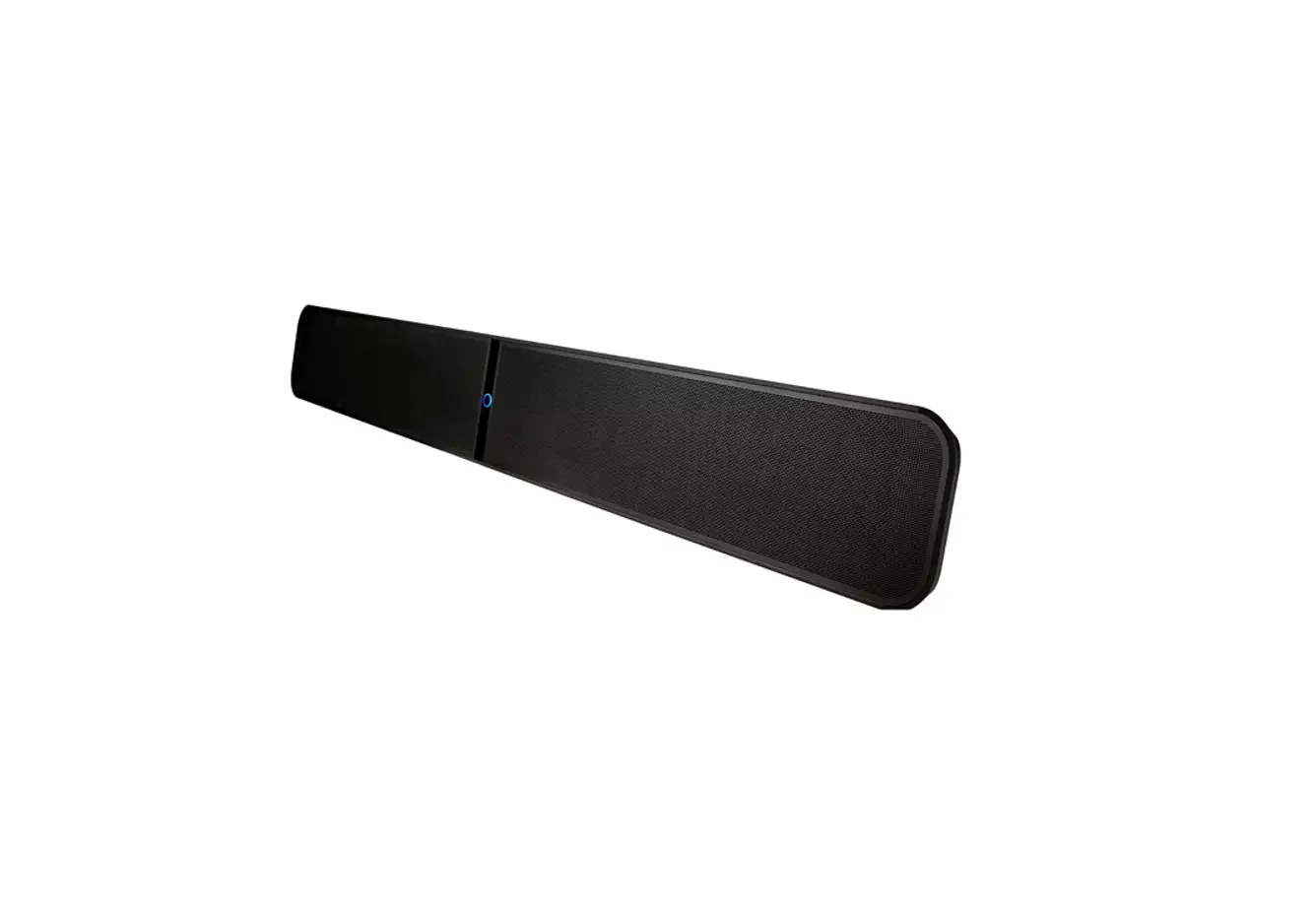
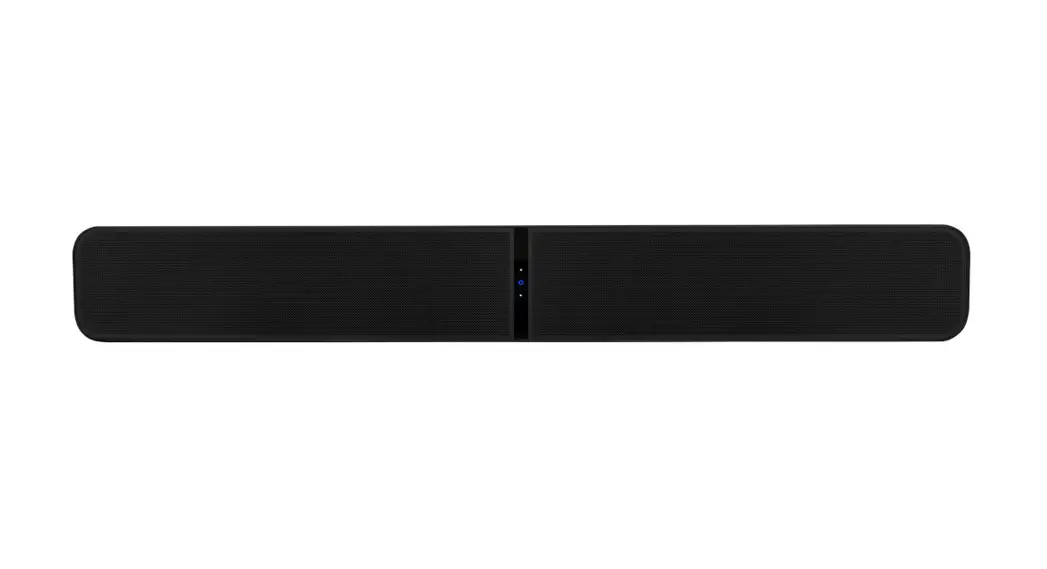
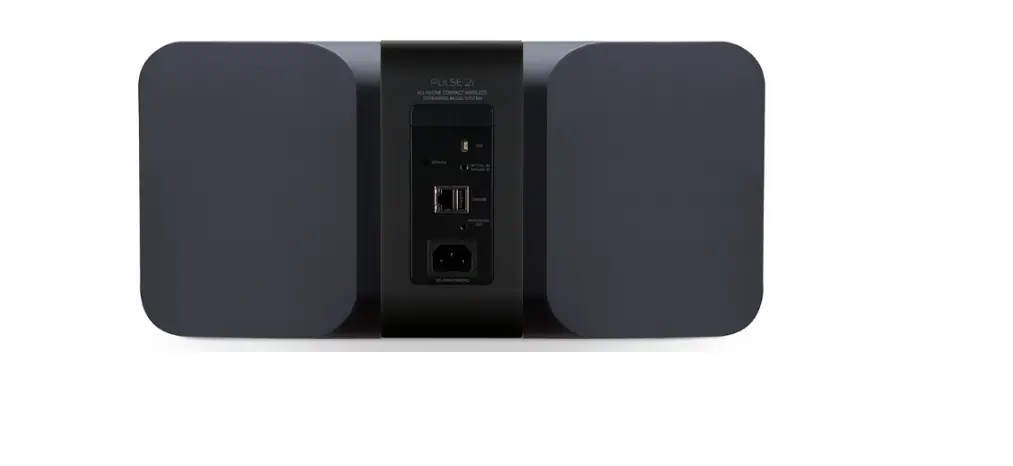
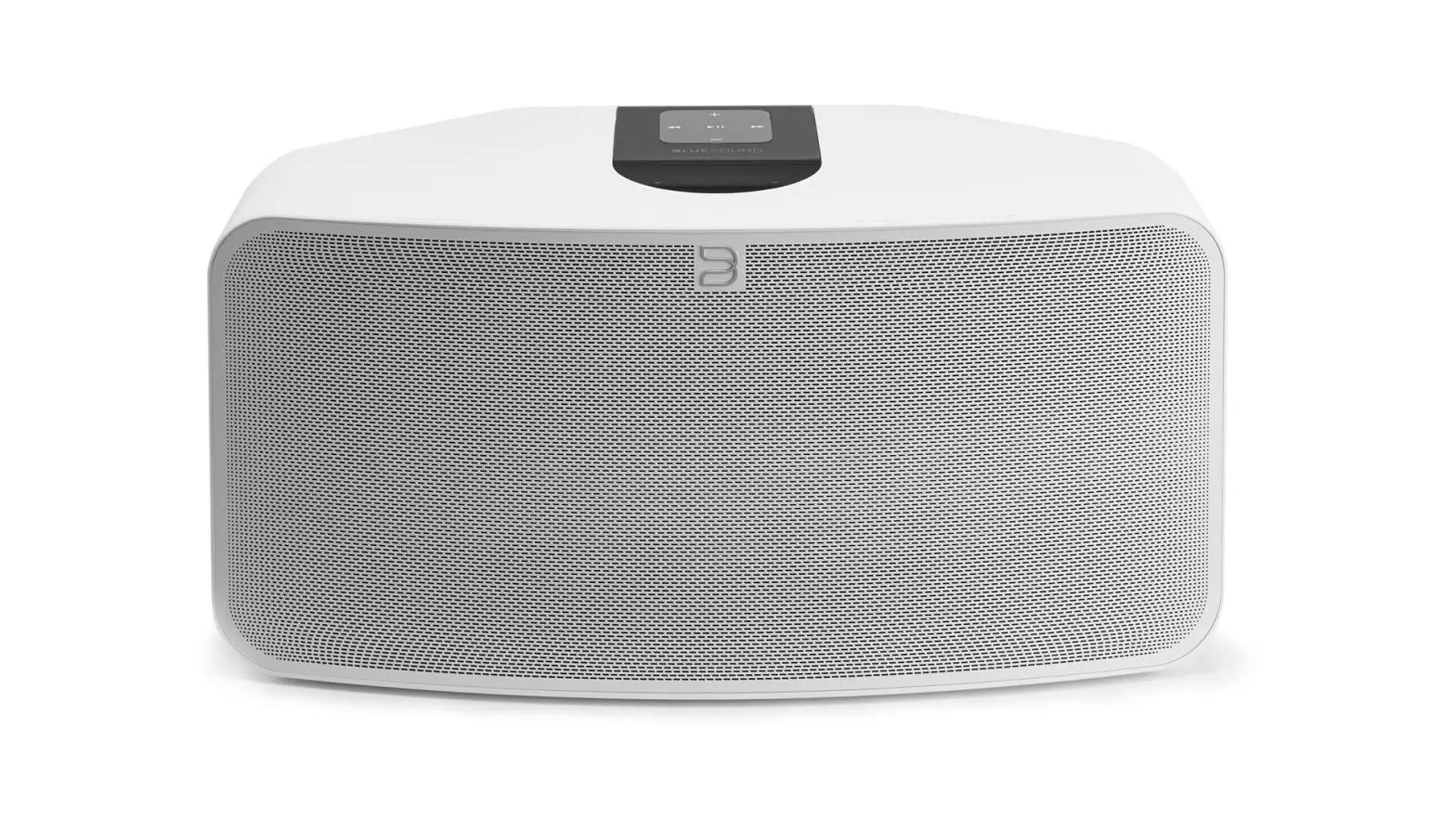
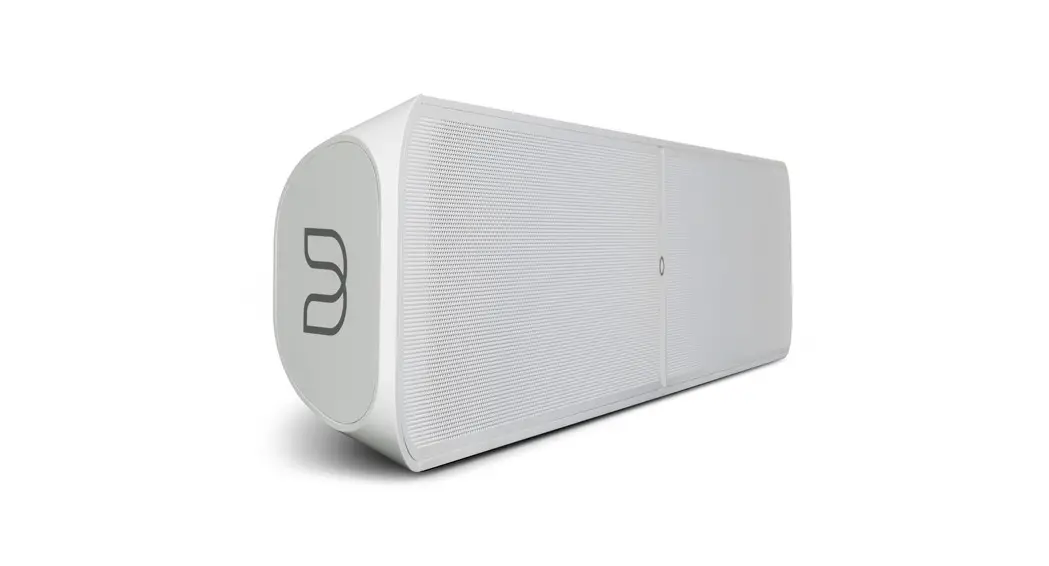
Pulse Soundbar 2i
QUICK SETUP GUIDE
WHAT’S IN THE BOX
 | 120V AC Power Cord |  | Wall Mount Bracket |
 | 230V AC Power Cord | 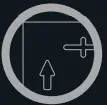 | Wall Mount Bracket Template |
 | 3.5mm Stereo Mini Plug to RCA Cable |  | HDMI Cable |
 | Ethernet Cable |  | Spacers x8 |
 | Optical Audio Cable |  | Two Kickstand Feet |
CHOOSE PLACEMENT
TABLETOP Use the supplied kickstands
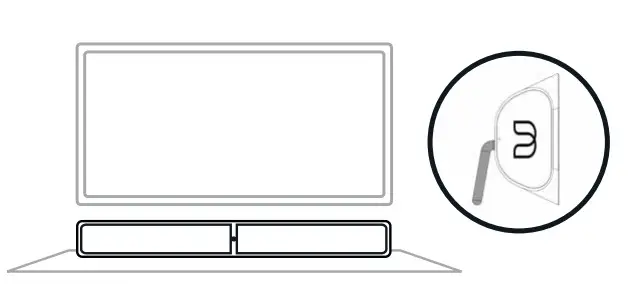
WALL MOUNT
Use the supplied wall mount bracket and instruction sheet
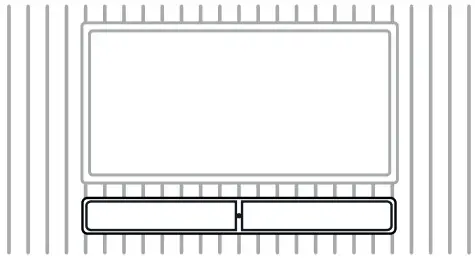
TS100 TV STAND
Mount your TV and Soundbar to the Bluesound TS100 (sold separately)
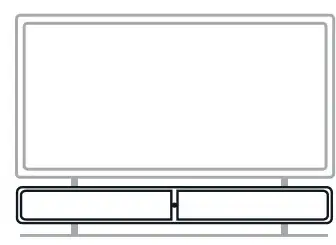
CONNECT FOR SOUND
ANALOG, OPTICAL OR HDMI ARC OUT FROM YOUR TV

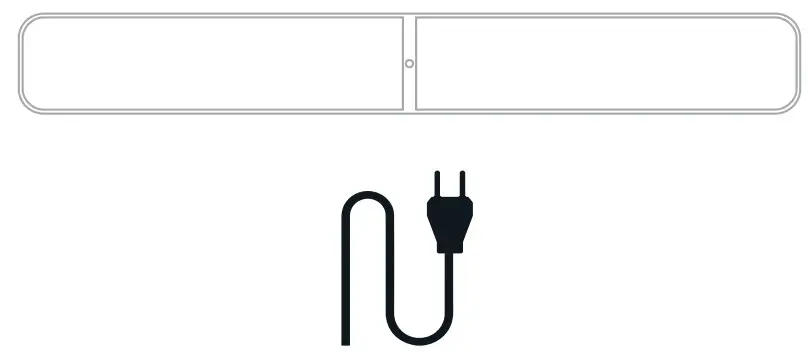
PLUG-IN YOUR PLAYER
GET THE BLUOS APP
USE YOUR PHONE OR TABLET
ADD YOUR PULSE SOUNDBAR 2i TO THE NETWORK
USE THE APP TO FINISH THE SETUP
HAVE QUESTIONS?
GET IN TOUCH
 | support.bluesound.com |
 | [email protected] |
 | North America: 1 855 531 4666 EU: 00 800 53 14 66 66 |
 Wireless multi-room speakers and components for music streaming - Bluesound