RoomOS Devices
Cisco Collaboration Devices
This user manual provides information on assessing the risks of
network boundary compromise via Cisco RoomOS devices. The manual is
applicable from May 2023 onwards.
Introduction
This manual provides information on the risks associated with
Ethernet over USB on Cisco RoomOS devices and the corresponding
mitigation strategies.
Background
The core issue is that any connection using USB protocols has
the potential to act as an Ethernet-compatible physical layer.
However, a USB-C port is not required to support either of the USB
protocols, and the presence of a USB-C port does not necessarily
imply an Ethernet-compatible interface. Furthermore, there is a
proposal to support the Ethernet protocol over a USB-C connector
through an alternate mode without encapsulating Ethernet frames in
USB frames.
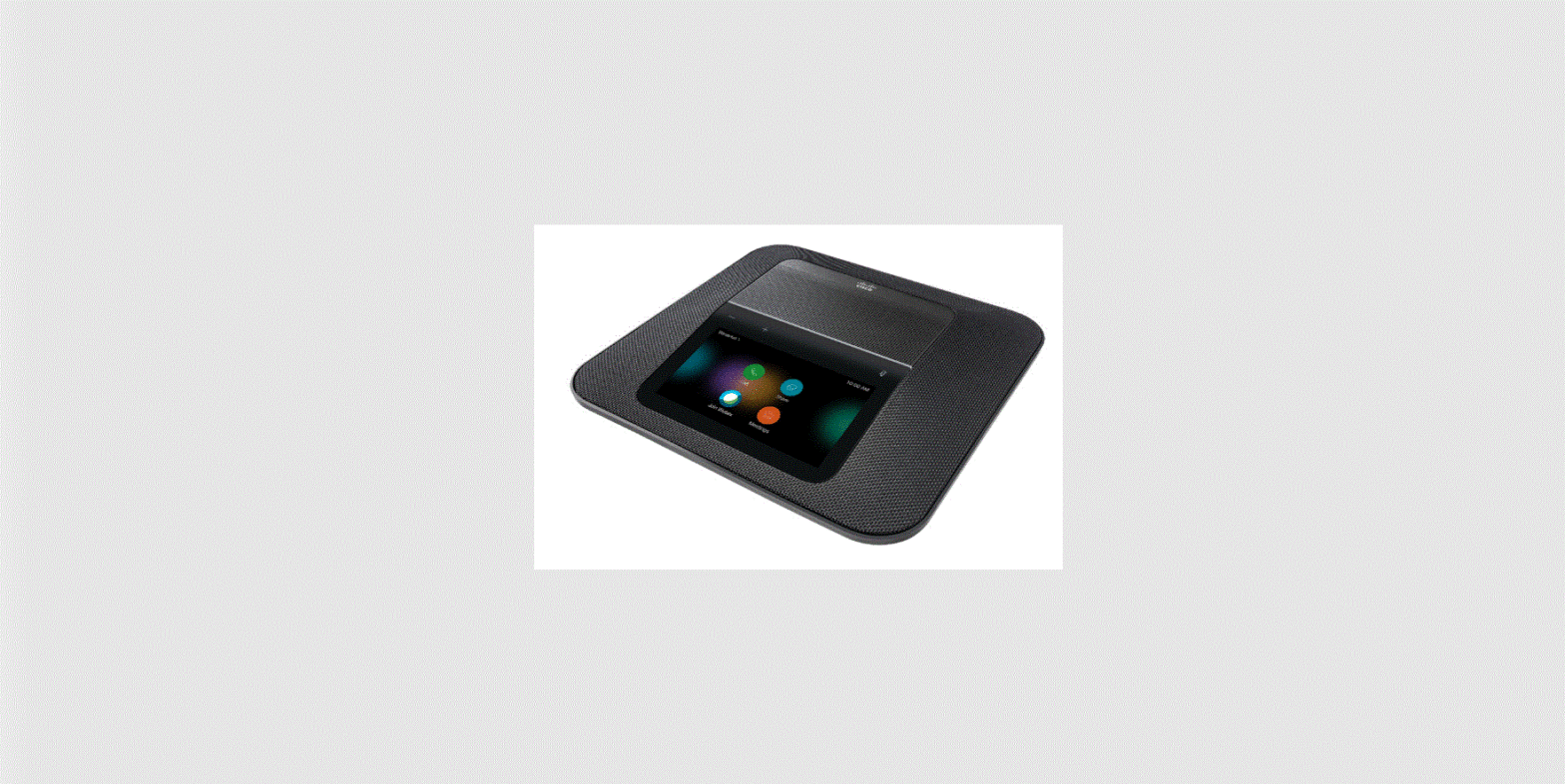
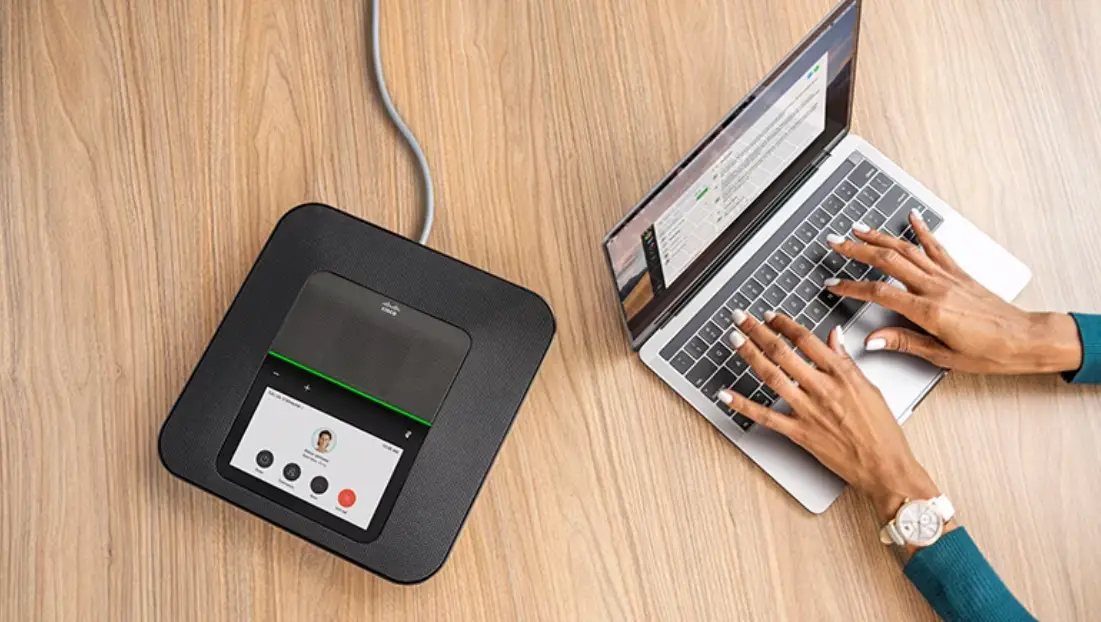
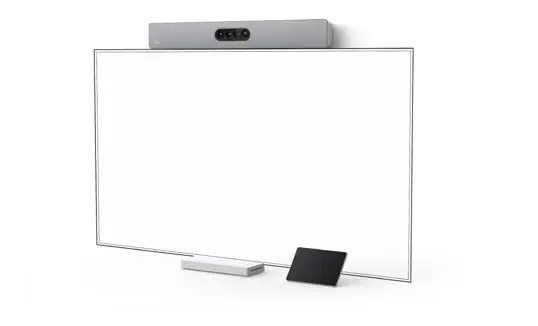
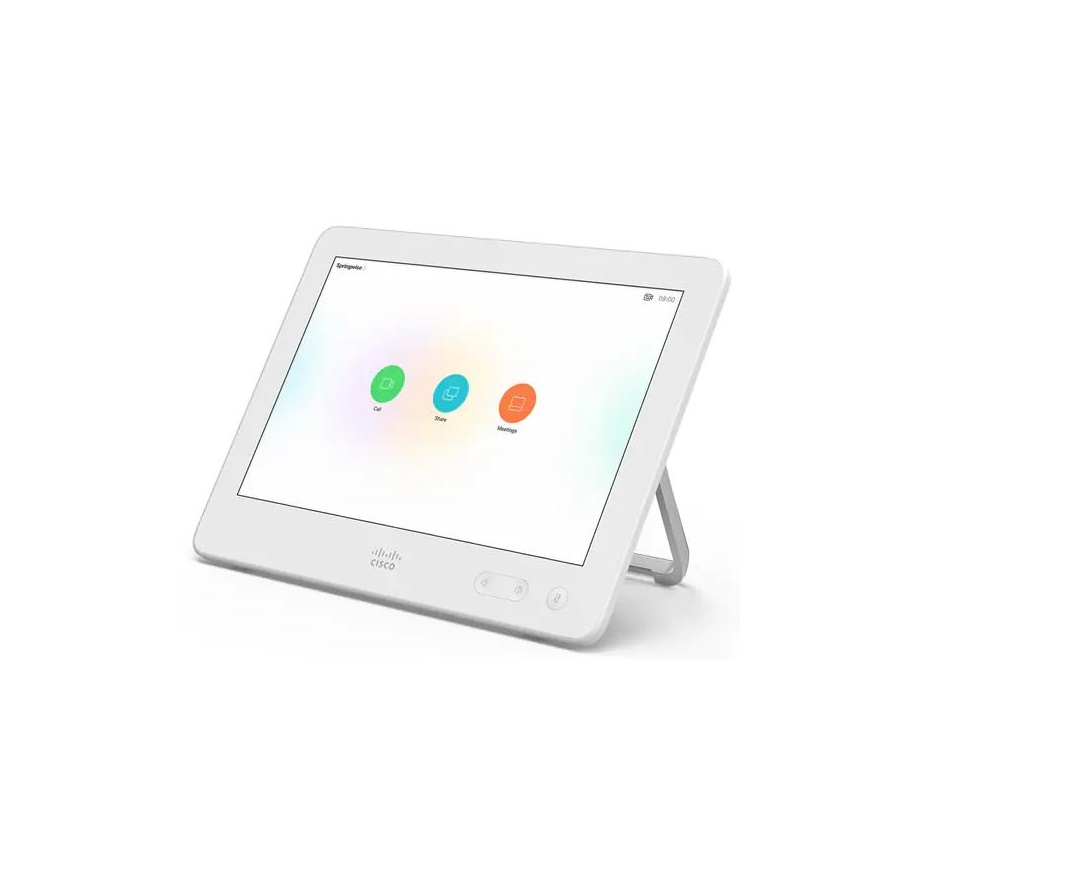
Newer RoomOS devices, such as Desk Prov, Room Bar, and Room Kit
EQ, do not have any USB Ethernet or Ethernet over HDMI
functionality. However, Desk Hub, which has been discontinued, had
a hardware interface that offered Ethernet over USB through the
USB-C connector. In theory, any networked collaboration device
could be transformed into a gateway for a peripheral device by
implementing an Ethernet over USB protocol.
Risks and Mitigations
There are two types of risks associated with Ethernet over USB
on Cisco RoomOS devices:
- Ethernet over USB as an official feature:
Ethernet over USB is a frequently requested feature for Cisco
RoomOS devices, and Cisco may decide to implement it in future
RoomOS versions. In such cases, there will be multiple mechanisms
in place to prevent or disable the functionality, ensuring the
security of the network. - Ethernet over USB implemented by malware: An
attacker who successfully modifies the software on a RoomOS device
could implement support for an Ethernet over USB protocol of their
choice, such as MS-RNDIS. This would allow them to access the
privileged network with an arbitrary device by connecting it to the
RoomOS device. To mitigate this risk, RoomOS devices are designed
with robust security measures that make it extremely difficult for
malicious actors to covertly add such capabilities.
Conclusion
Current RoomOS devices do not possess the capability to share
their network connections with connected peripherals, such as
laptops. Should this feature be introduced in the future, there
will be multiple mechanisms in place to prevent or disable the
functionality, ensuring the security of the network.
Product Usage Instructions
To ensure the security of your Cisco collaboration device, it is
recommended that you follow these usage instructions:
- Do not connect any peripheral device to your RoomOS device
without verifying its security and authenticity. - Regularly update your RoomOS device software to ensure that it
has the latest security patches. - Do not modify the software on your RoomOS device unless you are
certain that it will not compromise its security. - If you notice any suspicious activity on your RoomOS device,
immediately disconnect it from the network and contact your IT
department.
Cisco collaboration devices
Assessing the risks of network boundary compromise via Cisco RoomOS devices
May 2023
© 2023 Cisco and/or its affiliates. All rights reserve.
Contents
1. Introduction 3 2. Background 4 3. Risks and mitigations4 4. Conclusion 5
Page 2 of 5
© 20213 Cisco and/or its affiliates. All rights reserved.
Page 3 of 5
There are currently no RoomOS devices that are capable of sharing their network connection to connected devices e.g., laptops. If support is added at a later date, there will be multiple means to prevent or disable the functionality. RoomOS devices feature security measures such that malicious actors are unable to covertly add the capability.
1. Introduction
Many organizations use Cisco devices to enable video conferencing to take place over their secure networks. These devices are frequently connected to peripheral devices, such as laptops, via their USB-C connectors. This configuration presents a potential security risk at the network boundary, as the USB connection could enable the RoomOS device to inadvertently share its privileged network access with unauthorized devices. This document aims to comprehensively assess and address this hypothetical vulnerability, in order to safeguard the integrity and security of the network.
© 2023 Cisco and/or its affiliates. All rights reserve.
Page 4 of 5
2. Background
The core issue can be summarized as follows:
· Ethernet frames (IEEE 802.3i) can be transmitted across various physical media in all major operating systems.
· USB connections are capable of carrying these Ethernet frames. · Despite potential performance limitations due to frame sizes in older USB standards, they
remain viable for this purpose. · Additionally, USB to Ethernet interfaces exist as integrated circuitsii.
As a result, any connection utilizing USB protocols has the potential to serve as an Ethernet-compatible physical layer. It is important to note that a USB-C port is not required to support either of the USB protocols; hence, the presence of a USB-C port does not necessarily imply an Ethernet-compatible interfaceiii. Furthermore, a proposal exists to support the Ethernet protocol over a USB-C connector through an alternate mode, without encapsulating Ethernet frames in USB framesiv.
Ethernet over USB on RoomOS devices Newer RoomOS devices, e.g. Desk Prov, Room Barvi, and Room Kit EQvii, do not have any USB Ethernet or Ethernet over HDMI functionality. The only exception is the now-discontinued Desk Hub which had a hardware interface, not present in other RoomOS devices, that offered Ethernet over USB through the USB-C connectorviii.
In theory, any networked collaboration device could be transformed into a gateway for a peripheral device by implementing an Ethernet over USB protocol, such as MS-RNDISix, among other methods.
3. Risks and mitigations
In the following sections, we will succinctly describe the types of risk and their corresponding mitigations.
Ethernet over USB as an official feature Ethernet over USB is a frequently requested feature for Cisco RoomOS devices, and Cisco may decide to implement it in future RoomOS versions.
Mitigation · Announcement of the feature through appropriate channels in advance. · Administrative tools in Control Hub for configuration, including the ability to disable the feature on a per-device or organization level. · No support for the feature on no-radio devices.
© 2023 Cisco and/or its affiliates. All rights reserve.
Page 5 of 5
Ethernet over USB implemented by malware An attacker who successfully modifies the software on a RoomOS device could implement support for an Ethernet over USB protocol of their choice, such as MS-RNDIS. This would allow them to access the privileged network with an arbitrary device by connecting it to the RoomOS device.
Mitigation The integrity of software images installed or booted on a RoomOS device is verified through a combination of cryptographic techniques, including SHA512 hashing and RSA public-key cryptography. To successfully load a modified software image, such as one that covertly supports Ethernet over USB, a threat actor would need to overcome these and other industry-standard security measures like Secure Boot. Moreover, the devices are equipped with a safeguard that prevents the installation of a software image older than the currently installed version. However, there is an explicit list of exceptions related to the “advanced software control” options available in Control Hub.
4. Conclusion
Current RoomOS devices do not possess the capability to share their network connections with connected peripherals, such as laptops. Should this feature be introduced in the future, there will be multiple mechanisms in place to prevent or disable the functionality, ensuring the security of the network. RoomOS devices are designed with robust security measures that make it extremely difficult for malicious actors to covertly add such capabilities.
i L. S. Committee, “IEEE Standard for Ethernet,” IEEE Std 802.3-2022, 2022. ii “Microchip bridge, USB to Ethernet USB interface ic Mouser Norway,” https://no.mouser.com/c/semiconductors/interface-ics/usb-interfaceic/?m=Microchip&type=Bridge%2C%20USB%20to%20Ethernet, (Accessed on 03/29/2023). iii “Guide to USB-C pinout and features technical articles,” https://www.allaboutcircuits.com/technical-articles/introduction-to-usb-type-c-which-pins-power-delivery-data-transfer/, (Accessed on 03/29/2023). iv “[802.3 dialog] USB-C Ethernet alternate mode,” https://grouper.ieee.org/groups/802/3/email_dialog/msg00262.html, (Accessed on 03/29/2023). v “Cisco Desk Pro datasheet – Cisco,” https://www.cisco.com/c/en/us/products/collateral/collaboration-endpoints/webex-desk-pro/datasheet-c78-743105.html, (Accessed on 03/29/2023). vi “Cisco Room Bar datasheet – Cisco,” https://www.cisco.com/c/en/us/products/collateral/collaboration-endpoints/webex-room-series/webex-room-bar-ds.html, (Accessed on 03/29/2023). vii “Cisco Room Kit EQ datasheet – Cisco,” https://www.cisco.com/c/en/us/products/collateral/collaboration-endpoints/webex-room-series/webex-room-bar-ds.html, (Accessed on 03/29/2023). viii “Desk Hub datasheet CM-1560.pdf,” https://www.webex.com/content/dam/wbx/us/data-sheet/desk_hub_datasheet_cm-1560.pdf, (Accessed on 04/19/2023). ix “Overview of Remote NDIS (RNDIS) – Windows drivers — Microsoft learn,” https://learn.microsoft.com/en-us/windows-hardware/drivers/network/overview-of-remote-ndis–rndis-, (Accessed on 03/29/2023).
©2023 Cisco and/or its affiliates. All rights reserved. Cisco and the Cisco logo are trademarks or registered trademarks of Cisco and/or its affiliates in the U.S. and other countries. To view a list of Cisco trademarks, go to this URL: https://www.cisco. com/go/trademarks. Third-party trademarks mentioned are the property of their respective owners. The use of the word partner does not imply a partnership relationship between Cisco and any other company. (1110R)
© 2023 Cisco and/or its affiliates. All rights reserve.
 [802.3_DIALOG] USB-C Ethernet Alternate Mode
 Overview of Remote NDIS (RNDIS) - Windows drivers | Microsoft Learn
 Guide to USB-C Pinout and Features - Technical Articles
 Cisco Desk Pro Data Sheet - Cisco