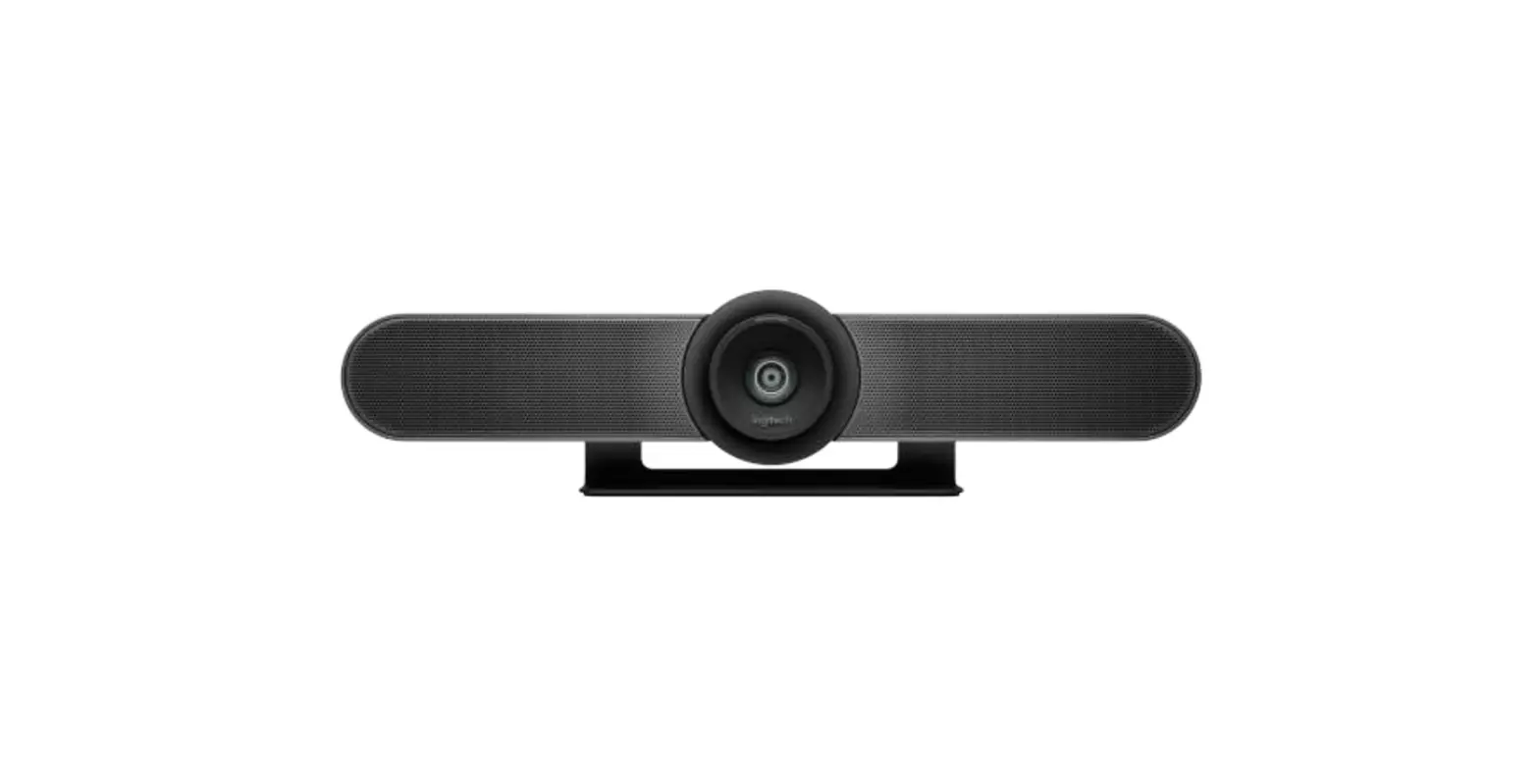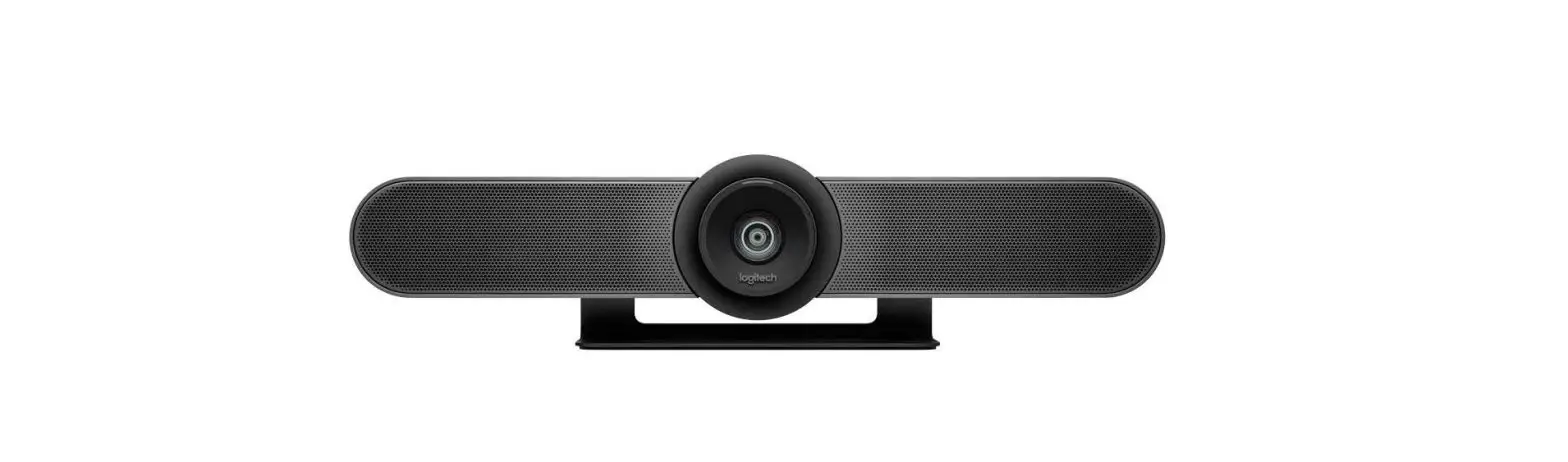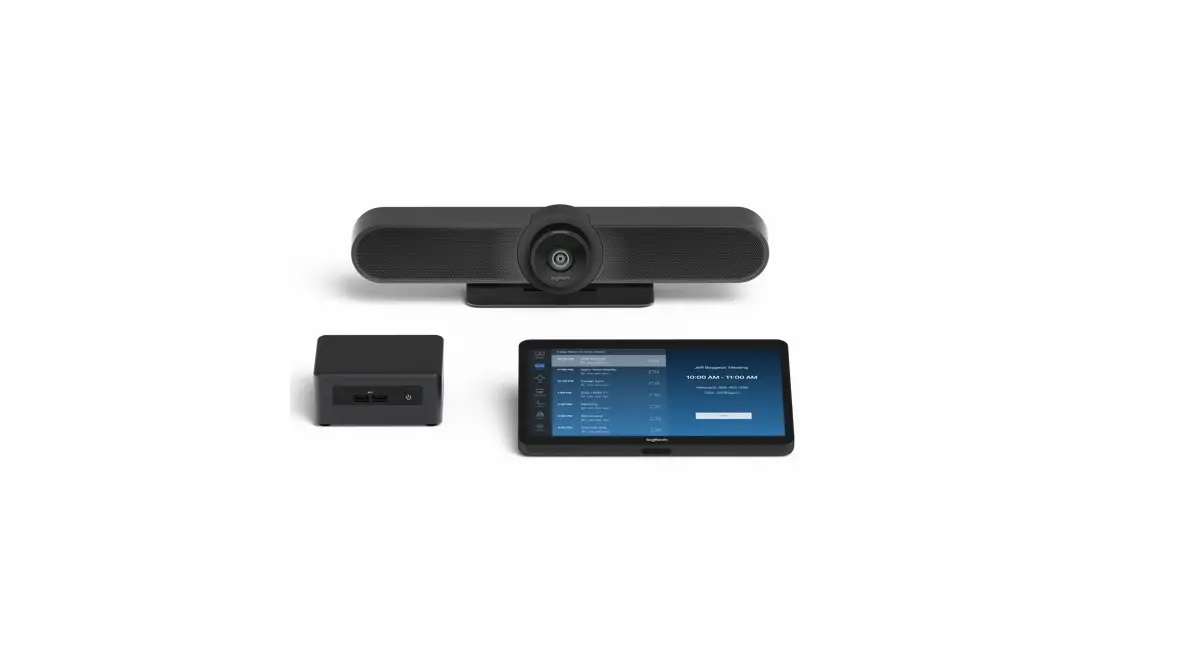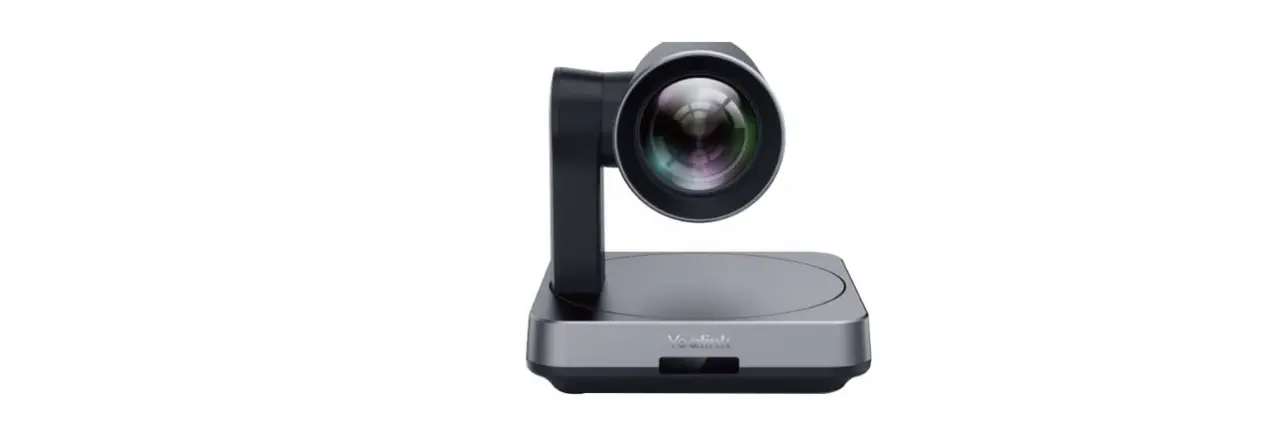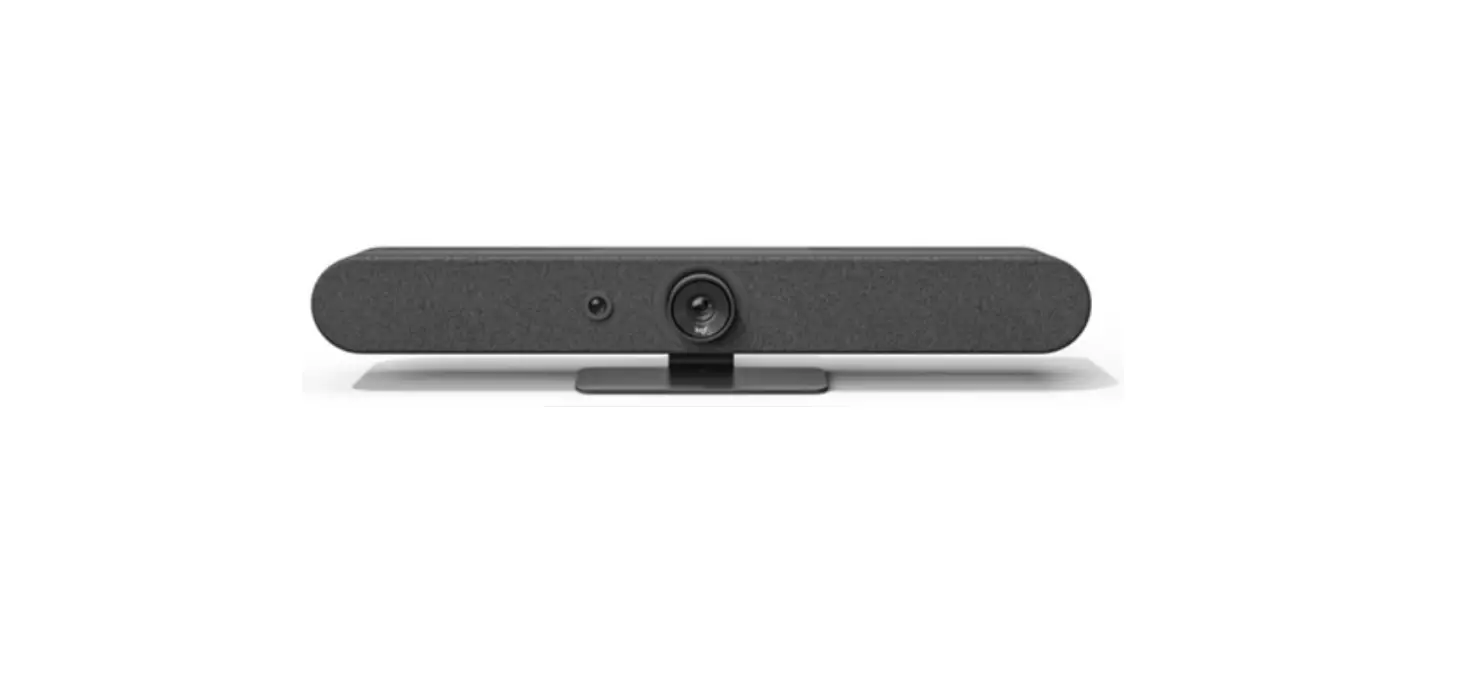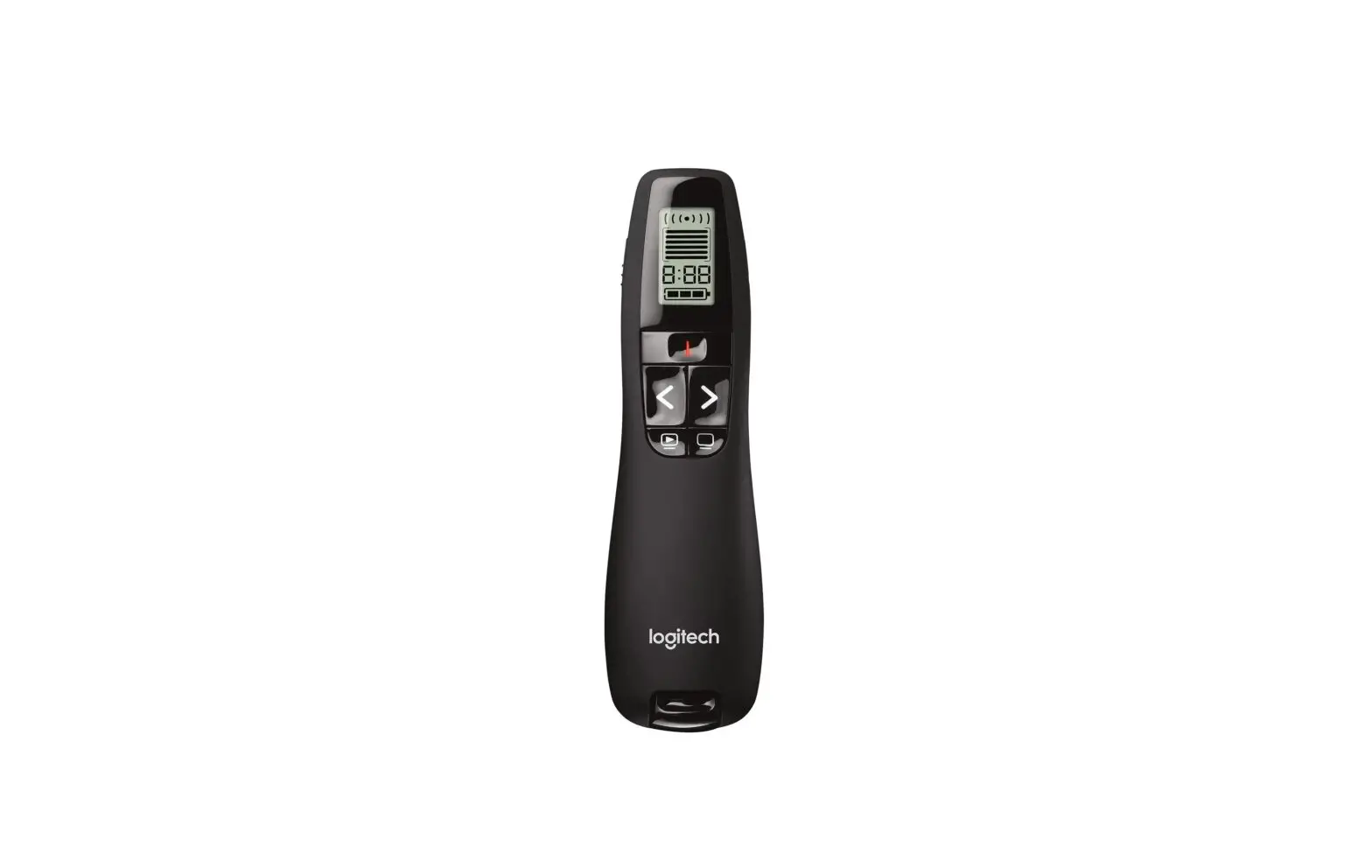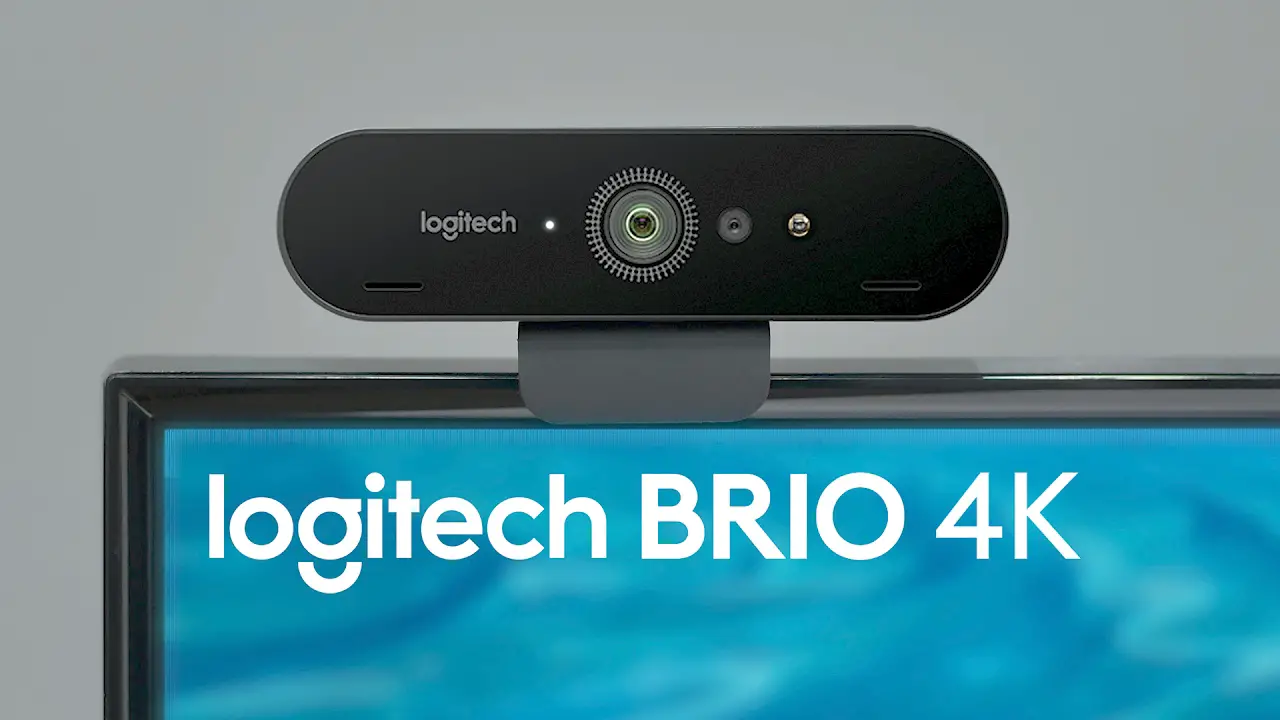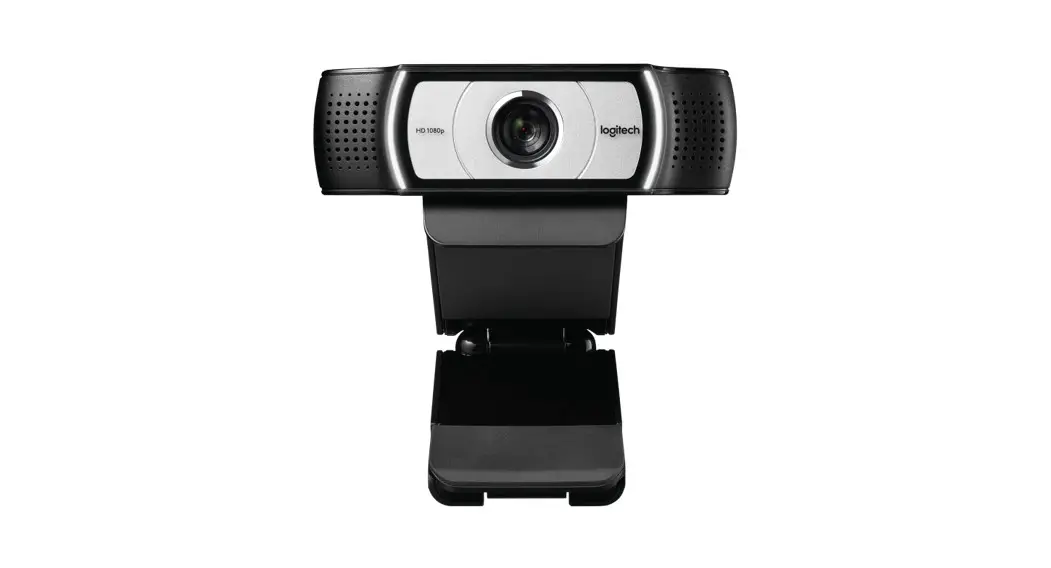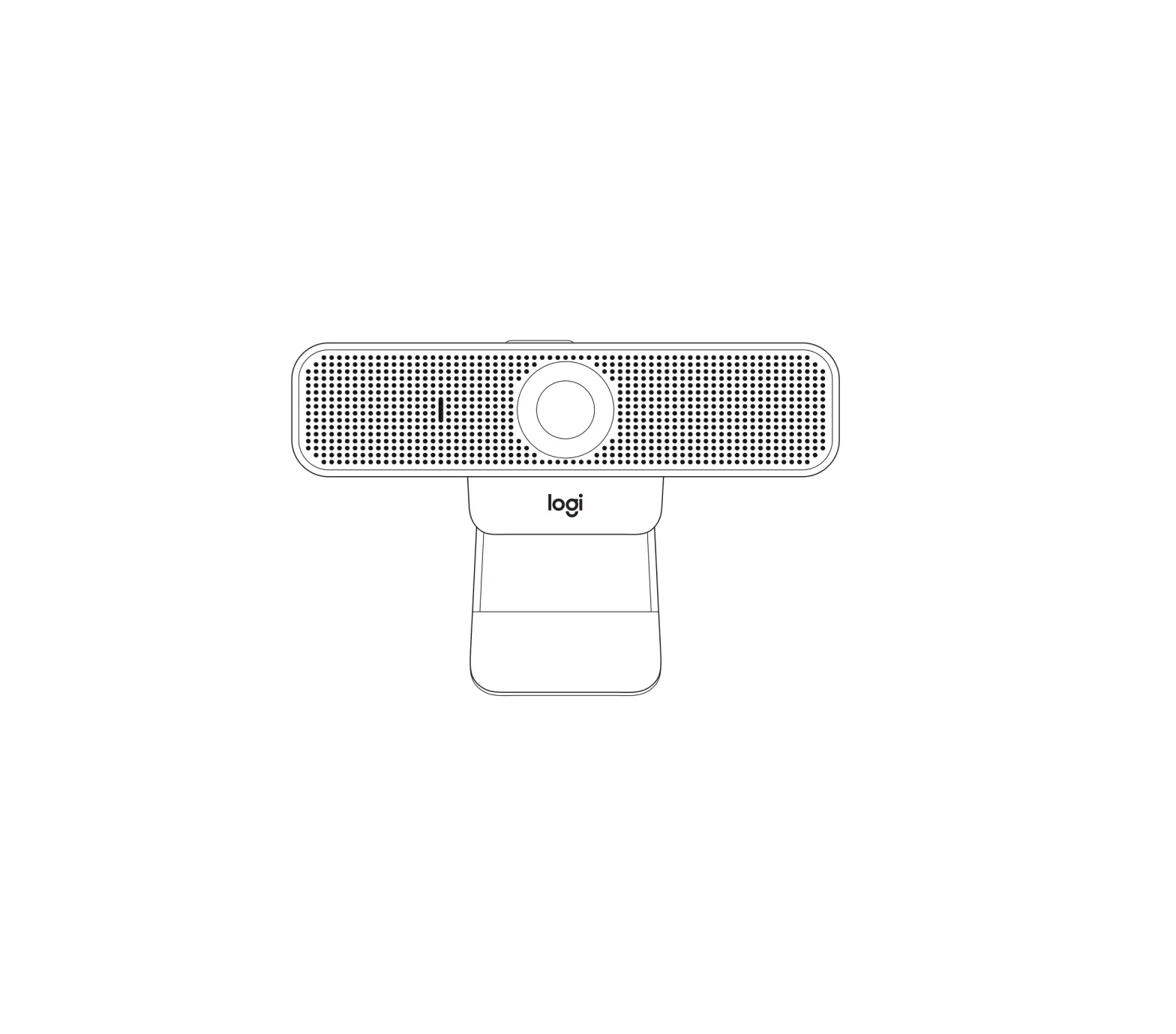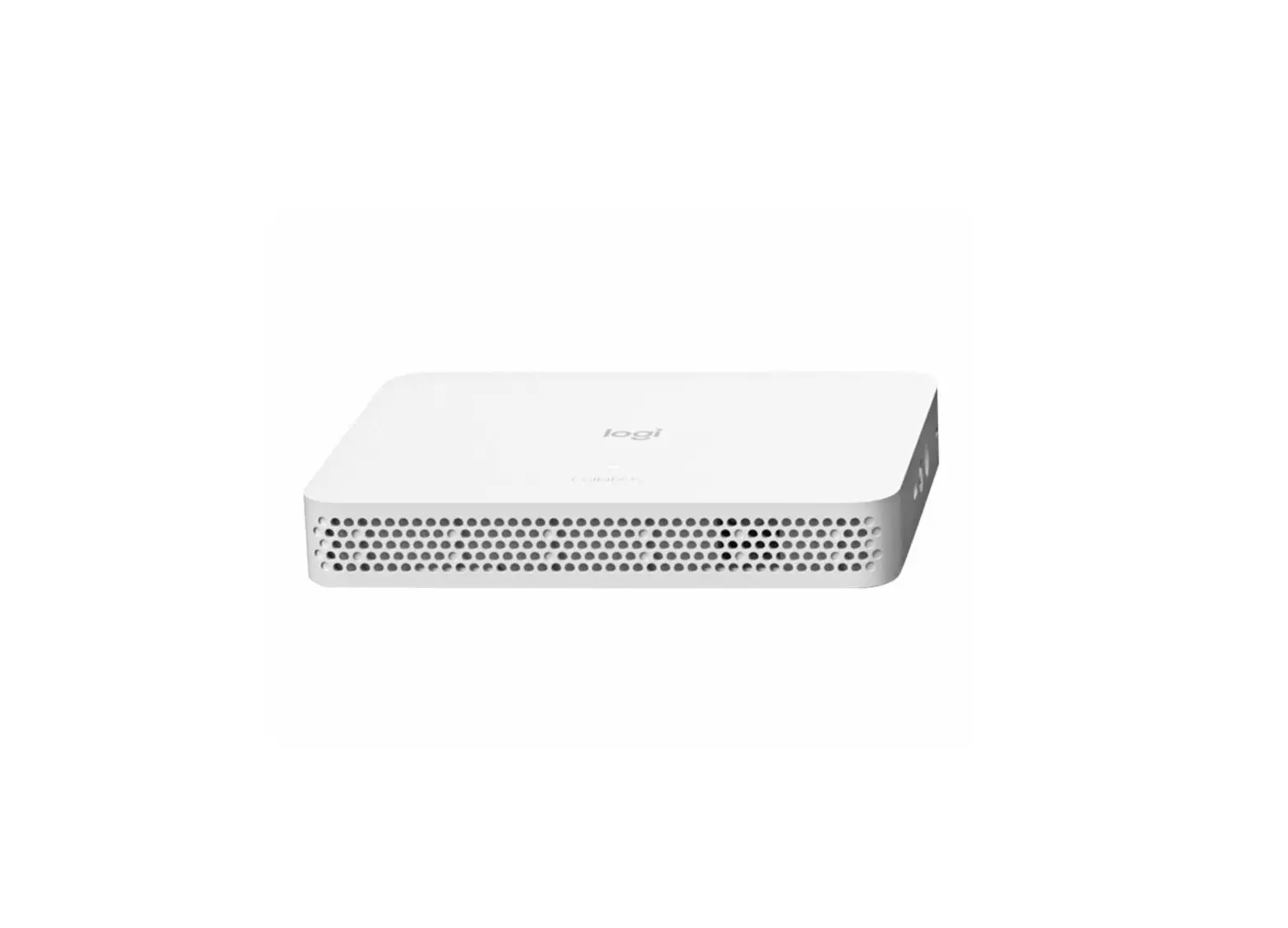
logitech 950-000081 Roommate Multi Platform Video Conferencing Room Appliance
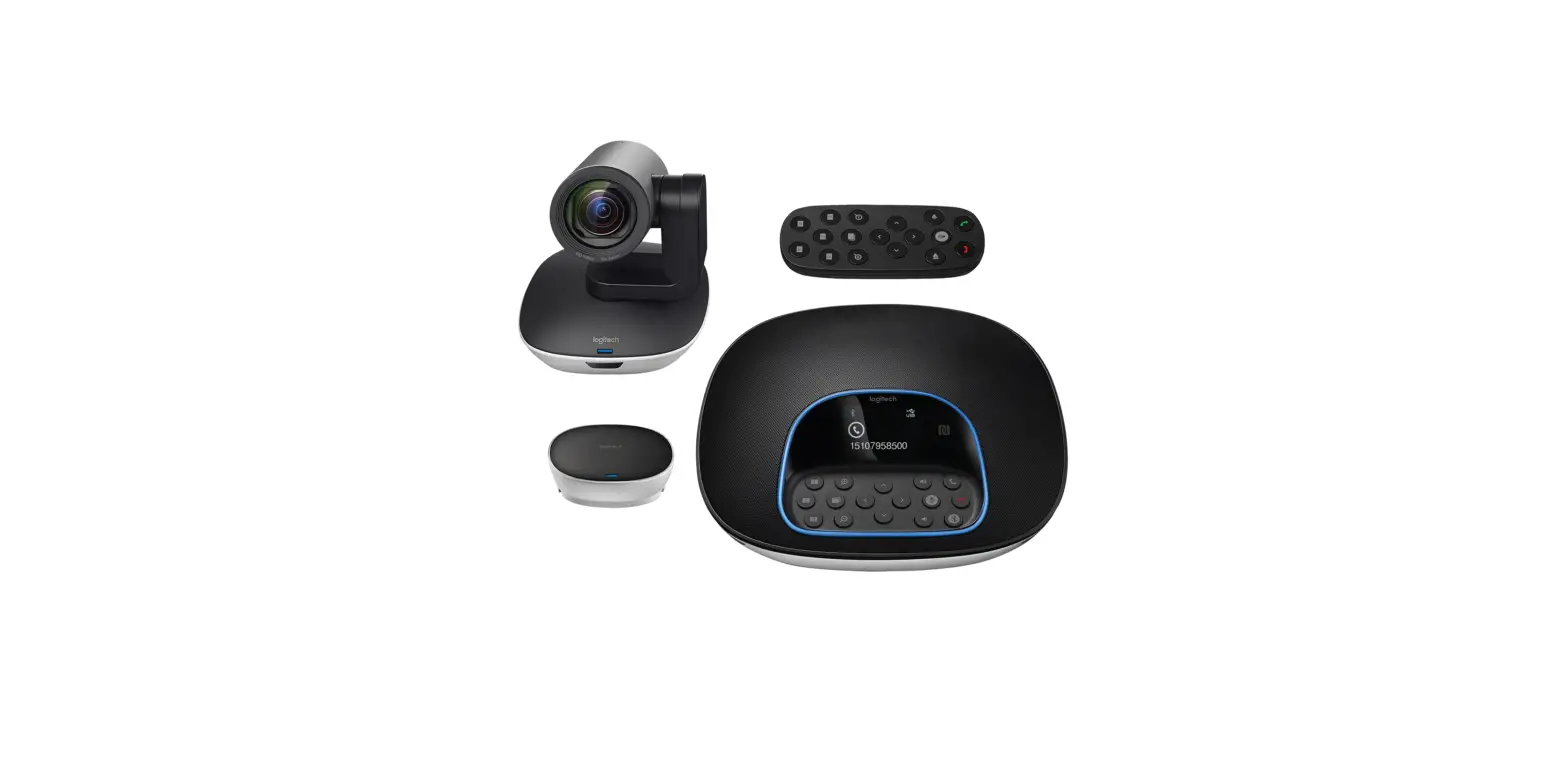
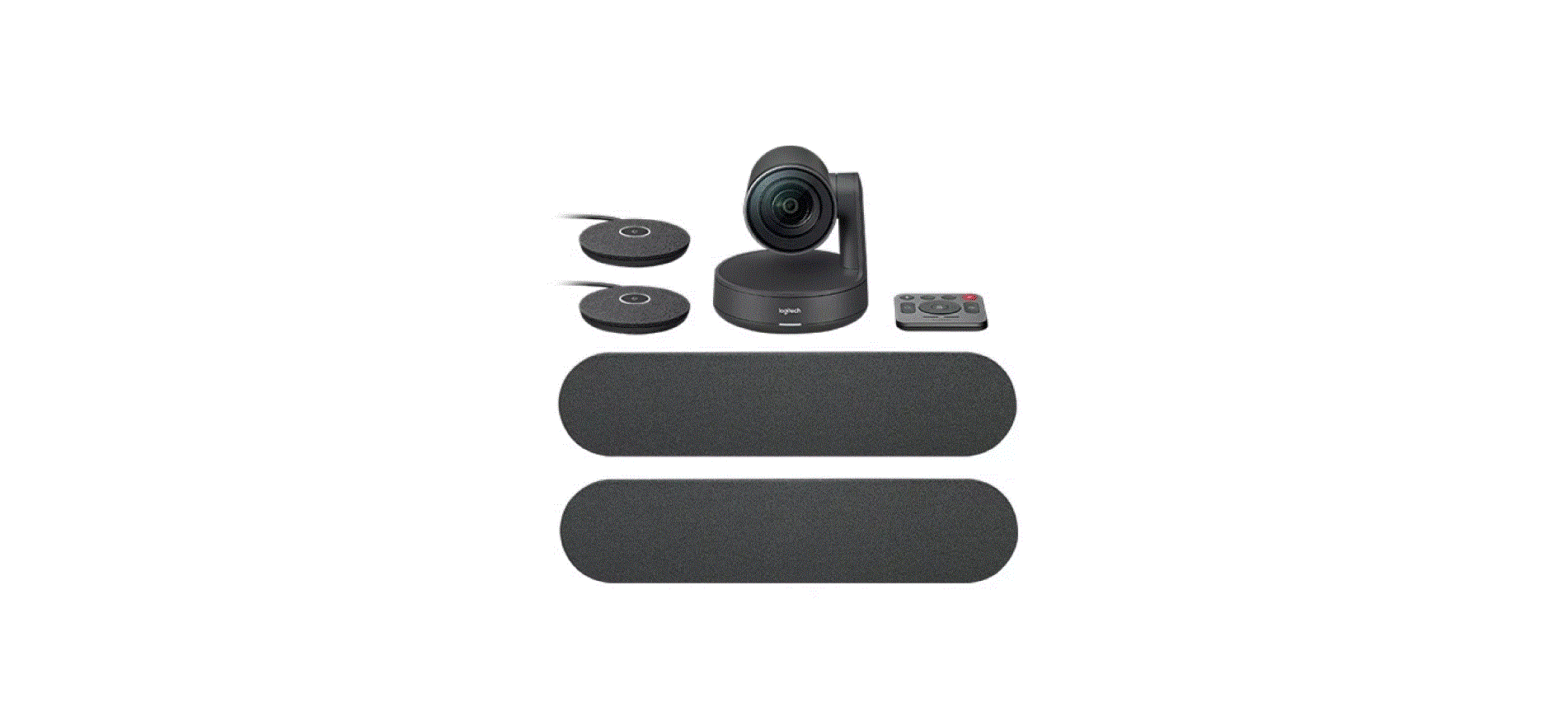
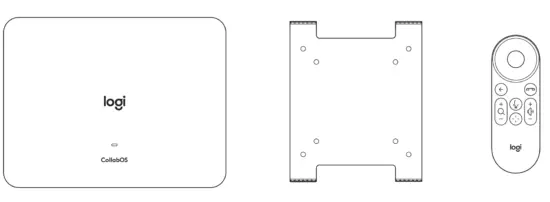
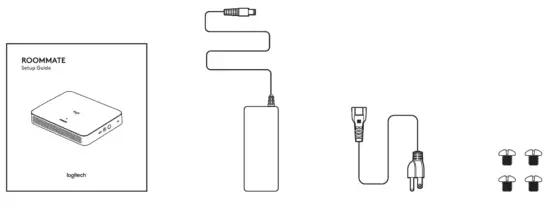
WHAT’S IN THE BOX
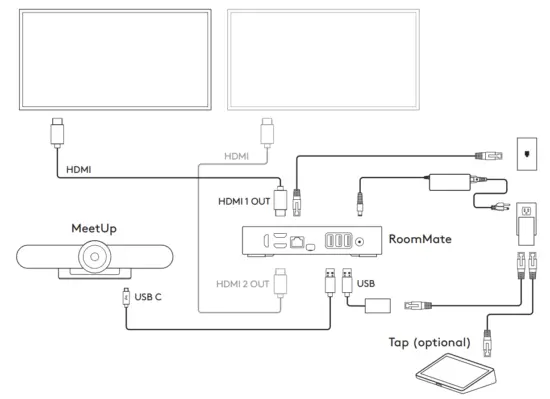
Connecting to MeetUp
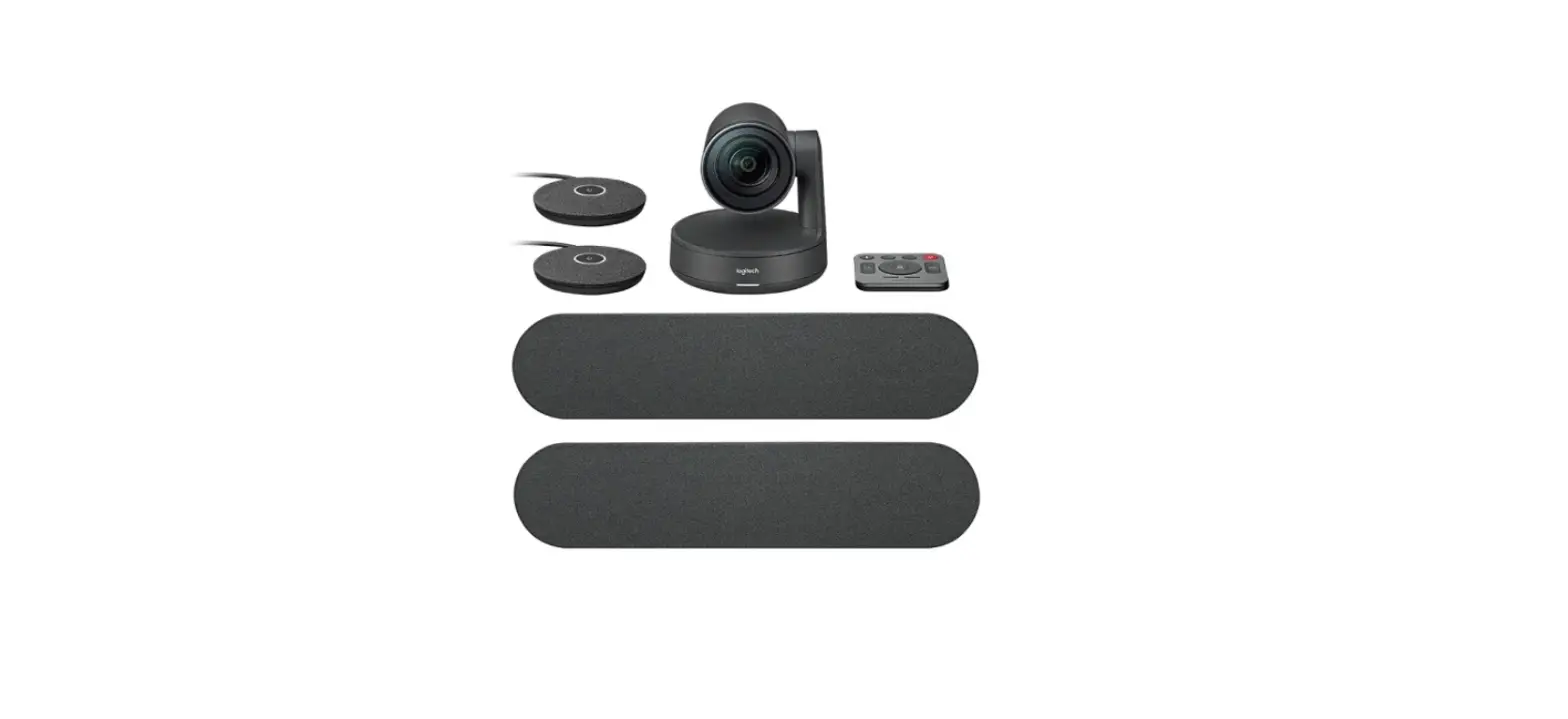
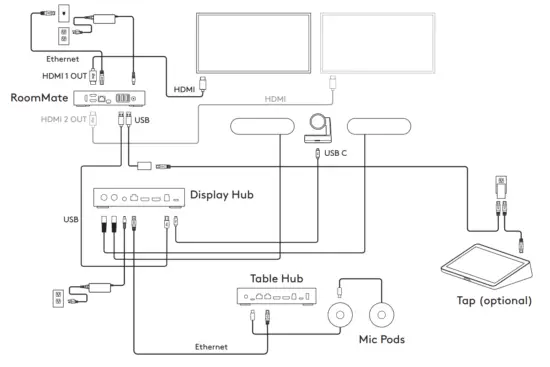
Connecting to Rally Plus
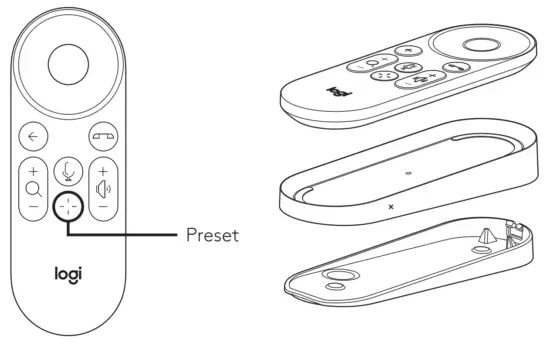
Preset
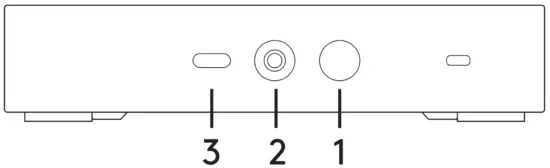
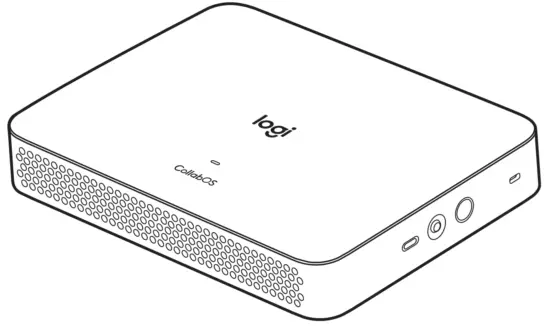
- POWER BUTTON
– Press and hold for 1 second to power ON RoomMate.
– Hold for 10 seconds to force RoomMate to shut down. - PAIRING BUTTON
– The remote control is factory paired with RoomMate, but if needed, to pair the remote press and hold for 5 seconds to launch Pairing User Interface.
– To launch settings: 3 consecutive quick presses of the button launches the Logitech Settings Application.
– Note: You will need Logitech Tap or the RoomMate remote control to use the settings application. - RESET BUTTON
– Three consecutive quick presses of this button will generate a bug report and upload it to the Logitech server if an internet connection is present.
– To factory reset the device:
– Turn OFF the device
– Press and hold the Reset button
– Click the Power button, while holding down the Reset button for 15 seconds
Updating RoomMate
To update the software on RoomMate you can use:
- Logitech Sync www.logitech.com/sync
- Zoom Device Management (ZDM)
- Any supported conferencing application’s management platform
RightSight
RightSight will automatically pan/tilt and zoom the camera to frame the people in the room. By default, RightSight is enabled but you can manually pan/tilt/zoom by using the controls on the remote control or on Logitech Tap. Manual movement of the camera will disable RightSight until either a new meeting is started or the home button (in the center of the dpad) is pressed.


© 2021 Logitech. Logitech, Logi and the Logitech logo are trademarks or registered trademarks of Logitech Europe S.A. and/or its affiliates in the U.S. and other countries.
 Sync | Video Conferencing Device Management Software
 prosupport.logi.com