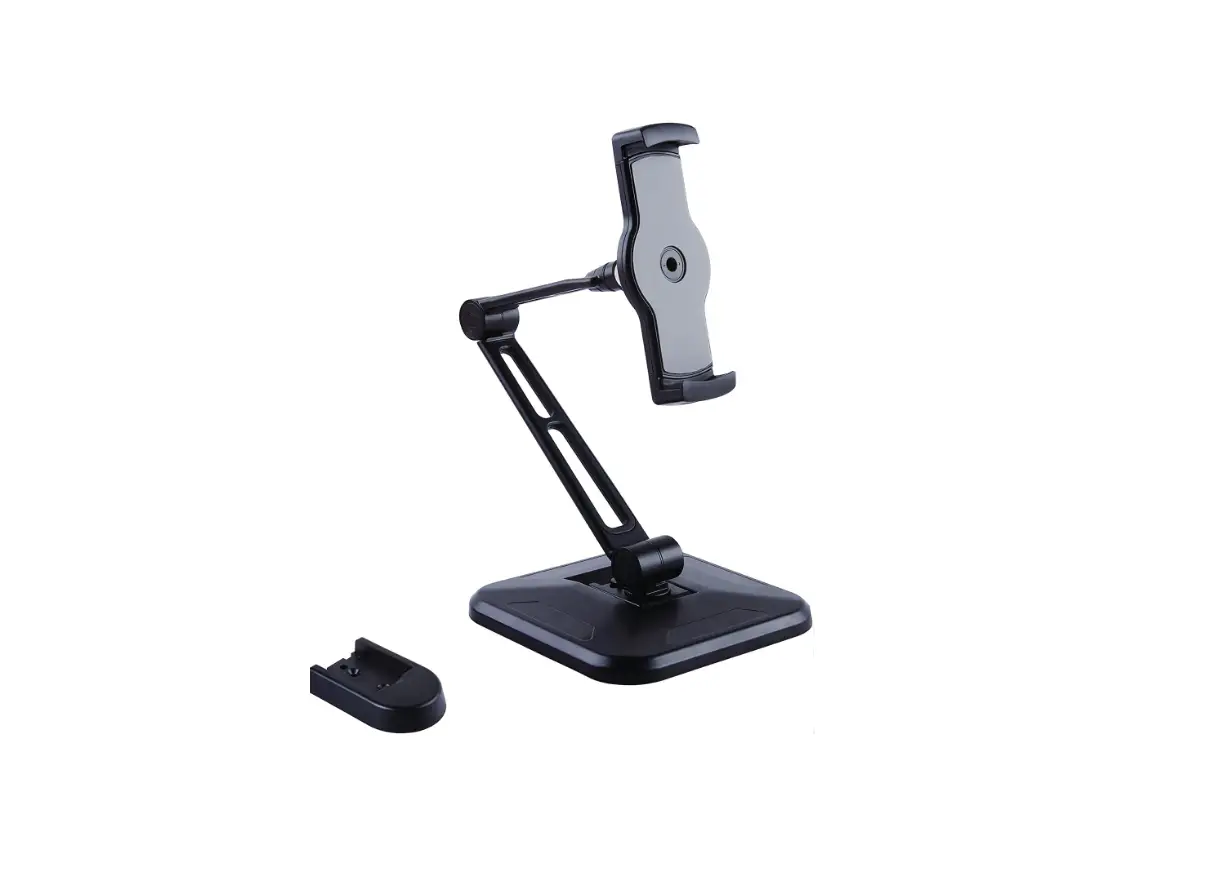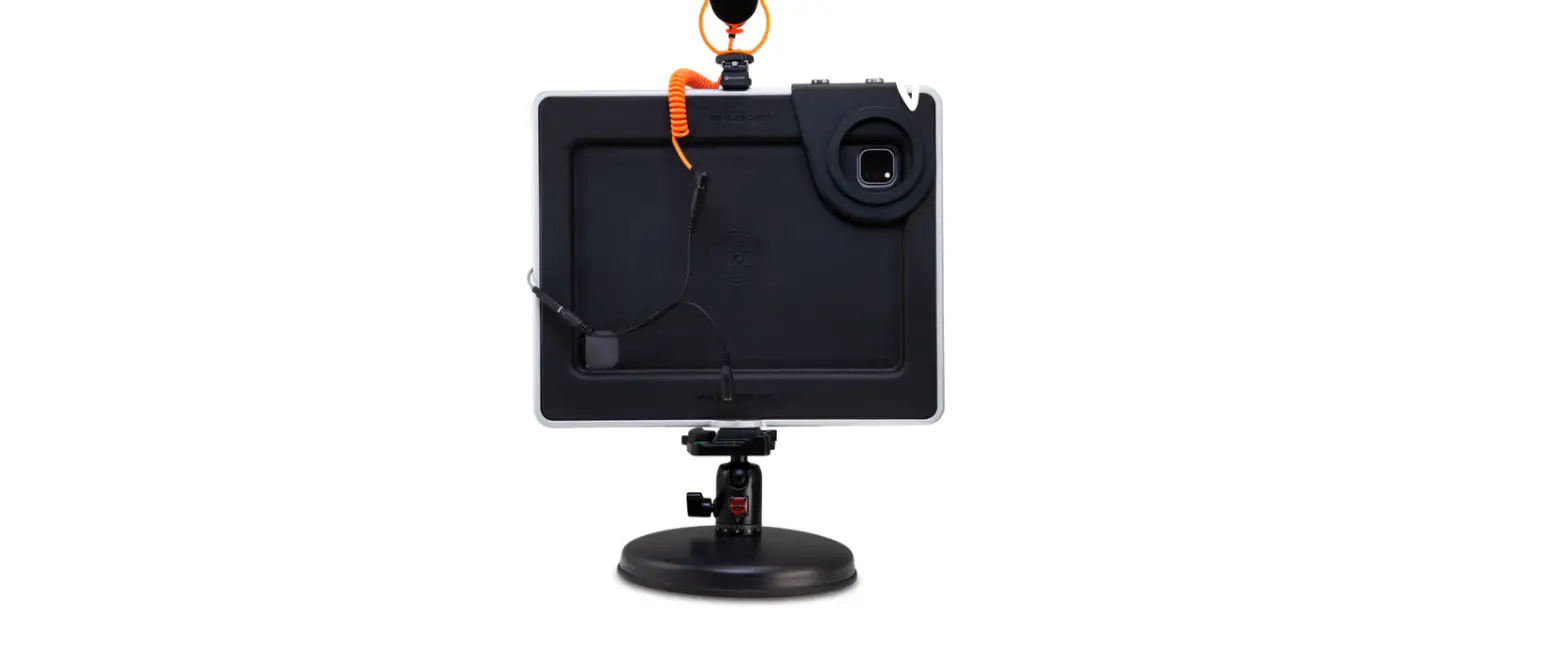

PADCASTER Desktop Video Conferencing Base Station for Tablets User Guide
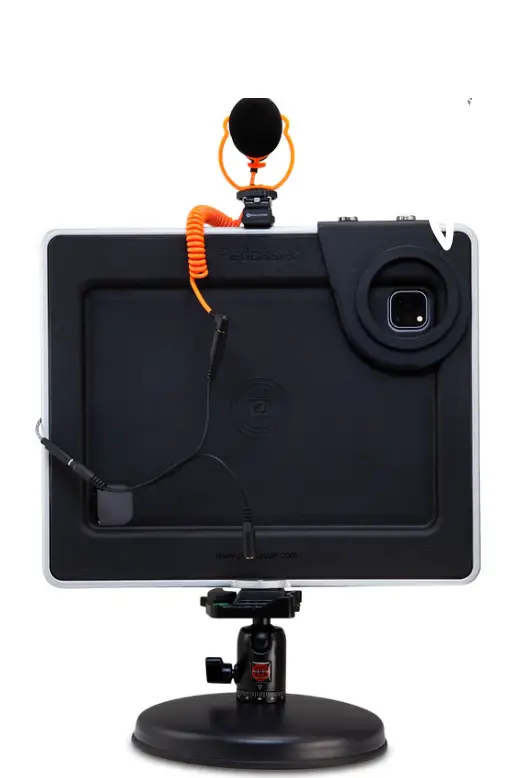
Quick Start Guide
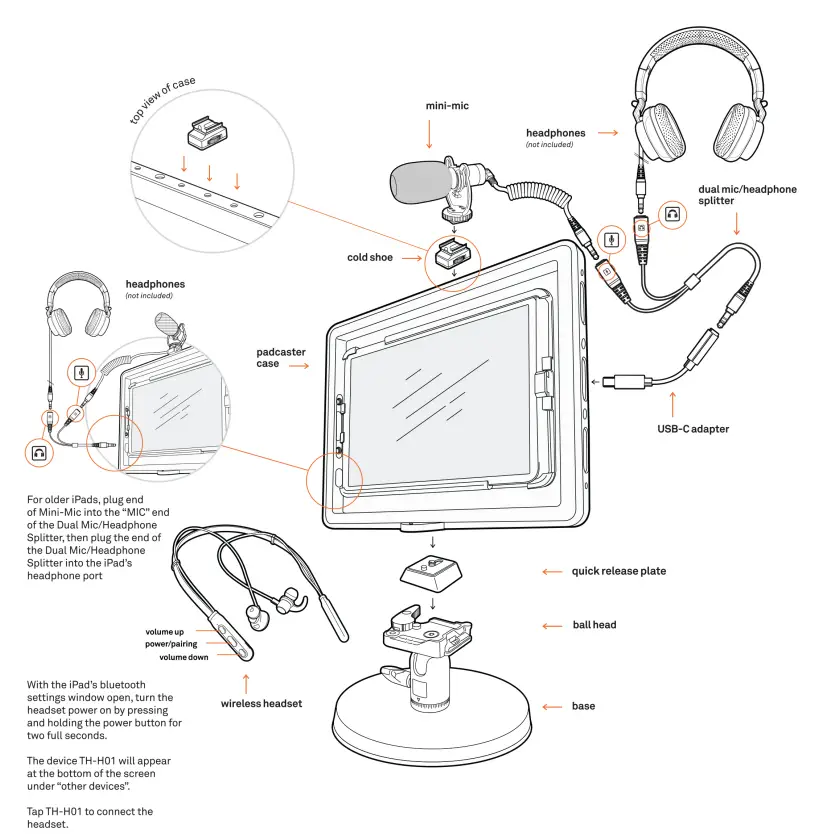
- For older iPads, plug end of Mini-Mic into the “MIC” end of the Dual Mic/Headphone Splitter, then plug the end of the Dual Mic/Headphone Splitter into the iPad’s headphone port
- With the iPad’s bluetooth settings window open, turn the headset power on by pressing and holding the power button for two full seconds.
- The device TH-H01 will appear at the bottom of the screen under “other devices”. Tap TH-H01 to connect the headset.

Scan the QR code for additional product and support information or visit: https://padcaster.com/products/base-station-tablet To contact a support representative visit: https://pad caster.com/pages/contact-support