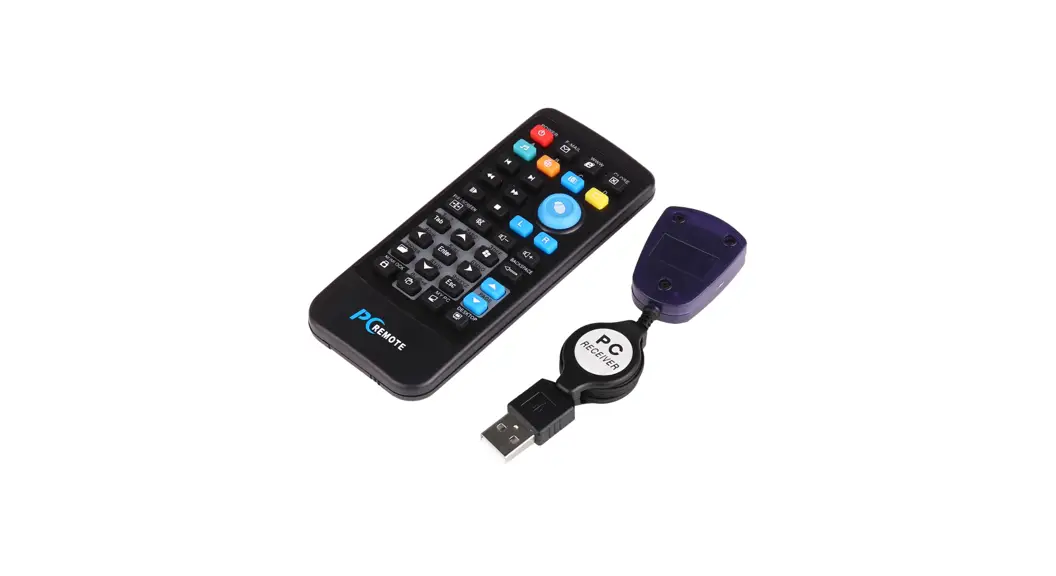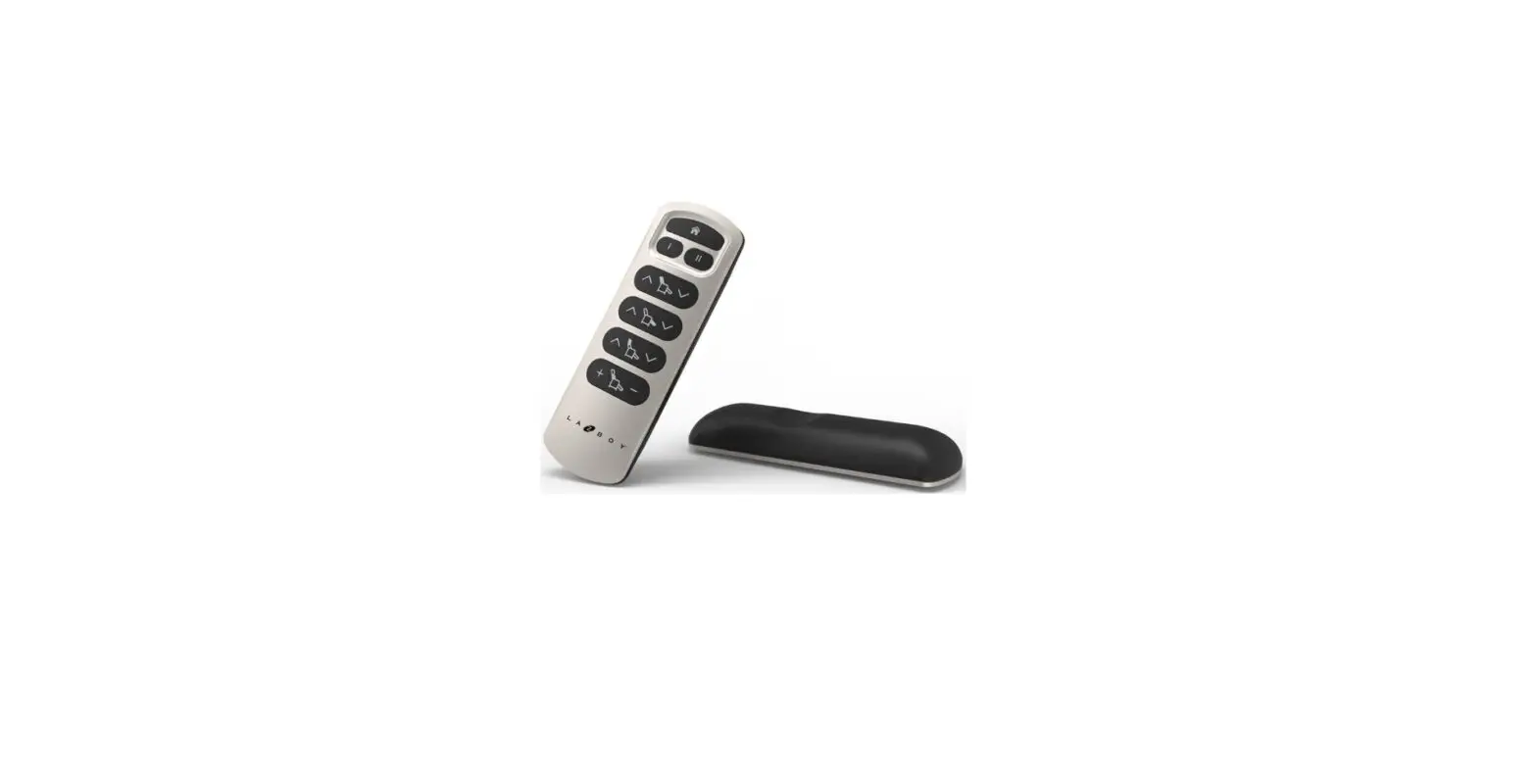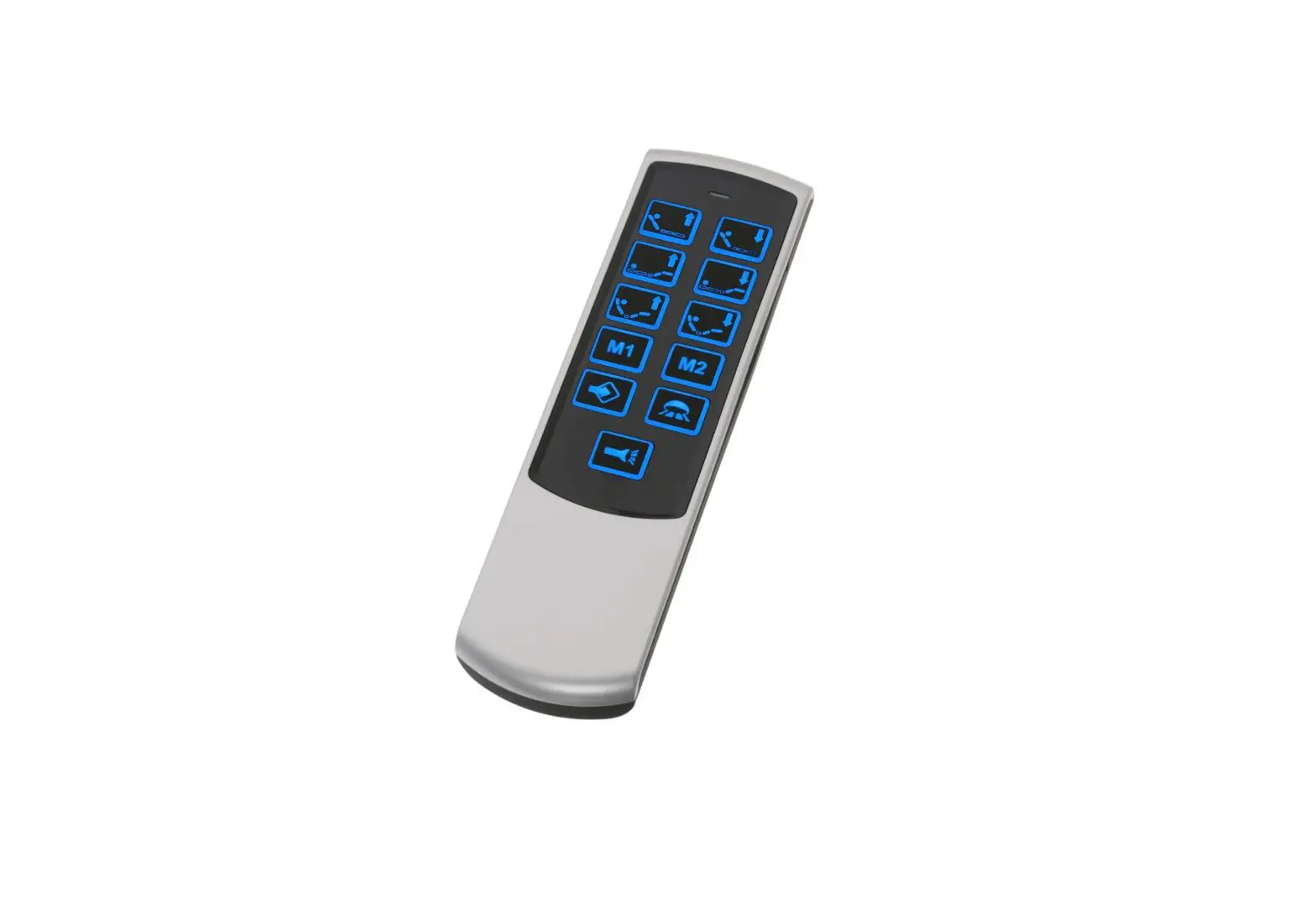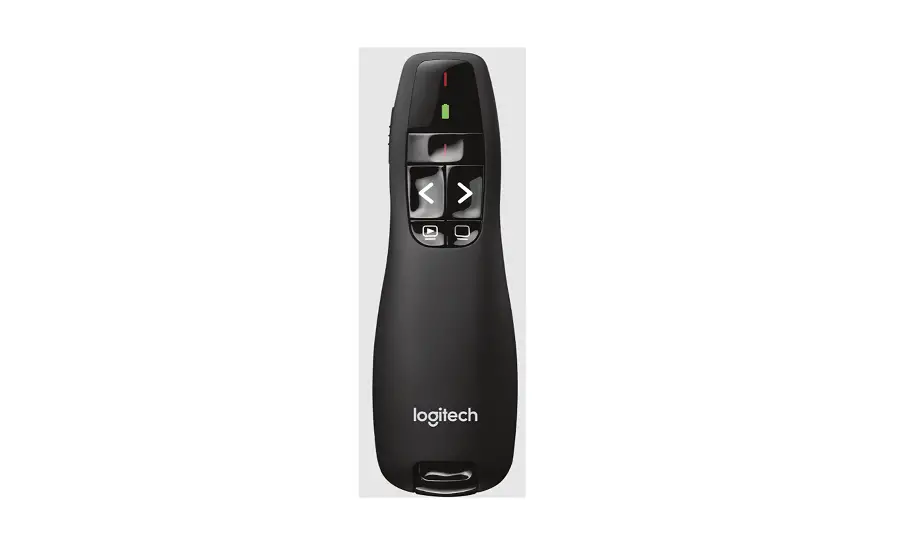
 Parrot remote
Remote Control
Compatible with IOS and Andriod
System Requirements:
- iPhone, iPad, or iPod Touch running iOS 13 or higher
- Android Smartphone or Tablet Running Android 10 or higher
Device Pairing:
- Turn on Bluetooth pairing on a smartphone or tablet
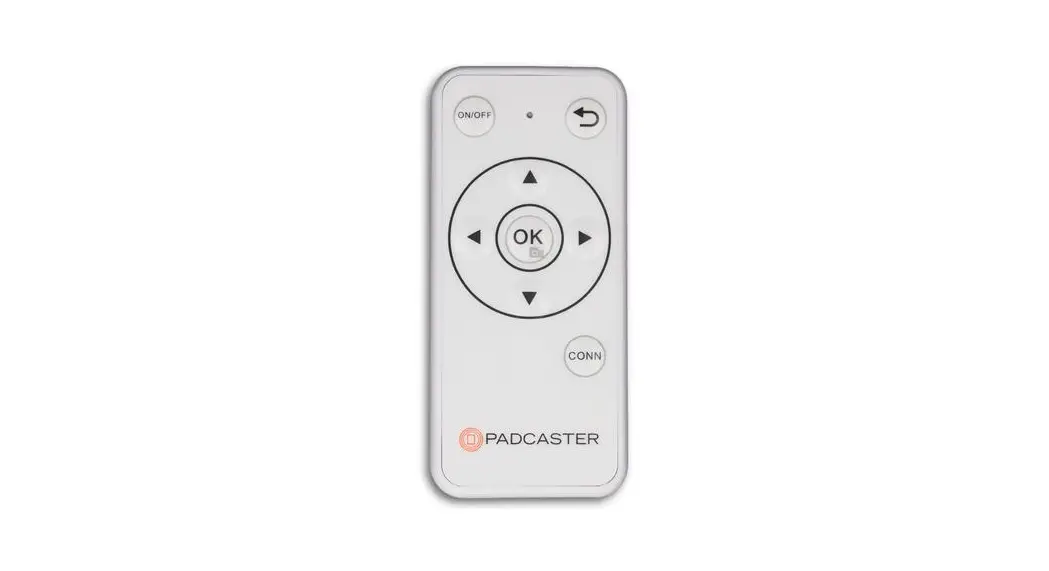
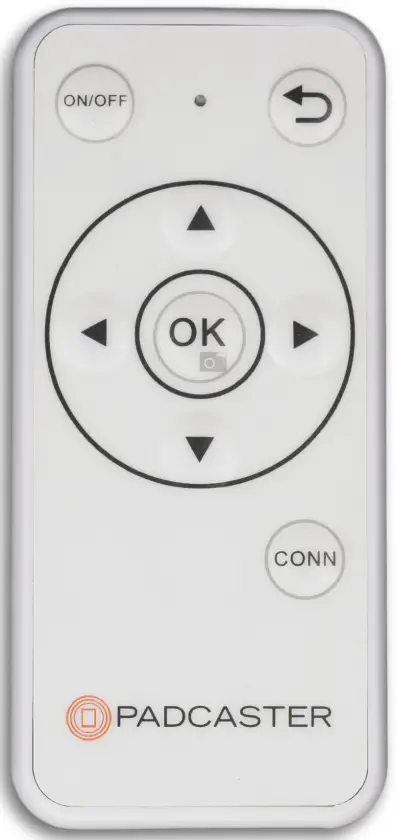
- Turn on the remote and press the “CONN” button
- When “Bluetooth Remote Accessory” appears on the smartphone or tablet pairing screen, tap “connect”
- Verify that “Bluetooth Remote Controller” is connected in the pairing menu
- Remote is paired
Using your remote with the Parrot App
- Navigate the main menu items using the up, down, and OK buttons. Navigate back out of features using the return button located on the top right of the remote.
- To control a script, press OK to start and stop scrolling, press the UP and DOWN arrows to jump forward and back in the script, press the RIGHT arrow to increase scrolling speed, and press the LEFT arrow to decrease scrolling speed.
Note:
The Remote will automatically power off after five minutes when not in use.
Specifications
| Dimensions | 92 x42 x 7mm |
| Key Layout | 8 Keys |
| Key Switches | PET Membrane Type |
| Wireless Data | HB9265 chip Operation distance: 10 meters Channel Frequency: 2400MHHZ-2.483.5MHz ISM Output power: Tx Power upto +9dBm |
| Net Weight | 20g |
 For more details and informational videos, visit www.padcaster.com