 PIXEL LIBER Portable RGB Video Light
 PIXEL LIBER Portable RGB Video Light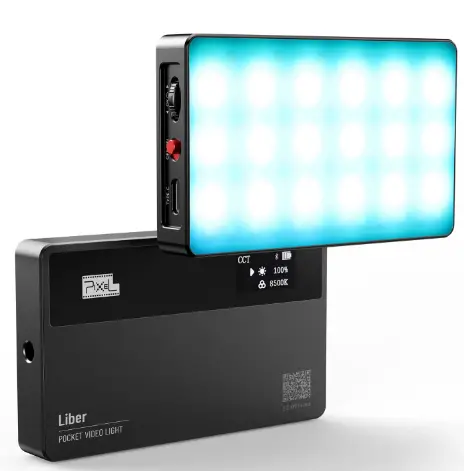
INTRODUCTION
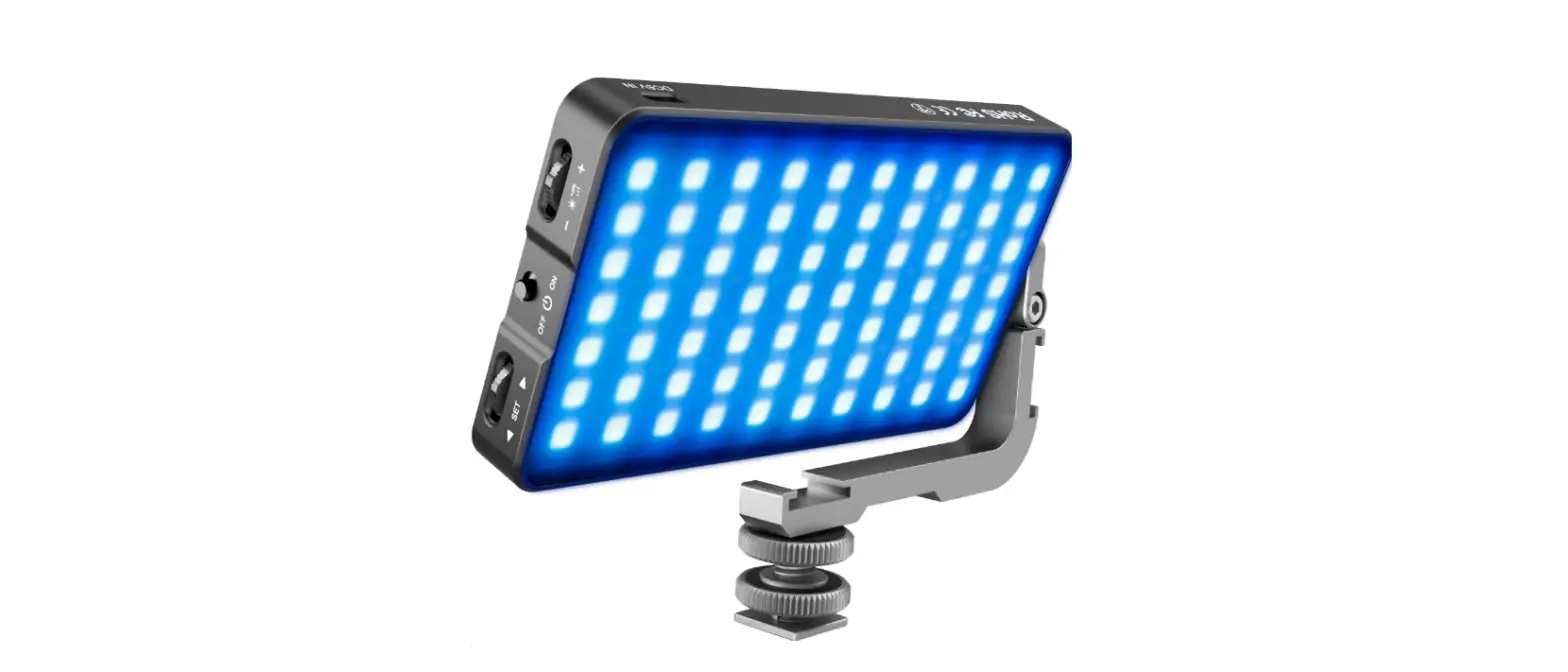
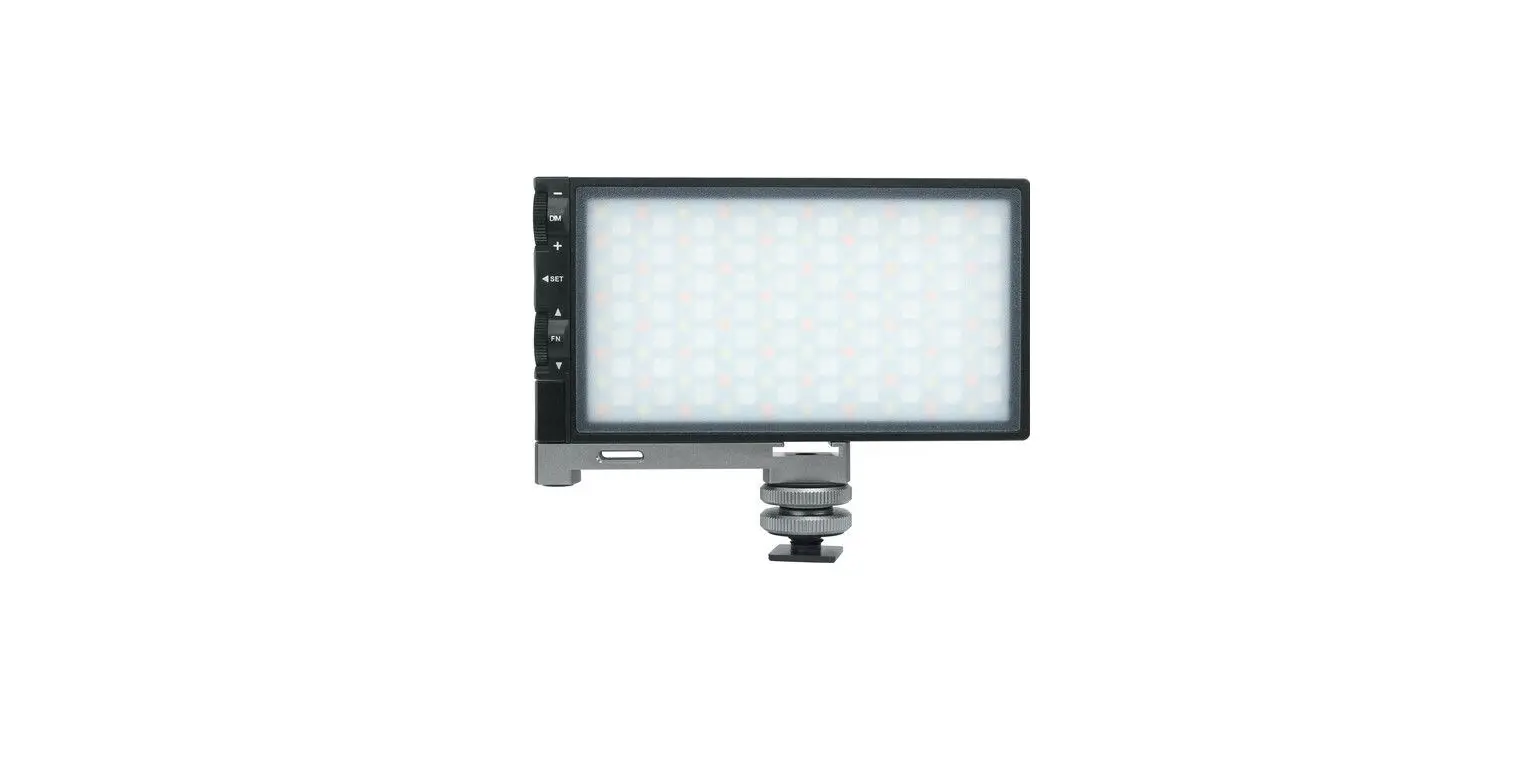
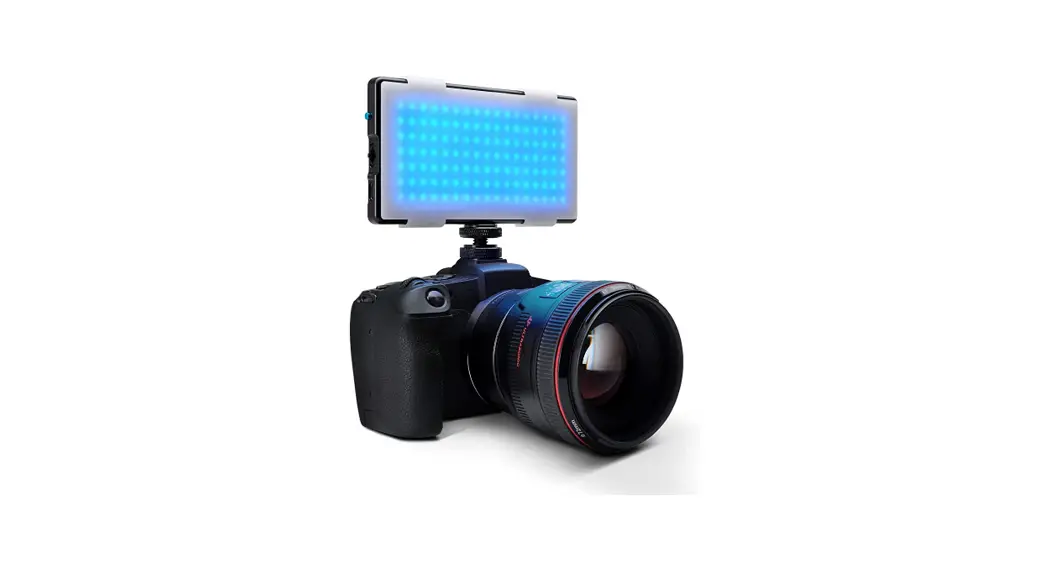
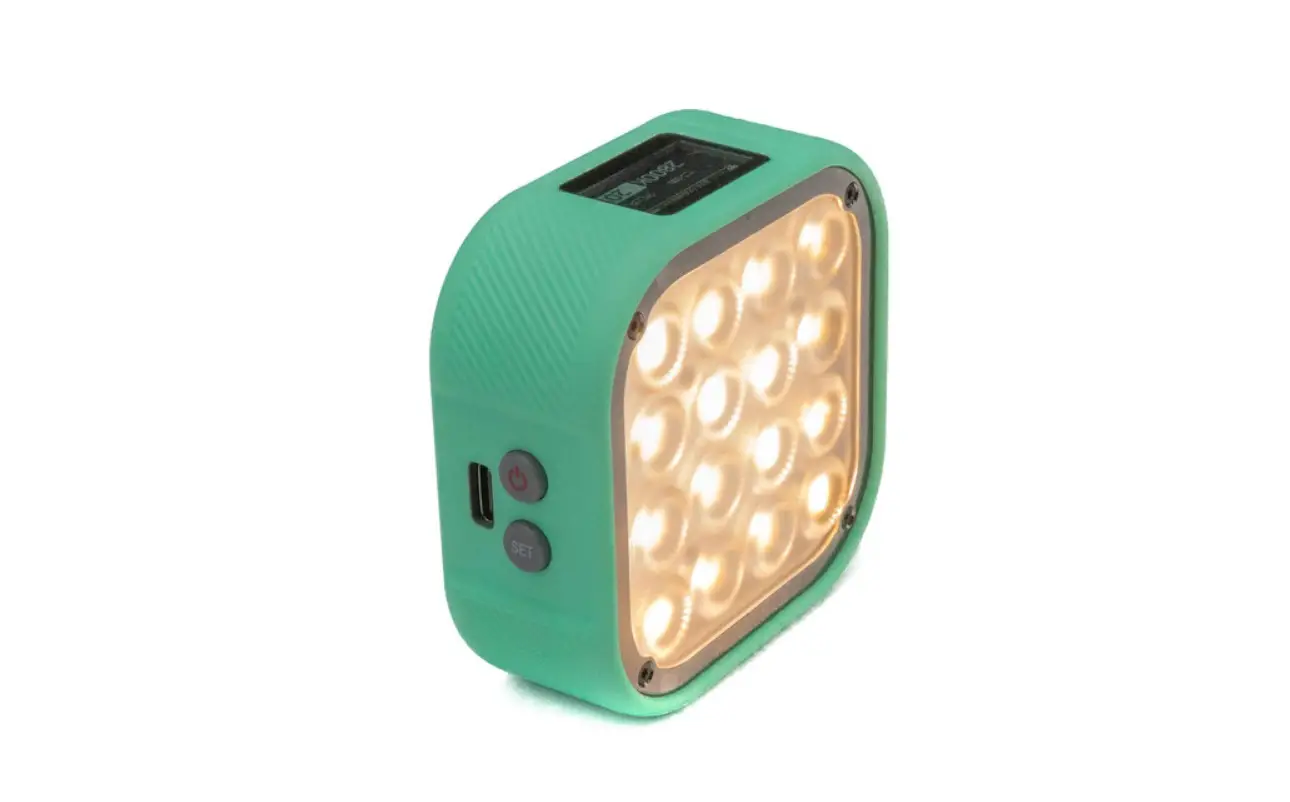
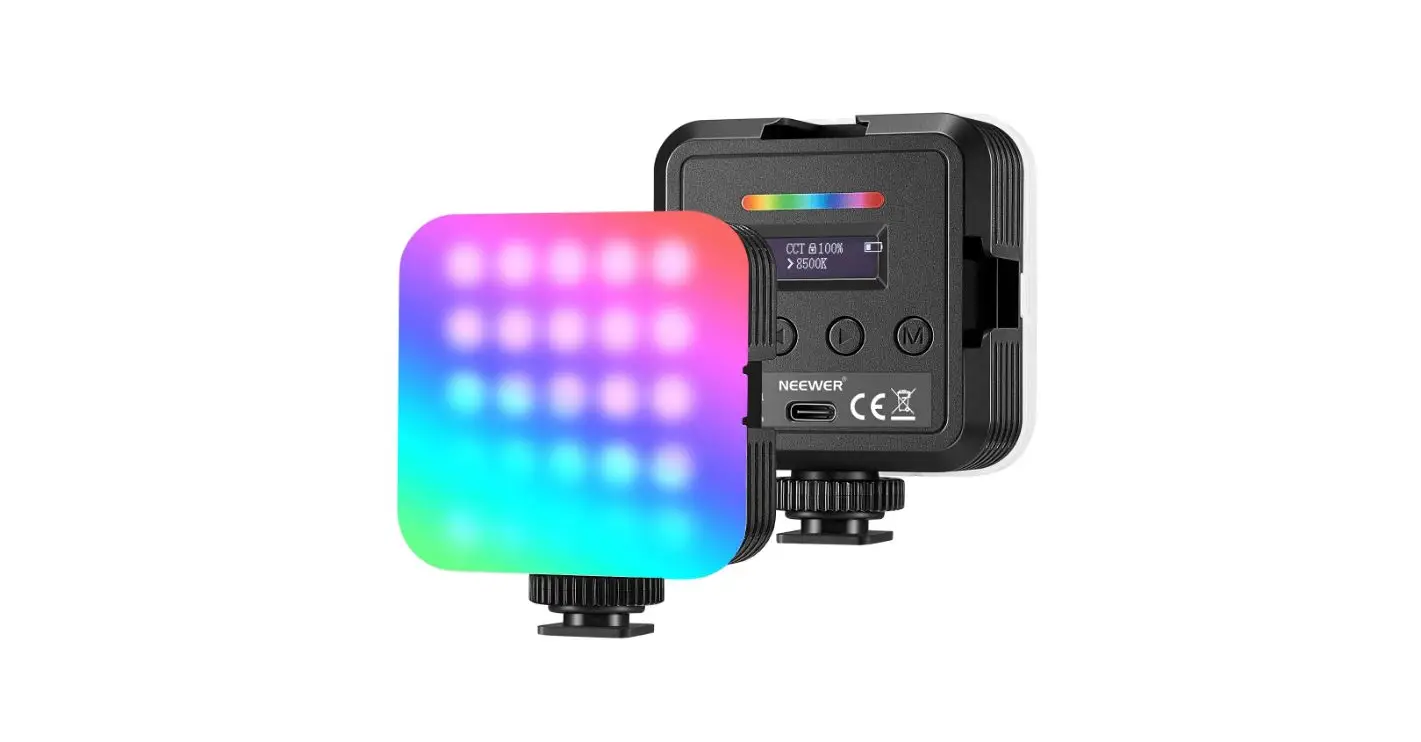
Portable RGB LED Video Light
- Adopt OLED display, it is easy for digital dimming.
- Magnetic adsorption design enables to be adsorbed on ironwork.
- The LED color rendering index is ≥95, which gives the most accurate colors. Adjustable brightness from 0~100%, and color temperature from 2500K to 8500K.
- Built-in 3.7V 3000mAh high-capacity lithium battery, can be charged through the Type-C port.
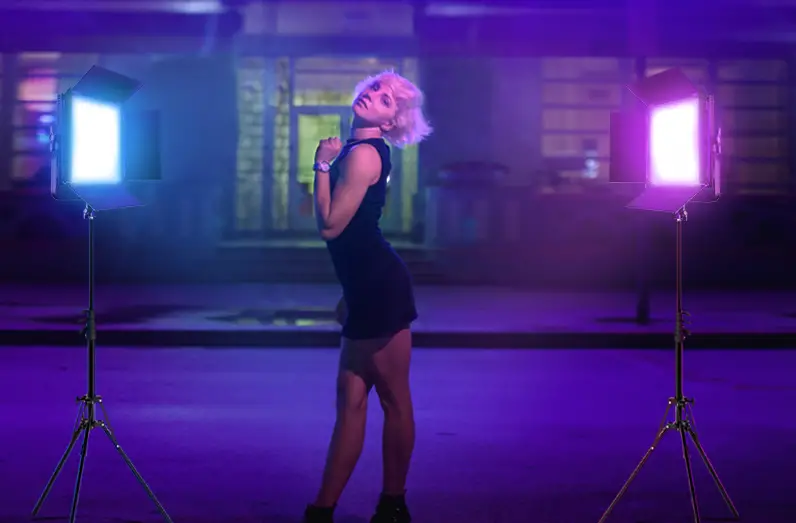
- Built-in professional LED driver chip, avoid visible flickering while shooting. It is especially suitable for creative shooting, live streaming, camping photography, selfie, object photography, microfilm, and video recording, etc.
WARNING
- Please keep the product dry, do not touch the product with wet hands, and do not immerse the product in water or expose it to rain.
- Do not use it in a closed environment with high temperatures or direct sunlight.
- The built-in lithium battery is forbidden to be disassembled, impacted, squeezed, or put into the fire. Please strictly follow the corresponding operating rules, otherwise, it may cause an explosion or fire.
PRECAUTION
- Unplug the power cord once fully charged.
- If the product has not been used for a long time, please charge it first.
- This product has a built-in lithium battery. The battery life will be shortened after using for a period of time, which is normal.
PART NAME
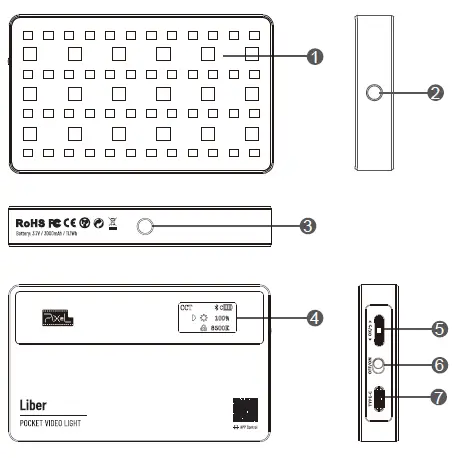
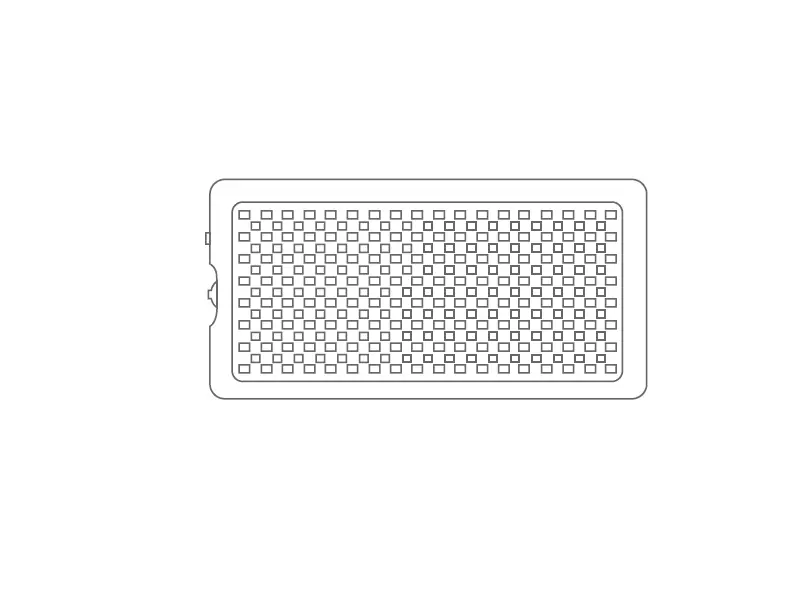
- LED Lamp Beads
- 1/4 Screw Hole
- 1/4 Screw Hole
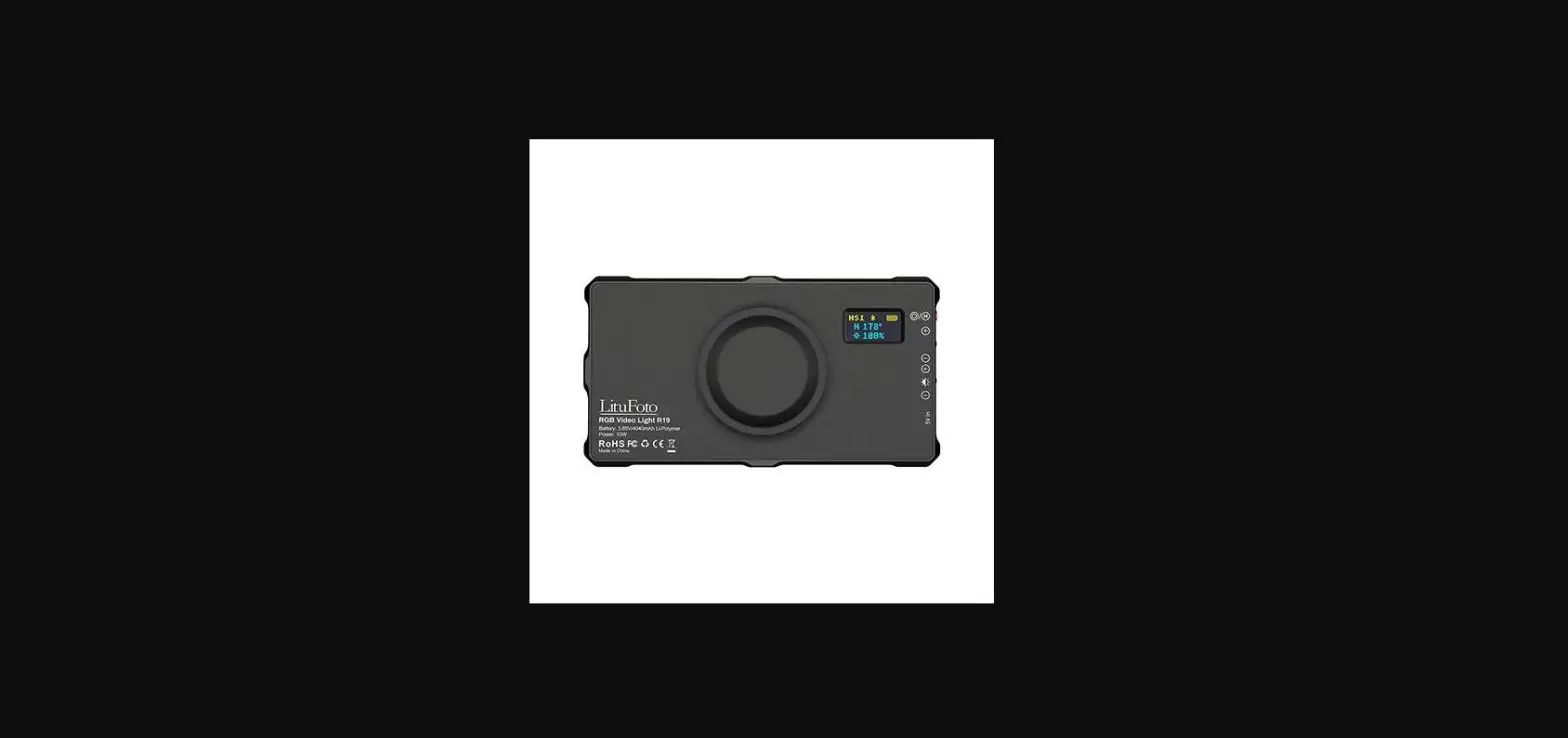
- OLED Display
- Adjustment Dial Wheel
- Power Switch
- Type-C Charging Port
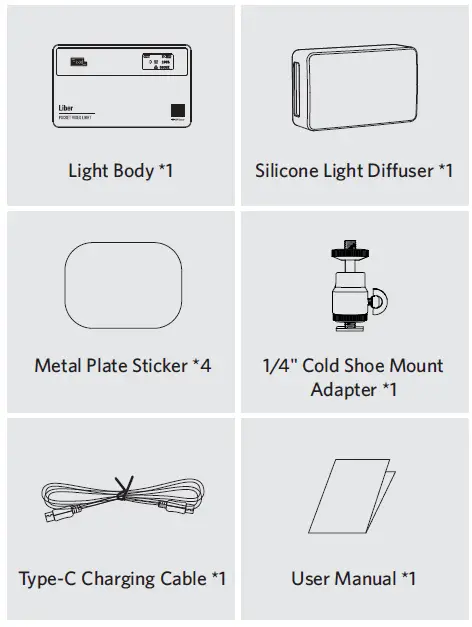
LIST OF ITEMS
The following items are included in the package
USAGE
Turn on The Power
Push up to[ON], the LED light is turned on according to the relevant parameter values shown on the OLED display. Push down to [OFF], the OLED screen and the light will turn off.
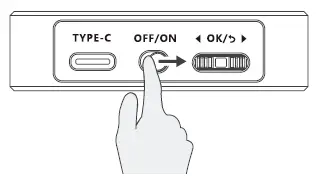
Note: Once turning on, the OLED display shows the memorized parameters of the previous use, and the light works based on these parameters.
Working Mode Setting
Press the adjustment dial wheel[OK]for 1 second to cycle through CCT color temperature mode/HSI mode/RGB mode/Scene mode.
Color Temperature Mode Regulation (CCT)
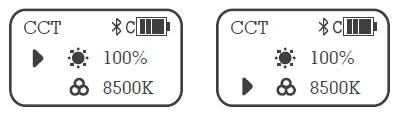
Short press the adjustment dial wheel[OK]to set the brightness or color temperature. Then rotate the adjustment dial [ ][ ]to adjust brightness from 0% to 100% (The light is off when 0% is displayed), or color temperature from 2500K to 8500K.
Full-Color Gamut Mode Adjustment(HSI)
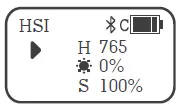
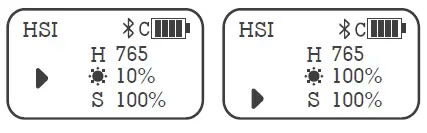
Short press adjustment dial wheel[OK]to choose from hue adjustment /brightness adjustment/ saturation adjustment. H-Hue: support the setting of each color in 0-765 tones. Brightness: support 0~100%. S-Saturation: support 0~100%.
RGB Color Mode Adjustment (RGB)
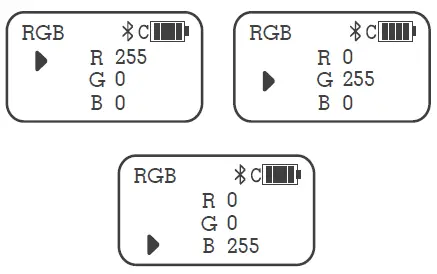
Short press the adjustment dial wheel[OK]to set the R/G/B colors from 0 to 255, and achieve different effects through the combinations of different colors, which is up to 16 million combinations of colors.
Scene Effect Mode Adjustment
Support 10 kinds of scene effect modes. Short press the adjustment dial wheel [OK] to switch in cycle. Rotate the adjustment dial wheel [ ] [ ] to set the brightness.
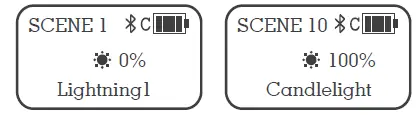
| No. | Scene Effect Mode | Effect |
| 1 | Lightning1 | Lightning1 |
| 2 | Lightning2 | Lightning2 |
| 3 | Cinema | Cinema Simulation |
| 4 | Police Van | Police Van Simulation |
| 5 | Ambulance | Ambulance Simulation |
| 6 | Fire Truck | Fire Truck Simulation |
| 7 | Fast RGB | RGB Cycle Fast Speed |
| 8 | Slow RGB | RGB Cycle Low Speed |
| 9 | SOS | SOS |
| 10 | Candlelight | Candlelight Simulation |
Factory Default Setting
Press and hold the adjustment dial wheel[OK] button for 5 seconds back to the factory default setting (CCT mode, color temperature is 5500K, brightness is 0%).
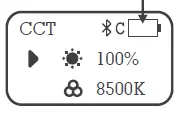
About Battery Icon
When the current brightness is not adjusted, the power of each cell decreases. When the last cell is used up, it will automatically shut down after about 5 minutes. Please charge it in time.
 USB Charging
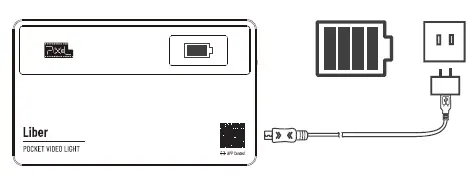
The charging interface is a Type-C socket. Connect the Type-C to USB cable with the USB charger. (sold separate-ly) to charge the product. It will be fully charged with a 5V2A charger in around two hours.
Magnetism
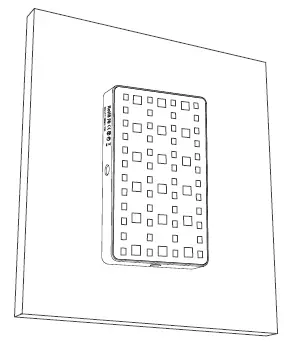
The built-in magnet design on the back of the light enables the light to be adsorbed on ironwork.
Using the Pixel Link APP
You can download the Pixel Link app from the iOS App Store or scan the QR code below to get the app to enhance the light’s functionality. Please visit https://www.pixelh-k.com for more details of your Pixel lights.
SPECIFICATIONS
| Name | Portable RGB LED Video Light |
| Model | Liber |
| CRI | Ra: ≥95 |
| TLCI | Qa: ≥98 |
| CCT Color Temperature | 2500~8500K(±100K) |
| Lamp Beads Number | 66 pcs (24 pcs of warm white light + 24 pcs of cold white light +18 pcs of RGB) |
| RGB Hue (HSI) | 0~765 Full color |
| RGB Comb ination Mode | Suppor(t up to 16 million combinations of colors) |
| Scene Mode | Support(10 kinds of scene effect) |
| Brightness Adjustment | 0~100% |
| Power | 7W |
| Built-in Battery Capacity | 3.7V/3000mAh |
| Battery Duration | It can work for about 90 minutes under 100% brightness |
| Input Port | Type-C |
| Charging Power Supply | 5V 2A |
| Fixed Interface | 1/4 Screw holes x2 |
| Display | OLED 0.96 inch |
| Material | Aluminum alloy |
| Size | 100x60x15mm (3.94*2.36*0.59 inch) |
| Weight | Approx. 130g (4.73oz) |
|
100% Power Illuminance | Distance | Warm White | Cool White | R(Red) | G(Green) | B(Blue) |
| 0.3M | 1780 Lux | 2000 Lux | 387 Lux | 765 Lux | 165 Lux | |
| 0.5M | 719Lux | 781Lux | 130 Lux | 251 Lux | 58 Lux | |
| 1M | 204Lux | 229Lux | 42 Lux | 75 Lux | 22Lux | |
| Lumen (LM) | 604LM | 678LM | 99LM | 210LM | 45LM | |
NOTE: The specifications of this product are tested according to the samples from the company’s laboratory. The finished product possibly has a slight difference, which will not affect regular use. Design and specifications are subject to change without prior notice.
 PIXEL | PIXEL Enterprise Limited | LED Photographic Light | Photographic Microphone | Ring Light