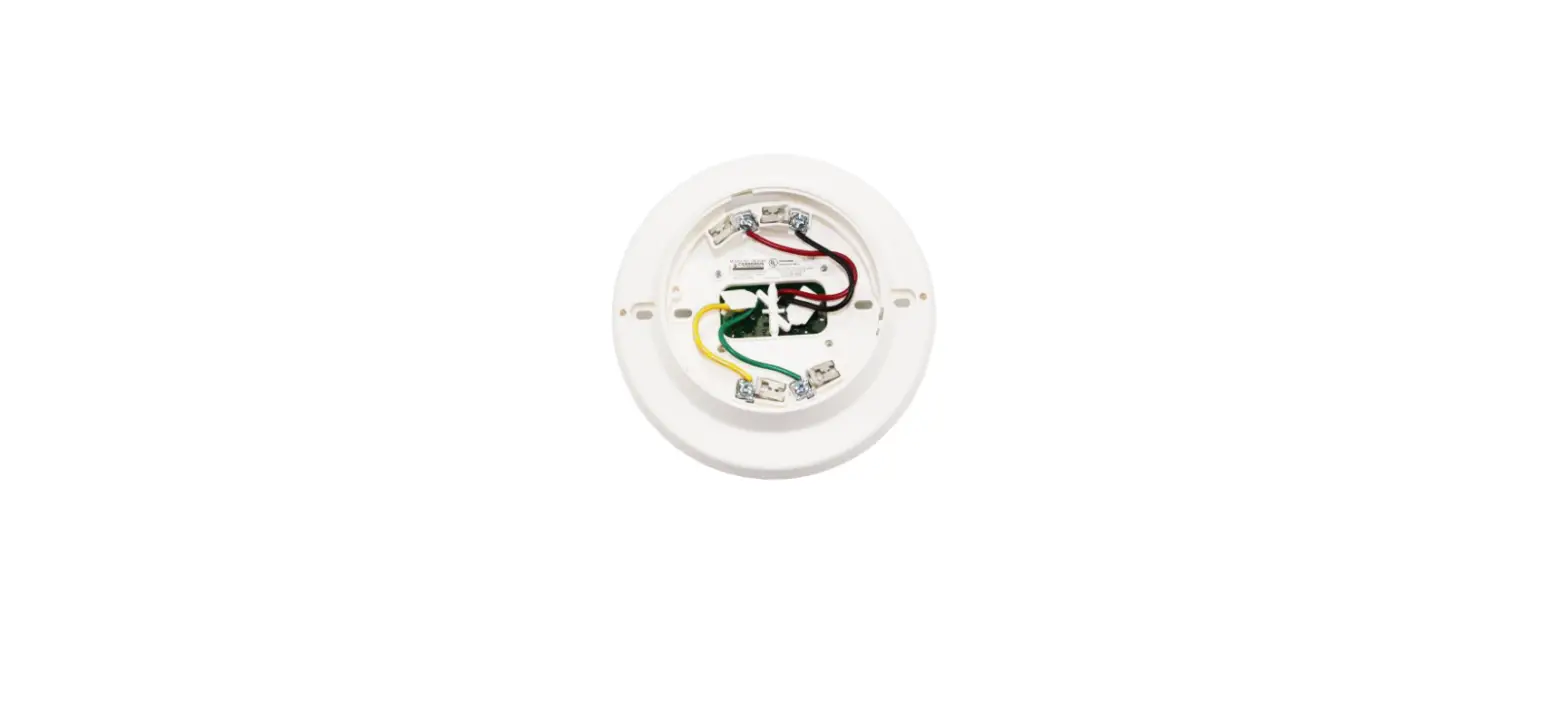

SIEMENS DB-11 Base Detector Lock
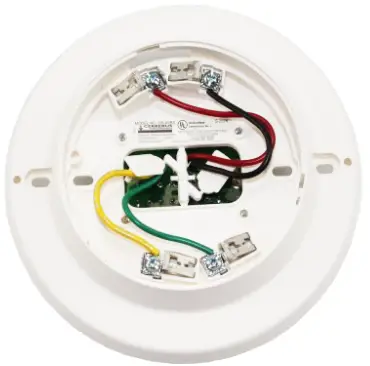
INSTALLATION PROCEDURE
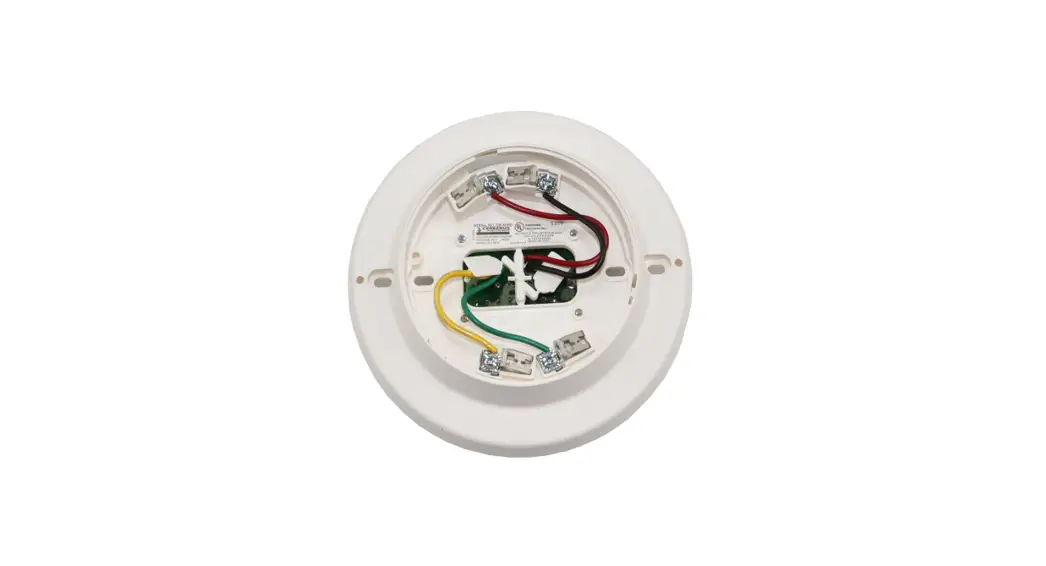
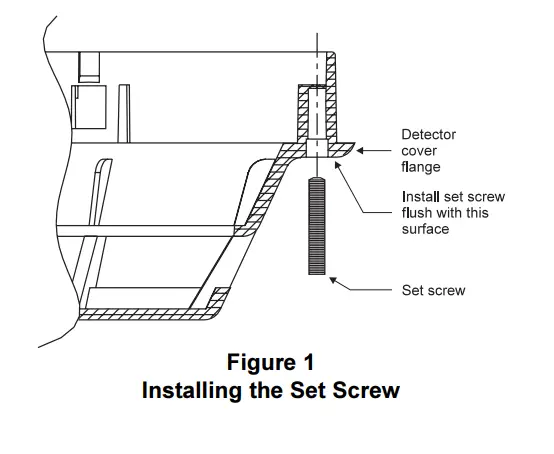
- Use the hex tool provided with the SIEMENS Model LK-11 to install the set screw into the hole in the cover of the detector. (Refer to Figure 1.)
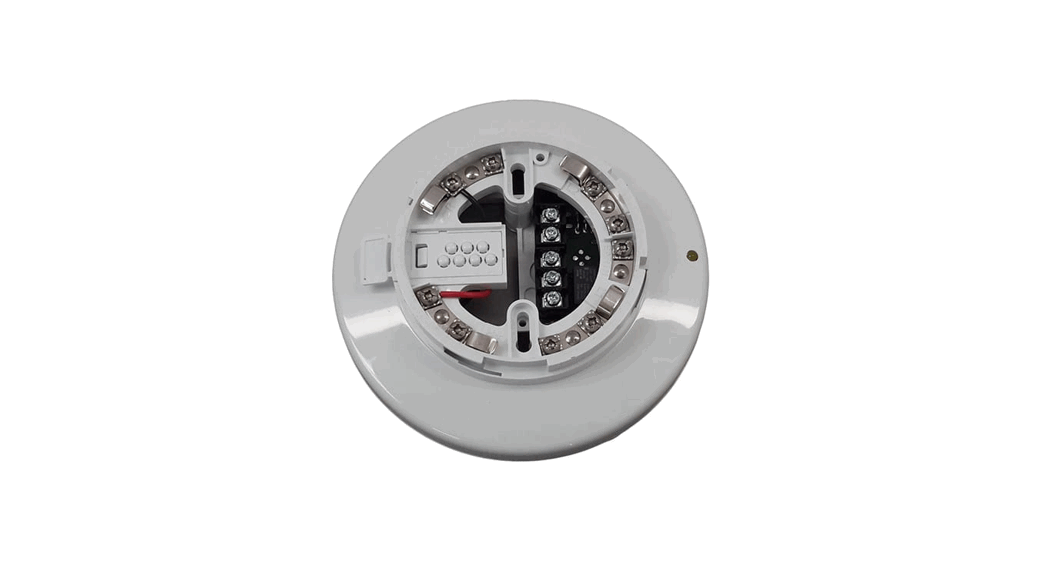
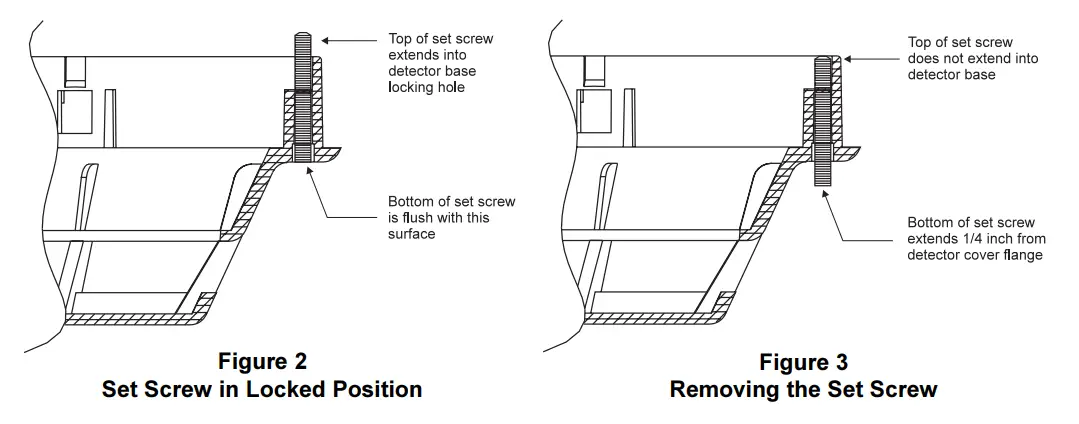
- To lock the detector in the DB-11 base, rotate the hex tool clockwise until the set screw is flush with the detector cover flange and the top of the screw extends into the DB-11 base locking hole, as shown in Figure 2.
REMOVAL PROCEDURE
- To unlock the detector in the DB-11 base, use the hex tool provided to rotate the set screw counter-clockwise until it no longer extends into the detector base and backs out approximately 1/4 inch from the detector cover flange. (Refer to Figure 3.)
- Remove the detector.
Siemens Building Technologies, Inc.
8 Fernwood Road Florham Park, New Jersey 07932
Siemens Building Technologies, Ltd.
2 Kenview Boulevard Brampton, Ontario L6T 5E4 CN
 Home - Fire Alarm Resources - Free fire alarm PDF manuals, documents, installation instructions, and technical specifications