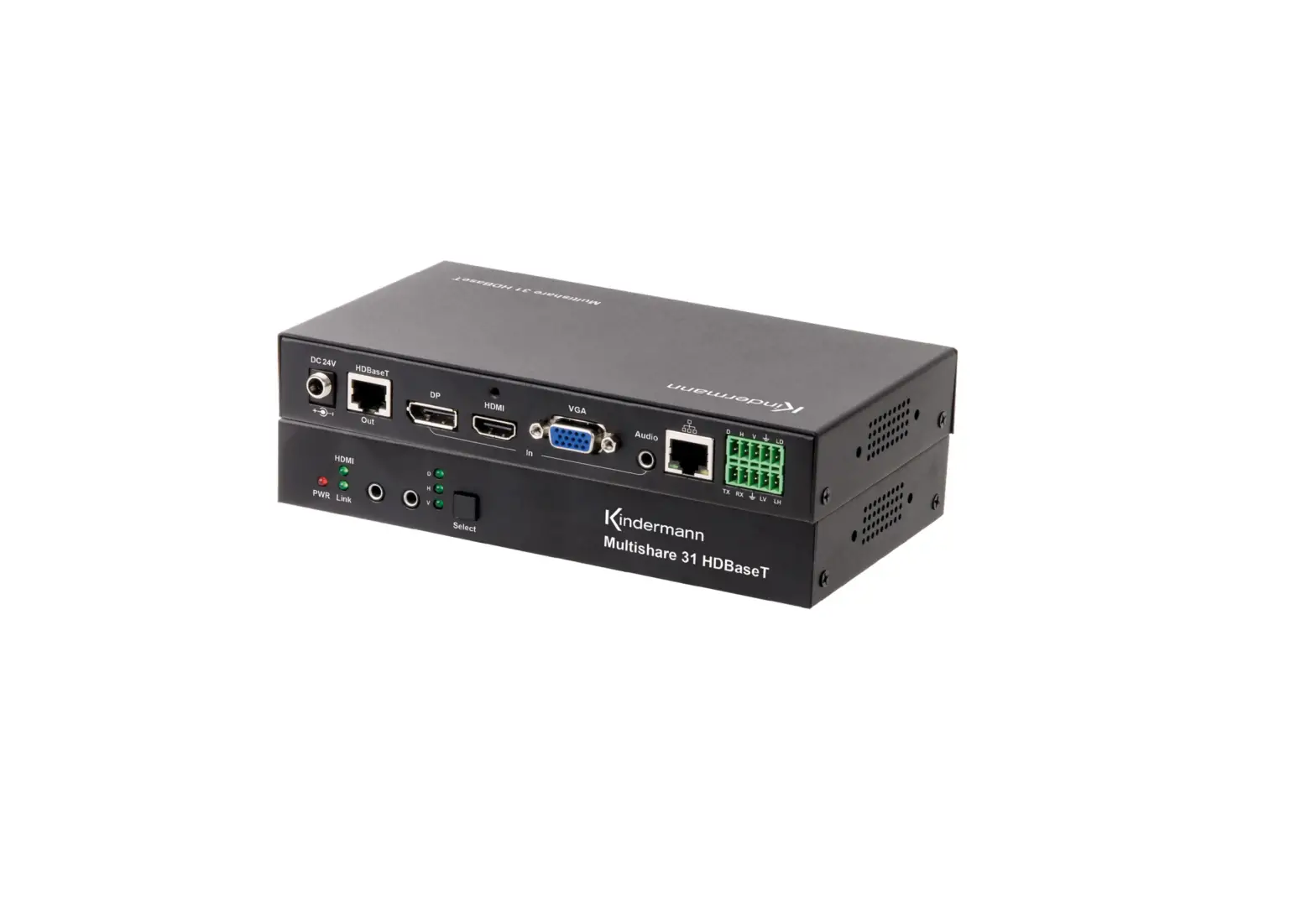
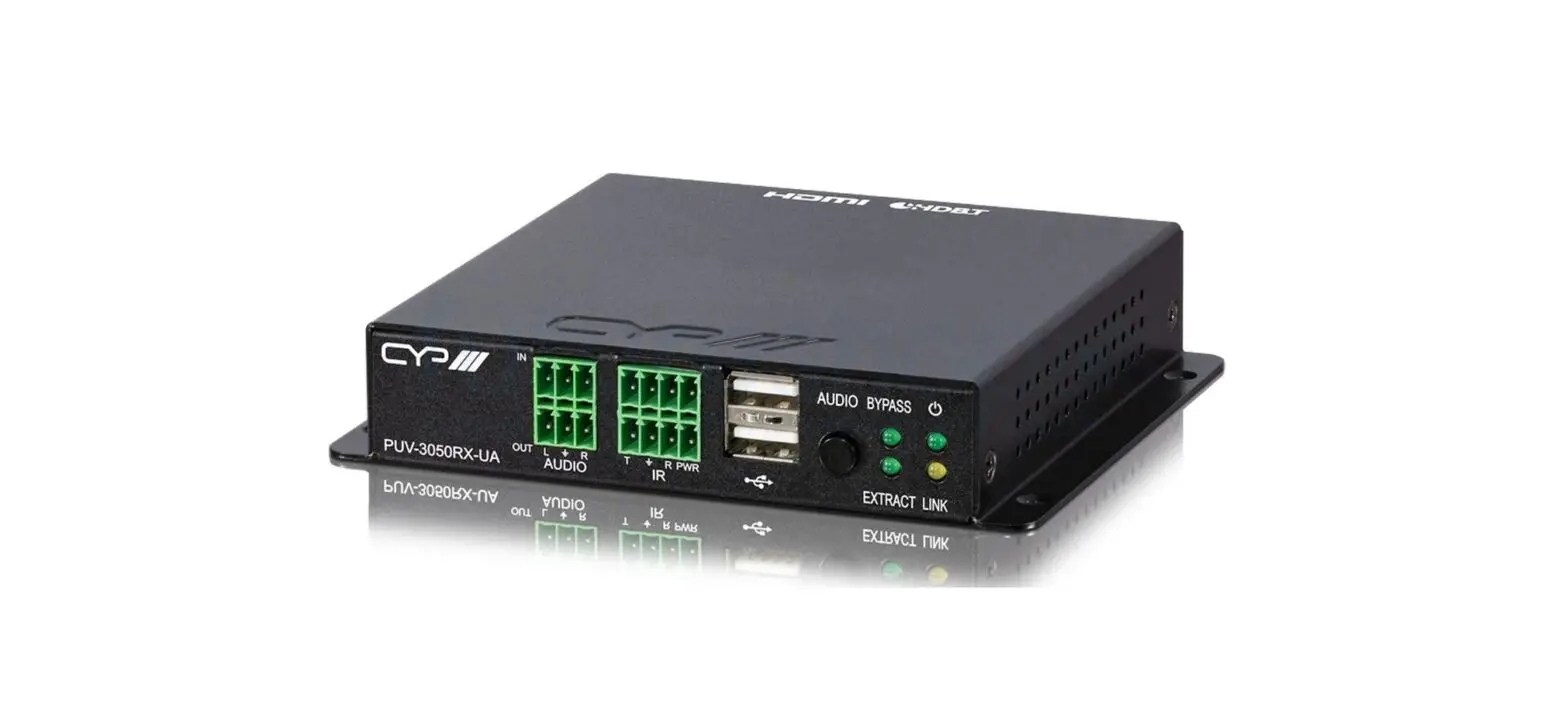
ZT-148 Modular 1080P HDBaseT 100M Transmitter
Product Information:
Zenty is a professional A/V solution provider that offers a
versatile product for audio and video transmission. The product
consists of a Transmitter and a Receiver, both equipped with
multiple input and output ports for seamless connectivity. Zenty
provides excellent customer support via phone and email.
Transmitter:
- Input Ports: 1 x HDMI, 1 x RS232, 1 x IR-TX, 1 x IR-RX, 1 x
HDBaseT - Output Ports: None
Receiver:
- Input Ports: 1 x HDBaseT, 1 x HDMI, 1 x RS232, 1 x IR-TX, 1 x
IR-RX - Output Ports: None
Protocol:
- HDMI Version: 2.0
- HDCP Version: 2.2
Resolution:
The product supports various resolutions for different display
requirements:
- 1920×1200, 1680×1050, 1360×768, 1280×800
- 1920×1080, 1600×900, 1366×768, 1280×720, 1024×576
- 4096×2160@30Hz, 3840×2160@30Hz, 3840×2160@60Hz
Color Space:
The product supports deep color and true color:
- 1080p: 36-bit Deep color
- 4K: 24-bit True color 4:2:0
Bandwidth:
The product has a bandwidth of 10.2Gbps.
Transmission Distance:
The product supports the following transmission distances:
- 1080p: Up to 230Ft.
- 4K: Up to 115Ft.
Dimension:
The product has the following dimensions:
- Transmitter and Receiver: 115mm x 84mm x 16mm
Weight:
The product weighs approximately 120g (0.3lbs).
Power Consumption:
The product has the following power requirements:
- AC: 100-240V, 50/60Hz, 1.5A Max
- DC: 12V, 1500mA
Working Humidity:
The product operates within a specified humidity range.
Working Temperature:
The product operates within a specified temperature range.
Storage Temperature:
The product can be stored within a specified temperature
range.
Product Usage Instructions:
- Connect the HDMI source to the Transmitter’s HDMI input
port. - If necessary, connect additional devices to the Transmitter’s
RS232, IR-TX, and IR-RX input ports. - Connect the Transmitter’s HDBaseT output port to the Receiver’s
HDBaseT input port using an appropriate cable. - If necessary, connect additional devices to the Receiver’s
HDMI, RS232, IR-TX, and IR-RX input ports. - Connect the Receiver’s HDMI output port to the desired display
device. - Ensure that all connections are secure.
- Power on the Transmitter and Receiver using the provided AC
power adapter or DC power source. - Adjust the resolution and color settings on the connected
devices as desired. - The audio and video signals should now be transmitted from the
source device to the display device.
Note: Please refer to the user manual for detailed instructions
on configuring and troubleshooting the Zenty A/V solution.
Zenty | Professional A/V Solution Provider
(844) 200-1945 | [email protected]
Page 1 of 10
ZENTY ®
9807 EMILY LANE STAFFORD, TX 77477
(844) 200-1945 [email protected]
Copyright © Zenty AV
(844) 200-1945 | [email protected]
Page 2 of 10
Copyright © Zenty AV
This lite version extender uses HDBaseT technology. There is no compression, no losses or latency. It can work with other HDBaseT equipment, such as HDBaseT projectors. All of the signals are transmitter via single CAT 5e/6/7 cable. For 1080P resolution, it can transmit to a distance of 70m (230ft.), and for 4K 60Hz (4:2:0), up to 35m (115ft.). This extender is compatible with all HDTV resolutions and supports HDCP 2.2 protocol, along with bi-directional RS232 and IR transmission for long distance control. Power over cable ensures that only one side requires power.
· Transmit high quality audio/video signal; 1080P up to 230ft. and 4K 60Hz (4:2:0) up to 115ft. via single CAT5e/6/7 cable
· Supports full HD, UHD, and 4K 60Hz (4:2:0) resolutions · HDMI 2.0 | HDCP 2.2 compliant · Bi-directional IR / Serial control signal transmission · Power over cable function · Supports 7.1 DTS Master HD, Dolby True-HD · LED indicators, EDID pass-through · Supports CEC control
Input Output
Transmitter
1 x HDMI 1 x RS232 1 x IR-TX 1 x IR-RX
1 x HDBaseT
Receiver 1 x HDBaseT
1 x HDMI 1 x RS232 1 x IR-TX 1 x IR RX
(844) 200-1945 | [email protected]
Page 3 of 10
Copyright © Zenty AV
Protocol Resolution
HDMI 2.0 | HDCP 2.2
HDMI 2.0 | HDCP 2.2
1920×1200, 1680×1050 1360×768, 1280×800
1920×1200, 1680×1050 1360×768, 1280×800
1920×1080, 1600×900
1920×1080, 1600×900
1366×768, 1280×720
1366×768, 1280×720
1024×576, 1920×1200
1024×576, 1920×1200
1680×1050, 1360×768
1680×1050, 1360×768
1280×800, 4096×2160@30Hz 1280×800, 4096×2160@30Hz
3840×2160@30Hz
3840×2160@30Hz
3840×2160@60Hz
3840×2160@60Hz
Color Space
Bandwidth Transmission Distance
Dimension
Weight Power
Consumption Working Humidity Working Temperature Storage Temperature
1080p: 36-bit Deep color 4K: 24-bit True color 4:2:0 10.2Gbps 1080: 230Ft. 4K: 115Ft. 115mm x 84mm x 16mm 4.5″ x 3.3″ x 0.6″ 120g | 0.3lbs AC: 100-240V 50/60Hz 1.5A Max DC: 12V 1500mA <11W 10% ~ 90% 0°C ~ 50°C -20°C 75°C
1080p: 36-bit Deep color 4K: 24-bit True color 4:2:0 10.2Gbps 1080: 230Ft. 4K: 115Ft. 115mm x 84mm x 16mm 4.5″ x 3.3″ x 0.6″ 120g | 0.3lbs AC: 100-240V 50/60Hz 1.5A Max DC: 12V 1500mA <11W 10% ~ 90% 0°C ~ 50°C -20°C 75°C
(844) 200-1945 | [email protected]
Page 4 of 10
Copyright © Zenty AV
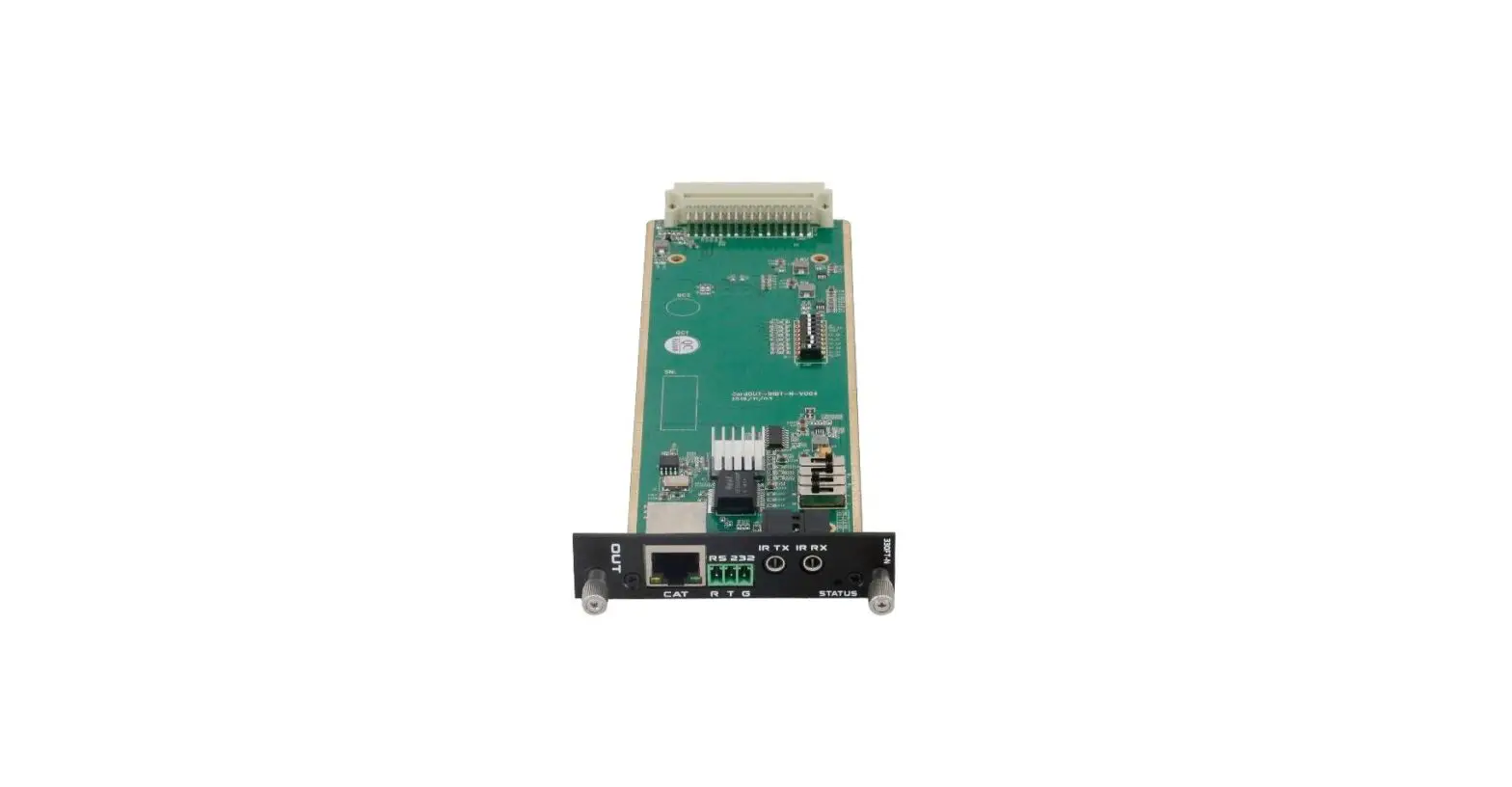
A. DC 12V power input port B. PoC Function on/off switch C. RJ45 Output port D. HDMI Input port E. 3-Pin RS232 port F. IR Transmitter port
(844) 200-1945 | [email protected]
Page 5 of 10
Copyright © Zenty AV
G. IR Receiver port
H. Power indicator
I. Link Indicator (indicator will light up when transmitter and receiver have connected successfully. Flickering means that the connection is not stable. Off means that the connection has failed.)
J. Mode indicator (indicator will blink once per second if the system is running well.)
(844) 200-1945 | [email protected]
Page 6 of 10
Copyright © Zenty AV
A. DC 12V power input port B. PoC Function on/off switch C. RJ45 Input port D. HDMI Output port E. 3-Pin RS232 port F. IR Transmitter port G. IR Receiver port H. Power indicator I. Link Indicator (indicator will light up when transmitter and receiver have connected
successfully. Flickering means that the connection is not stable. Off means that the connection has failed.) J. Mode indicator (indicator will blink once per second if the system is running well.)
It is suggested to use twisted shielded pair 24AWG cable with a bandwidth of at least 400MHz, and crystal connector.
(844) 200-1945 | [email protected]
Page 7 of 10
Copyright © Zenty AV
Clean this unit with a soft, dry cloth. Never use alcohol, paint thinner, or benzine to clean.
If your product does not work properly because of a defect in materials of workmanship, our company (referred to as “the warrantor”) will, for the length of the period indicated as below, “Parts and Labor (5) Years”, which starts with the date of original purchase (“Limited Warranty period”), at its option either (a) repair your product with new or refurbished parts, or (b) replace it with a new or a refurbished product. The decision to repair or replace will be made by the warrantor.
During the “Labor” limited warranty period, there will be no charge for labor. During the “Parts” warranty period, there will be no charge for parts. You must mail-in your product during the warranty period. This Limited Warranty is extended only to the original purchaser and only covers products purchased as new. A purchase receipt or other proof of original purchase date is required for Limited Warranty service.
When shipping the unit, carefully pack and send it prepaid, adequately insured, and preferably in the original carton. Include a letter detailing the complaint and provide a day time phone and/or email address where you can be reached.
(844) 200-1945 | [email protected]
Page 8 of 10
Copyright © Zenty AV
This Limited Warranty ONLY COVERS failures due to defects in material or workmanship, and DOES NOT COVER normal wear and tear or cosmetic damage. The Limited Warranty ALSO DOES NOT COVER damages which occurred in shipment, or failures which are caused by products not supplied by warrantor, or failures which result from accidents, misuse, abuse, neglect, mishandling, misapplication, alteration, faulty installation, set-up adjustments, mis-adjustment of consumer controls, improper maintenance, power line surge, lightning damage, modification, or service by anyone other than a Factory Service center or other Authorized Servicer, or damage that is attributed to acts of God.
THERE ARE NO EXPRESS WARRANTIES EXCEPT AS LISTED UNDER “LIMITED WARRANTY COVERAGE”. THE WARRANTOR IS NOT LIABLE FOR INCIDENTAL OR CONSEQUENTAIL DAMAGES RESULTING FROM THE USE OF THIS PRODUCT, OR ARISING OUT OF ANY BREACH OF THIS WARRANTY. (As examples, this excludes damages for lost time, cost of having someone remove or re-install an installed unit if applicable, travel to and from the service, loss of or damage to media or images, data or other recorded content. The items listed are not exclusive, but are for illustration only.) PARTS AND SERVICE, WHICH ARE NOT COVERED BY THIS LIMITED WARRANTY, ARE YOUR RESPONSIBILITY.
(844) 200-1945 | [email protected]
Page 9 of 10
Copyright © Zenty AV
WWW.ZENTY.COM 9807 EMILY LANE STAFFORD, TX 77477
(844) 200-1945 [email protected]
[email protected]
(844) 200-1945 | [email protected]
Page 10 of 10
Copyright © Zenty AV
 Zenty - The AV Technology Leader