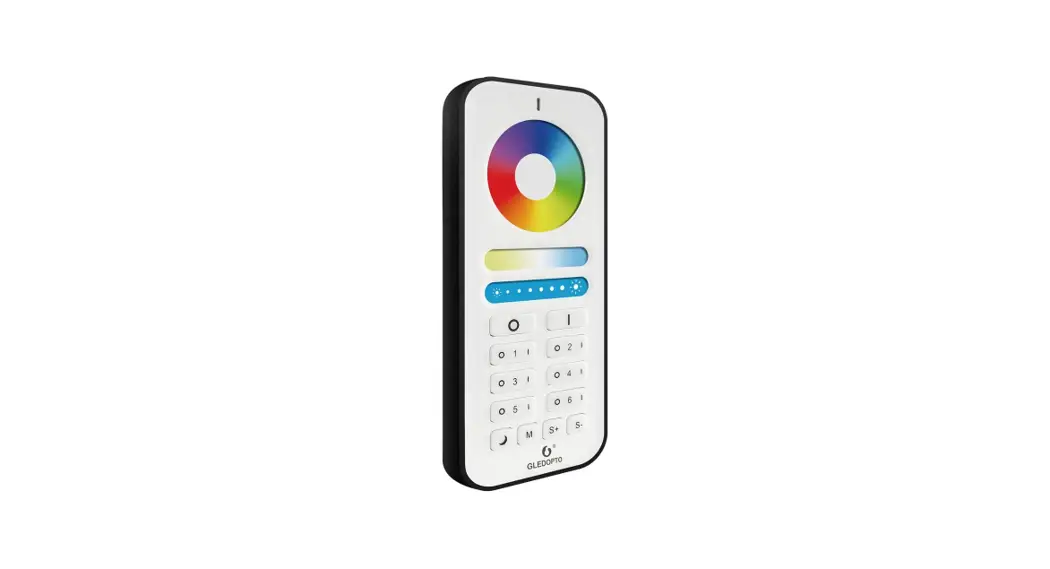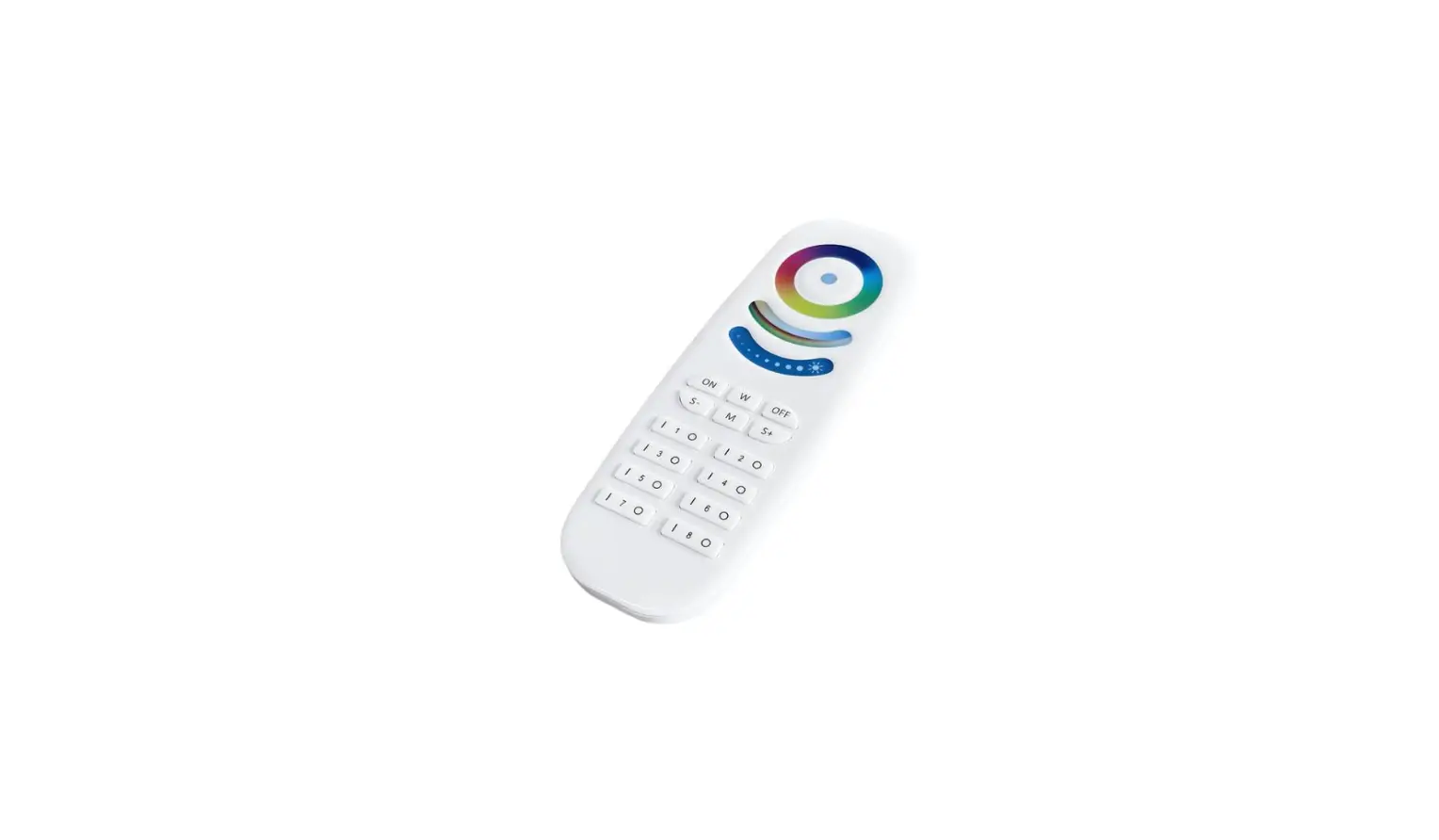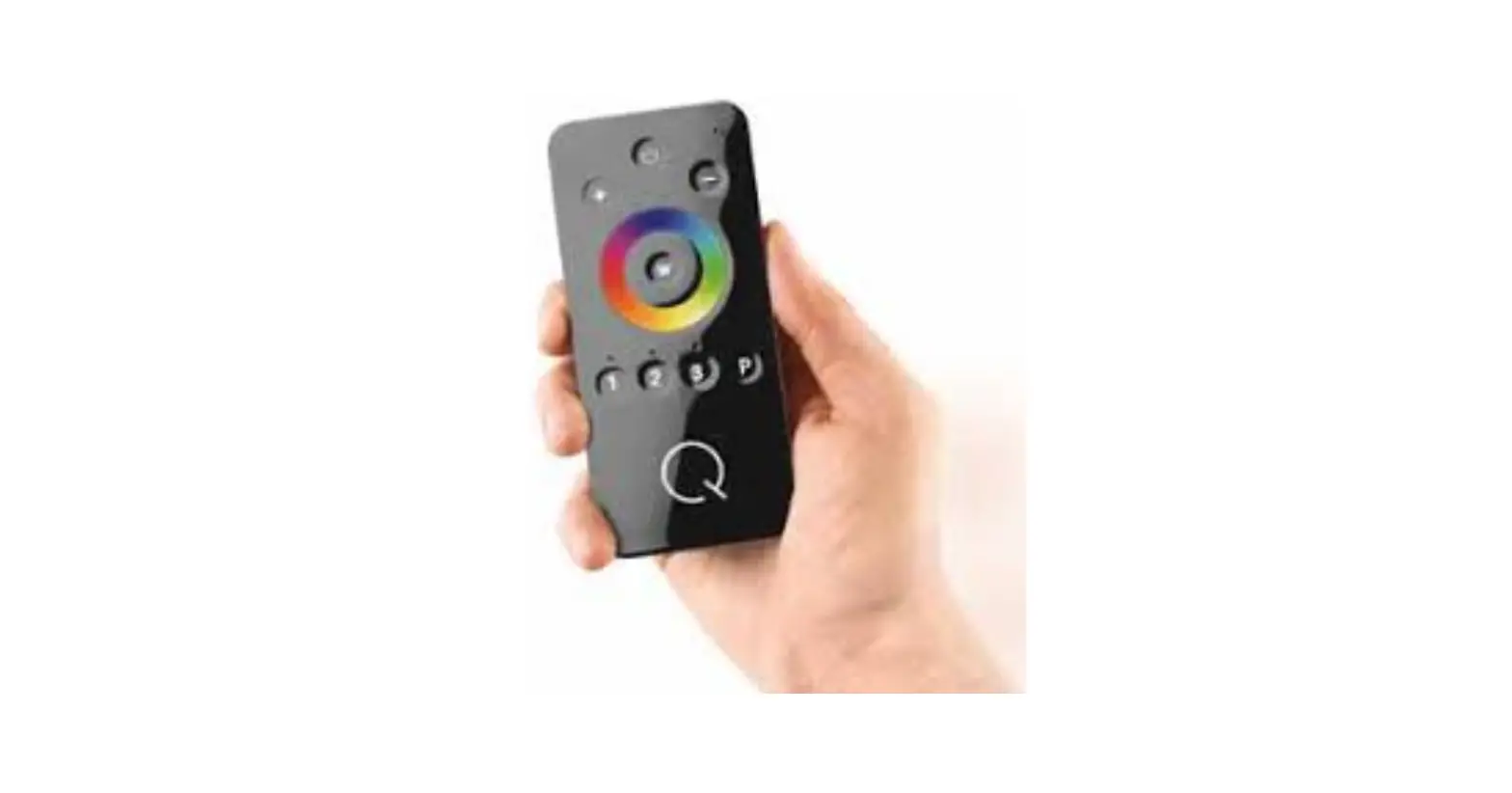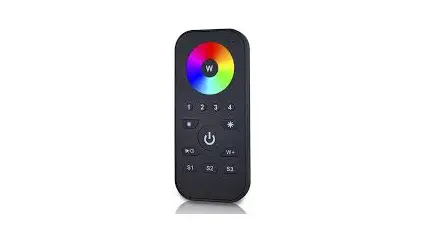

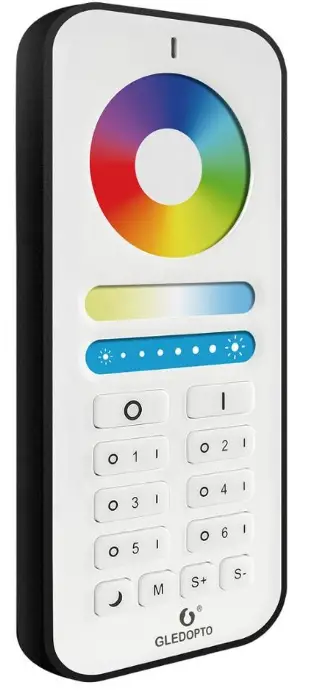
GLEDOPTO GL-RC-006Z RGB CCT Remote Control
Features:
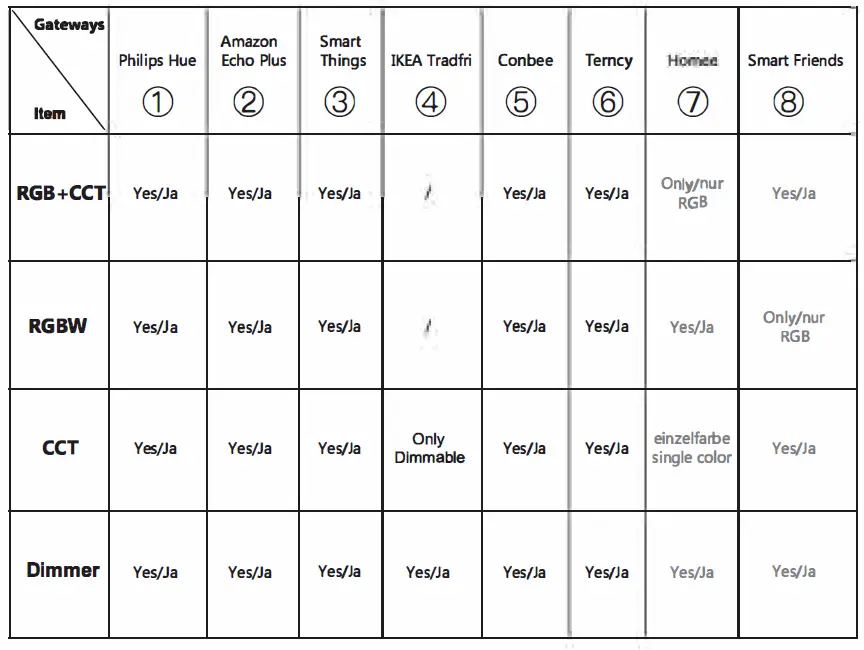
Gateways/hubs Gledopto zigbee products Directly work with: Via HUE, Hue Amazon gateway, echo can plus, work with SmartThings, google Tuya, home, all Conbee, other etc alexa devices
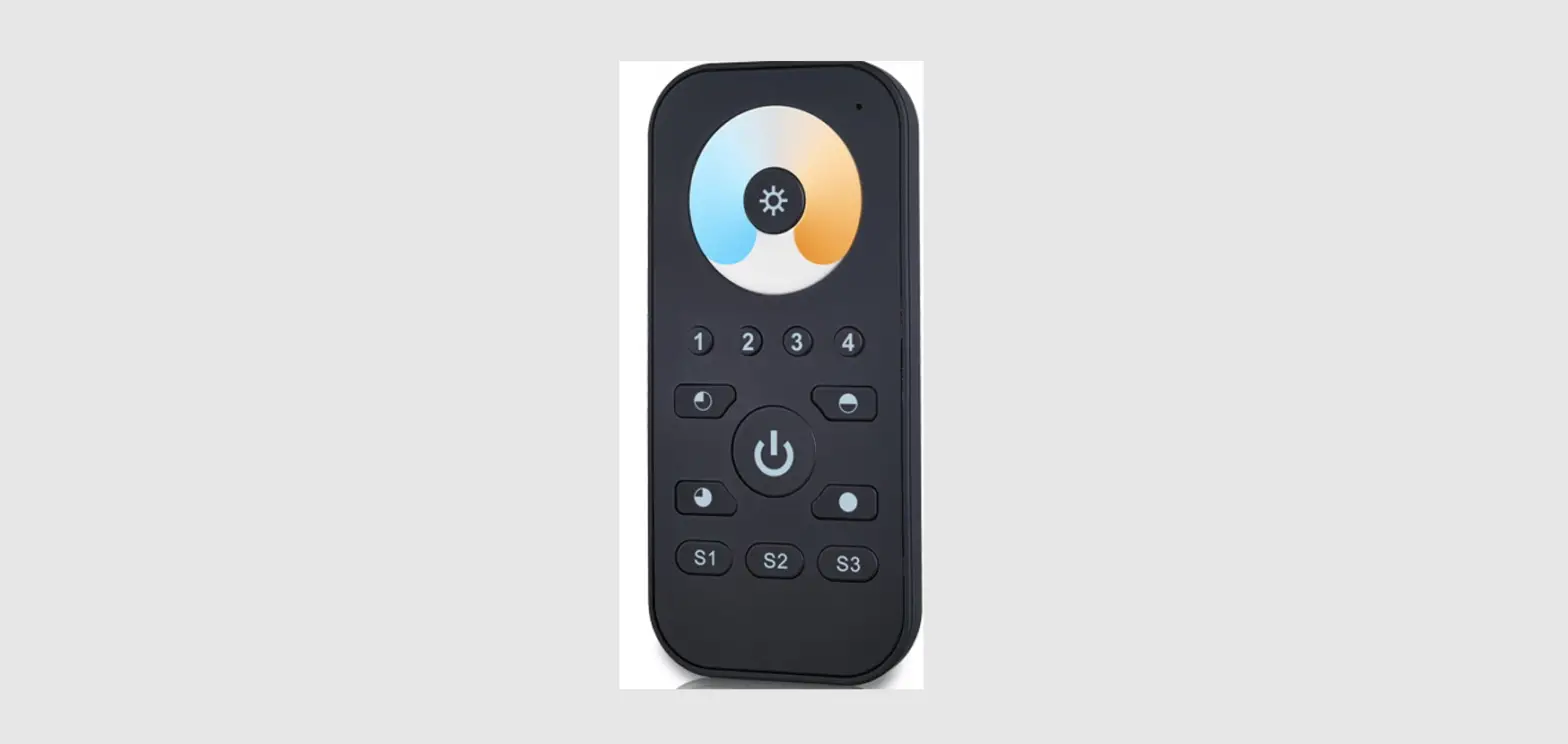
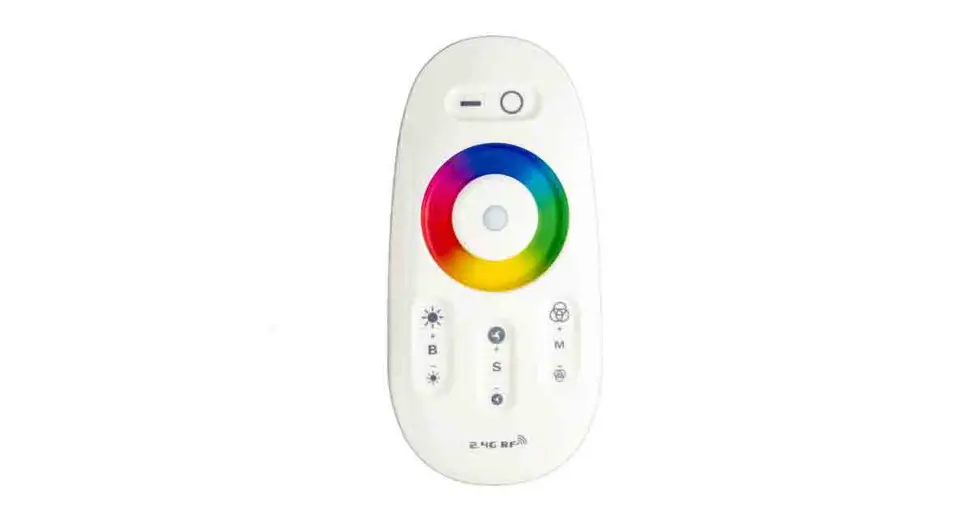
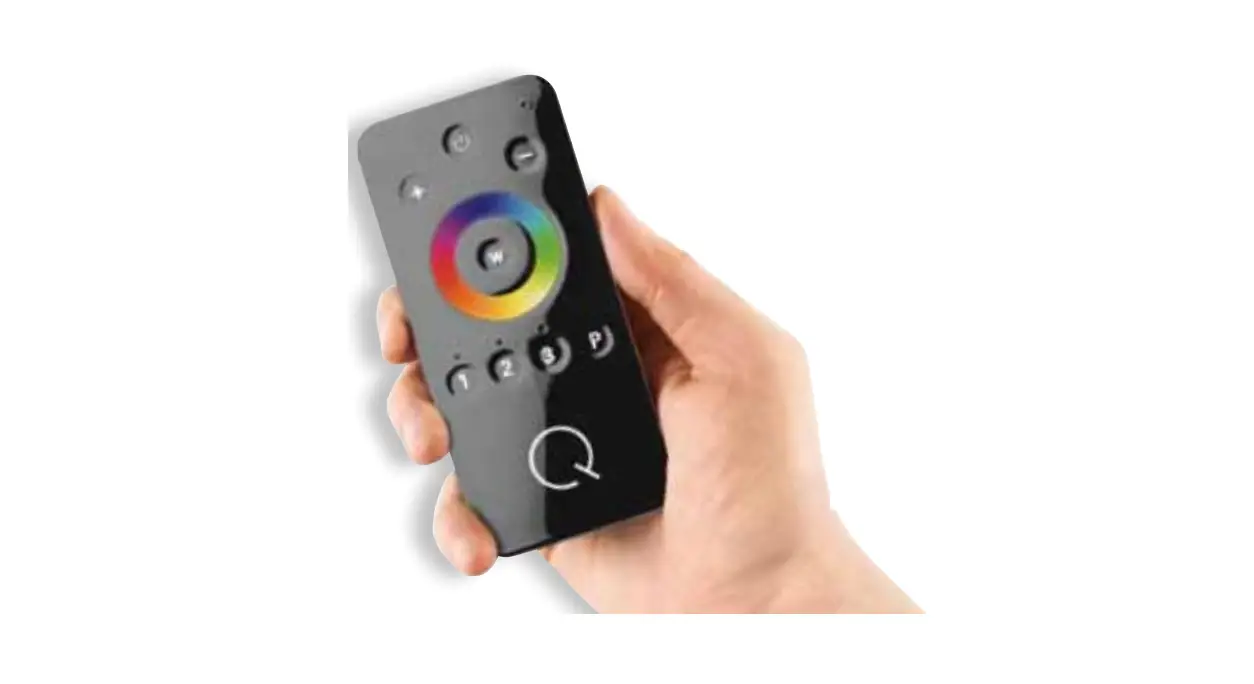
RGB+CCT Remote Control (GL-Rc–00&2)
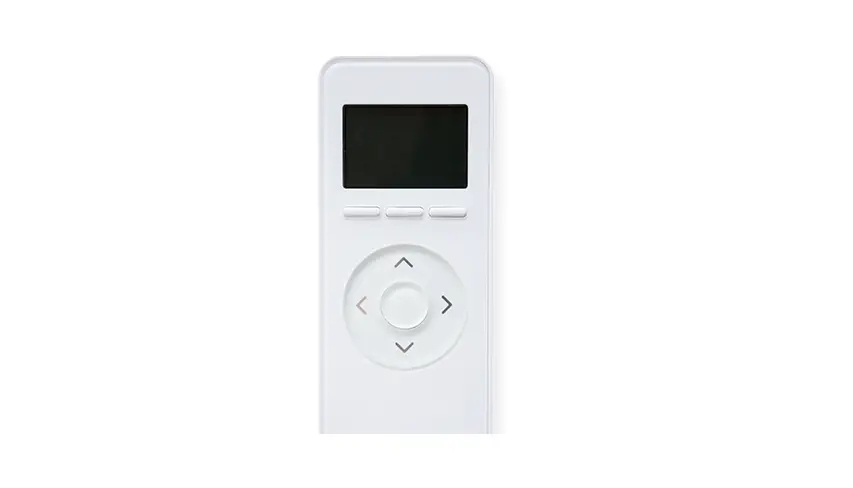
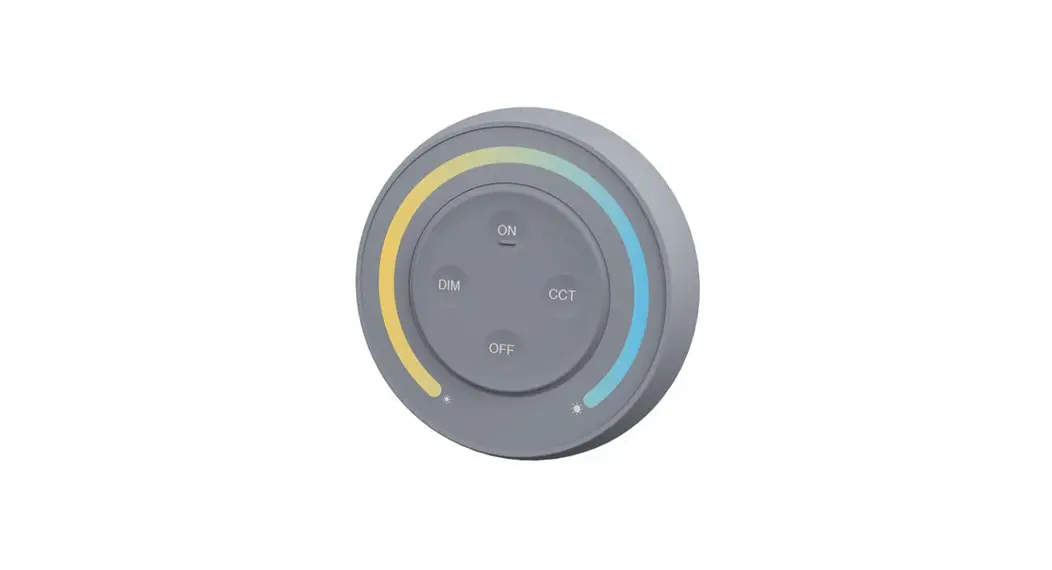
This manual describes RGB+CCT remote control used for our RGB+CCT products Remote control can control the LED lights up to six different Zones, change the color, dim/brighten the lights, warm/cool white, different programs. In this manual, you will learn.
Battery Installation
Please take the remote control and carefully press the battery cover and push it away in a downward motion. Install two AAA batteries, exactly match the negative ( – ) pole of each battery to the largest spring. Don’t touch the color ring when you install the batteries. Place the battery cover back and install tightly.
How to link & use with remote control
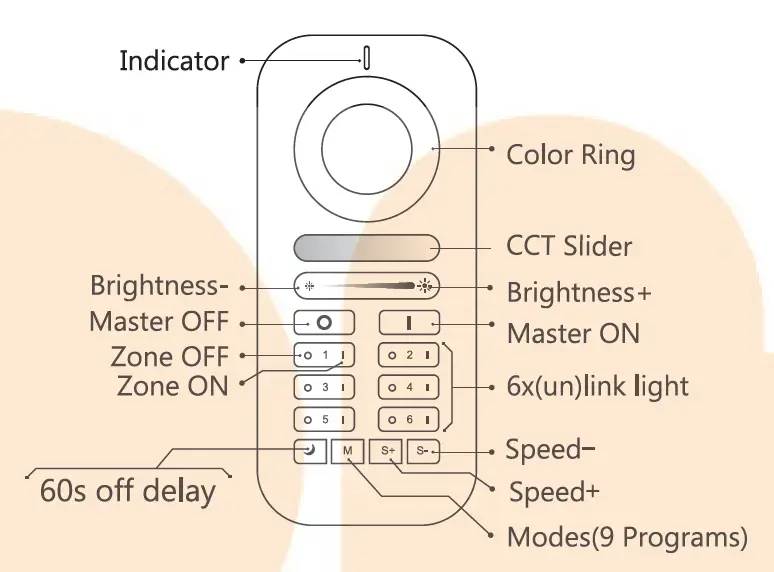
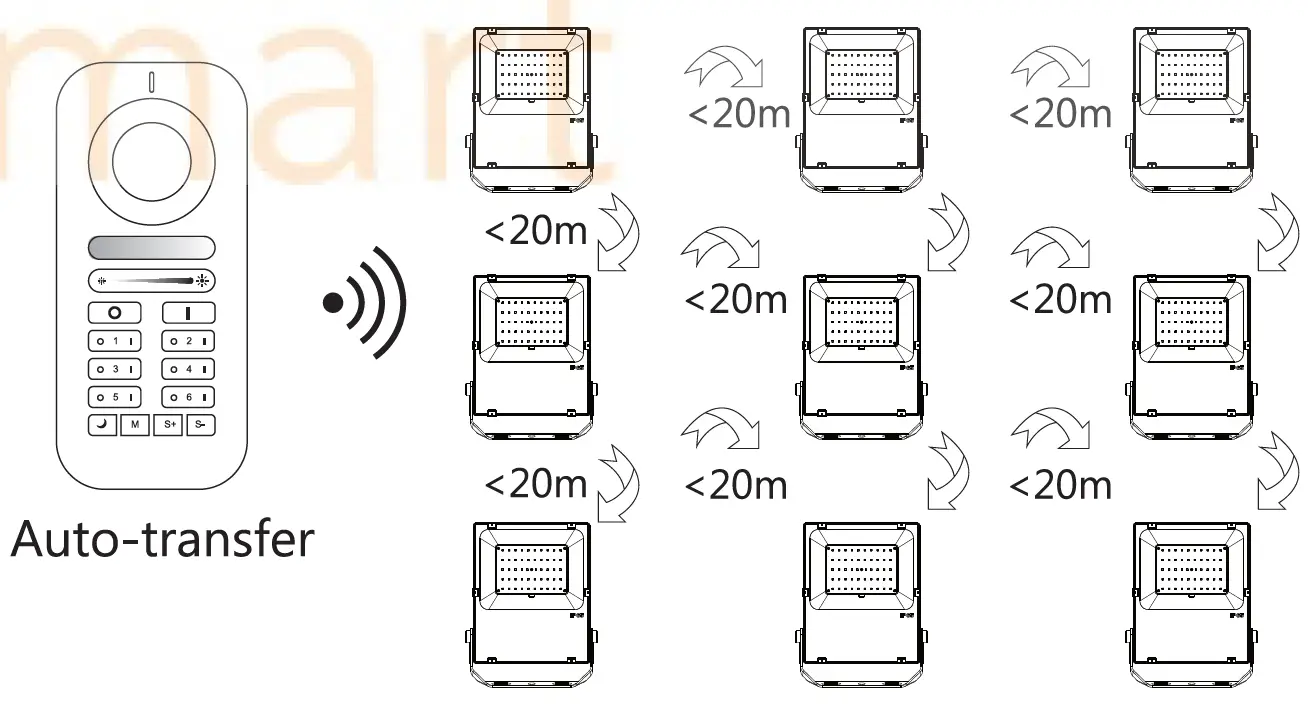
- Within 3 seconds after power on, click the “on” button of the group to conduct code matching, and the LED light turns green, indicating successful code matching.
- Long press the “off” button of the remote control to enter the night light mode, and the brightness and color can still be adjusted at this time.
- long press the small moon key to enter the 60 seconds delay shutdown state.
- Long press M key to enter automatic mode.
How to unlink
- If the LED is still connected to the Zig Bee gateway, long press the “on” button on the remote control within 3 seconds after power on or press the button for 5 times continuously, the light will flash for 3 times in the current color;
- If the LED is not connected in the ZIGBEE gateway state, long press the “on” button on the remote control within 3 seconds after power on or press the button for 5 times continuously, then the LED light will be fully bright and flashing for 4 times;
Mode description
- Mode 1: Static warm light (warm light alone)
- Mode 2: Static white light (cold light and warm light are equally bright)
- Mode 3: Static cold light (cold light alone)
- Mode 4: Static red light
- Mode 5: Static green light
- Mode 6: Static blue light
- Mode 7: RGB blue, fade then in to fade red, out and so (Coloon r , fade speed in fade adjustable.) out from red to green, then to
- Mode 8: so RGB on, flash speed (Color adjustable.) flash from red to green, then to blue, then to red, and
- Mode g; switch\the colo rand hhave 8SJrA: repeatedly. iecPressing switch /mode 1c’lncle button to exit this mode.)
How to link & use with zigbee hub
These devices works with many Zig Bee Light Link/Zig Bee 3.0 Gateways like Philips Hue, Amazon Echo Plus or Smart Things.
Installation:
- Turn off the Power.
- Plug in the lamp.
- Now you can connect it with the gateway.
Connection with Gateway:
- Start the device searching on the Zig Bee Light Link/ZigBee 3.0Gateway, it could take some time.If the Gateway does not find the device, plug power off/on or make a reset.
- After finding the device, the light will turn green.then you can save it to the rooms/groups.
- Now you can use the device.
Reset:
- Switch on your device.
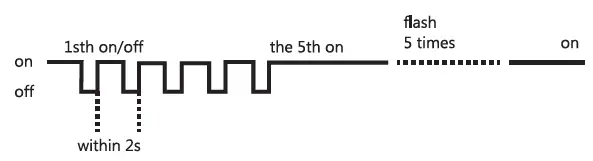
- Now switch off and on within 2 seconds.
- Repeat off/on five times.
- Reset is done when the device is switched on in the fifth time and the LED light will be fully bright and flashing for 4 times.
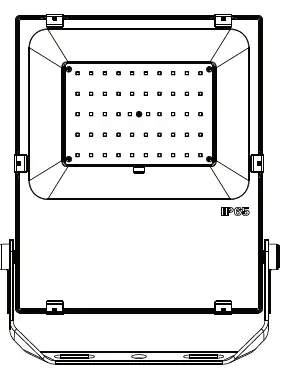
RGB+CCT Flood light
|
Picture |
| 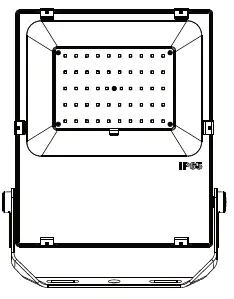 | 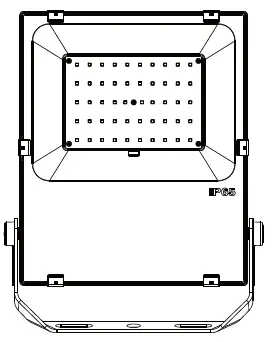 | |
| Po wer | !OW | 30W | 60W | |
| Size(mm) | 166x107x32 | 226.Sx167x40 | 309.5×267.5xl 82.2 | |
| NW(g) | 450 | 950 | 1800 | |
| GW(g) | 550 | 1160 | 2100 | |
| Driver | Customized | Mean Well | Mean Well | |
| Luminous Flux | 650~850LM | 2100~2700LM | 4500~5000LM | |
| Protection | JP65 | JP65 | JP65 | |
| Warranty | 3years | 3years | 3years | |
| LED color | D ua l White And Colo r | |||
| Input voltage | AC100~240V | |||
| Color temperature | 2000K-6S00K | |||
| Working temp | -20- 60°( | |||
| Line length | 0.6m | |||
| Life span | 50,000h | |||
| Material | Alum inum, toug h enedglass | |||
| Compatible with Zigbee bridge | ||||
|
Picture |
| 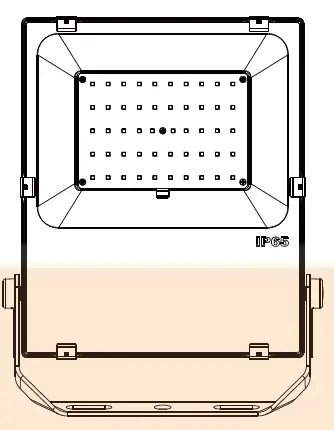 | 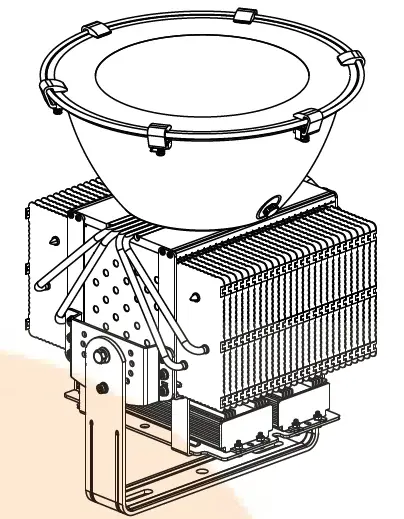 | |
| Power | lO0W | |||
| Size(mm) | 402x29Sx60 | |||
| NW(g) | 3600 | |||
| GW(g) | 4000 | |||
| Driver | Mean Well | |||
| Luminous Flux | 7500-8000LM | |||
| Protection | IP65 | |||
| Warranty | 3years | |||
| LED color | ||||
| Input voltage | ||||
| Color temperature | ||||
| Working temp | -20- 60°( | |||
| Line length | 0.6m | |||
| Lifespan | 50,000h | |||
| Material | Aluminu m, toug h enedglass | |||
| Compatible with Zigbee bridge | ||||
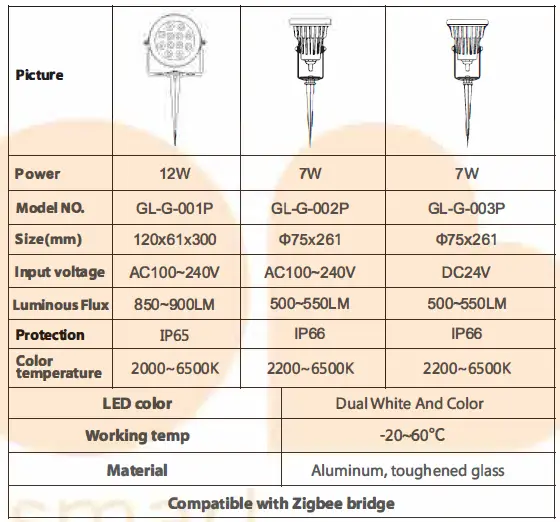
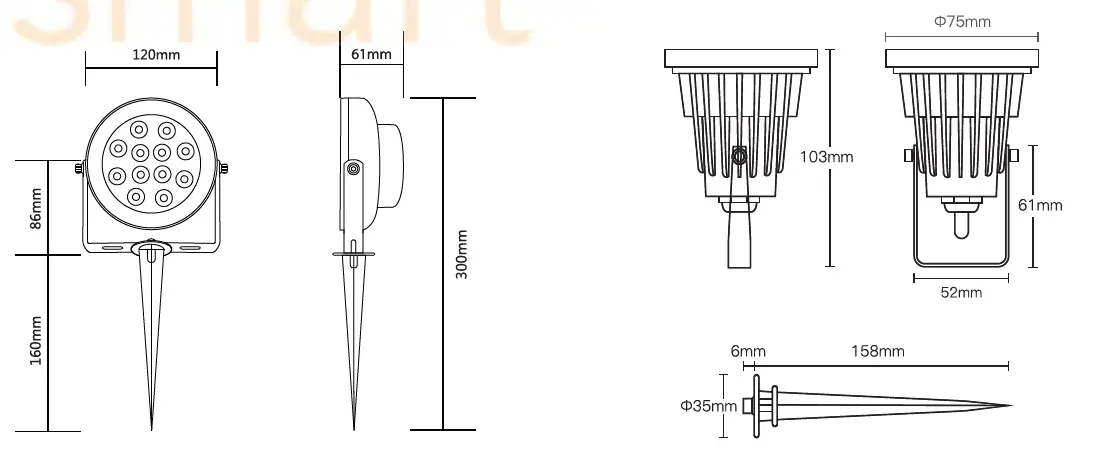
RGB+CCT Garden lamp
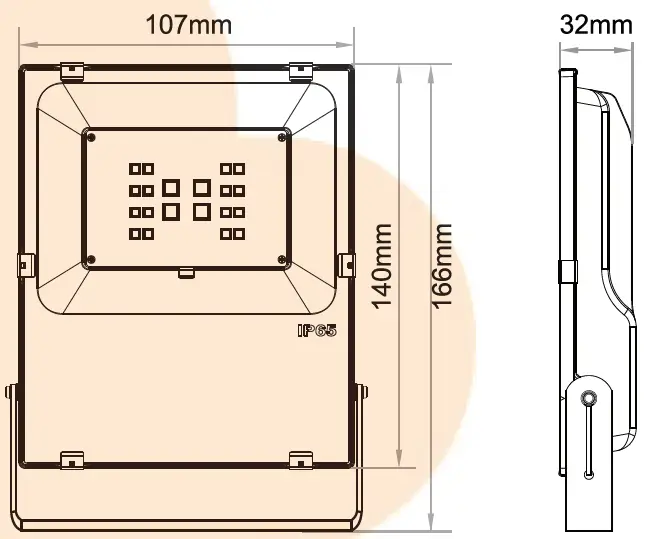
12V lOW RGB+CCT Flood light
Parameter
- Power: 10W
- White LED Power: 1 OW
- Driver: Customized
- Luminous flux: 650~850LM
- Input Voltage: AC/DC 12V
- Color temperature: 2000~6S00K
- Material : Aluminum, toughened glass
- Model No.: GL-FL-00lP
- Size: 166Xl07X32mm
- Working temp:-20° C~60 ° C
- IP Rate: IP65
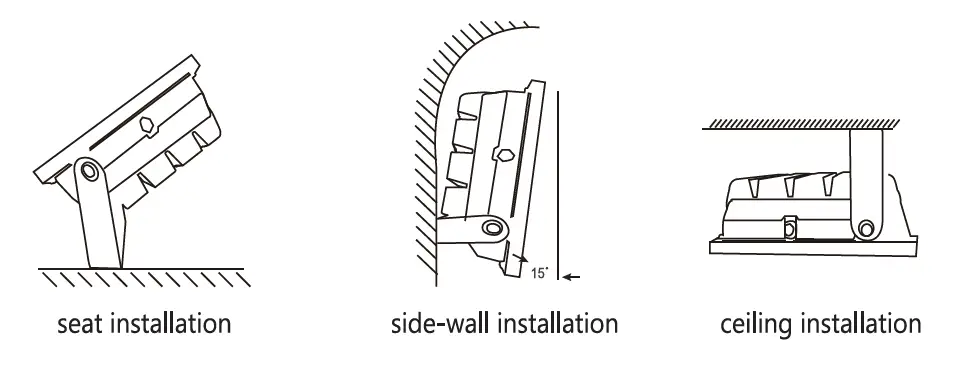
Installation
- Take the led flood light out of the packaging.
- Switch off the power at the wall or lamp switch before installation.
- Replace the original flood light with the new Wireless Smart LED flood light.
- Switch on the power, the led flood light will be on under nonTial circumstances.
Compability Chart