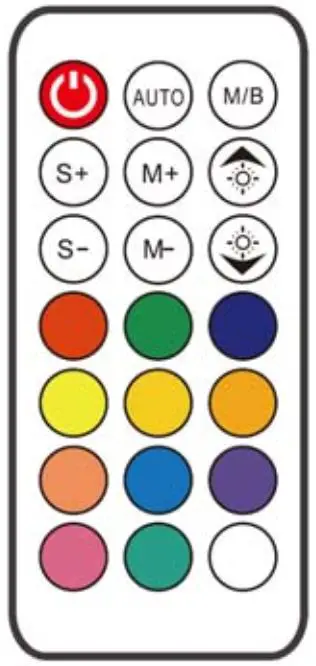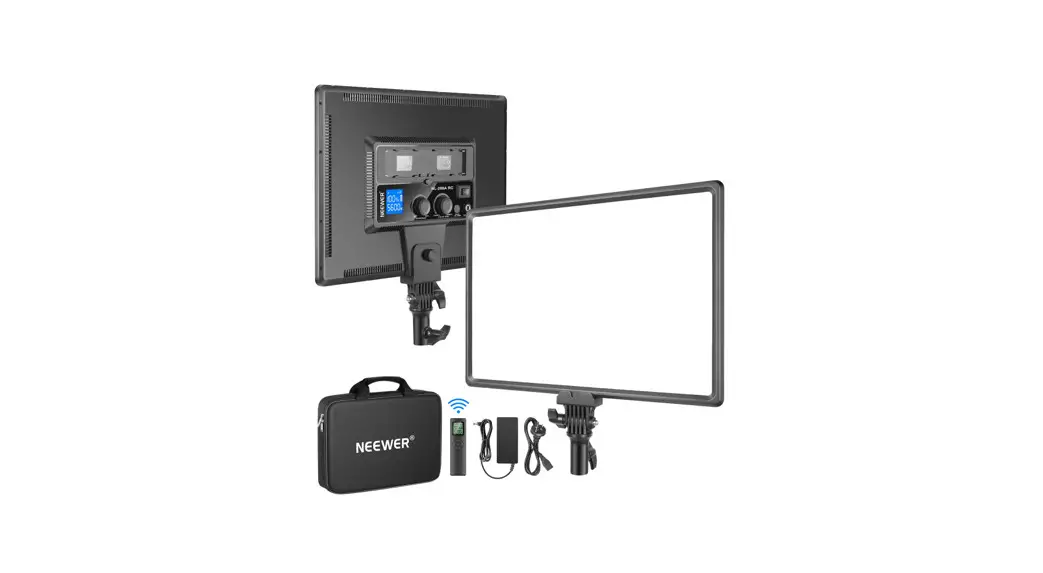

Operating Instruction
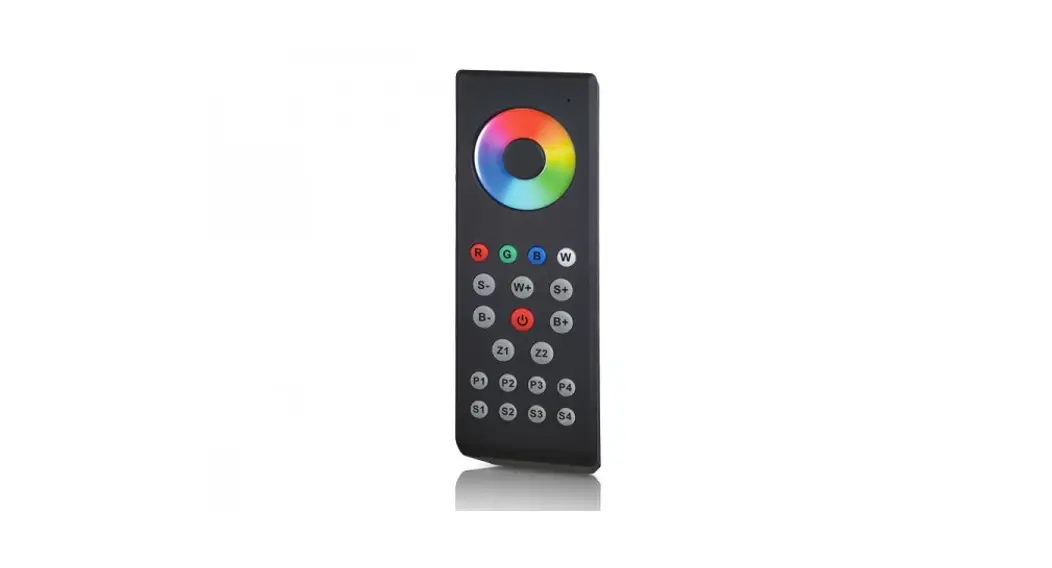
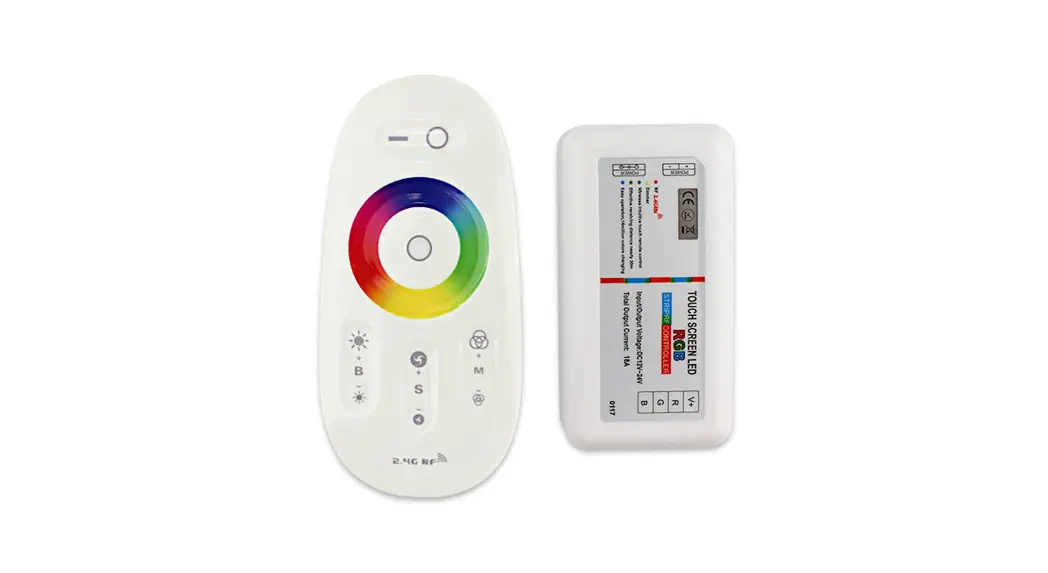
2.4G Wireless Remote Control
RC-RGB
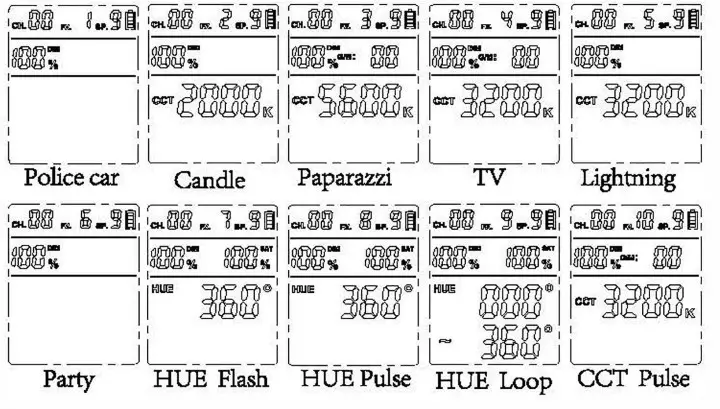
FX Mode
| I Effects | Introduction |
| FX1 | The lighting effect of a police car |
| PX 2 | Candlelight effect |
| I FX 3 | Paparazzi camera flash effect |
| FX4 | TV picture switching effect |
| PX5 | I ightnina effect |
| F X 6 | light effect of a party atmosphere |
| FX7 | RGB light flashing effect |
| F X8 | RGB light pulse effect |
| FX 9 | RGB light Loop effect |
| FX1 0 | , CCT Pulse |
Channel: The value range is 00-16.
Effects: The value range is FXl-FXlO.
Speed: The value range is SPO-SP9.
Brightness: The value range is 10%- lOO%.
Red or green values: The value range is -50-+50.
Saturation: The value range is 0%-100%.
Color temperature: The value range is 3200K-5600K. FX2/FX3 This value is fixed.
RGB color value: The value range is o-360.
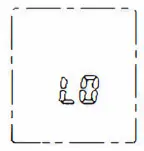
LO: the battery is low.All operations are prohibited. Make sure the battery is installed correctly and has enough power.
Specifications
| Model | RC-RGB |
| Battery type | ( AAA X 2) Separated to buy |
| Wireless frequency | 2.4 GHz |
| remote distance | ≥30 M |
| Channels | 16 |
| Size | 150 mm x 45 mm x 15 mm |
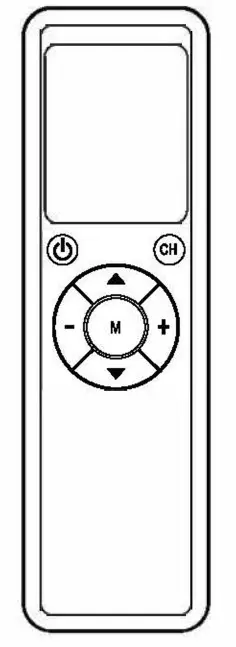
Operation
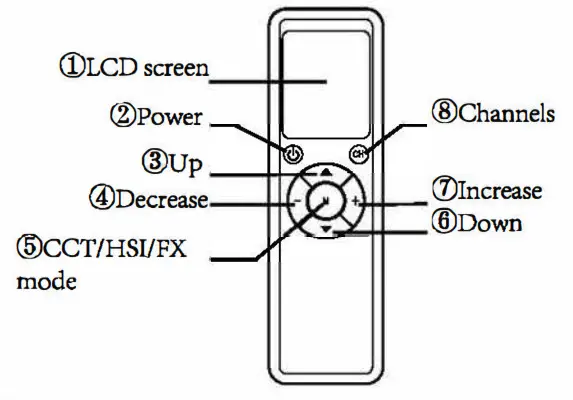
Nate: CHOO controls all lights. If separate control is required, make sure that the CH value on the remote control is the same as the CH value for the light.
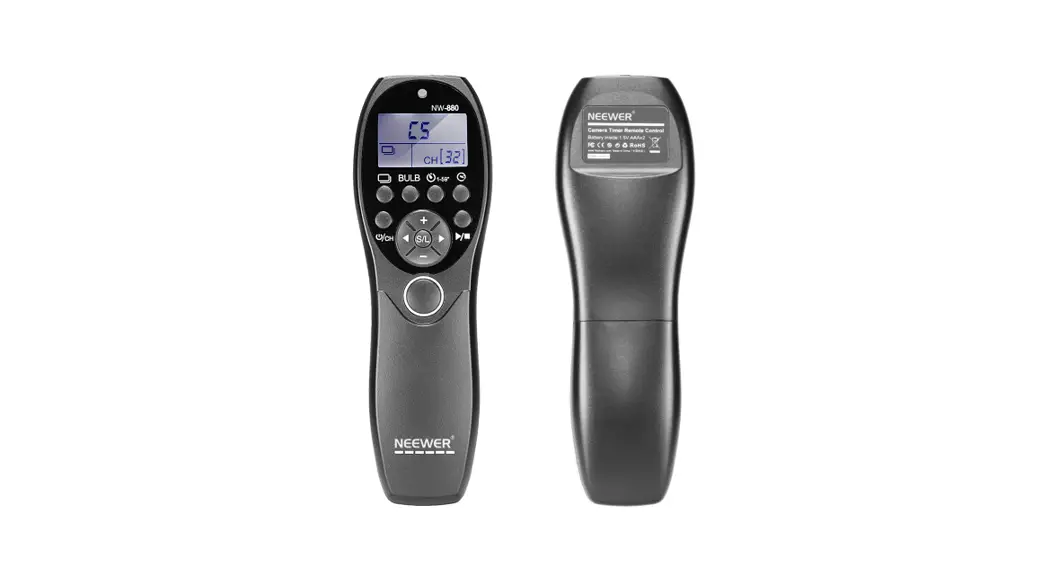
- LCD screen: 2 minutes keyless operation, LCD off.
- Power: LCD off, short press power button to activate the remote control. Short press the Power button to tum the light on or off.
- Up: Move up to the position where the parameter value needs to be adjusted.
- Decrease: Gradually reduce the value of the parameter to be adjusted until the end of the minimum.
- CCT/HSI/FX mode: Choose CCT/HSI/FX mode.
- Down: Move down to the position where the parameter value needs to be adjusted.
- Increase: Gradually Increase the value of the parameter to be adjusted until the end of the maximum.
- Channels: Select or exit adjustments to the CH value. When the CH value stops blinking, the adjustment to the CH value will automatically exit
CCT Mode
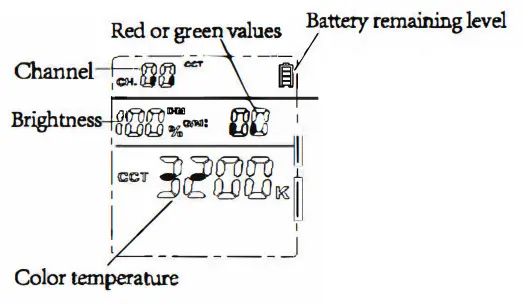
Channel: The value range is C1–100-C1-116. Brightness: The value range is 10%-100%. Red or green VA.ues: The value range is -50-+50. The values from -1 to -50 are red. The values from +1 to +50 are green. The value is 00, red, and green are closed. Color temperature: The value range is 3203K-5600K.
HSI Mode
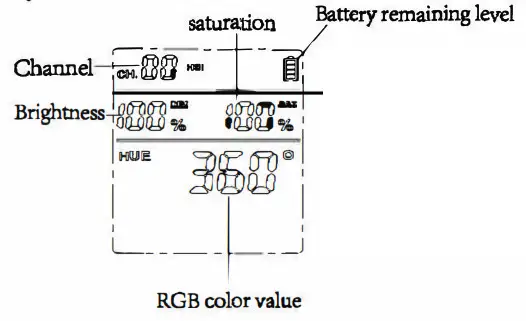
Channel: The value range is CHOO—CH16. Brightness: The value range is 1096-100%. Saturation: The value range is 096-100%. The value is 0%,RGB dosed. RUB color value: The value range is 0-360.
This device complies with Part 15 of the FCC Rules. Operation is subject to the following two conditions: ( 1) this device may not cause harmful interference, and (2) this device must accept any interference received, including interference that may cause undesired operation
This device has been tested and found to comply with the limits for a Class B digital device, pursuant to Part 15 of the FCC Rules. These limits are designed to provide reasonable protection against harmful interference in a residential installation. This device generates, uses, and can radiate radio frequency energy and, if not installed and used in accordance with the instructions, may cause harmful interference to radio communications. However, there is no guarantee that interference will not occur in a particular installation. If this device does cause harmful interference to radio or television reception, which can be determined by turning the device off and on, the user is encouraged to try to correct the interference by one or more of the following measures: –Reorient or relocate the receiving antenna.
–Increase the separation between the device and receiver.
–Connect the device into an outlet on a circuit different from that to which the receiver is connected.
–Consult the dealer or an experienced radio/TV technician for help
Changes or modifications not expressly approved by the party responsible for compliance could void your authority to operate the equipment.