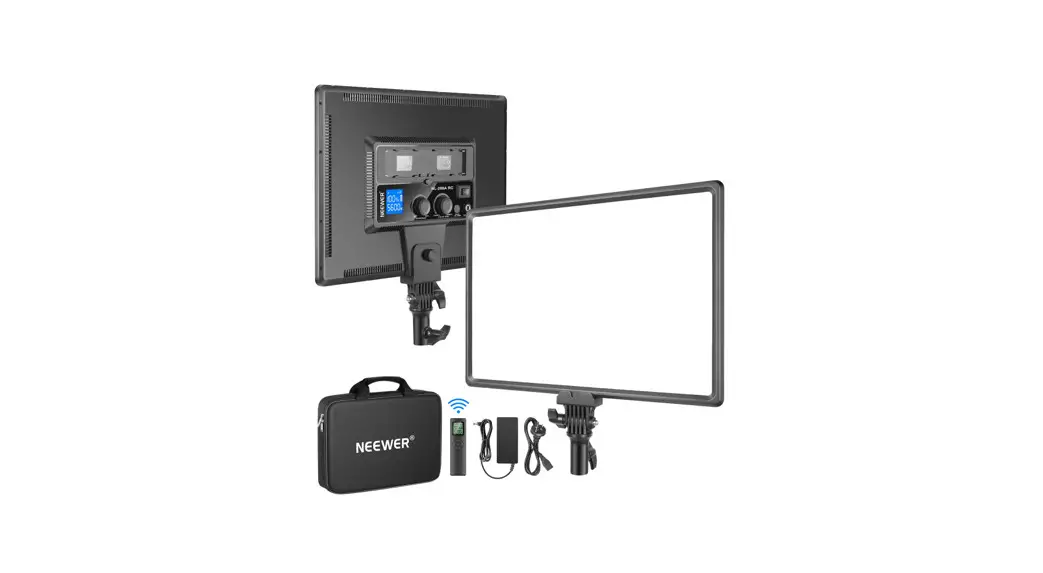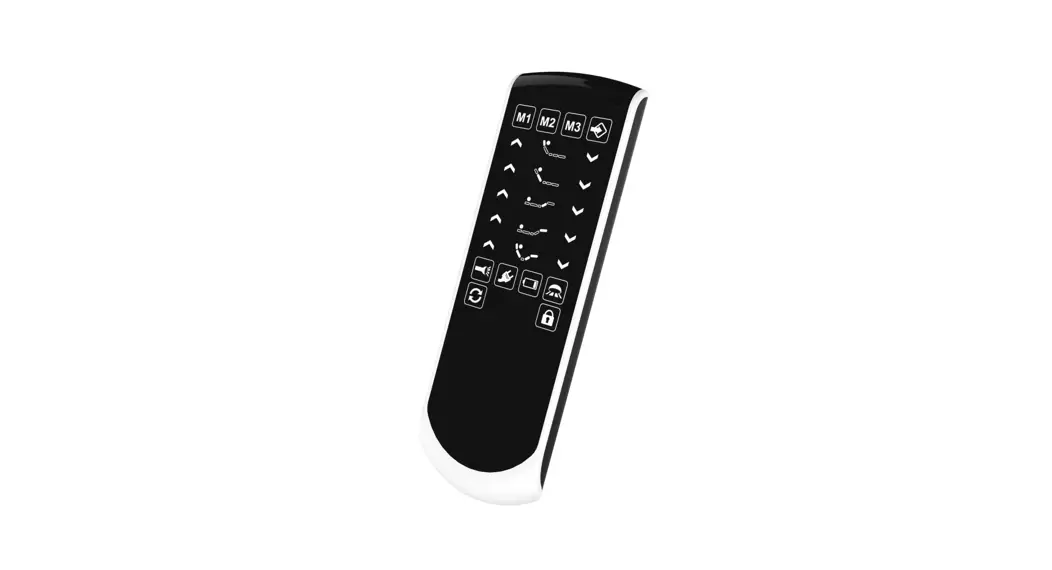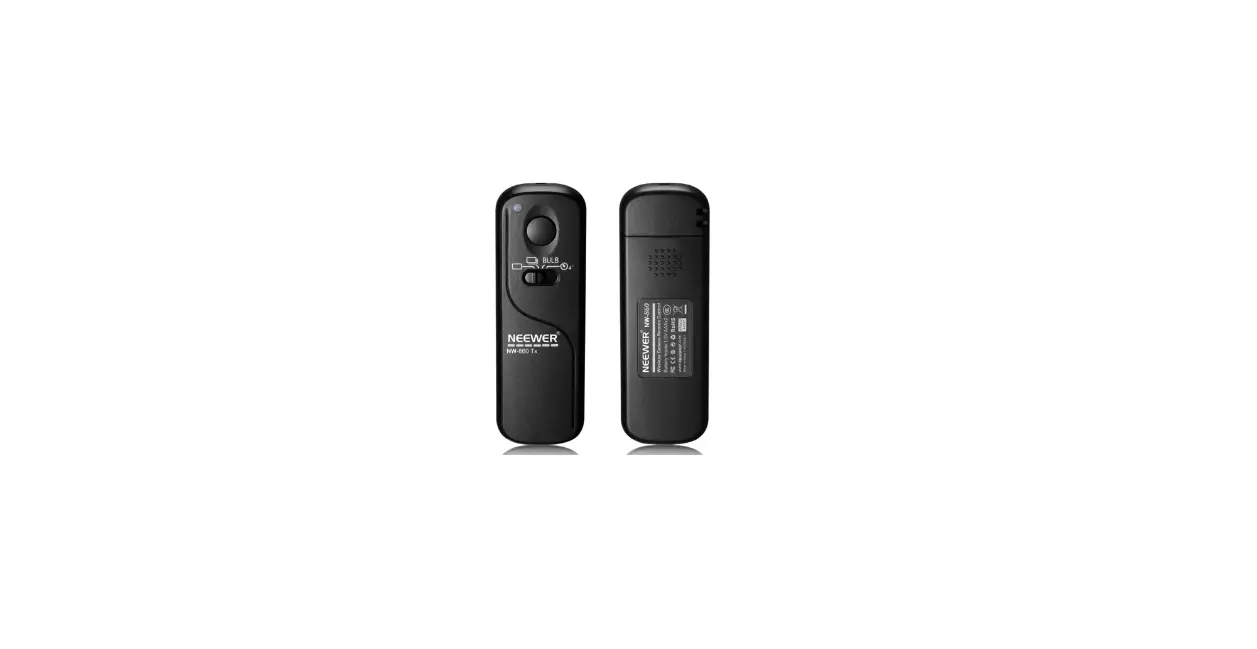

NEEWER RF-200 Remote Control
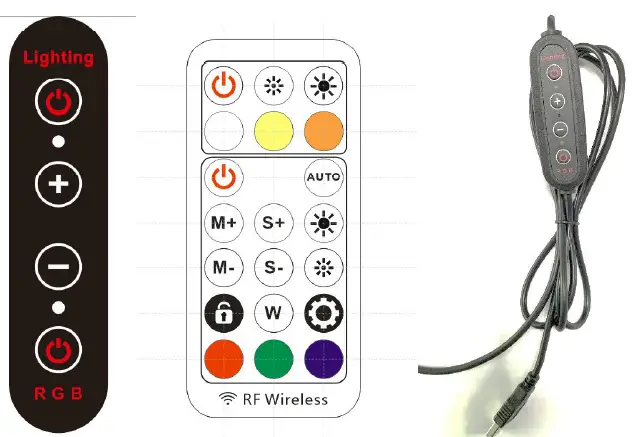
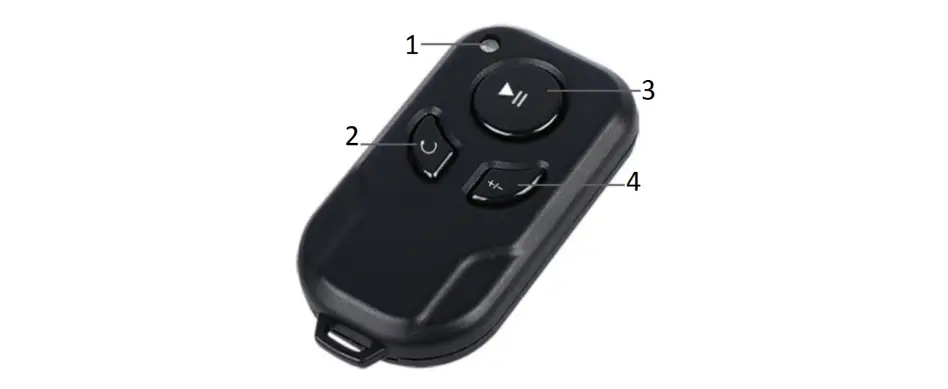
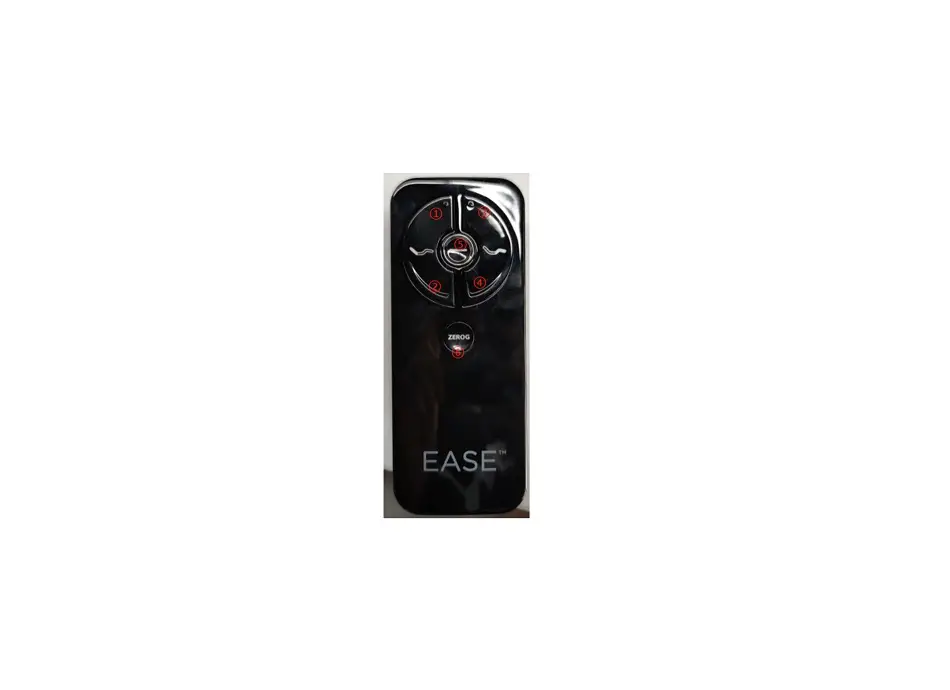
| Parts on wired control | Description of function |
| Upper ON/OFF | ON/OFF & color temperature switch for lighting mode; once this button is pressed, the RGB mode will be turned OFF; when lighting mode is ON, short press to cycle through: white→neutral→warm→OFF, and long press to turn OFF |
| Upper indicator light | When lighting mode is ON, the upper indicator light will be OFF. |
| Plus (+) button | Brightness up for both lighting mode and RGB mode. |
| Minus (-) button | Brightness down for both lighting mode and RGB mode. |
| Lower indicator light | When RGB mode is ON, the lower indicator light will be OFF. |
| Lower ON/OFF | ON/OFF switch for RGB mode; once this button is pressed, the lighting mode will be turned OFF; when RGB mode is ON, short press to cycle though the patterns, and long press to turn OFF. |
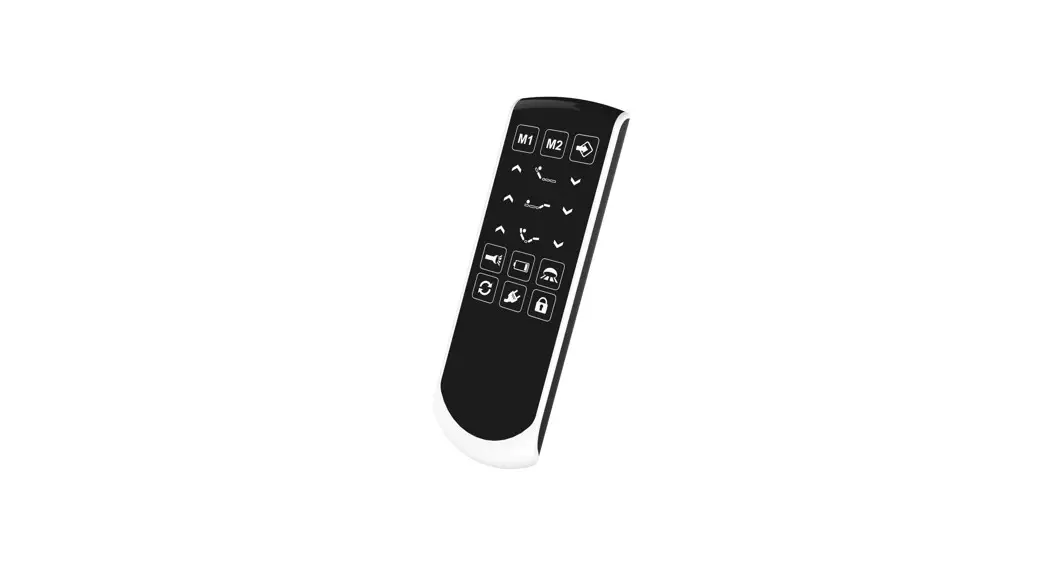
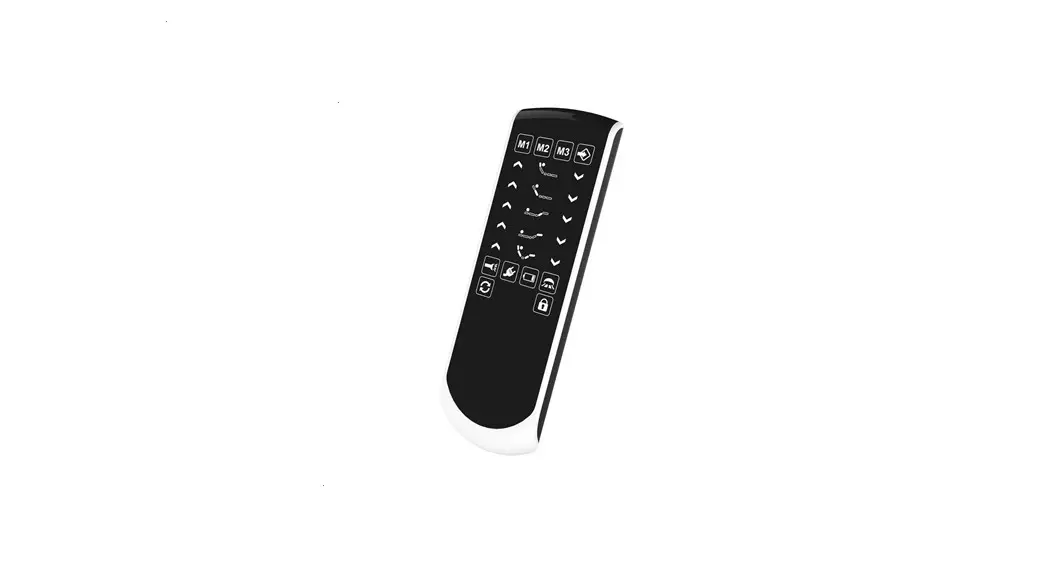
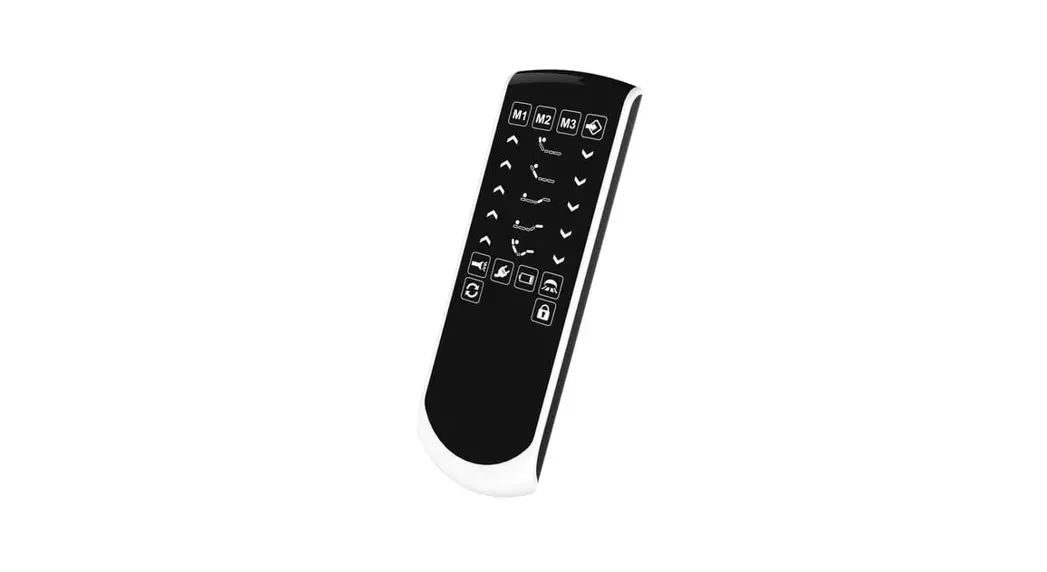
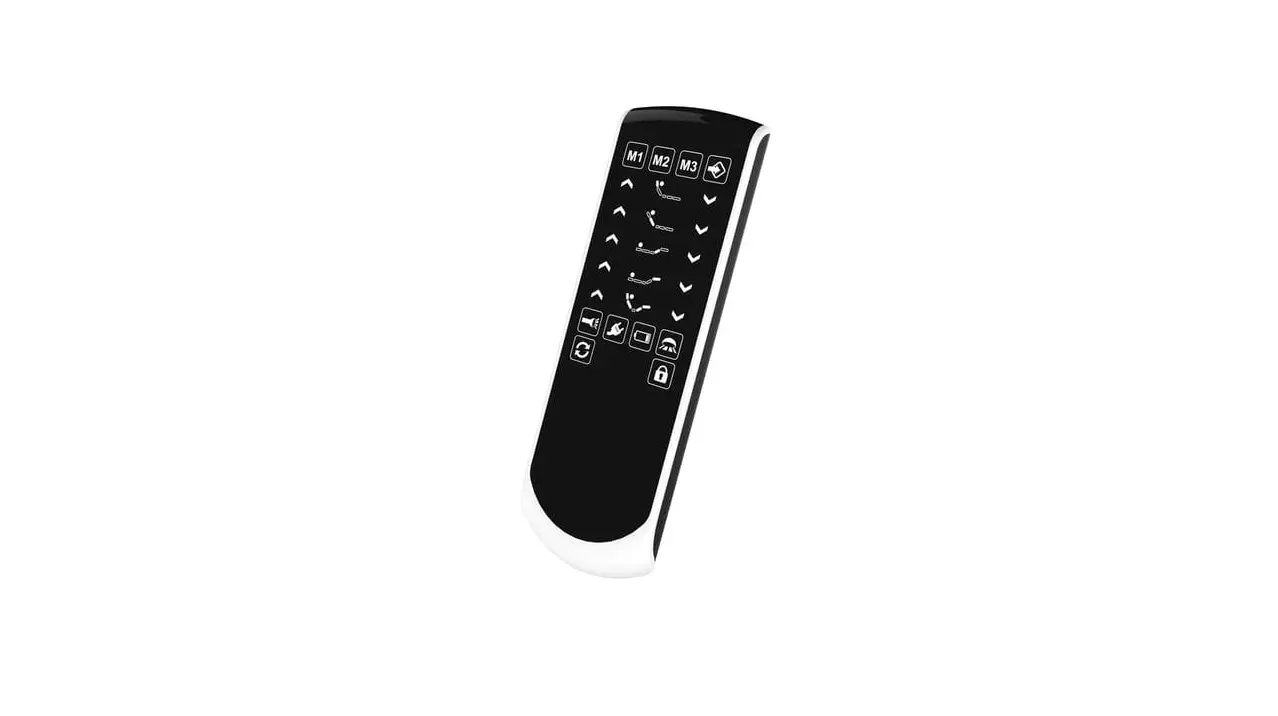
| Button on remote control | Description of function |
| Lighting: ON/OFF | ON/OFF switch for lighting mode |
| Lighting: brightness down | Brightness down under lighting mode |
| Lighting: brightness up | Brightness up under lighting mode |
| Lighting: white light | Switch to white light under lighting mode |
| Lighting: neutral light | Switch to neutral light under lighting mode |
| Lighting: warm light | Switch to warm light under lighting mode |
| RGB: ON/OFF button | ON/OFF switch for RGB mode |
| AUTO | Automatic cyclic running of all color patterns, 20 seconds per pattern |
| M+ | RGB pattern + |
| M- | RGB pattern – |
| S+ | Speed up for dynamic RGB color |
| S- | Speed down for dynamic RGB color |
| RGB: brightness up | Brightness up under RGB mode |
| RGB: brightness down | Brightness down under RGB mode |
| Lock | Pause/resume under RGB mode |
| Setting | Pairing/unpairing of remote control (see operating instructions below) |
| RGB: W | Static white light under RGB mode |
| RGB: Red | Static red light under RGB mode |
| RGB: Green | Static green light under RGB mode |
| RGB: Blue |
Main Parameters
- Input interface: Standard USB type A plugOutput interface: 6-core cable with bare head (red/blue = “+”; yellow = warm; white = white; green = signal; black = “-”)
- Input voltage: DC5V ± 0.2V (3A is highly recommended for the power supply)
- Working current: The maximum current under RGB mode is < 2A; the maximum current under lighting mode depends on the current-limiting resistance on the board.
- Maximal current limit: The current onto the board is limited below the maximal current of power supply, and must be <= 3 A.
- No. of RGB pixels: default 48 pixels
- Remote control frequency: RF 433MHz (through-the-wall)
- Remote control distance: > 12 m
- Cable parameters: Total length 2 m; input 22AWG, 2-core (current up to 3A); output 26AWG, 6-core (current up to 3A)
Main functions
- Control system: RF 433 MHz remote control and wired control
- Static brightness adjustment: 8-level
- Dynamic speed adjustment: 8-level
- Color patterns under RGB mode: 13 dynamic and 13 static patterns, 26 in total
- Power-off memory: available for remote controlled RGB mode in terms of color pattern, brightness, and speed; not available for wired controller or lighting mode.
- Remote controller pairing: available; with power-off memory
Pairing and Unpairing of Remote control
- Connect the wired control to a power supply; regardless of ON/OFF state of the lamp, long press the “Setting” button on the remote controller for 3 seconds; if the lamp flickers 3 times, the remote controller is successfully paired and no more controller is able to control this lamp.
- Long press the “Setting” button on the remote controller for 5 seconds; if the lamp flickers 5 times, the remote controller is successfully unpaired and any other controller is able to control this lamp.
- All remote controllers are in unpaired state as default and have power-off memory once paired.
Description of Color Patterns
| Pattern | Description | Pattern | Description |
| 1 | Flowing rainbow | 14 | Static red |
| 2 | 8-color flowing (red, green, blue, yellow, cyan, purple, white & orange) | 15 | Static orange |
| 3 | 2-sided green tailing with orange background | 16 | Static yellow |
| 4 | 2-sided blue tailing with azure background | 17 | Static army green |
| 5 | 4-color (red, green, orange & blue) chasing with intermittent white background | 18 | Static green |
| 6 | 4-color flowing in 4 segments (red, green, orange & blue) | 19 | Static azure |
| 7 | RGB mixed colors | 20 | Static cyan |
| 8 | 4-color flowing in 2 segments (red, yellow, white & purple) | 21 | Static pale blue |
| 9 | Police light (quick flash of red & blue) | 22 | Static blue |
| 10 | 6-color transition | 23 | Static lavender |
| 11 | 6-color breathing | 24 | Static purple |
| 12 | 1-sided blue tailing with pink background | 25 | Static pink |
| 13 | 1-sided green tailing with white background | 26 | Static white |
FCC
This device complies with Part 15 of the FCC Rules. Operation is subject to the following two conditions: ( 1) this device may not cause hannful interference, and (2) this device must accept any interference received, including interference that may cause undesired operation This device has been tested and found to comply with the limits for a Class B digital device, pursuant to Part 15 of the FCC Rules. These limits are designed to provide reasonable protection against harmful interference in a residential installation. This device generates, uses and can radiate radio frequency energy and, if not installed and used in accordance with the instructions, may cause harmful interference to radio communications. However, there is no guarantee that interference will not occur in a particular installation. If this device does cause harmful interference to radio or television reception, which can be determined by turning the device off and on, the user is encouraged to try to correct the interference by one or more of the following measures:
- Reorient or relocate the receiving antenna.
- ncrease the separation between the device and receiver.
- Connect the device into an outlet on a circuit different from that to which the receiver is connected.
- consult the dealer or an experienced radio/TV technician for help
Changes or modifications not expressly approved by the party responsible for compliance could void your authority to operate the equipment.