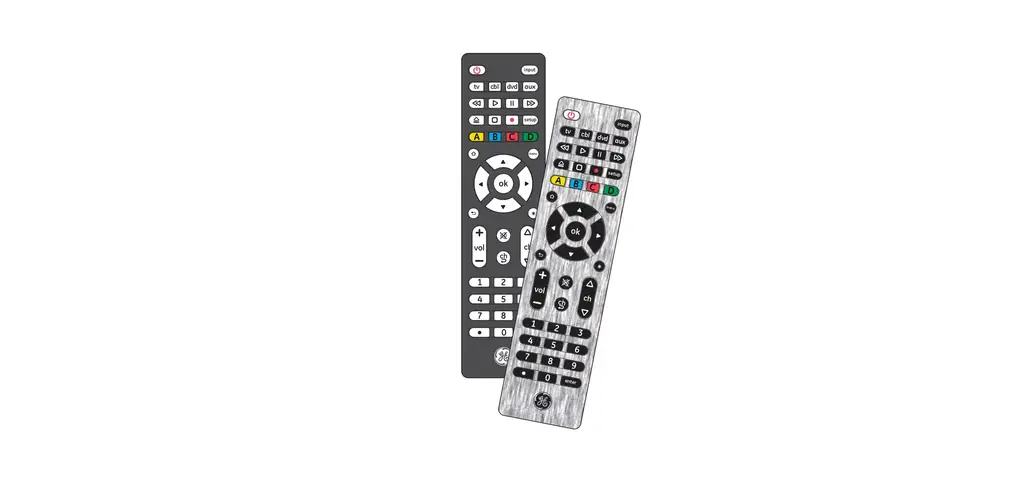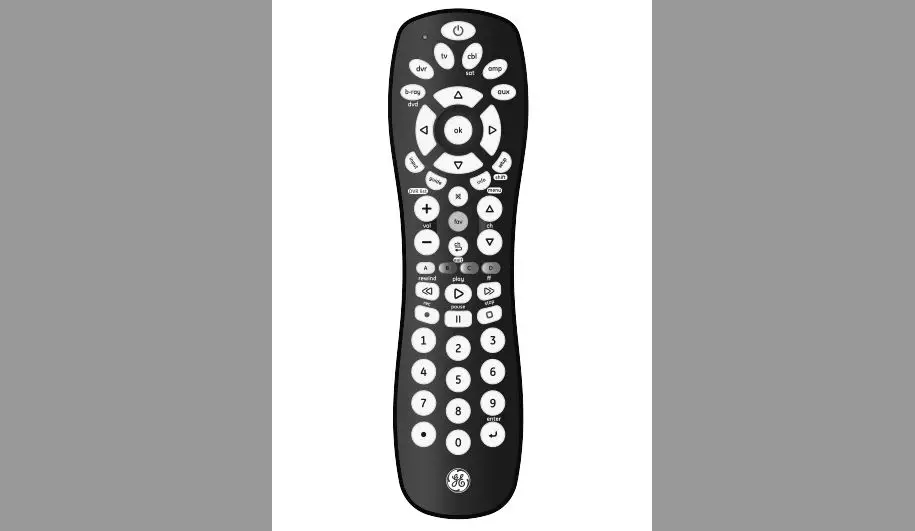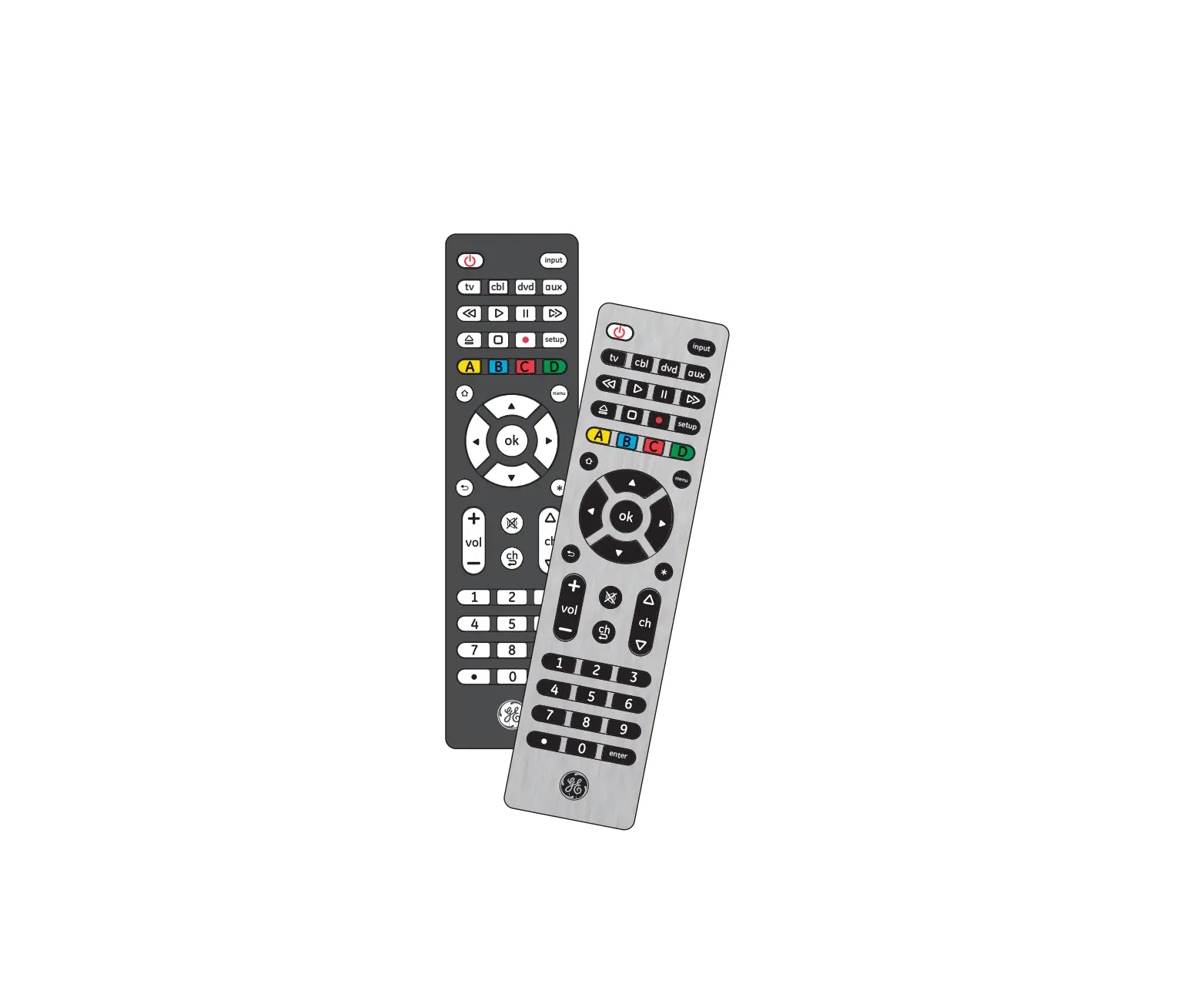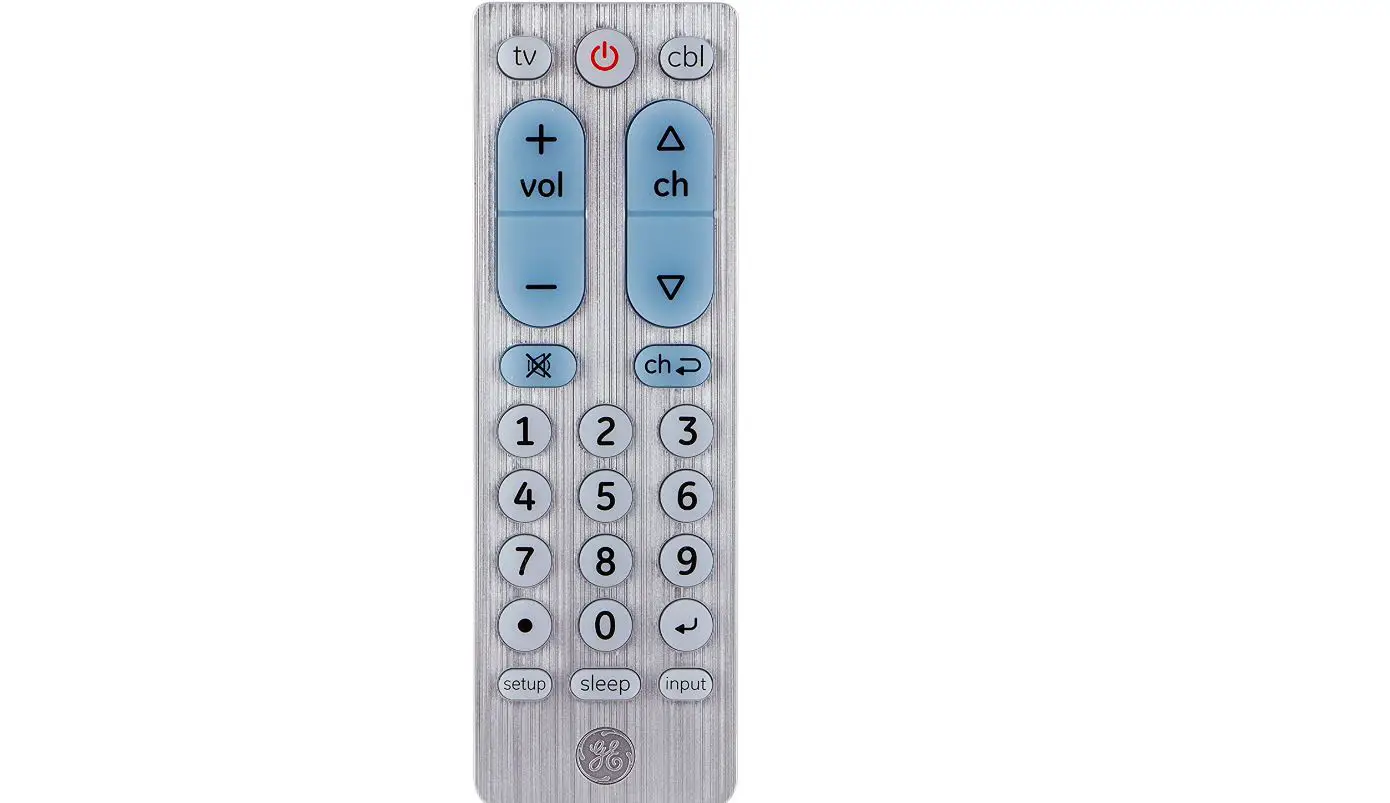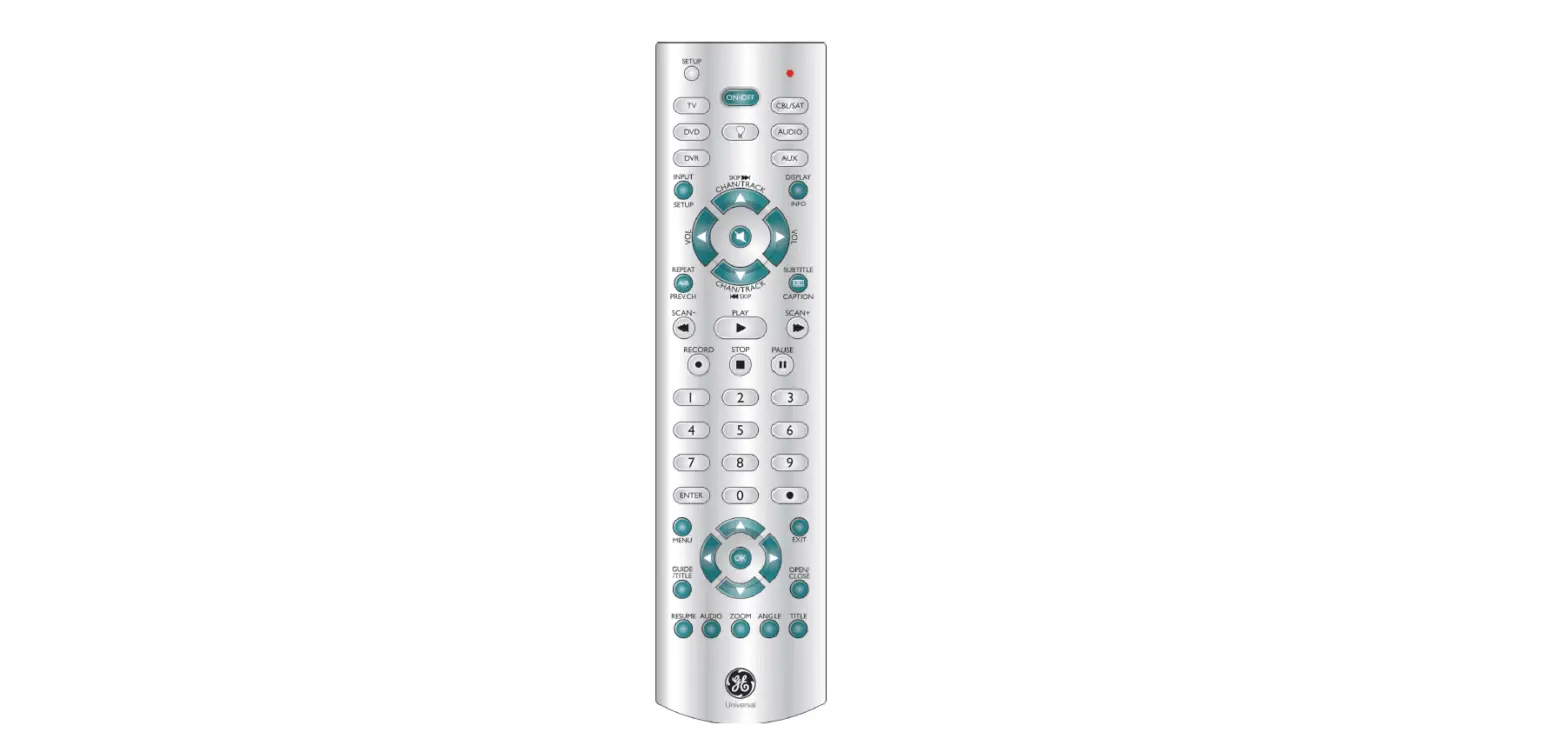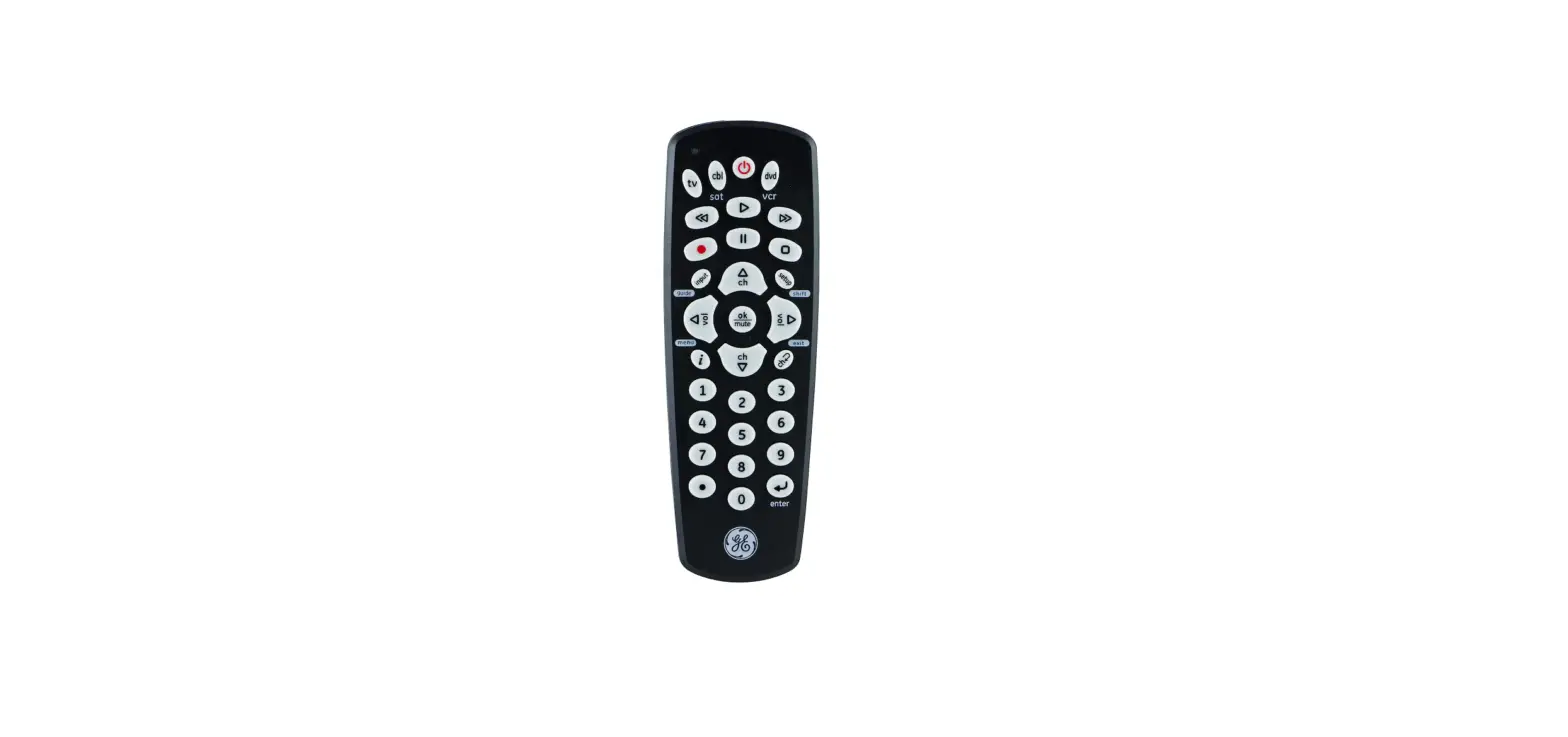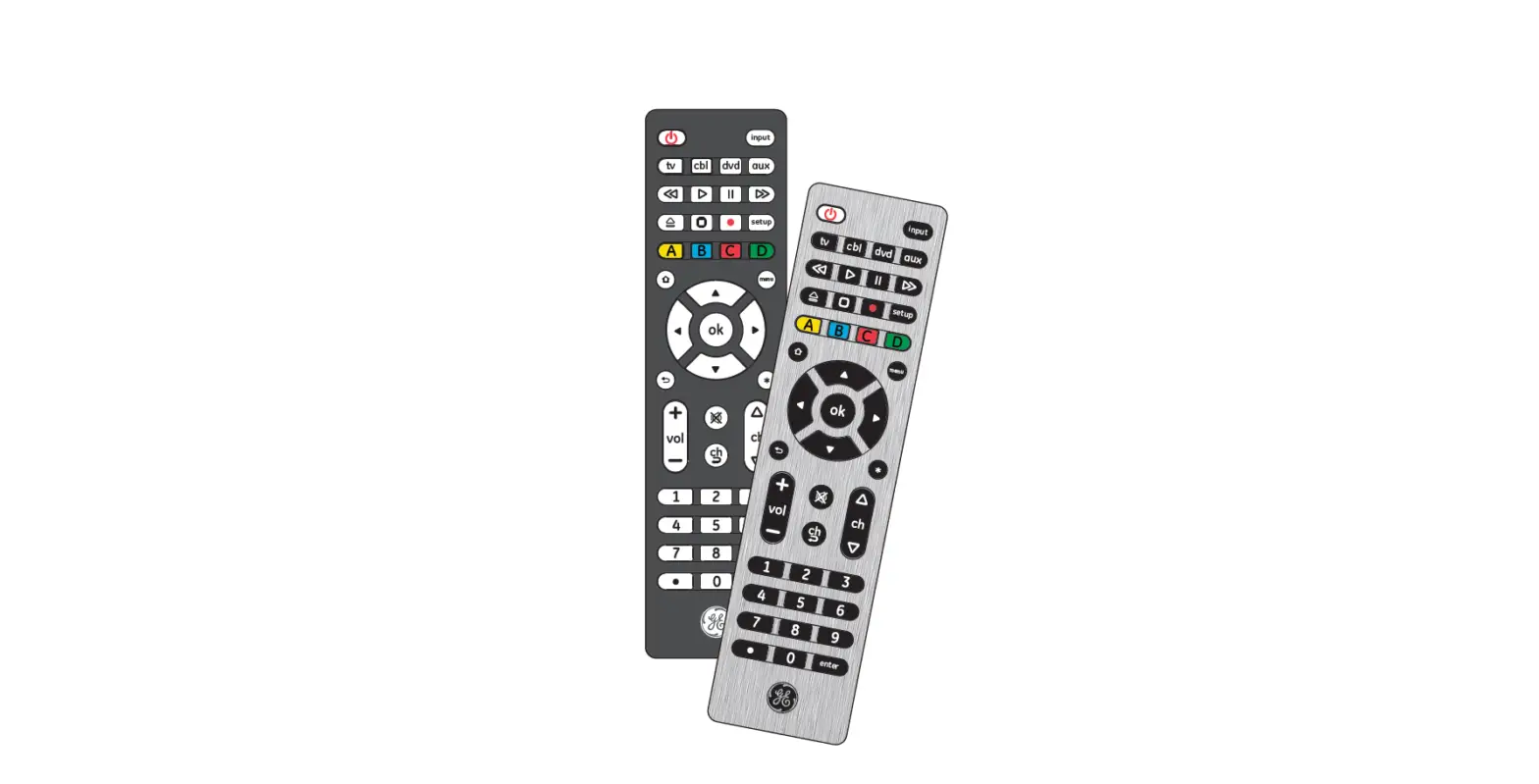

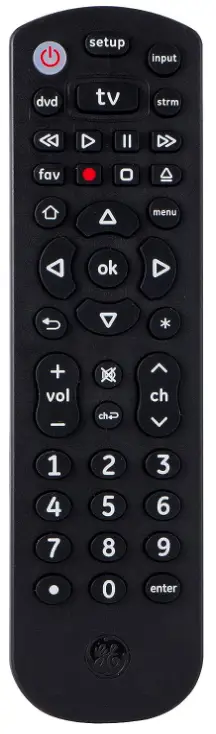
GE 34927 Universal Remote
Setup
Your universal remote requires two (2) AAA batteries (not included). Alkaline batteries are recommended.
Battery Installation
- On the back of the remote, push down the tab and pull the cover to remove it.
- Match the (+) and (-) marks on the batteries to the (+) and (-) marks inside the battery compartment, then insert two (2) AAA batteries. Be sure to use fresh batteries.
- Position the battery cover over the compartment, then press the top until it snaps into place.
NOTE: If your remote stops operating properly, replace the batteries with new ones.
Battery Precautions
- Do not mix old and new batteries.
- Do not mix alkaline, standard (carbon-zinc), or rechargeable (Ni-Cd, Ni-MH, etc.) batteries.
- Always remove old, weak, or worn-out batteries promptly and recycle or dispose of them in accordance with local and national regulations.
Battery Saver
Your remote automatically turns off if the buttons are depressed for more than 8 seconds. This will save your batteries should your remote get stuck in a place where the buttons remain depressed (e.g., between the sofa cushions).
Code Saver
You have up to 10 minutes to change the batteries in your remote without losing the codes you have programmed.














FREQUENTLY ASKED QUESTIONS
VIDEO – PRODUCT OVERVIEW
DOWNLOAD THE PDF LINK: GE 34927 Universal Remote Instruction Manual