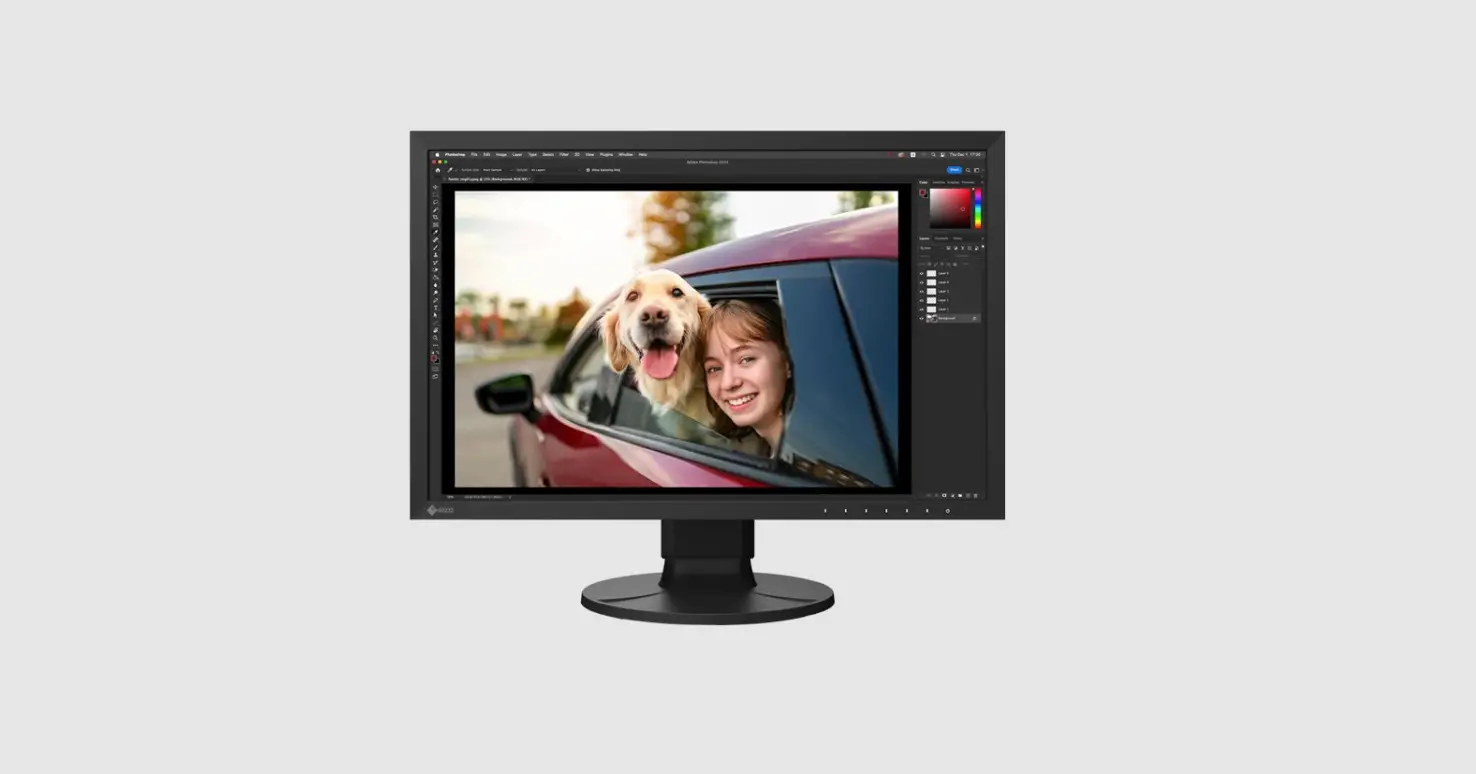

Eizo Flexscan Ev2485 24 Inch Color Lcd Office Monitor User Manual

Eizo Flexscan Ev2485 24 Inch Color Lcd Office Monitor User Manual

EIZO logoFlexScan EV2485
24 inch Color LCD Office Monitor
User’s Manual – Setup Guide

Important

Please read PRECAUTIONS, this Setup Guide, and the User’s Manual carefully to familiarize yourself with safe and effective usage. Please retain this guide for future reference.

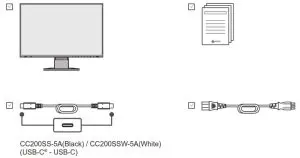
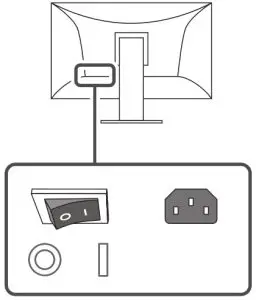
EIZO FlexScan EV2485 24 inch Color LCD Office Monitor -b iconEIZO FlexScan EV2485 24 inch Color LCD Office Monitor

1.

EIZO FlexScan EV2485 24 inch Color LCD Office Monitor -1

2.

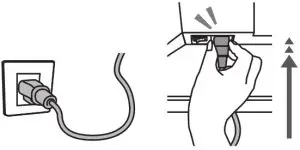
EIZO FlexScan EV2485 24 inch Color LCD Office Monitor -2Factory Preset: OnEIZO FlexScan EV2485 24 inch Color LCD Office Monitor -2.1

3.

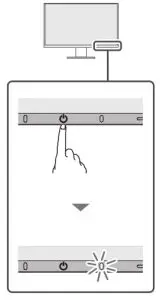
EIZO FlexScan EV2485 24 inch Color LCD Office Monitor -3

Attention

If the USB-C connector on your external device does not support video signal output, see the User’s Manual to connect the cable.
4.

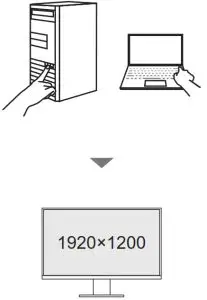
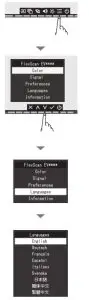
EIZO FlexScan EV2485 24 inch Color LCD Office Monitor -4Recommended Resolution

5.

EIZO FlexScan EV2485 24 inch Color LCD Office Monitor -5

6.

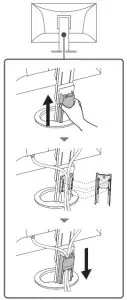
EIZO FlexScan EV2485 24 inch Color LCD Office Monitor -6

Note

EIZO FlexScan EV2485 24 inch Color LCD Office Monitor -note7.

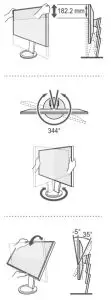
EIZO FlexScan EV2485 24 inch Color LCD Office Monitor -7

8.

EIZO FlexScan EV2485 24 inch Color LCD Office Monitor -8

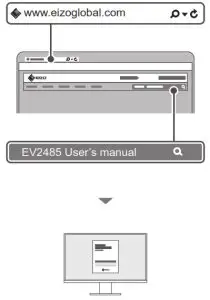
www.eizoglobal.com

Warning iconCAUTION
The lock button is only used to remove the stand from the monitor. In other cases, using the lock button may result in product damage or personal injury due to the monitor becoming detached from the stand.
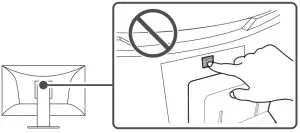
EIZO FlexScan EV2485 24 inch Color LCD Office Monitor - lock button

Copyright © 2021 EIZO Corporation. All rights reserved.
00N0N234A1
SUG-EV2485-6
1st Edition – June 2021 Printed in Japan.
Documents / Resouces

Download manual
Here you can download full pdf version of manual, it may contain additional safety instructions, warranty information, FCC rules, etc.


Related Manuals