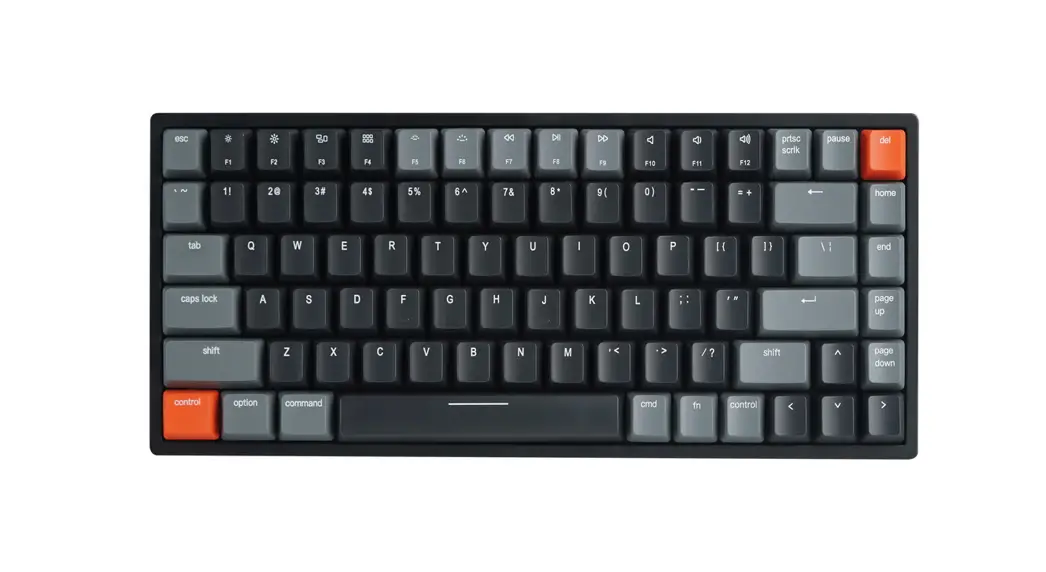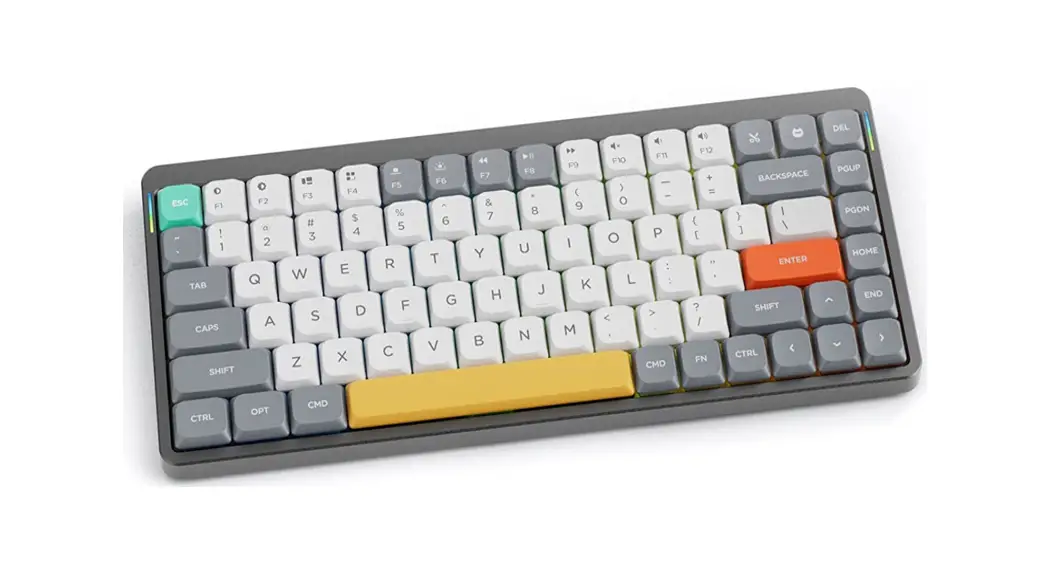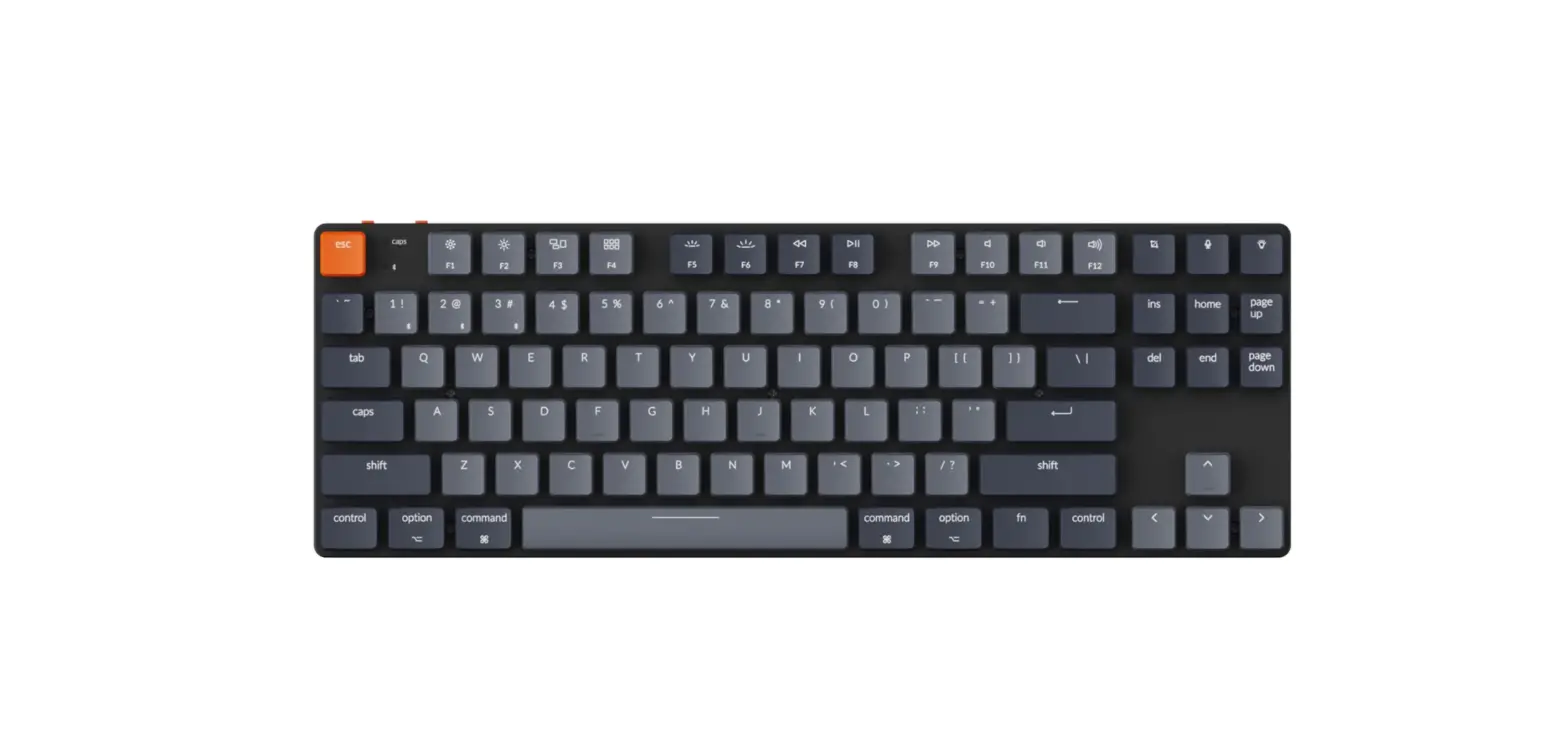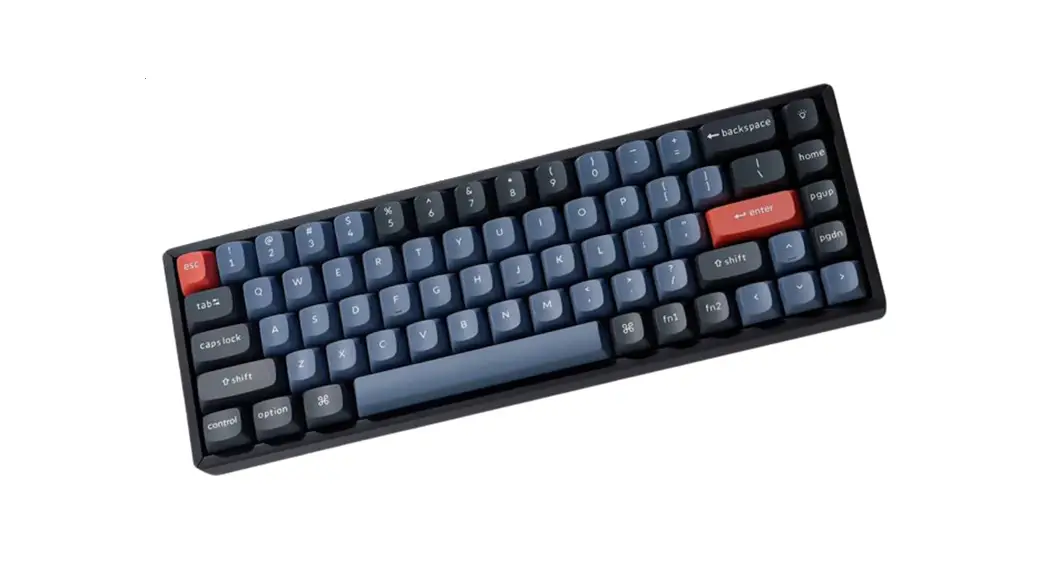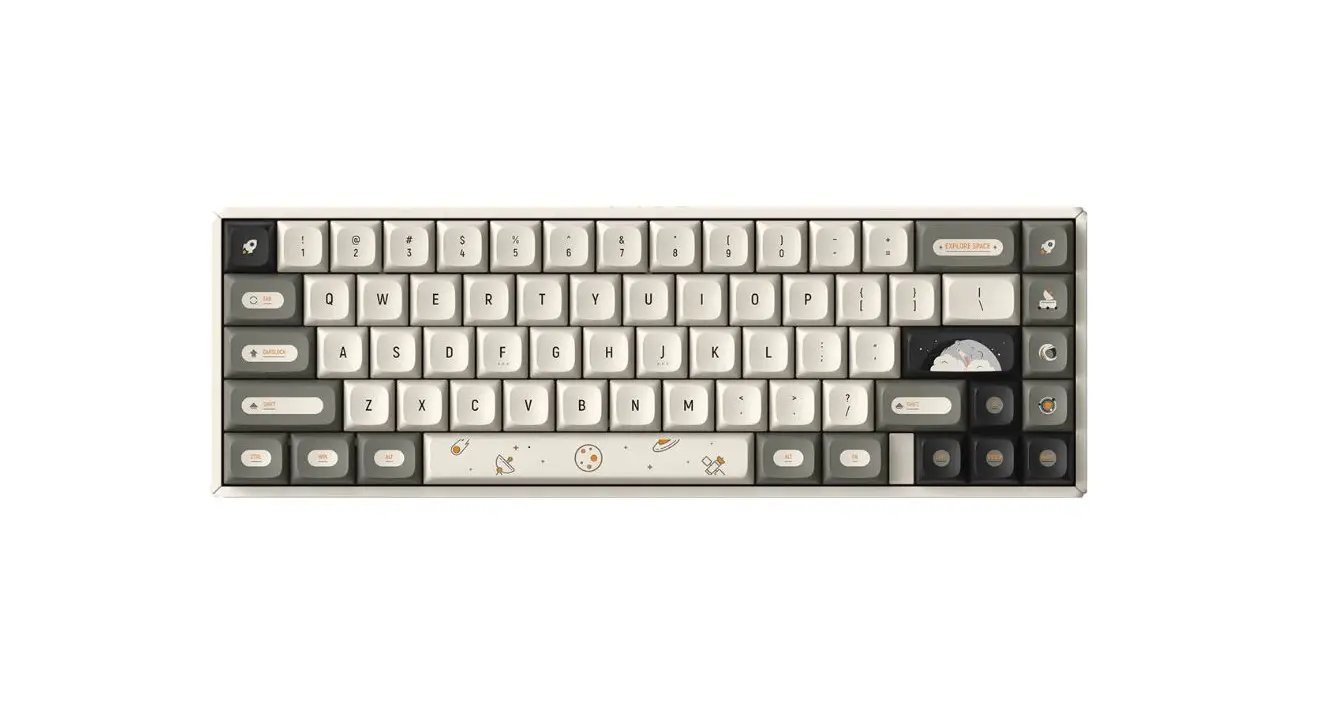

Nuphy Halo65 Wireless Mechanical Keyboard User Guide

Nuphy Halo65 Wireless Mechanical Keyboard User Guide

NuPhy-logo

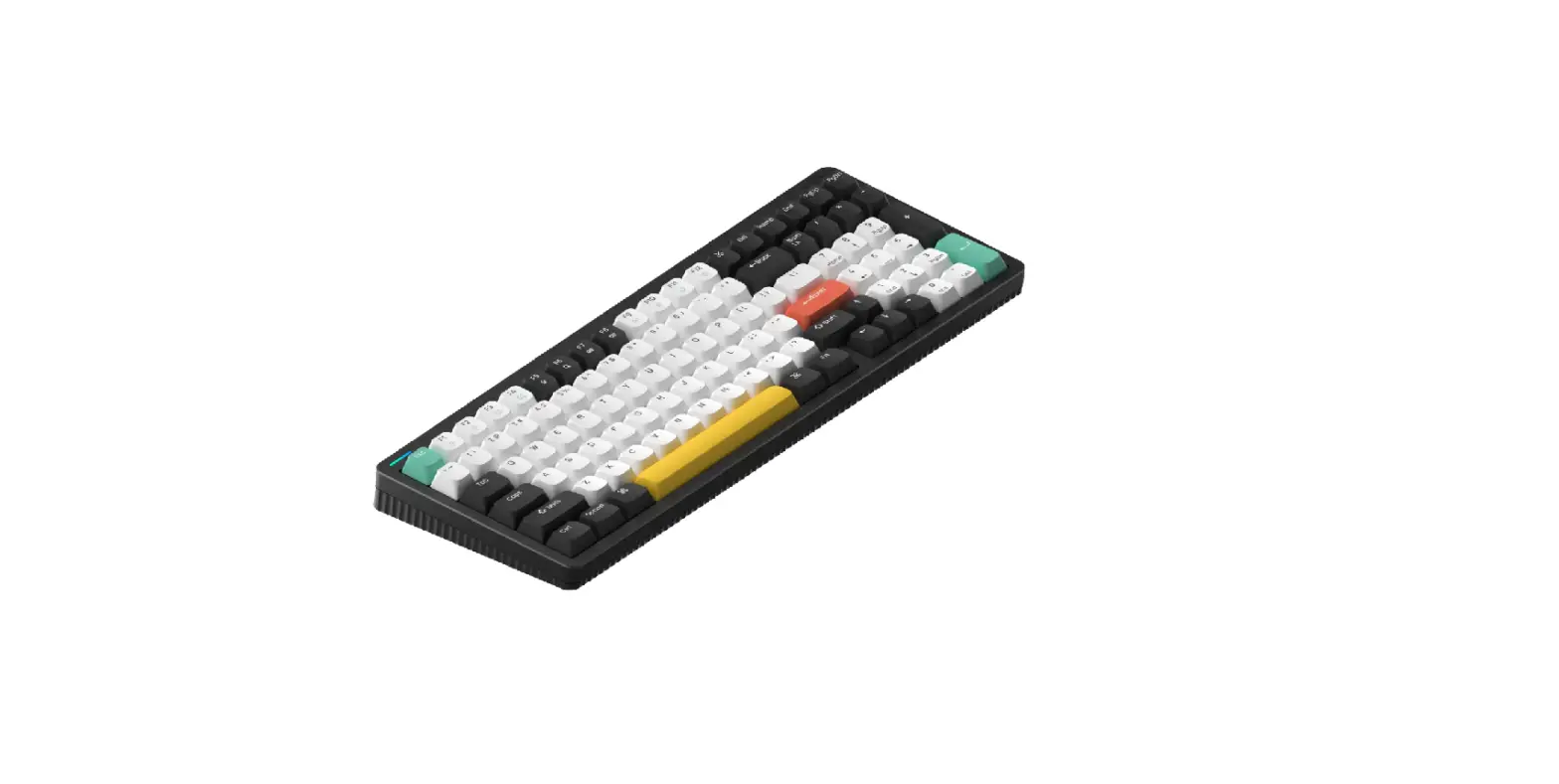
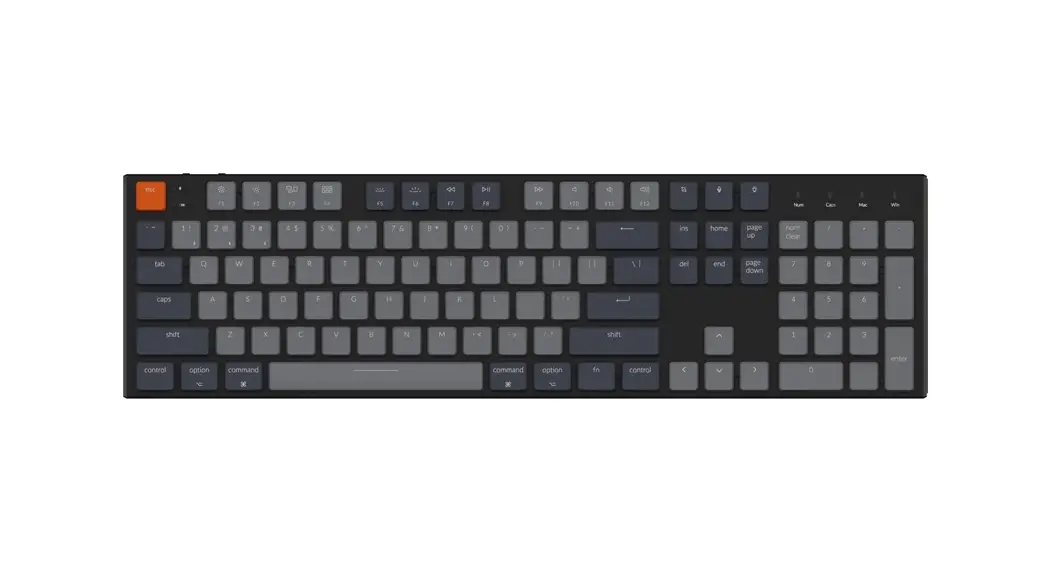
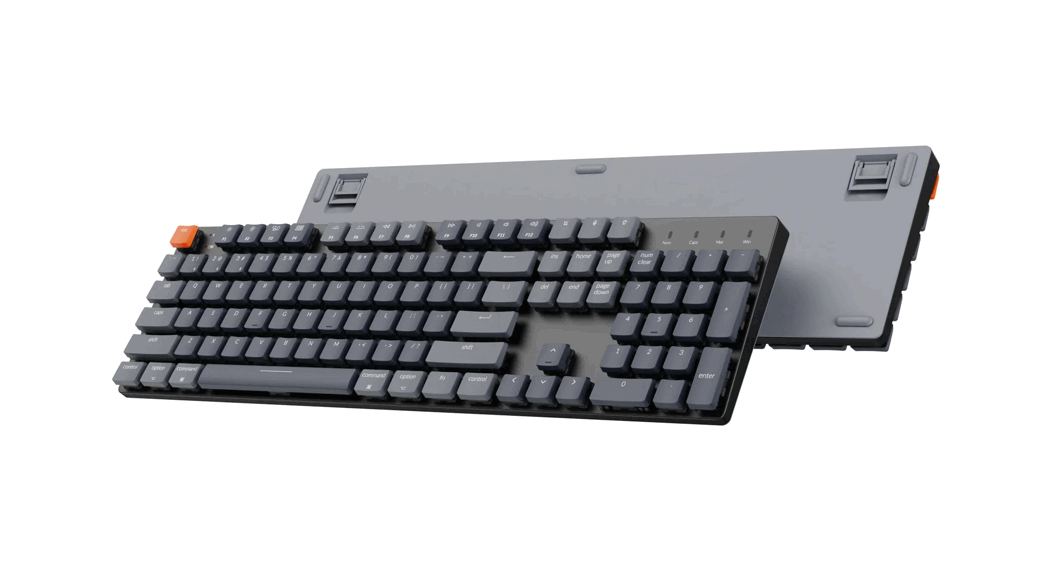
NuPhy Halo65 Wireless Mechanical Keyboard
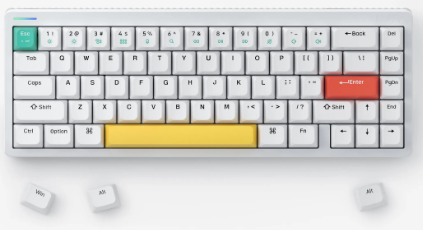
NuPhy-Halo65-Wireless-Mechanical-Keyboard-product

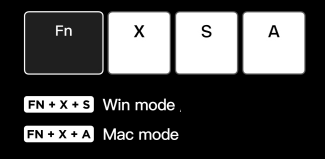
System Selection

NuPhy-Halo65-Wireless-Mechanical-Keyboard-fig-1

Connection Mode Selection

  • Power Off
  • Wired mode
  • Wireless mod

Wireless Device Connection
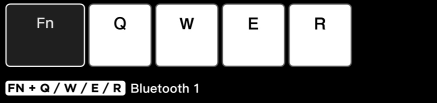
NuPhy-Halo65-Wireless-Mechanical-Keyboard-fig-3

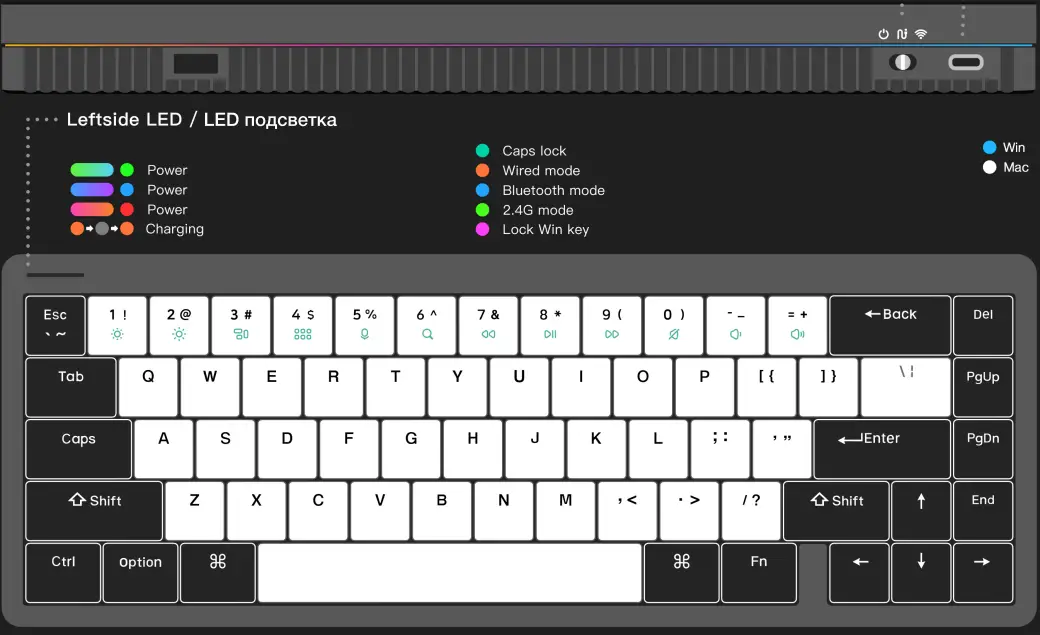
Leftside LED

NuPhy-Halo65-Wireless-Mechanical-Keyboard-fig-4.

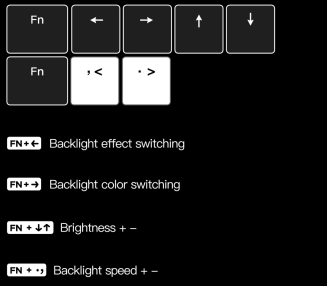
Backlight Settings

NuPhy-Halo65-Wireless-Mechanical-Keyboard-fig-5

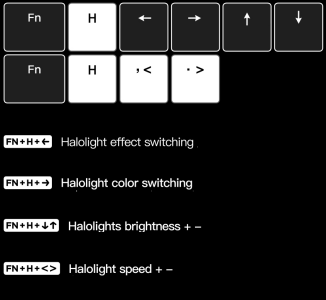
Halolight Settings

NuPhy-Halo65-Wireless-Mechanical-Keyboard-fig-6

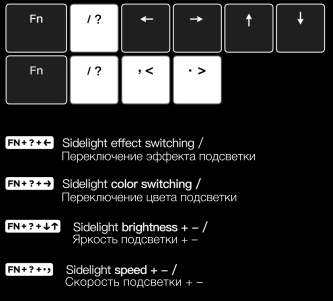
Sidelight Settings

NuPhy-Halo65-Wireless-Mechanical-Keyboard-fig-7

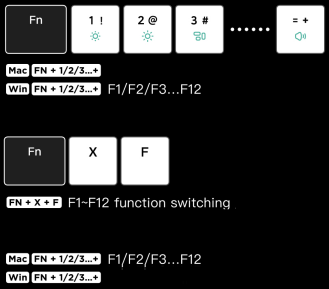
Function Kevs Switching

NuPhy-Halo65-Wireless-Mechanical-Keyboard-fig-8

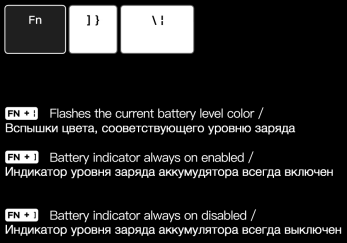
Battery Indicator

NuPhy-Halo65-Wireless-Mechanical-Keyboard-fig-9

Factory Reset

NuPhy-Halo65-Wireless-Mechanical-Keyboard-fig-10

www.nuphy.com
[email protected]
© NuPhy® Studio. All rights reserved. 2022.
Documents / Resouces

Download manual
Here you can download full pdf version of manual, it may contain additional safety instructions, warranty information, FCC rules, etc.


Related Manuals