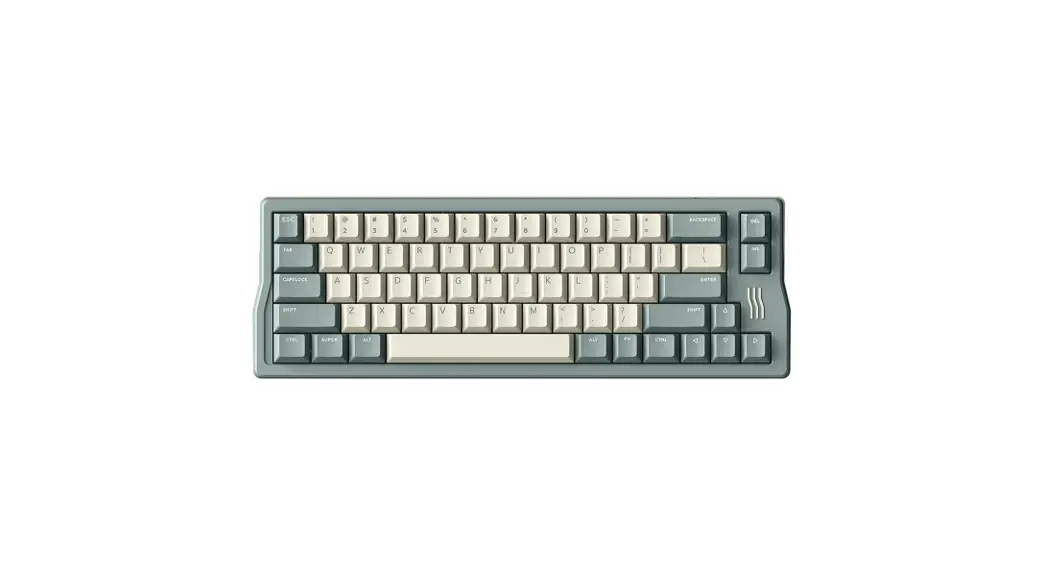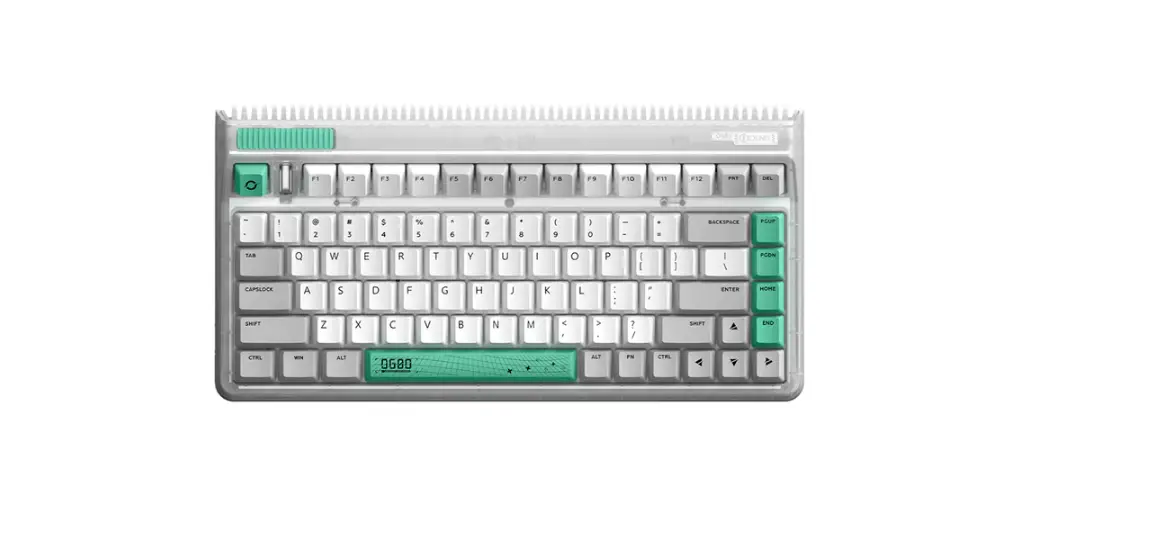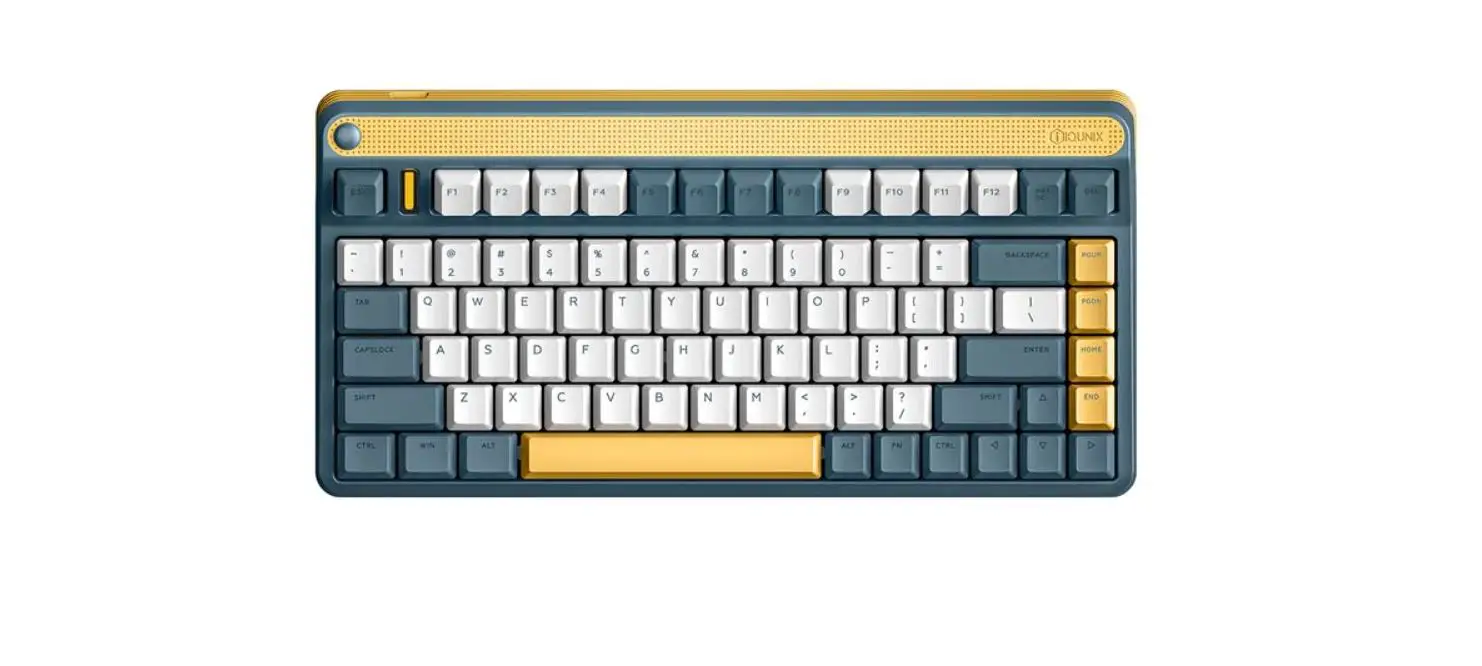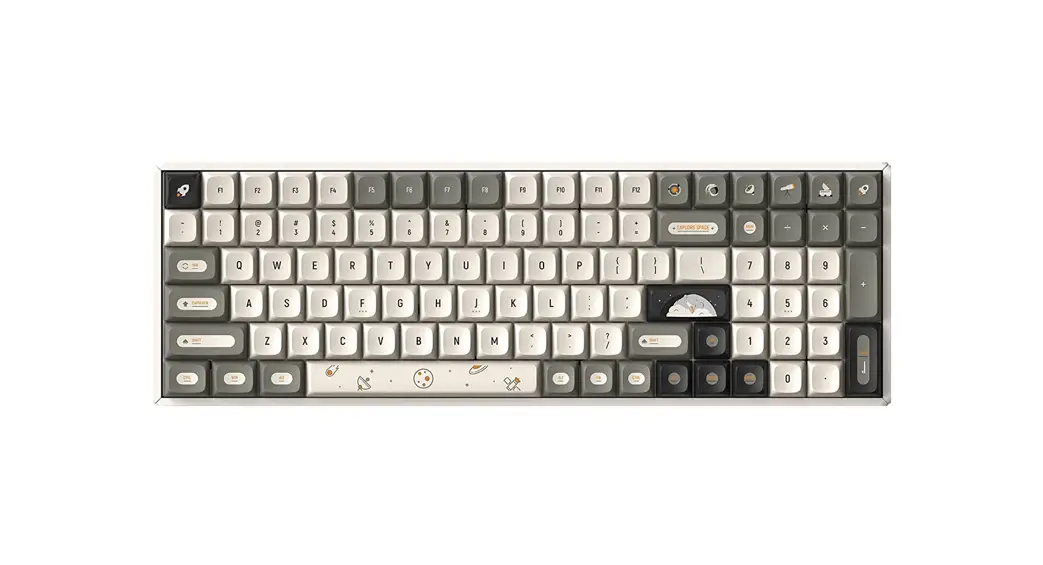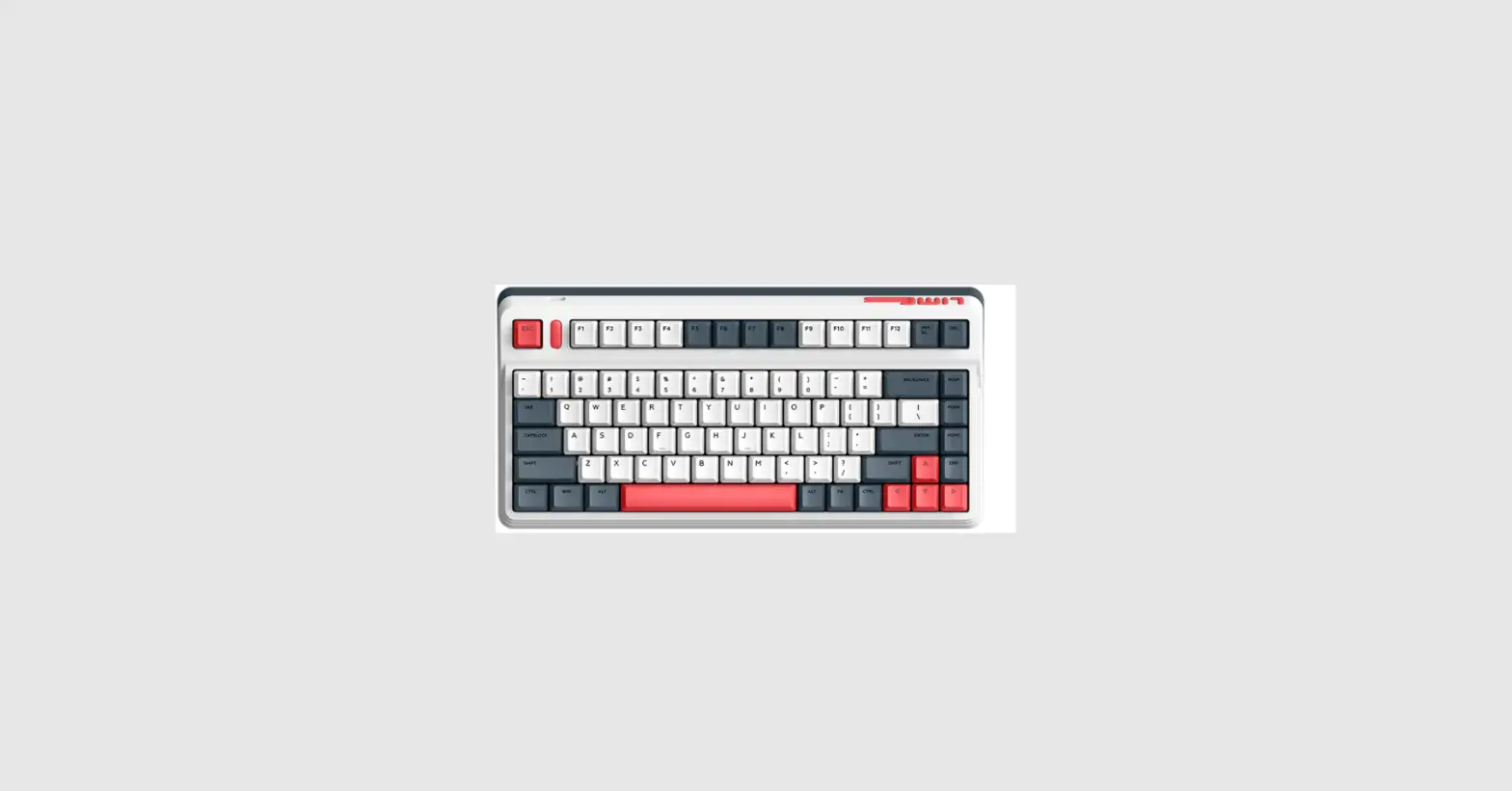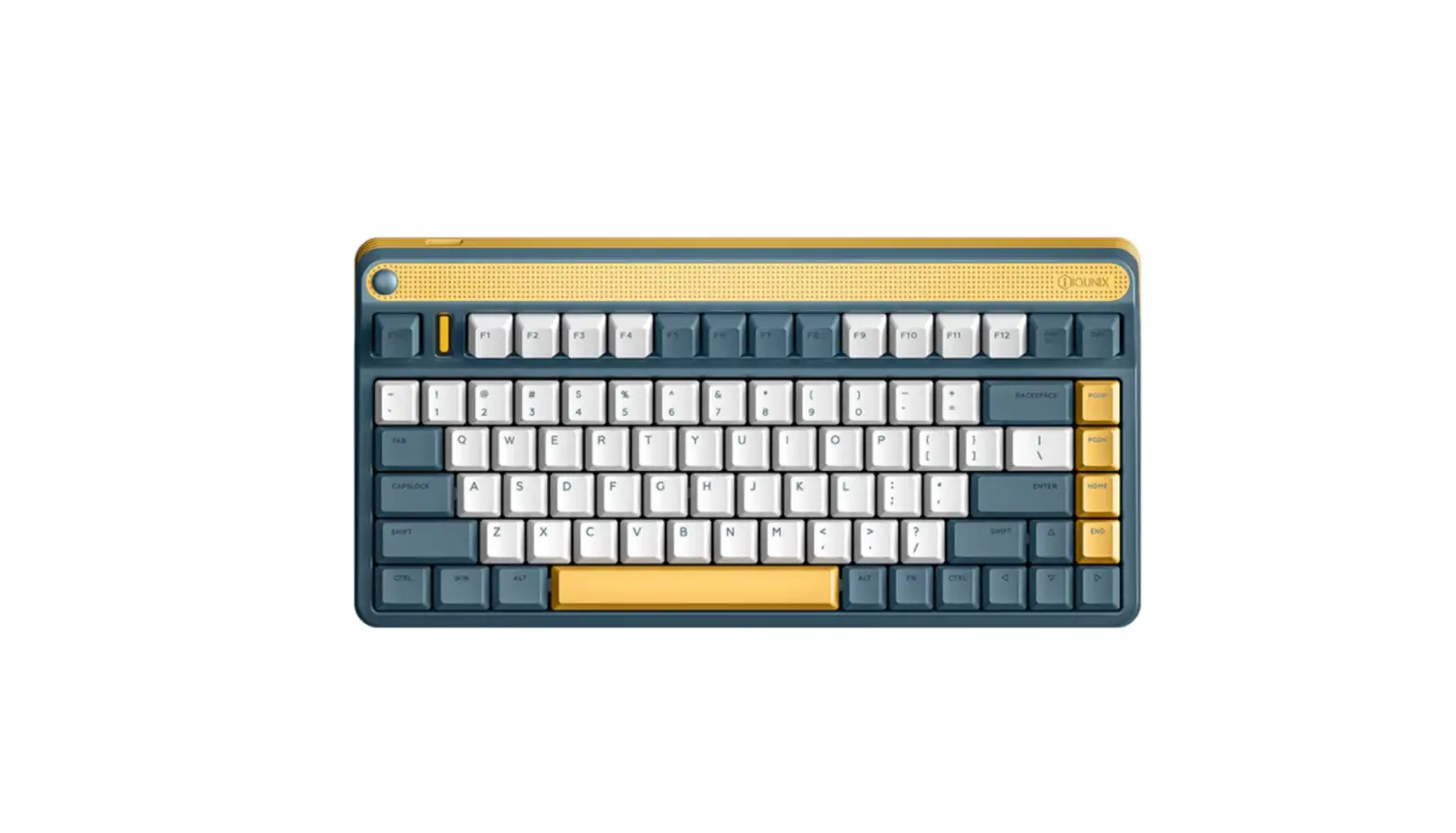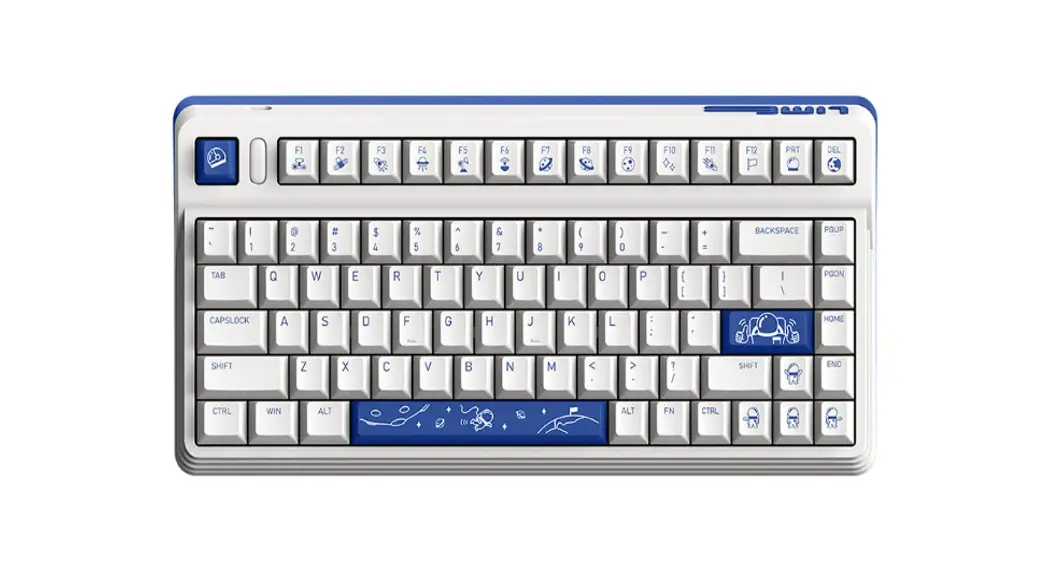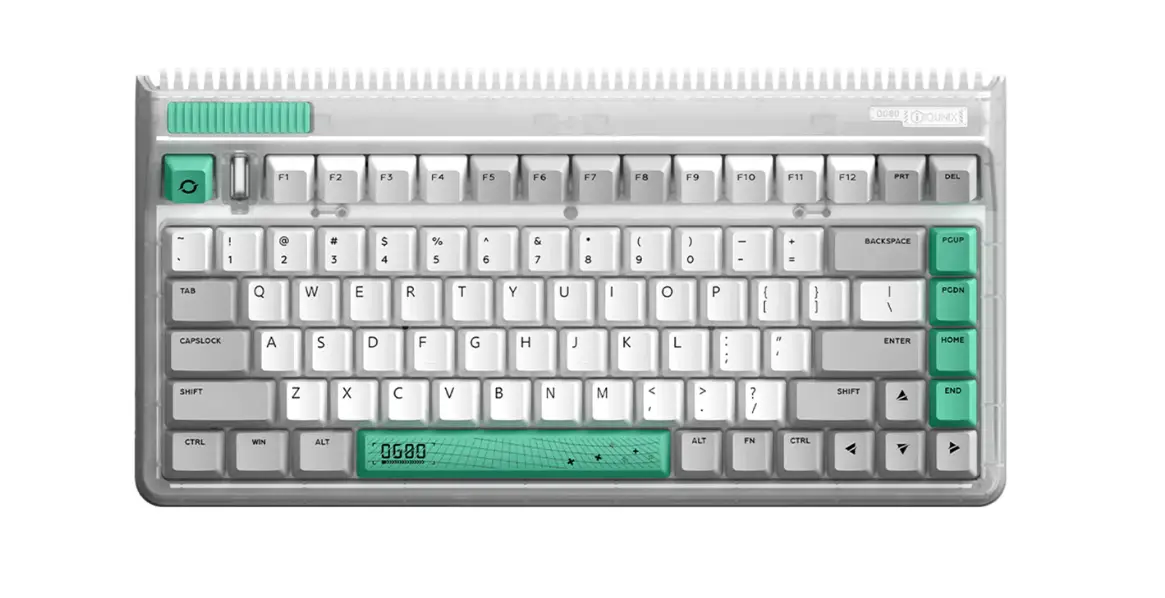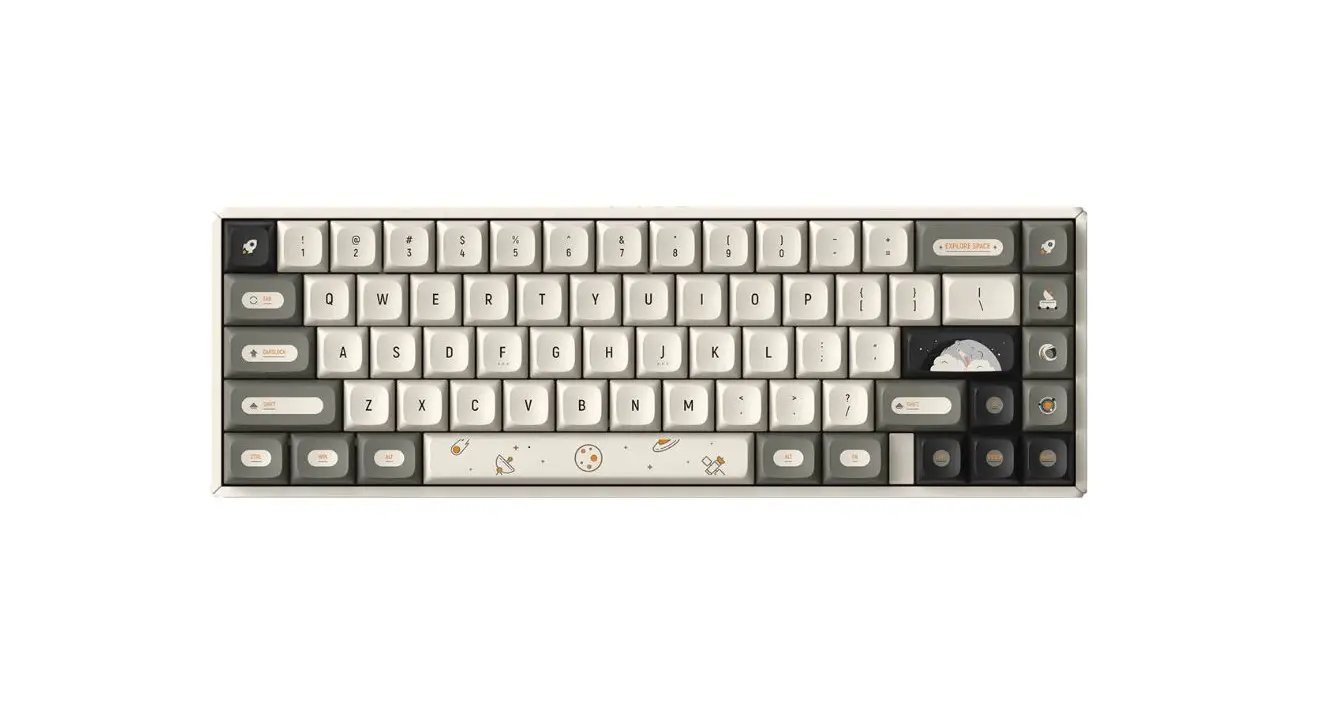
IQUNIX F65 Series Mechanical Keyboard User Guide

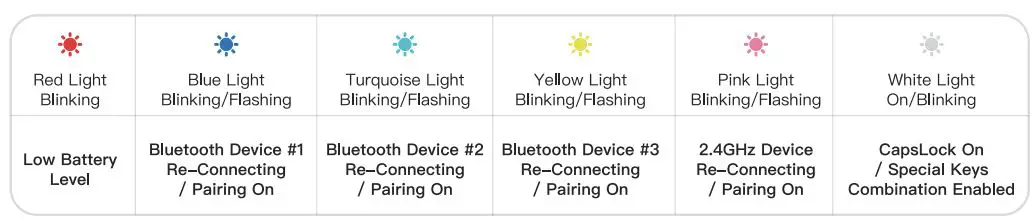
LED Indicator Status Description
The indicator is located between G and H
Three Ways of Connecting Devices
Bluetooth Mode
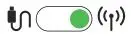
- Toggle the keyboard Mode Switch to the wireless side.

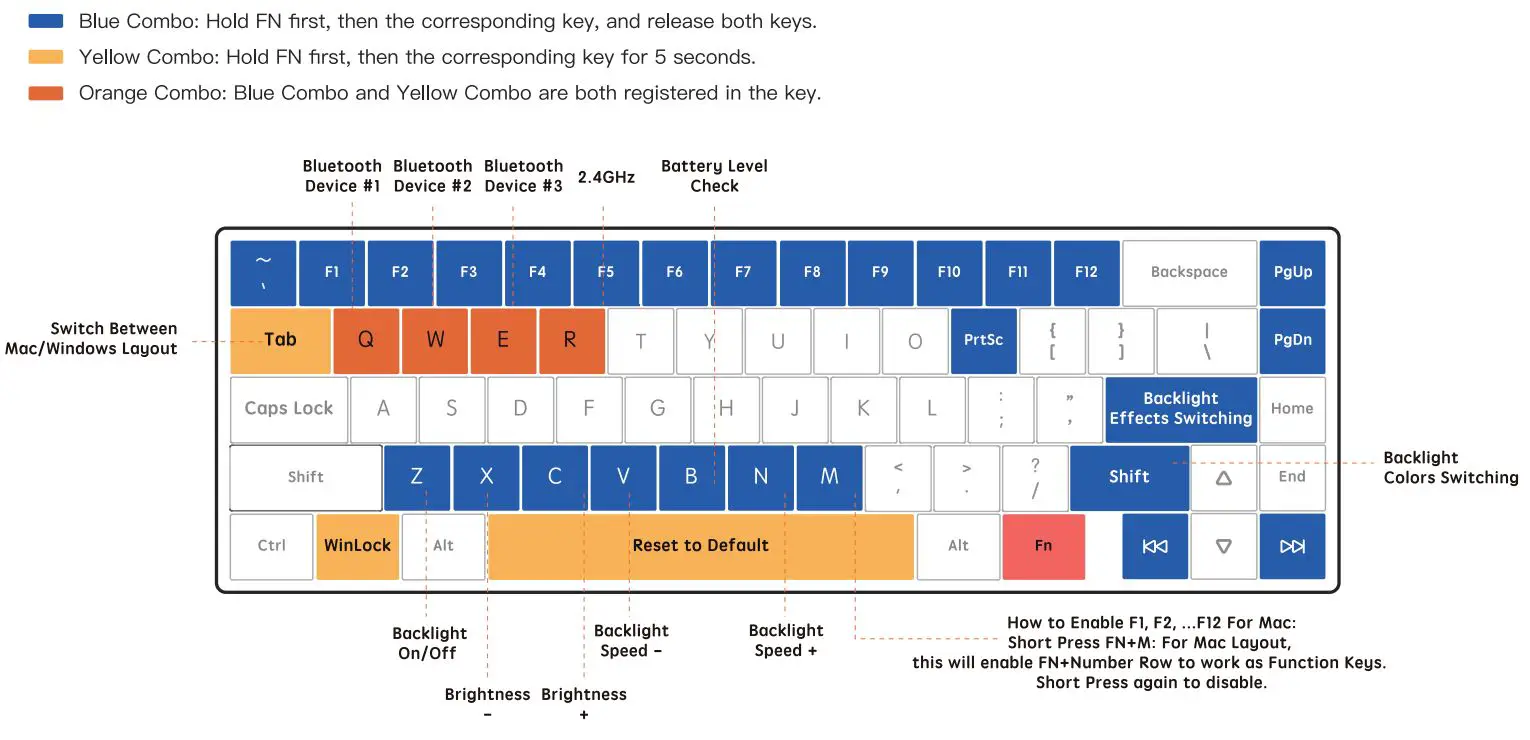
- Short Press FN+ Q to make the indicator blink, then Long Press FN + Q to make the indicator flash.
- Select the pairing device [IQUNIX F65 BT 1]. The indicator turns off when the keyboard is paired successfully.
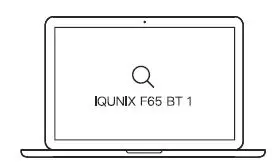
*In order to complete the pairing of the keyboard with a second or third new Bluetooth device, repeat the instructions from Step (2) and replace the FN + Q with FN + w or FN+ E.
2.4GHz Mode
- Toggle the keyboard Mode Switch to the wireless side.
- Plug the 2.4GHz receiver into your computer.

- Press FN+ R to enter 2.4GHz connecting mode. The indicator turns off when the keyboard is connected successfully.
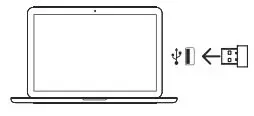
*Please find the 2.4GHz receiver inside the package.
Wired Mode
- Toggle the keyboard Mode Switch to the wired side.
- Plug the USB cable into your device.
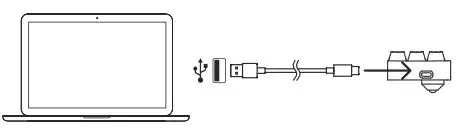
* When being plugged into the computer, the keyboard will start to charge automatically.
* Caution: The rated power for the charger must not exceed 5V=1A. Connection to a higher power output will damage the keyboard.
Function Keys Combinations
Specifications
Product: F65 Mechanical Keyboard
Key Count: 67
Input: 5V=1A
Battery Specifications: 2000mAh
Precautions: See Warranty Card
Manufacturer: Shenzhen Silver Storm Technology Co., Ltd. B306, Rongchaobinhai Bldg., 2021 Haixiu Rd., N26 Haibin Community, Xin’an Subdistrict, Bao’an District, Shenzhen, China
Packing List: Keyboard, Dust Cover, USB Cable, 2.4GHz Receiver, Keycap & Switch Puller, USB Extender, Manual, Warranty Card

Instagram
YouTube
Facebook
Twitter
To learn more details, please reach out to us on official website or social media. Official website: www.IQUNIX.store