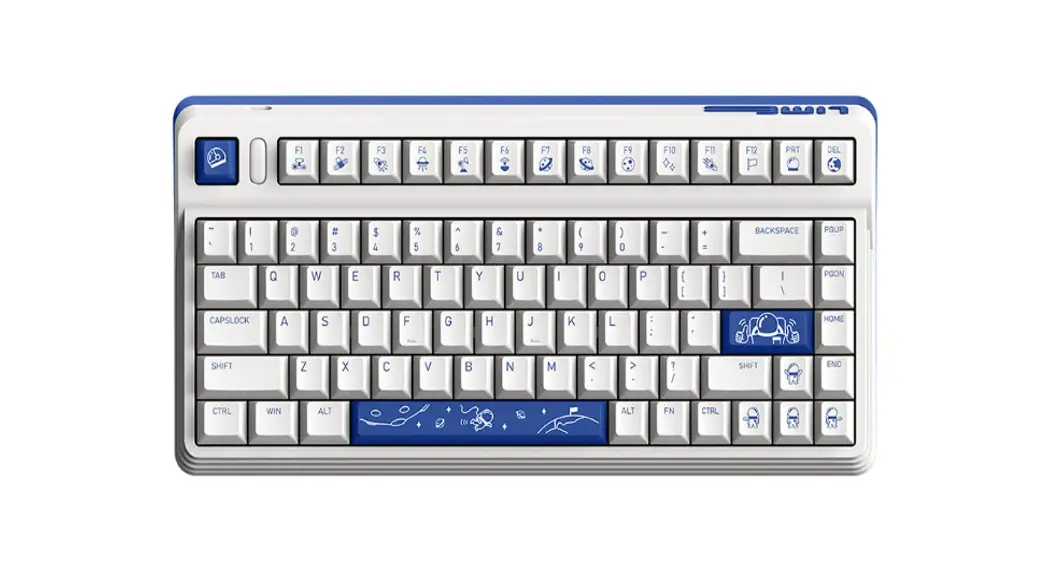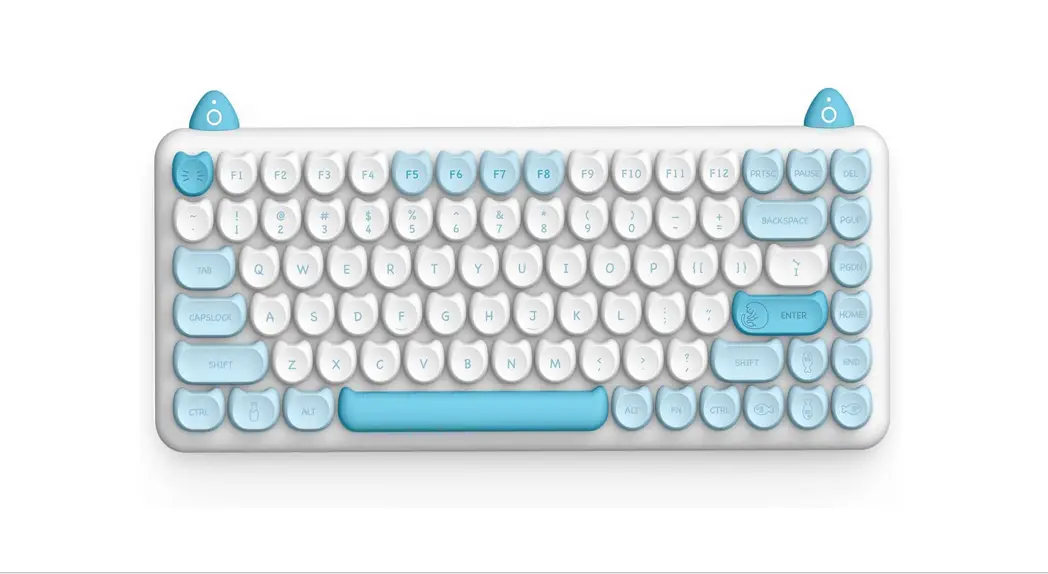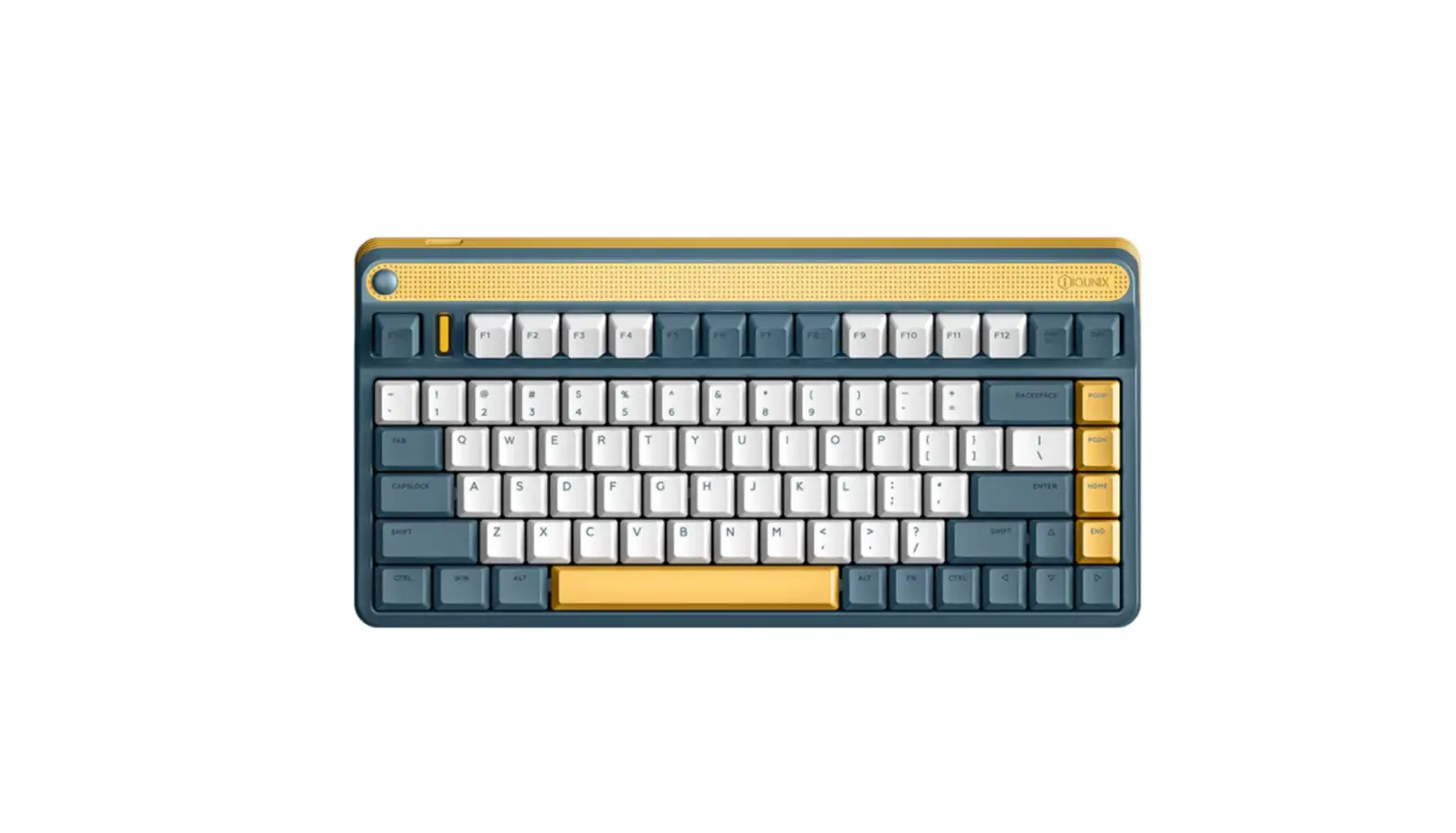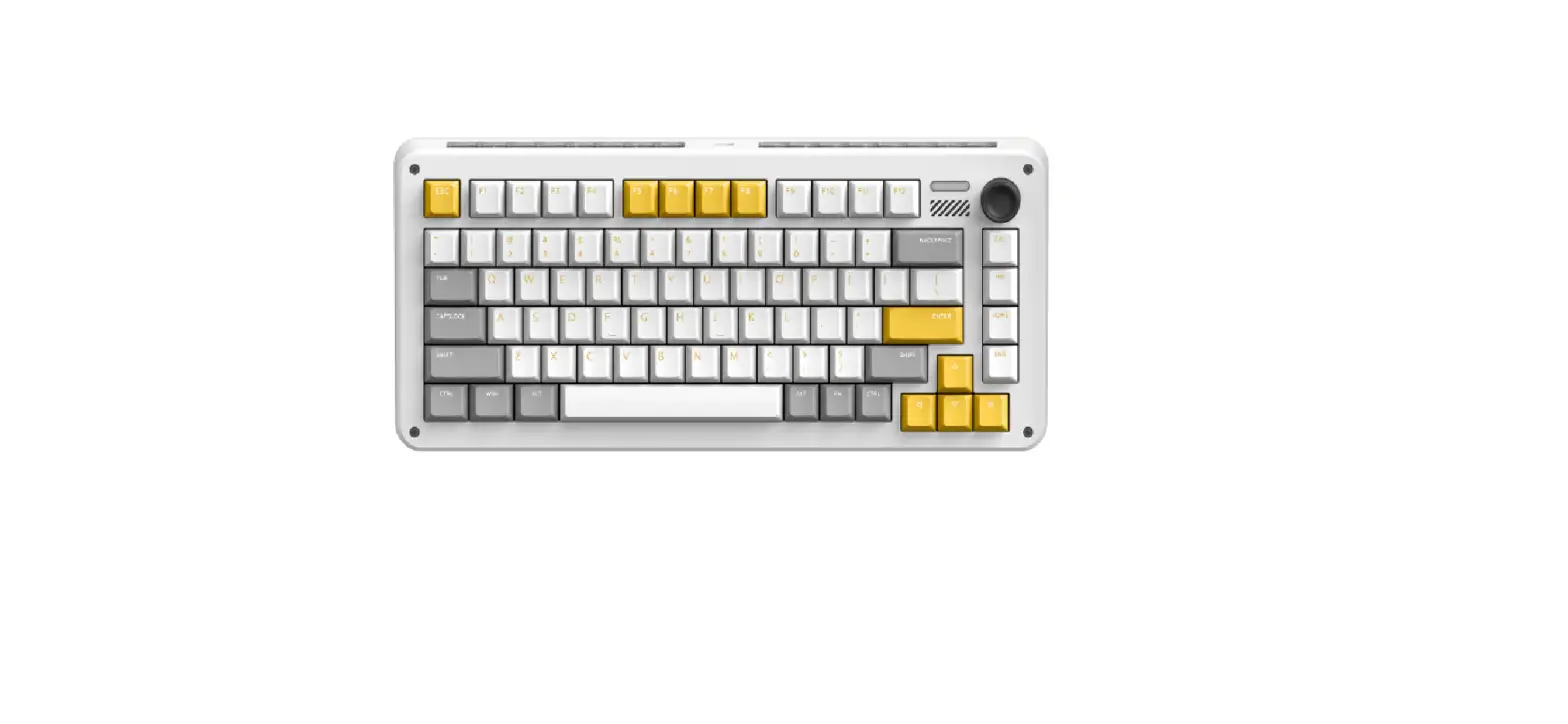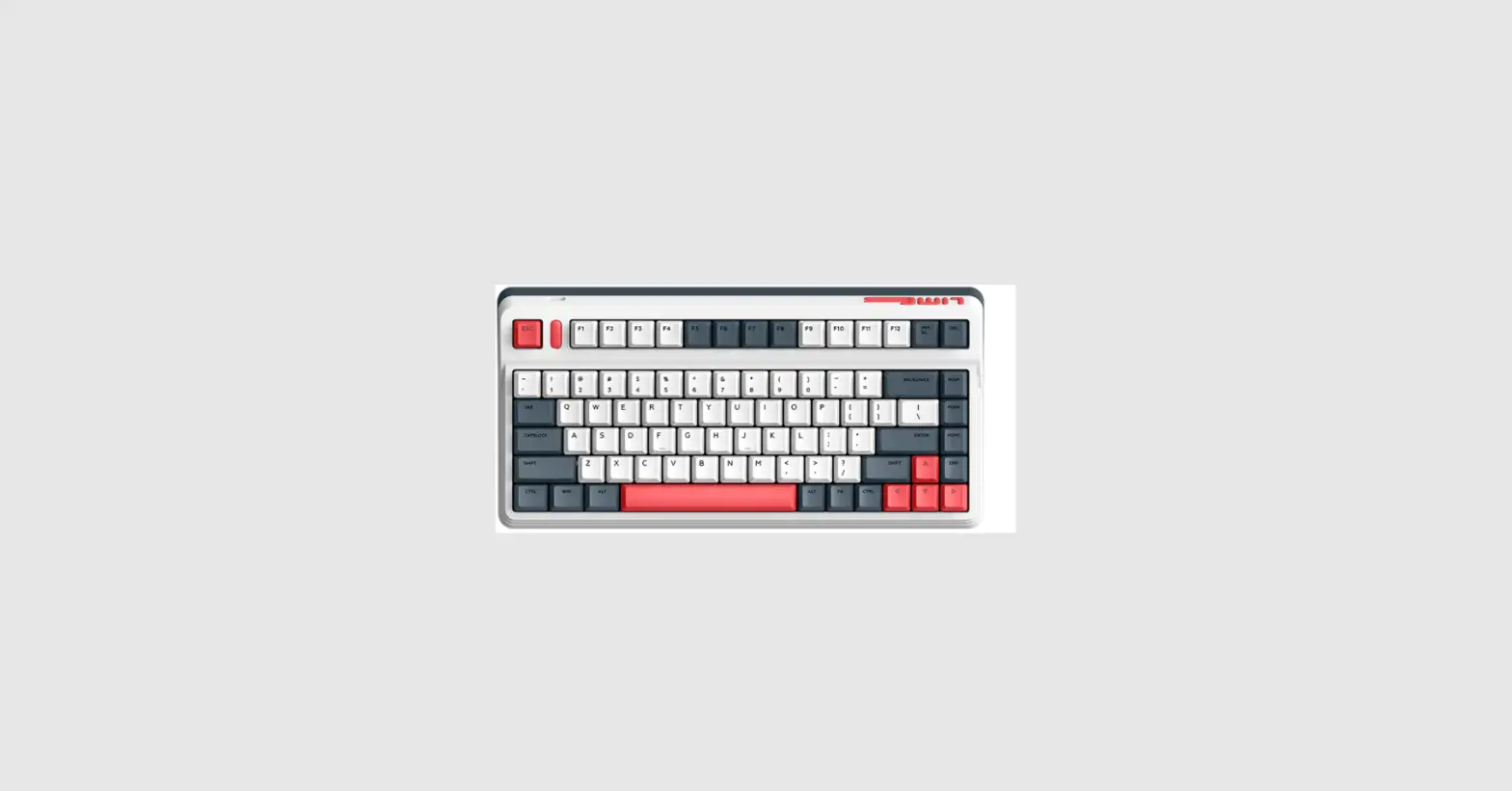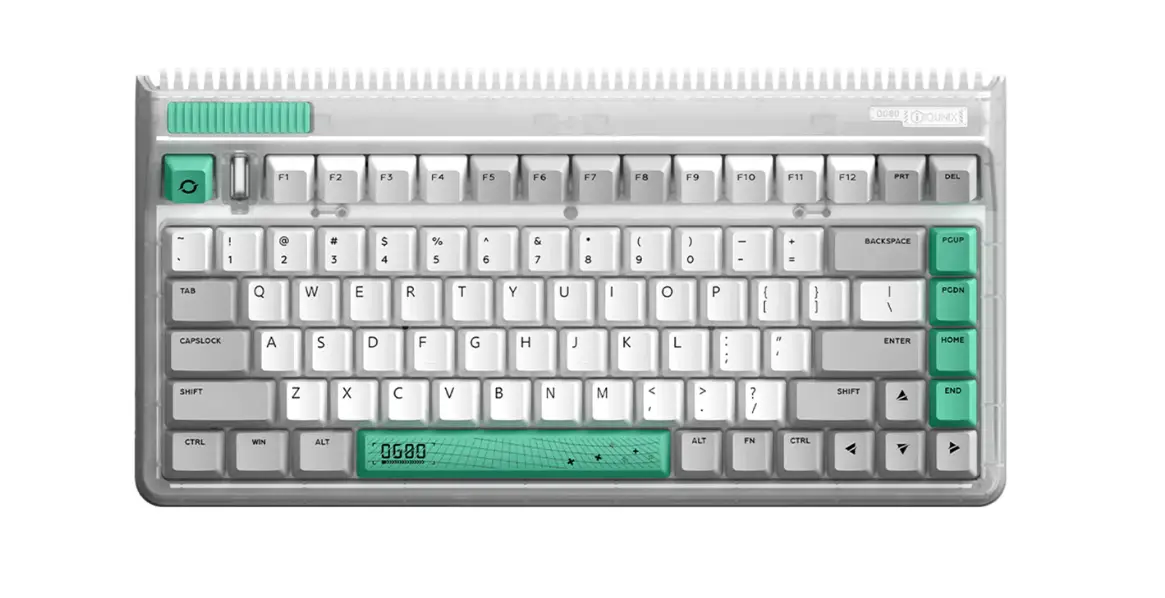

IQUNIX L80 Series Mechanical Keyboard
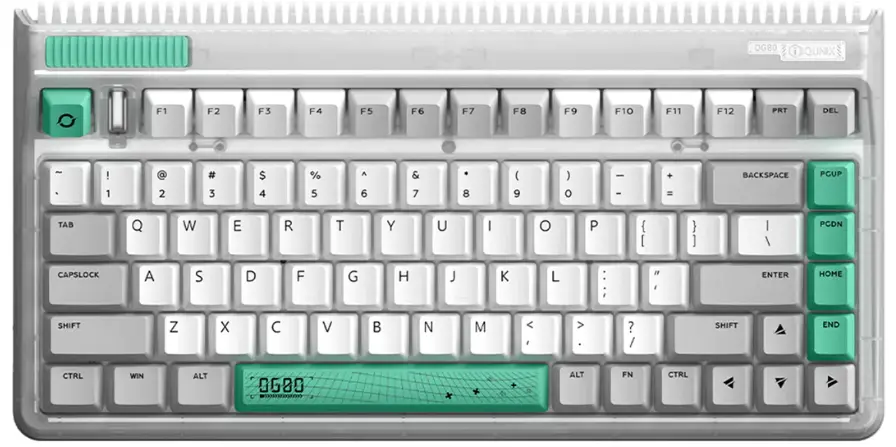
0G80 SERIES
MECHANICAL KEYBOARDS
We recommend that you read this manual thoroughly before using the product.
LED Indicator Status Description
 Red Light Blinking
Low Battery Level Blue Light Blinking / Flashing
Bluetooth Device #1 Re-Connecting / Pairing On Turquoise Light Blinking / Flashing
Bluetooth Device #2 Re-Connecting / Pairing On Yellow Light Blinking / Flashing
Bluetooth Device #3 Re-Connecting / Pairing On Pink Light Blinking / Flashing
2.4GHz Device Re-Connecting / Pairing On White Light On/ Blinking
Caps Lock On & Off / Special Keys Combination Enabled
 Red Light Blinking
 Blue Light Blinking / Flashing
 Turquoise Light Blinking / Flashing
 Yellow Light Blinking / Flashing
 Pink Light Blinking / Flashing
 White Light On/ Blinking
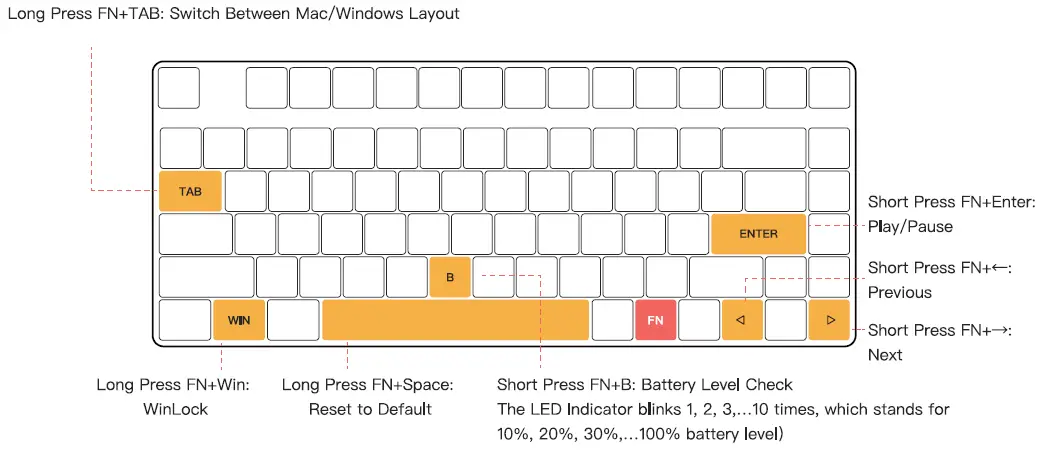
Hold  first, then corresponding keys to enable special keys combination.
Short Press: Hold FN first, then the corresponding key, and release both keys.
Long Press: Hold FN first, then the corresponding key. Hold for 5 seconds until the indicator starts blinking.
Three Ways of Connecting Devices
Bluetooth Mode
- Toggle the keyboard Mode Switch to the wireless side.

- Short Press
 +
+  to make the indicator blink in blue,
then Long Press + to make the indicator flash in blue. - Select the pairing device [IQUNIX L80 BT 1]. The indicator turns off when the keyboard is paired successfully.
In order to complete the pairing of the keyboard with a second or third new Bluetooth device, repeat the instructions from Step 8 and replace the “FN+1” with “FN+2” or “FN+3”. The devices will be shown as [IQUNIX L80 BT 2] and [IQUNIX L80 BT 3].

 to make the indicator blink in blue,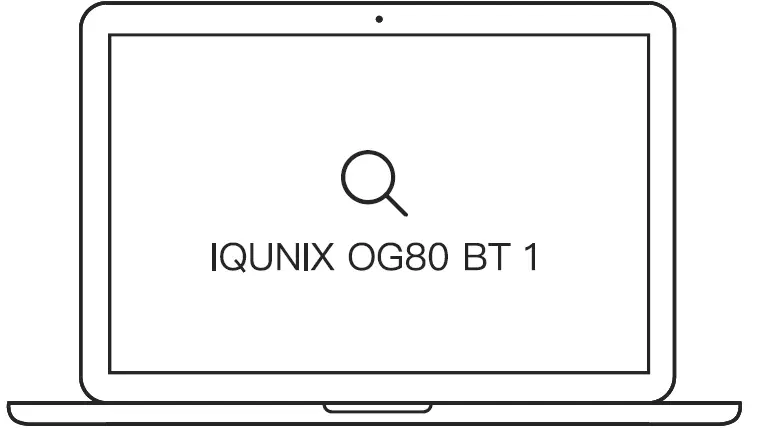
2.4GHz Mode
- Toggle the keyboard Mode Switch to the wireless side.
- Plug the 2.4GHz receiver into your computer.

- (D Press +
 to enter 2.4GHz pairing mode. The indicator turns off when the keyboard is paired successfully.
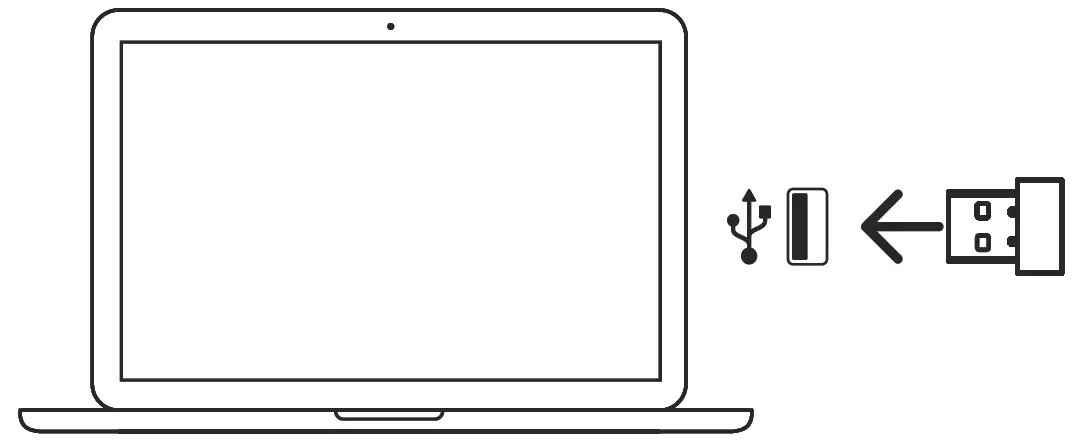
 to enter 2.4GHz pairing mode. The indicator turns off when the keyboard is paired successfully.
Wired Mode
- Toggle the keyboard Mode Switch to the wired side.
- Plug the USB cable into your device.

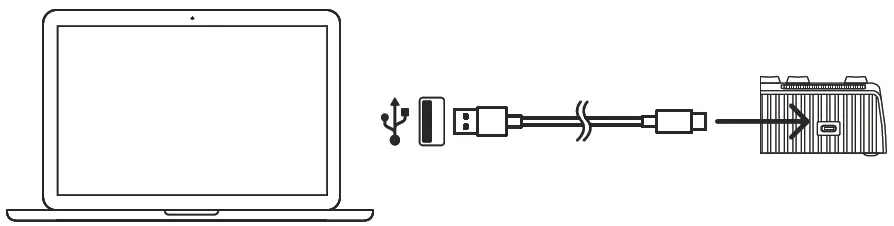
*When being plugged into the computer, the keyboard will start to charge automatically.
*Caution: The rated power for the charger must not exceed 5V=1A. Connection to a higher power output will damage the keyboard.
Special Keys Combinations
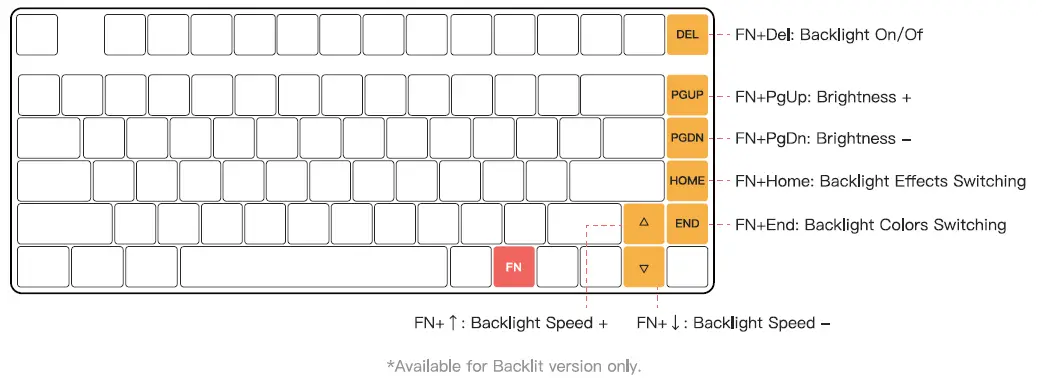
Backlight Keys Combinations (Short Press)
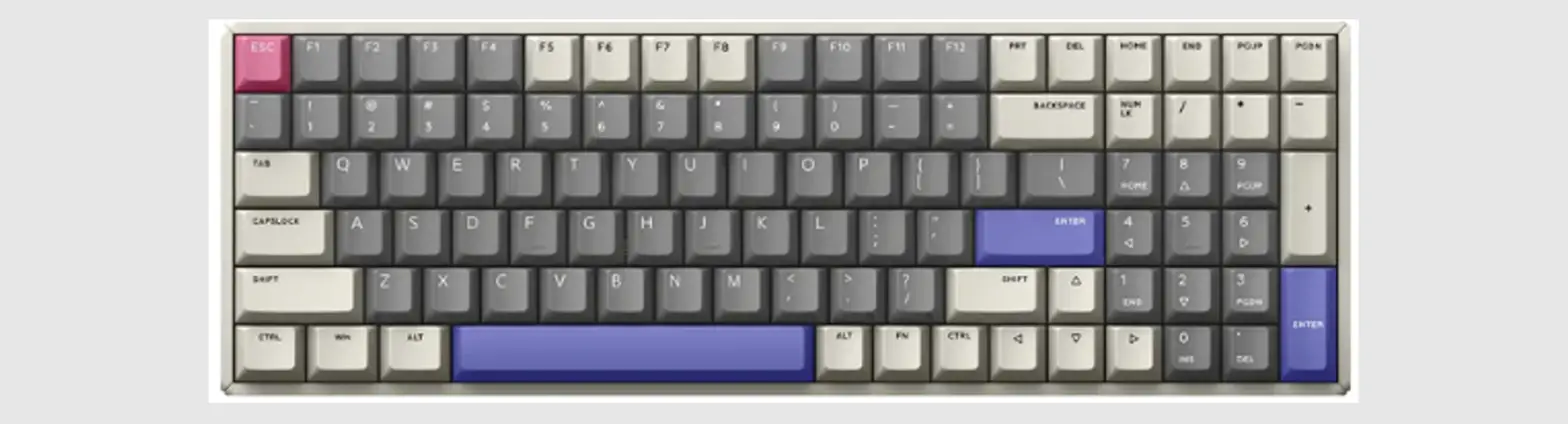
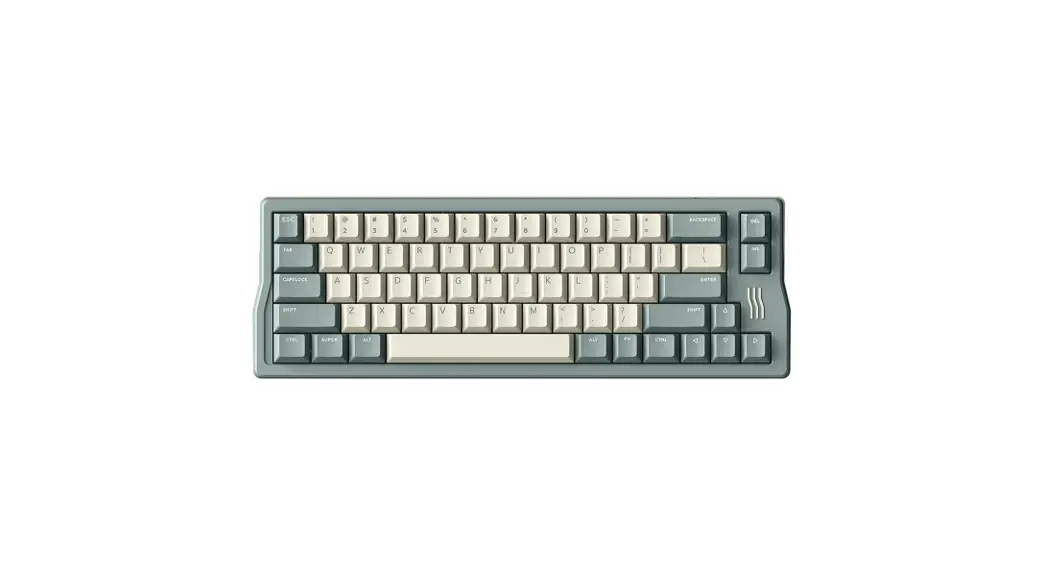
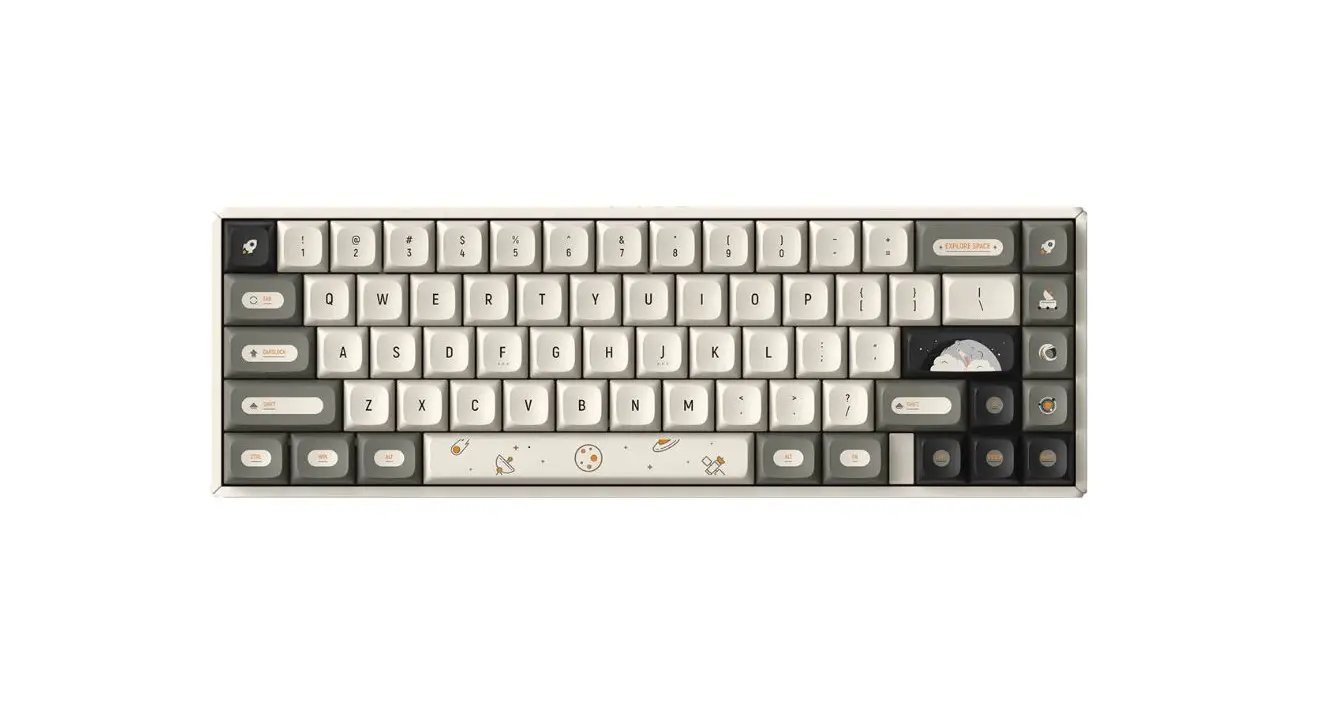
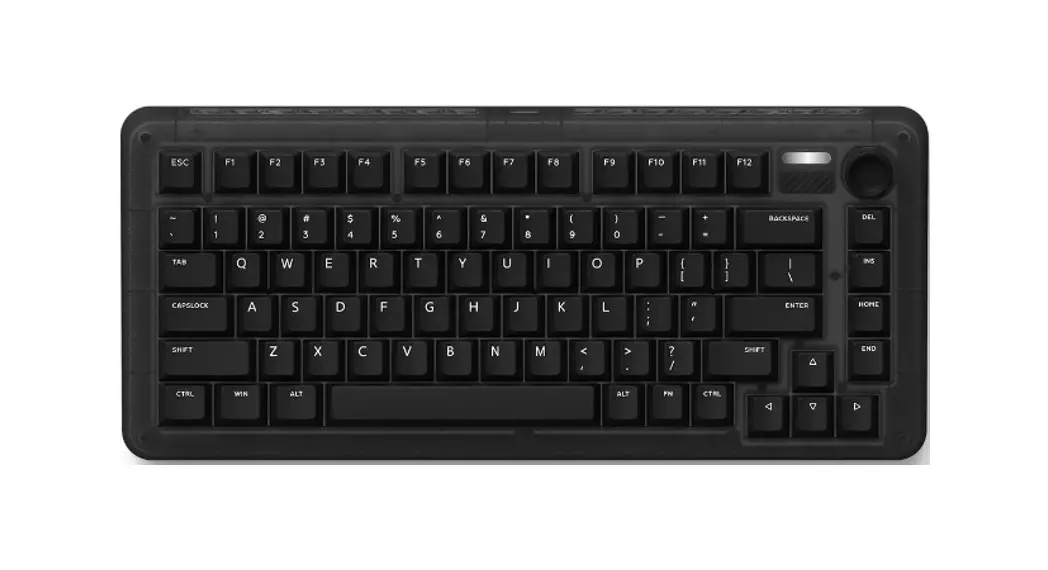
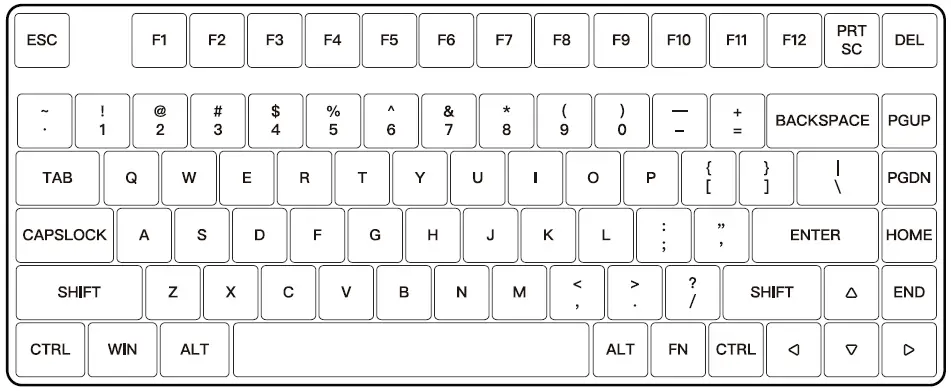
Keyboard Layout
Follow us: IQUNIX

To learn more details, please reach out to us on official website or social media. Official website: www.lQUNIX.store
- Series: LSD
- Number of Keys: 83
- Input: 5V=1A
- Battery Specifications: 3.7V 4000mAh
- Precautions: See Warranty Card
- Manufacturer: Shenzhen Silver Storm Technology Co., Ltd. A905, Rongchaobinhai Bldg., Haixiu Rd., Bao’an District, Shenzhen, China
- Packing List: Keyboard, Dust Cover, USB Cable, 2.4GHz Receiver, Keycap & Switch Puller, Bluetooth Dongle, Manual, Warranty Card