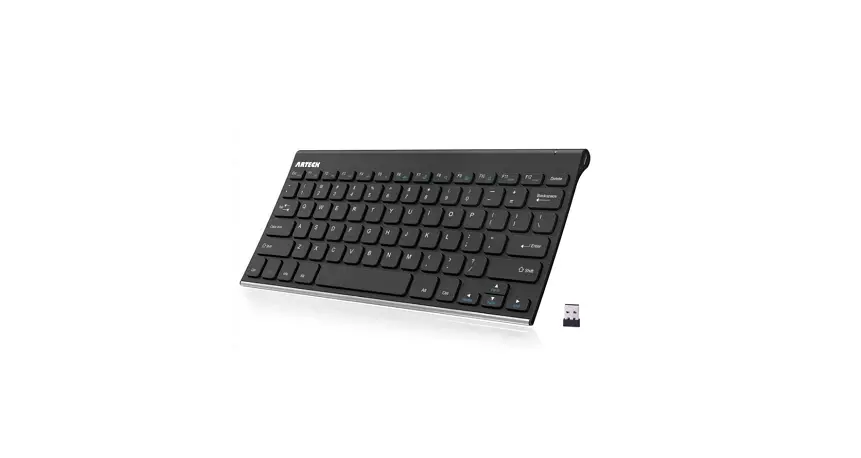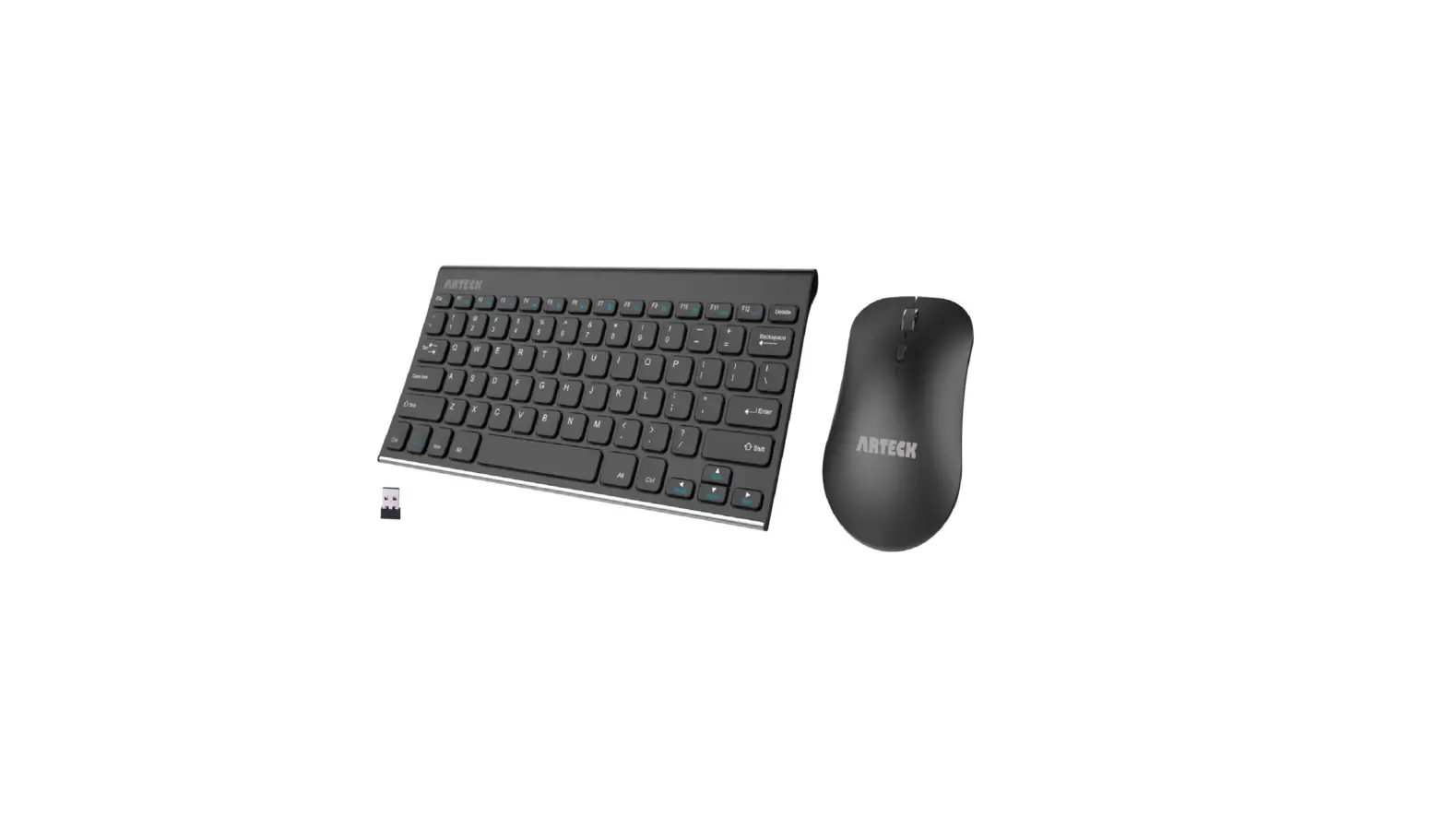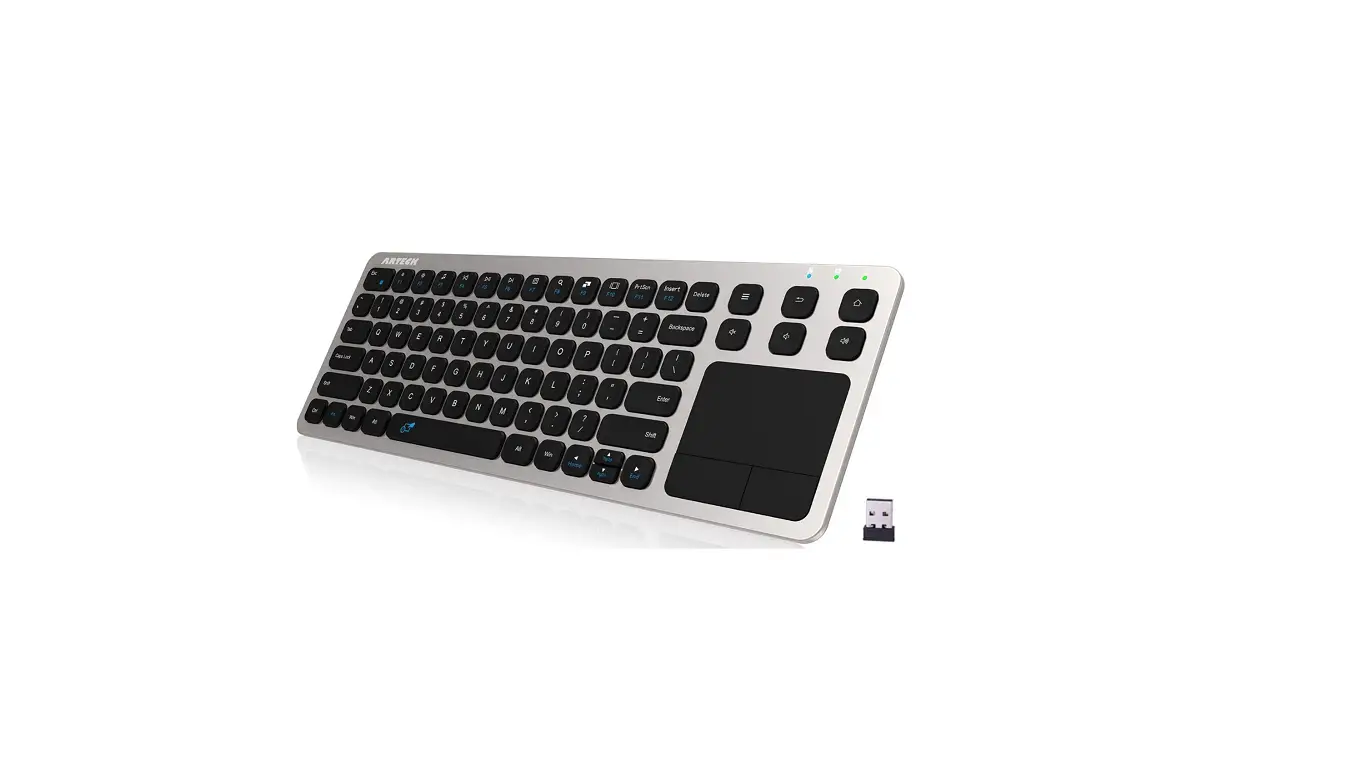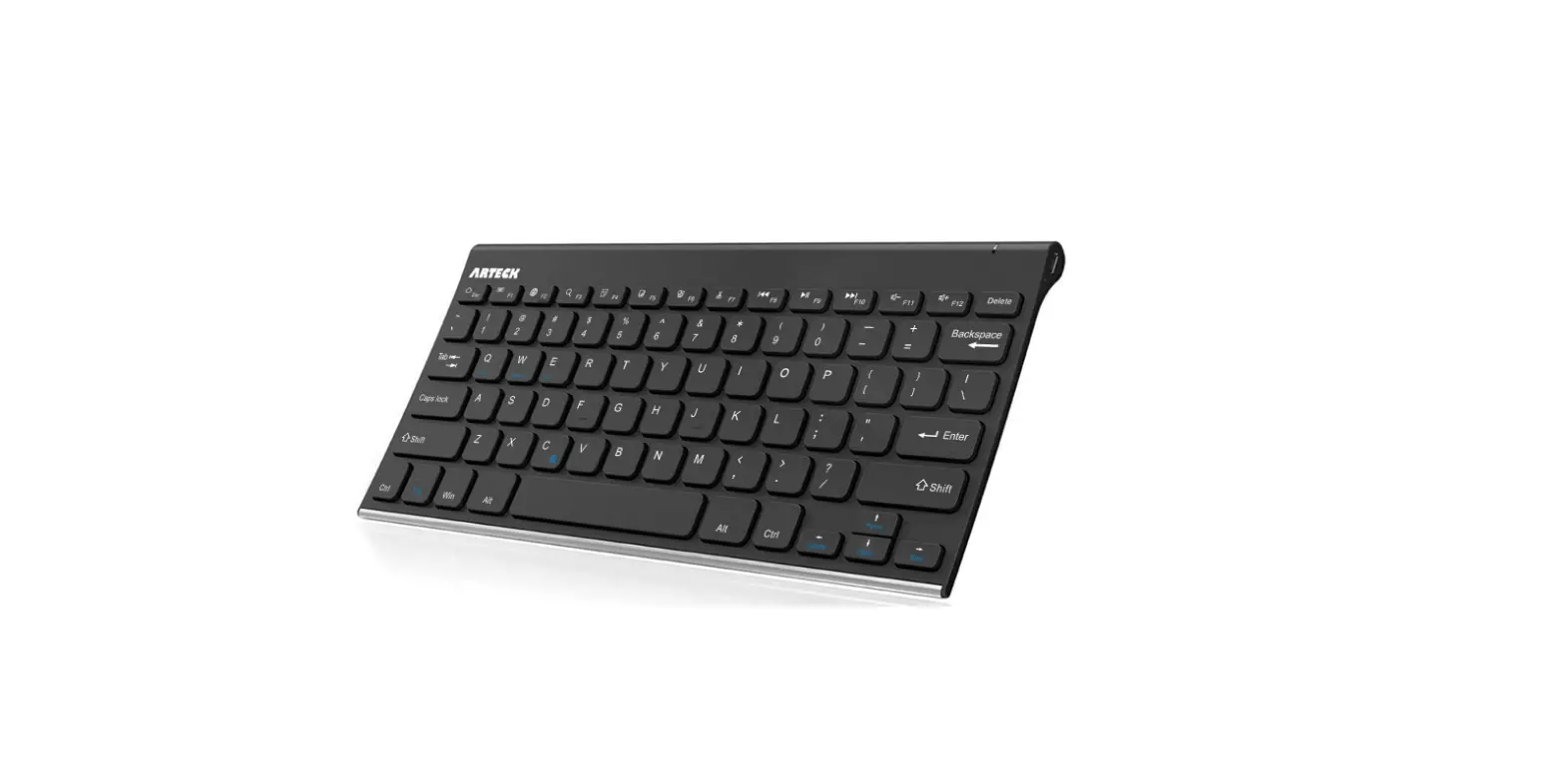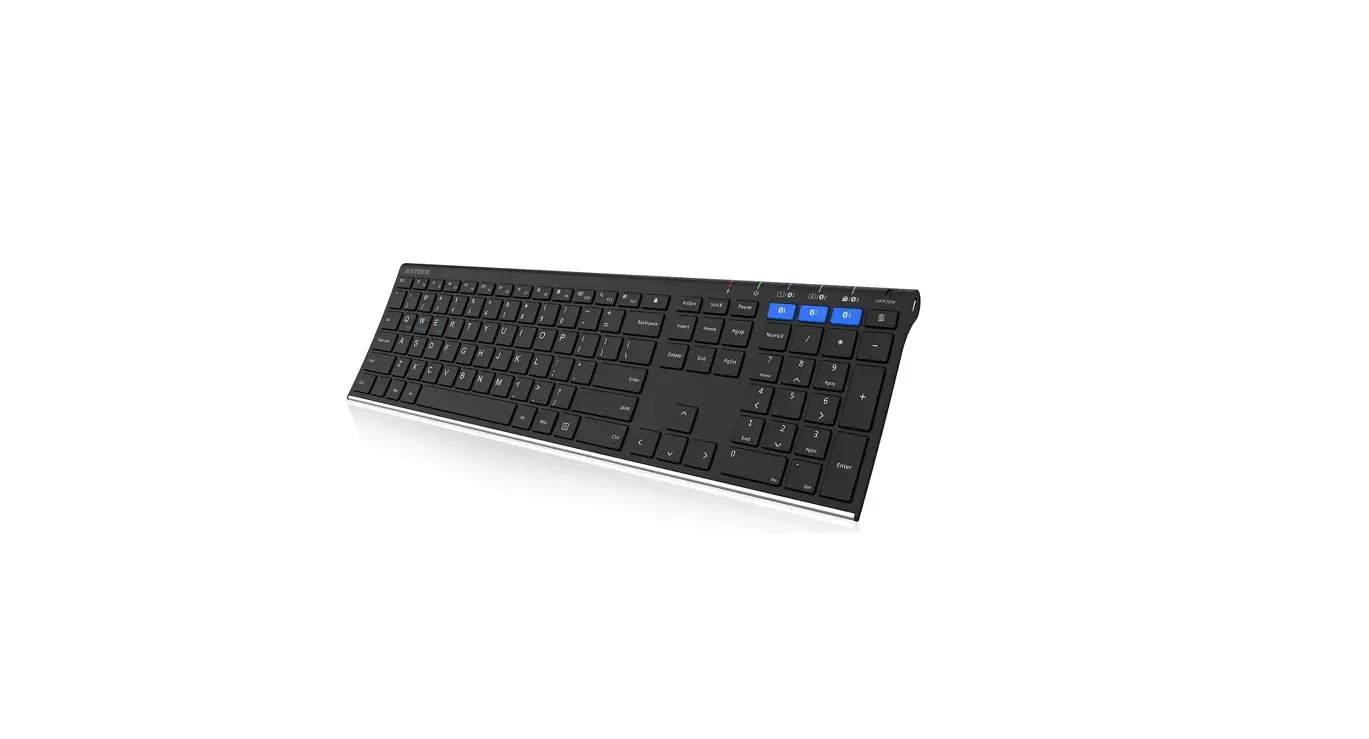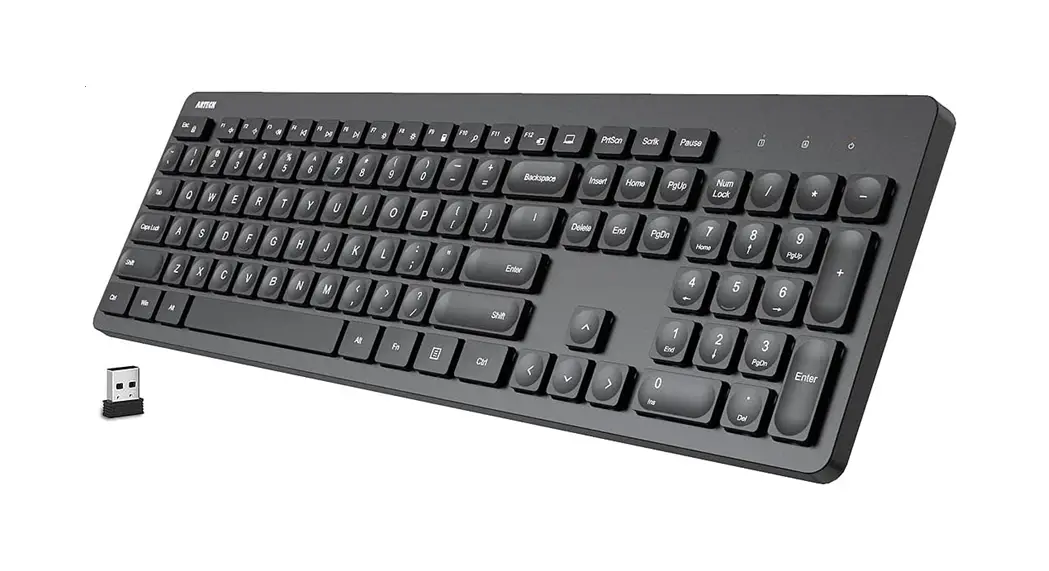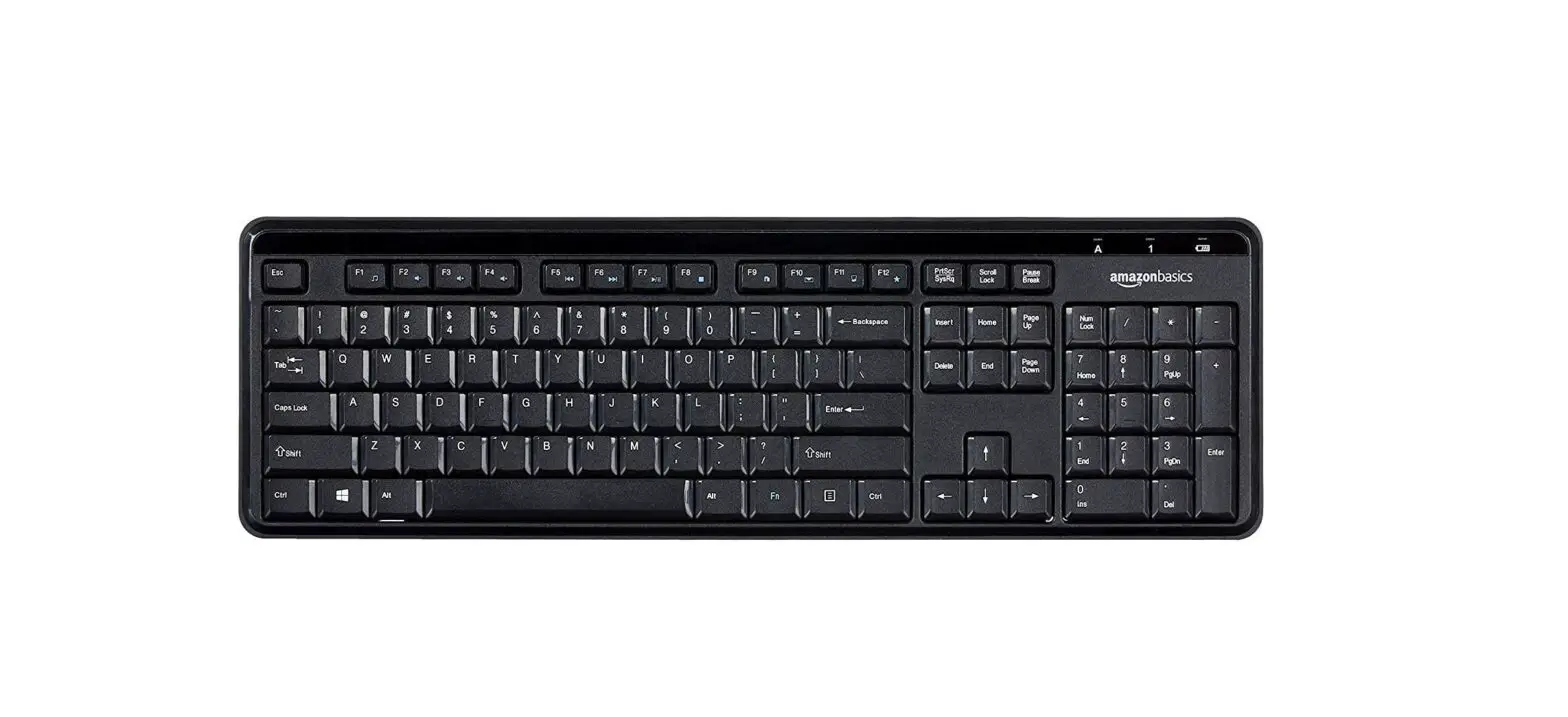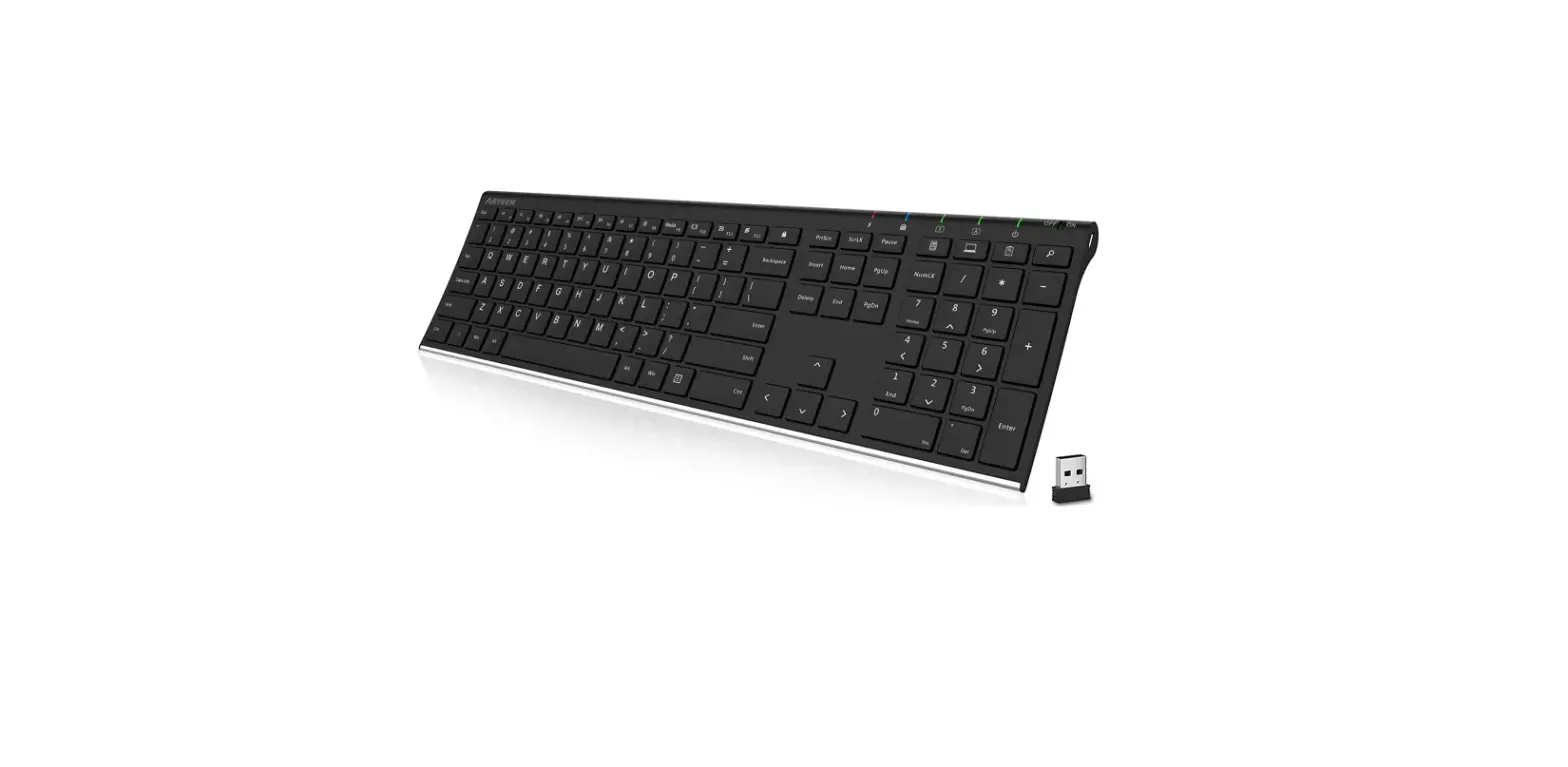
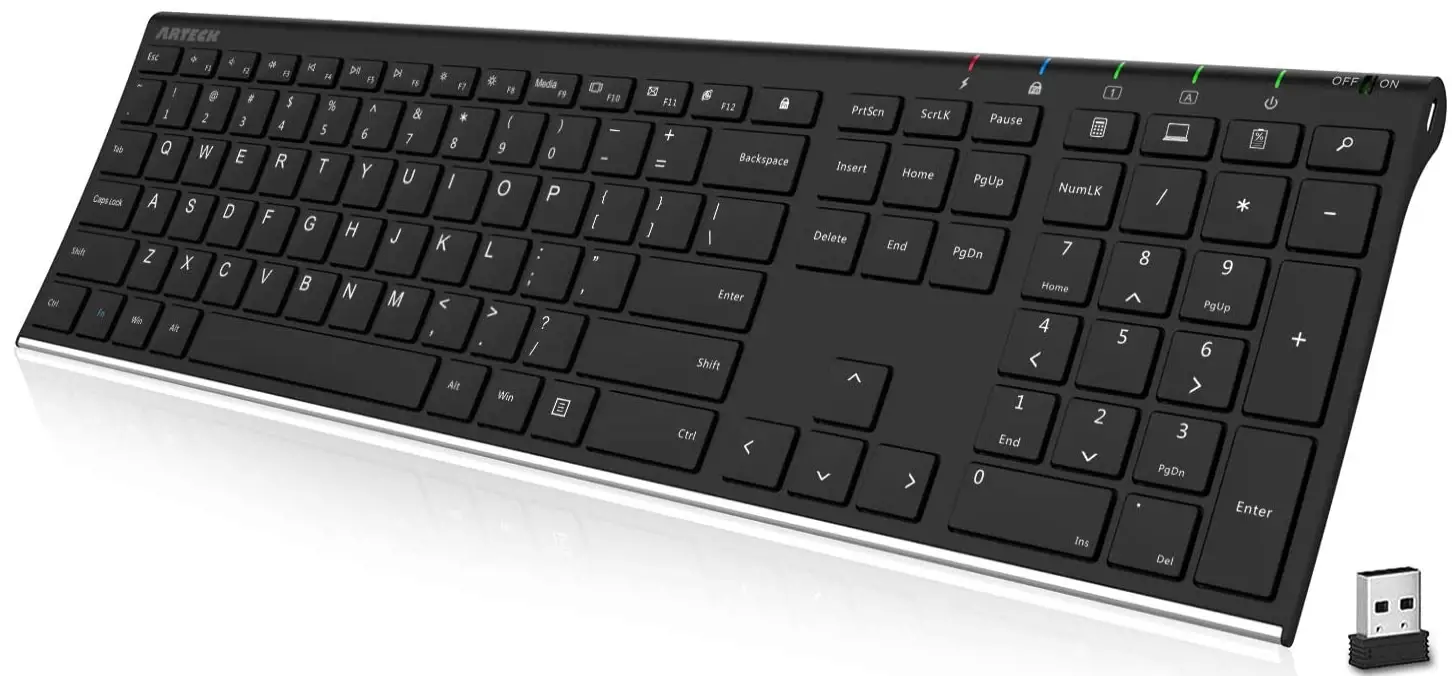
Arteck HW192 2.4G Wireless Keyboard
Specification
- Brand Arteck
- Model HW192
- Compatible Devices Laptop, PC, Smart TV, Desktop
- Connectivity Technology USB Wireless
- Keyboard Description ergonomic, wireless
- Recommended Uses For Product Office
- Special Feature Wireless, Full Size, Stainless Steel Back, Hotkeys and Media Keys, Rechargeable
- Color Black
- Operating System Windows 11, Windows 10
- Number of Keys 110
- Keyboard backlighting color support Single Color
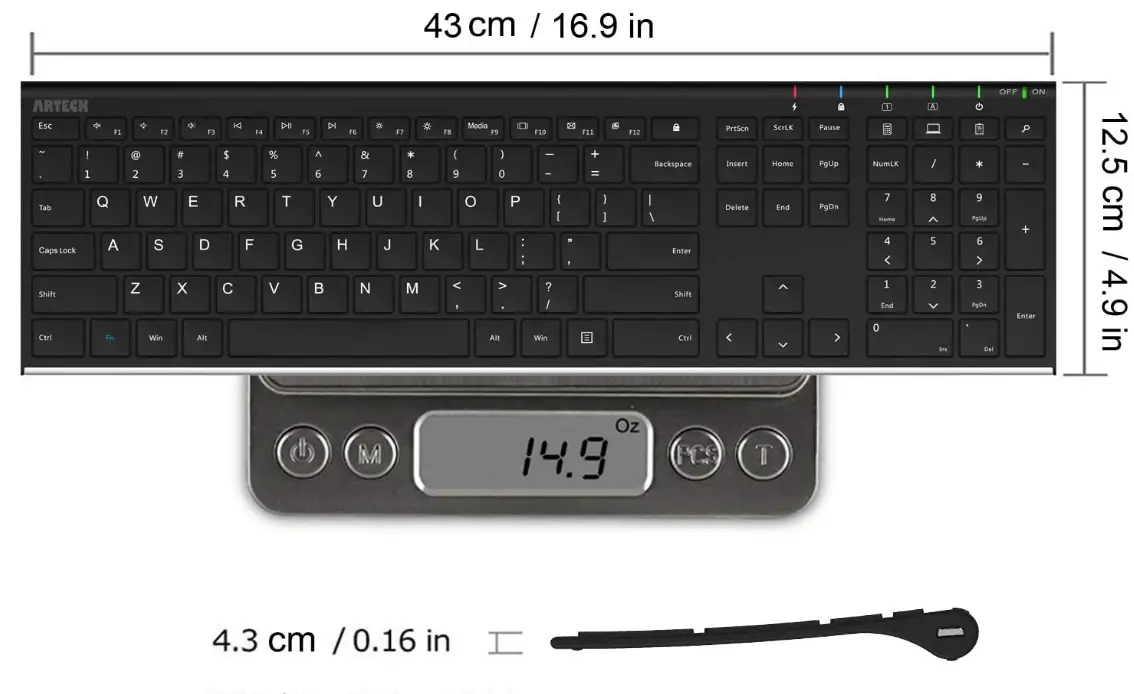
- Product Dimensions 16.85 x 4.92 x 0.55 inches
- Item Weight 14.9 ounces
- Batteries 1 CR2032 batteries required. (included)
What’s In the Box
- USB Charging Cable
- Wireless Keyboard
Safety Caution
- Keep the item away from sharp objects.
- Do not place heavy objects on the keyboard.
- Away from microwave items.
- Do not force or distorted the keyboard.
- Keep away from oil, chemical, or other organic liquid.
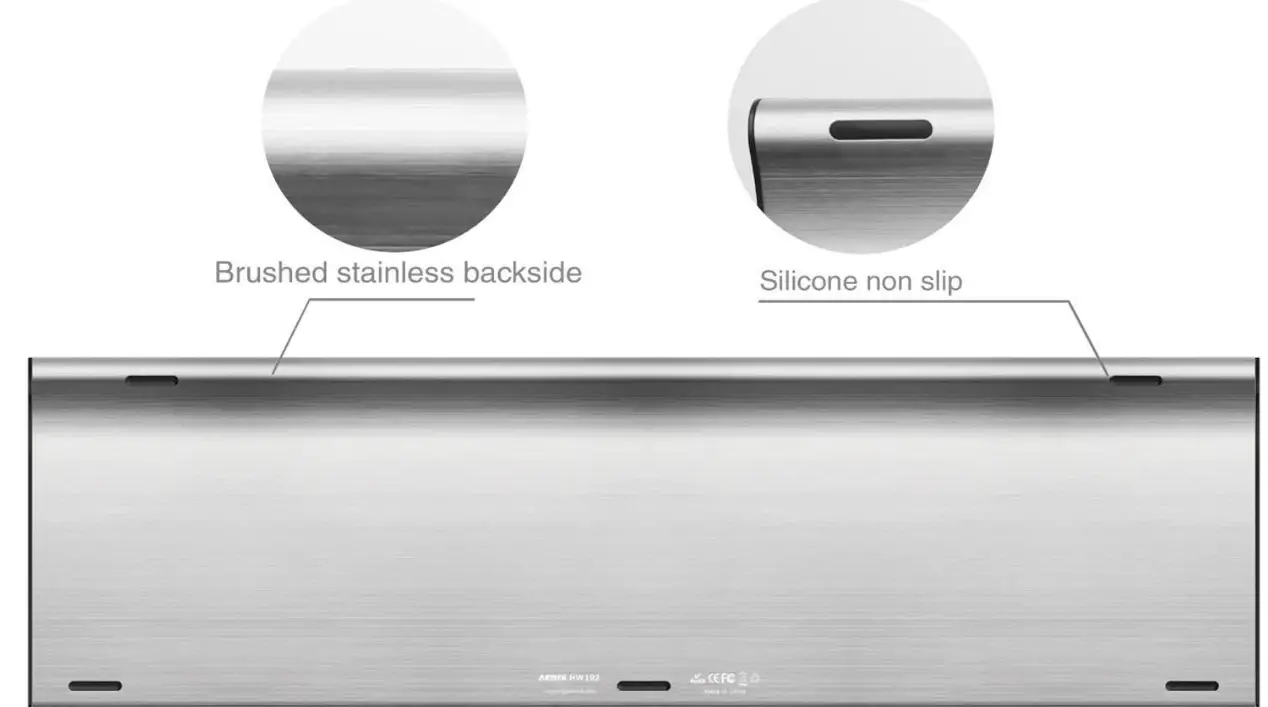
Stainless Steel Ultra Slim
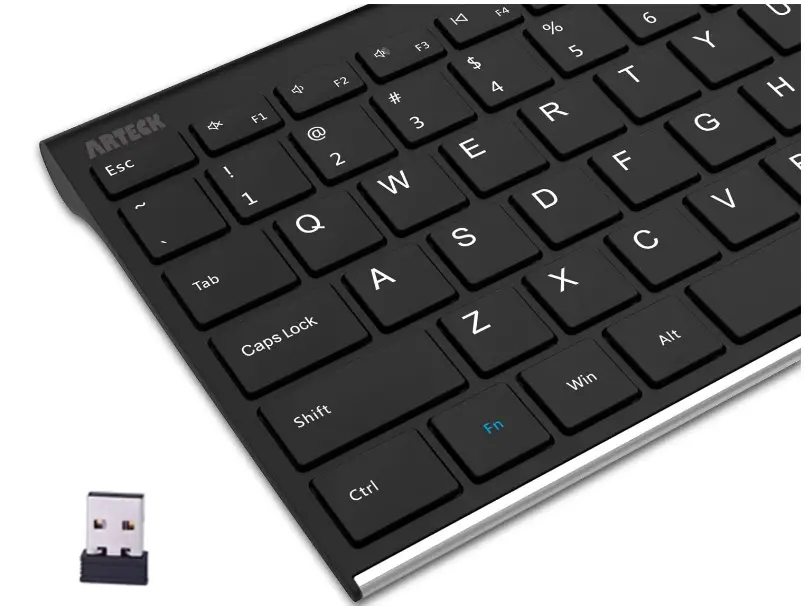
EASY SETUP
Use the wireless nano USB receiver by connecting it.
COMFORTABLE KEYSTROKES
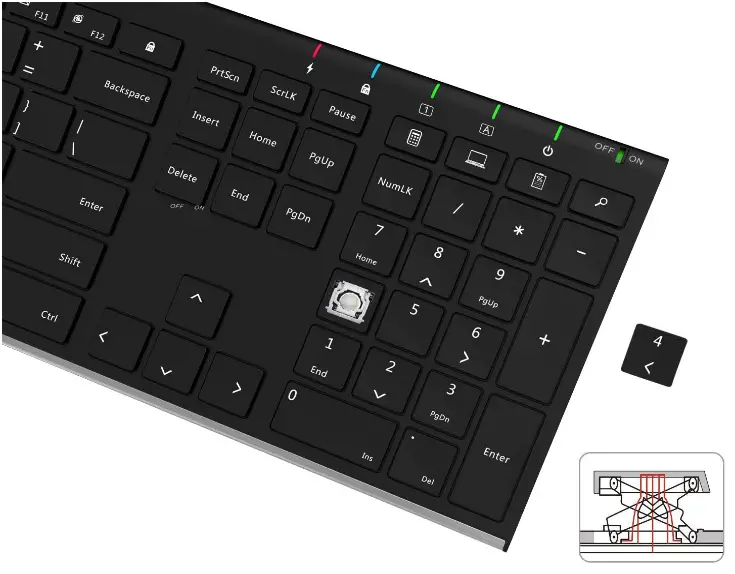
Structure, apply the same amount of pressure, and use fewer keystrokes than on the noisy keyboard.
Long Battery Life
Use for six months on a single charge, assuming two hours every day.
Dimension
Market Heading Adaptive Design
The low-profile keys provide quiet and pleasant typing, while the stainless steel construction delivers a heavy-duty feeling.
Easy to Use and Setup
You can use the keyboard right away by simply inserting the tiny USB receiver into your desktop or laptop computer. No need for a driver Up to 33 feet, or 10 meters, the Keyboard will function.
It gives you easy access to frequently used features like text copy and paste, playback control, and volume level. Additionally, it has arrow keys and a tiny, portable number pad.
Silent, Comfortable Typing
Your fingertips will experience a whole new level of comfort because of the low-profile, whisper-quiet keys. Keep all of your frequently used features and media controls even closer than before with Windows-specific hotkeys. More than 3 million continuous uses of these scissors-kick keys are possible because of their design.
Power Source Rechargeable
An integrated, high-capacity, rechargeable Li-polymer battery offers six months of operation on a single charge. (based on daily usage of two continuous hours)
Features
- Low-profile keys and stainless steel give off a heavy-duty vibe, while the ergonomic design makes typing quiet and comfortable.
- Battery Life An industry-leading rechargeable lithium battery lasts six months on a single charge (based on 2 hours non-stop use per day).
- Incredibly thin and light Although it is lightweight (14.9oz) and small (16.9 X 4.9 X 0.6in), it has full-size keys, arrow keys, a number pad, and shortcuts for convenient typing.
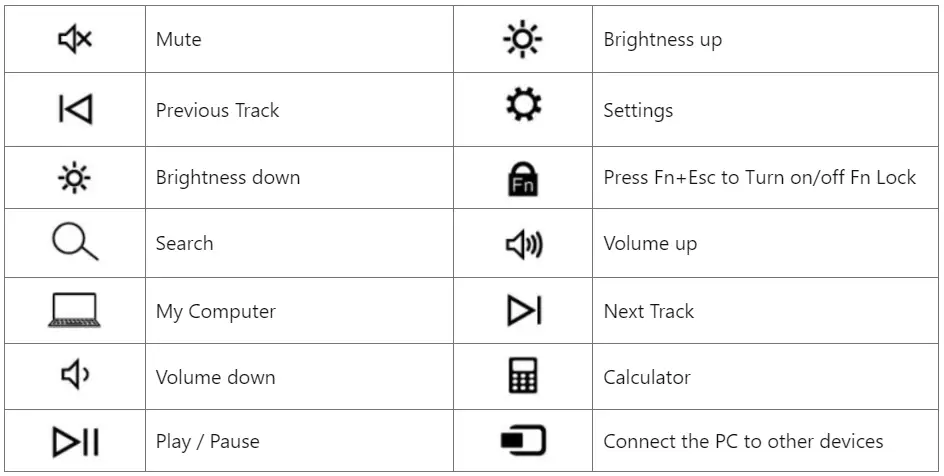
Function Keys
Characteristic
- Can be matched with a laptop, tablet PC with a USB port, all-in-one machine, desktop, and so on.
- With a dongle, can be used anytime you like.
- The all-in-one pothook scissor design, induce the pressing force and increase the smooth and steady
Indicator
- Low power indicator: when power is below 3.7V, the keyboard indicator will be green and flicker one time every second
- Charging indicator: when charging, the indicator will be red all the time until saturation.
- FN lock indicator: when pressing FN+, the indicator is on to make the F1-F12 function, to make the shortcut function when pressing once more.
- Num Lock indicator: when connect succeeds, pressing the NumLk, the indicator will be on and off after pressing again.
- Caps indicator: when connect succeed, press the Caps key, the indicator on, and the output capital letter, be off after pressing again.
- Power indicator: turn on-off of the keyb0ard, the power indicator will be green for at least 5 seconds
FAQs
The keyboard has a 6-month battery life.
It supports Windows 11, Windows 10, etc.
No, it is not.
Wireless accessories like keyboards, mouse, and headsets might obstruct Wi-Fi signals. Frequency hopping is a technique employed by Bluetooth, which causes it to move up to 1600 times per second (!) within the 2.4 GHz spectrum.
Before we go any further, let’s be clear that connecting a wireless keyboard and mouse with a computer works just fine with both Bluetooth and 2.4 GHz Wireless Technology.
No. Not at all. The Microsoft wireless keyboard product lines all use the same receiver, more or less.
Even while wireless keyboards encrypt the data they communicate back to the devices they are associated with, the encryption is occasionally not reliable. The attacker may inject packets into the unencrypted transmission as a result of this lack of protection.
Infrared-based wireless keyboards send signals to other infrared-capable devices using light waves. However, a wireless keyboard interacts utilizing radio frequency technology using signals that have a frequency range of 27 MHz to 2.4 GHz. Nowadays, 2.4 GHz radio frequency is used by the majority of wireless keyboards.
Dispatch the 2.4G USB receiver from the back of the keyboard. Connect the USB receiver to a computer’s accessible USB port. Turn on the power switch on the mouse’s backside after installing the 2 AAA batteries (not included). 2. After you turn on the keyboard’s power switch, it will be linked in 3 seconds.
To activate 2.4 GHz Mode, turn the physical switch on the side of the keyboard. To signal that it is making an attempt to connect to a device, the indicator and Enter key will continually flash a BLUE light once every second. Connect the provided dongle to the target gadget. The gadget and keyboard ought to immediately pair.
Connect the USB receiver to a working USB port while your computer is off, and then turn it on. When the computer boots up, it ought properly to recognize the wireless keyboard and mouse and immediately install all required drivers.
Wireless keyboards require a separate power supply. The two most popular options are battery-powered and rechargeable. The majority of wireless keyboards under $100 run on AA or AAA alkaline batteries. They often don’t need to be replaced for months or even years, and they are easily accessible.
Yes. The rechargeable battery inside the keyboard may be charged using the Micro-USB to USB connector that is provided. While the keyboard is plugged in and charging, you can still use it. There was a problem, I apologize.
Wireless keyboards usually contain small radio transmitters. Like any radio transmitter, they need the power to operate. Typically the power comes from batteries; if the batteries go dead, you won’t be able to use the keyboard. With this in mind, keep extra batteries on hand or keep a traditional keyboard as a backup.
Due to their direct connection to the computer, wired keyboards typically have lower latency than wireless keyboards. But recently, wireless technology has advanced to the point where there isn’t much of a difference in latency between a wired keyboard and a wireless keyboard using its USB receiver.
How to Use -Video

Arteck HW192 2.4G Wireless Keyboard Instruction Manual