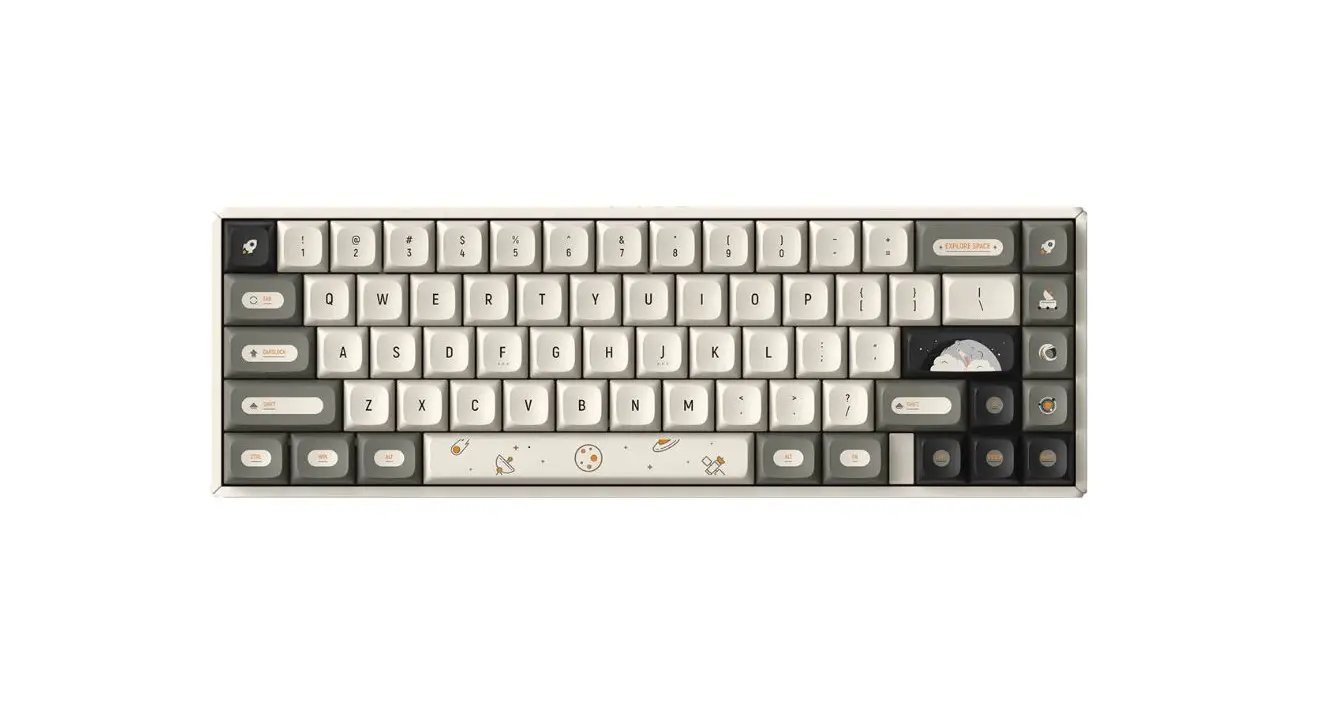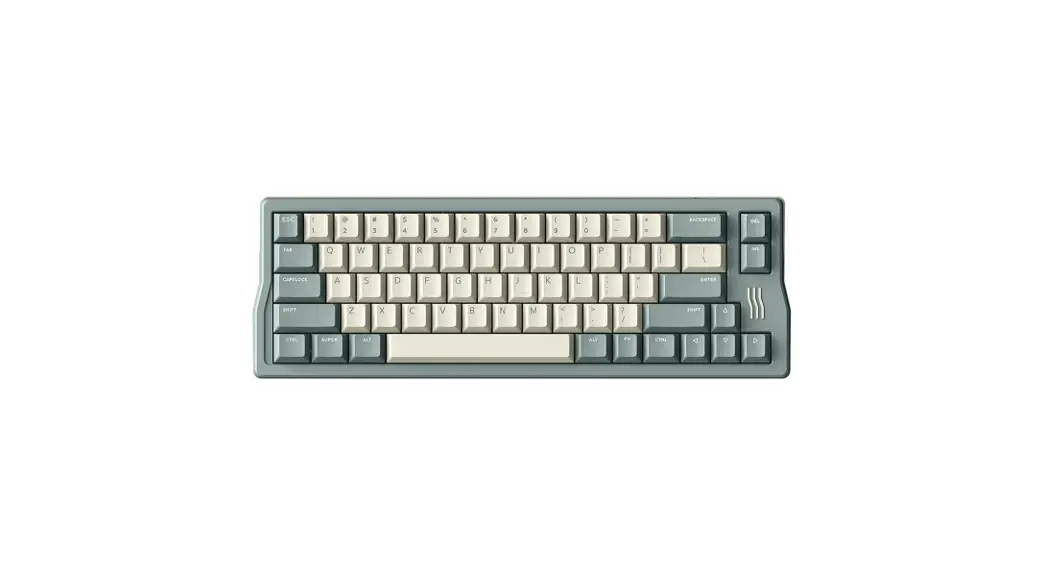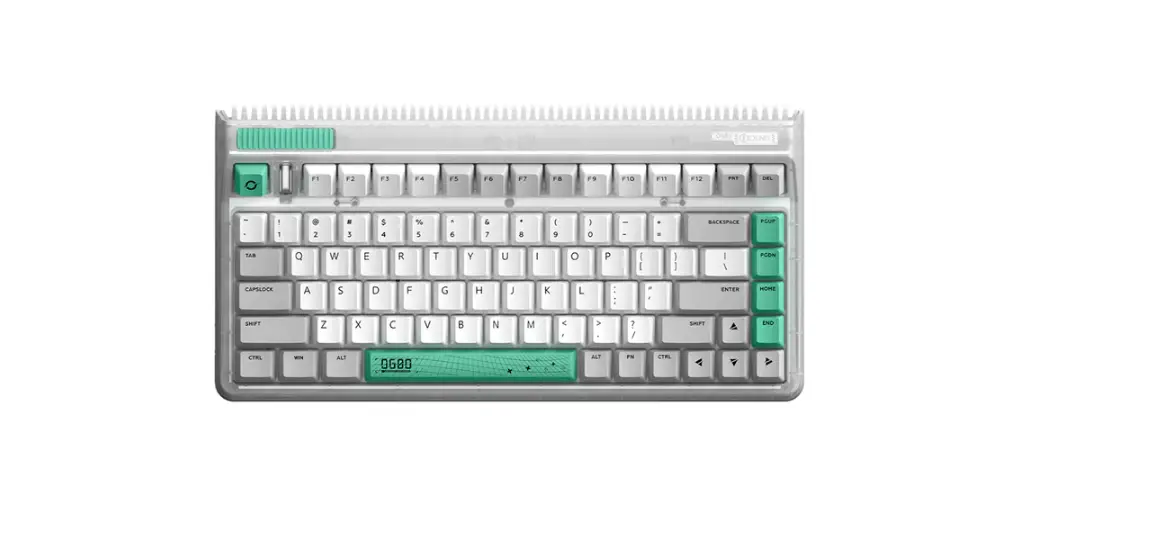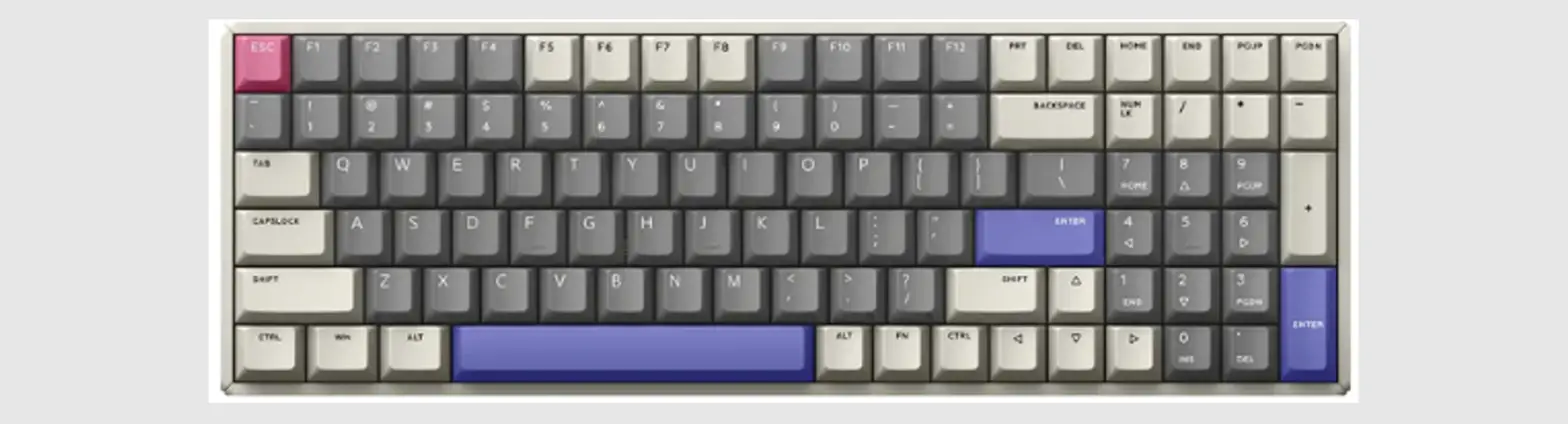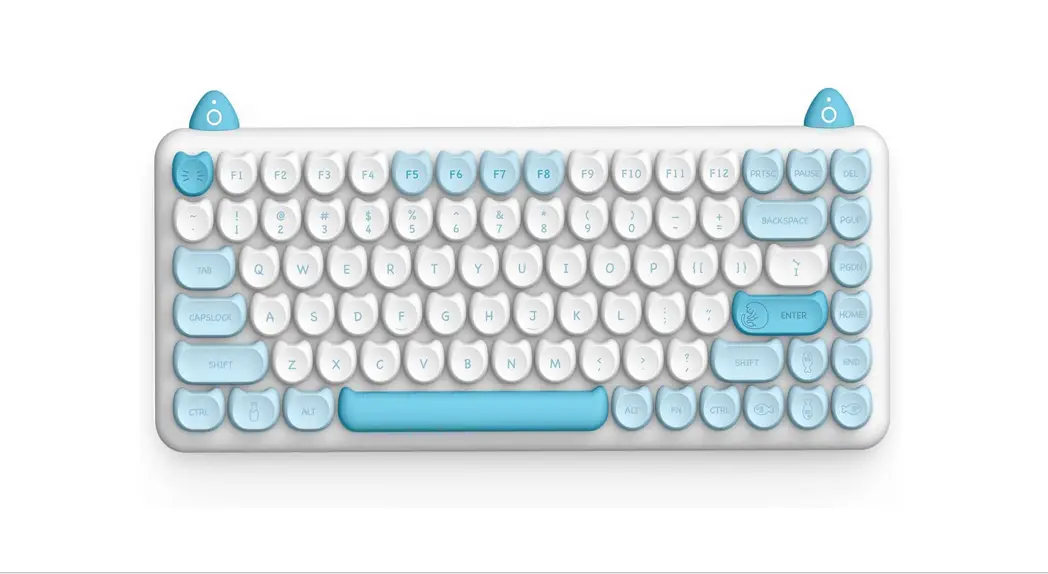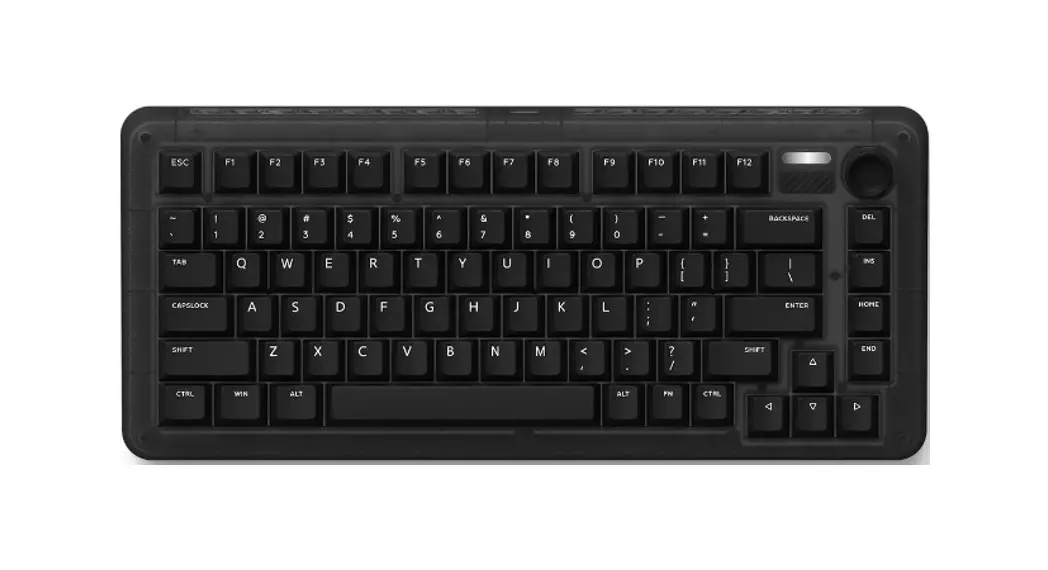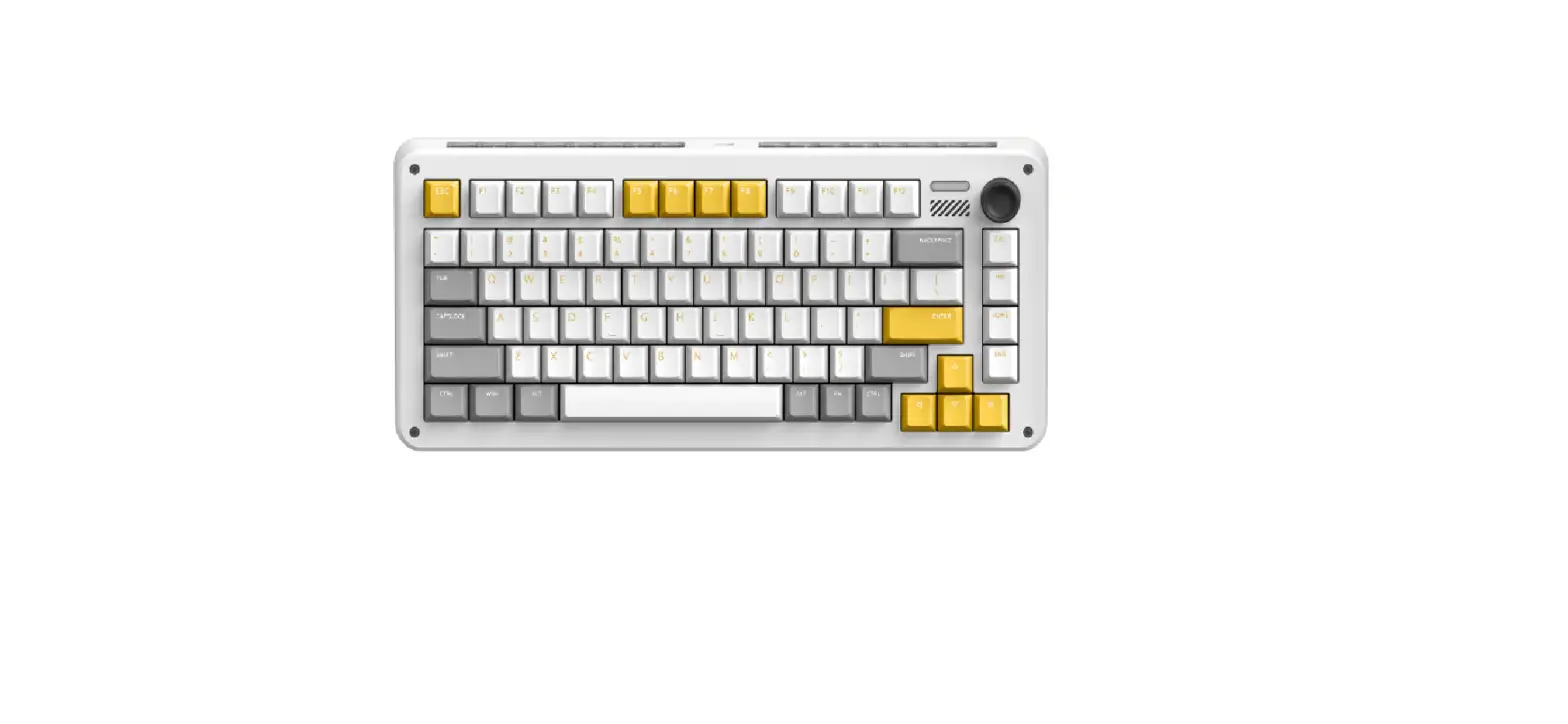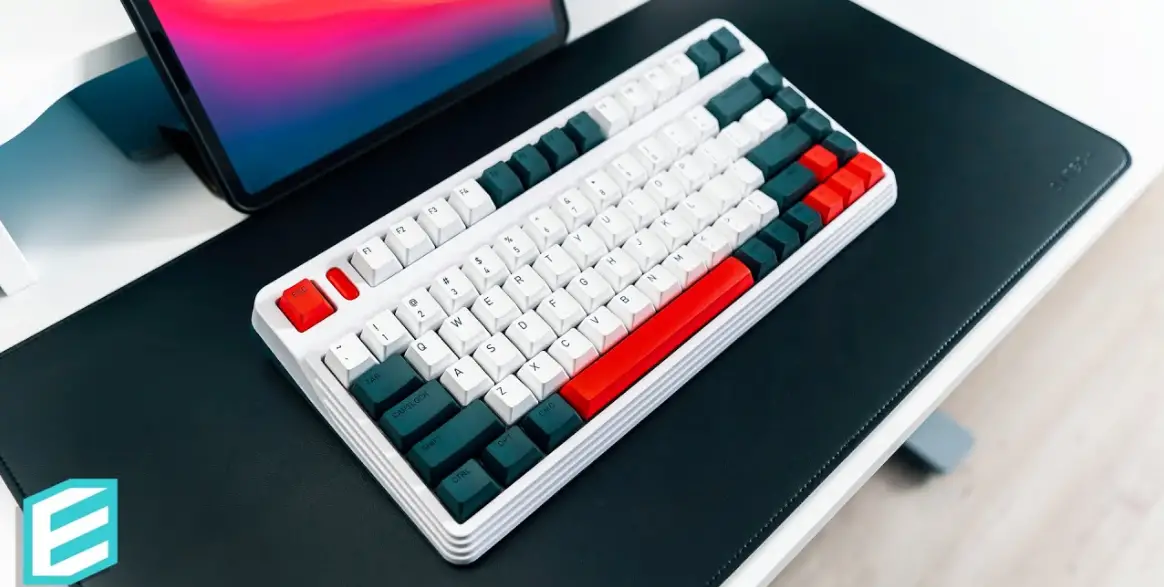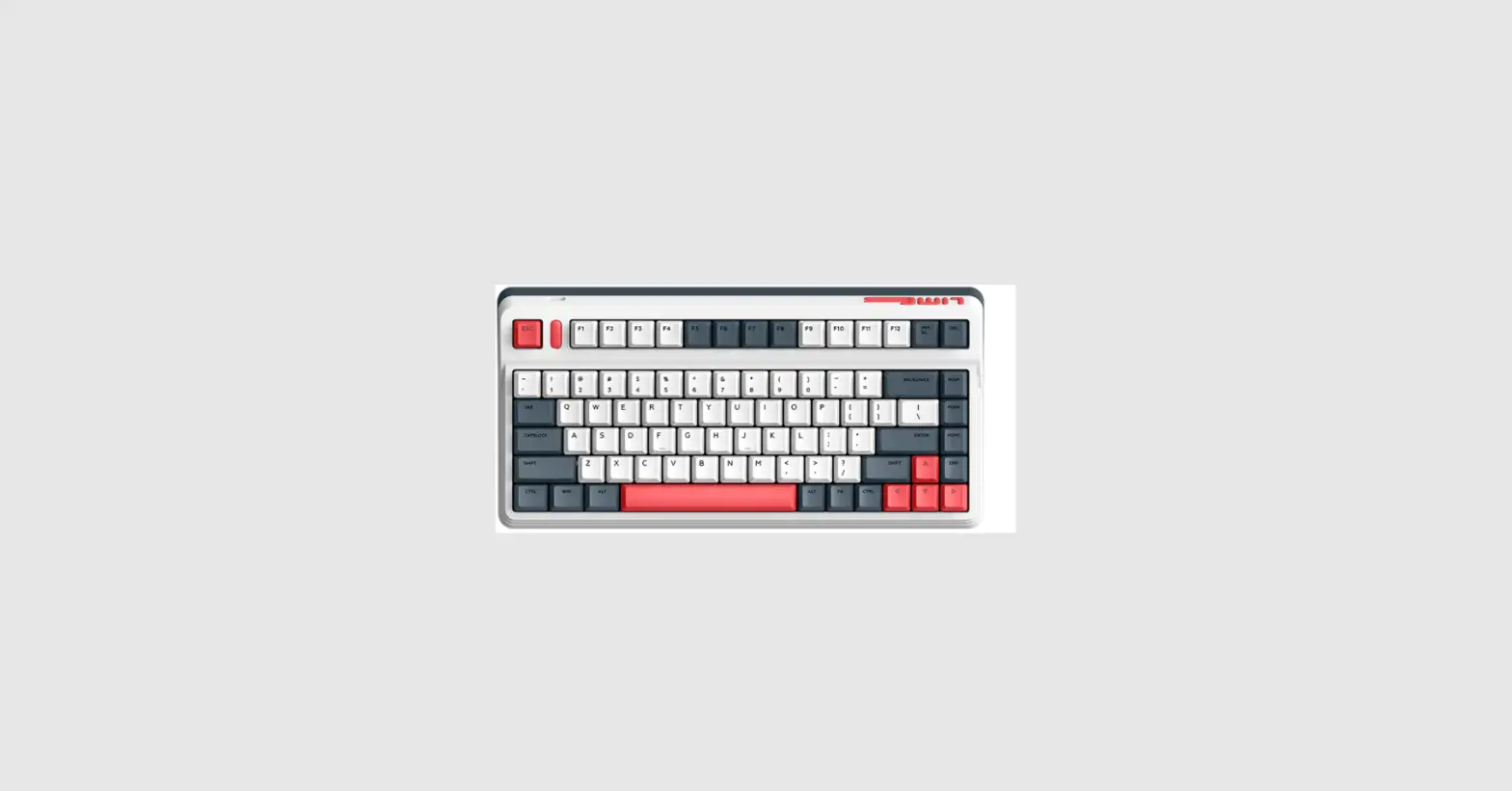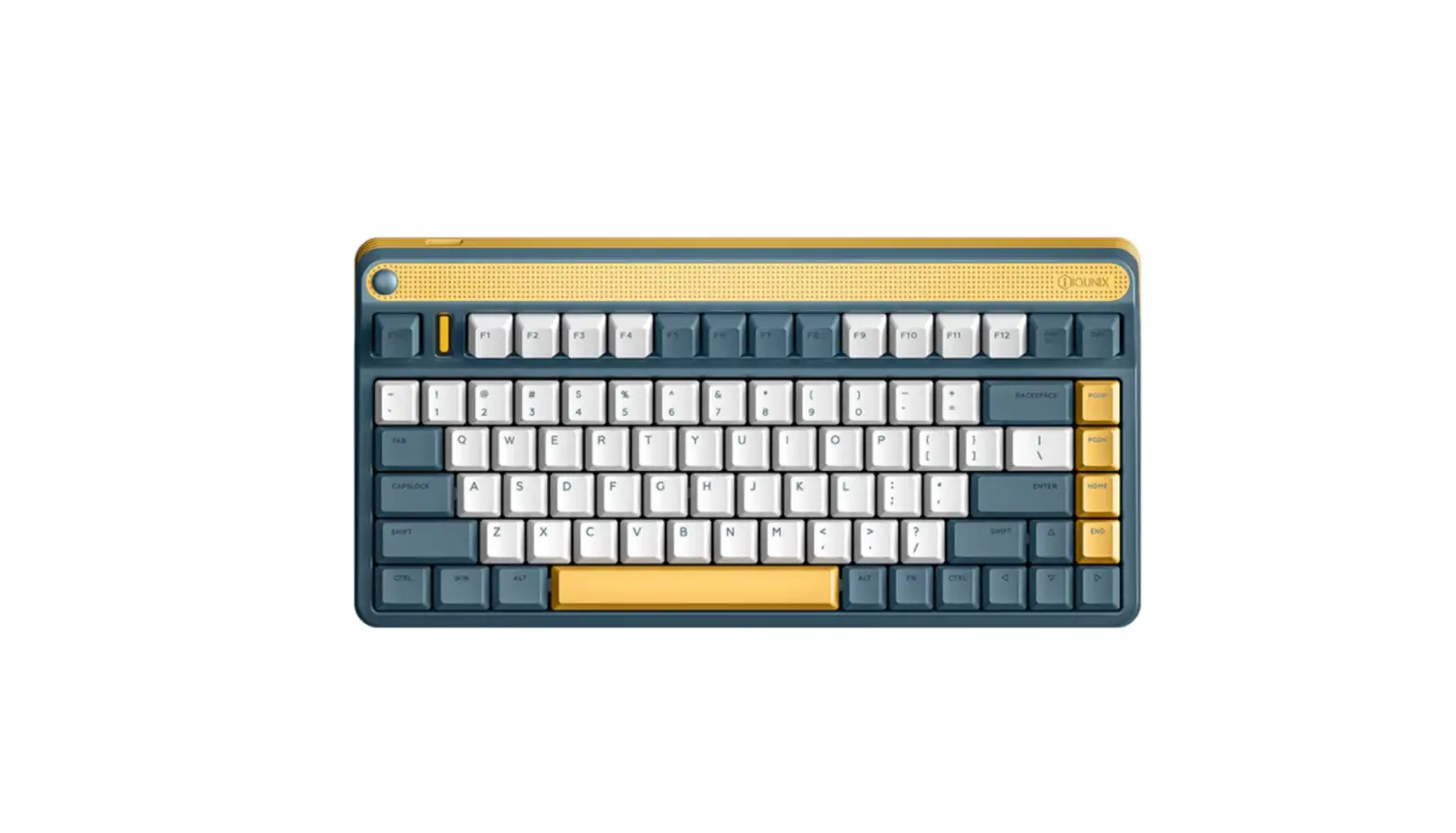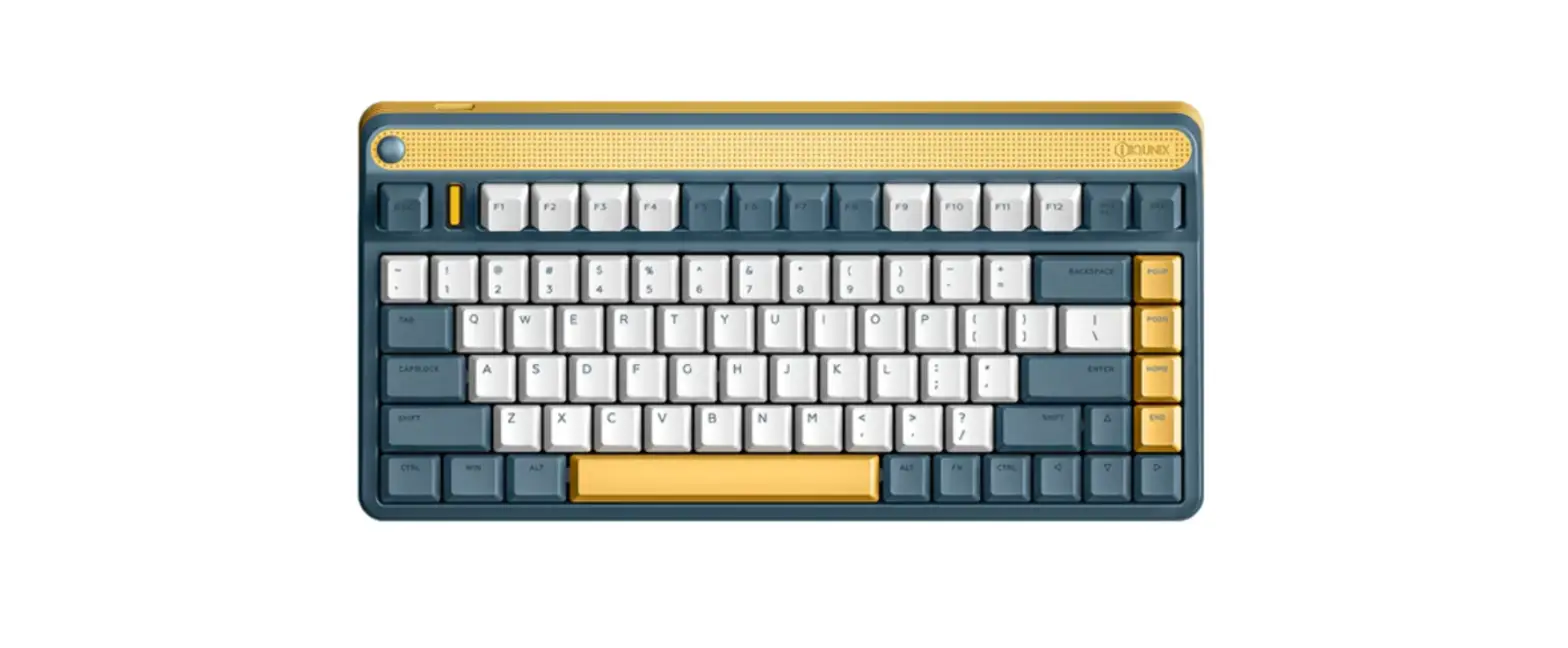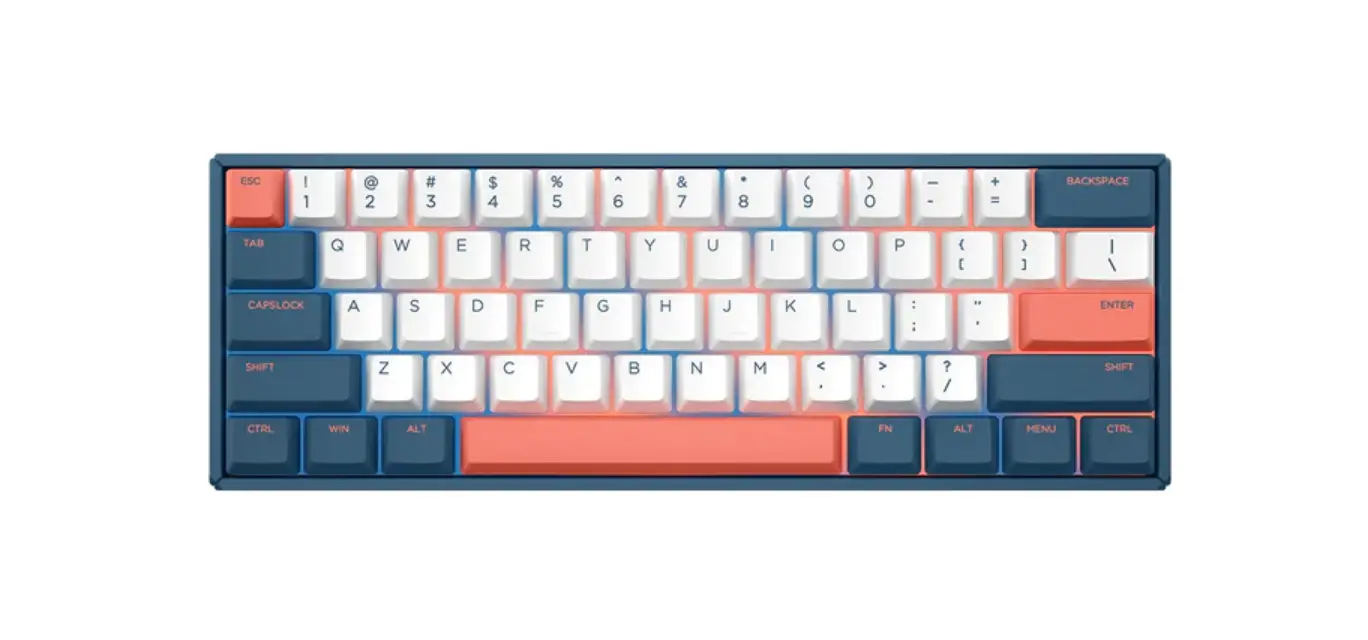
IQUNIX F60 Series Mechanical Keyboards User Guide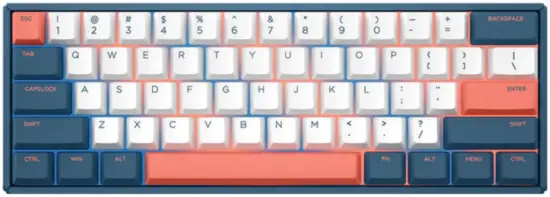
Contents hide
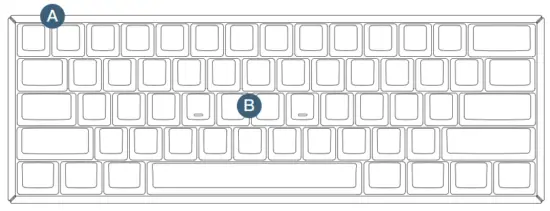
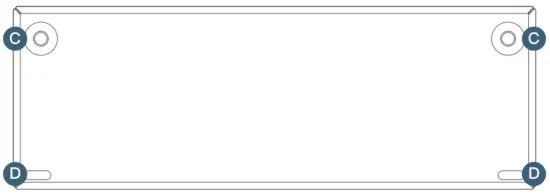
Details
- A Type-C Port
- B Indicator

- C Feet
- D Silicone Pads

Product Specification
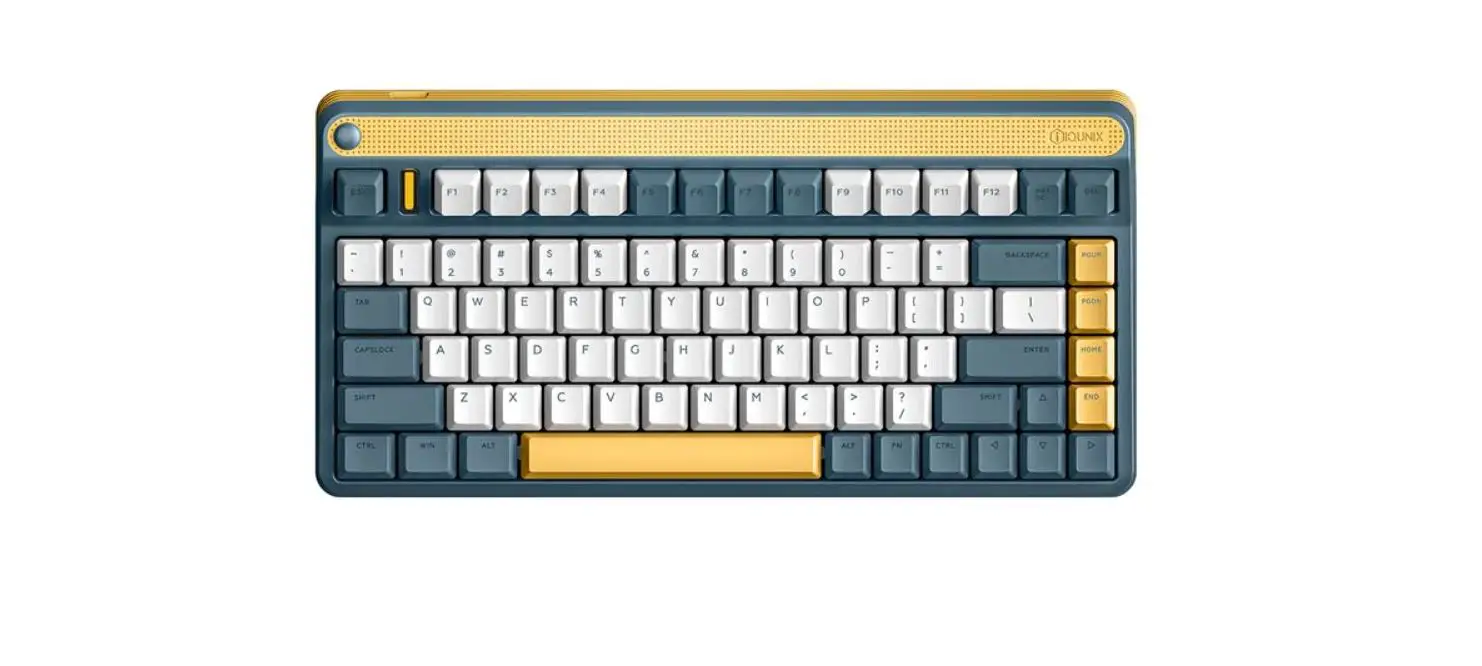
- Product Name: F60
- Keyboard Type: Mechanical Keyboard
- Key Quantity: 61 Keys
- Keyboard Material: Aluminum Alloy Case + PBT Keycaps
- Character Technology: Dye Sublimation
- Large Key Structure: Costar Stabilizers
- Rating: 5V⎓1A
- Connect Interface: USB Type-C
- Cable Length: 180cm
- Dimensions: 295×104.5×33.5mm
- Phone: (+86) 400-1788-905
- Web: www.IQUNIX.store
- Support E-mail: [email protected]
LED Indicator Status Description
|
|
|
| Reset to Default | CapsLock On | Keys Combinations Switching |
 White Light Blinks 5 Times
 White Light On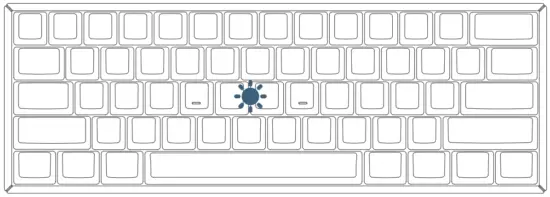
Wired Connection Mode
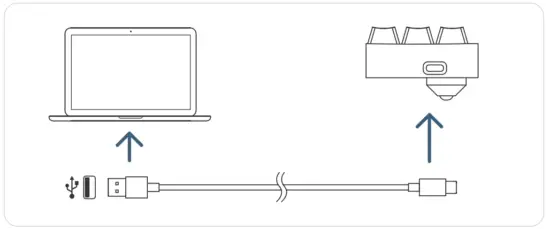
- Plug the USB cable into your device.
- Start using your keyboard
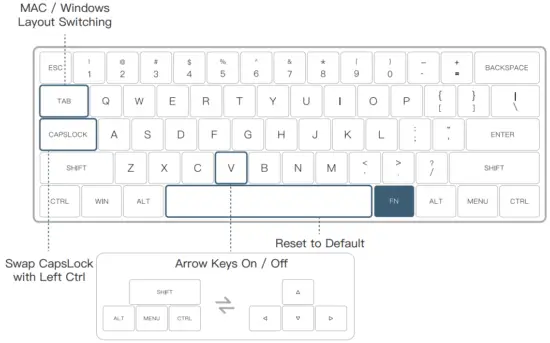
Mac / Windows Layout Switching

Hold for 5 seconds to switch the layout between macOS and windows systems.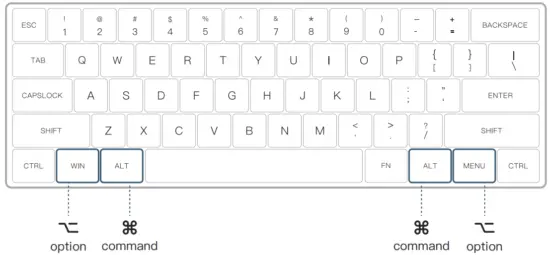
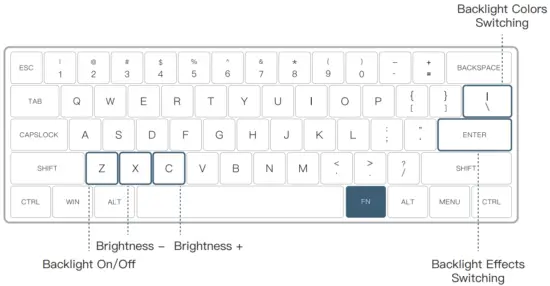
Keys Combinations
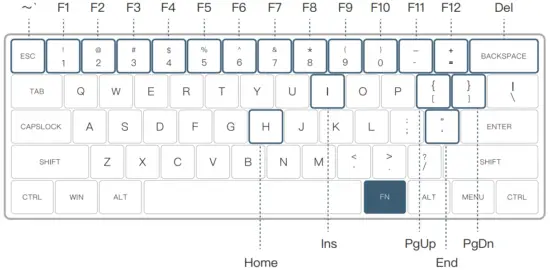
Function Keys Combinations
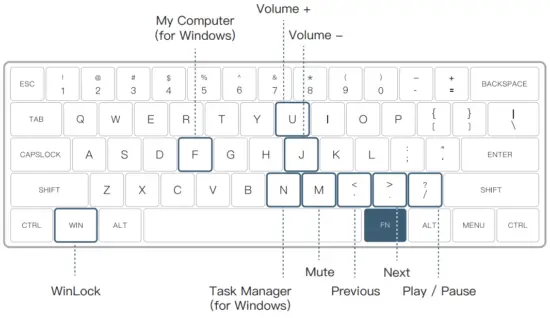
LED Keys Combinations (RGB Version)
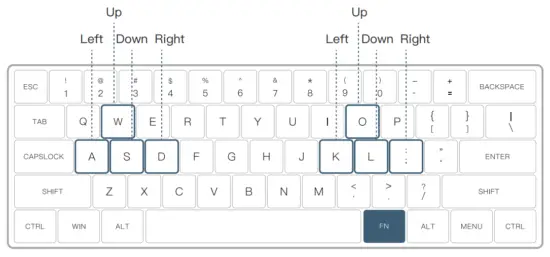
Arrow Keys Combinations
Special Keys Combinations (Hold for 5 Seconds)
To learn more details, please reach out to us on official website and social media.
Official website: www.IQUNIX.store
Follow us: IQUNIX

Download IQUNIX Official App

 iQunix Design - 官方网站