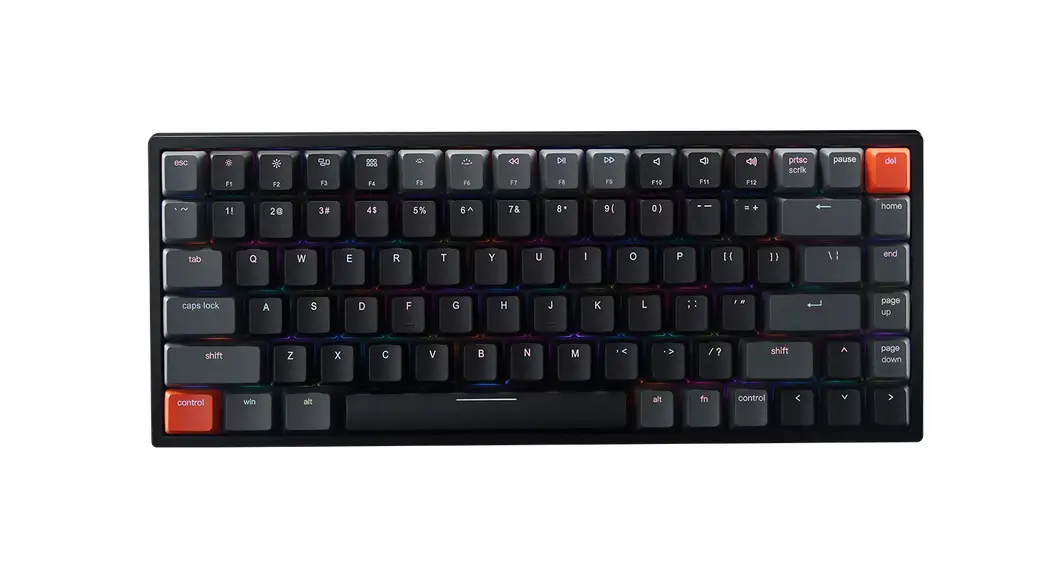
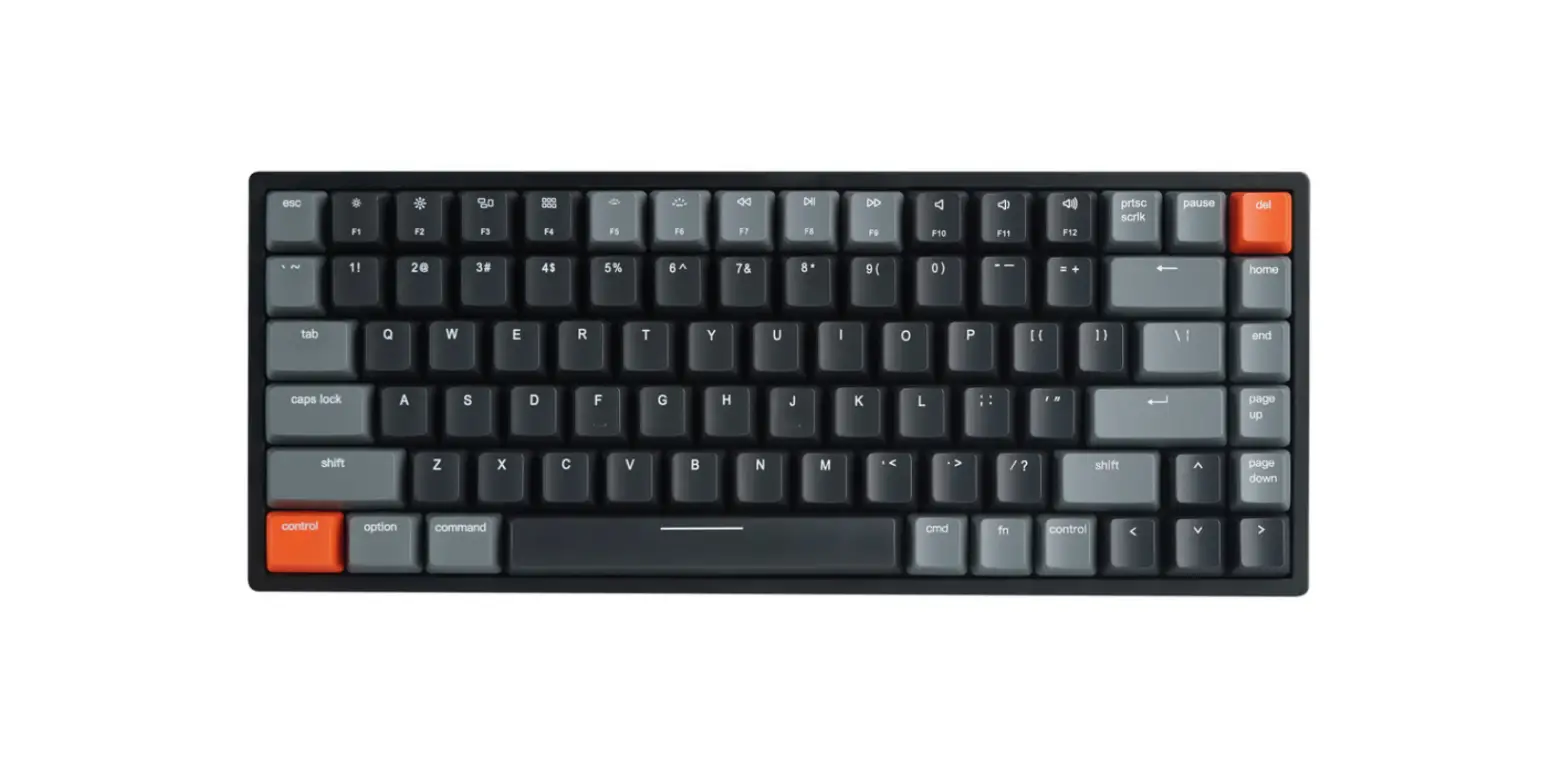
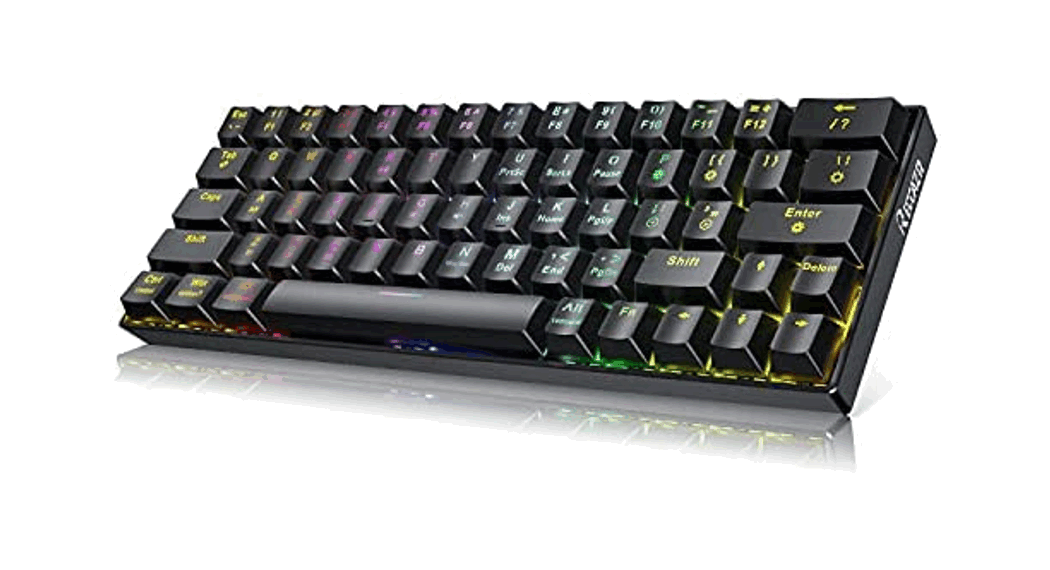
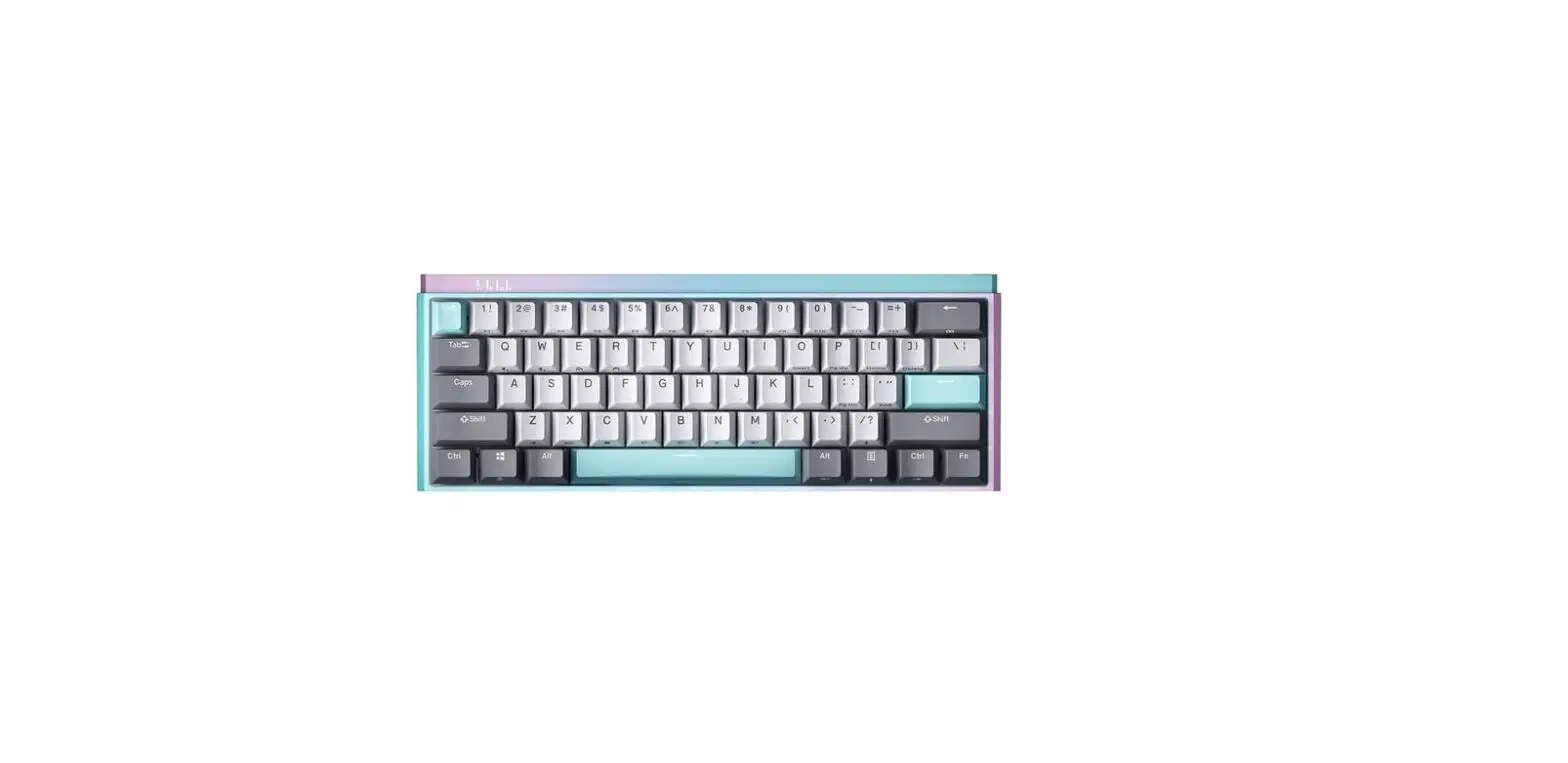
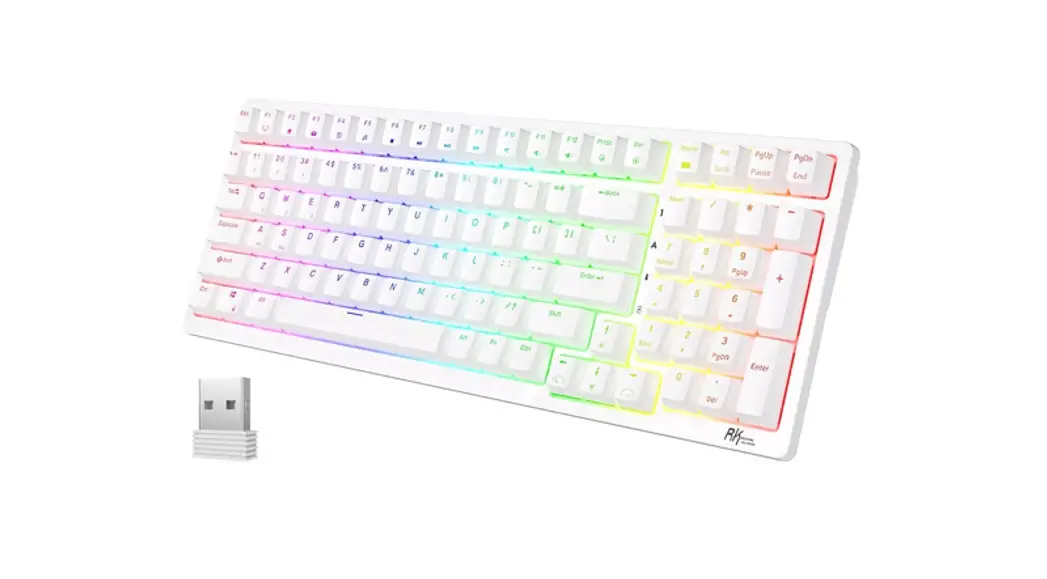
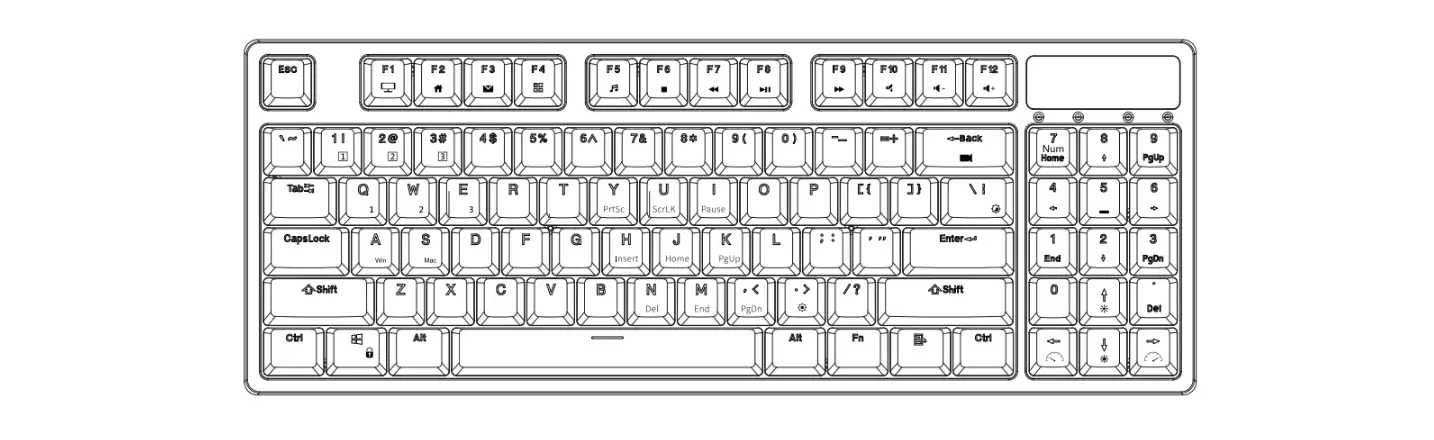
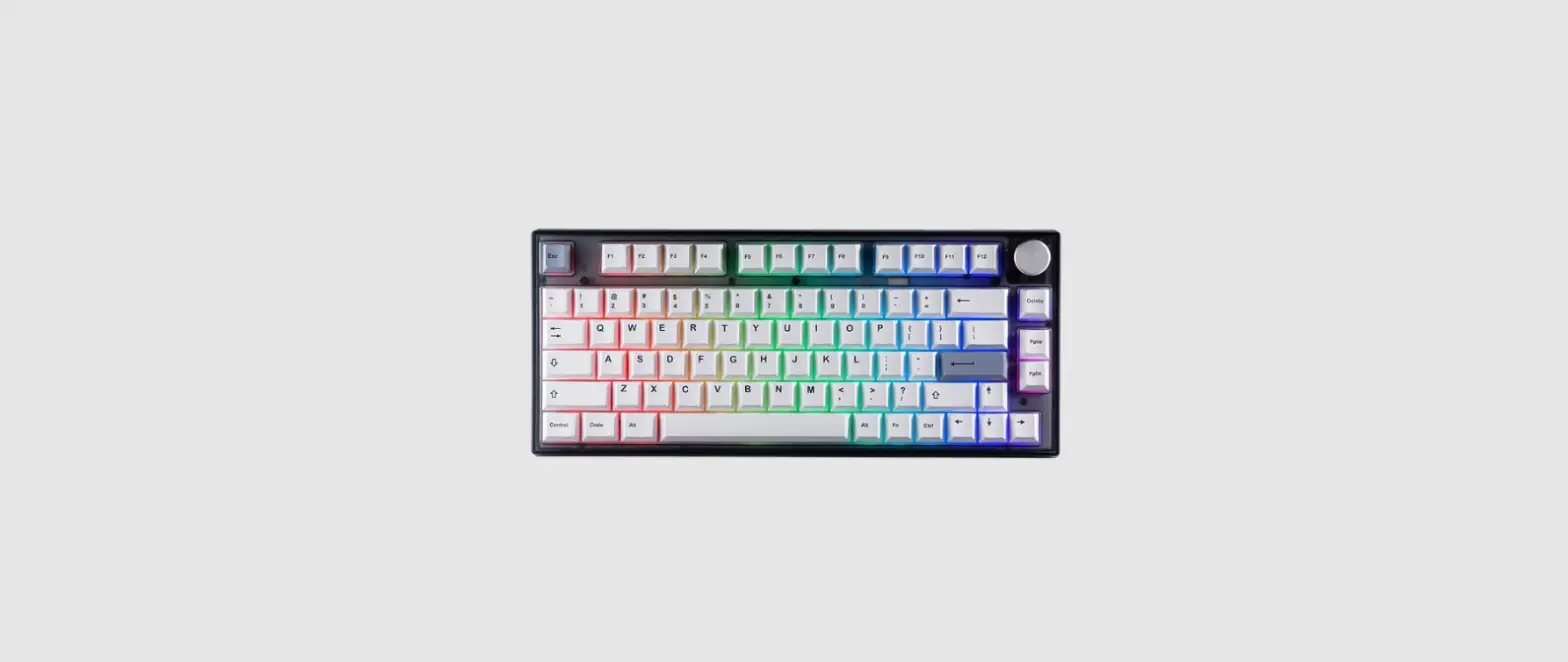
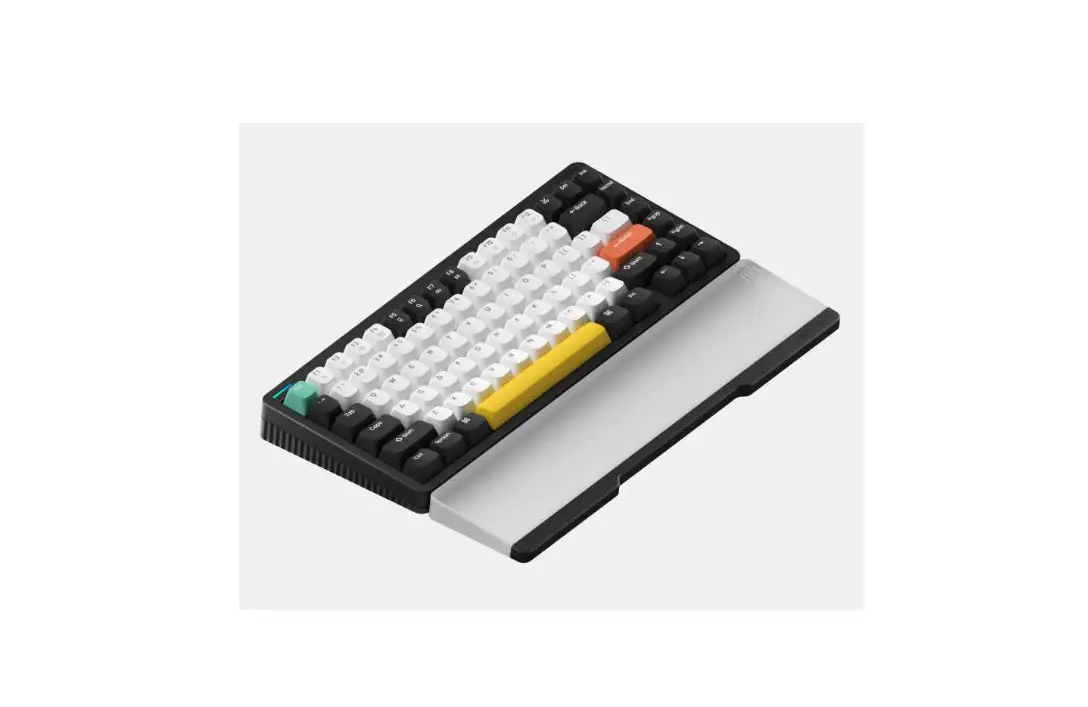
 V84 Wireless Mechanical Keyboard
User Guide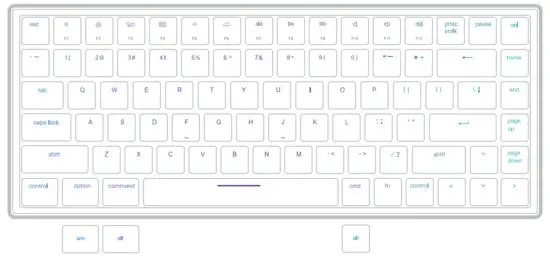
If you are a Windows user, please find the appropriate keycaps in the box, then follow the instructions to find and replace the above keycaps.
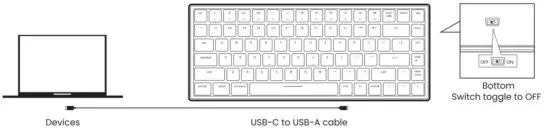
Wired Mode
Wireless Mode
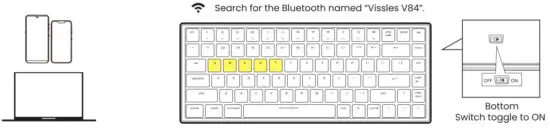
Long press till the backlight of
 Bluetooth named -Vissles V84″ flashes in white quickly, and pair with your device via the Bluetooth named vissles v84′.
Backlight Preferences
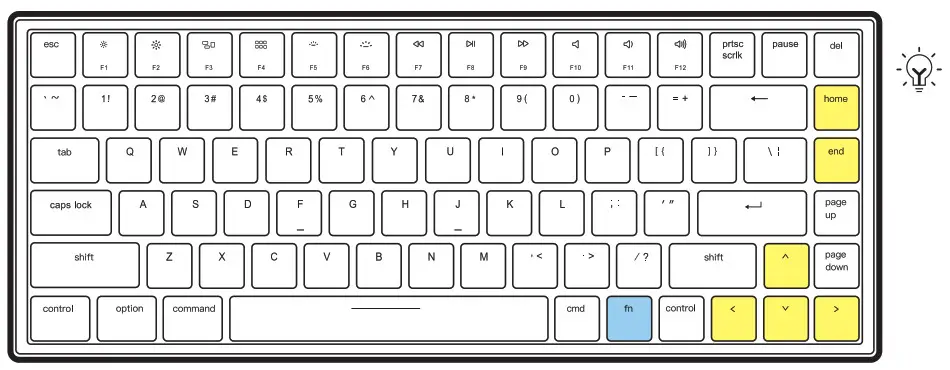
Press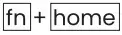 to switch between 19 multi-light effects.
Press to switch between 9 monochrome sets.
Press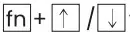 to increase/decrease the brightness level.
Press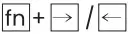 to increase/decrease the lighting speed.
Macro Recording
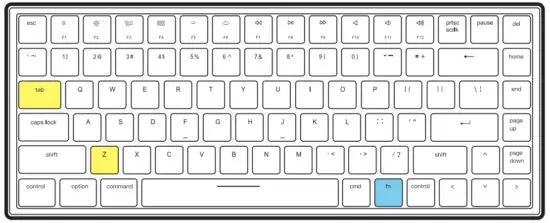 Press
Press to switch the keyboard to Macro mode.
Long press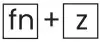 for 3 seconds until the backlight flickers in white, and record.
Long press for 3 seconds to save the macro recording content.
click to trigger the corresponding macro recording result
Macro recording mode only supports the recording of 16 characters.
Multimedia function keys
| Key | Mac Mode | Windows Mode | ||
| Without the ‘Fn’ key | With the ‘Fn’ key | Without the ‘Fn’ key | With the ‘Fn’ key | |
| Decrease display brightness level | Fl | n | Decrease display brightness level | |
| F2 | Increase display brightness level | F2 | F2 | Increase display brightness level |
| F3 | Mission Control | F3 | F3 | 3D cycle through programs on the Taskbar |
| F4 | LaunchPad | F4 | F4 | Mission Control |
| F5 | Nil | Decrease keyboard brightness level | F5 | Decrease keyboard brightness level |
| F6 | Nil | Increase keyboard brightness level | F6 | Increase keyboard brightness level |
| F7 | Previous track | F7 | F7 | Previous track |
| F8 | Play/Pause | F8 | F8 | Play/Pause |
| F9 | Next track | F9 | F9 | Next track |
| F10 | Mute | F10 | F10 | Mute |
| ni | Decrease the volume | Fll | Ri | Decrease the volume |
| F12 | Increase the volume | F12 | F12 | Increase the volume |
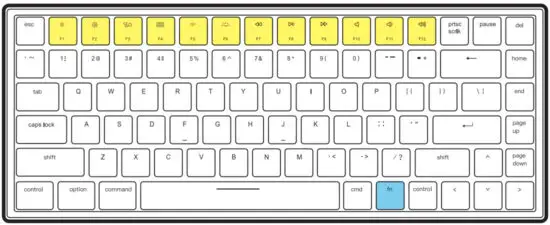
The functions of Multimedia function keys vary from Mac mode and Windows mode.
Please check the user manual for more details.
Need help? [email protected]